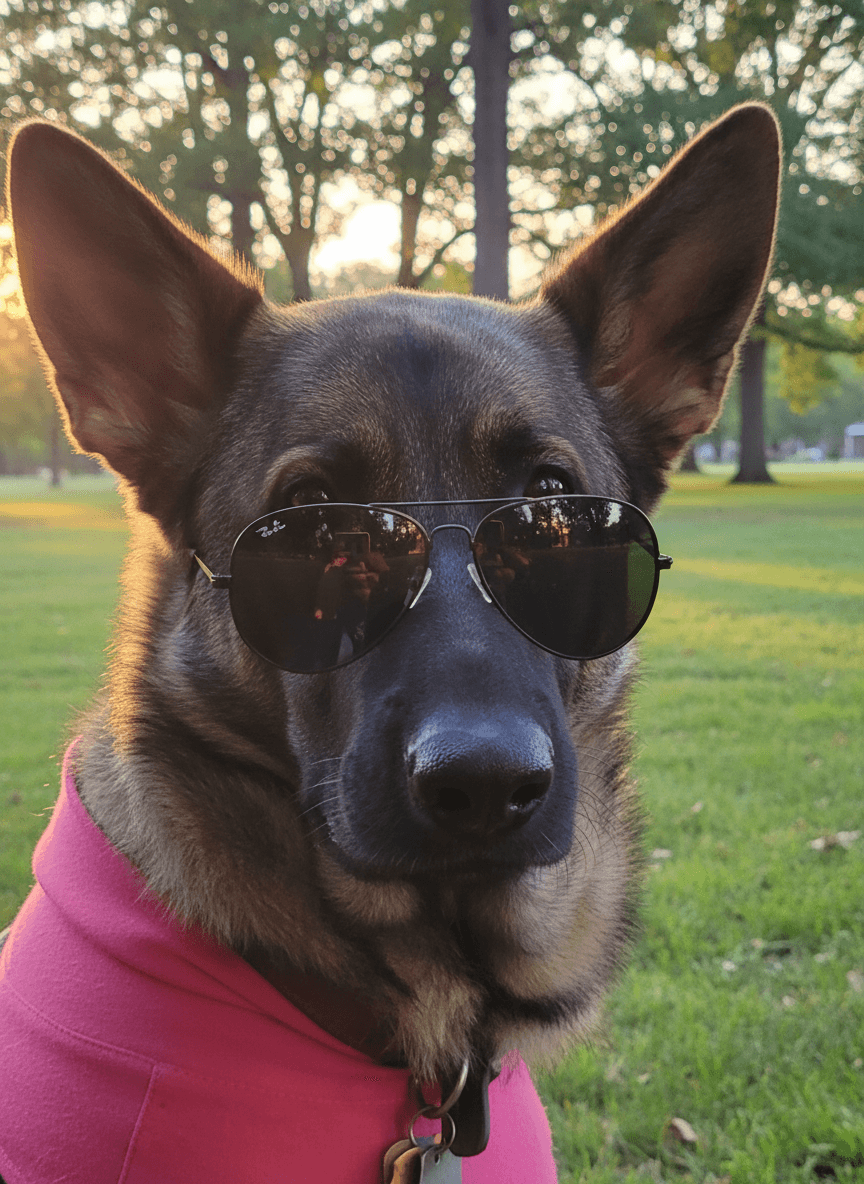
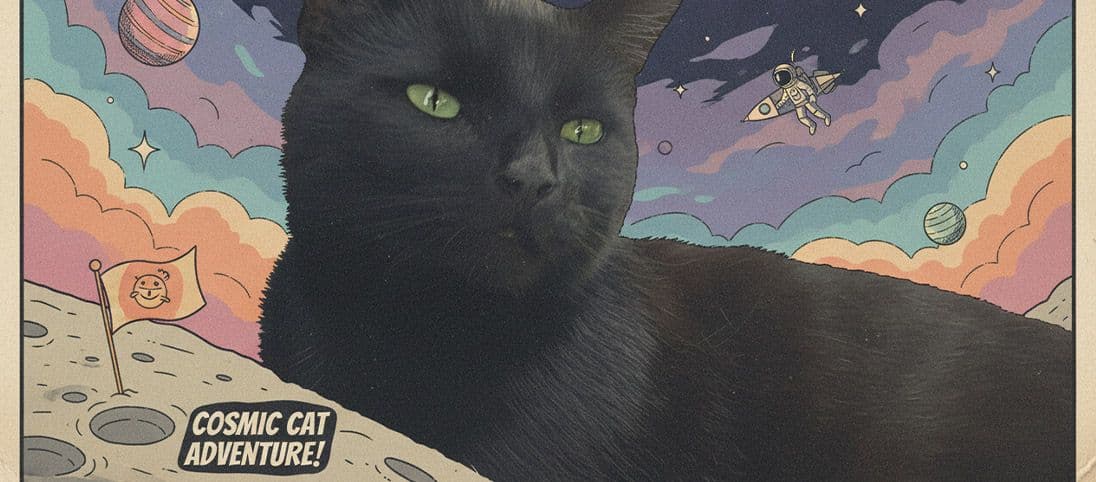
The best AI pet photo editor is the one that makes the image feel intentional while still using your real pet photo as the foundation. Look for clear upload guidance, pet-first output, simple style and scene choices, transparent token use, and enough free credits to test the workflow before you pay.
What should an AI pet photo editor do well?
A good pet editor should improve the setting without flattening the personality of the animal. EditMyPet is built around uploading your pet first, then choosing the scene, style, and optional accessory that turns the photo into a finished result.
Features worth checking before you start
- A pet-first workflow that starts from your uploaded photo.
- A fast upload flow where bright phone photos are enough when the face is sharp.
- Simple controls for premade scenes, portraits, cards, clean backgrounds, creative styles, and accessories.
- Clear credit use so you know how many tokens each selected style costs.
How to get better results in EditMyPet
Start with a photo where the eyes and face are visible. Then choose the scene or premade prompt that matches your goal, pick a visual style, and add an accessory only if it helps the image. You do not need editing skills or technical setup; clear source photos and focused style choices usually matter more.
Quick answers
Do you need editing skills? No. EditMyPet turns a clear upload, selected scene, and chosen style into finished image options. Do you need a studio photo? No, but bright, sharp phone photos work best. Should you try more than one style? Yes, each selected style gives you another direction to compare.
| Feature | Why it matters |
|---|---|
| Pet-first workflow | Starts from your uploaded pet photo before generating the new scene. |
| Scene and style choices | Lets you choose portraits, cards, clean backgrounds, and creative looks without complex editing. |
| Free test credits | Helps you judge quality before paying. |
Confirm your email after signup to claim 3 free tokens.
Start editing your pet photoFrequently Asked Questions
What is the best AI pet photo editor for beginners?
The best option is one that accepts normal phone photos, gives simple scene and style choices, and does not require editing skills. EditMyPet is built around that workflow.
Do I need editing experience to use EditMyPet?
No. Upload a clear pet photo, choose a scene or premade prompt, select a style, and generate results from the app.
What kind of pet photo works best?
Use a bright, sharp image where your pet's face, eyes, markings, and body shape are easy to see.