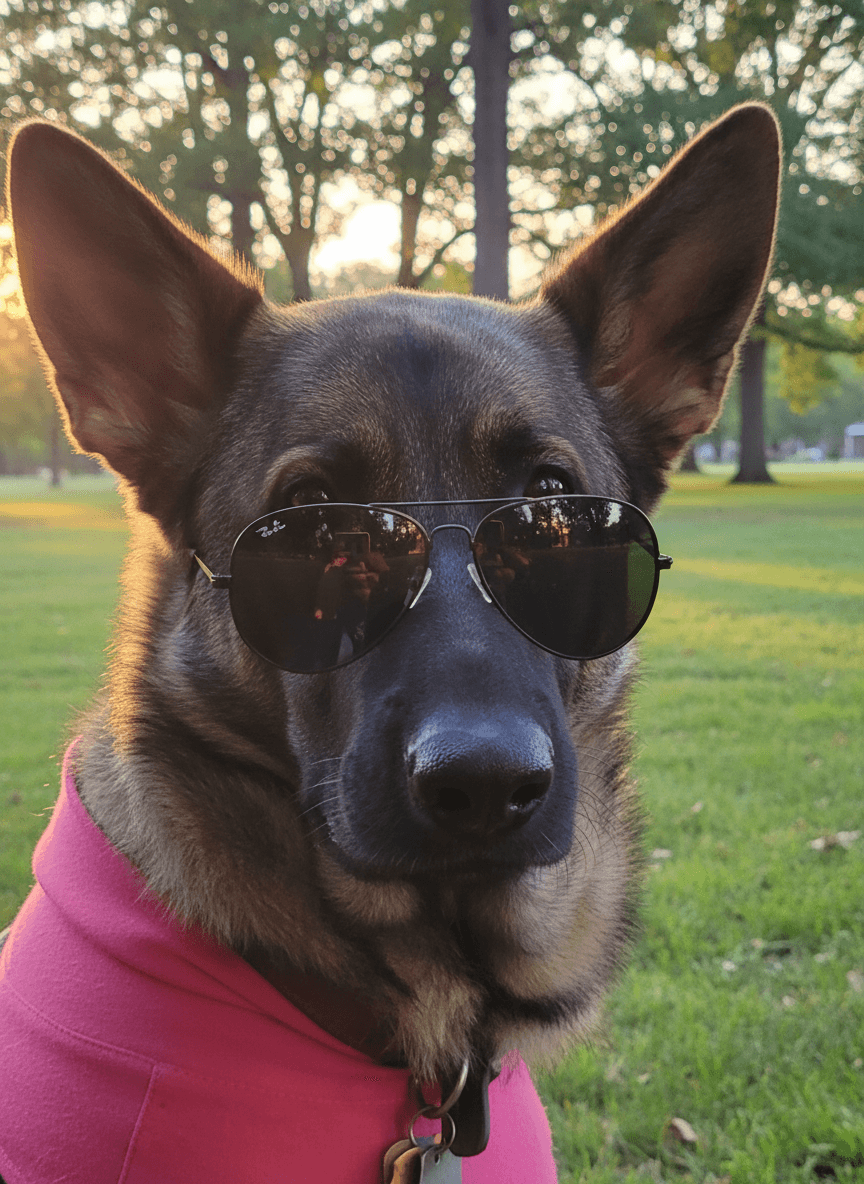
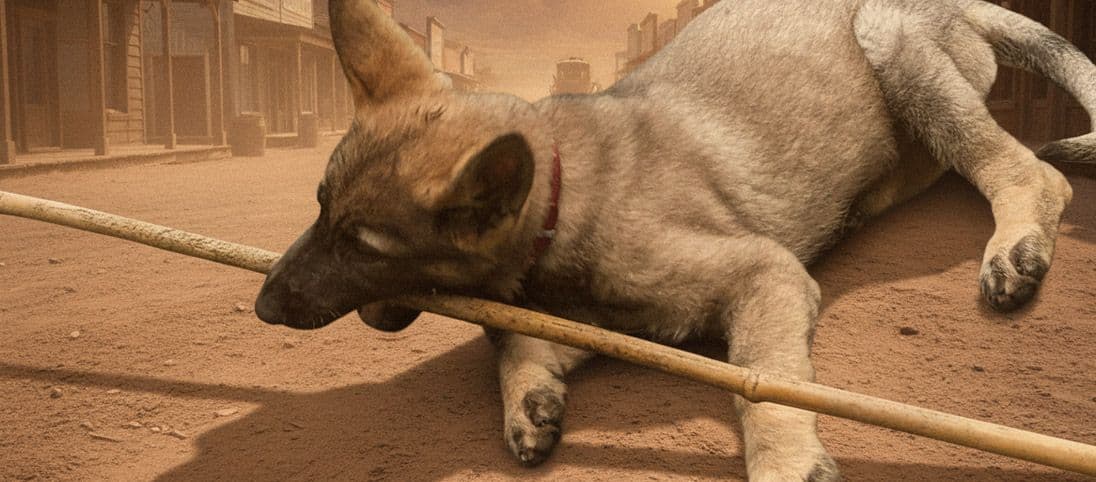
A better dog photo background can turn a quick snapshot into a portrait, greeting card, adoption image, or social post. With EditMyPet, you can keep the expression you already love and change the scene around it.
What background works best for dog photos?
The best background supports the dog instead of competing with them. Clean colours, soft depth, and simple props usually work better than busy scenes. If your dog's face is expressive, keep the background calm. If the pose is playful, you can add more movement and colour.
Dog photo background ideas to try
- Neutral studio backdrop for a timeless portrait.
- Autumn park scene for warm seasonal content.
- Birthday setup with subtle balloons, soft light, and room for text.
- Beach path, mountain trail, or meadow for adventure-style images.
How to choose a dog background in EditMyPet
Start with a sharp dog photo, then choose a scene or premade prompt that matches the use case: studio portrait, birthday card, seasonal post, outdoor adventure, or keepsake. Pick the visual style and optional accessory in the app. EditMyPet starts from your uploaded dog photo and keeps the pet as the focus while changing the scene around them.
Quick answers
Can EditMyPet change only the background? Yes, as long as your dog is clear in the original photo. What if the original is indoors? That is fine; the background can be rebuilt if the subject is sharp. Are action shots harder? Usually yes, because motion blur gives the edit less detail to work from.
Create an account and confirm your email to get 3 free tokens.
Try a new dog photo backgroundFrequently Asked Questions
Can EditMyPet change the background of a dog photo?
Yes. Upload a clear dog photo and choose the scene, style, and optional accessory you want for the new image.
What background looks best for dog portraits?
Neutral studio backdrops, outdoor scenes, birthday setups, and seasonal backgrounds work well when they do not distract from the dog.
Are action shots harder to edit?
Usually yes. Motion blur gives the app less detail to work from, so sharper photos tend to produce better results.