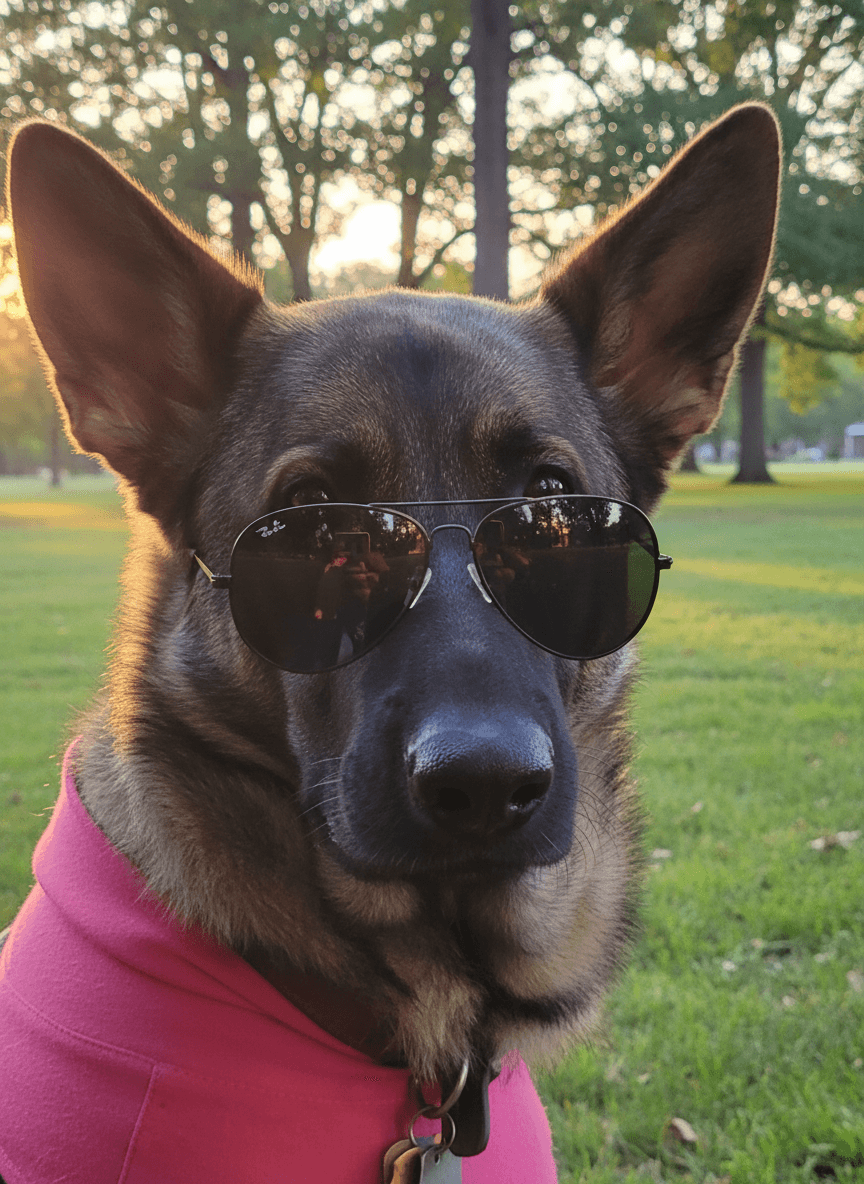

Holiday pet photo cards are easier when you start with your pet's best expression and build the seasonal scene around it. EditMyPet lets you make the card look without costumes, props, or a long photo session.
Can you make a holiday pet card from one photo?
Yes. A clear portrait can become a winter card, festive greeting, Halloween image, Valentine's post, or thank-you design. In EditMyPet, choose a holiday scene or premade prompt, select a style, and add an accessory only when it fits the idea.
Holiday scenes to try
- Cosy winter portrait with warm lights and soft snow outside.
- Minimal Christmas card background with room to add a greeting later.
- Autumn Halloween portrait with pumpkins, warm shadows, and a playful mood.
- Valentine's pet portrait with soft pink or red accents and clean framing.
How to make holiday images feel card-ready in EditMyPet
Pick a seasonal scene with balanced lighting and simple background detail. If you plan to add wording later, choose or describe an image with open space on one side. Avoid relying on generated lettering inside the image itself; it is usually better to add text afterwards in your card or social editor.
Quick answers
Do you need to dress up your pet? No. You can choose a seasonal background or accessory in the app while your original pet photo stays the starting point. Can you make more than one version? Yes, each selected style creates its own result. Can the result be used for cards? Yes, especially if you keep the composition simple and add text afterwards.
Confirm your email and claim 3 free tokens.
Create a holiday pet cardFrequently Asked Questions
Can I make a holiday pet card from one photo in EditMyPet?
Yes. Upload a clear pet photo, choose a holiday scene or premade prompt, select a style, and generate a card-ready image from that single upload.
Do I need to dress up my pet first?
No. You can add a seasonal scene or optional accessory in EditMyPet, so your pet does not need to wear a costume for the original photo.
How do I leave room for card text?
Choose a simpler composition or describe open space on one side, then add the greeting afterwards in your card or social editor for cleaner lettering.