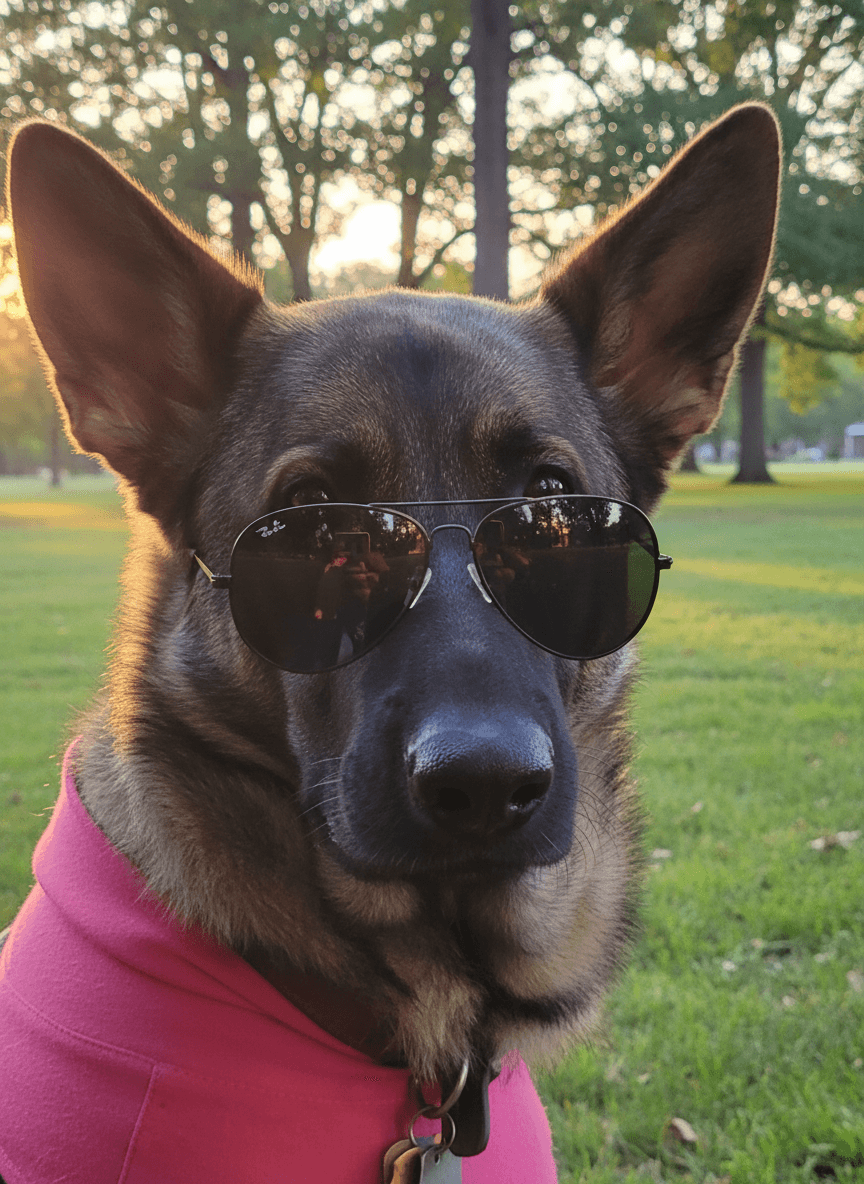
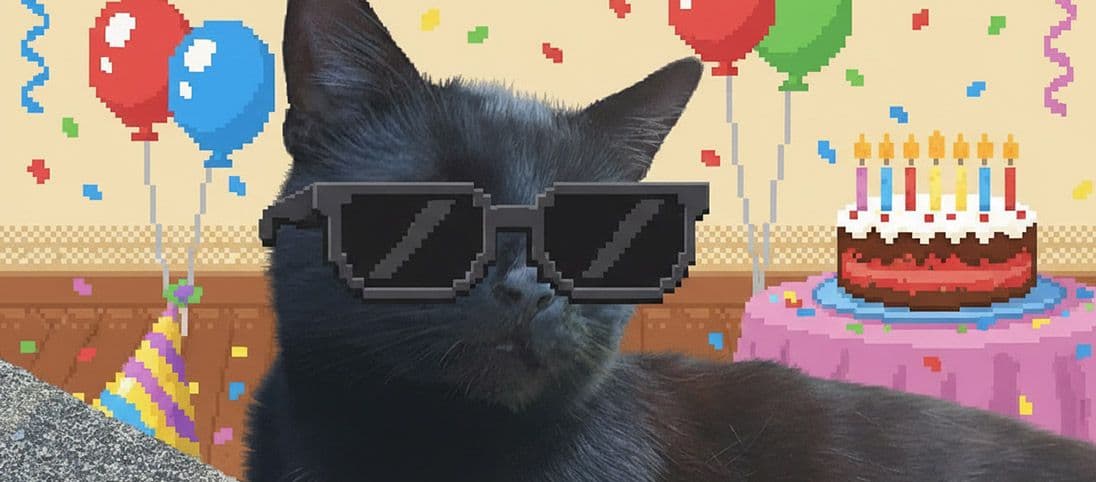
A pet birthday photo works best when it feels joyful, clear, and still centred on the animal. EditMyPet makes that easier because you can start with the expression you already love, then build the party scene around it.
What are the best pet birthday photo ideas?
The strongest birthday edits are celebratory without being crowded. A simple backdrop, soft colour palette, and one or two props usually make your pet stand out more than a scene packed with decorations.
Birthday scenes to generate
- Pastel party portrait with subtle balloons and studio lighting.
- Birthday invitation style with clean space for the pet's name and age.
- Funny royal birthday portrait with an optional crown accessory and confetti.
- Minimal cake-table scene where the pet remains safely and clearly the focus.
How to build a birthday edit in EditMyPet
Upload a clear favourite photo, choose a birthday or party scene, select the style you want, and add an accessory only if it suits the pet. EditMyPet handles the pet-focused generation workflow, so your choices can stay focused on mood, scene, and final use.
Quick answers
Can you make a birthday photo without decorations? Yes. EditMyPet can create the themed setting from a normal pet photo. Can you use birthday edits for social media? Yes, they work well for posts, stories, banners, and invitations. Should you use a funny or polished style? Choose the style that fits your pet's personality.
Confirm your email after signup to claim 3 free tokens.
Make a pet birthday imageFrequently Asked Questions
Can I make a pet birthday photo without decorations?
Yes. Upload a normal clear pet photo and choose a birthday scene in EditMyPet; the party setting is generated around the pet.
Can I add a birthday accessory?
Yes. If an accessory fits the idea, choose one in the app, such as a party hat or crown, instead of trying to force it through a long prompt.
Can I use the image for an invitation?
Yes. Choose a clean composition with open space, then add invitation text afterwards for sharper lettering.