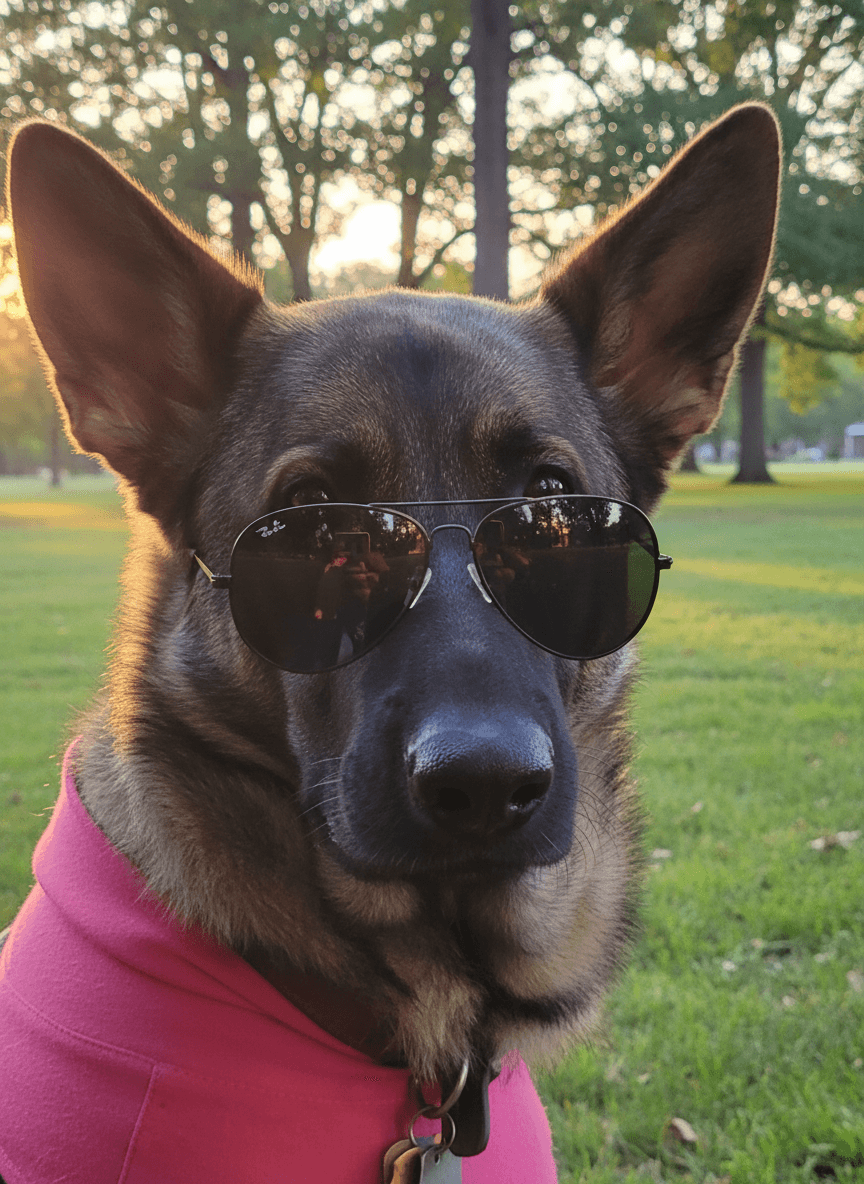
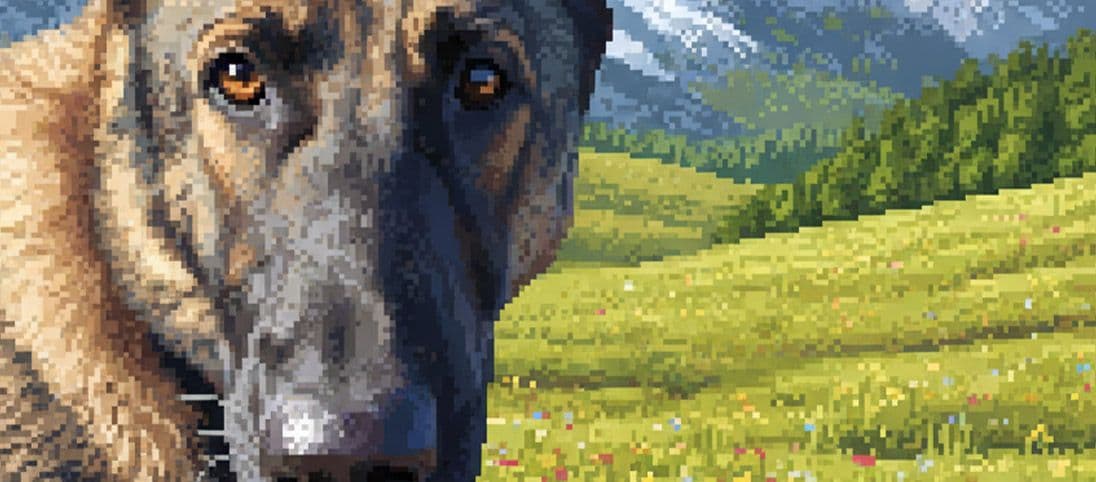
Pet social media photos need to read quickly: clear face, strong mood, simple background, and a reason to stop scrolling. EditMyPet helps turn one good pet photo into a set of themed posts without needing a new shoot every time.
How can AI improve pet social posts?
EditMyPet can create themed scenes, cleaner backgrounds, seasonal variations, and more intentional profile images from a clear upload. It is especially useful when your pet's expression is perfect but the room, pavement, sofa, or lighting needs help.
Content ideas for pet creators and brands
- Clean profile portraits with a consistent brand colour or background mood.
- Weekly theme images such as cosy Monday, adventure Friday, or birthday month.
- Seasonal posts for holidays, weather changes, adoption pushes, or awareness days.
- Product-style lifestyle visuals for pet shops, affiliates, rescues, or small creators.
How to create social-ready images in EditMyPet
Upload one clear pet photo, choose a scene or premade prompt, pick the visual style, and optionally add an accessory. EditMyPet starts from your uploaded pet photo, so focus your choices on the social goal: a profile portrait, seasonal post, rescue spotlight, product-style visual, or story-led feed image.
Quick answers
Can AI pet edits be used for Instagram or TikTok thumbnails? Yes. Choose a clear style and scene that reads quickly at small sizes. Should every post use the same style? Not always, but repeating a few background styles or colour moods can make an account easier to recognise. Can rescues use this too? Yes, especially for clean profile images and themed campaign posts, as long as edits remain honest.
Sign up, confirm your email, and use your 3 free tokens.
Turn one pet picture into social contentFrequently Asked Questions
How do I make pet images for social media in EditMyPet?
Upload a clear pet photo, choose a social-friendly scene or premade prompt, select a style, and add an accessory only if it supports the post. EditMyPet uses that upload as the starting point while generating the new look.
Can I use EditMyPet images for Instagram or TikTok thumbnails?
Yes. Clear portraits, simple backgrounds, and seasonal scenes work well for feeds, reels covers, stories, and profile updates.
Should every pet account post use the same style?
Not every post needs to match, but repeating a few styles, colours, or background moods can make a pet account or small brand easier to recognise.