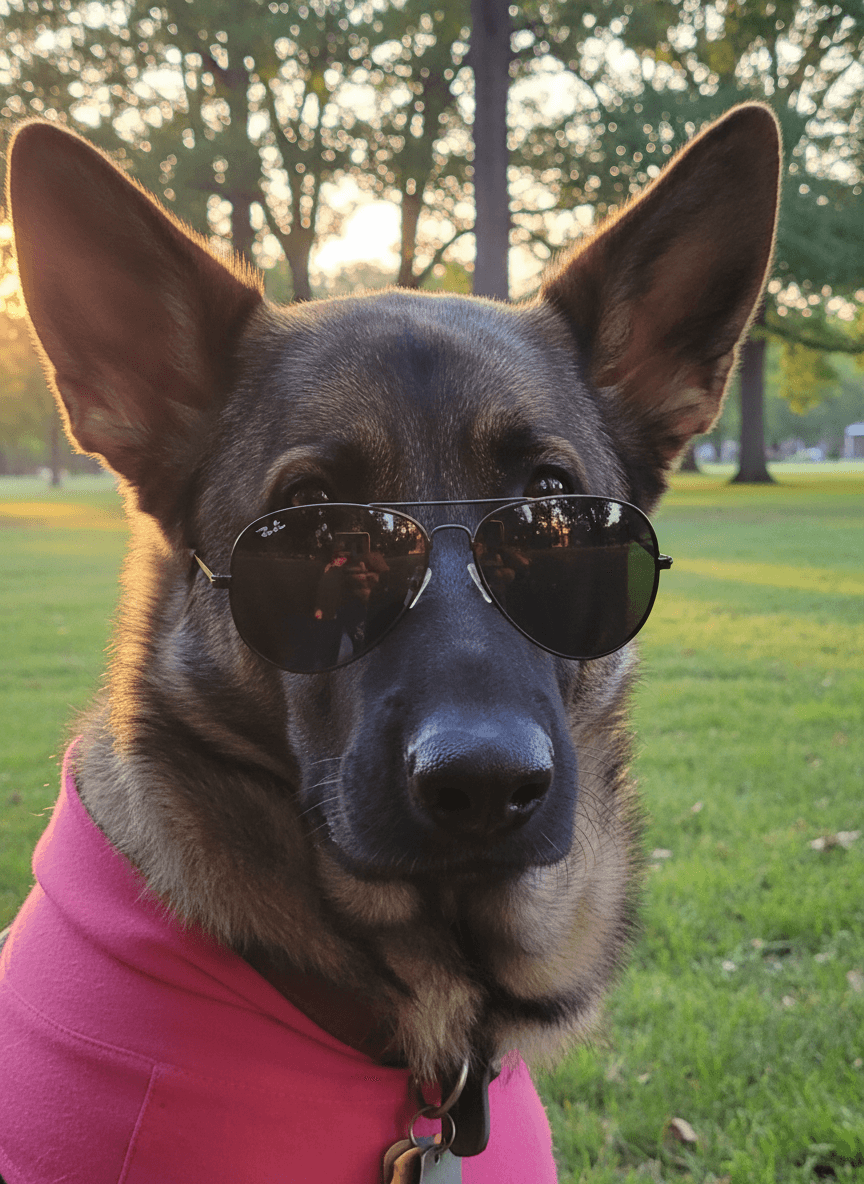
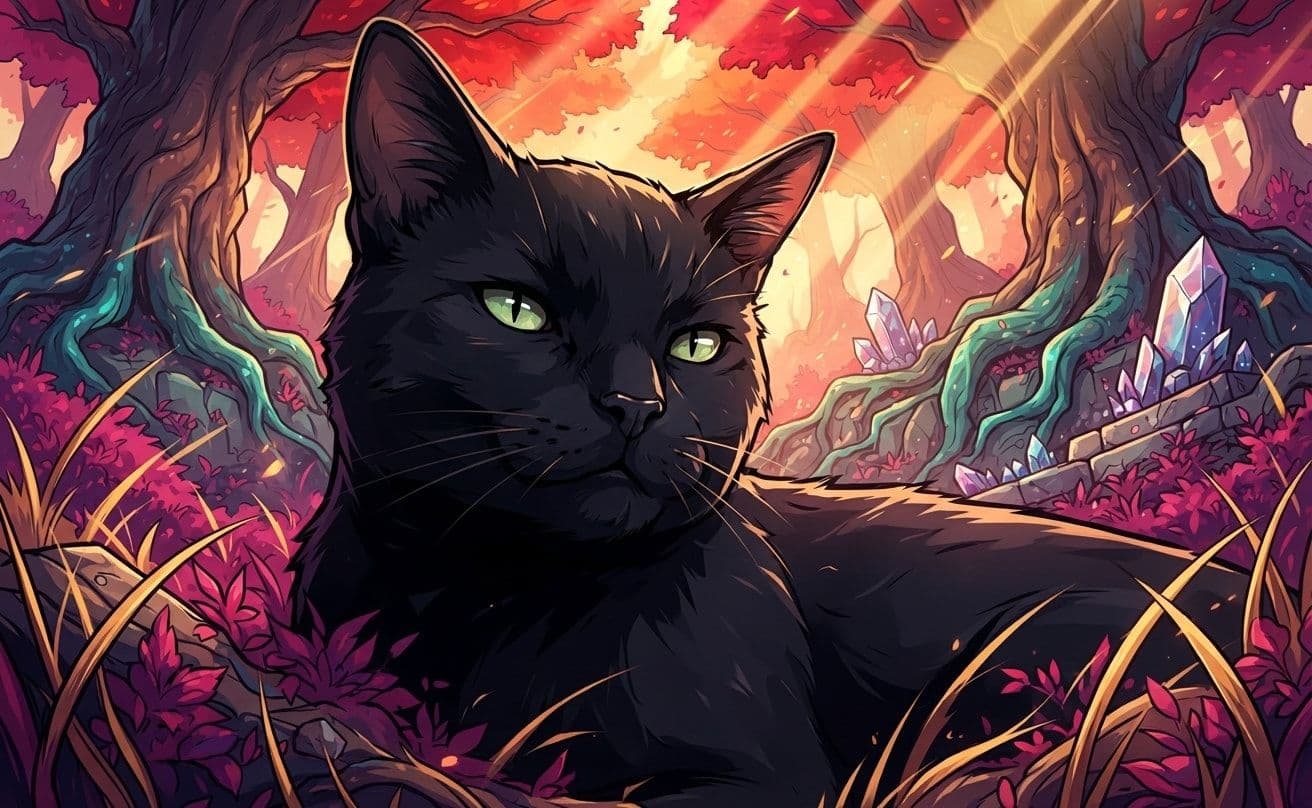
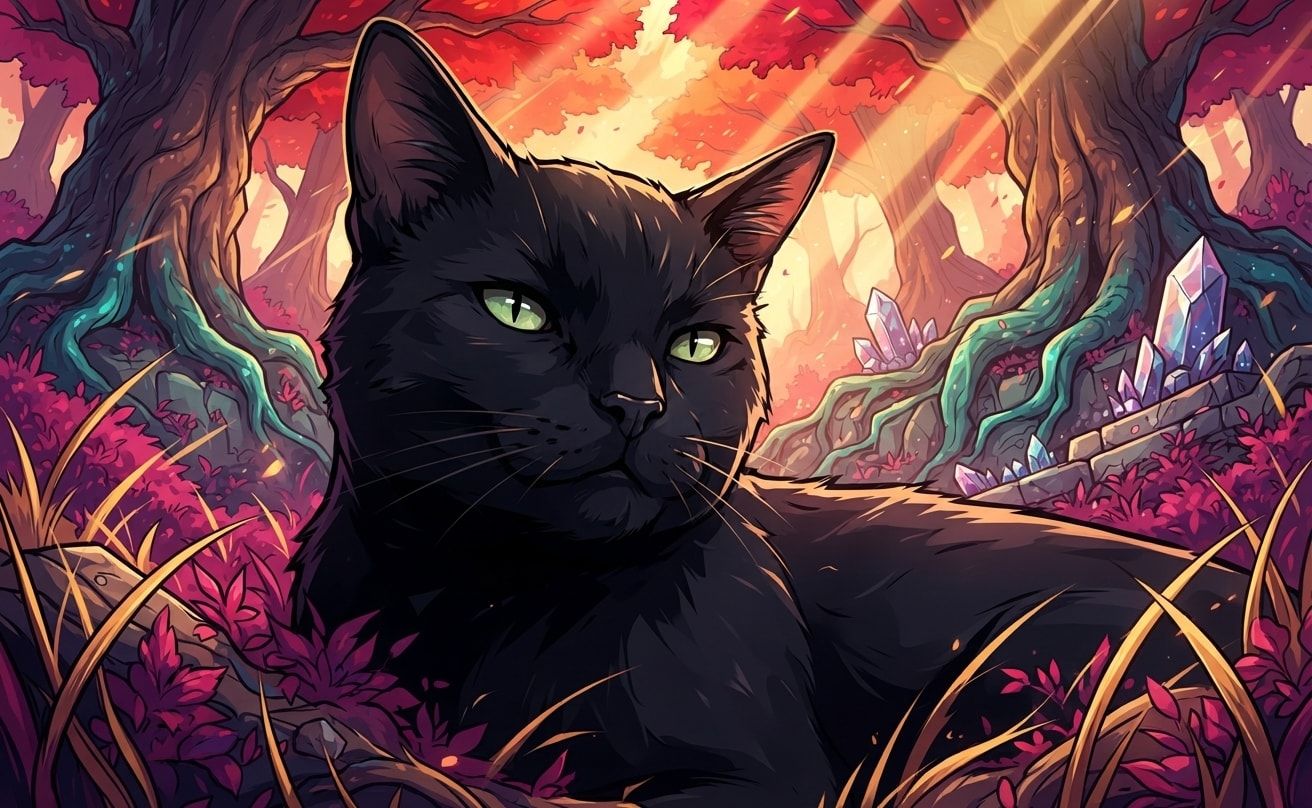
Leave Creative Mode off for a photograph of your pet in a new setting. Turn it on if you want your dog or cat drawn, painted or rendered in the same style as that setting.
A photographic cat in an illustrated forest
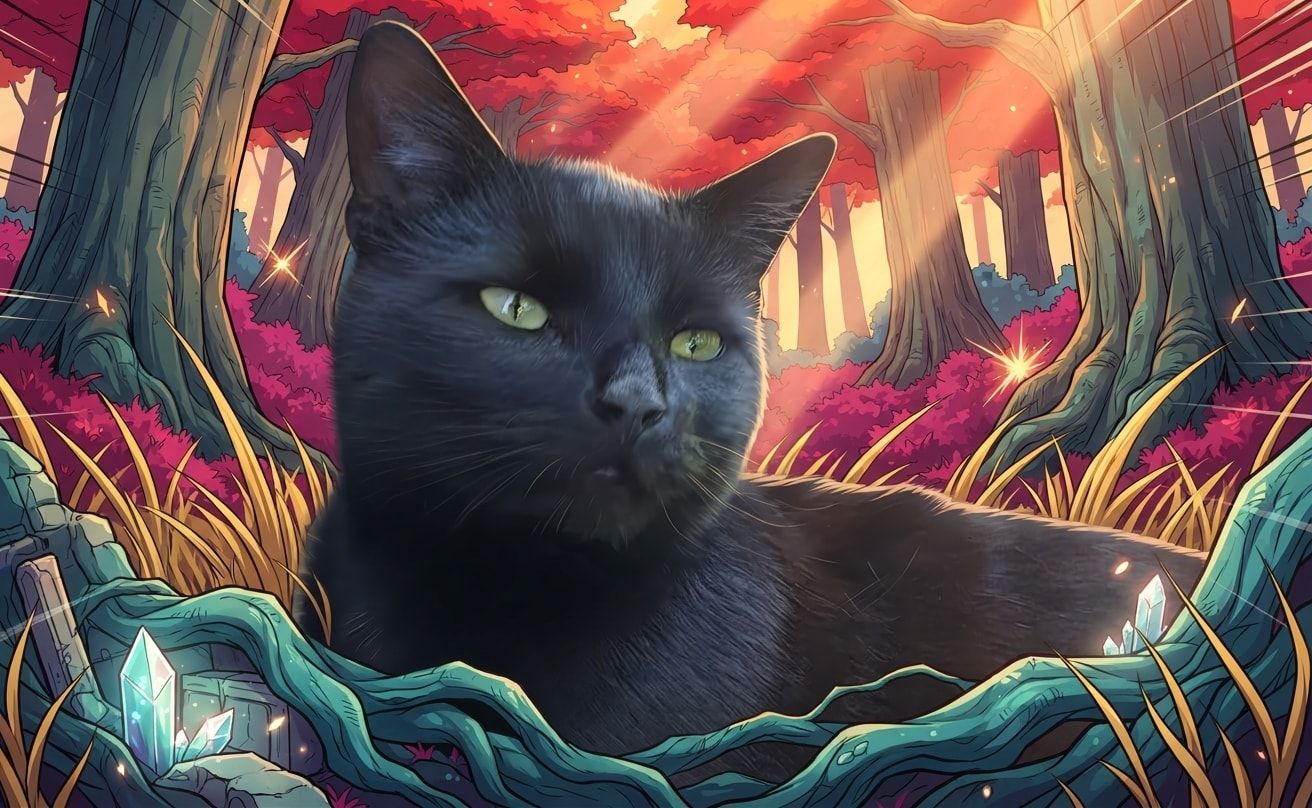
The forest works with Creative Mode Off if you like the idea of a real-looking cat stepping into an illustration. Use On if you’d like the cat to feel like a character from the same story.
Eve joins the flowing illustration
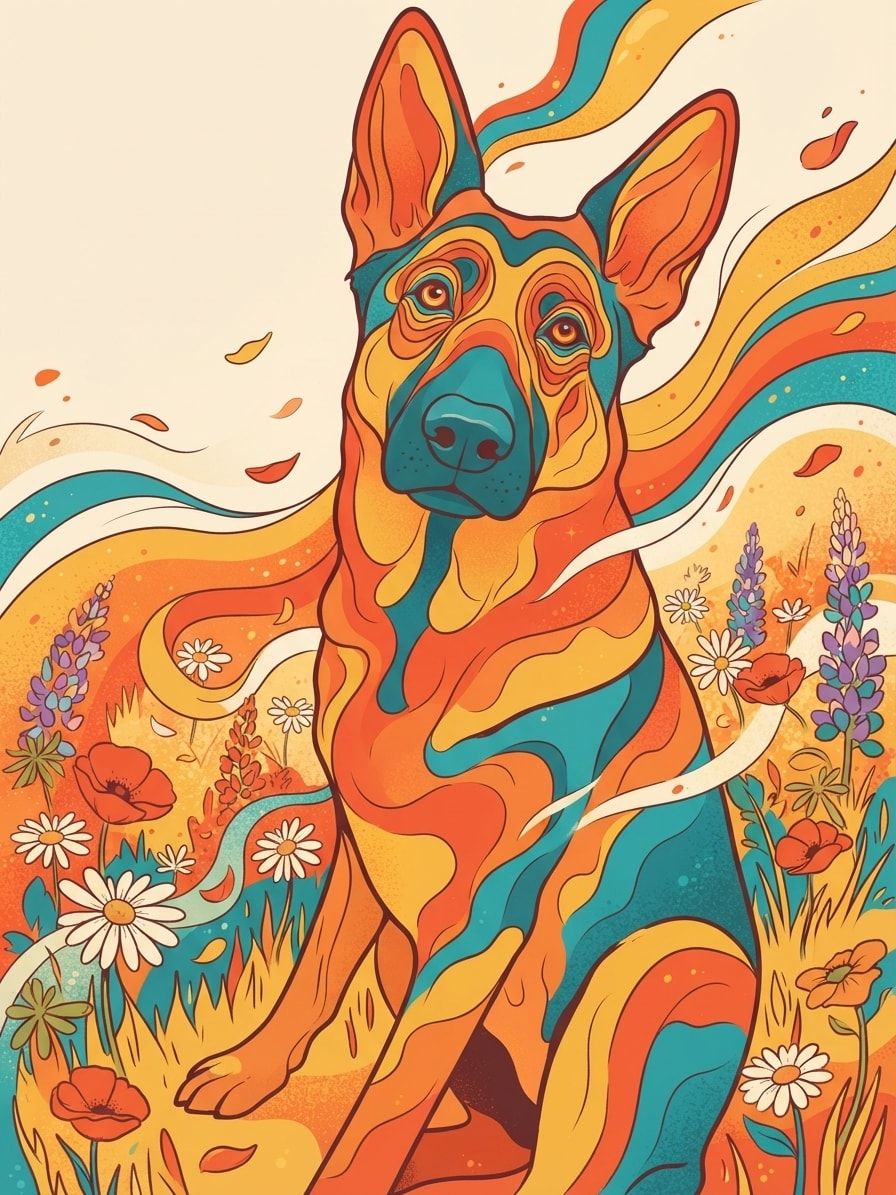
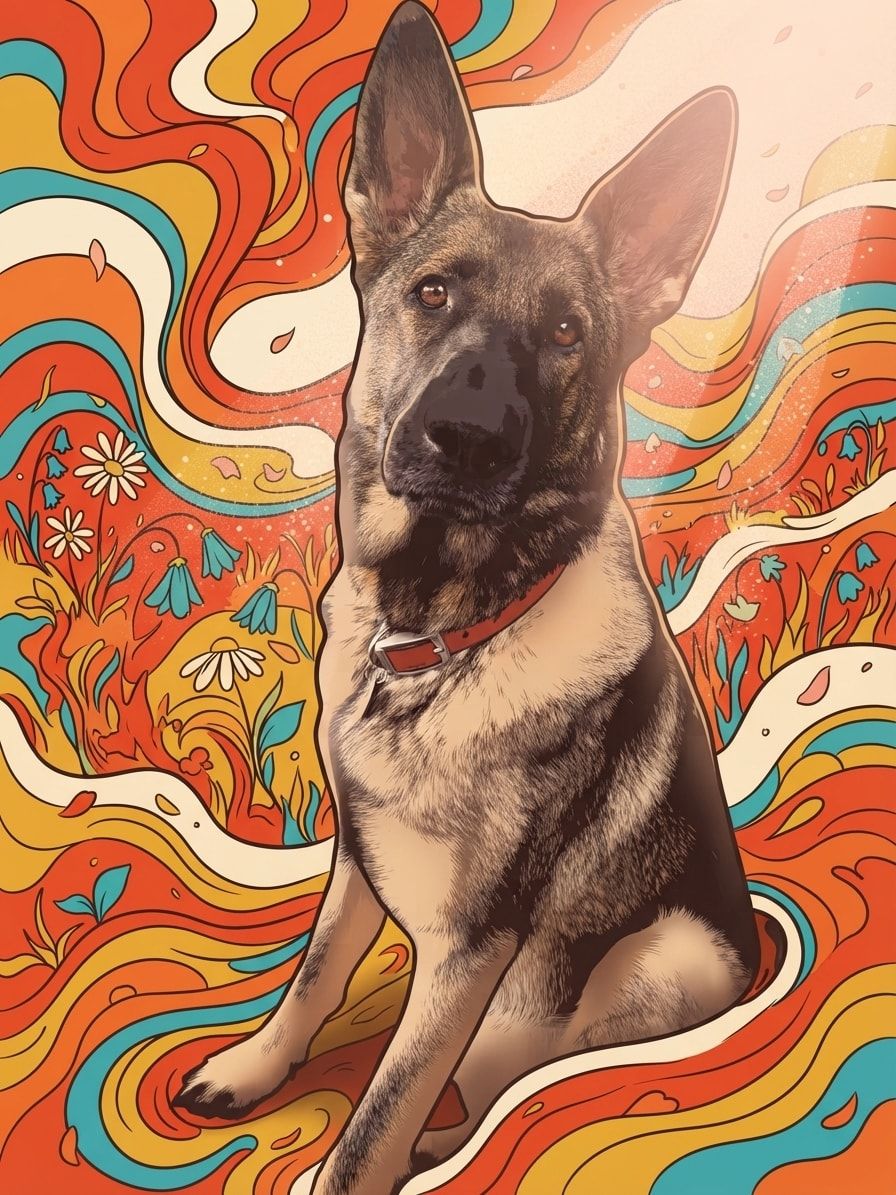
For a stylised card or print, we’d use On. It lets the selected style carry across Eve as well as the scene, so the portrait reads as one illustration.
Why does my pet still look like a photo?
If you picked watercolor, ink, pixel art or clay and the pet still looks like a photo, check Generation options. Creative Mode needs to be on for the art style to reach the pet.
Light from the new setting can still tint a photographic pet. If you see a bit of orange or blue in the fur with Creative Mode Off, that’s the scene lighting coming through.
Where to find Creative Mode
In Guided Flow, look under Generation options on the confirmation step. That’s where you set the mode after choosing your photo, scene and style.
In Fast Create, use the Creative Mode switch in Generation options alongside the other creative choices.
For more style examples, see watercolor, oil and cartoon pet portraits. For a photographic pet in a different setting, try the background changer.
Use On for a fully styled pet, or Off for a photographic pet in a new setting.
Try Creative ModeFrequently Asked Questions
Will Creative Mode keep my pet’s markings?
The photo guides the face, markings, pose and framing. With Creative Mode On those details are redrawn in the medium, so a small marking or patch of fur can be interpreted differently. Use the original photo to judge the result.