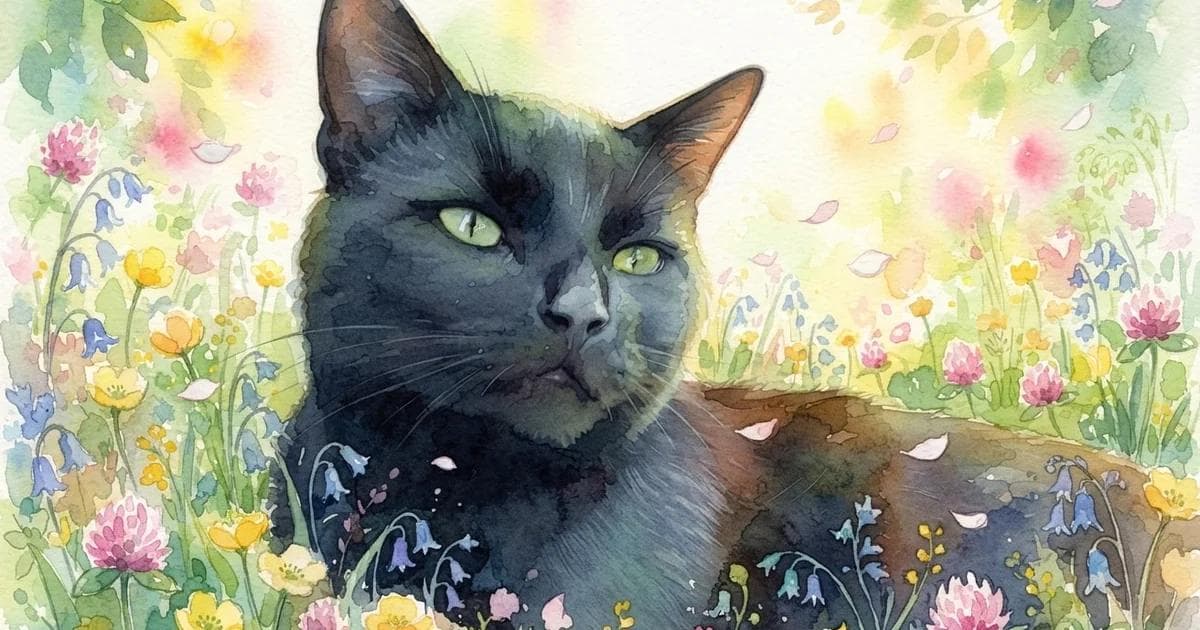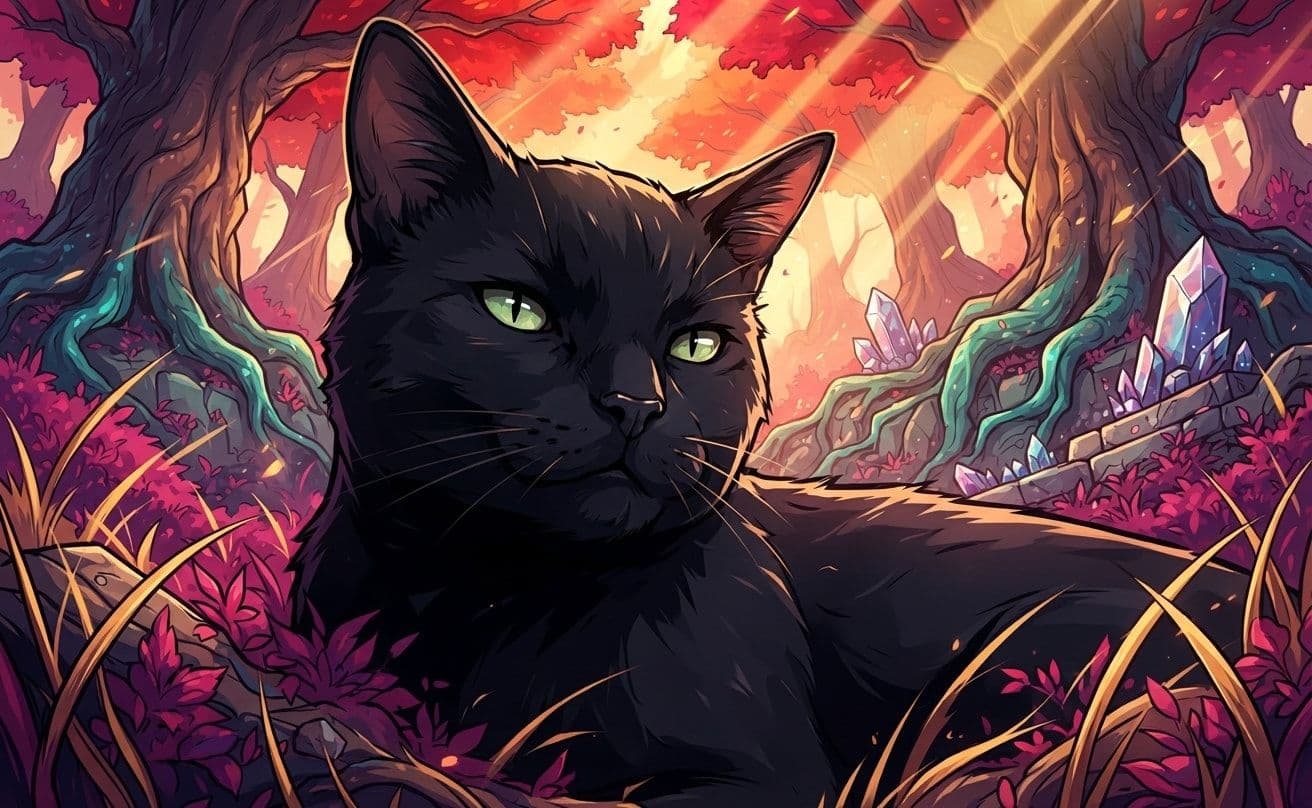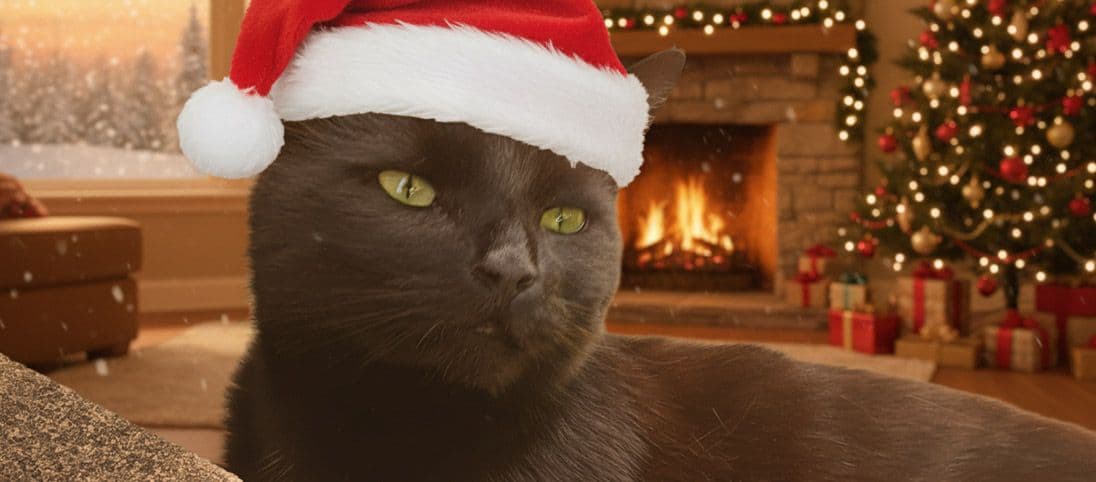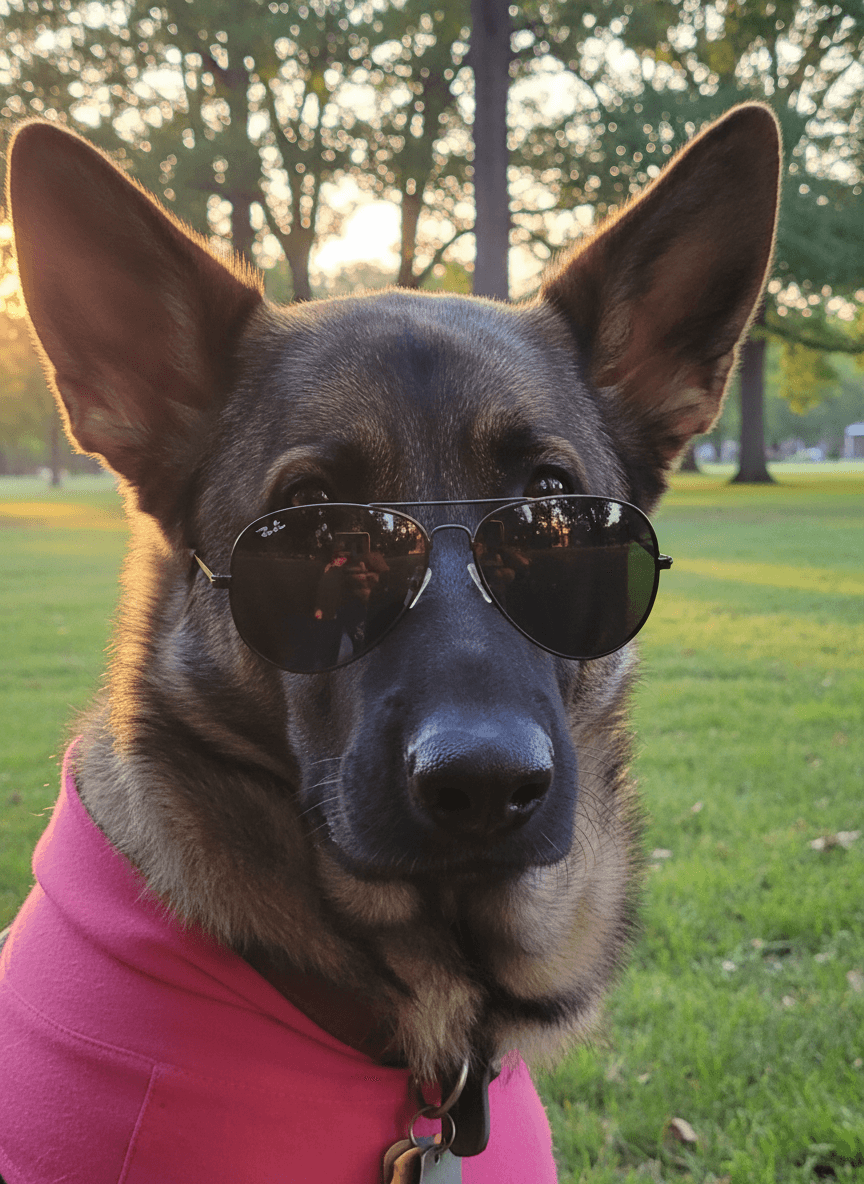
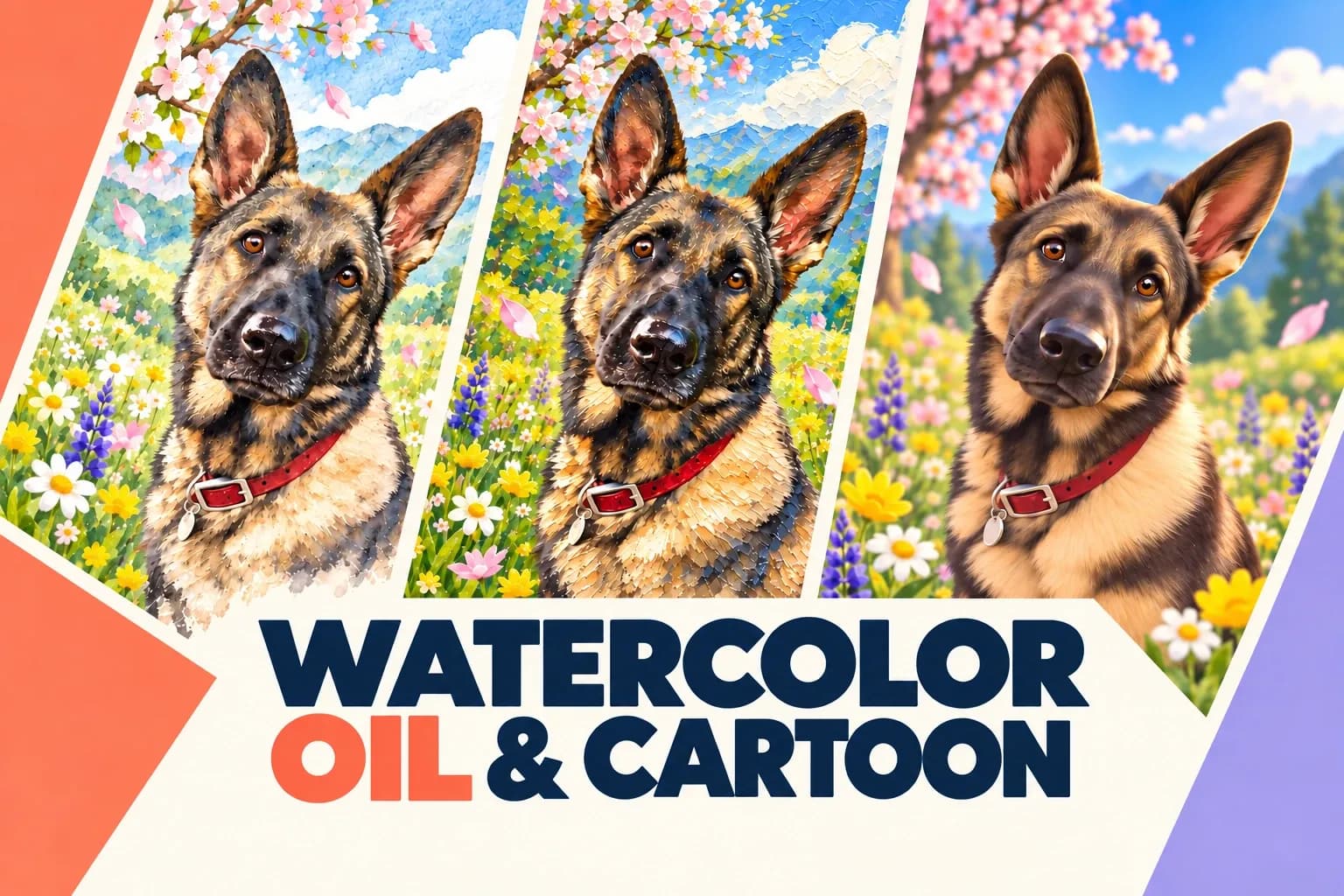
We tried watercolor, oil painting and Soft 3D Cartoon on the same three pet photos. If you’re making a gift, think about where the picture will go. A little watercolor on a card and a more traditional oil portrait for a frame can start from exactly the same photo.
All nine portraits use Spring Meadow, Creative Mode On and no added accessory.
Watercolor, oil and cartoon pet portrait examples
Watercolor
Example 1 of 3: Eve
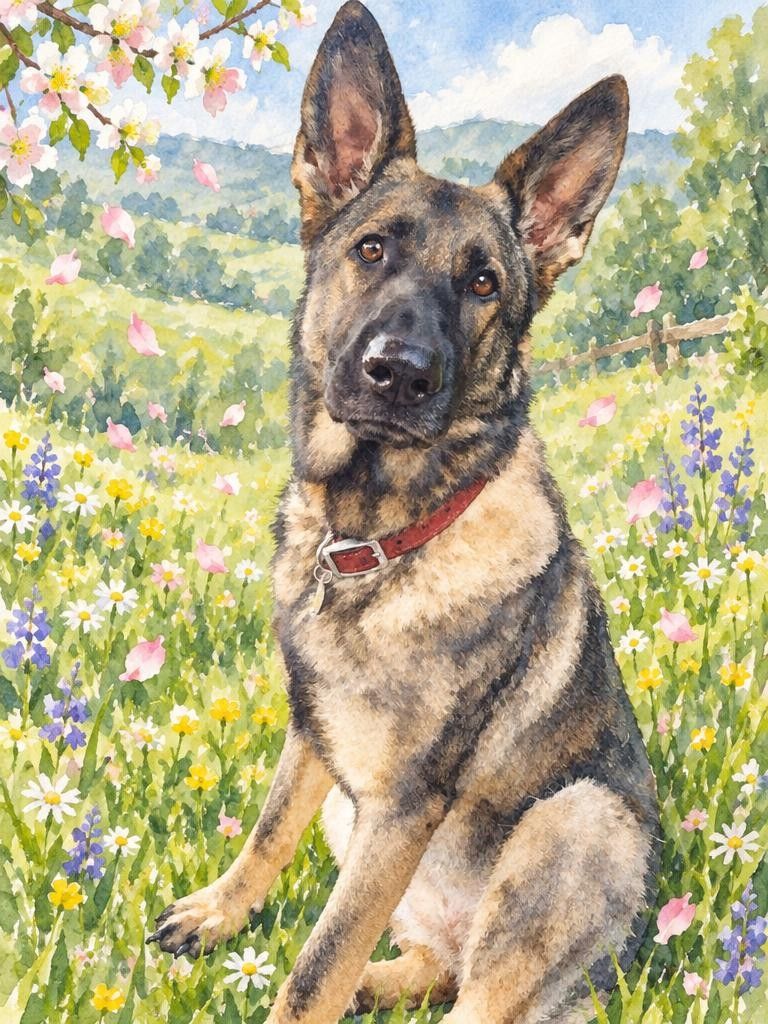
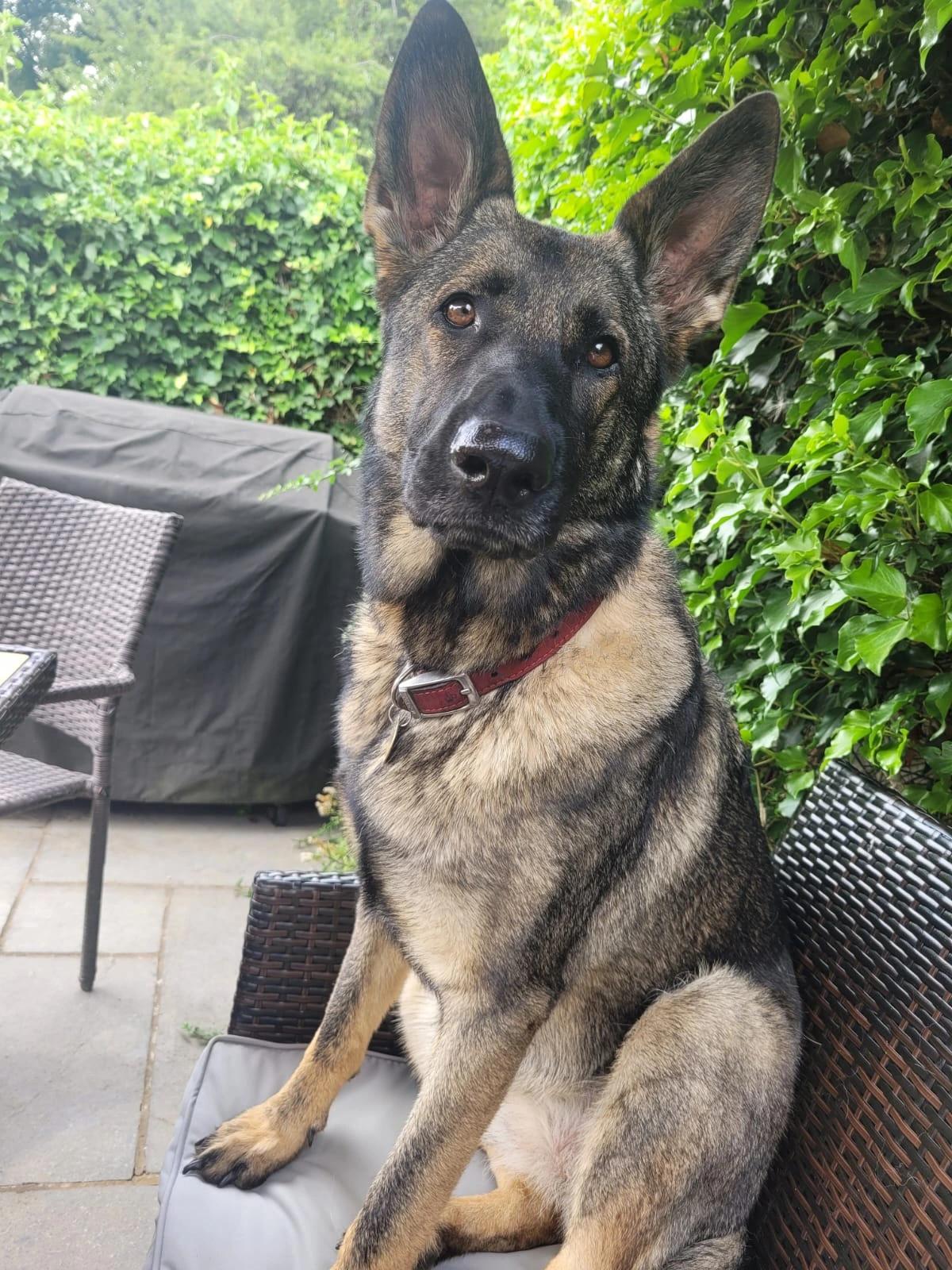


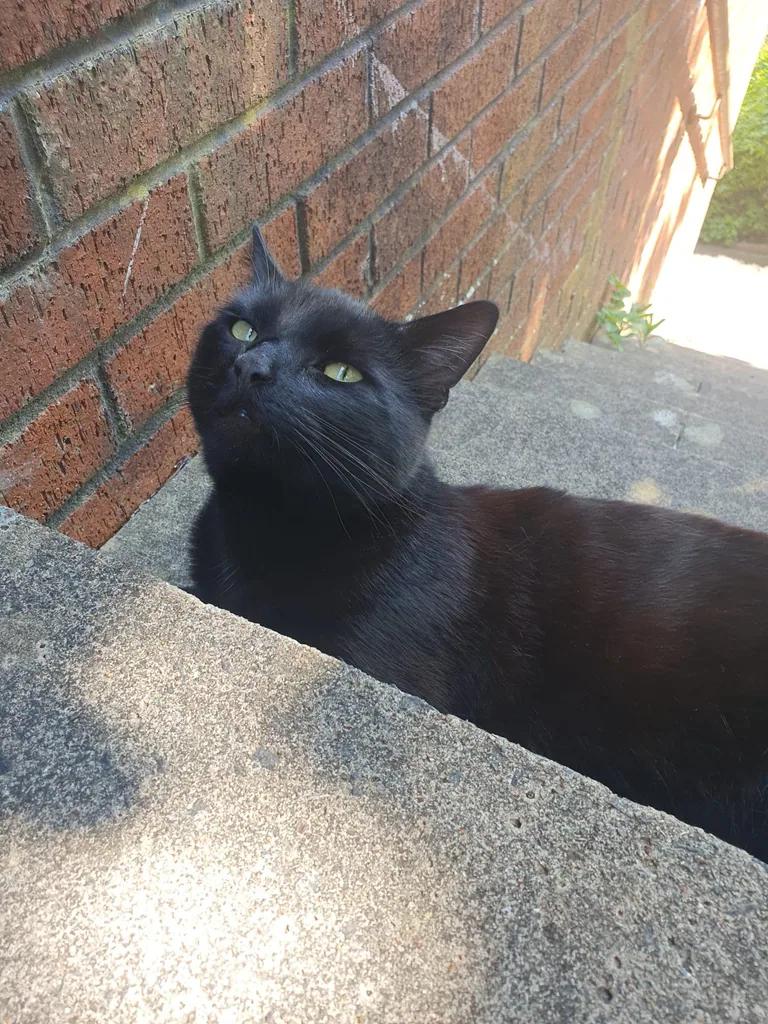
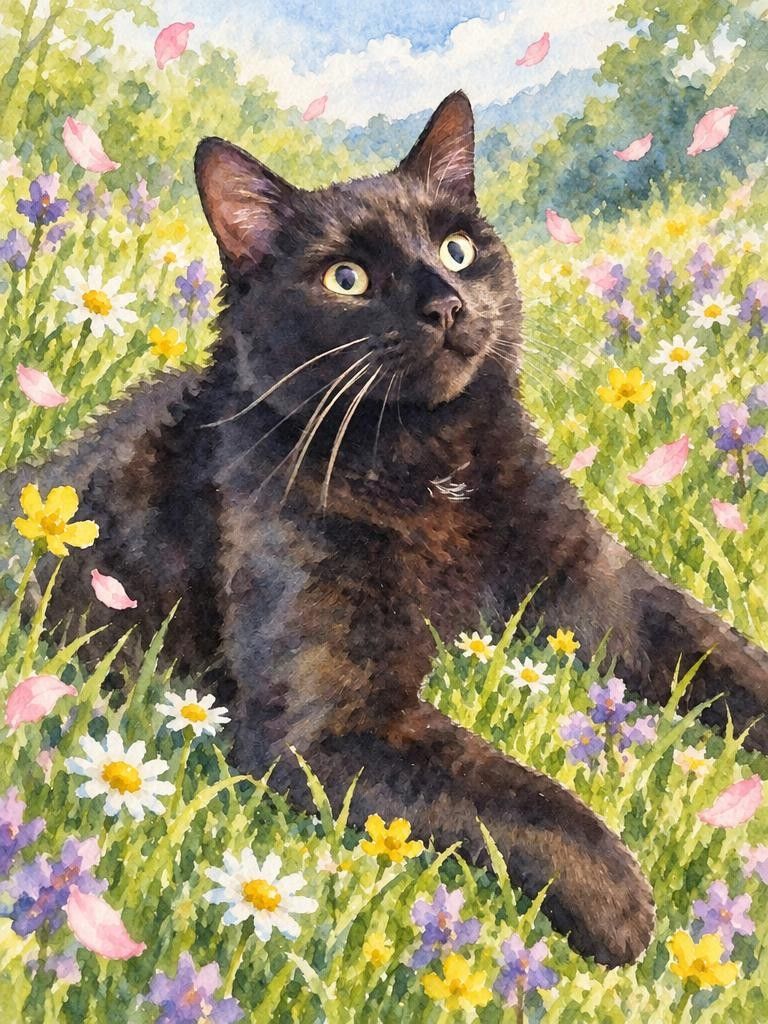
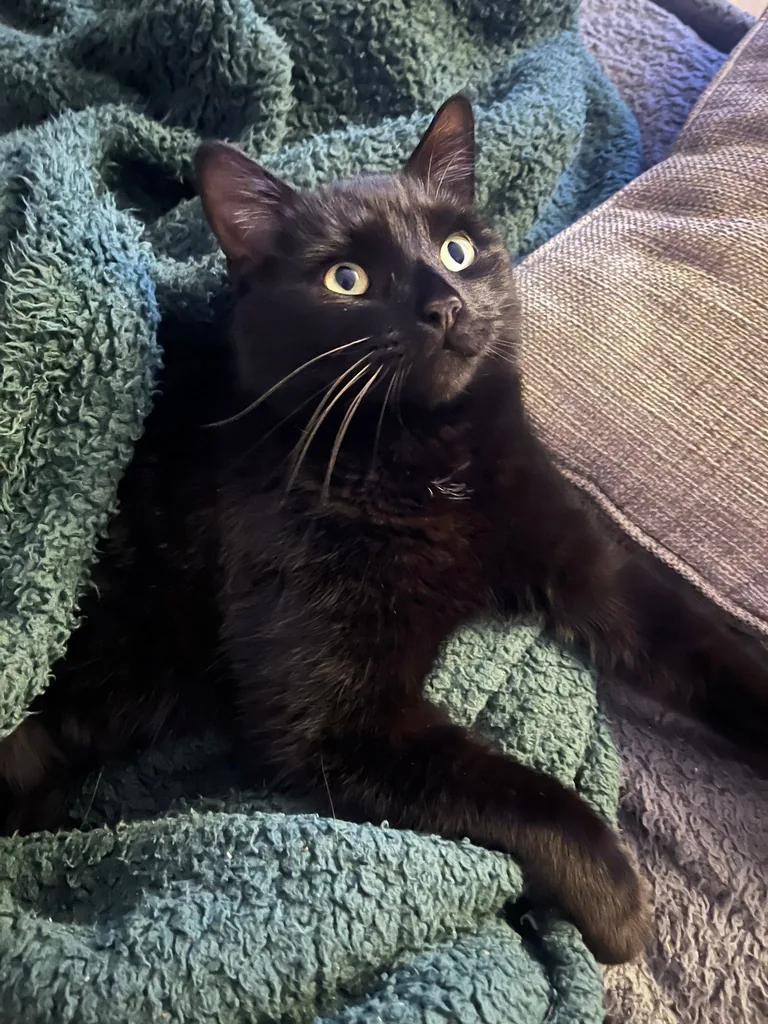
Watercolor is a good choice when the portrait is one part of a card and you want the greeting to have space of its own. A plain panel below the illustration is easy to work with.
Oil Painting
Example 1 of 3: Eve
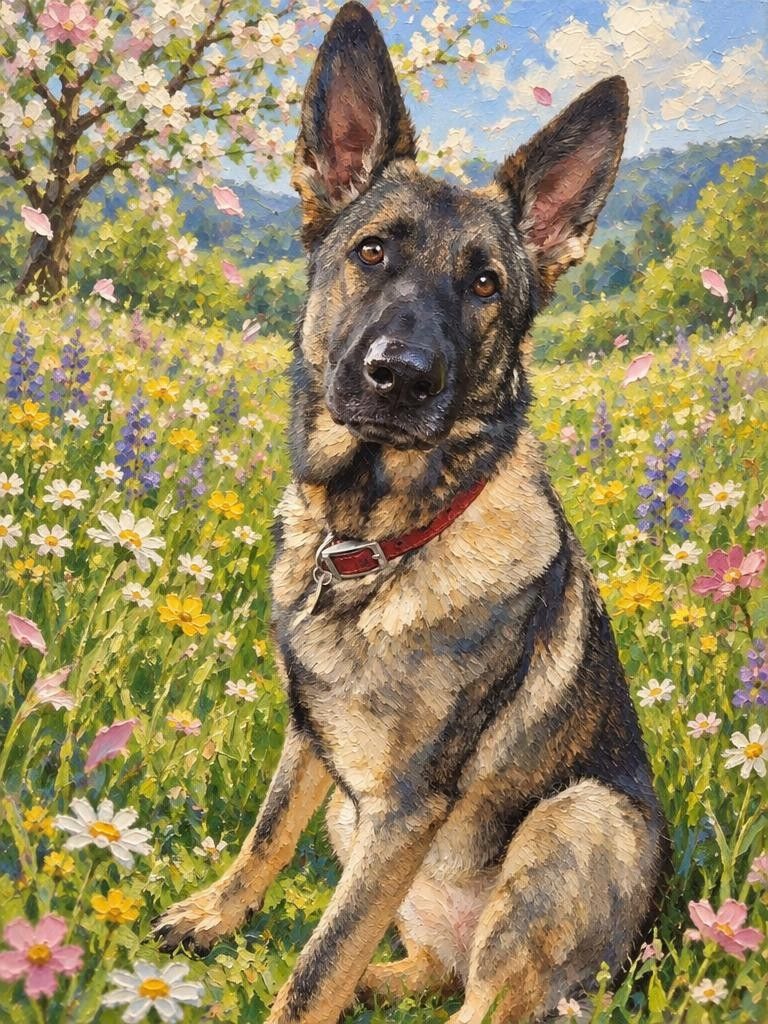

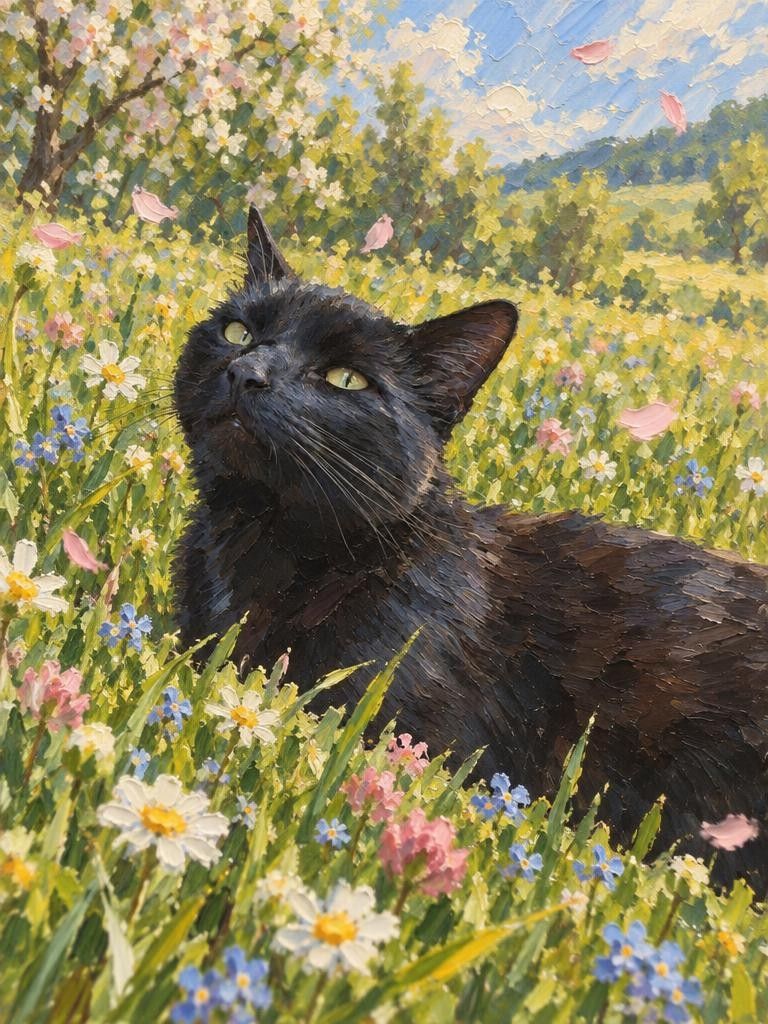
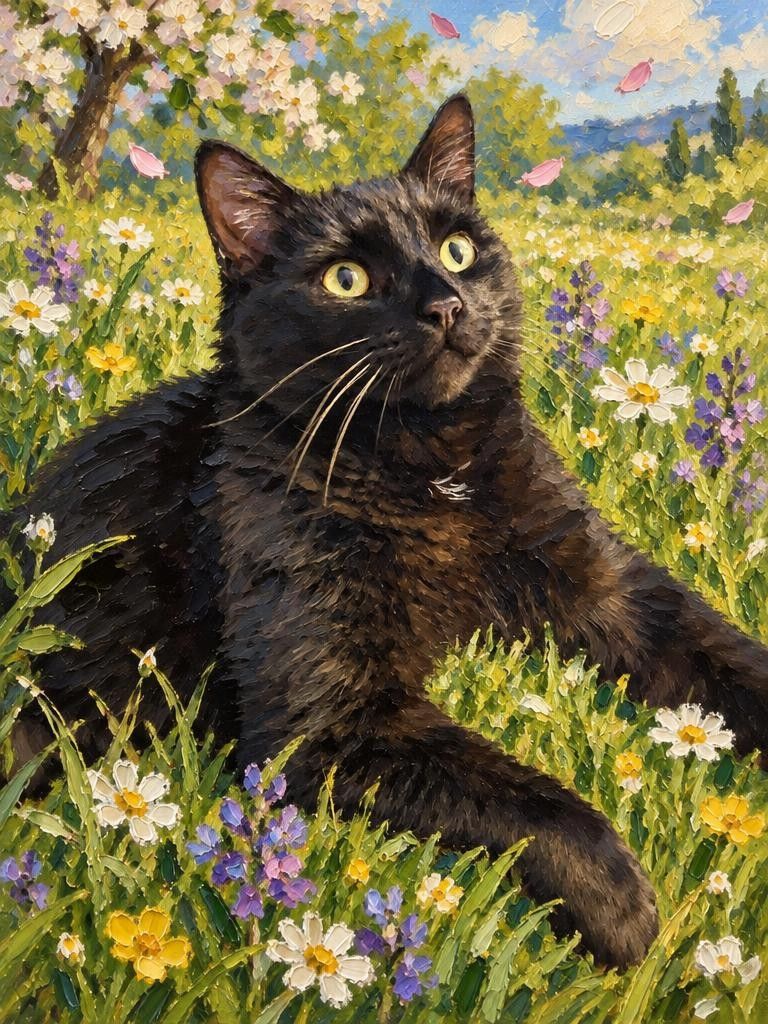
For a portrait going beside family photos, we’d try Oil Painting. It gives even a phone photo a more traditional, painted finish and holds up as something to look at on its own.
Soft 3D Cartoon
Example 1 of 3: Eve
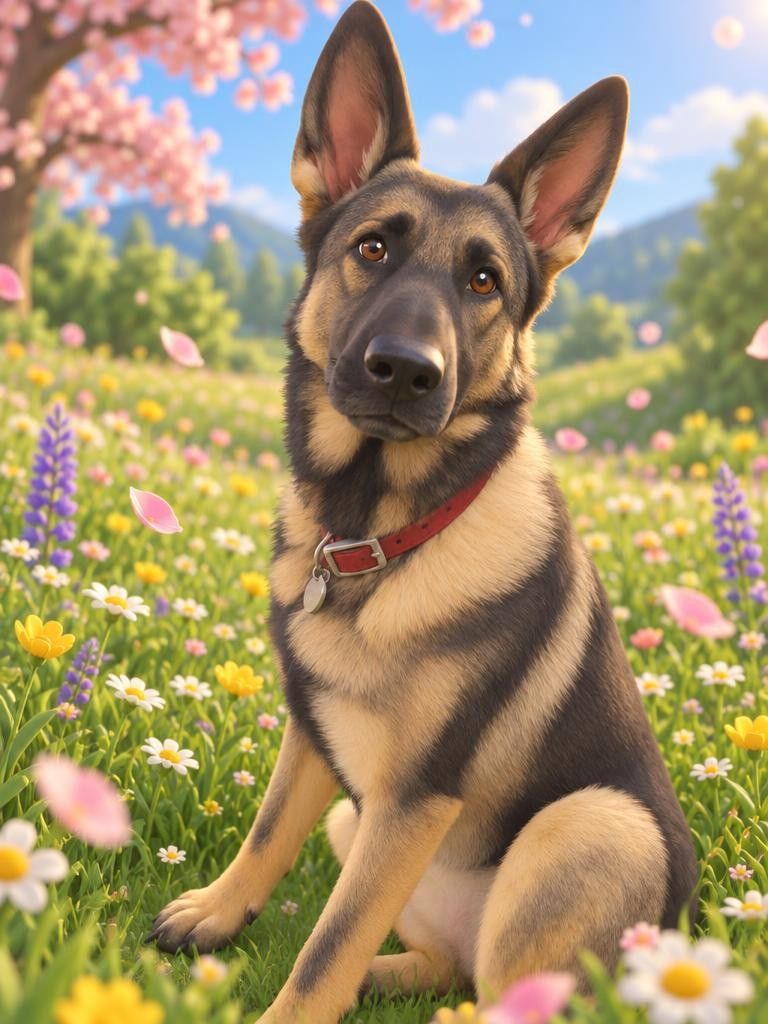

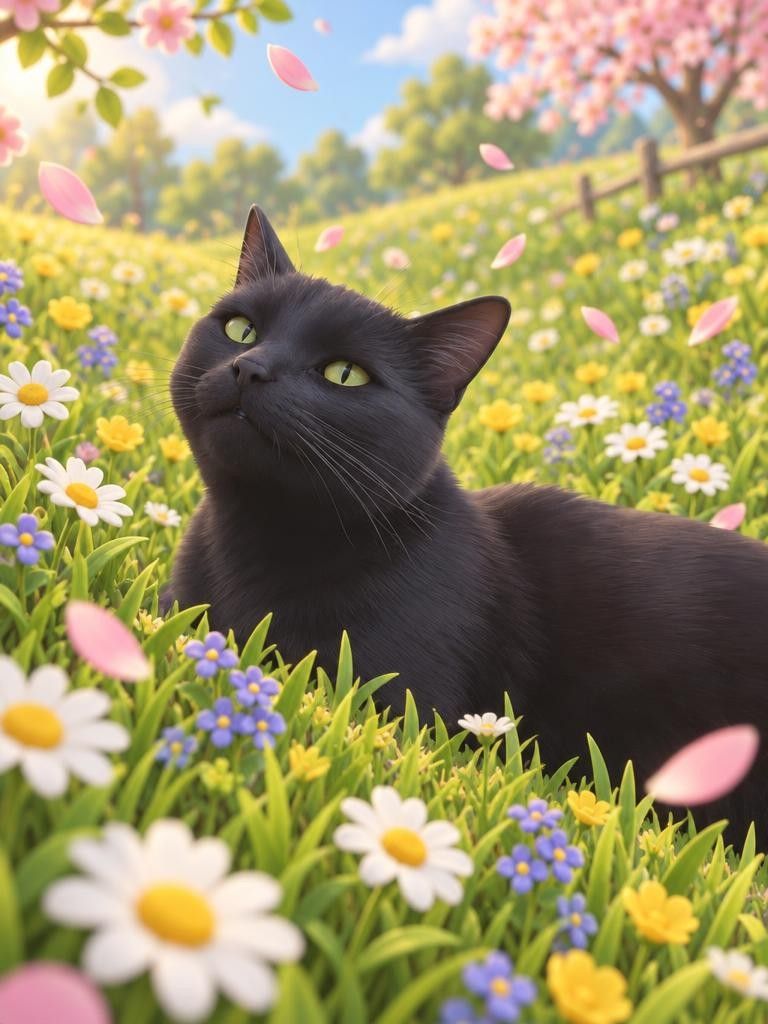
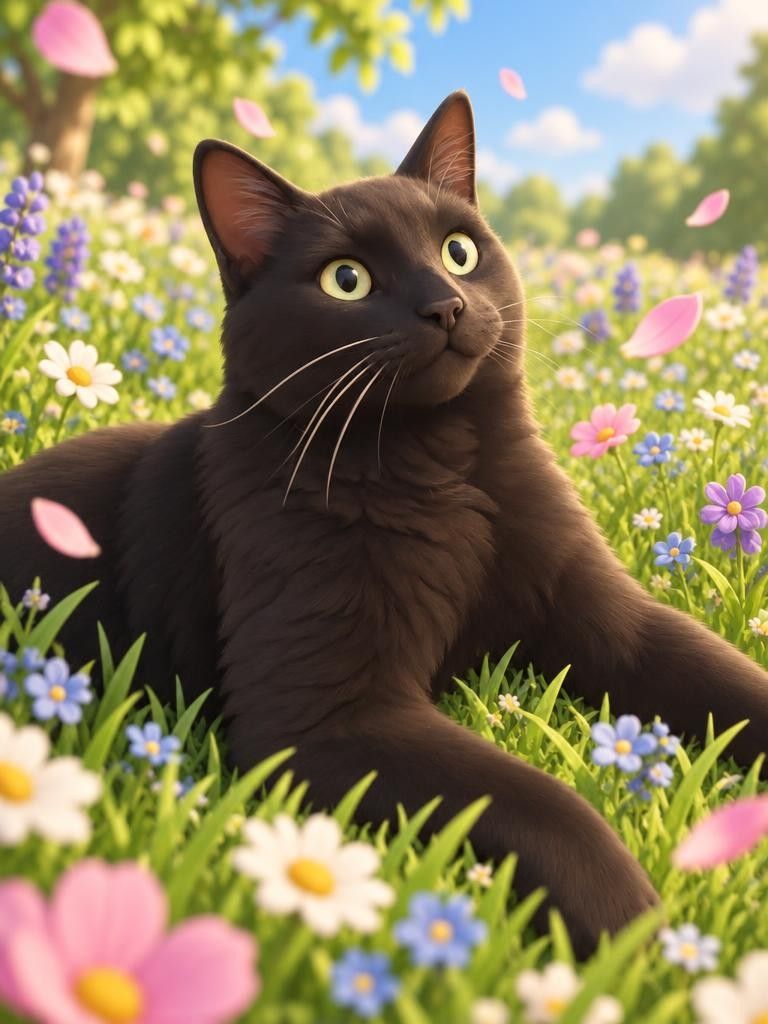
Soft 3D is the one we’d try for a playful picture of the dog or cat everyone in the family chat already knows.
Which pet portrait style suits an avatar, card or print?
A profile picture
At icon size, the meadow’s fine detail becomes harder to see. A closer crop gives Eve’s face more space; a circular crop also needs room for her ears.
A card or a gift image
A card needs space for words as well as a portrait. Add the greeting in a design editor after downloading; a plain message panel helps when the painted background is busy.
A framed print
The file’s pixel dimensions and crop determine its suitable print size. Painted texture adds no extra resolution. The printing guide explains how to calculate a starting size from real pixel dimensions.
Spring Meadow with your own pet
To make your own set, open Create and pick Spring Meadow and up to three styles from the same photo. Keep Creative Mode On if you want both the pet and the meadow painted or drawn in the selected style.
More pet portrait styles
See more watercolor pet portraits, oil painting pet portraits or cartoon pet portraits in other scenes.
For a wider browse, the pet portrait styles collection groups more art directions. If you want to understand why a pet remains photographic in one result and fully styled in another, read the Creative Mode guide.
- For a colour illustration and a black-and-white ink version of the same garden, see Anime vs Manga Pet Portraits.
- Pixel Art vs Voxel Pets: A retro game look beside a chunky block-world portrait.
- Pop Art vs Comic Book Pet Portraits: Chunk’s blue-purple coat, warm fur marks and city skyline.
- If you’d like a monochrome portrait for a frame, compare Pencil Sketch vs Sumi-e Pet Portraits.
Compare the styles, then try the choices beneath a portrait with your own pet photo.
Explore pet portrait stylesFrequently Asked Questions
Can I compare several styles with one photo?
Yes. EditMyPet supports selecting up to three styles, with a separate output for each selected style. Keep the scene and other choices steady for a useful comparison.
Why does my pet still look photographic?
With Creative Mode Off, your pet stays photographic while the surroundings and added accessories can change. Use Creative Mode On when you want the selected style to transform your pet too.
Related Articles