In EditMyPet, submitting a portrait to the public gallery is optional. To make the portrait, the generation provider gets the source photo, prompt and settings it needs. The result is saved in your account. Read how EditMyPet handles uploaded photos.
What stays after my portrait is ready?
EditMyPet makes a temporary copy of the source photo for generation. It’s queued for deletion after the job and a short recovery period. A photo you chose to save for future portraits stays under your saved pets. The finished portrait is under your saved creations, where you can download or delete it.
For an already-paid print order, the printer needs the approved artwork and delivery address to make and send your item. Deleting a generation does not cancel its print order. Order and support records may also be retained. The retention policy describes each type of record.
What does the gallery show?
“Show in gallery” submits the portrait for review. A public submission can show the picture alongside information from your public profile, and other people may save or share it. To give the picture to a friend privately, download it and send it to them directly.
Where does another generator send the photo?
We checked the provider descriptions below on 20 November 2026. Look for policy wording about the images you upload and the model that processes them. Fotor’s privacy policy says that images and prompts may be passed to the model provider for the engine you select. It has separate provisions for human face data in AI Avatars. Those provisions describe a specific feature.
PawToAI says it keeps pet photos private, excludes them from model training and lets you delete a pet along with its photos and generated portraits. Download any pictures you want to keep before using that deletion control.
A collar tag can give away more than you meant to share
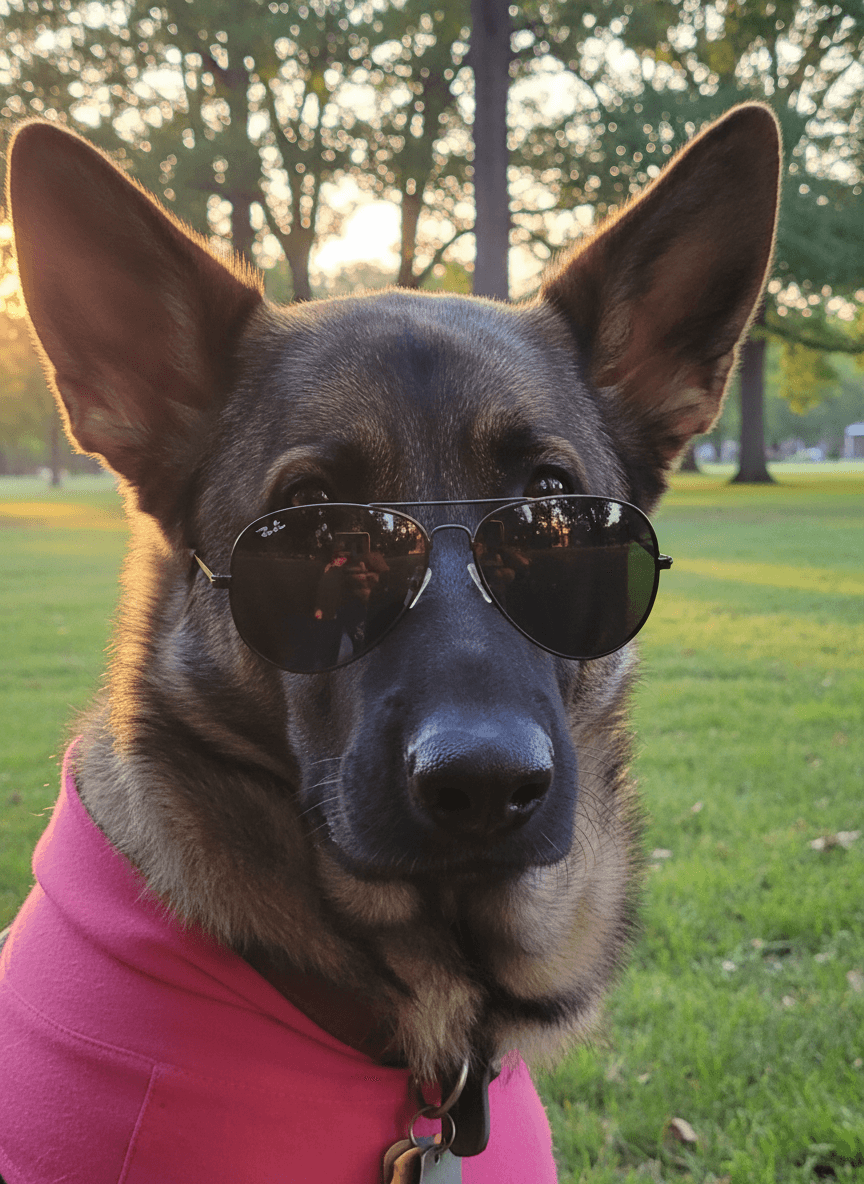
If you can read a phone number on the collar tag, crop it out or use another photo. The same goes for an address or a house number in the background. You can usually keep the angle you like and take another picture against a wall or facing away from the street.
If you need an upload or saved image removed from EditMyPet, identify the item and account in the privacy contact form. For a different app, find its deletion instructions and a support contact that works before sending a photo you would prefer to keep private.
Find photo processing, retention and contact details.
Read the EditMyPet privacy policy