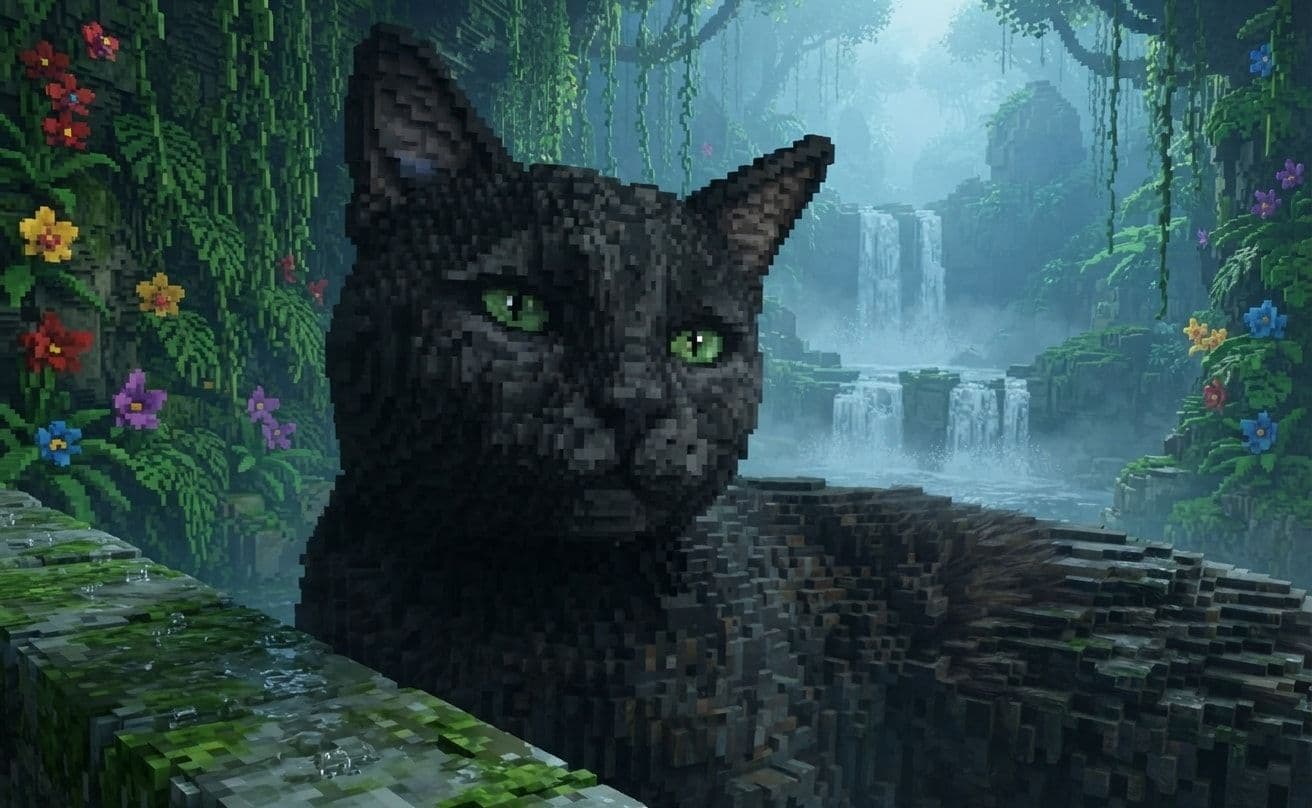
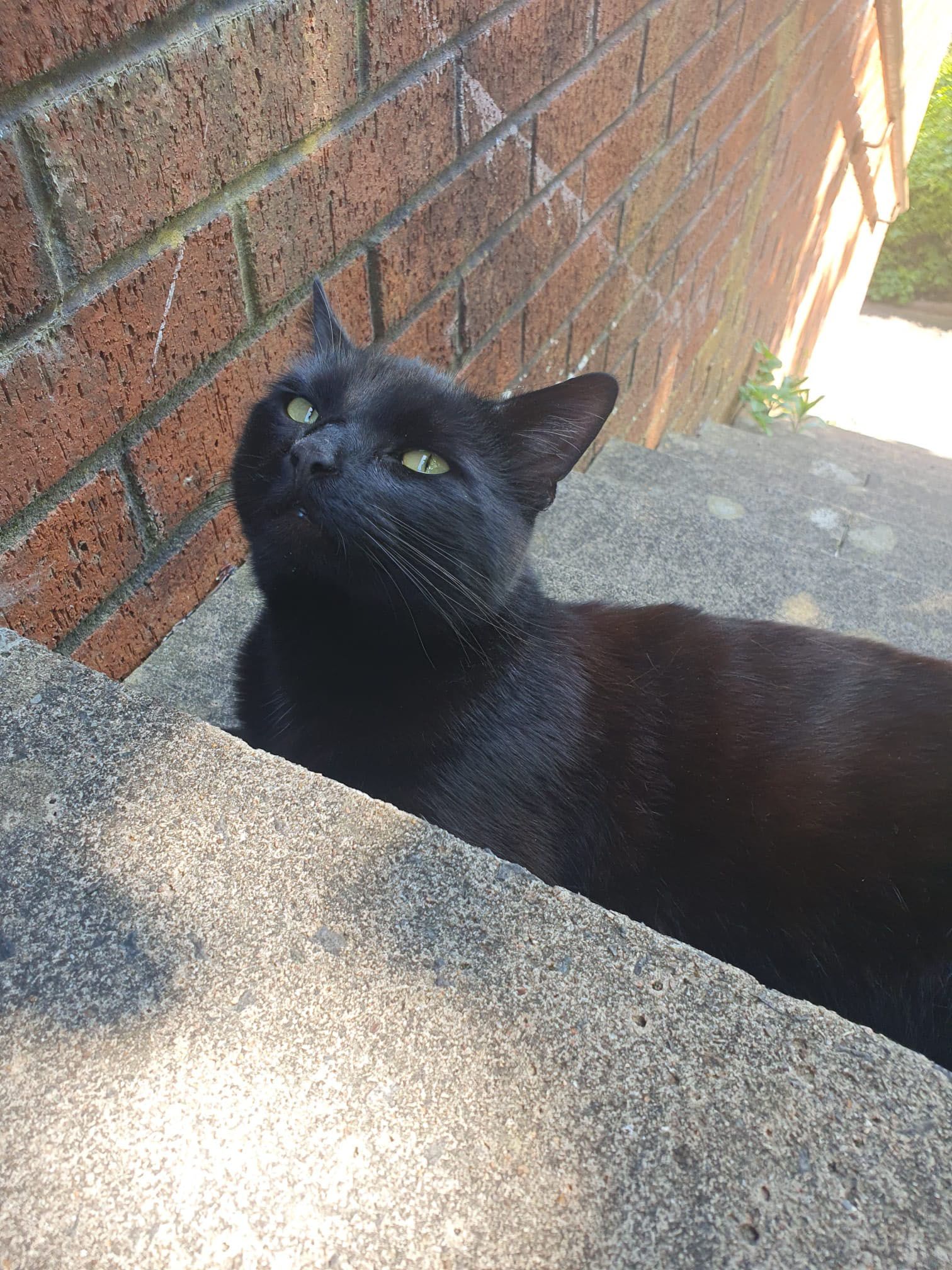
What happens if your favourite photo shows only half your cat? Chuck was behind a low garden wall in the original. We used his waterfall portraits to show how the scene and style update works with a photo like that.
A setting around the photograph
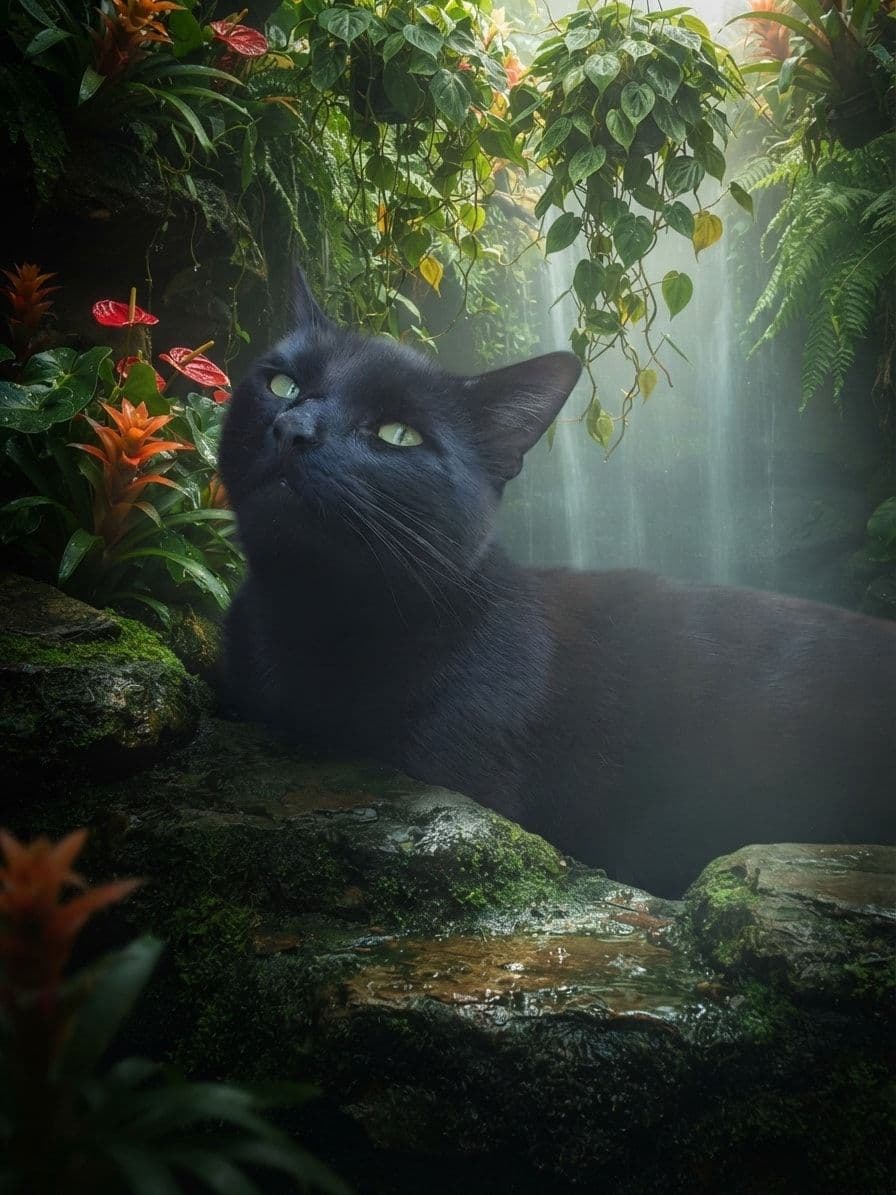
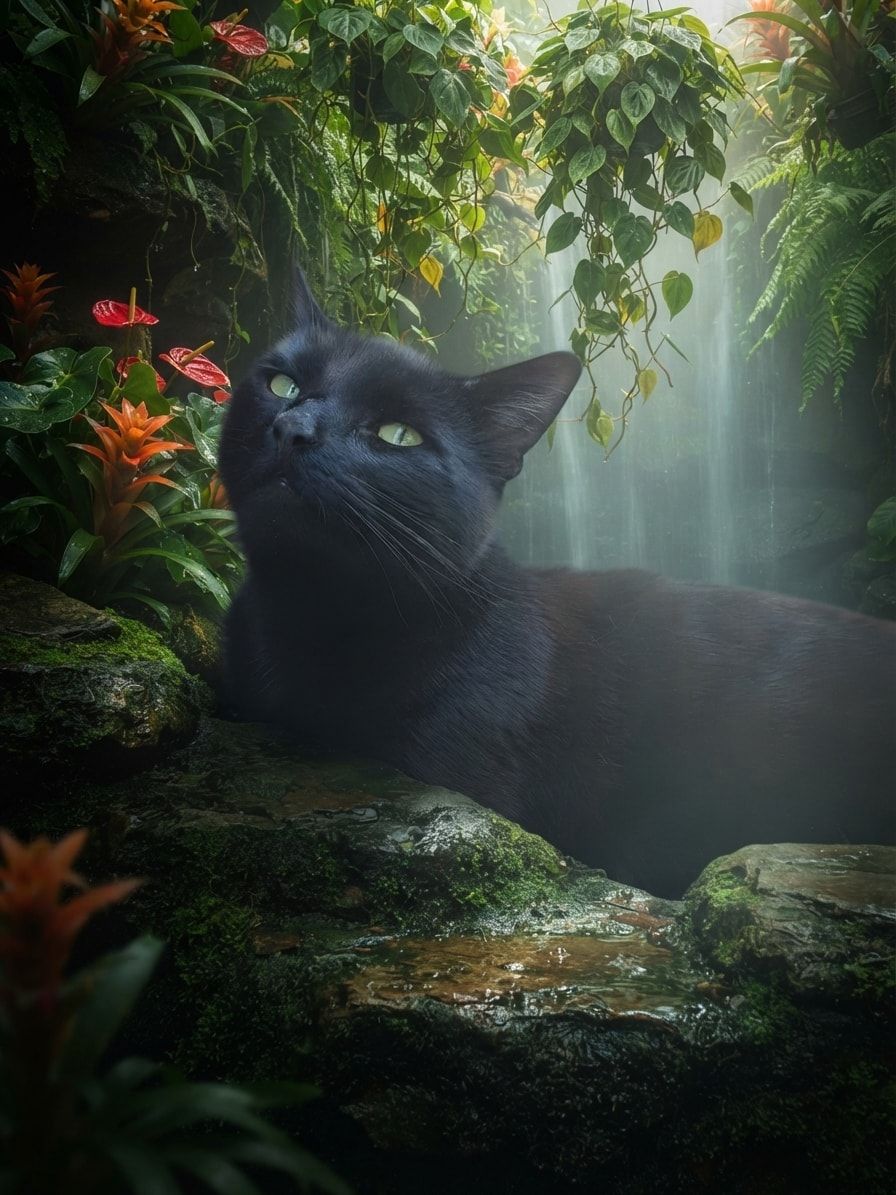
We used Creative Mode Off for this waterfall scene. It’s the setting to try if you like the photograph and want to send your pet somewhere else for the picture.
When Chuck becomes part of the artwork
Creative choices
Creative Mode On
Hidden Waterfall
Tropical flowers surround a secret misty waterfall

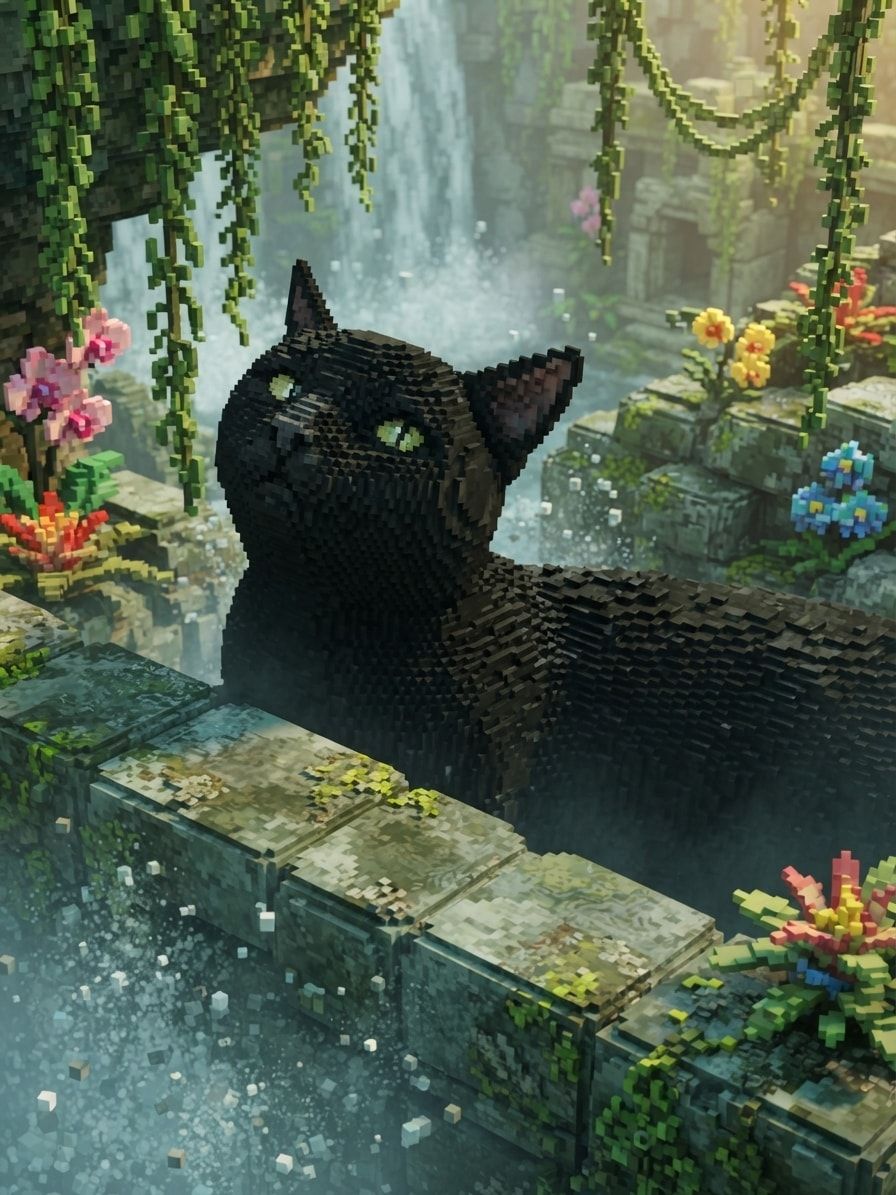
Voxel
Three-dimensional cube-built voxel art
Upload a new photo or choose one of your saved pets next.
For a miniature game-world look, use Voxel with Creative Mode On. Chuck and his surroundings take on the same block-built finish, so he looks like he belongs on that ledge.
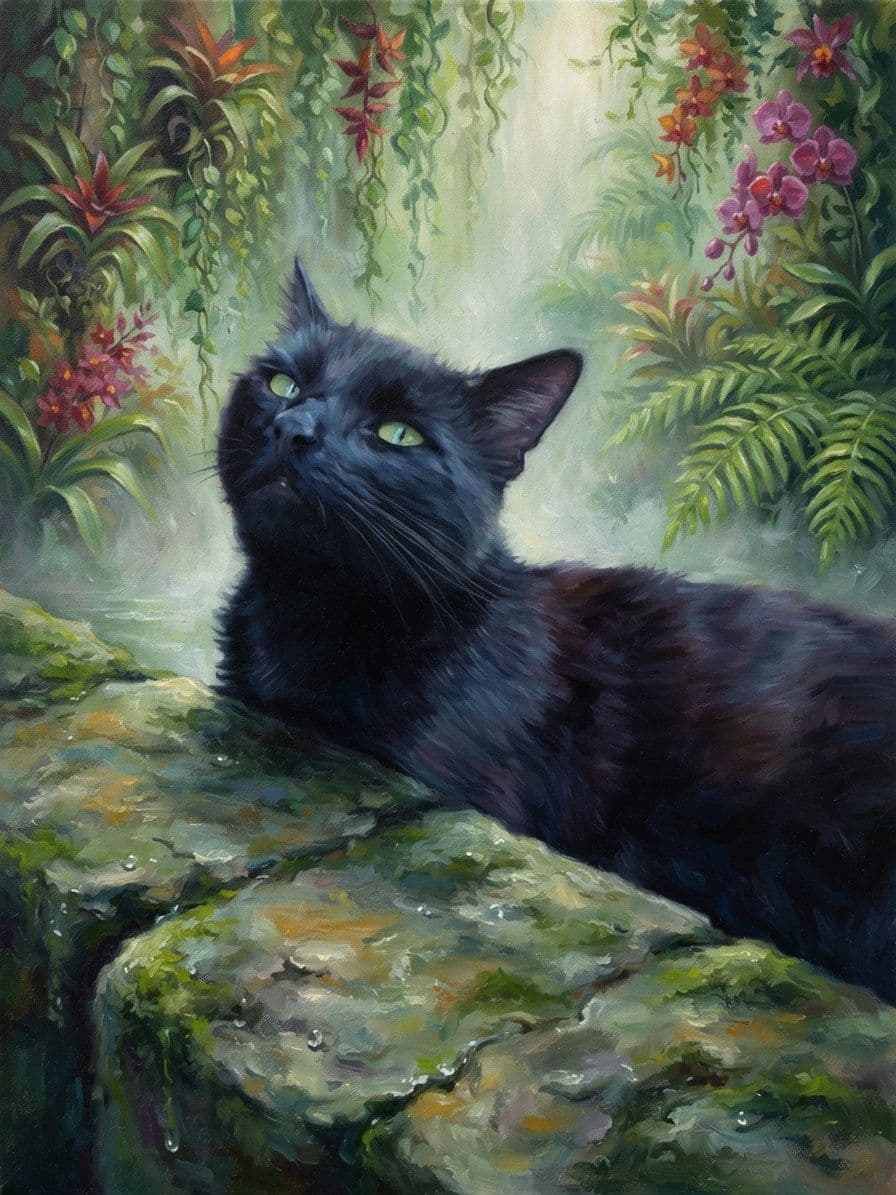
Oil Painting uses the same idea with a different finish. If you want a picture that feels painted all the way through, switch Creative Mode on so the brushwork carries through to the pet as well.
Rocks replace the wall in Chuck’s photo
Creative choices
Creative Mode OffHidden Waterfall
Tropical flowers surround a secret misty waterfall

Cinematic
Dramatic movie-like lighting
Upload a new photo or choose one of your saved pets next.
Chuck’s original photo already hides the lower part of his body. Keeping something in front of him in the new scene gives that pose somewhere to go. Here we used a waterfall with rocks in the foreground.
That is a useful consideration for your own photo too. A pet photographed behind a table, sofa edge or garden wall can suit a scene with a believable foreground surface.
The Creative Mode guide shows the two settings with both a cat and a dog if you’d like help deciding which one to use.
Use one of Chuck’s recipes or choose a different scene for your pet.
Try the scene and style choicesFrequently Asked Questions
Will the same choices produce an identical image?
Each request creates a new image. Details such as plants, mist, brushstrokes and reflections can vary, while the source photo and your scene, style and mode guide the result.