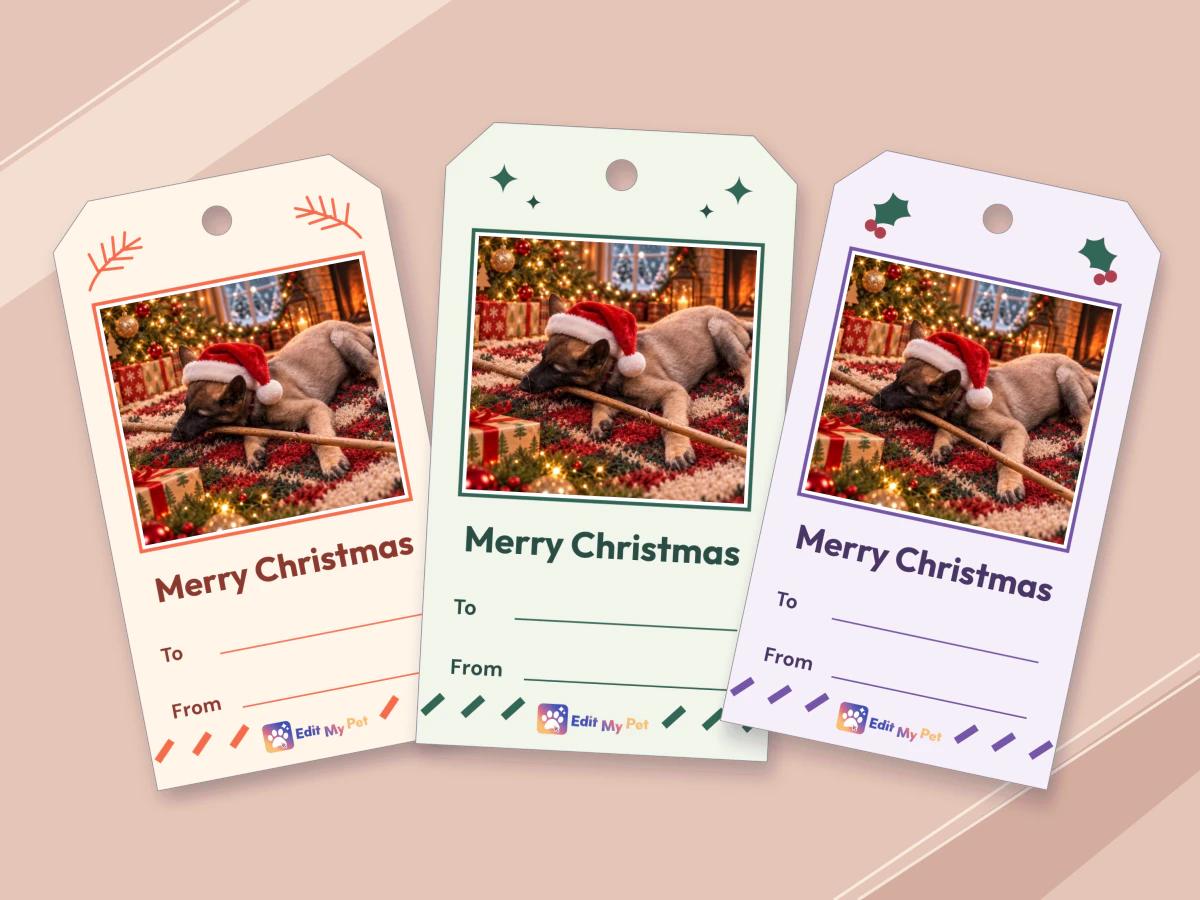
Printable photo bookmarks
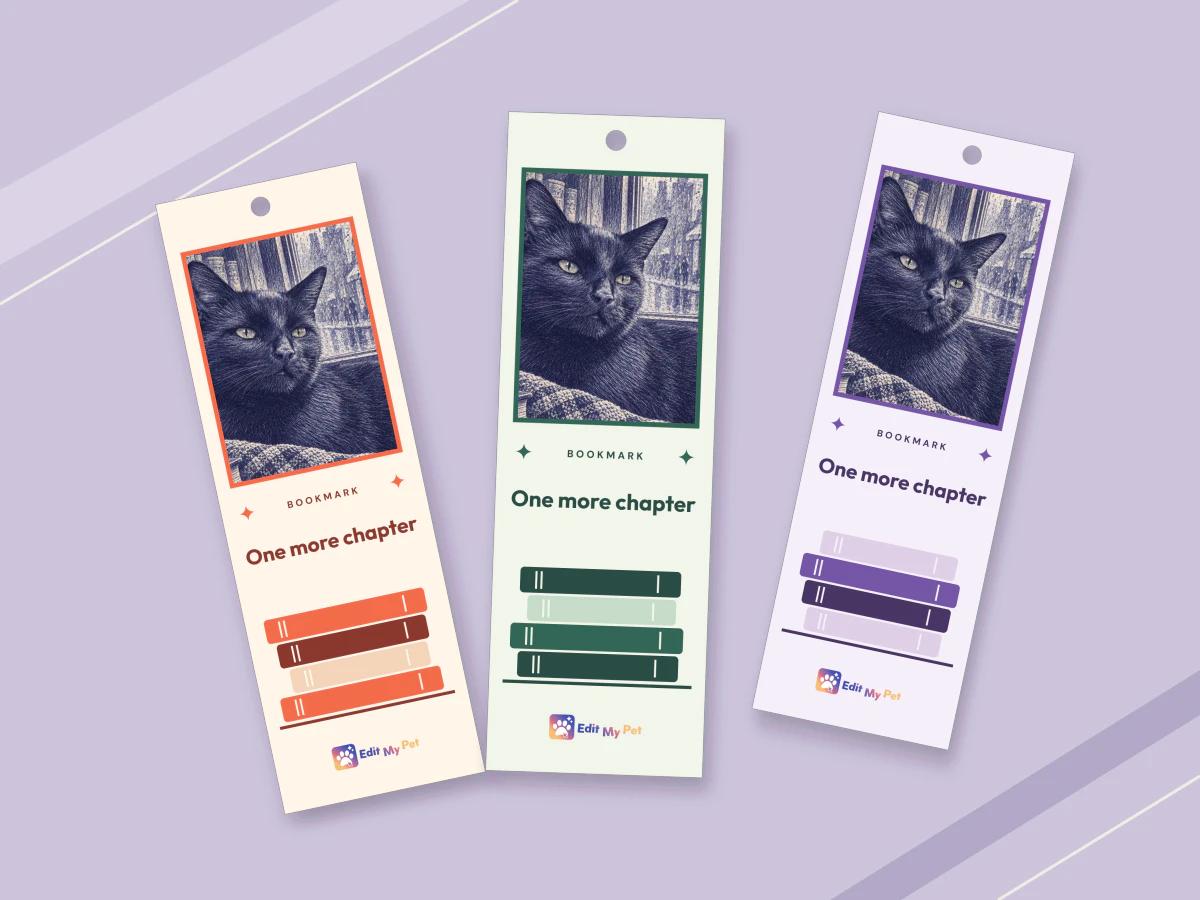
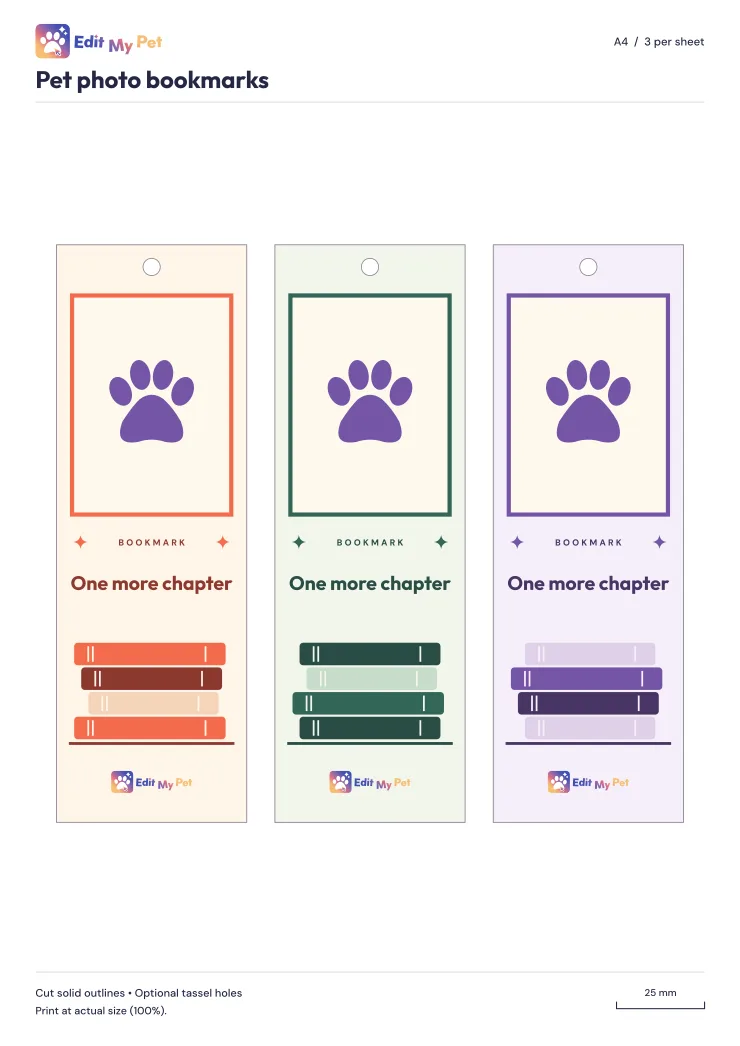
Make three bookmarks with your pet’s portrait above a little stack of illustrated books. Give each reader their own message or leave room for a handwritten note.
Personalize your sheet
Cut your bookmarks and add a tassel
- Finished size
- 54 × 164 mm
- What you’ll need
- Printer card · Scissors · Hole punch and ribbon for an optional tassel
- Print at actual size (100%) on card your printer accepts. Each bookmark should measure 54 mm across.
- Cut along the four edges of each bookmark. For a tassel, punch the marked circle above the photo and loop a ribbon through it.
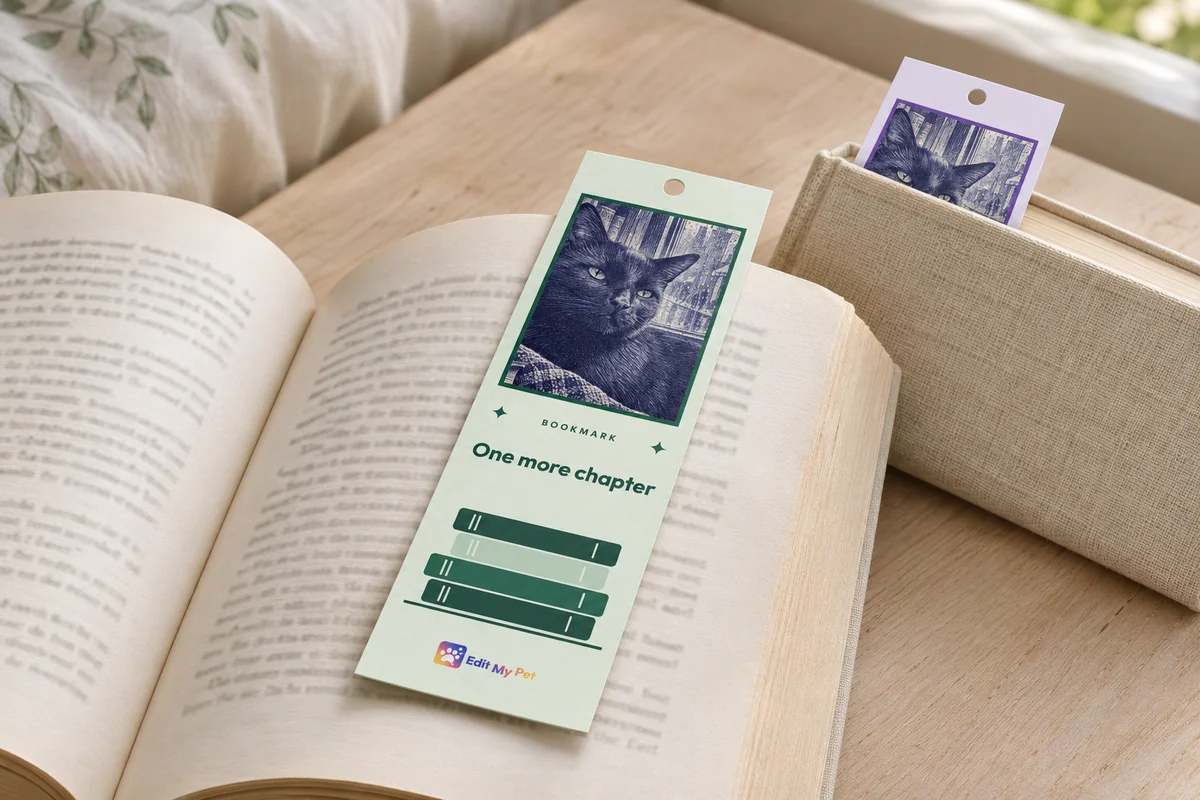
Between the pages 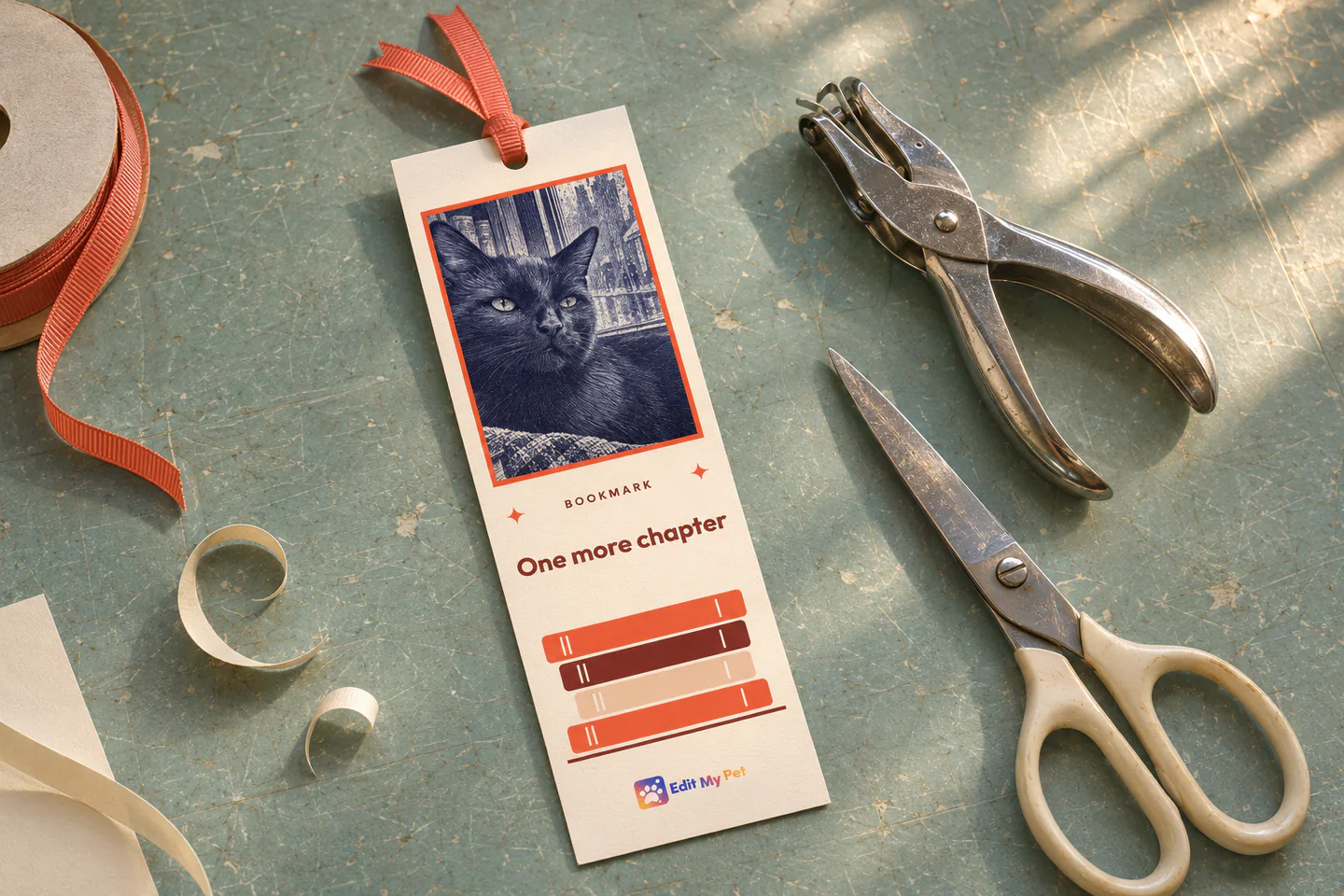
Adding a ribbon 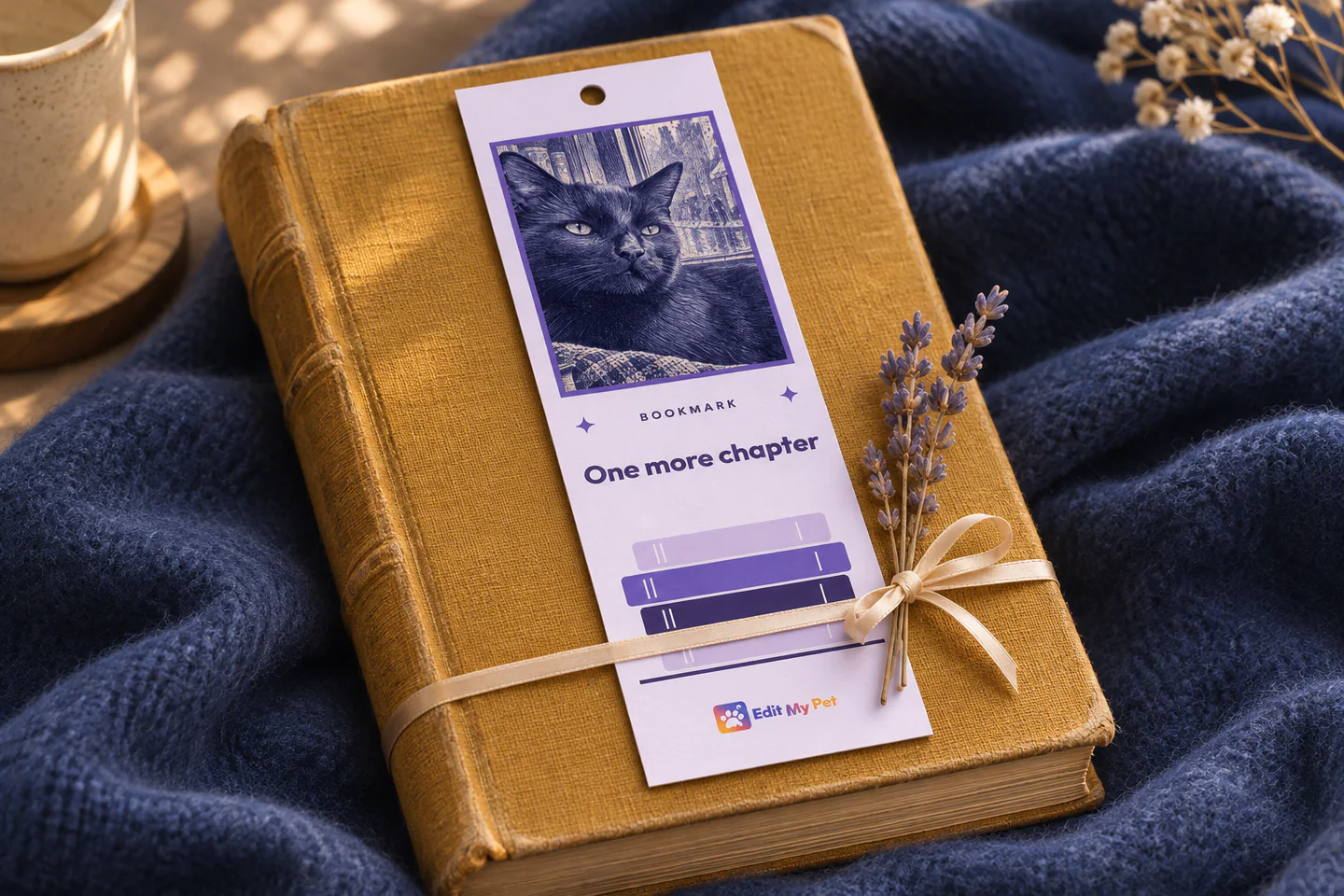
A bookmark with a gift book
Between the pages. Photo 1 of 3.
Printing questions
Can I put a different message on each bookmark?
Yes. Each of the three bookmarks has its own message field with room for 24 characters. Add a reader’s name, write a line like “One more chapter”, or clear a field to leave that bookmark blank under the portrait.
How can I fit two pets in one bookmark photo?
Upload a photo with both pets in the frame. For a wide photo, select Show whole photo so both faces fit inside the tall window. The space above and below the photo prints white.
Can I make a bookmark for each of my pets?
The three bookmarks on a sheet share one portrait. Download a PDF with the first pet, then select another portrait and download the next sheet.
How tall are the bookmarks?
Each bookmark is 164 mm tall and 54 mm wide. If you add a ribbon, it can hang over the top of the book even when the bookmark sits fully between the pages.