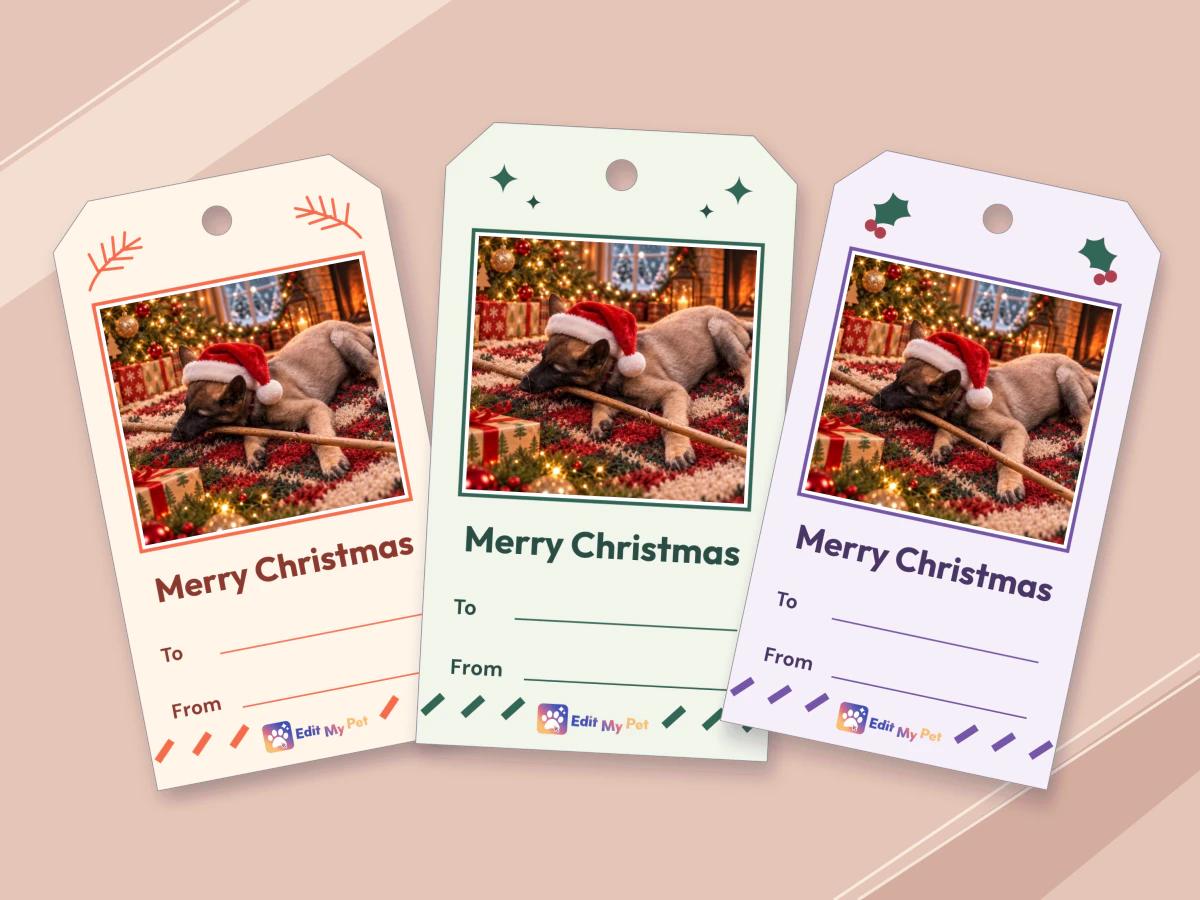
Free printable Christmas gift tags
Sign the presents from the dog this year. Print “Love from Pip” under their photo, snip the top corners and thread the tag onto the ribbon around a parcel.
Make Christmas gift tags for wrapped presents, paper ornaments for the tree or a ribbon bookmark to tuck inside a gift book. Print a ready-made A4 sheet, or add your pet’s photo to a template and download it in A4 or US Letter.
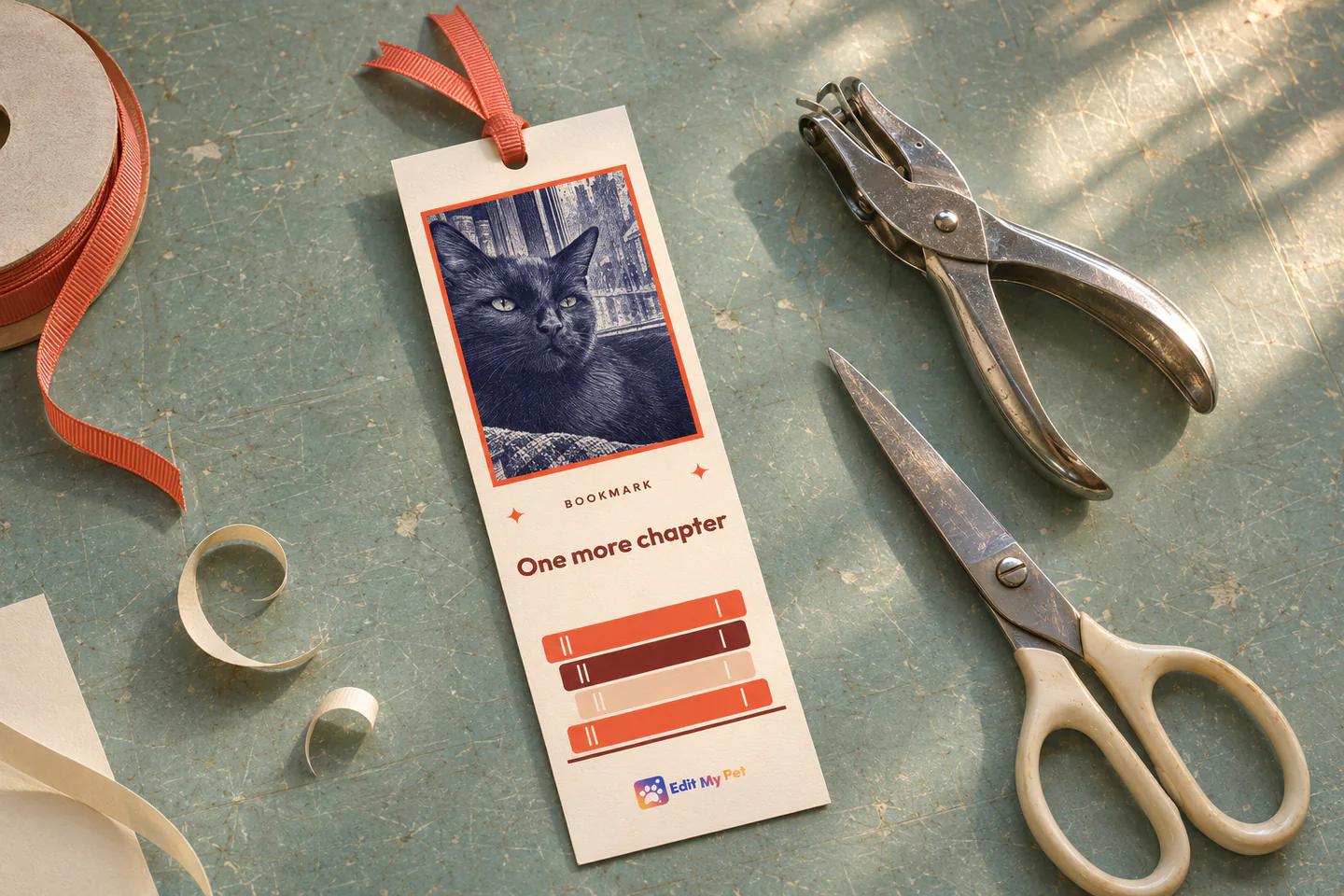 Make the ribbon bookmark
Sign the presents from the dog this year. Print “Love from Pip” under their photo, snip the top corners and thread the tag onto the ribbon around a parcel.
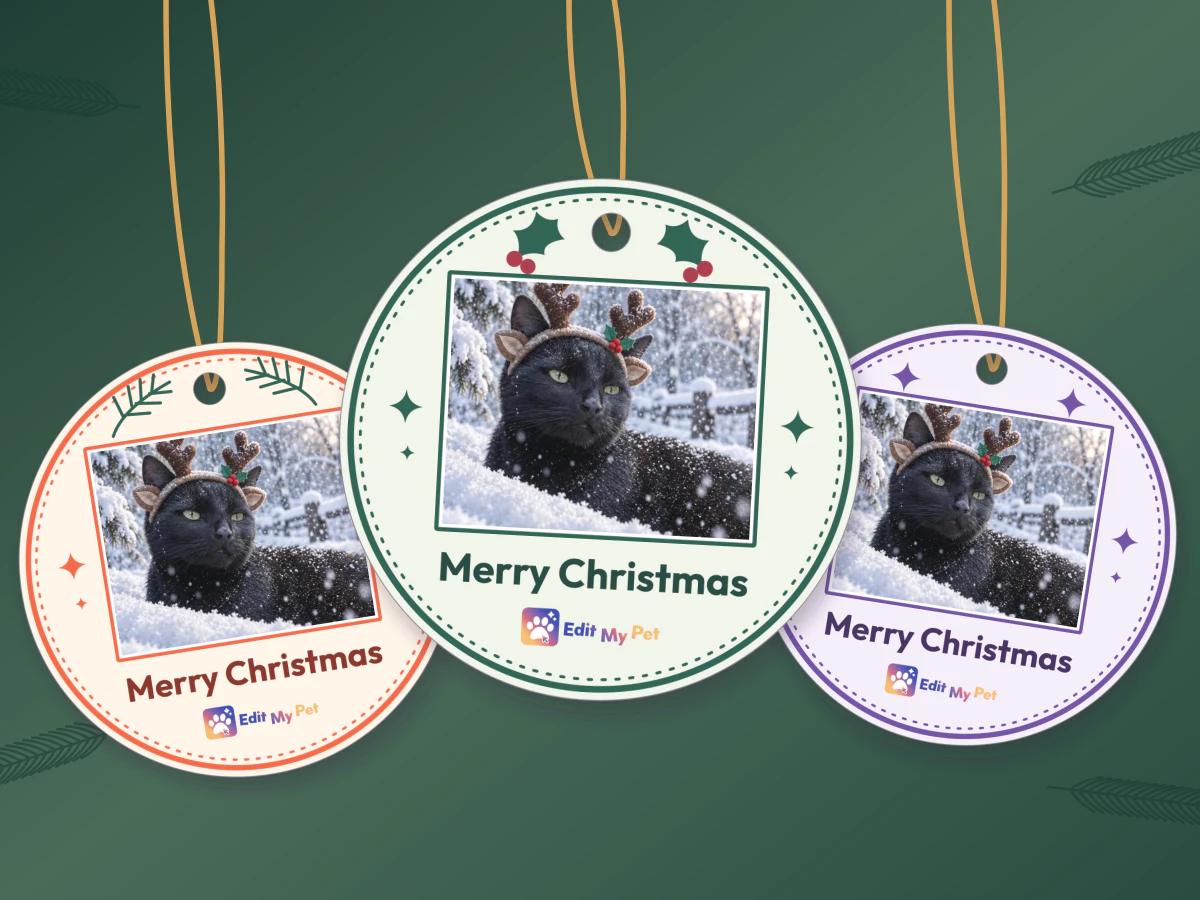
Turn a pet portrait into a paper bauble for the tree. The circles have matching borders and ribbon marks so you can glue two faces together and hang the ornament either way round.
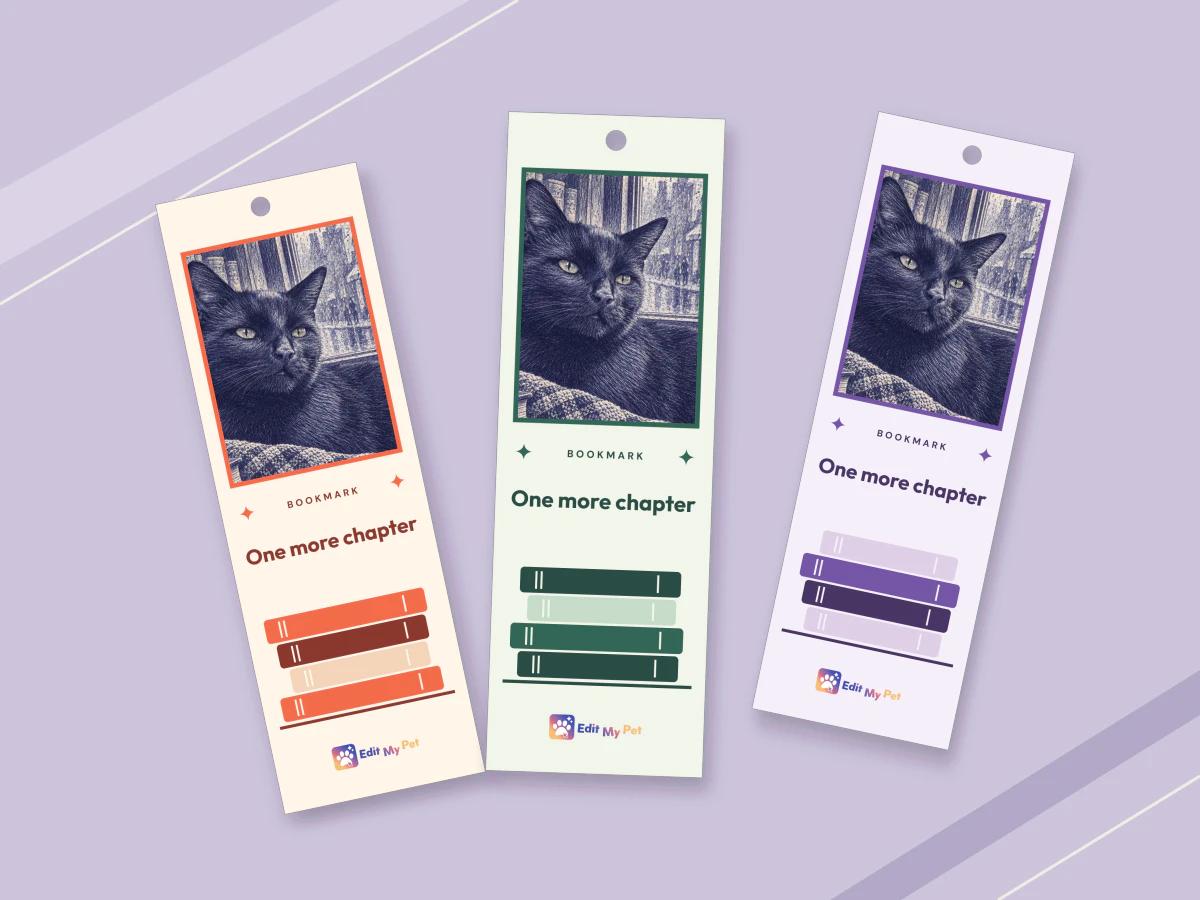
Slip a cat photo bookmark inside a gift book. Give each reader a different line beneath the picture, then add a ribbon through the marked hole for a tassel.
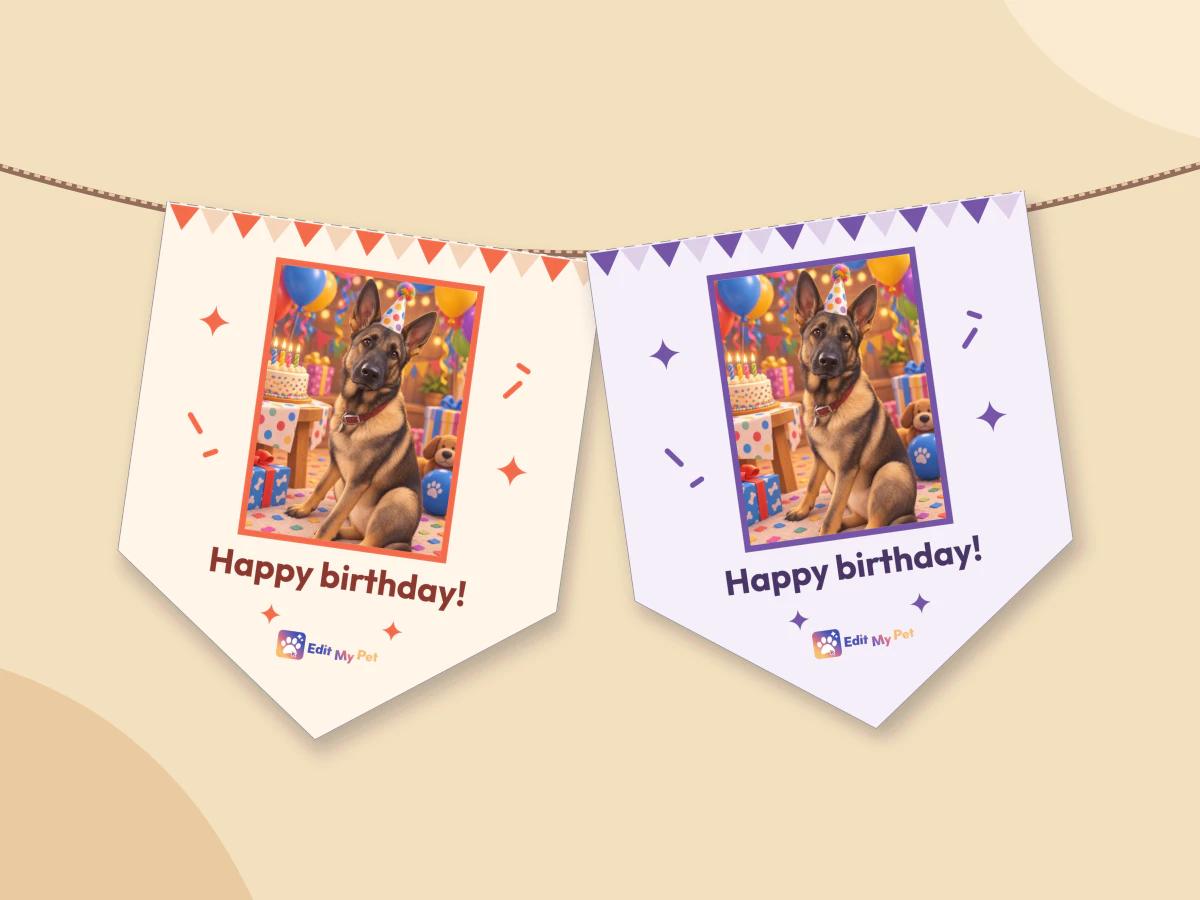
String little portrait flags across the cake table or print one large birthday pennant. The large flag comes in coral, mint, lilac or blue, with room for your pet’s name and age.
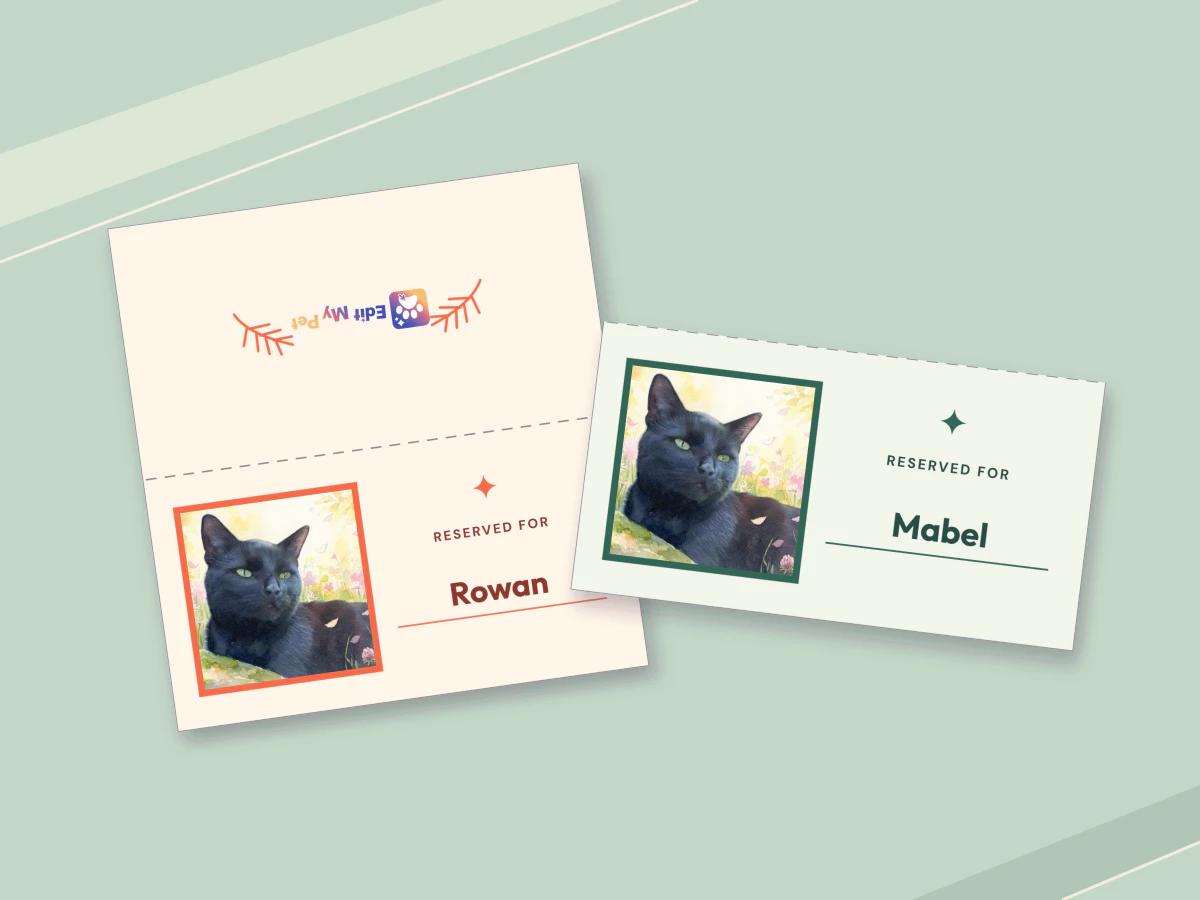
Seat your guests with a little help from the family pet. Each name prints beside the portrait on a folded tent card that stands on the table without a holder.
Open a template, add your pet photo or a saved EditMyPet portrait and fill in the names or greeting. Download the PDF and print it on one side at 100%. A pair of scissors is all you need to cut out the pieces.
Pet portrait print sizing guideYes. Open a craft template and upload a JPG, PNG or WebP image up to 20 MB. You can personalize the design and download the PDF without an account. If you’ve already made a portrait on EditMyPet, sign in to find it under My generated portraits.
A photo bookmark has four straight edges. Cut it out and slip it into a book, or add a tassel later. For a place card, cut out the rectangle and fold it along the dashed line so it stands beside a plate.
Yes. Open a template and select “View A4 sample PDF” to print the design with a pet picture already in place. If you prefer a paw print, leave the photo space empty in the editor and download the sheet in A4 or US Letter.
Each sheet uses one image. Upload a photo of the pets together, or export a separate PDF for each pet. For a two-pet Christmas ornament, cut a matching circle from each print and glue them back to back. For birthday bunting, alternate the pets’ flags along the string.
Each bookmark has its own message field, and each place card can have its own guest name. Christmas gift tags share one printed greeting and have blank To and From lines for handwriting. The birthday flags and ornament faces repeat the message you enter for that sheet.
Change it in the template editor and download a fresh PDF. The photo and lettering are fixed in the exported file. Save each version with a different filename if you’re making sets for several people.
Yes. Save your personalized A4 or US Letter PDF and take it to a print shop. Ask for single-sided printing at actual size. Even the double-sided ornament uses a single-sided print, because you glue two cut circles together.
A printer’s Fit to page setting can shrink the artwork. Print on the same paper size as the PDF and set the scale to Actual size or 100%. Measure the line marked 25 mm at the foot of the sheet to check the result.