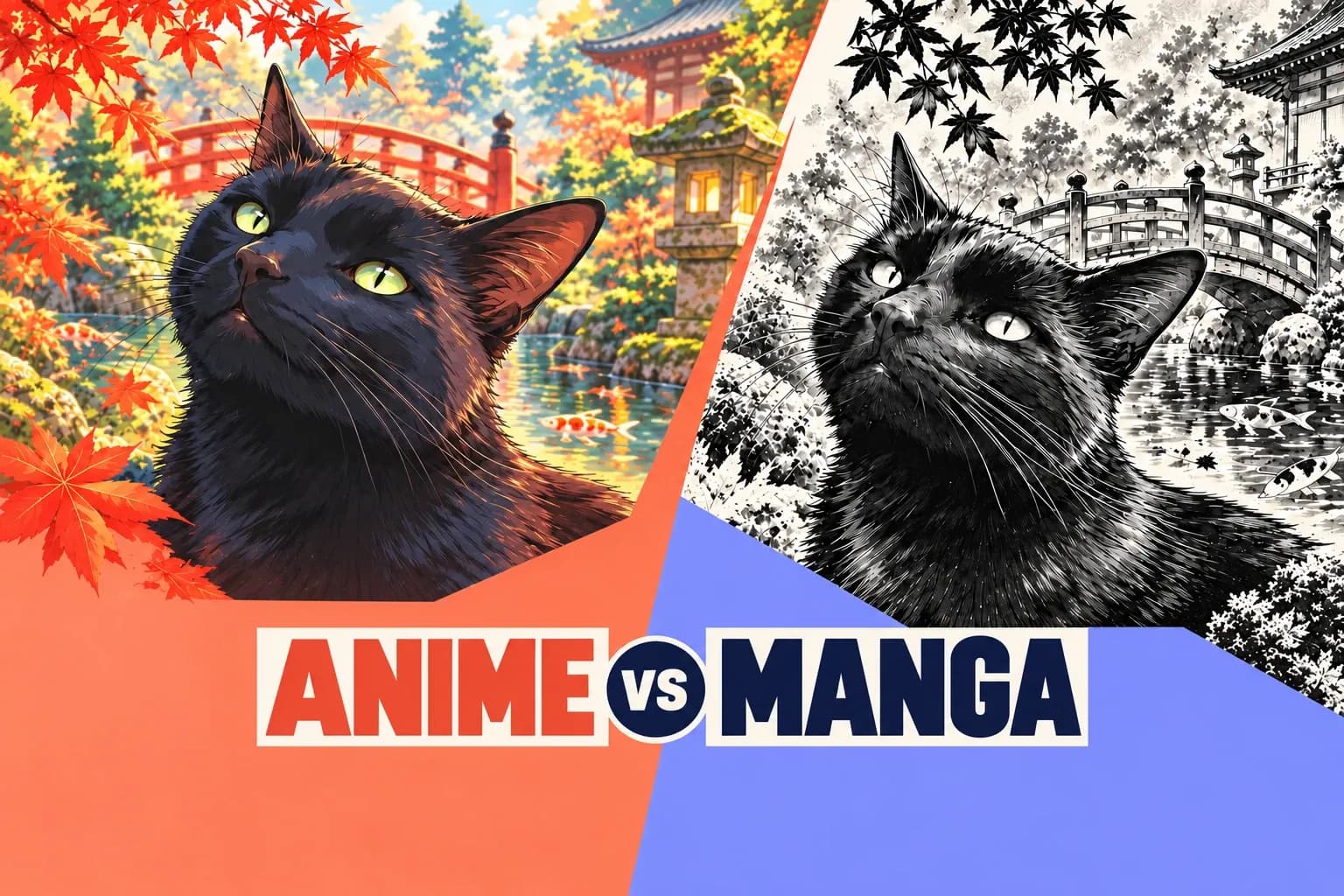
We put Chuck in the same Japanese garden twice. Soft Kyoto Anime looks like a quiet moment in an animated film. Cinematic Manga Ink is the one we’d use for a page about a cat who has heard something in the trees.
Both galleries use the same three source photos in Japanese Garden, with Creative Mode On and no added accessory.
Anime and manga pet portrait examples
Soft Kyoto Anime
Example 1 of 3: Chuck
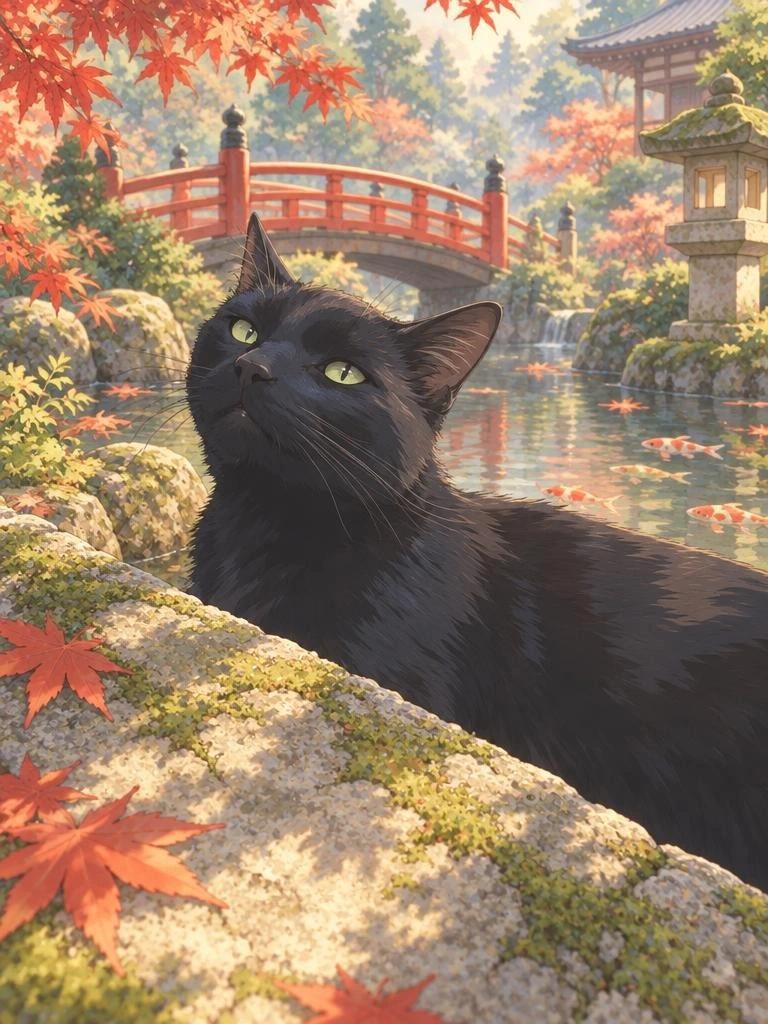
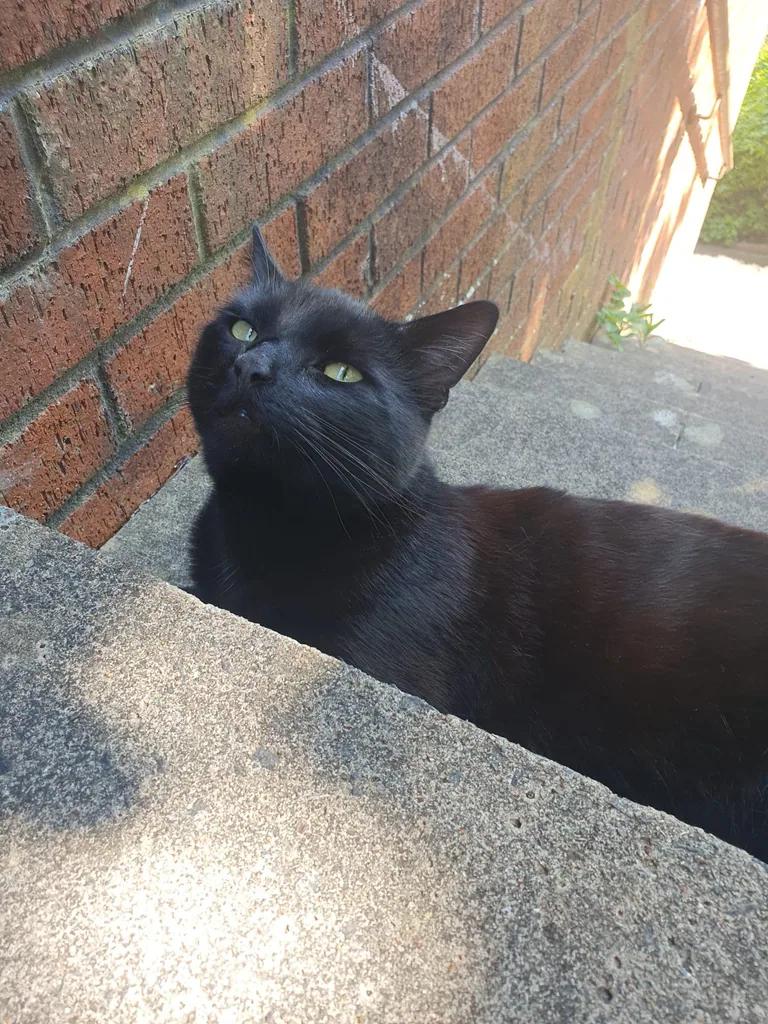


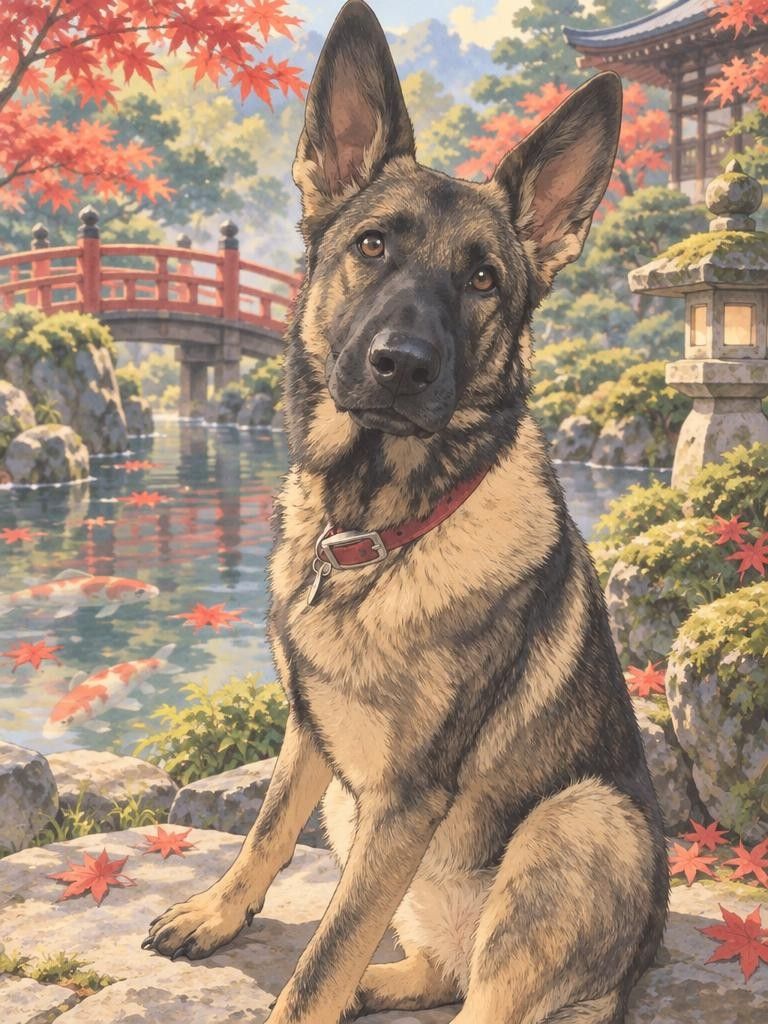
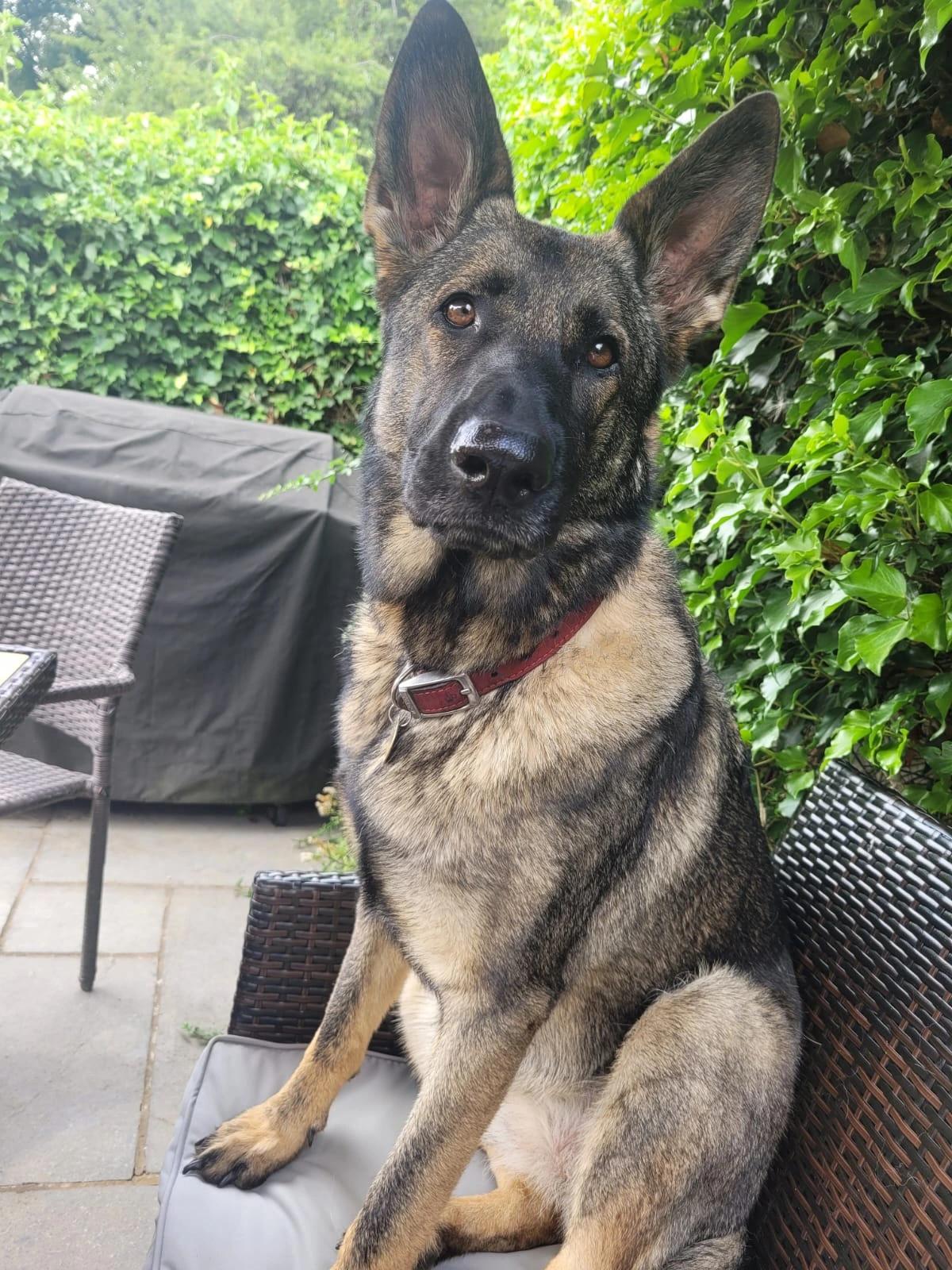
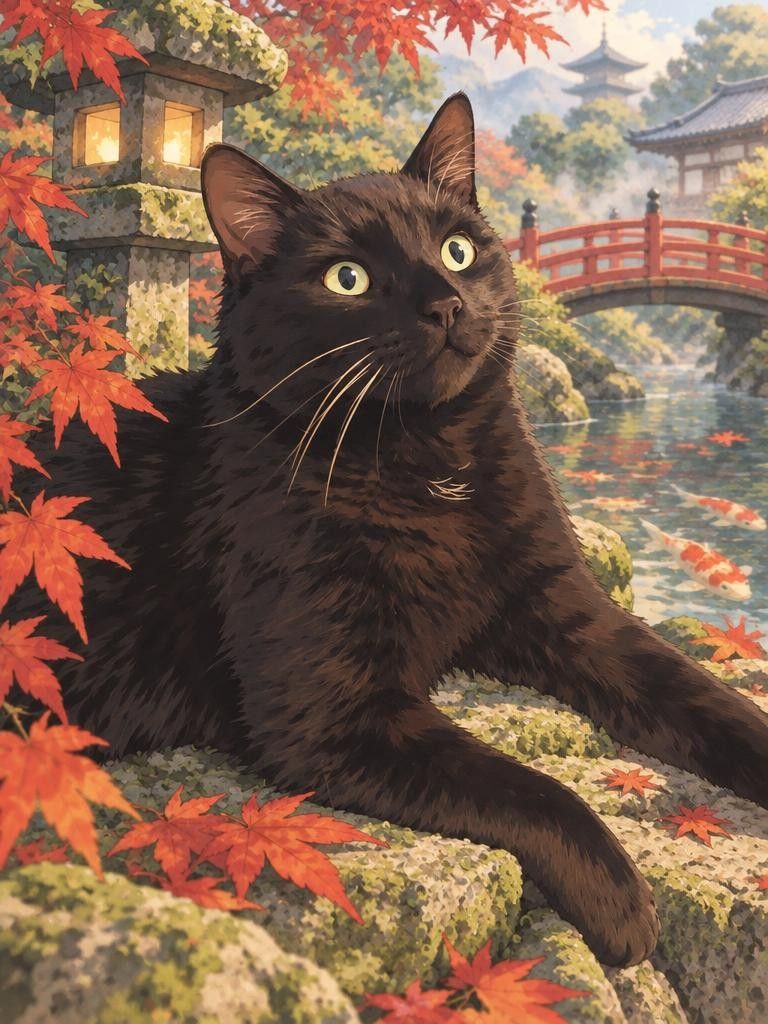
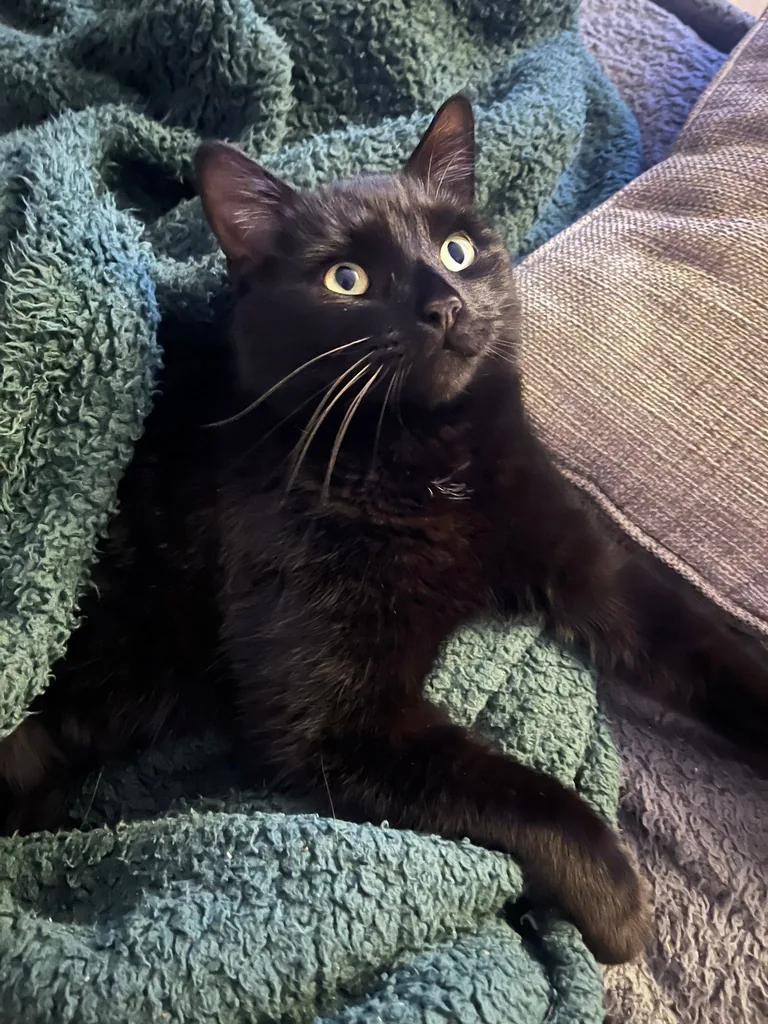
We’d use the anime version for an autumn card or phone wallpaper. The colour makes the garden feel like a place you might want to spend a while.
Cinematic Manga Ink
Example 1 of 3: Chuck
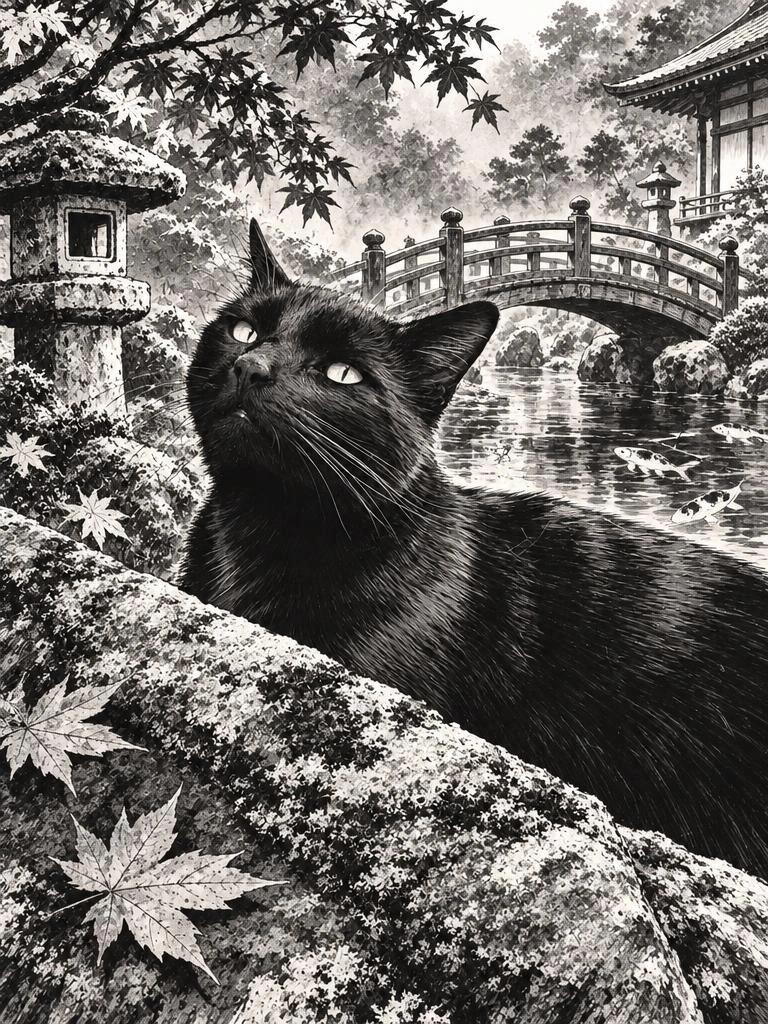

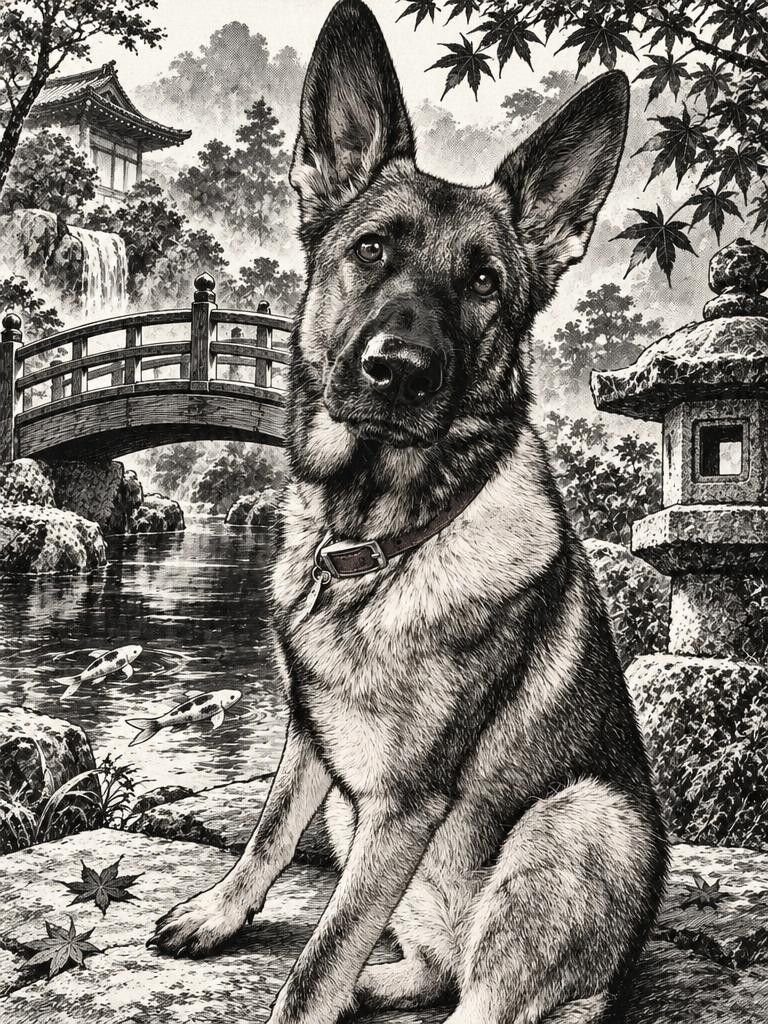
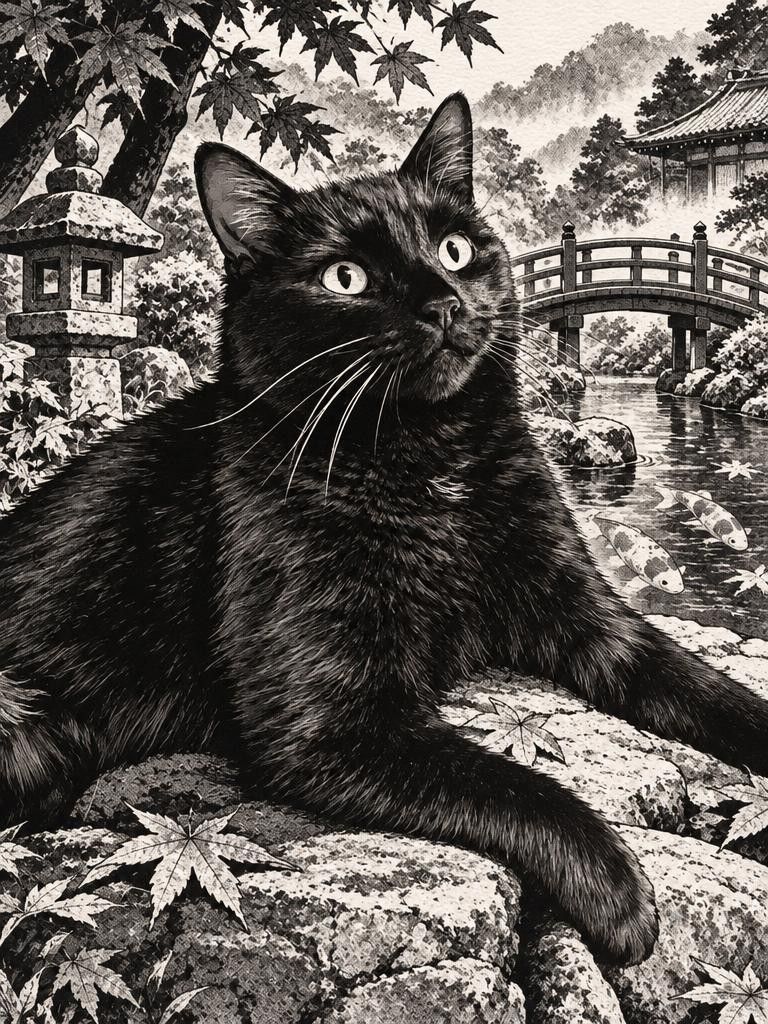
Manga Ink works well for a one-panel story. Give the portrait a generous margin if you want to add a line of dialogue afterward, especially with all that ink around Chuck.
Anime and manga in a still portrait
Anime refers to animation; manga to comics. Adobe’s introduction to anime and manga explains the distinction. These portraits borrow their visual language as still images. Colour alone does not separate the two media.
Create an anime or manga portrait of your pet
- If you want to make both versions, use the same source photo and scene in Create. Keep Creative Mode On and try Soft Kyoto Anime and Cinematic Manga Ink so the art reaches the pet in both.
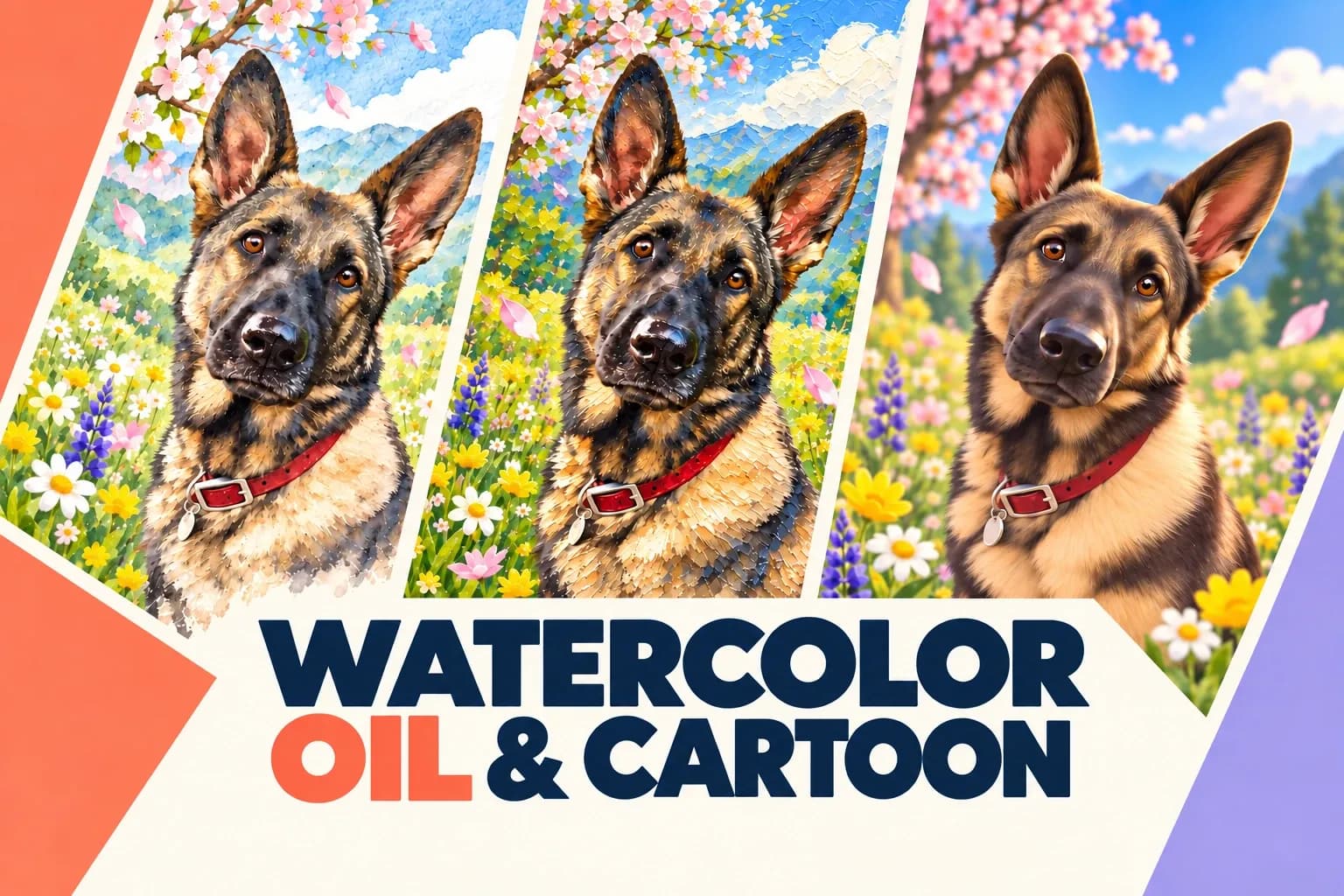
More examples: anime pet portrait generator, manga pet portrait generator. The watercolor, oil and cartoon guide shows three other art styles.
Browse more anime-inspired looks, or use the exact choices beneath a comparison.
Explore anime pet portraitsFrequently Asked Questions
Will an anime pet portrait be animated?
The workflow shown here produces a still image. An anime-inspired appearance does not mean the download is an animation or video.
Why does my pet remain photographic when I select an anime style?
With Creative Mode Off, your pet stays photographic. Creative Mode On applies the chosen style to your pet and the scene.
Related Articles