Cinematic

Cinematic
Dramatic movie-like lighting
Turn a favourite photo into a cinematic pet portrait filled with dramatic light, film colour and a setting that feels like the beginning of a bigger story.
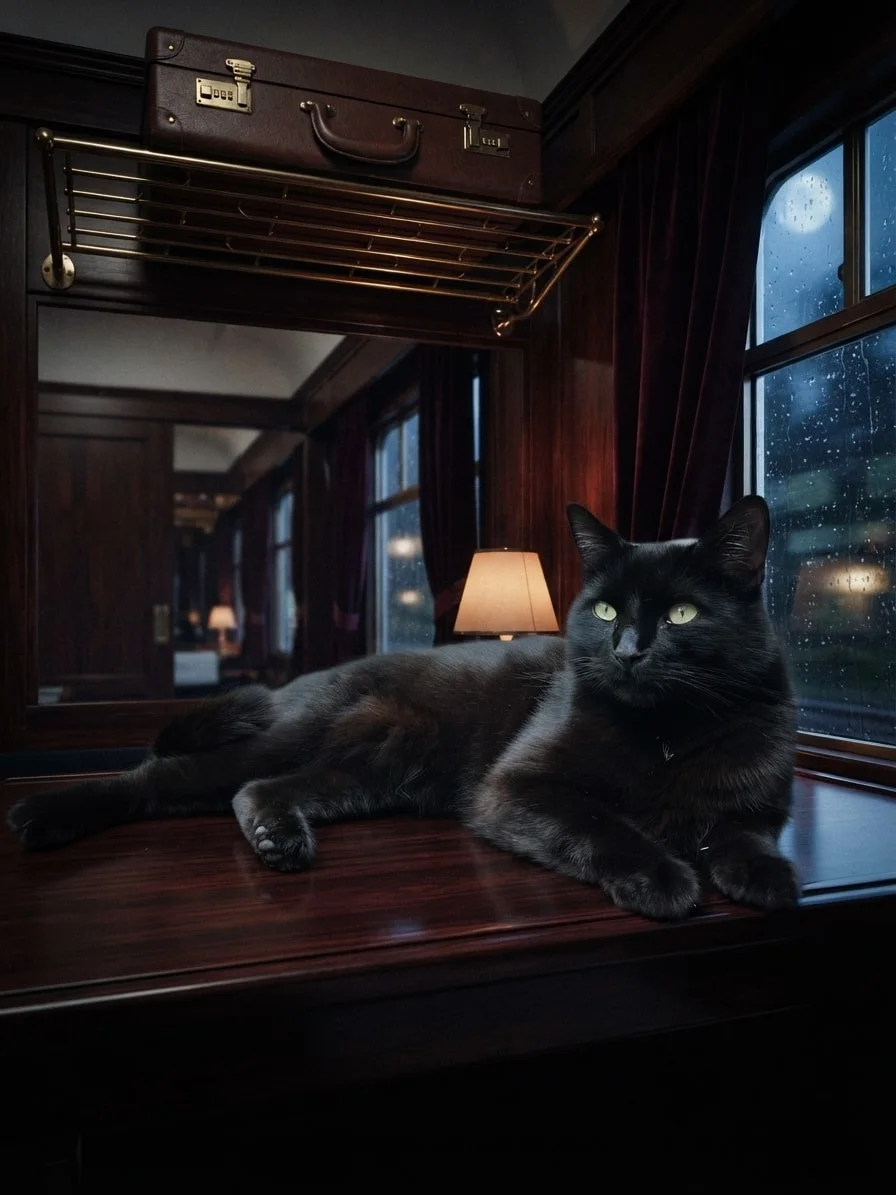
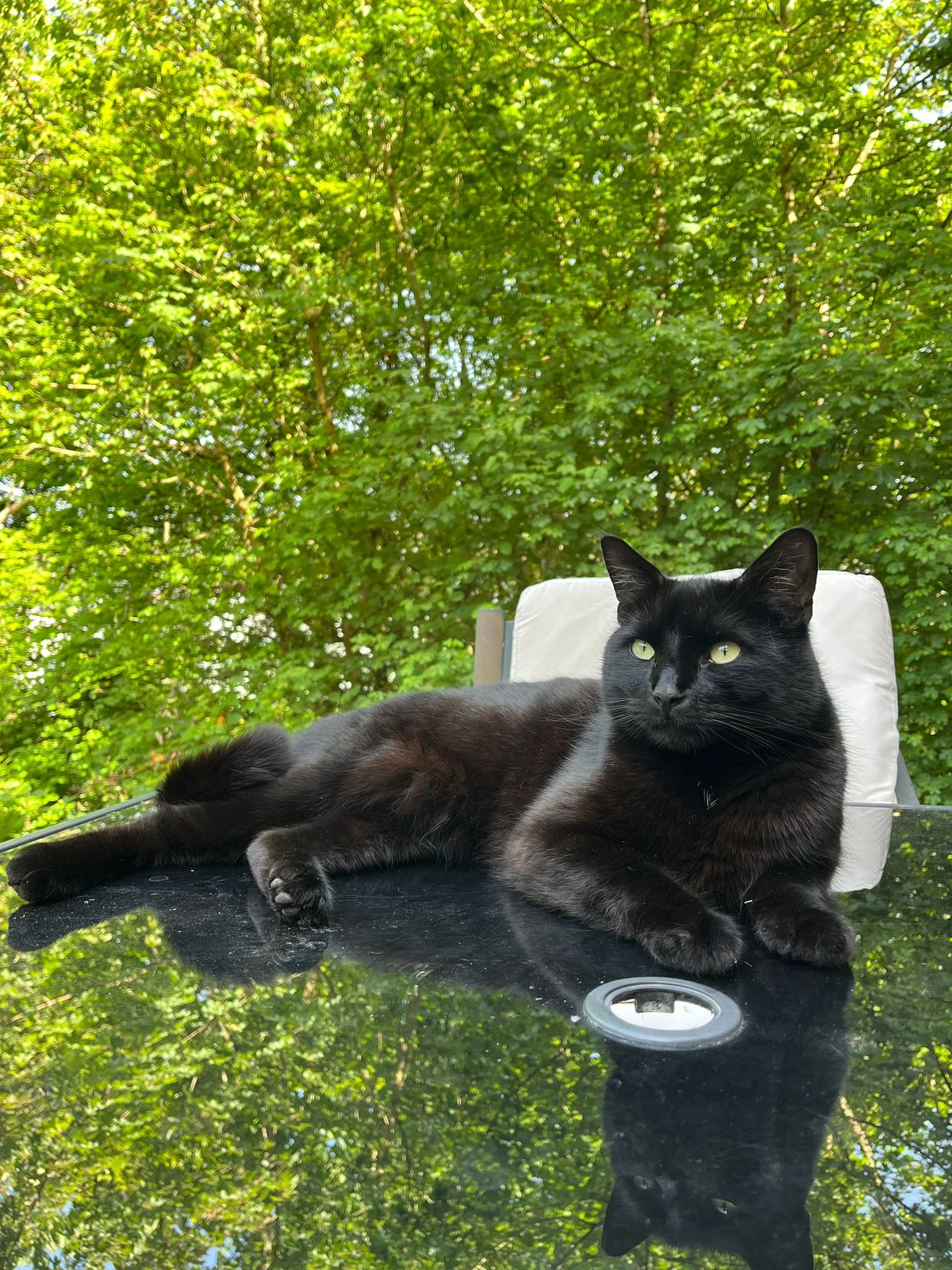
Midnight spy train
Drag to compare
Move between polished mystery, fast action, monochrome suspense, polar night and moonlit glamour, then discover which cinematic world turns their familiar expression into a story worth replaying.
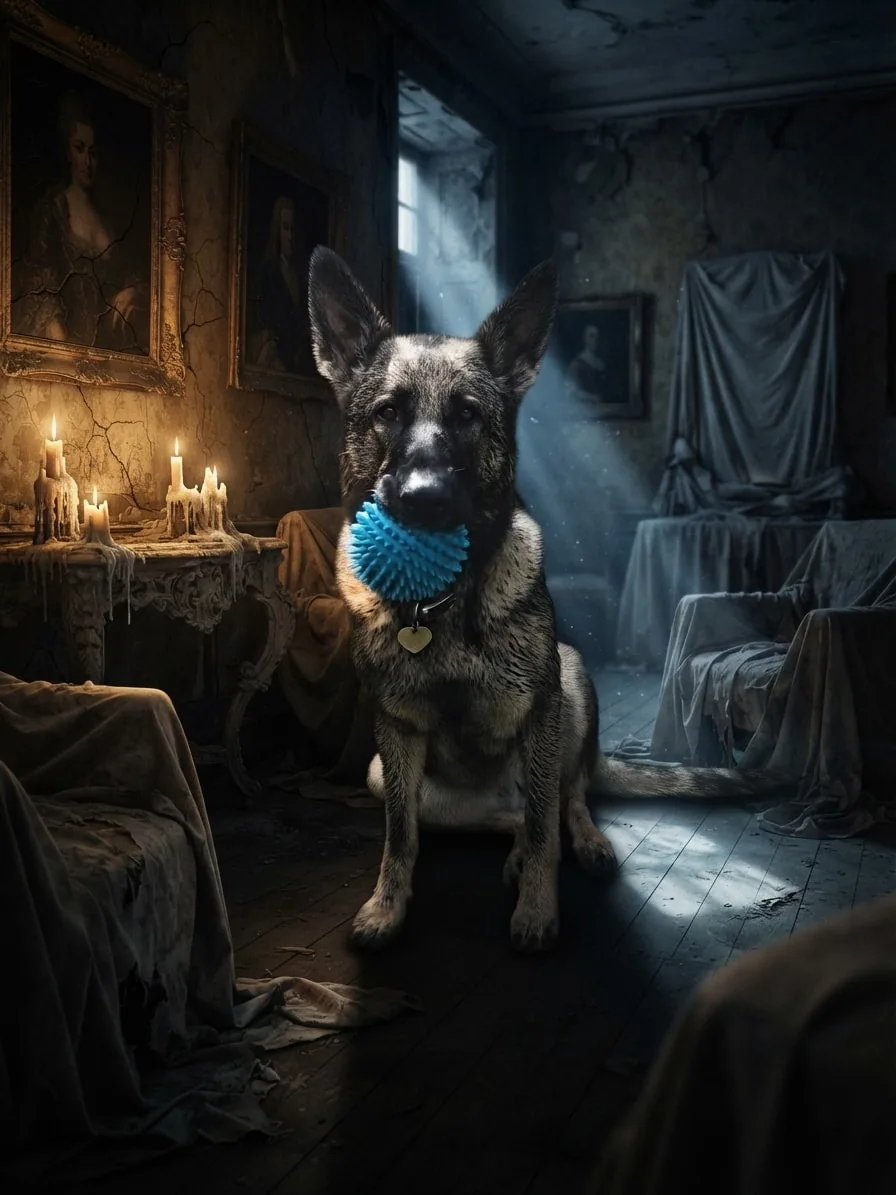
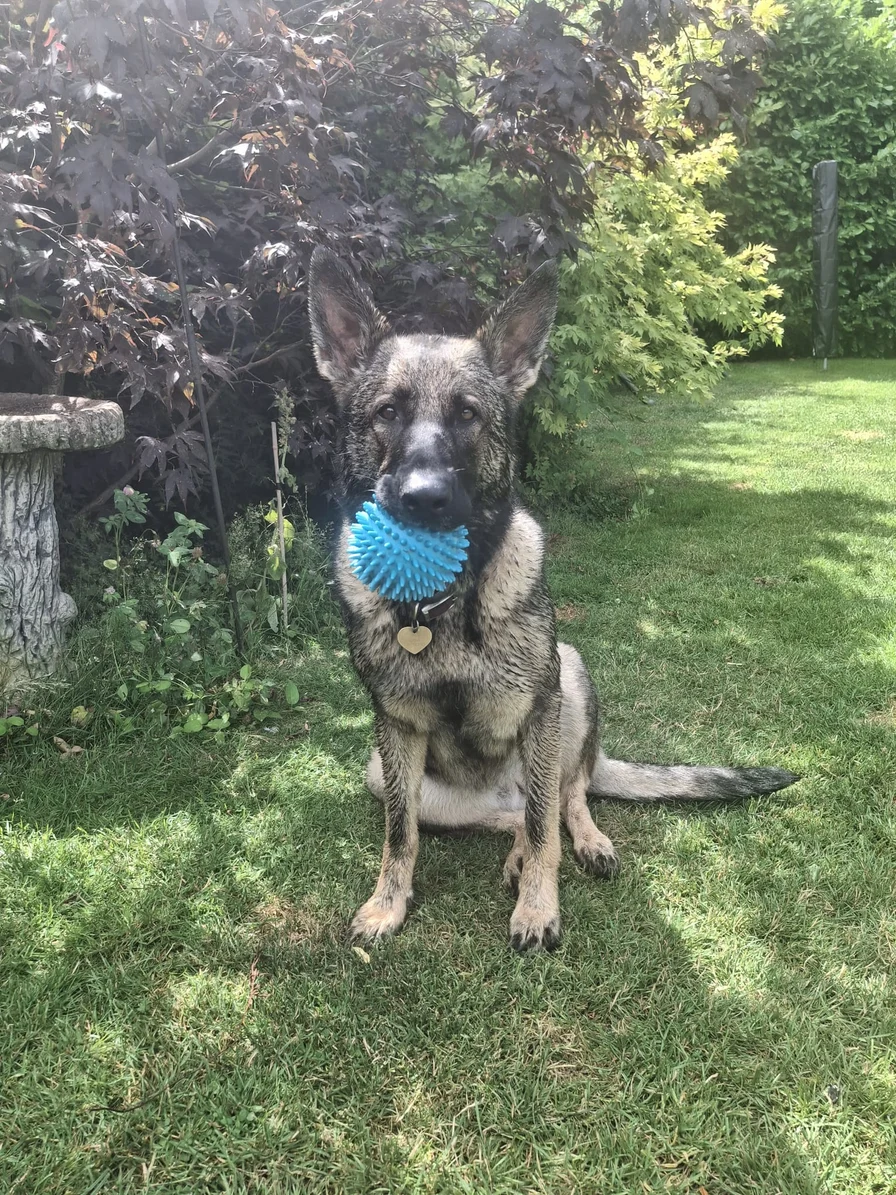
Candlelight, antique portraits and a neglected manor surround Eve with the atmosphere of a gothic mystery.
Creative choices
Creative Mode On
Cursed Portrait Gallery
Candlelit antique portraits inside a decaying manor gallery
Cinematic
Dramatic movie-like lighting
Upload a new photo or choose one of your saved pets next.
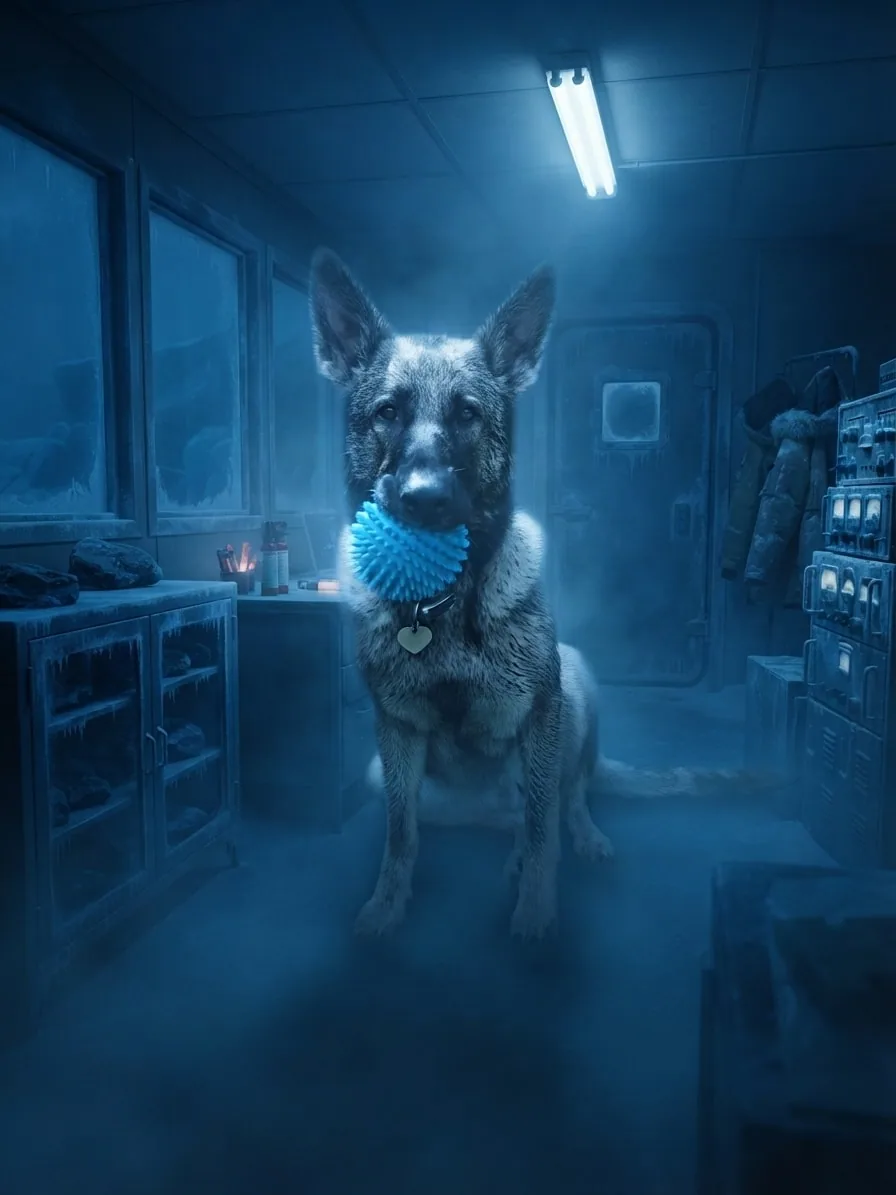
Deep blue fog, frost and emergency light surround Eve while her bright blue ball keeps the moment playful.
Creative choices
Creative Mode On
Arctic Research Outpost
Frosted polar station surrounded by deep blue stormlight

Moonlit Blue Fog
Luminous midnight mist
Upload a new photo or choose one of your saved pets next.
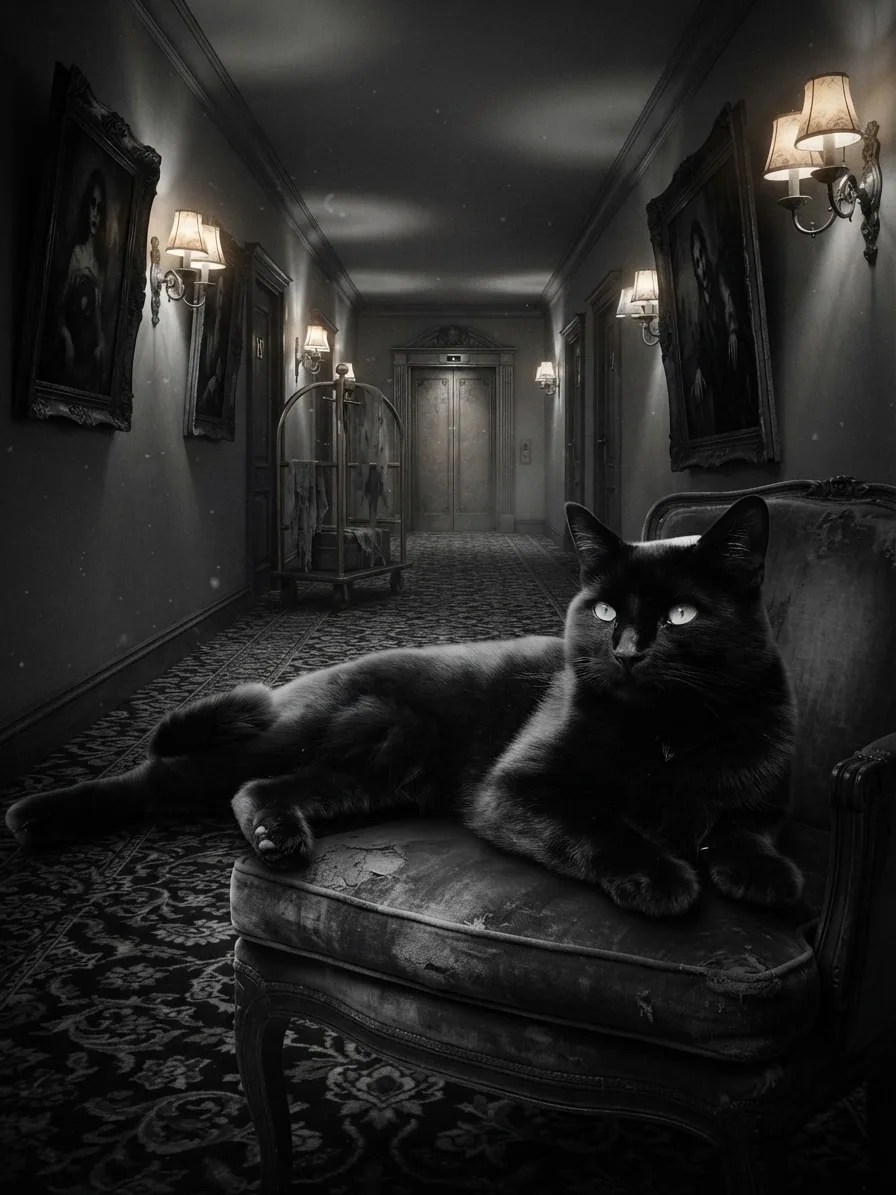
Crisp monochrome light and a long empty corridor turn Chuck's familiar pose into a classic suspense-film still.
Creative choices
Creative Mode On
Haunted Hotel Corridor
Flickering lamps and cold shadows haunt grand corridors

Cinematic Noir
Moody black-and-white drama
Upload a new photo or choose one of your saved pets next.
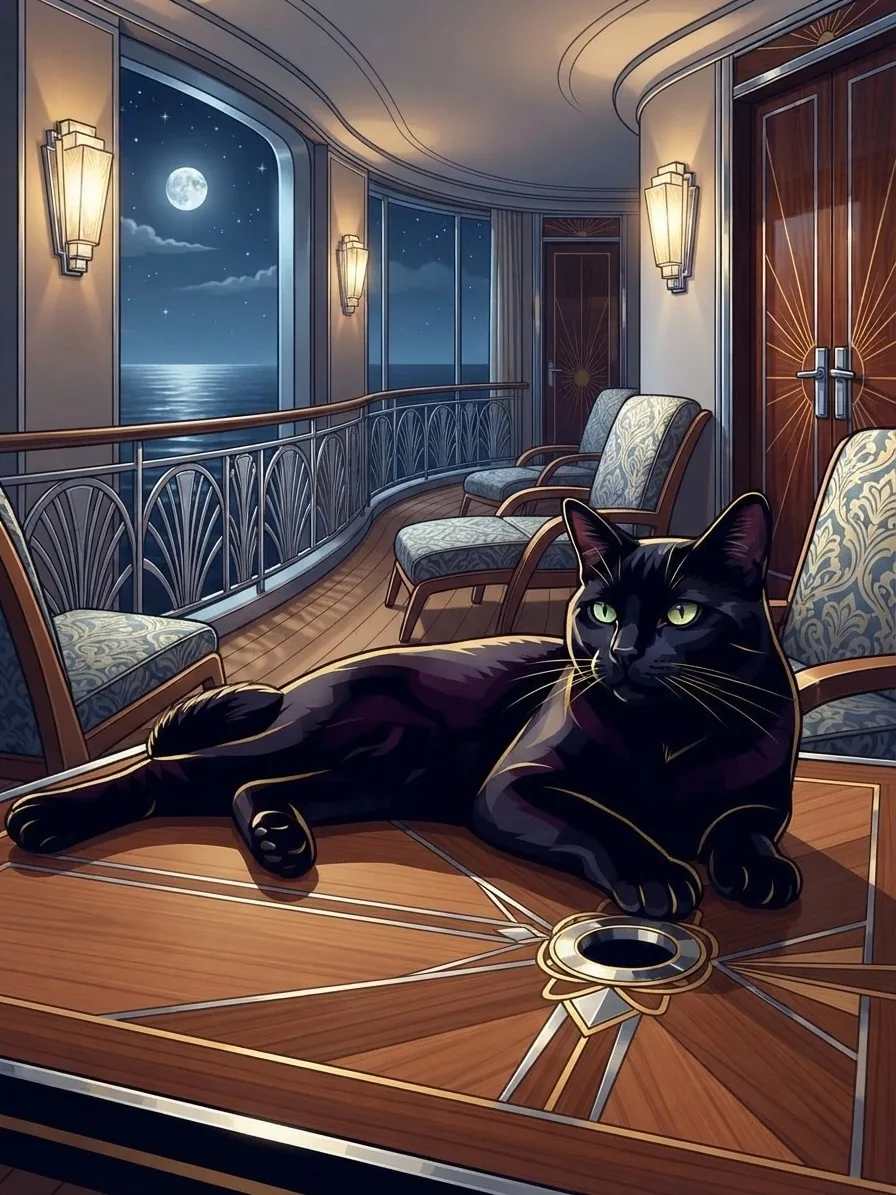
Warm teak, chrome rails and soft film colour give Chuck a polished historical portrait beneath the moon.
Creative choices
Creative Mode On
Art Deco Ocean Liner
Chrome and teak glamour beside the moonlit sea

Art Deco Luxe
Elegant geometric decorative art
Upload a new photo or choose one of your saved pets next.
Start with polished movie light, strict noir, nostalgic film colour or a more atmospheric night and fog treatment. Choose the style first, then find the scene that brings it to life.
Cinematic
Dramatic movie-like lighting
Cinematic Noir
Moody black-and-white drama
Art Deco Luxe
Elegant geometric decorative art
Moonlit Blue Fog
Luminous midnight mist

Neon Rain
Rain-soaked neon movie still

Backlit Vapor Glow
Radiant light streaming through mist

Gothic Moor Fog
Brooding windswept period drama

Moonlit Silver Night
Deep blue night with silver moonlight.

Emberglow Fog
Smoky amber-red fog, broad god rays and silhouette lighting.

Fogbound Mystery
Desaturated suspense-film atmosphere
Begin with a favourite photo, choose the scene and film mood, then let EditMyPet bring every light, colour and detail together.
Upload a clear favourite from your camera roll or begin with one of your saved pets.
Choose a photo
JPG, PNG or WebP

Choose a story-led setting, then add cinematic light, noir contrast, film colour or atmospheric fog.
CinematicCinematic NoirArt Deco LuxeEditMyPet brings the scene and style together into a finished portrait ready to download.

Ready to download
Download
Have a scene, style or accessory you wish EditMyPet had? Send us the idea and tell us what would make it special. The next favourite choice in Create could start with your suggestion.
An accepted idea earns 5 tokens
Use the email address on your EditMyPet account. If we accept your suggestion, we'll add 5 tokens to the matching account.
Suggestions are reviewed individually. Tokens are awarded only for ideas EditMyPet accepts.
Upload a clear pet photo or choose a saved pet, select the scene that sets the story, add a cinematic or atmospheric style, and create. For a wider choice of settings, finishes and characterful accessories,explore the full AI pet generator
Cinematic portraits use deliberate lighting, contrast, colour, depth and a setting that suggests a wider story. A rainy train, noir corridor or moonlit deck creates a different feeling even when the same pet photo is used.
Yes. Use Cinematic for rich colour and movie-like light, Cinematic Noir for strict monochrome drama, or explore film, fog and night styles for other moods. If classic screen glamour is the mood you want,explore retro pet portraits
Your scene and style can change the strength and direction of the light. Choose a source photo where the face and silhouette are already clear, then compare brighter and moodier styles to find the balance you prefer. For a more supernatural story,explore atmospheric horror pet portraits
Creative Mode On gives the selected lighting and atmosphere more influence over the finished image. Creative Mode Off keeps more of the source photo's original colour and texture.Compare Creative Mode On and Off
Yes. Select 'Use these choices' to open Create with the complete cinematic combination ready for your pet. Choose 'Use this style' to begin with a favourite finish and build the scene around it.
Choose a scene, set the film mood and adjust every creative choice before generating.