Create a pet portrait
Explore painterly, illustrated and graphic finishes made for favourite pet photos.
Start with one pet photo, choose the world and finish, then create an image that brings out a completely new side of them.
Opt into email marketing and confirm your subscription by email to receive 3 free tokens. One starter bonus per person.
One photo, a completely new possibility
Drag to compare
Choose the outcome that caught your imagination. Each path opens a focused collection of real examples and creative choices.
Explore painterly, illustrated and graphic finishes made for favourite pet photos.
Move one familiar photo into beaches, gardens, cities, cabins and more.
Find the artistic direction that brings out the side of them you know best.
Move between each original and finished image to see how new worlds, artistic finishes and characterful details bring out a completely different side of them.
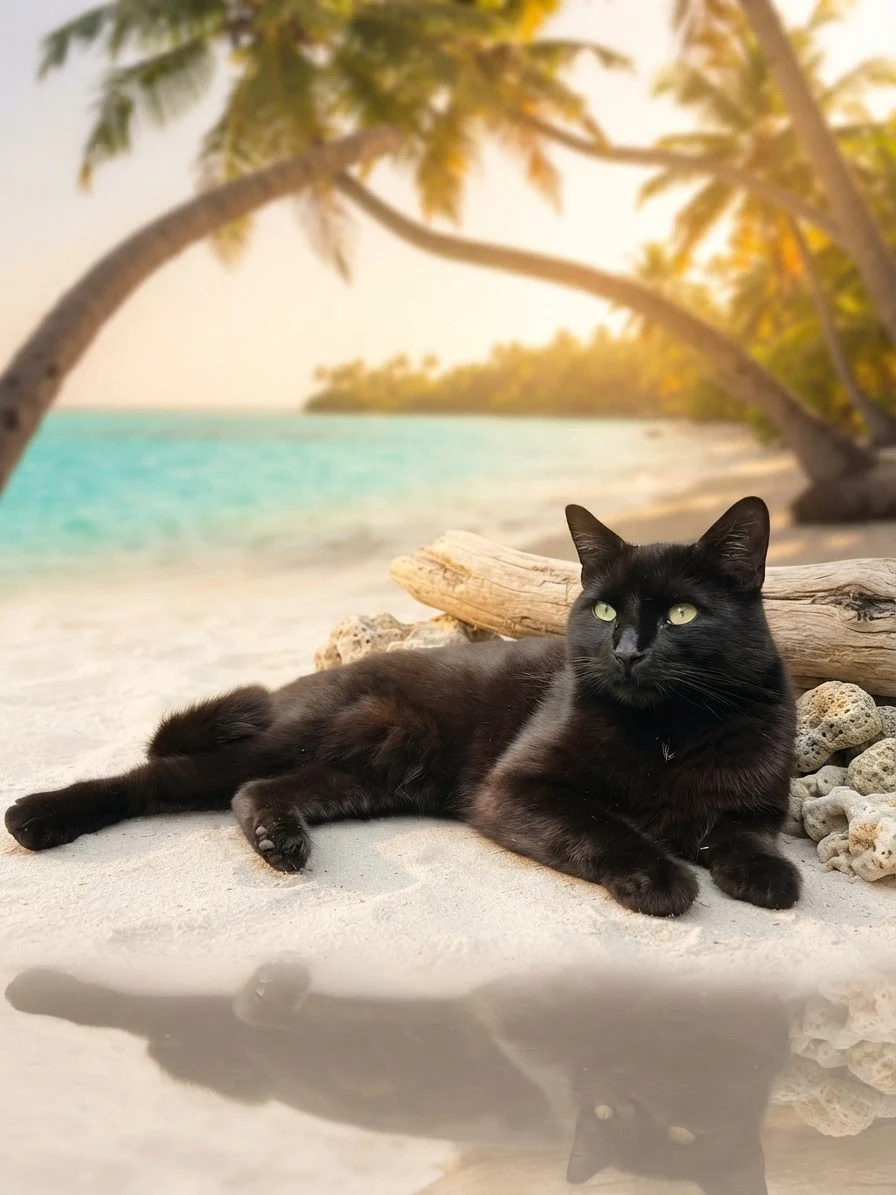
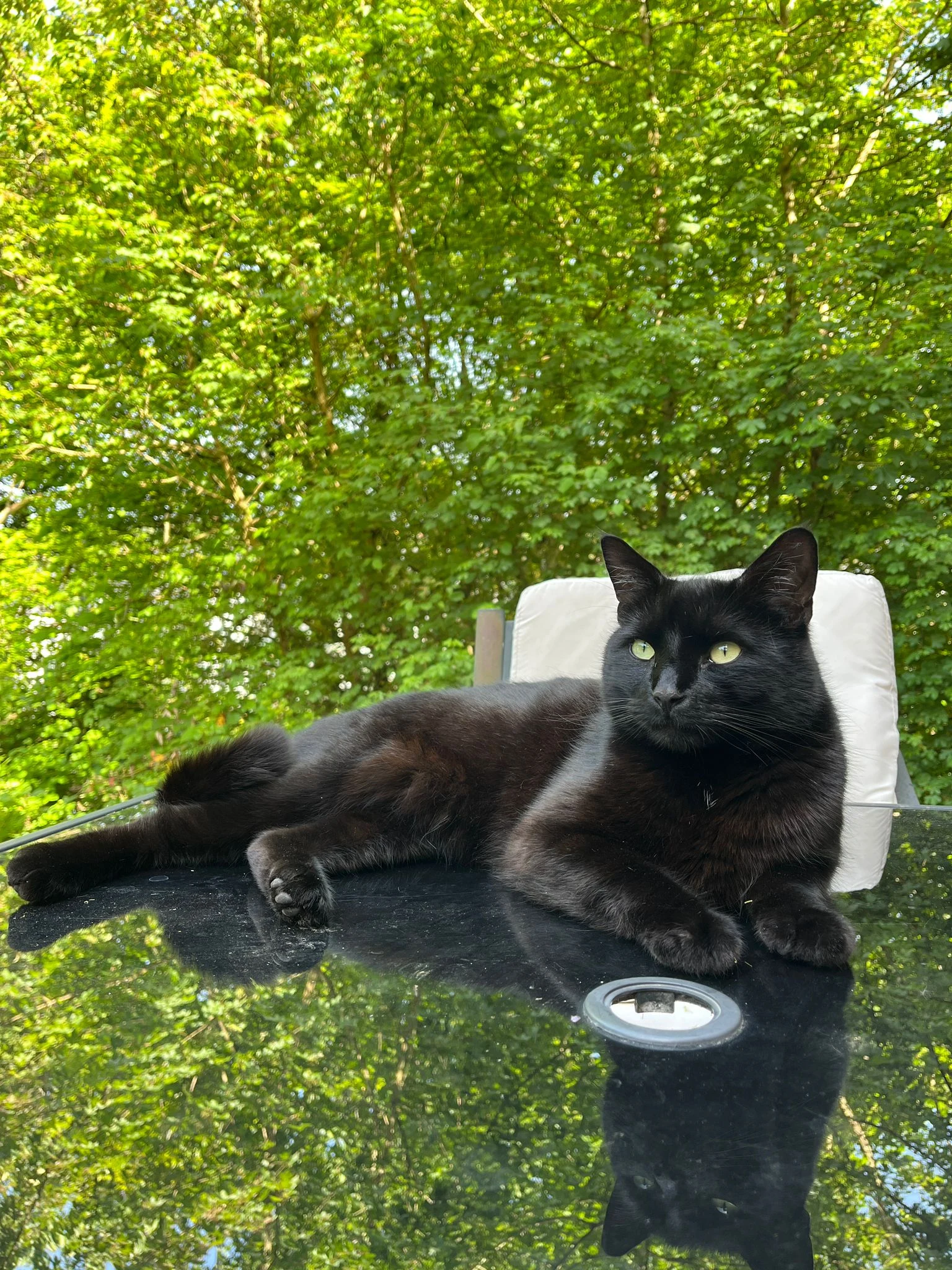
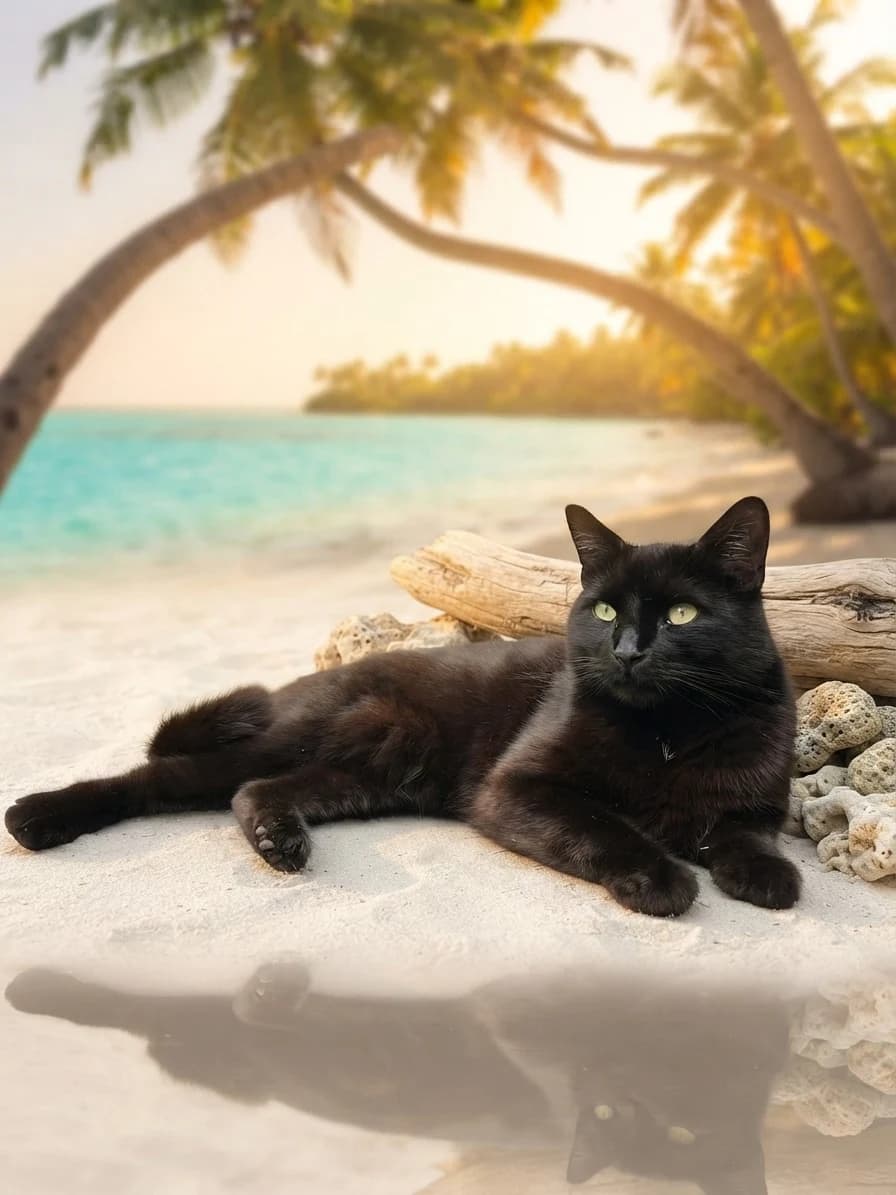
One relaxed garden photo becomes a warm beach moment while Chuck's familiar pose, green eyes and glossy black coat stay at the centre.
Creative choices
Creative Mode Off
Tropical Beach
Turquoise water, soft sand and sunset island calm

Original
Natural background replacement
Upload a new photo or choose one of your saved pets next.
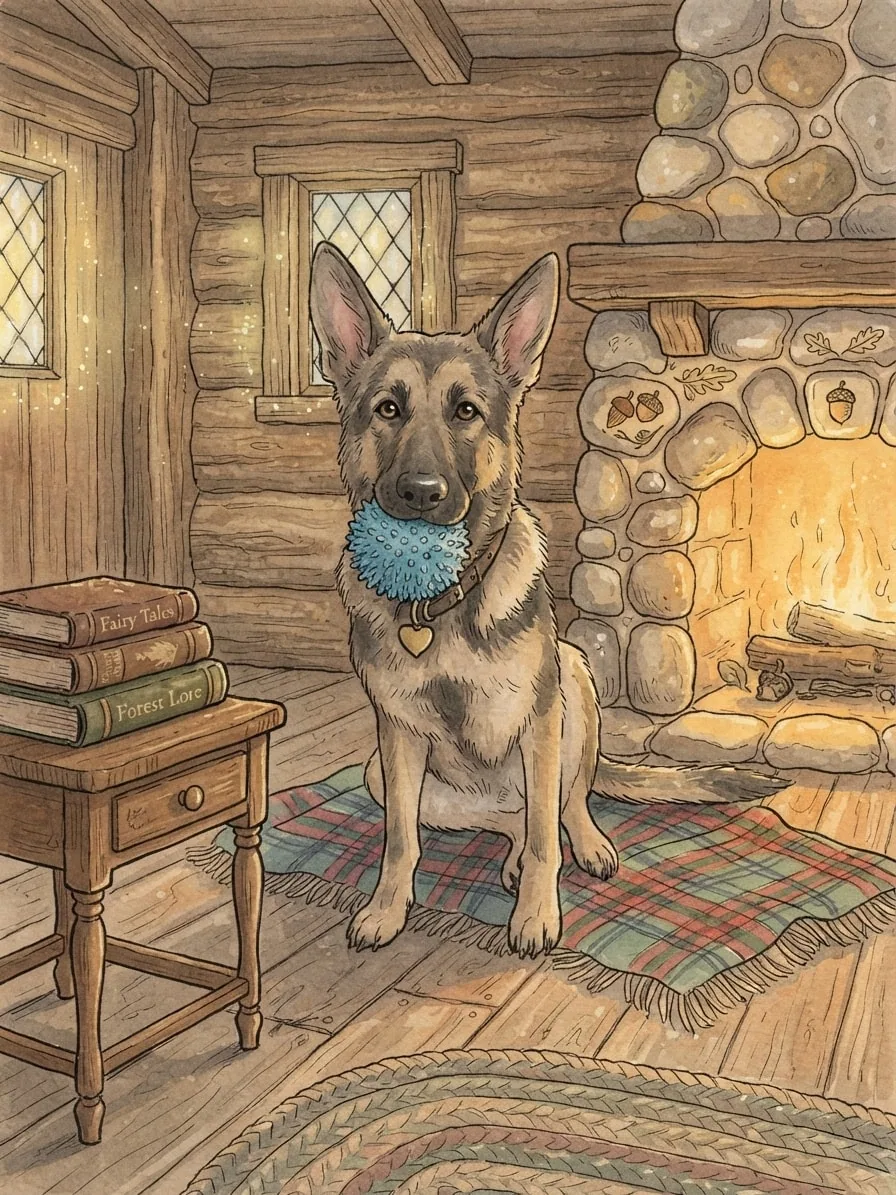
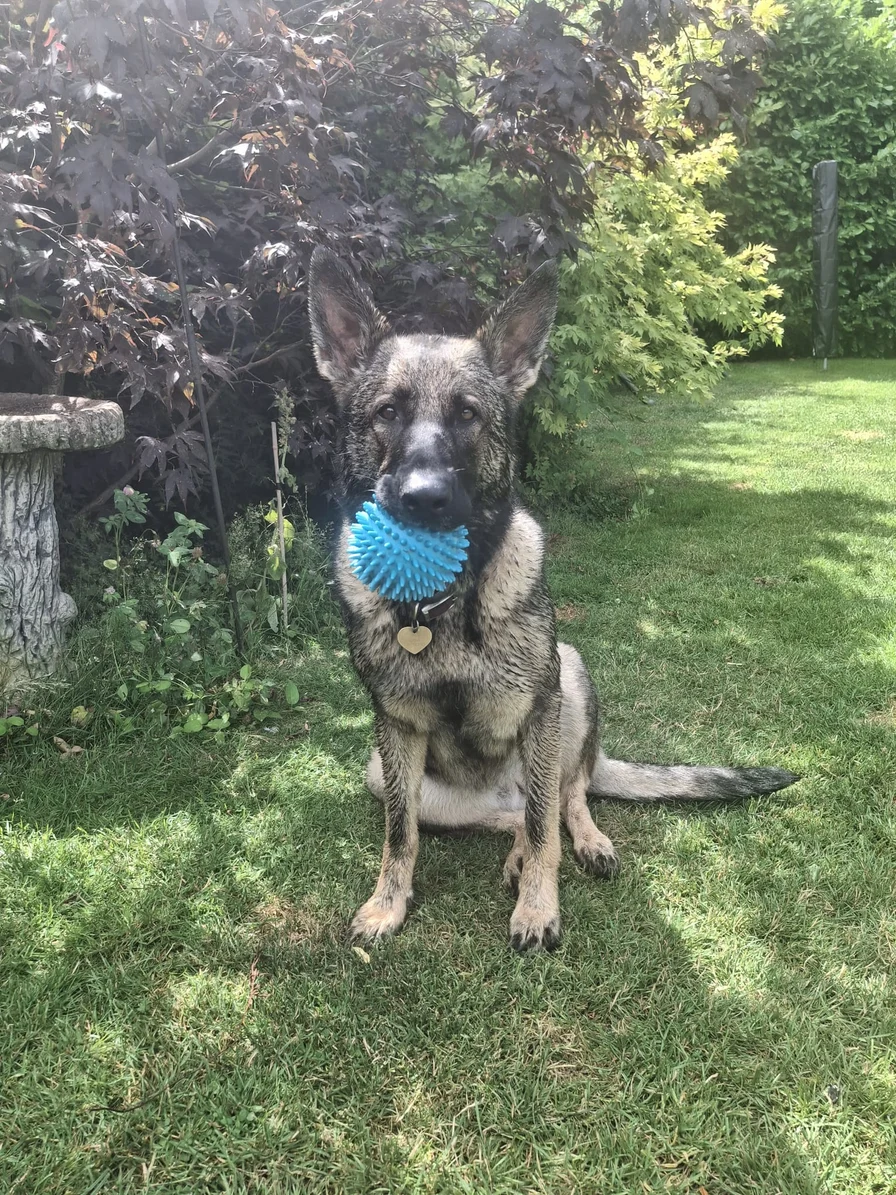
The same source photo takes on gentle linework and fireside colour, placing Eve inside a warm illustrated world.
Creative choices
Creative Mode On
Fireplace Cabin
Fireplace glow, plaid blankets and rustic cabin warmth

Storybook
Whimsical illustrated scene
Upload a new photo or choose one of your saved pets next.
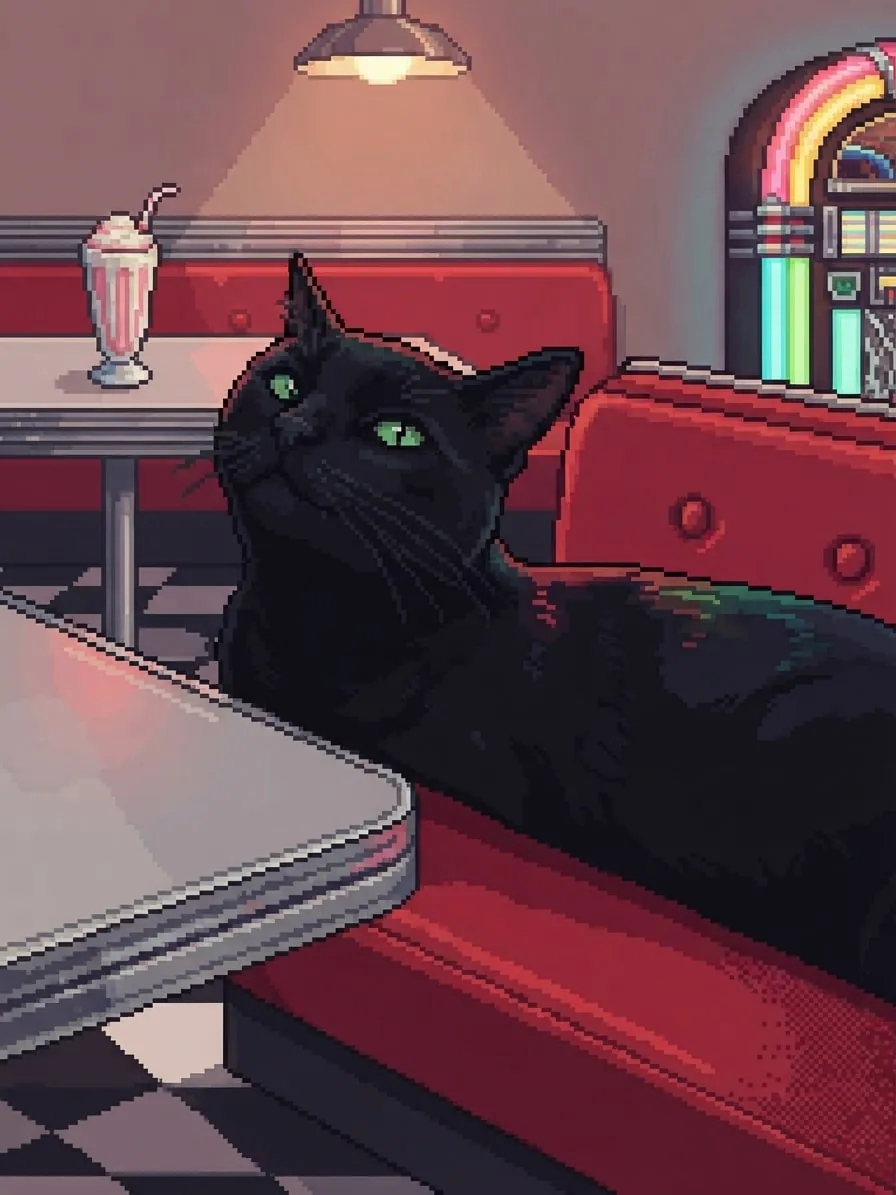
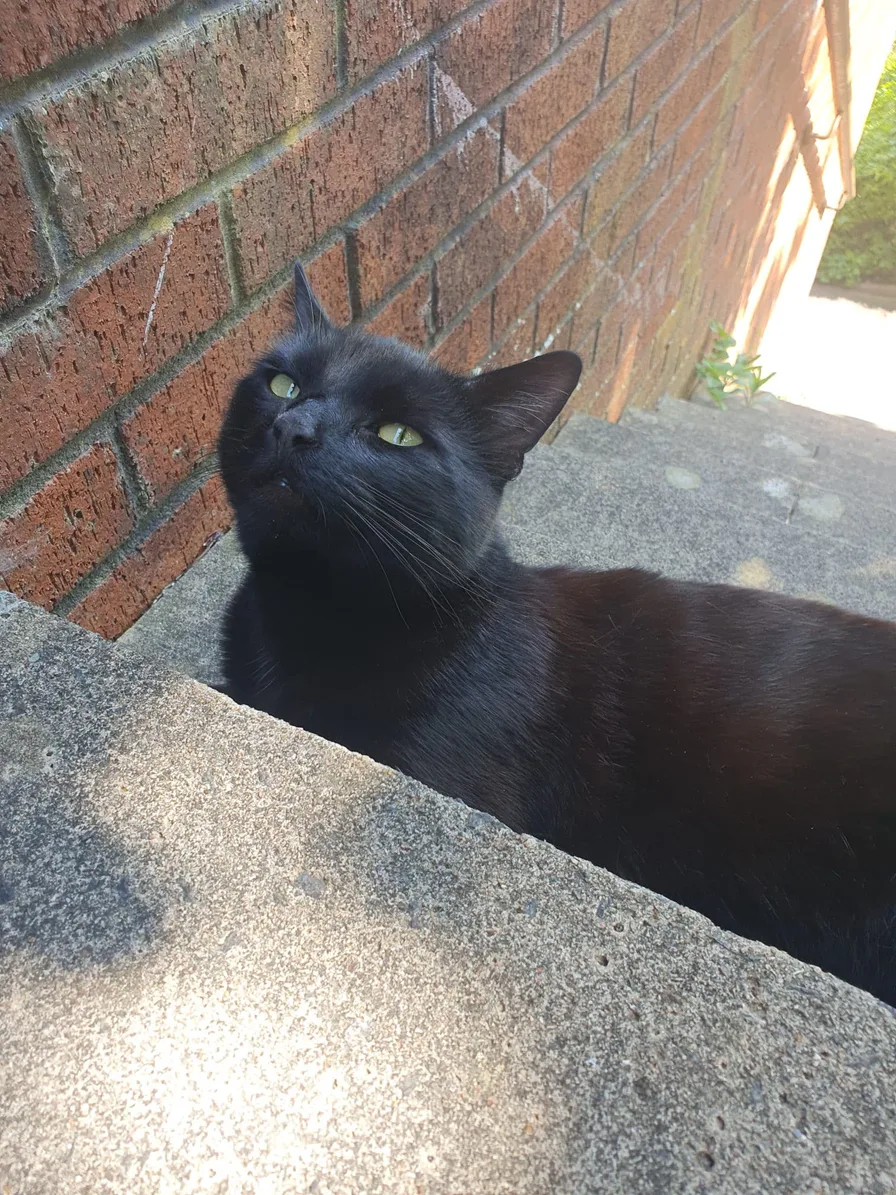
Crisp pixel clusters, warm jukebox colour and Chuck's curious expression create a character ready for a retro game world.
Creative choices
Creative Mode On
50s Diner
Chrome, neon and red booths with retro diner energy

16-bit Pixel Art
Refined clusters, crisp pixel detail
Upload a new photo or choose one of your saved pets next.
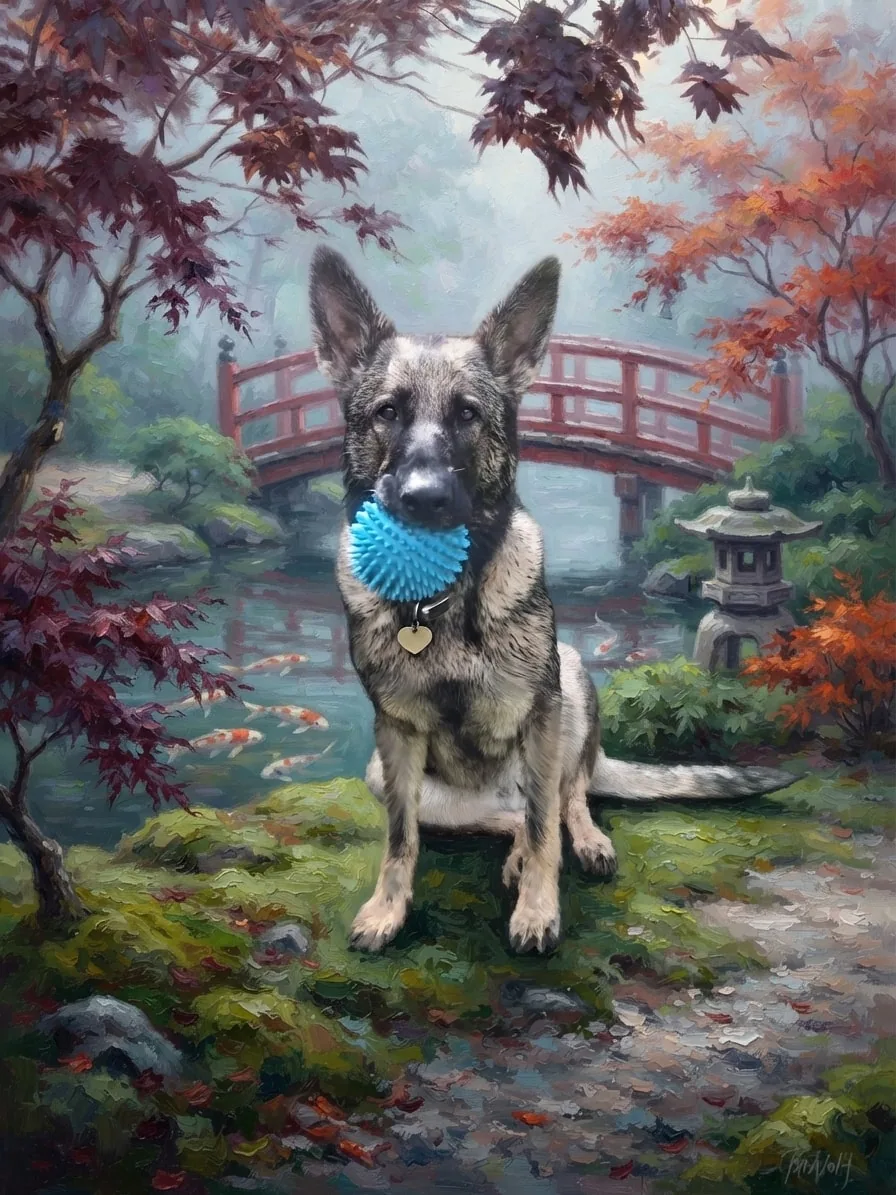
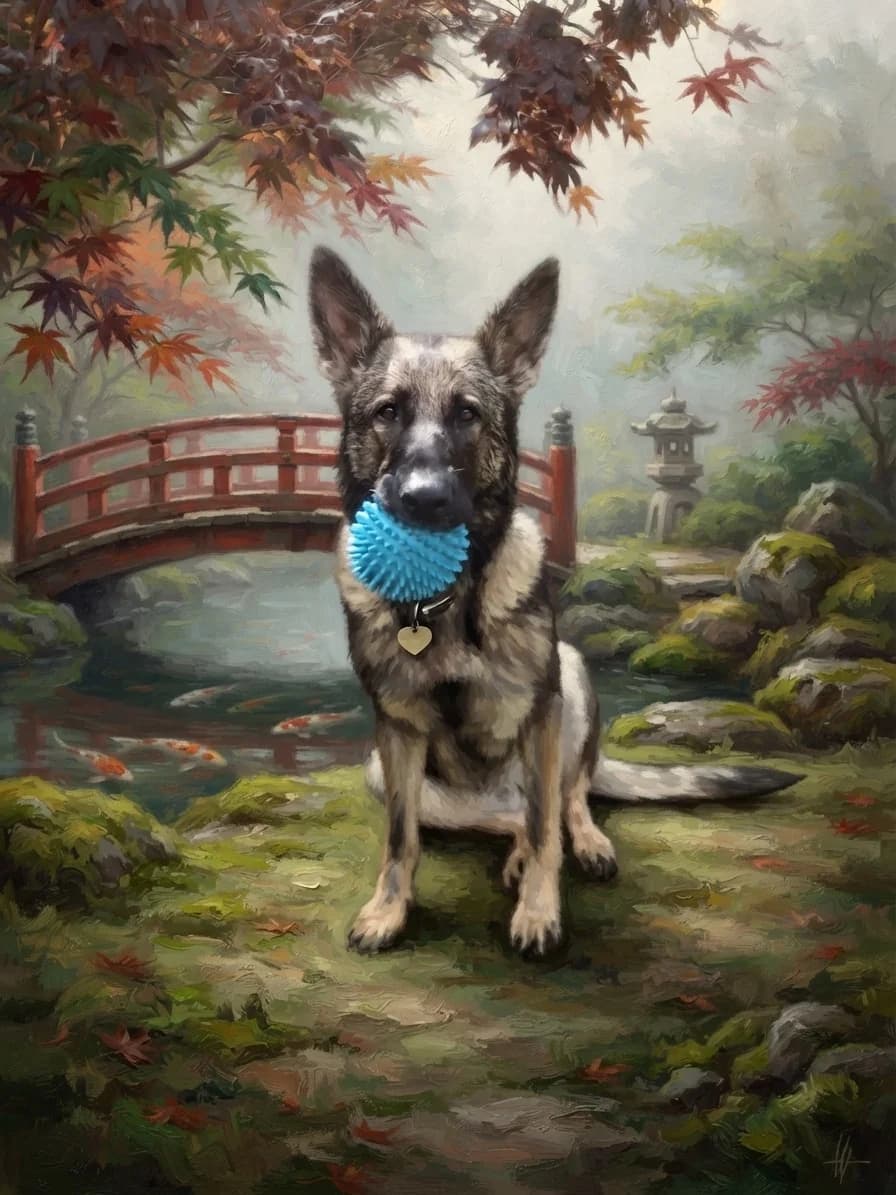
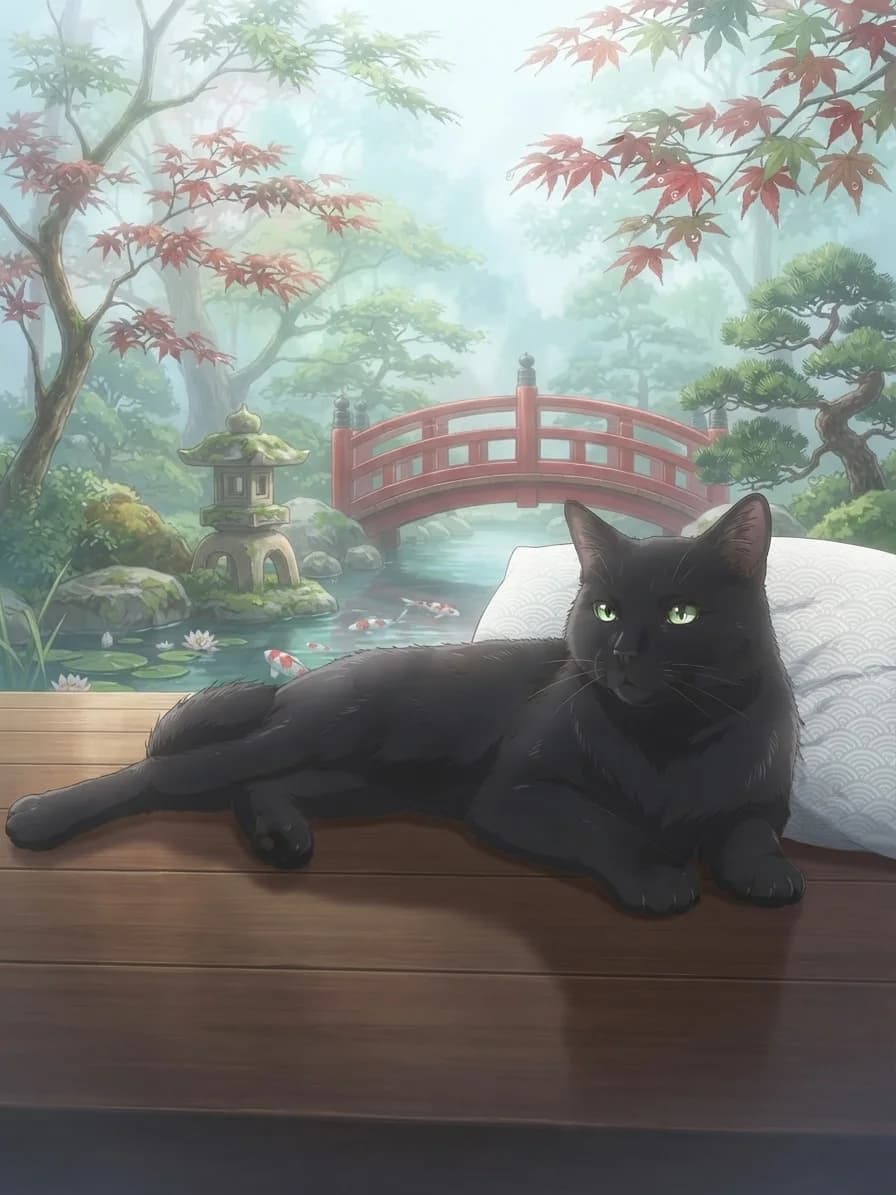
Layered brushwork, autumn colour and a red garden bridge turn Eve's outdoor photo into a rich traditional portrait.
Creative choices
Creative Mode On
Japanese Garden
Koi ponds, maple leaves and calm morning mist

Oil Painting
Classic oil painting
Upload a new photo or choose one of your saved pets next.
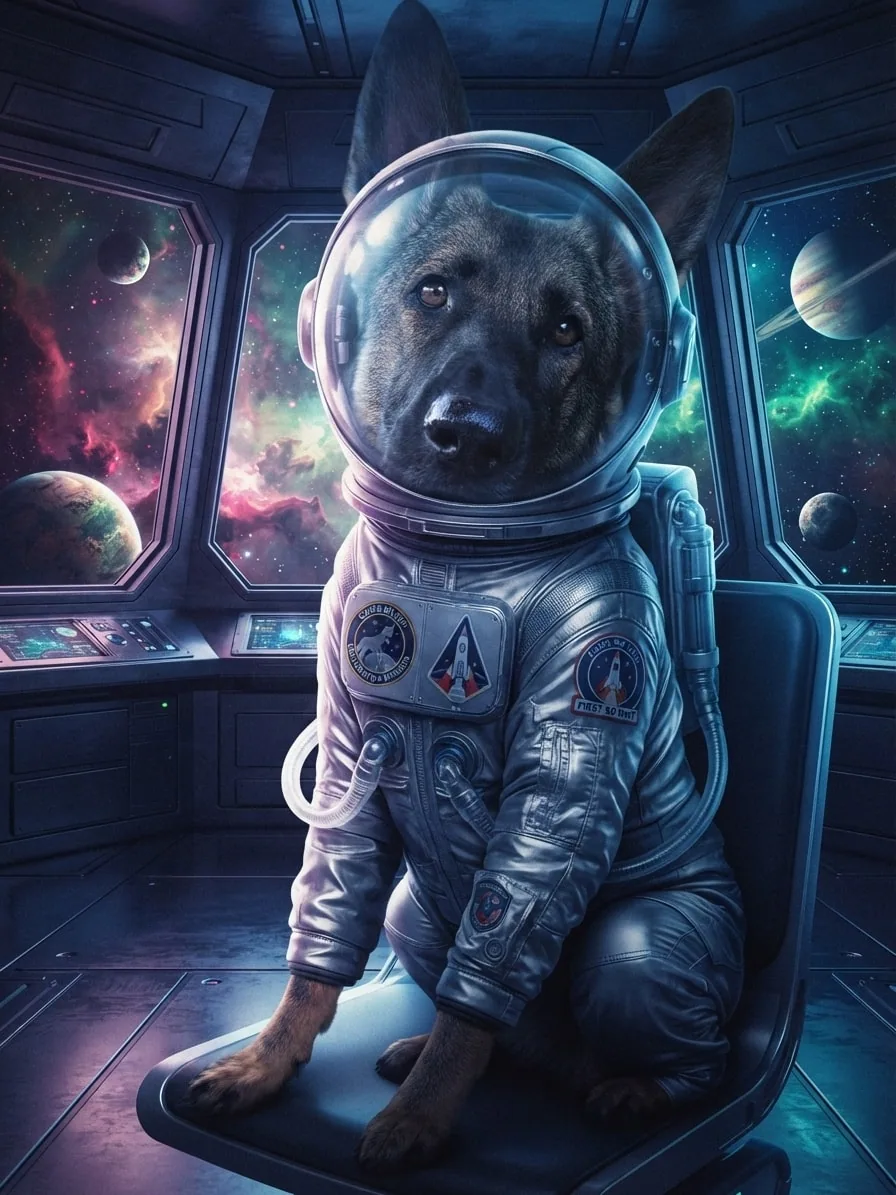
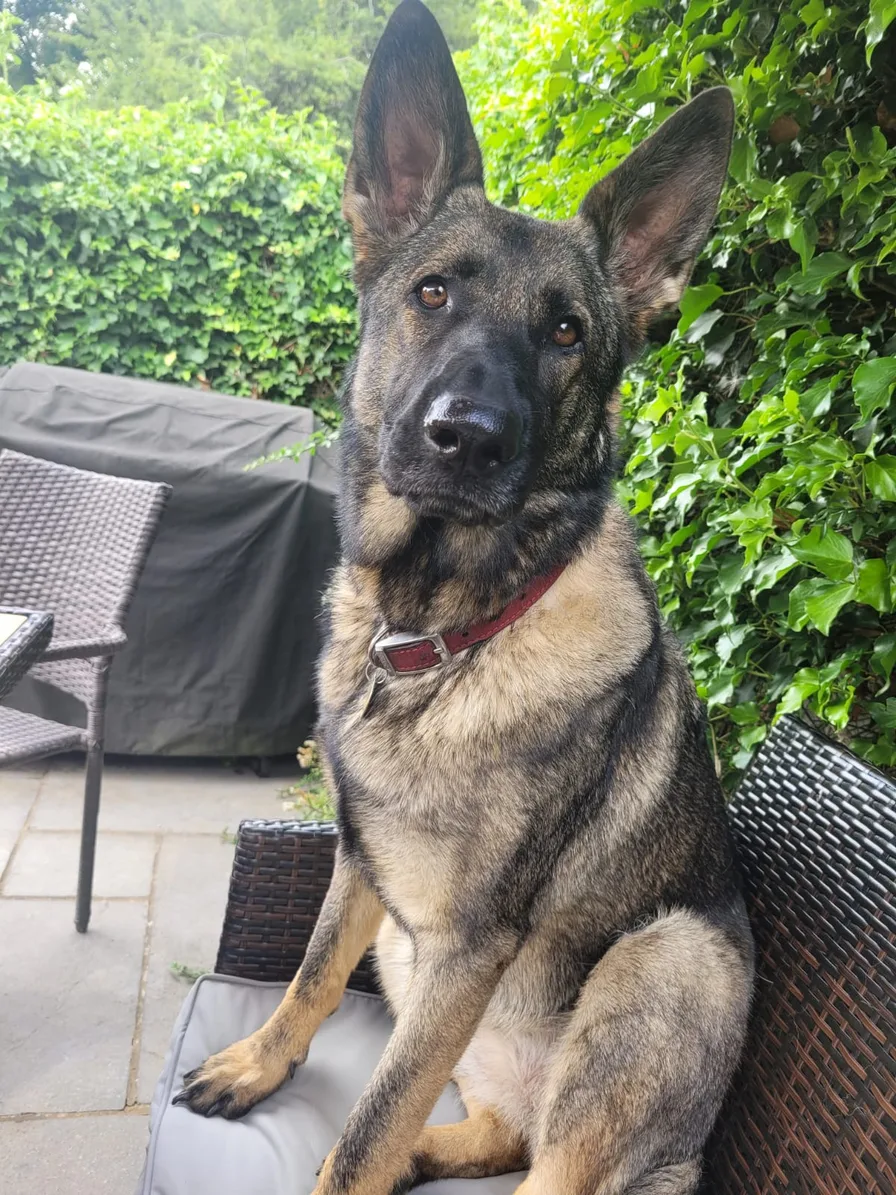
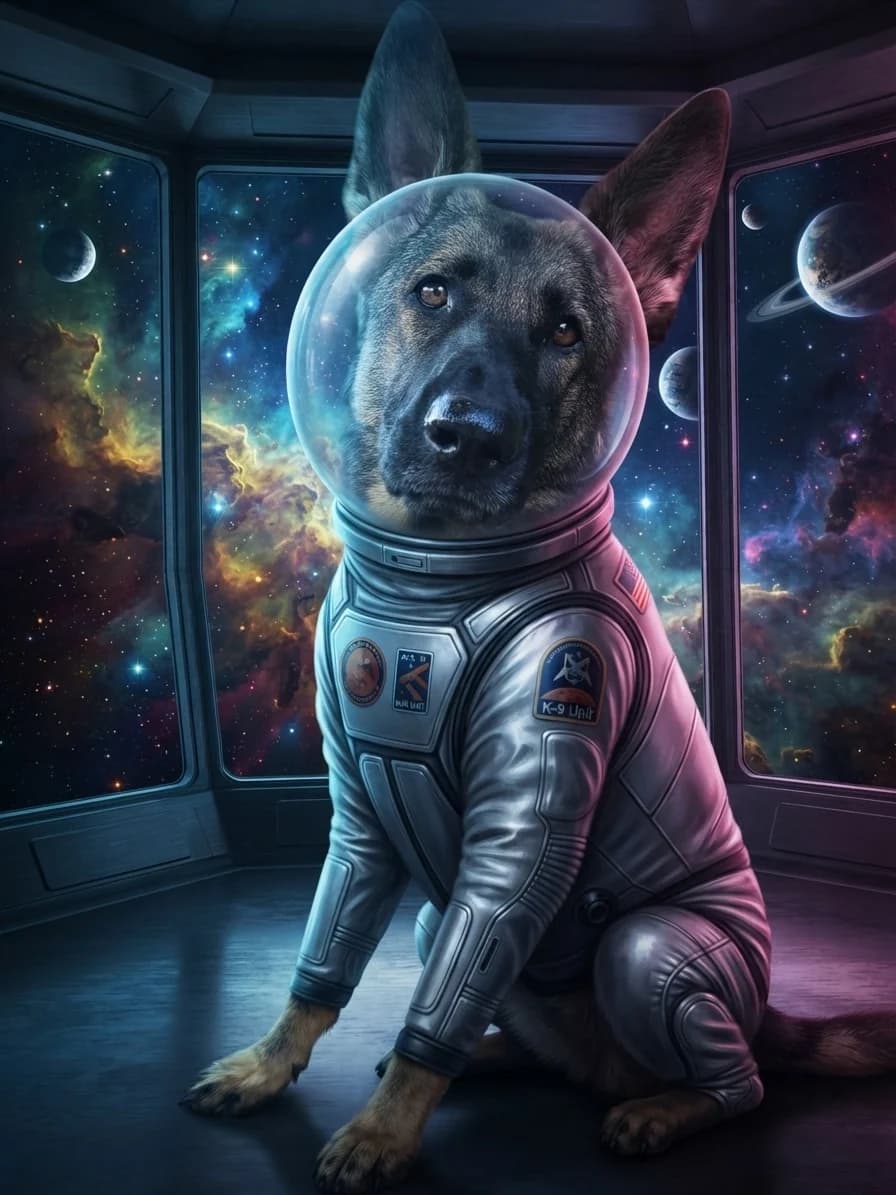
A fitted silver suit, glowing observation deck and cinematic light give Eve a complete new character and adventure.
Creative choices
Creative Mode On
Outer Space
Nebula clouds and starfields beyond a sleek observation deck

Cinematic
Dramatic movie-like lighting

Space Explorer Suit
A sleek silver space suit with mission patches and a clear bubble helmet.
Upload a new photo or choose one of your saved pets next.
Explore standout ideas from 183 scenes, 183 styles and 55 accessories, then choose a favourite as the starting point for their complete look.
Choose the world

Spring Meadow
Wildflowers and drifting petals in gentle spring sunshine

Mushroom Grotto
Giant mushrooms and glowing spores in hidden woodland

Tokyo Neon
Rain-soaked neon streets bursting with colourful city light
Outer Space
Nebula clouds and starfields beyond a sleek observation deck
Choose the style

Watercolor
Soft artistic watercolor
Storybook
Whimsical illustrated scene
Cinematic
Dramatic movie-like lighting

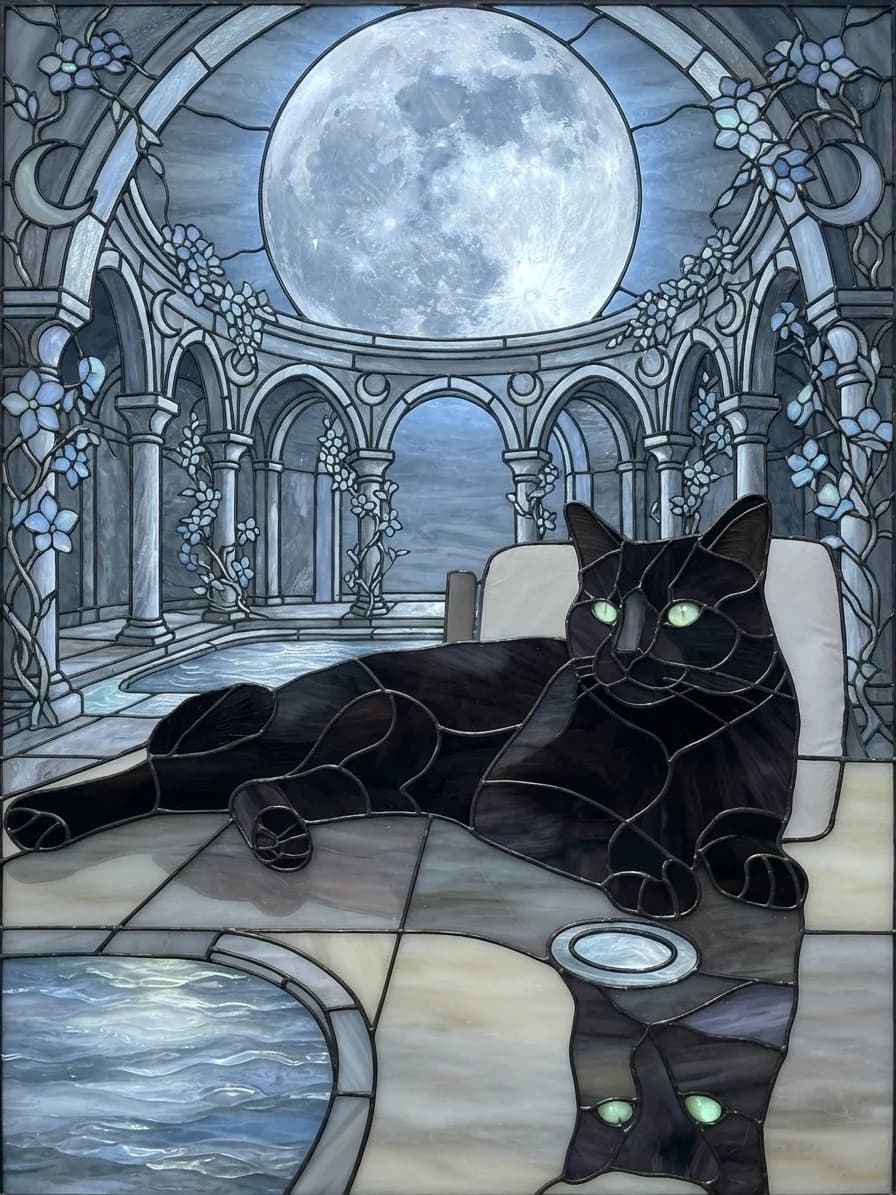
Stained Glass
Luminous leaded-glass artwork
Add one finishing touch

Flower Crown
A delicate flower crown with believable scale and placement.

Holographic Visor
A sleek wraparound visor glowing with shifting holographic color.
Space Explorer Suit
A sleek silver space suit with mission patches and a clear bubble helmet.

Royal Cape
A velvet cape with an ermine-style collar and jewel-toned ceremonial trim.
Start with one favourite photo, build the creative direction from visual choices, then create and compare the results.
Upload a new pet photo or choose one already saved to your account.
Choose a photo
JPG, PNG or WebP

Choose a scene and up to three styles, add a characterful accessory and use Creative Mode to bring the finished look together.
Spring MeadowWatercolorFlower CrownCreate your images, compare the results and download the version you love.

Ready to download
DownloadStart with the creative goal that excites you most, then follow the visual choices to build their look.
Keep it natural
Pair a new scene with the Original style for a polished, natural-looking background change.
Turn it into art
Begin with watercolor, oil painting, storybook or another style, then choose the scene that supports the mood.
Send them somewhere new
Pick a beach, enchanted grotto, neon street or distant planet, then decide how photographic or artistic it should feel.
Build a complete character
Bring a costume or statement accessory into the scene with Creative Mode for one cohesive character portrait.
Explore a focused collection when you already know the kind of energy you want, from gentle illustration to cinematic drama and retro game charm.
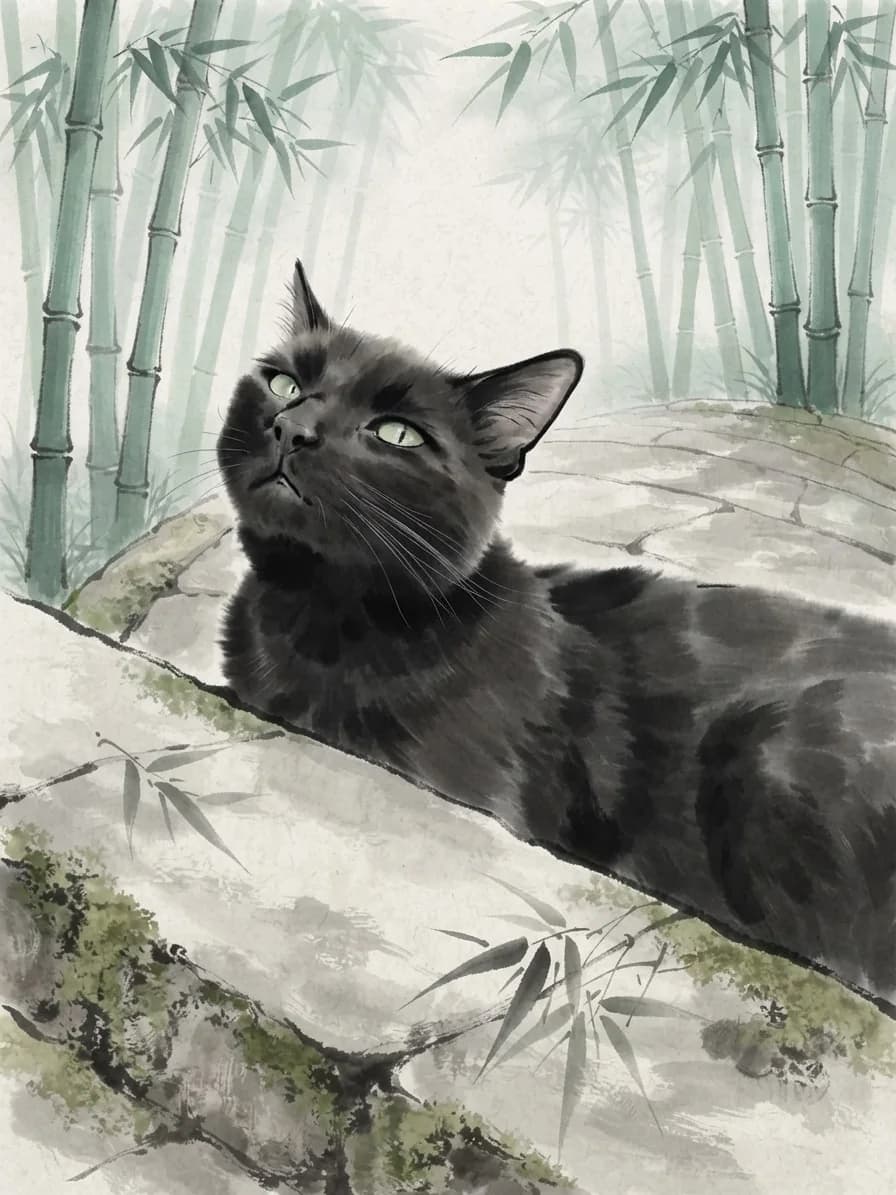
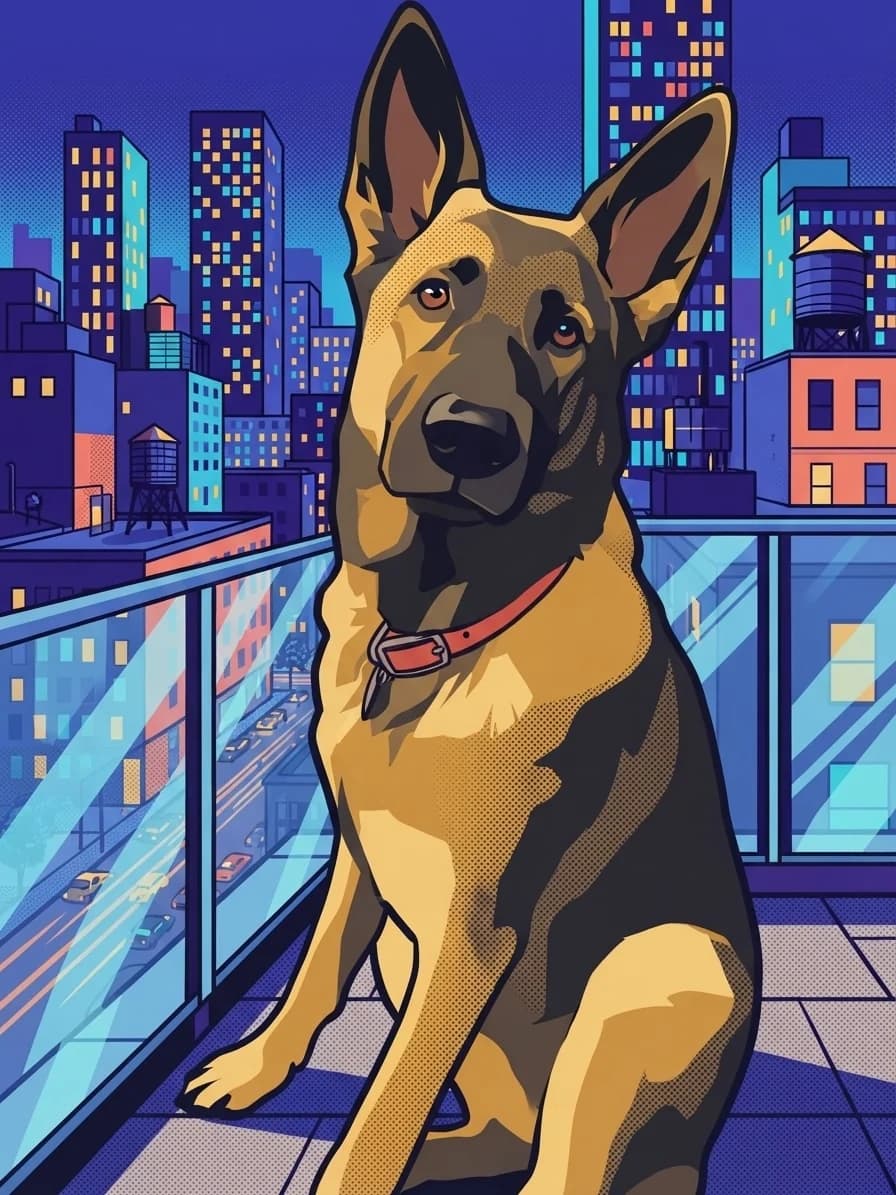
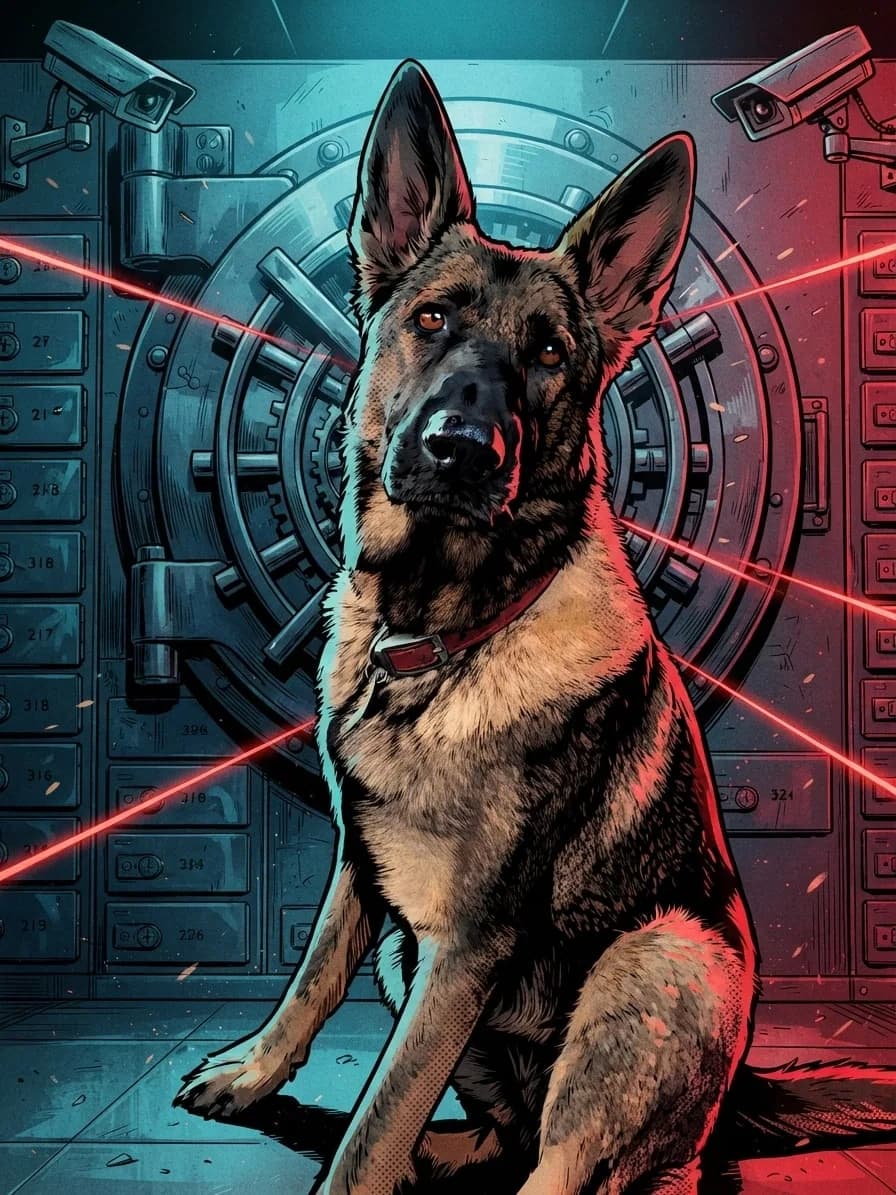
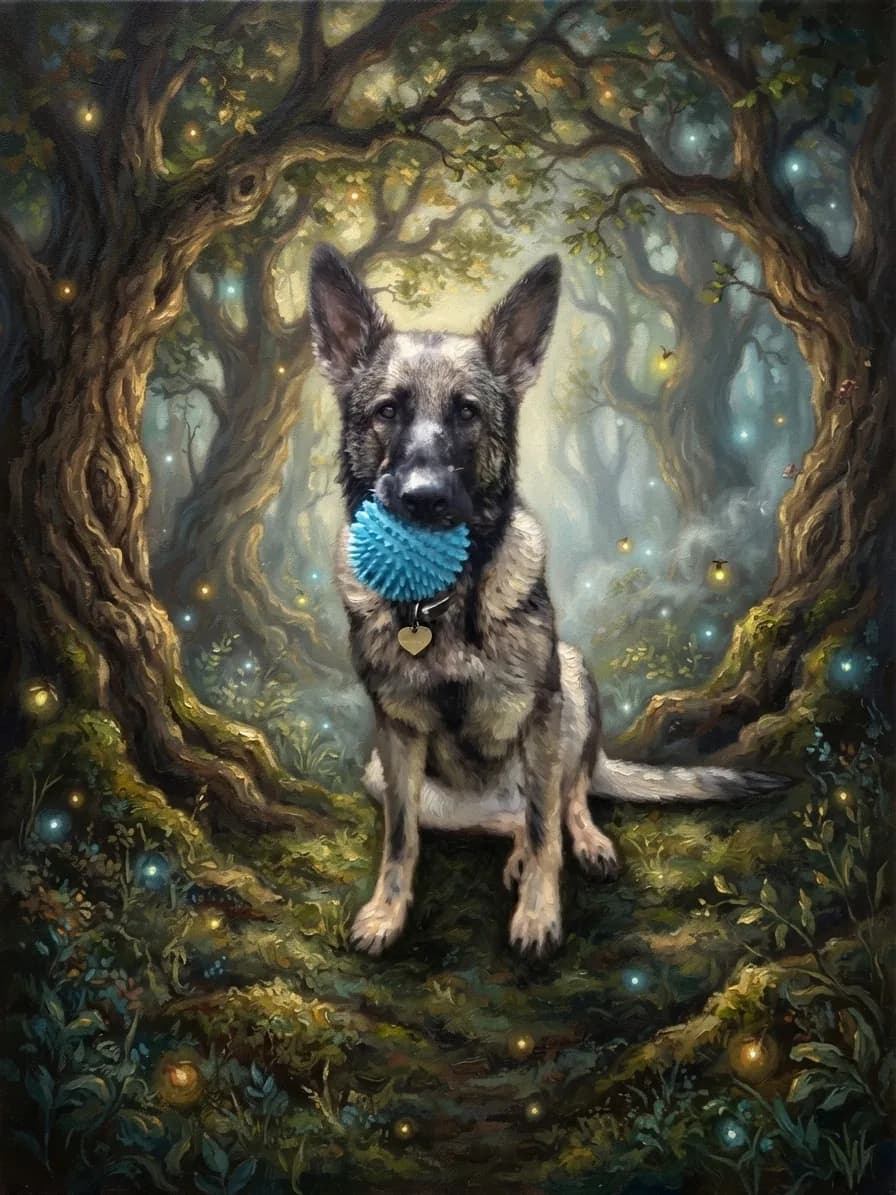
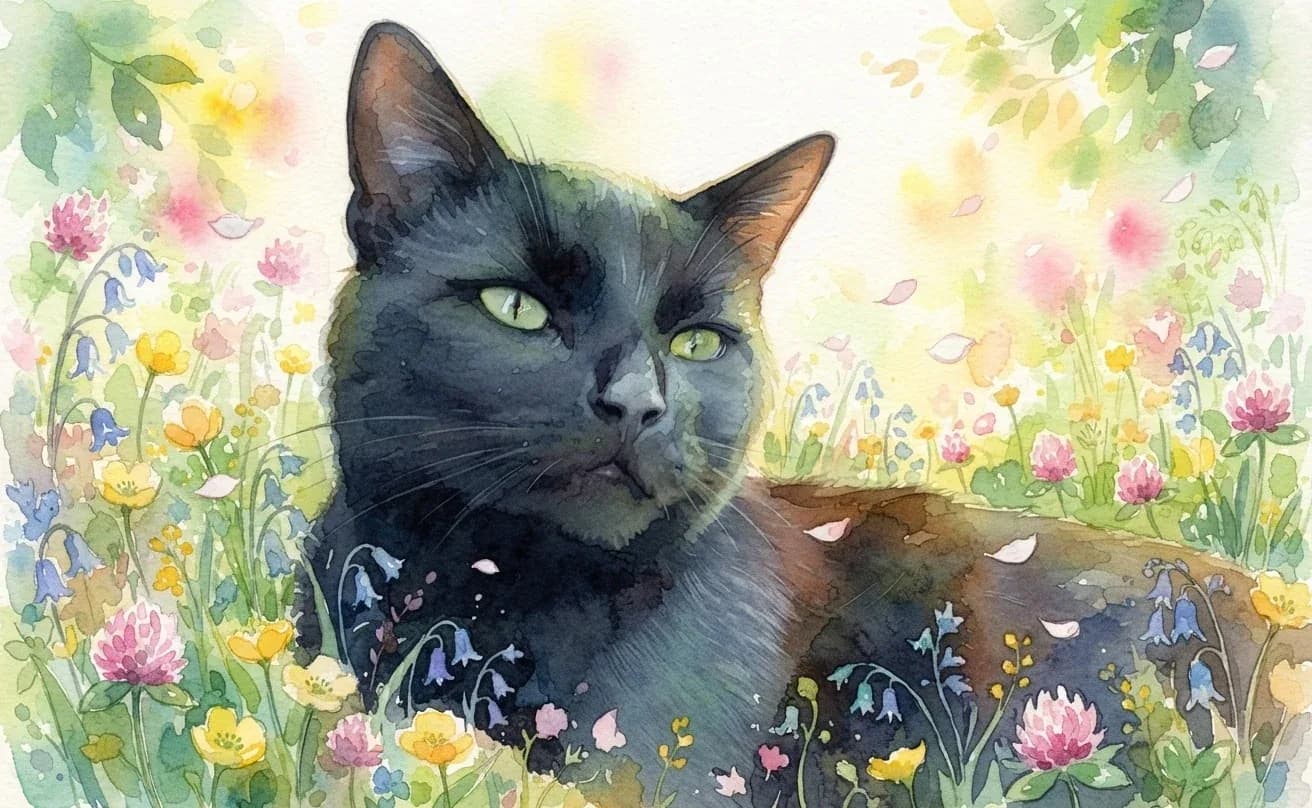
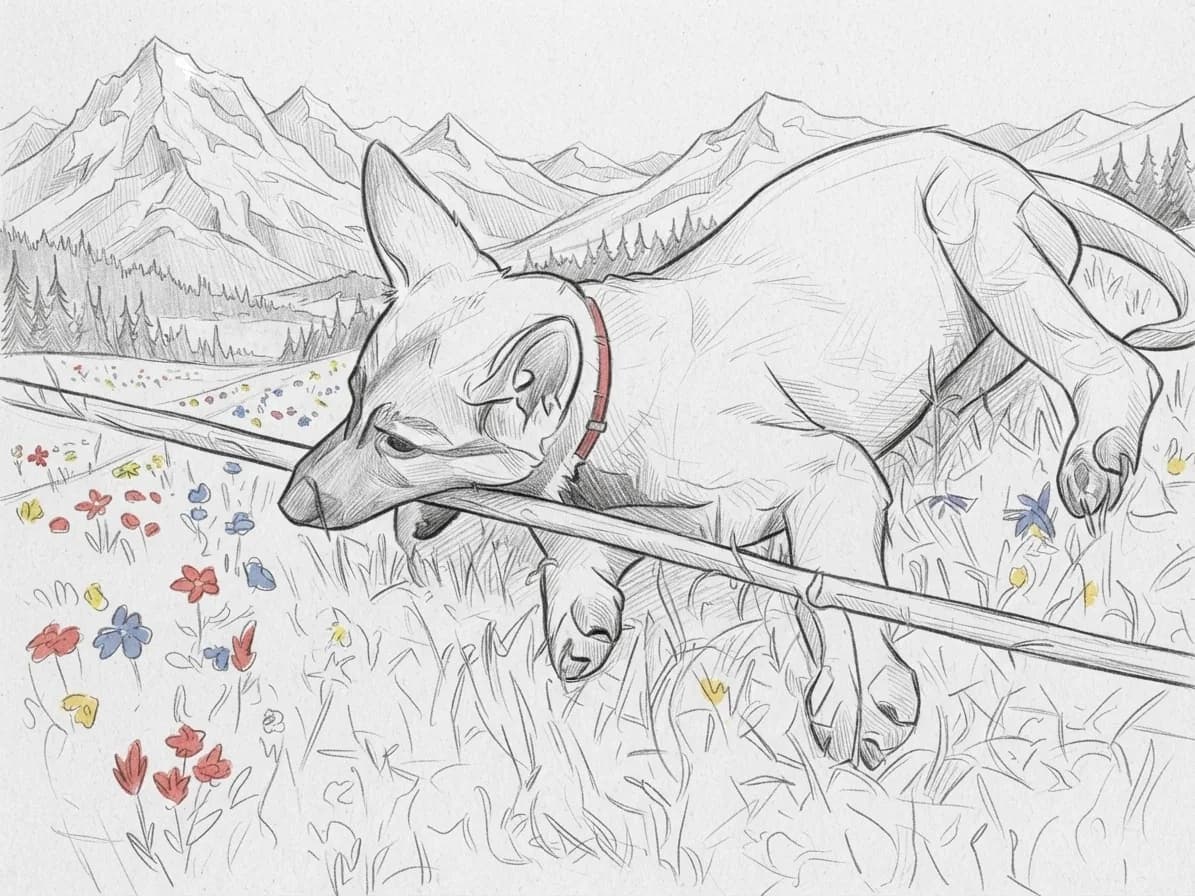
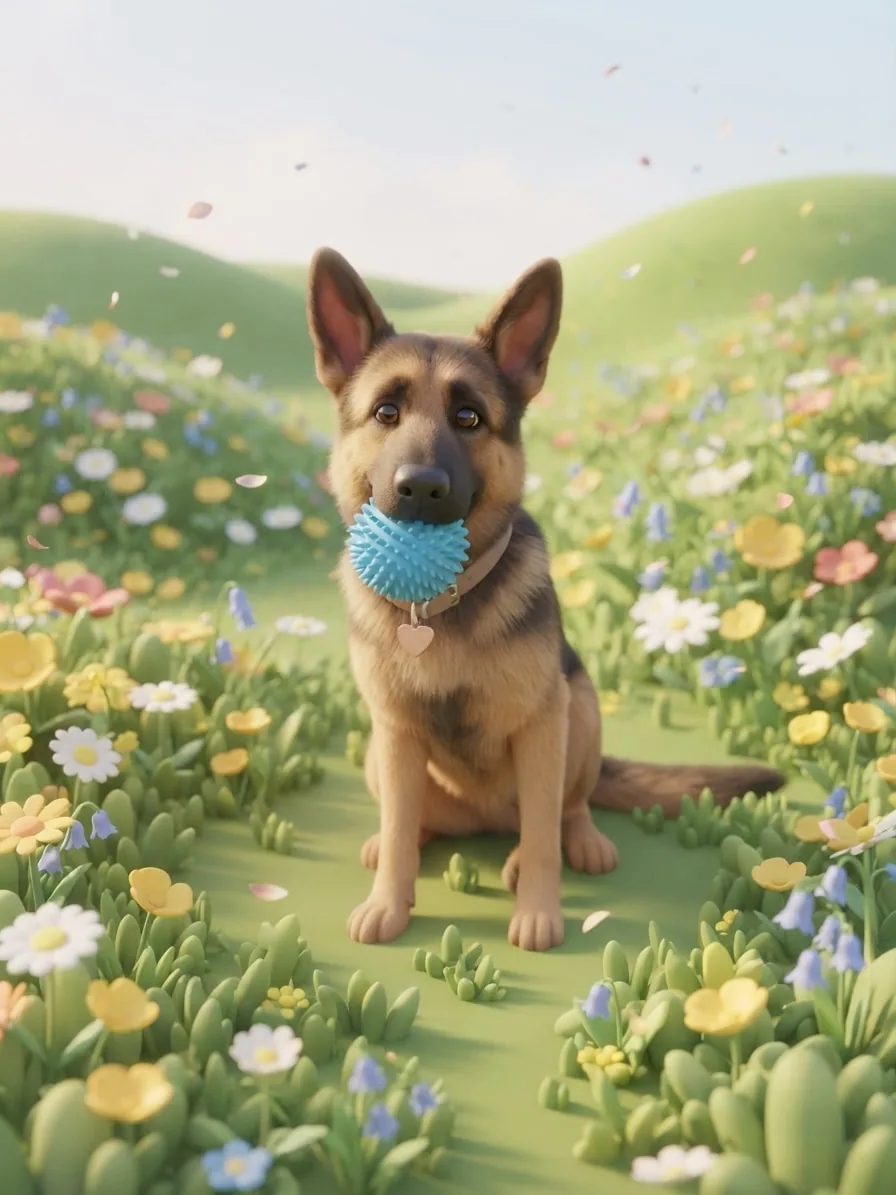
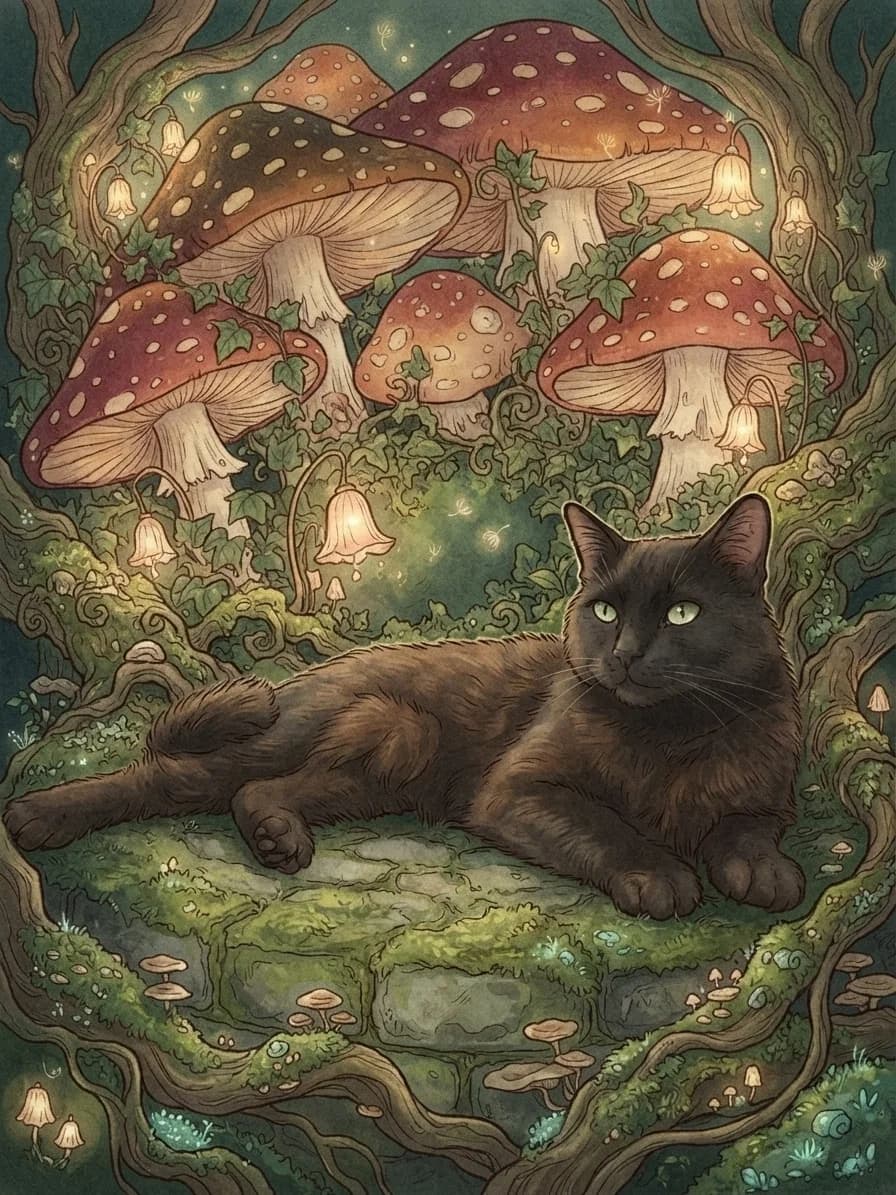
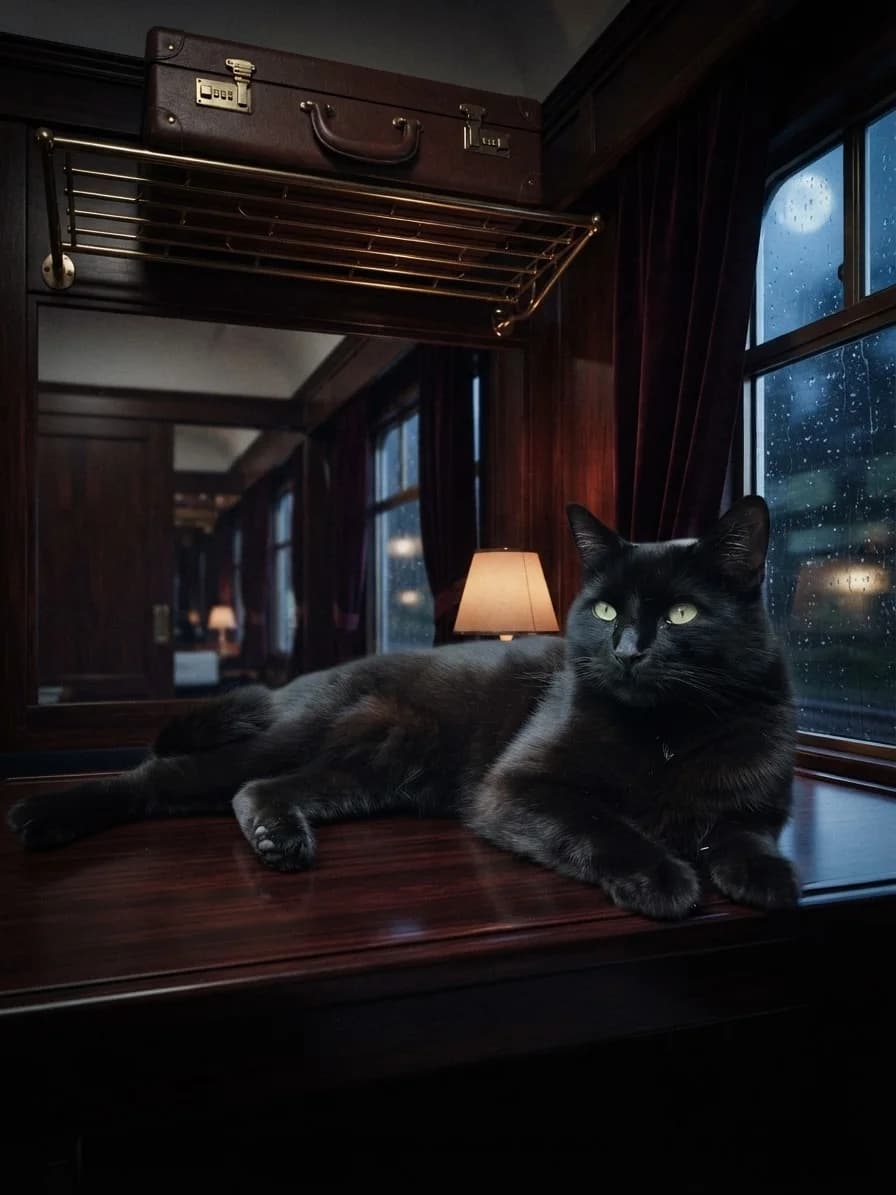
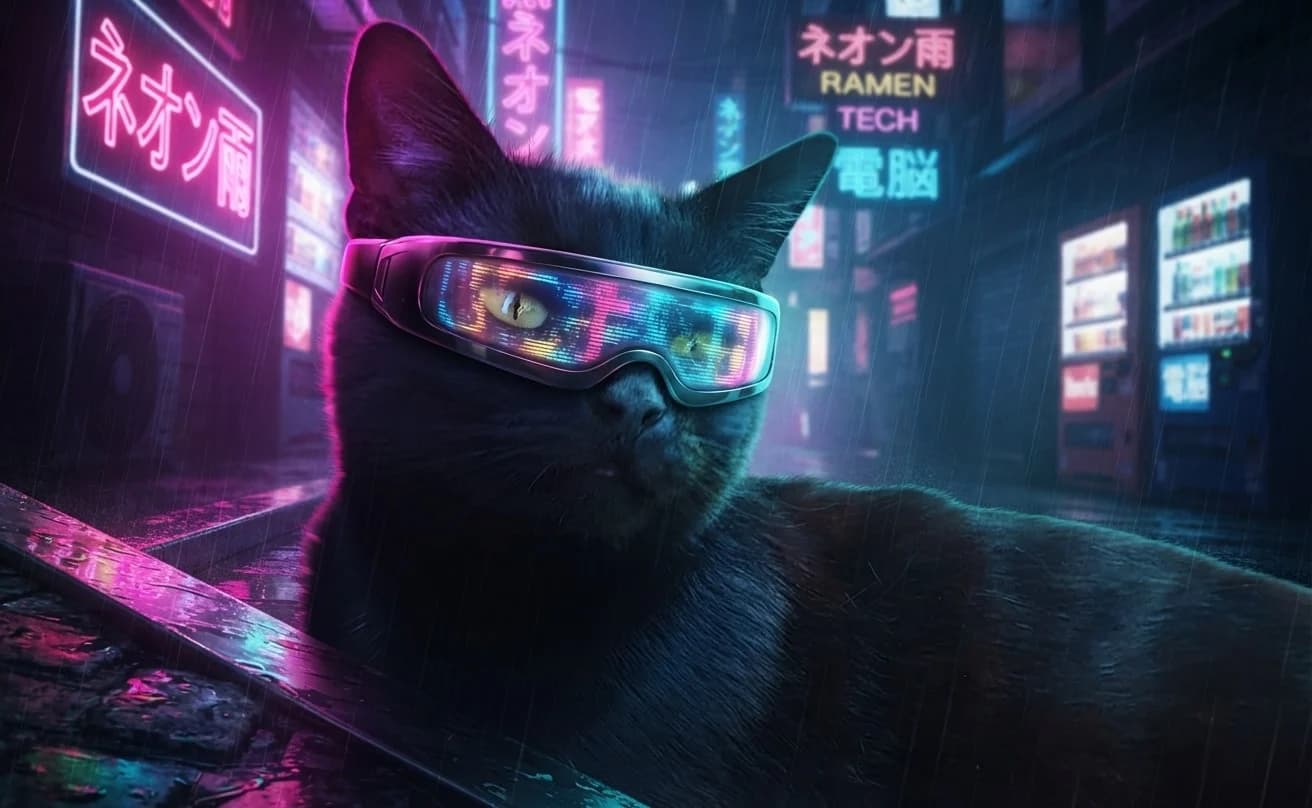
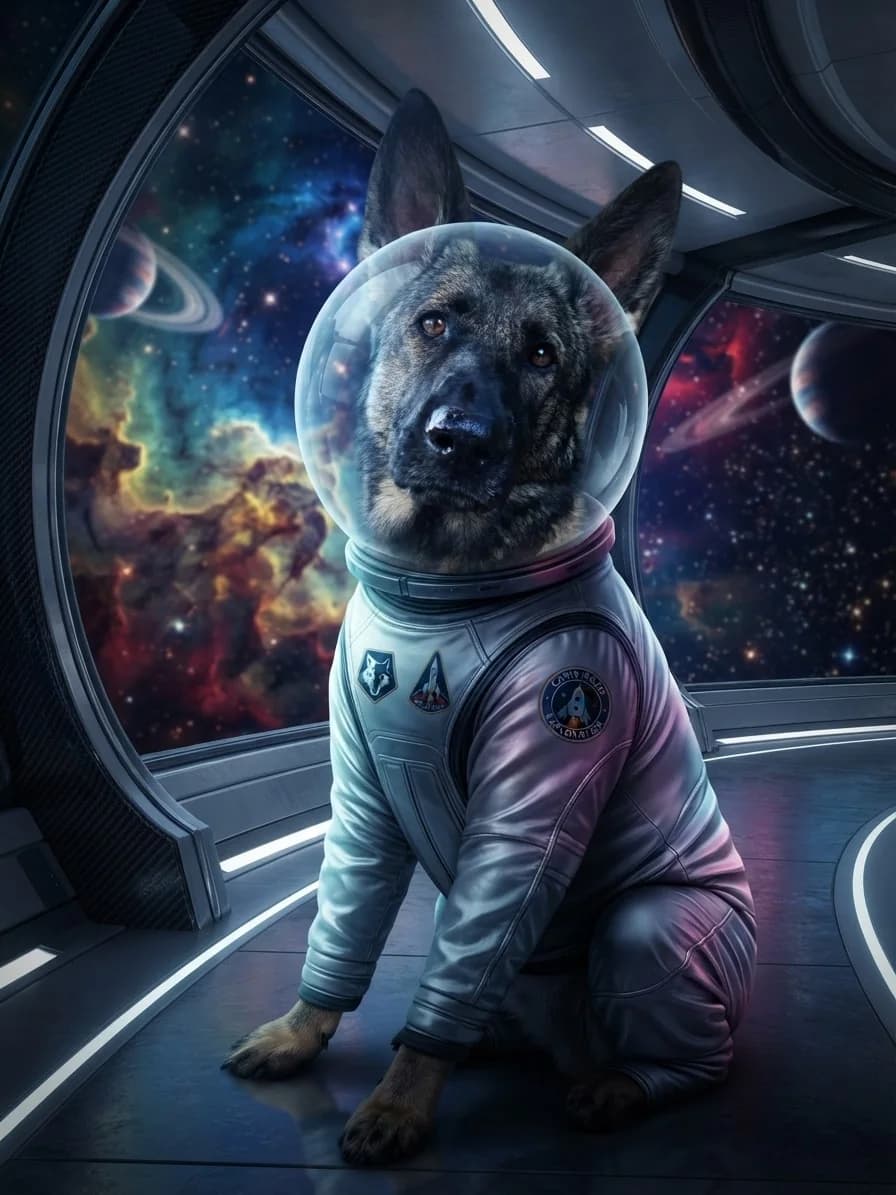
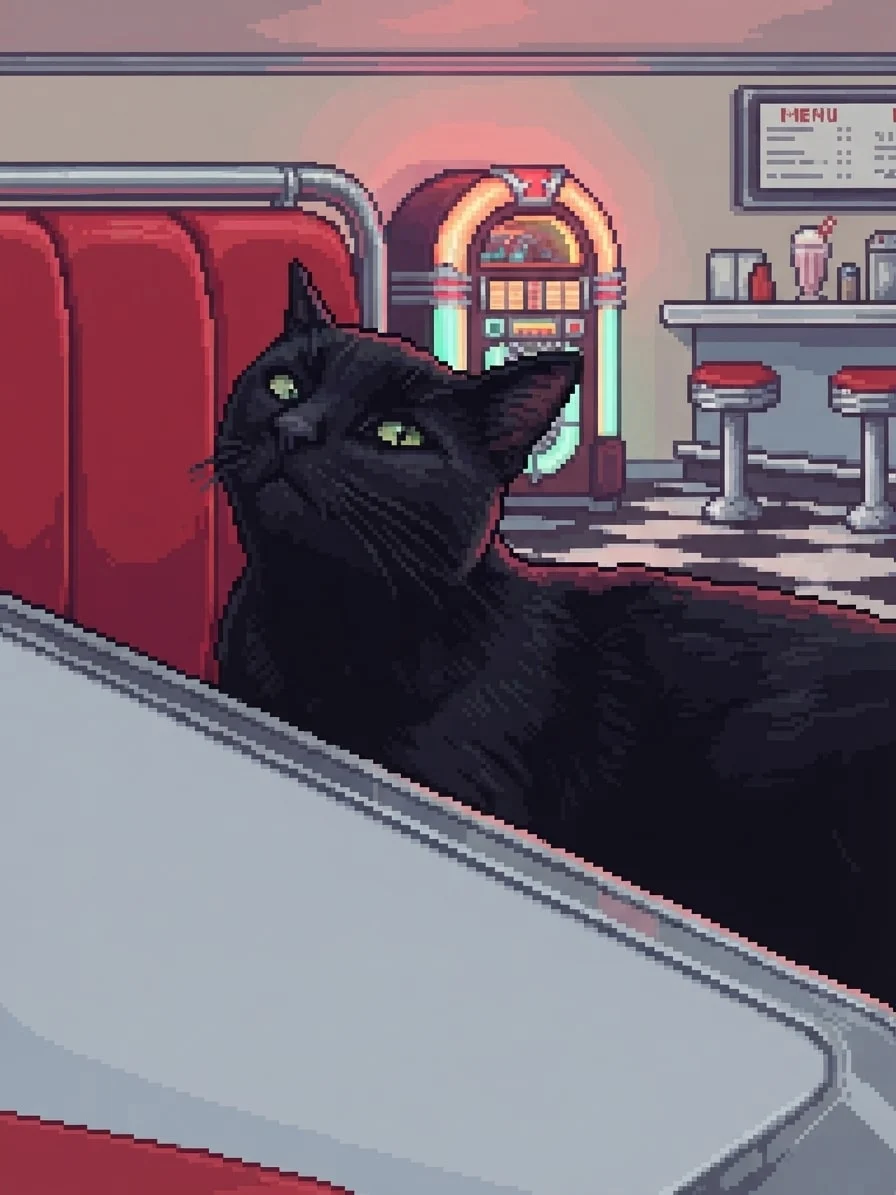
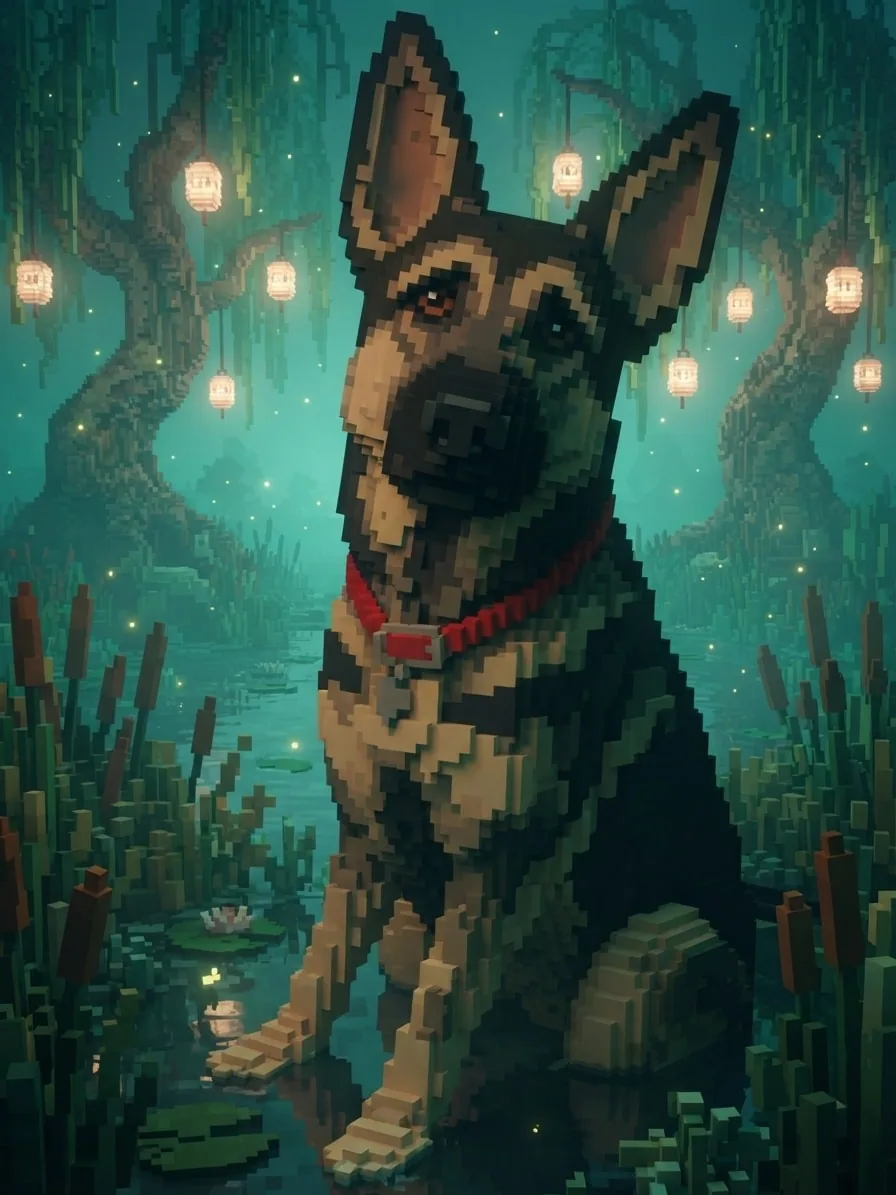
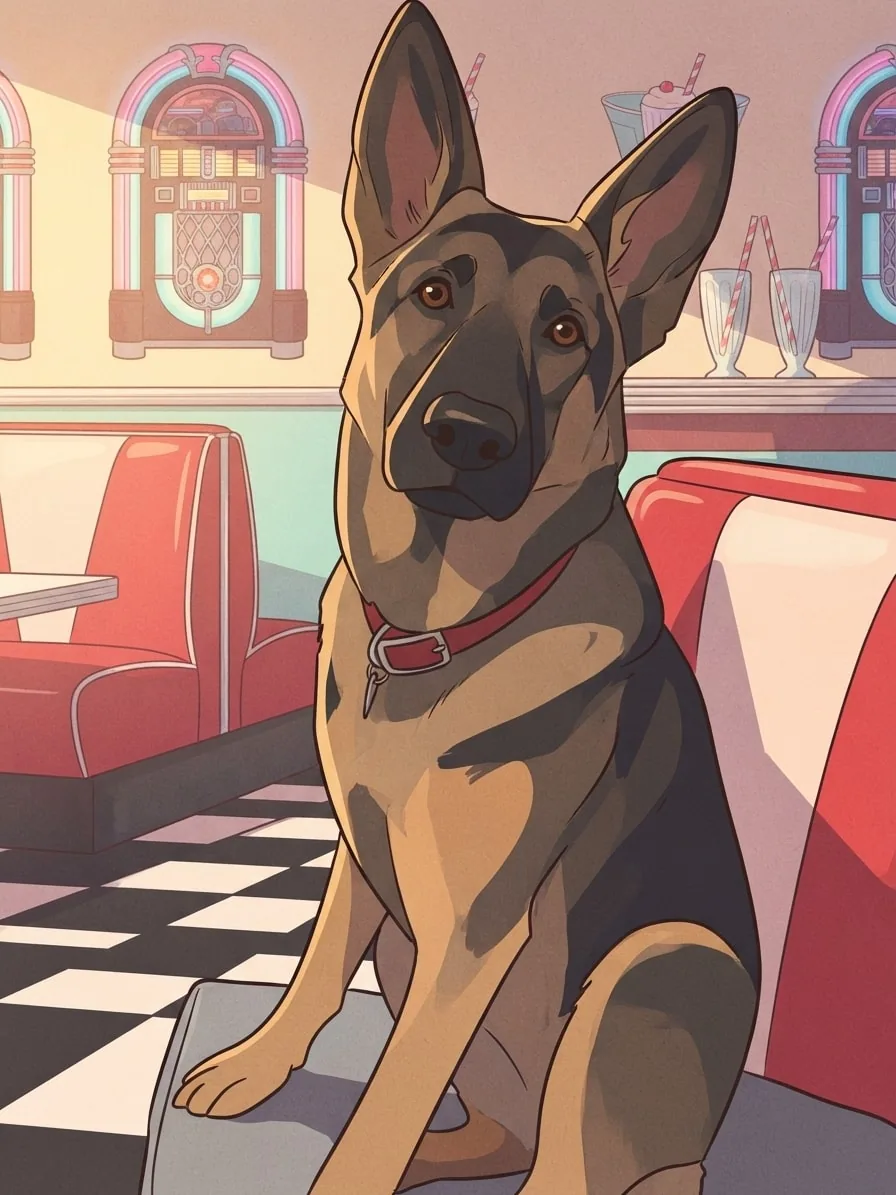
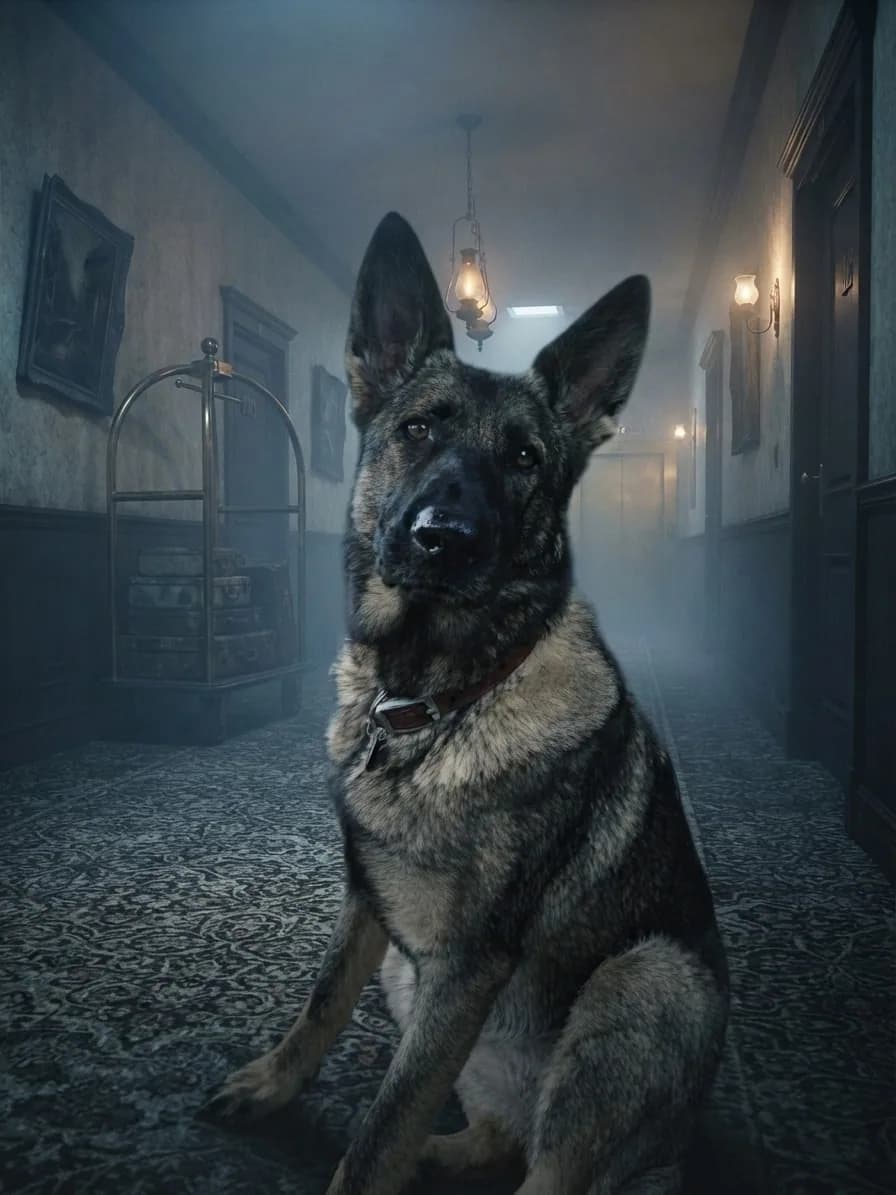
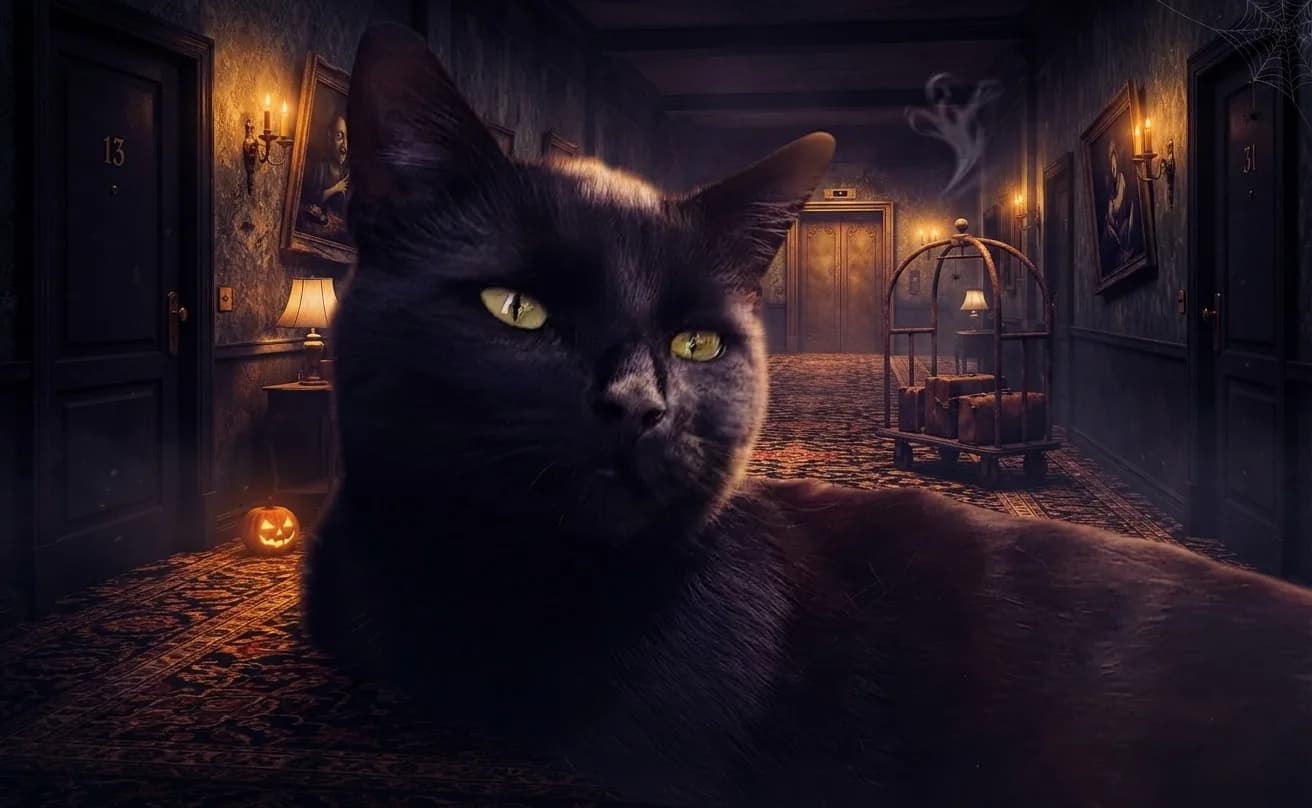
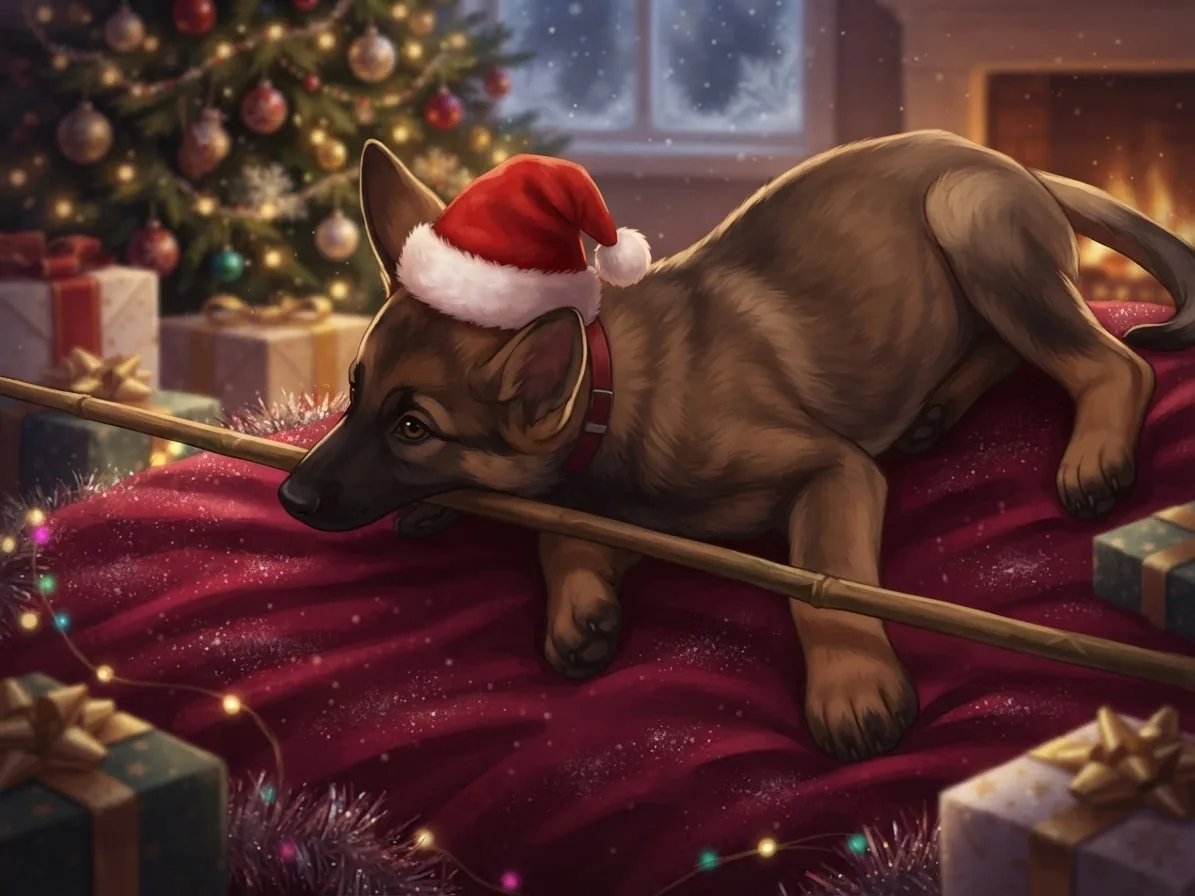
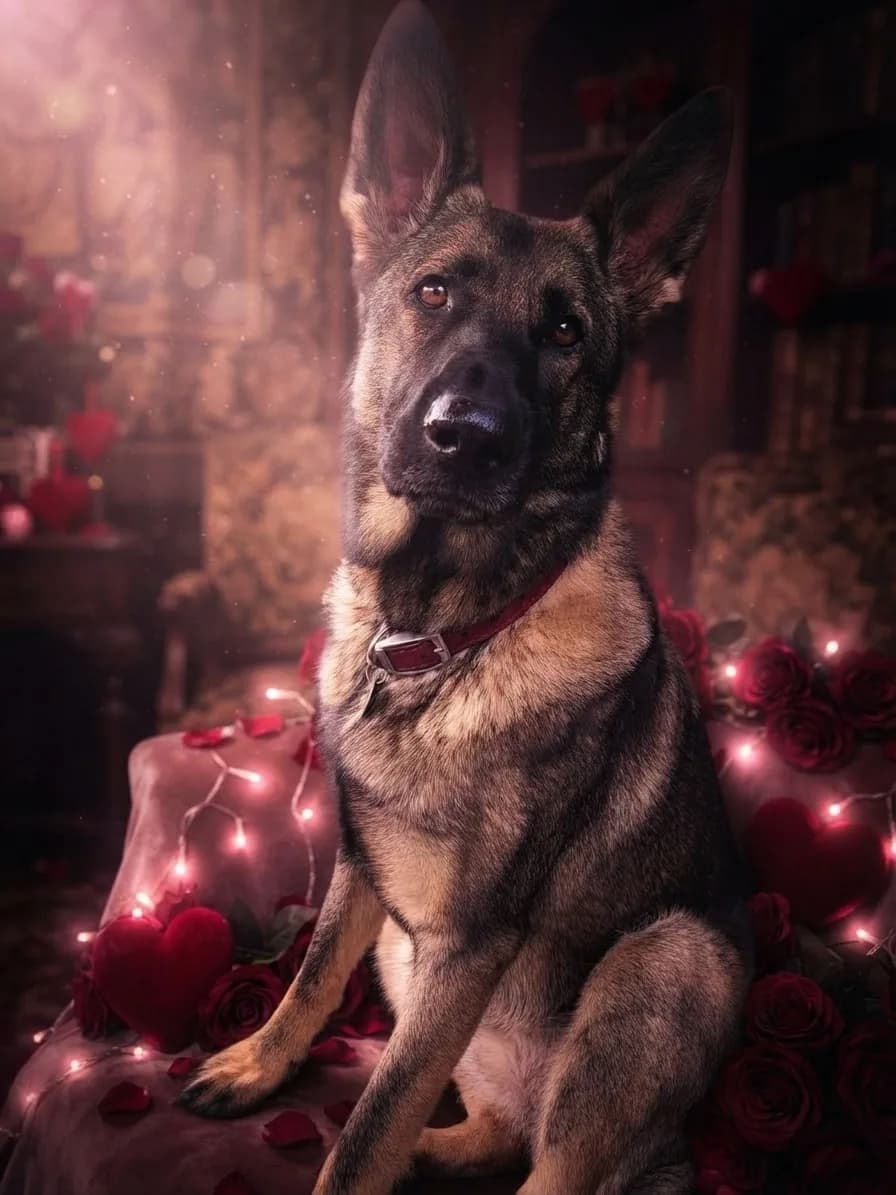
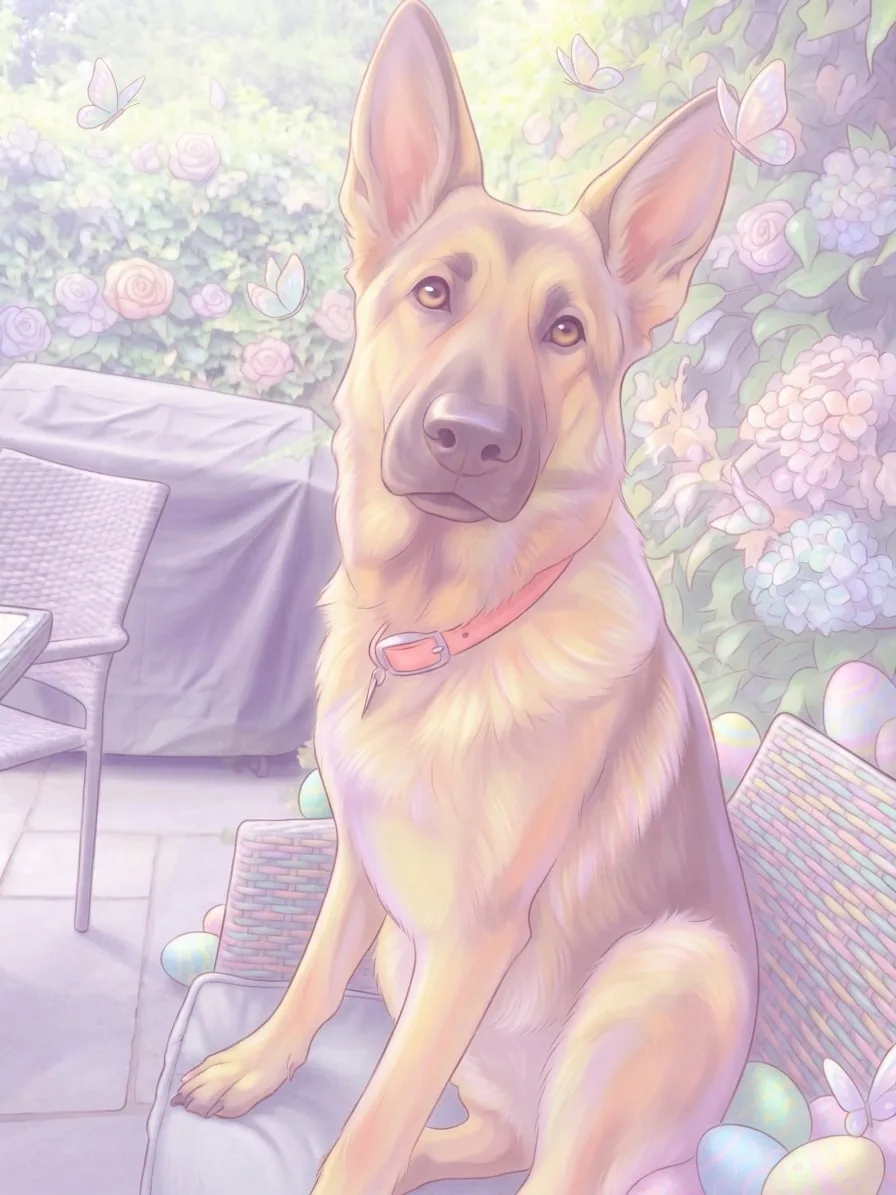
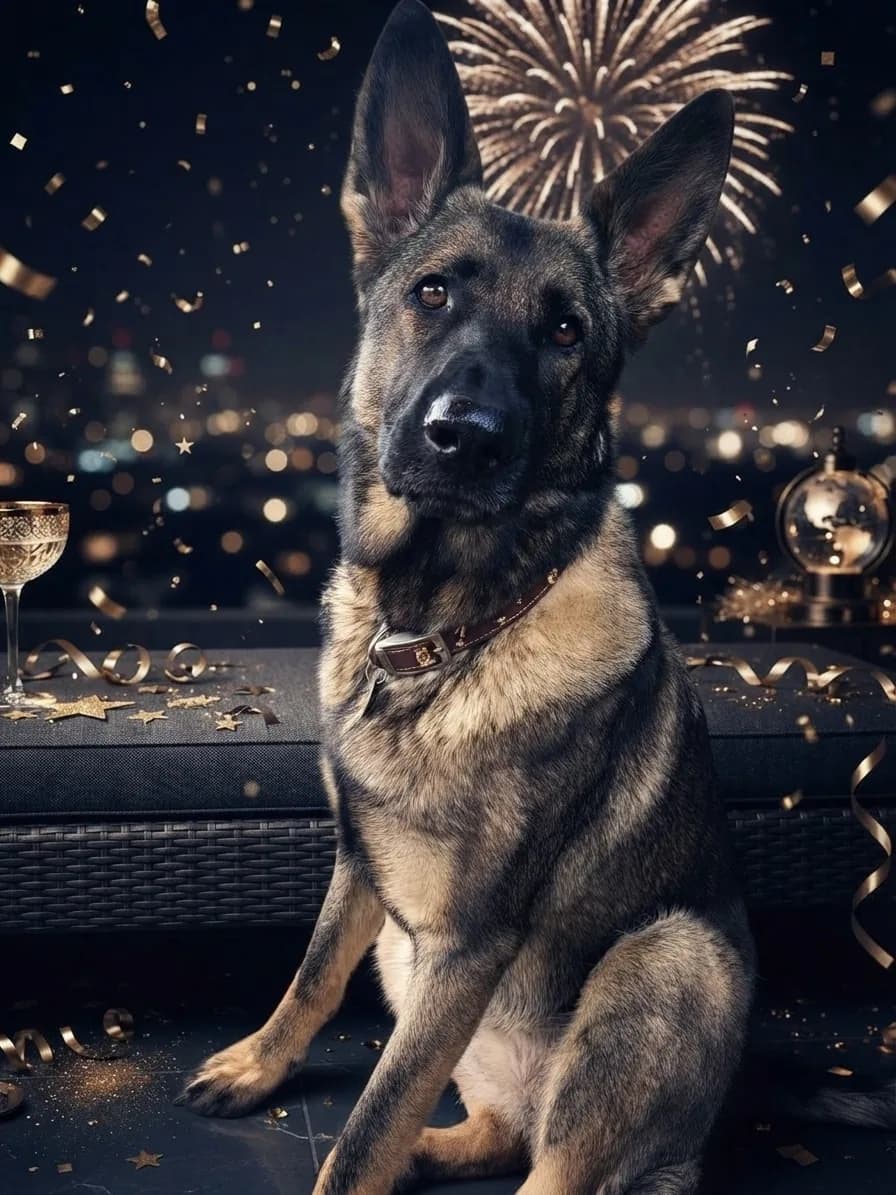
EditMyPet turns the creative decisions into visual choices. You can see the scene, style and accessory before selecting them, save pets you return to often, and reuse a complete combination from any example.
Begin with one favourite pet photo
Choose visually instead of writing a prompt
Compare up to three styles from one creation
Keep results private unless you choose to share
Reuse exact choices from real examples
Adjust every selection before creating
An AI pet generator uses a photo of your pet to create a new image. With EditMyPet, you choose the scene and visual style, add one characterful accessory if you like, and select the Creative Mode setting that suits your idea.
Yes. Upload a favourite photo or choose a pet already saved to your account. That image provides the starting pose, appearance and familiar details for the new result.
No. Scenes, styles and accessories are presented as visual choices, so you can build a complete look without writing a prompt. You can review every selection before creating.
Yes. EditMyPet works with dog, cat and other pet photos. Begin with a clear image where the face and the features you care about are easy to see.
The scene chooses the new setting, the style controls the visual finish, and one accessory can add a hat, collar, facewear or complete costume. You can change any selection before generating.
Both modes lock your pet's identity, pose, position and framing. Creative Mode On carries genuine artistic media across the pet and scene, while Off keeps the pet photographic with restrained scene-matched integration. Lighting, atmosphere and photo styles remain natural modifiers.Compare Creative Mode On and Off
Yes. You can select up to three styles for one creation. Each style produces a separate image, making it easier to compare different directions from the same pet photo and scene.
Create an account, opt into Edit My Pet email marketing and confirm your subscription by email to receive 3 free tokens. One starter bonus per person, using the same email for the account and newsletter. Marketing is optional; unsubscribing later does not remove awarded tokens. Each selected style uses one token.
Your generated images stay private unless you choose to share them. You remain in control of whether a result is submitted to a public area such as the community gallery.
Yes. Finished creations can be downloaded from your results and accessed again from your dashboard. Watermark and download benefits depend on the account and token option you use.
Choose their new world, find the style you love and adjust every choice before creating.