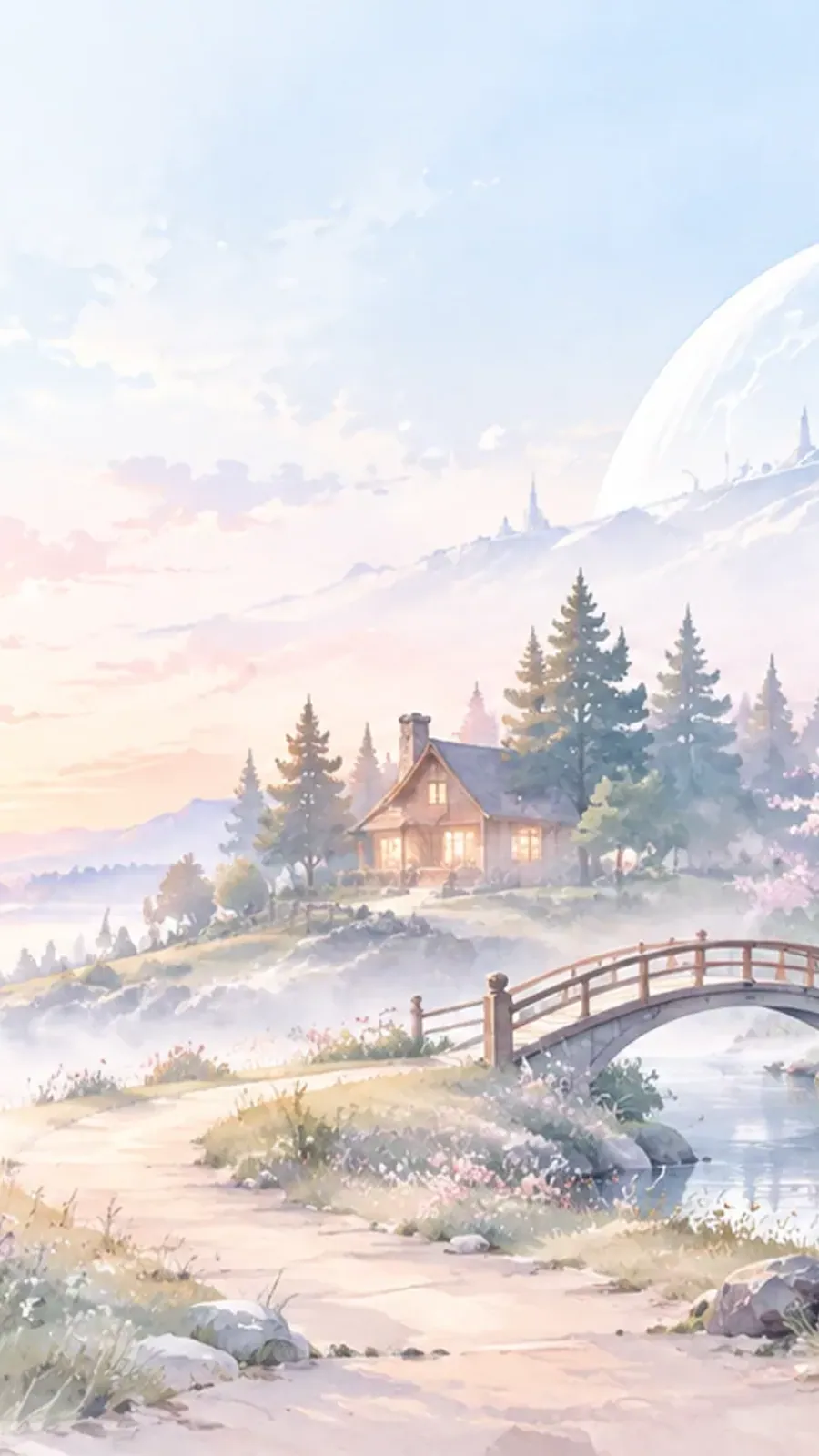
Turn your dog photo into a portrait
The head tilt that gets an extra treat deserves a bigger stage. Turn a dog photo into a painted portrait, a cartoon character or an adventure scene, with that familiar expression as the starting point.
A new setting for their familiar expression
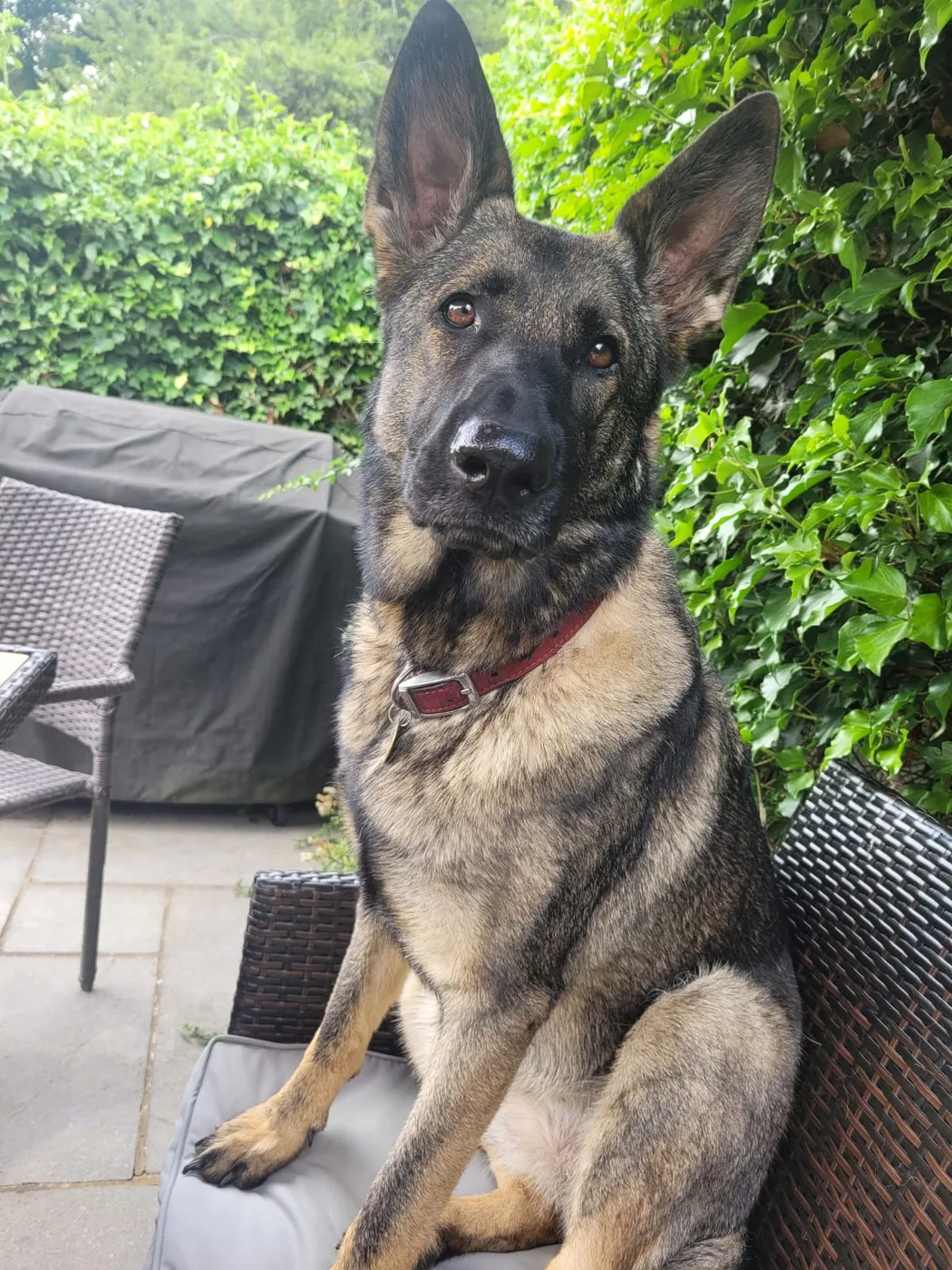
Compare each original dog photo with its finished portrait, then open the scene, style and accessory choices you want to try.


The city gets a good-dog poster
Bold colour blocks, black contours and halftone detail turn Eve's tilted pose into a city poster.
Creative choices
Creative Mode On
City Skyline
Glowing skyscrapers and polished rooftop views at dusk

Pop Art
Bright graphic pop art
Upload a new photo or choose one of your saved pets next.


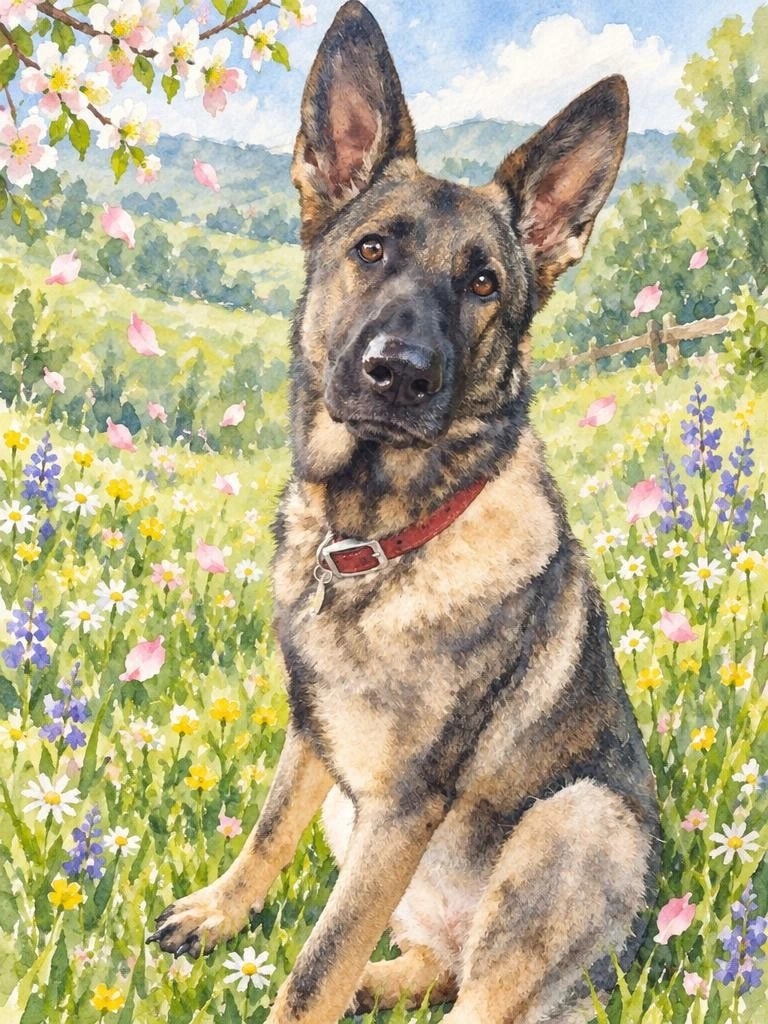
A painted birthday for Eve
Eve keeps her relaxed puppy pose in a painted party scene full of soft birthday colour.
Creative choices
Creative Mode On
Birthday Party
Balloons, confetti and warm lights for joyful celebrations

Watercolor
Soft artistic watercolor
Upload a new photo or choose one of your saved pets next.


The last walk before sunset.
Eve brings her head tilt to a tropical beach, with warm evening light across her coat.
Creative choices
Creative Mode On
Tropical Beach
Turquoise water, soft sand and sunset island calm

Original
Natural background replacement
Upload a new photo or choose one of your saved pets next.

The stick came too.
A pencil study of puppy Eve resting among garden flowers, still holding on to her enormous stick.
Creative choices
Creative Mode On
Flower Garden
Colourful blooms and butterflies in gentle sunlight

Pencil-sketch rotoscoping
Energetic graphite linework
Upload a new photo or choose one of your saved pets next.
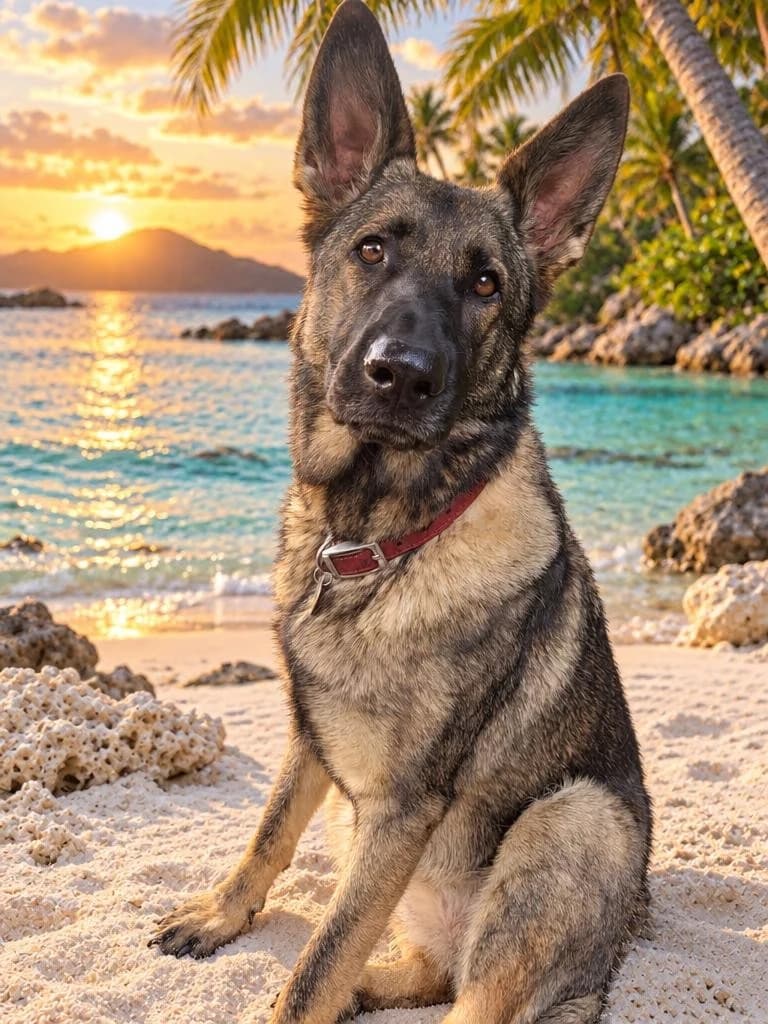
One more reason to check your phone
That head tilt, every time your screen lights up.
Eve’s beach portrait becomes a lock-screen photo in this preview. Download your own dog’s portrait and position it in your phone’s wallpaper editor, with the face clear of the clock.
From your pet photo to their next portrait.
Upload, choose the look and review your finished image.
- 1Upload
Upload your dog’s photo.
Upload a clear dog photo with visible eyes, ears, muzzle and the pose you want.
UploadChoose a photo
JPG, PNG or WebP

- 2Create
Choose their next look.
Pick a scene and up to three styles, with one optional accessory.
Build their lookSceneStylesAccessory Cinematic
 Watercolour
 Storybook3 styles selected3 different images
- 3Download
Check every good-dog detail.
Review the markings and pose against your photo, then download the portrait you want to keep.
Your images
Ready to download
Download
A few useful answers
Before you create
A few practical details about photos, styles and your finished image.
See how it worksHow does the AI dog portrait generator work?
Upload your dog photo, choose a scene and select up to three styles. Each style produces a separate image. You can also add one optional accessory and choose whether Creative Mode transforms the dog into the selected art style.
Which dog photo should I use?
Use a sharp picture with visible eyes, a readable muzzle and a clear ear outline. For long or dark coats, choose soft light that reveals fur detail. A relaxed photograph at your dog's eye level is a useful starting point.
Will it keep my dog's markings?
Visible markings guide the result, but AI can alter small details, colours or shapes. Compare the finished muzzle, eyes, ears and coat patches with the original. Strongly stylized art can simplify fur detail.
Can I keep my dog photographic?
Yes. Turn Creative Mode Off to keep source-visible pet regions photographic while changing the setting and adding the chosen accessory. Turn it On for a fully artistic portrait.
Can I make a dog portrait for a gift?
You can download a digital portrait and use it in a separate gift or print layout. Check your actual pixel dimensions and crop with the printer rather than assuming every download suits a large print.
Can I try EditMyPet for free?
You can receive 3 free creation tokens after opting into the EditMyPet newsletter and confirming your email. Use the same email for your account. One starter bonus per person. You can also buy tokens without joining the newsletter. The creation cost is shown before you generate.
What do I receive after creating a portrait?
You receive a digital image to download. The available resolution and token cost are shown in Create. Free-account downloads include an EditMyPet watermark; downloads become watermark-free after your first paid order. Physical printing and card layouts are separate steps.

Give that head tilt a portrait of its own
Bring the expression, choose the scene and try the art style you would love to see your dog in.