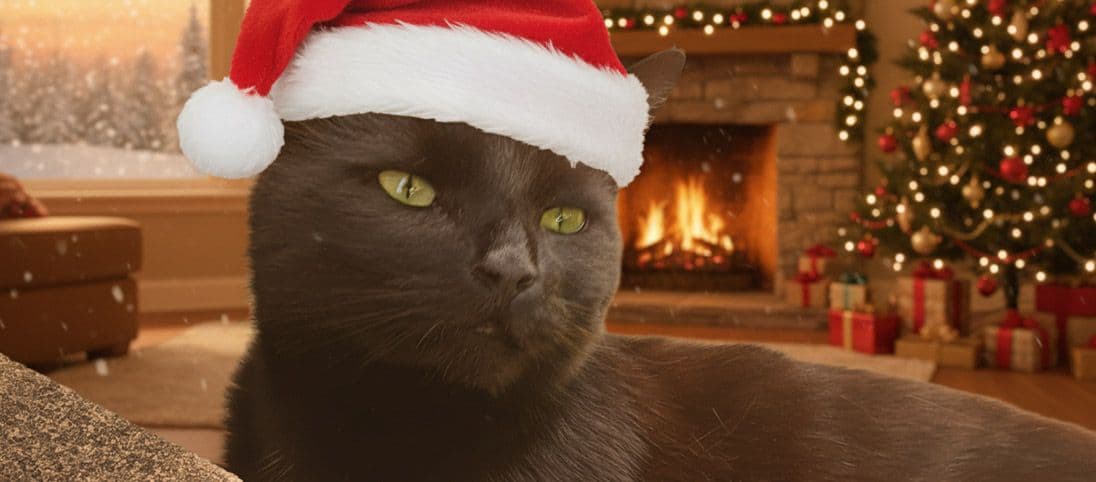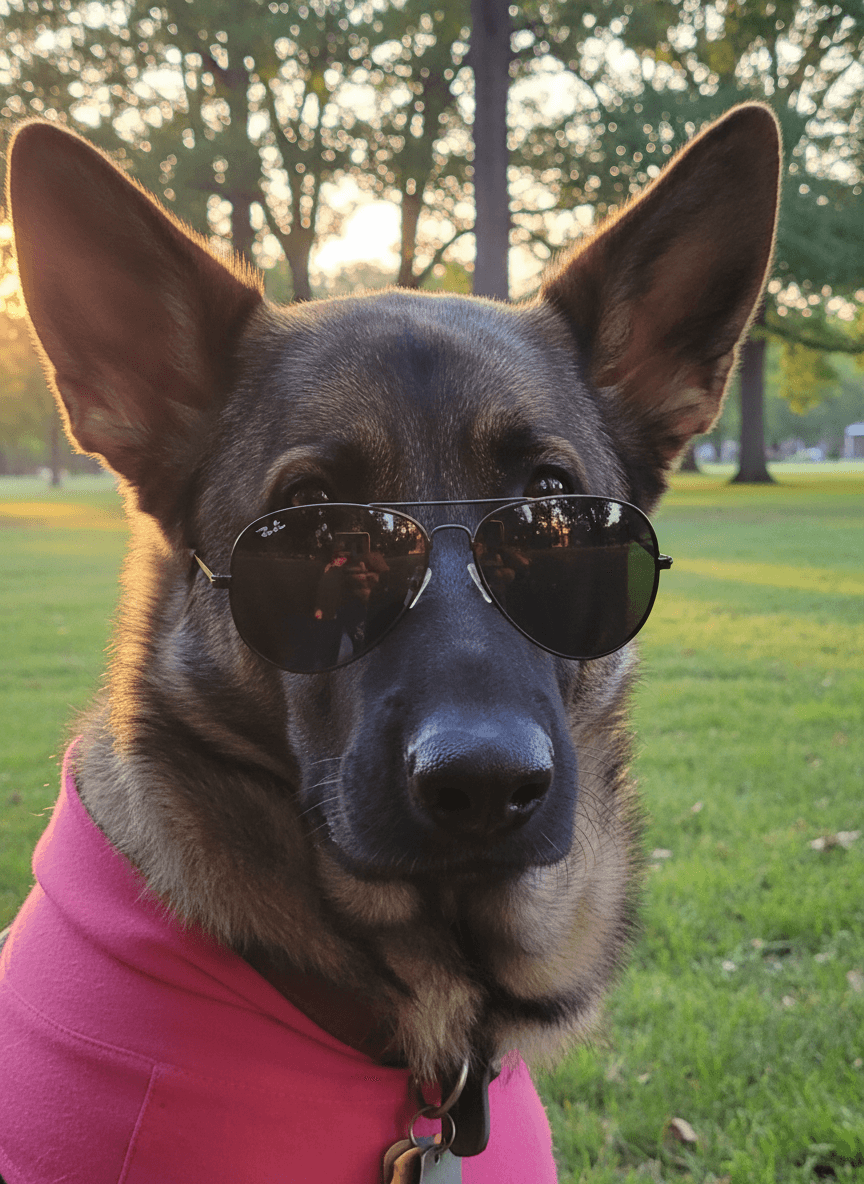
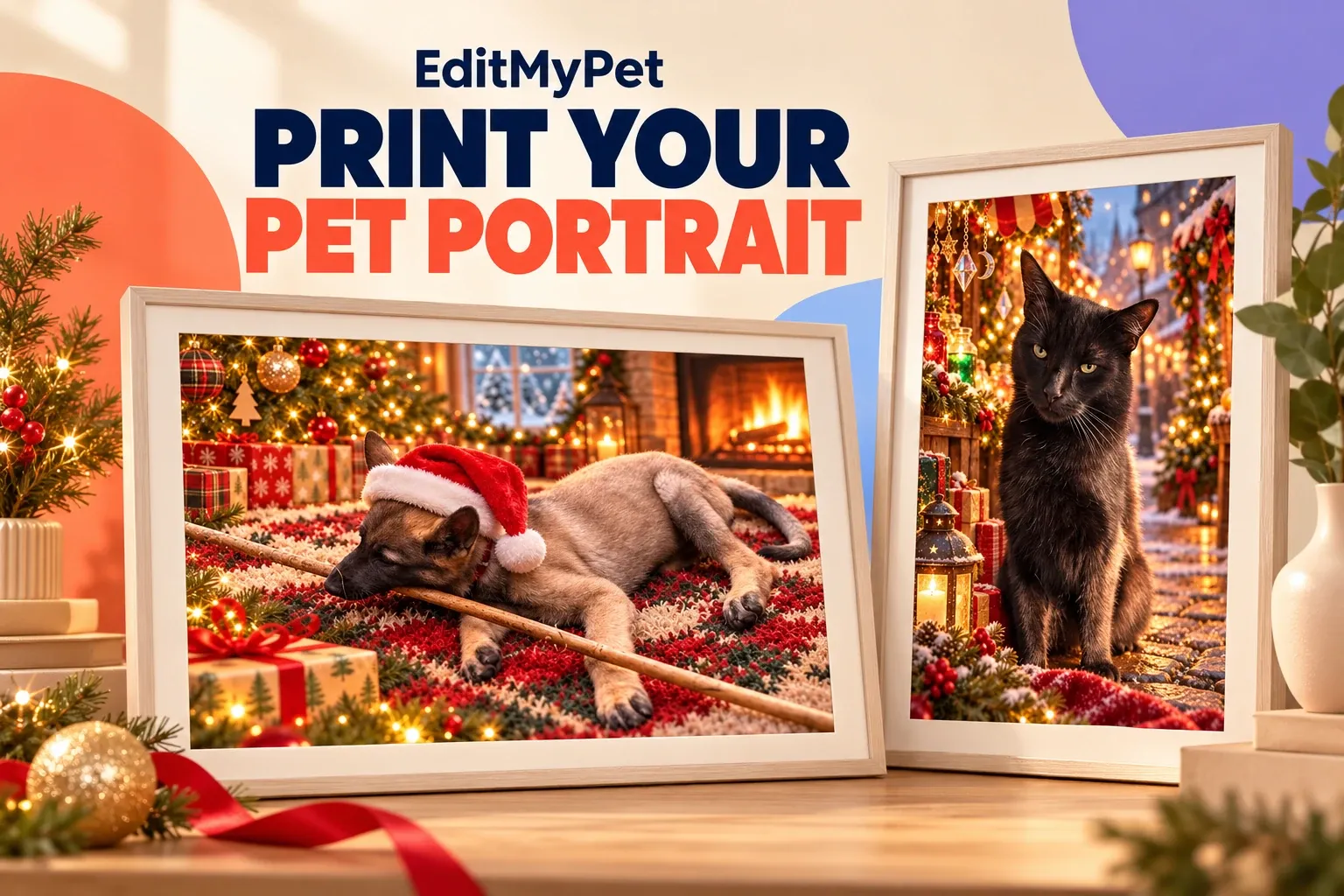
To work out how big a digital pet portrait can print, divide each pixel dimension by the printer’s pixels per inch, or ppi. At 300 ppi, a 1024 × 768 portrait measures about 3.41 × 2.56 inches. At 150 ppi it measures 6.83 × 5.12 inches. The right size depends on the detail in your picture and what your printer recommends.
For a saved EditMyPet creation, the art print shop offers a 5 × 7 inch print and an 8 × 10 inch option for eligible larger portraits. Orders currently ship to UK addresses. If you plan to use your own printer or a local lab, take the dimensions from your original download.
Find the dimensions of the original download
Open the file you downloaded from your account. Look for width and height in pixels in its properties or in an editor’s image-size panel. A messaging preview or screenshot may be smaller. The number in kilobytes tells you how much storage the file uses.
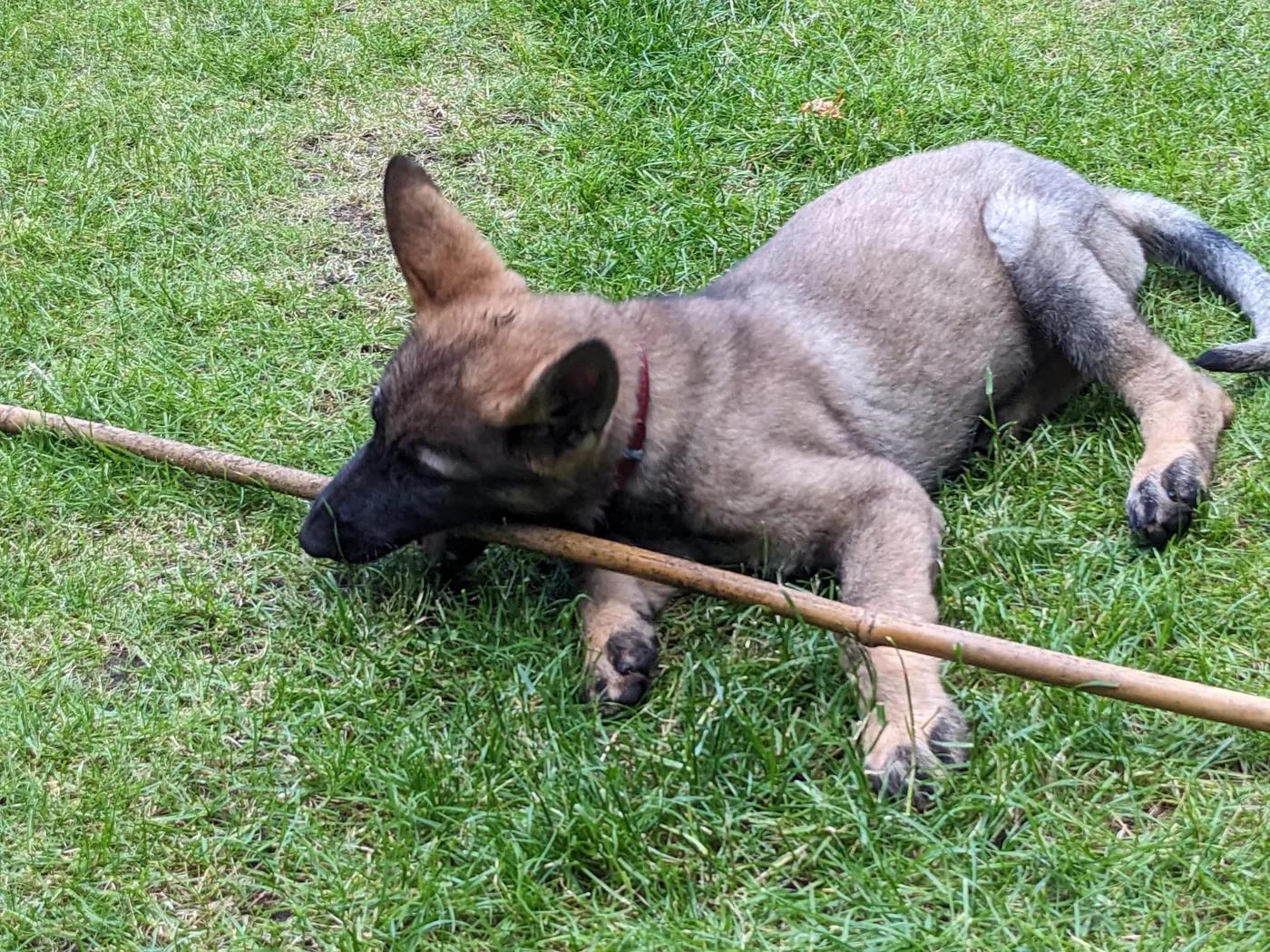
Creative choices
Creative Mode On
Christmas Magic
Twinkling Christmas warmth beside the tree and fireplace

Christmas Glow
Cozy red, evergreen, and gold holiday radiance.

Santa Hat
A plush red Santa hat with white trim and a pom-pom.
Upload a new photo or choose one of your saved pets next.
Calculate inches from pixels
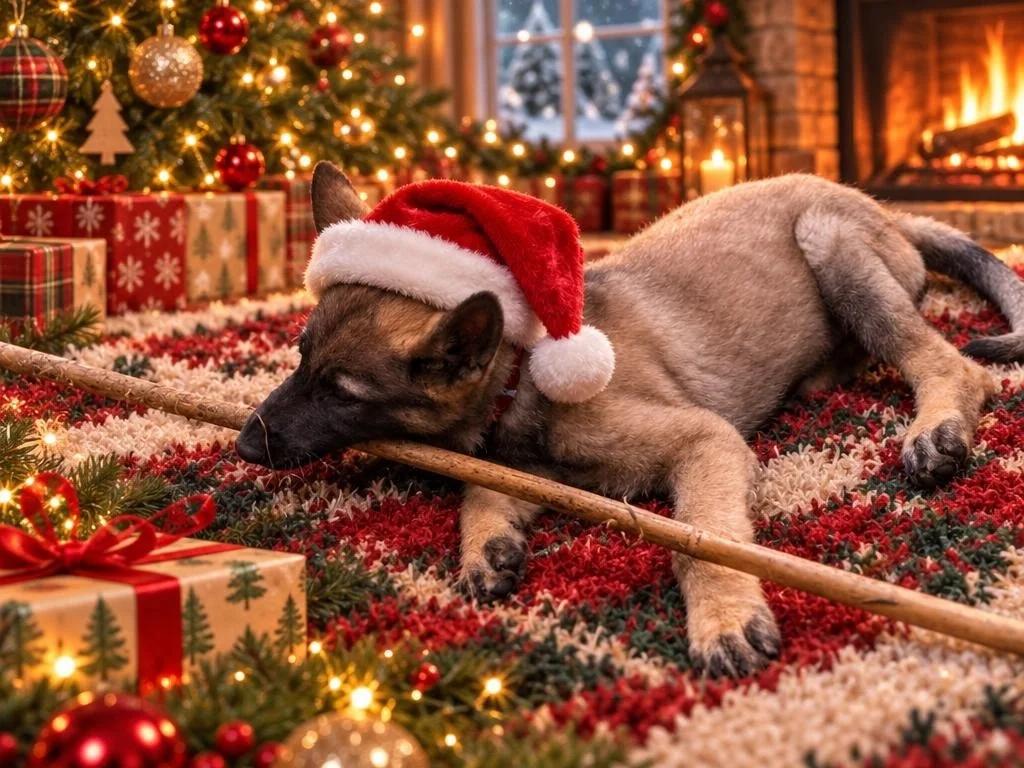
Print width in inches = pixel width ÷ ppi. Apply the same calculation to height. For Eve’s landscape image, 1024 ÷ 300 = 3.41 and 768 ÷ 300 = 2.56. A 768 × 1024 portrait has the same measurements with the axes swapped.
Two measured example files
Swipe to compare all 2 tools →
| Downloaded pixels | At 300 ppi | At 150 ppi |
|---|---|---|
| 1024 × 768 landscape | 3.41 × 2.56 inches | 6.83 × 5.12 inches |
| 768 × 1024 portrait | 2.56 × 3.41 inches | 5.12 × 6.83 inches |
At 150 ppi, the pixels cover twice the width and height they do at 300 ppi. Fine fur and small decorative details may look softer up close.
For a picture filling a 6 × 4 inch print, 300 ppi requires 1800 × 1200 pixels after cropping. At 150 ppi it requires 900 × 600. Use the printer’s recommendation, intended viewing distance and an actual preview or proof to decide what is acceptable.
A resolution label in an editor does not add detail to the picture. Use the actual pixel dimensions for the calculation. Adobe’s image-size and resolution guide explains the difference between assigning a print size and resizing the image.
Fit a 4:3 picture into a 3:2 print
Eve’s 1024 × 768 portrait is 4:3. A landscape 6 × 4 inch print is 3:2. Filling that paper takes a strip off the top and bottom.
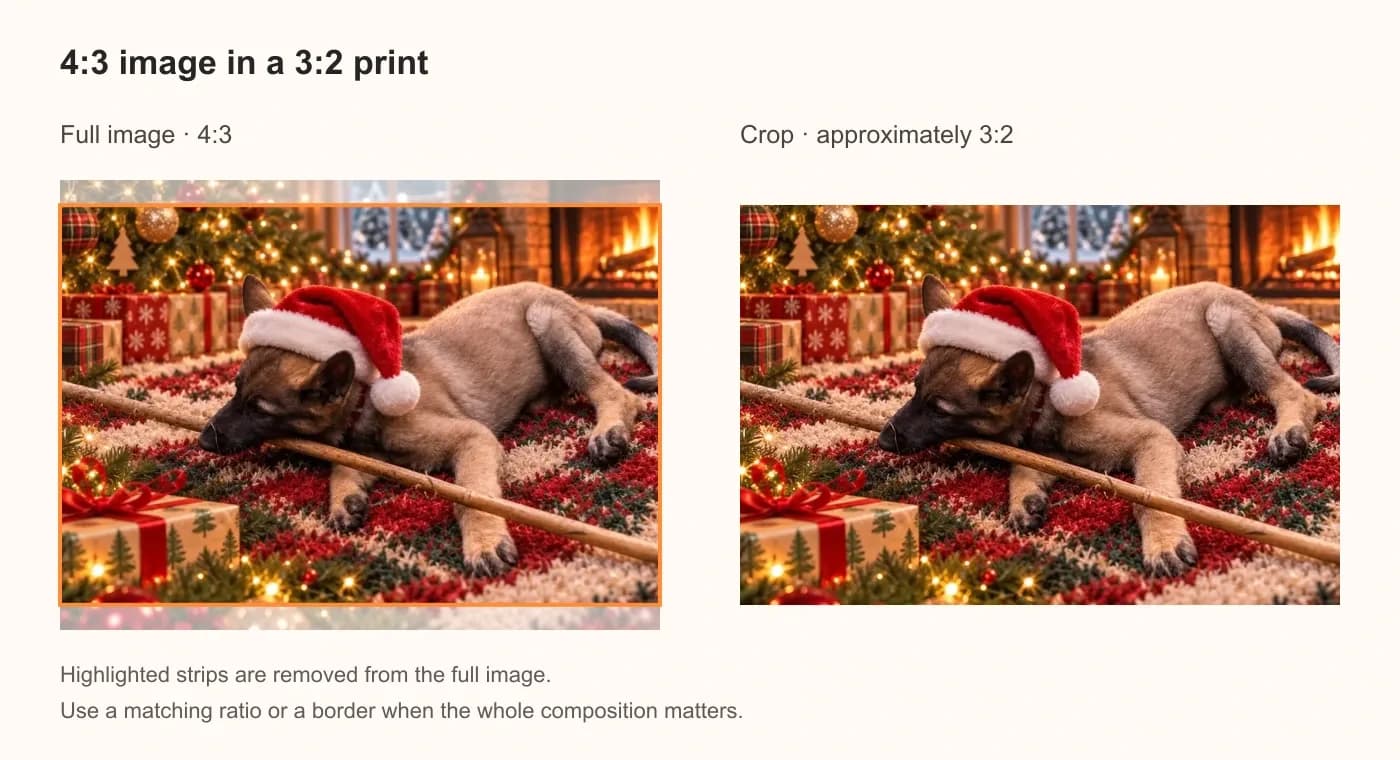
Eve’s ears fit in this crop. If yours would cut off a detail you like, choose paper with the same proportions or ask for a white border. You can keep the whole portrait that way without stretching it.
An 8 × 10 inch portrait opening is 4:5, so it needs a different crop again. Allow for the mount opening too: it can overlap the edges of the printed image.
Send the file to your printer
- Check your lab’s pixel and file-format requirements for the size you want. Follow its colour instructions if it supplies them.
- Upload a copy of the original download and adjust the crop in the order preview.
- If a resolution warning appears, choose a smaller print or place a smaller picture within a border.
- For a gift or a batch of copies, try a small proof first. You can see how the eyes and fine details hold up on paper before ordering the rest.
Paper reflects light while a screen emits it, so colour can look different in print. Follow the printer’s guidance rather than repeatedly changing colour settings between apps.
Portraits and greeting cards
A card needs space for its message as well as the picture. The Christmas card guide shows two layouts. For artwork to frame, the watercolor and oil painting pages show how the brushwork looks on fur.
Paper crafts to print at home
The free paper craft templates have room for a photo from your phone or a saved EditMyPet portrait. Download the A4 or US Letter PDF and print it single-sided at Actual size (100%). The scale bar at the foot of the printed sheet should measure 25 mm.
For a gift book, slip a photo bookmark inside with a message for the reader. At Christmas, tie a matching gift tag under the bow. To hang the portrait on the tree, print the paper photo ornaments and glue the circles back to back so the picture shows on both sides.
For a birthday table, string portrait bunting along the front by folding the paper tabs over twine. Use the same picture on folded place cards with a guest’s name beside each portrait.
Choose a scene and style, then use the downloaded pixel dimensions to plan the print.
Create a pet portrait