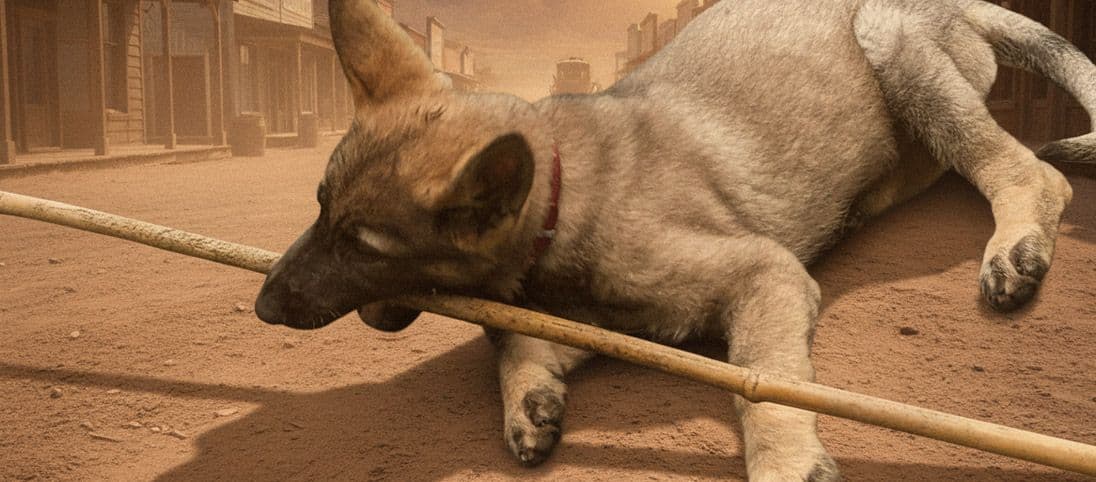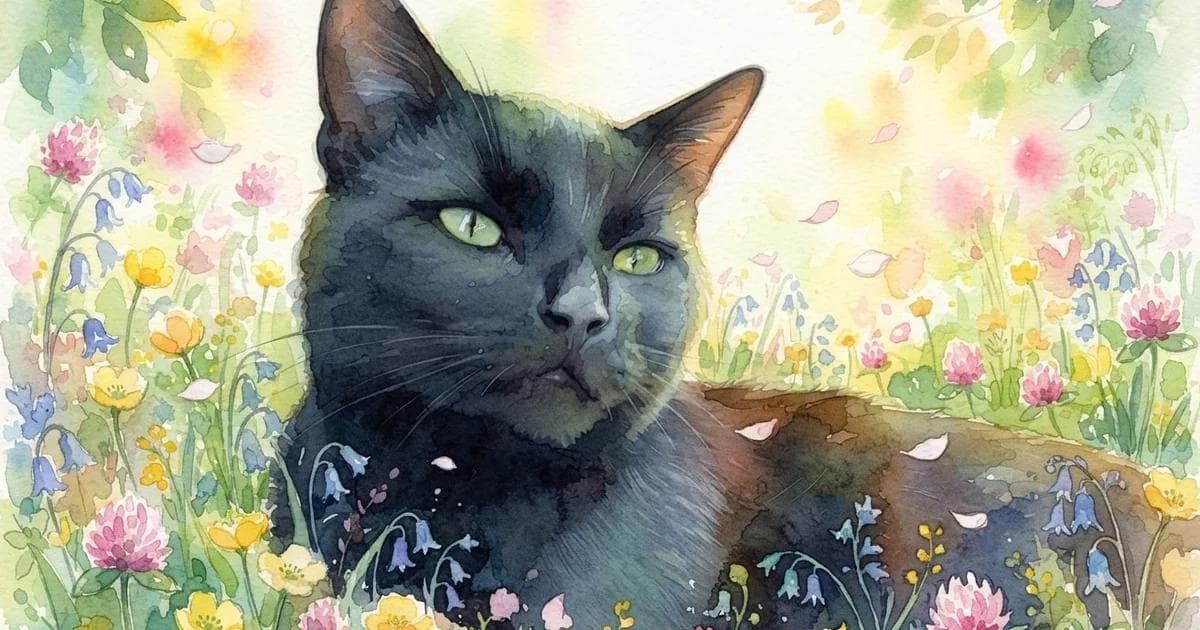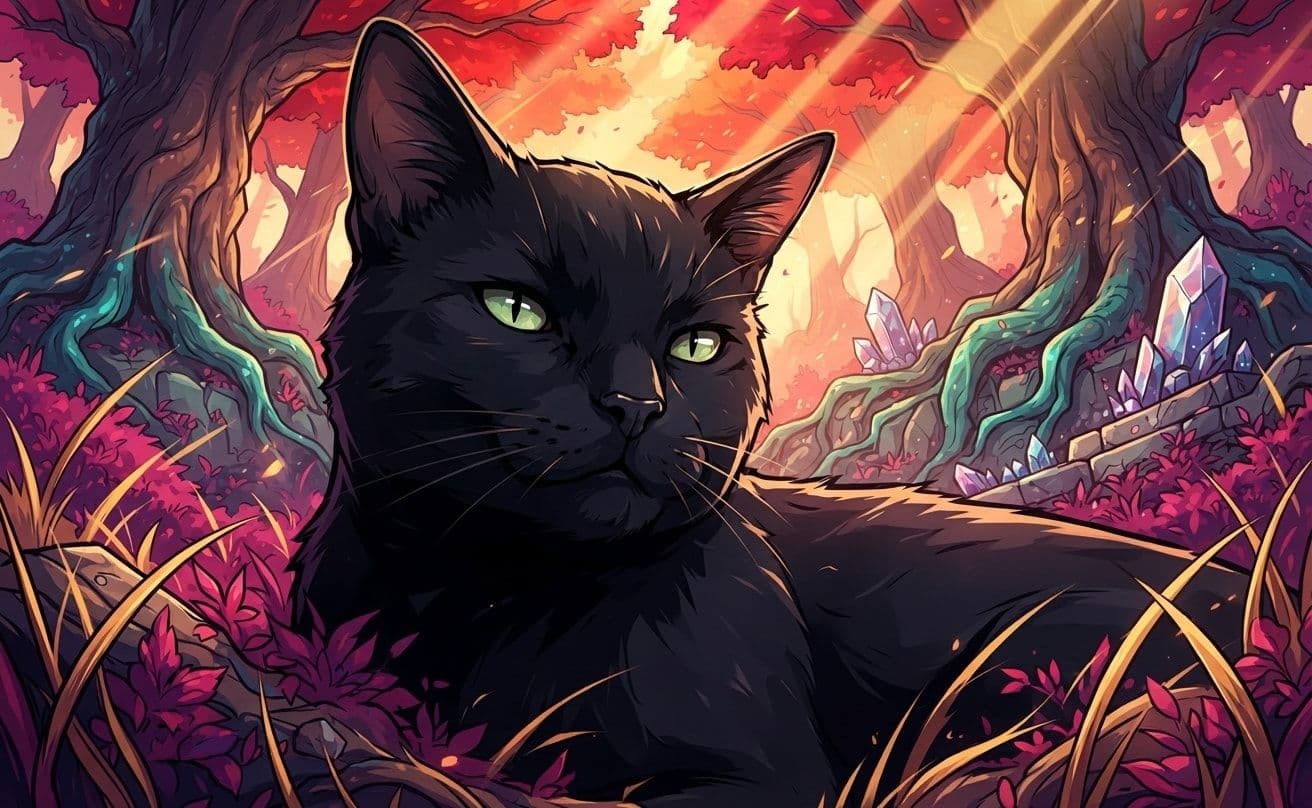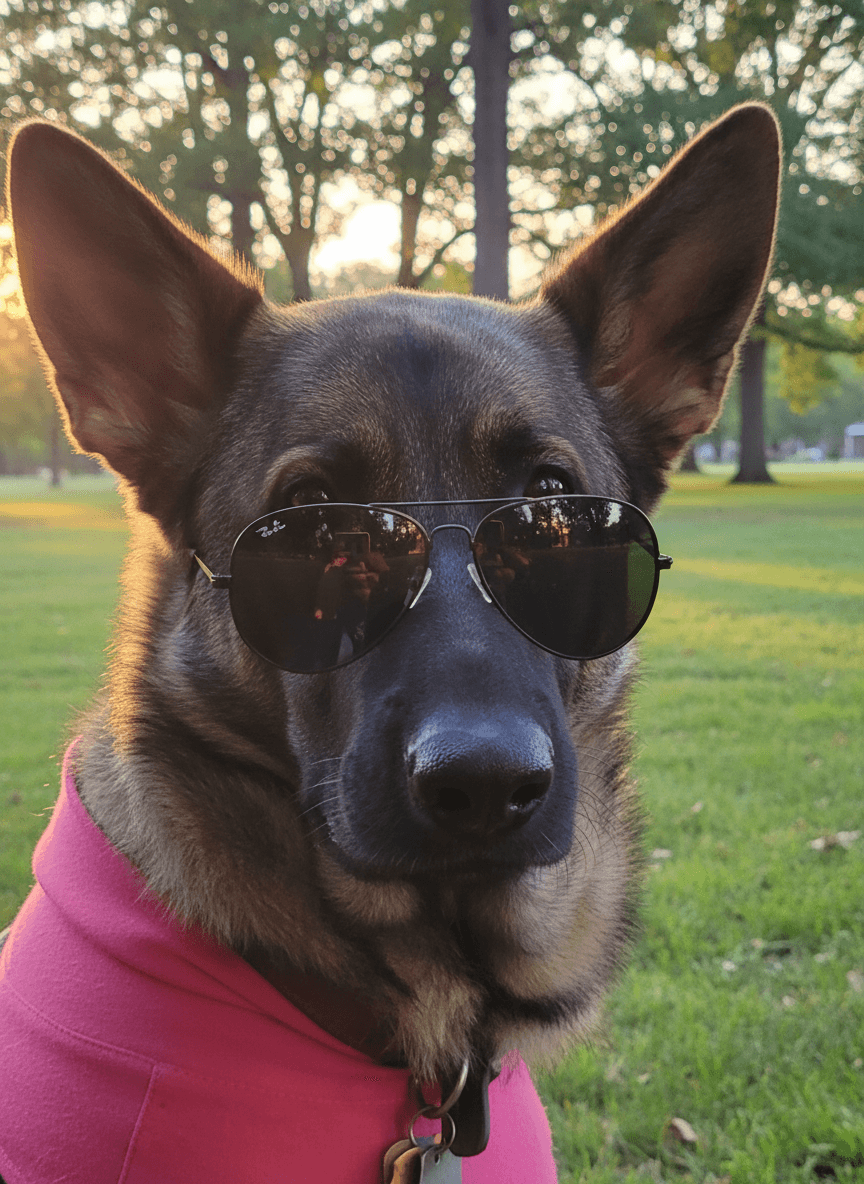
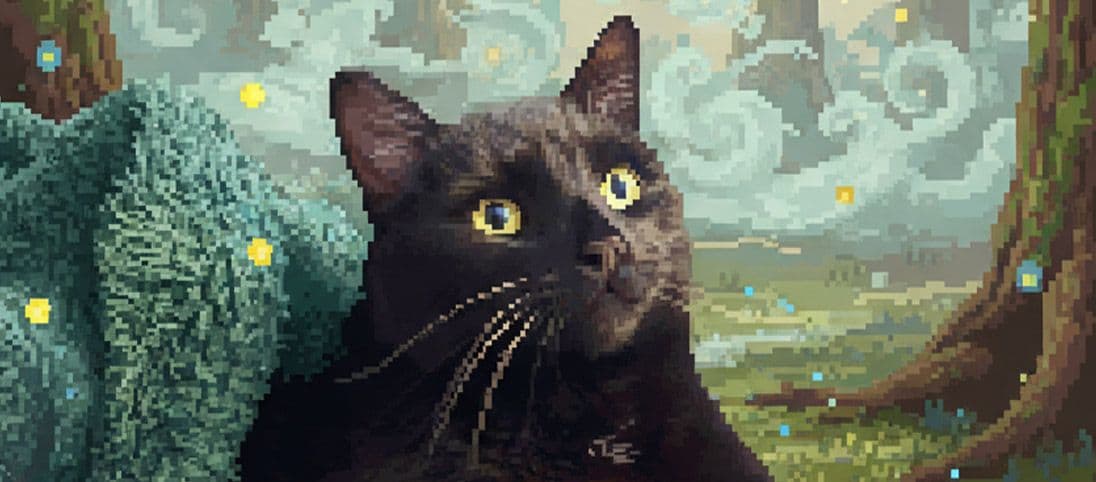
A good pet photo background change should make the setting feel intentional without making your pet feel pasted into it. The strongest results pair the pose, light and surface in the source photo with a scene that could naturally hold them.
If you are ready to try it, open the pet photo background changer. You can start with a scene shown below and replace the example pet with your own.
Two background changes built around the pose
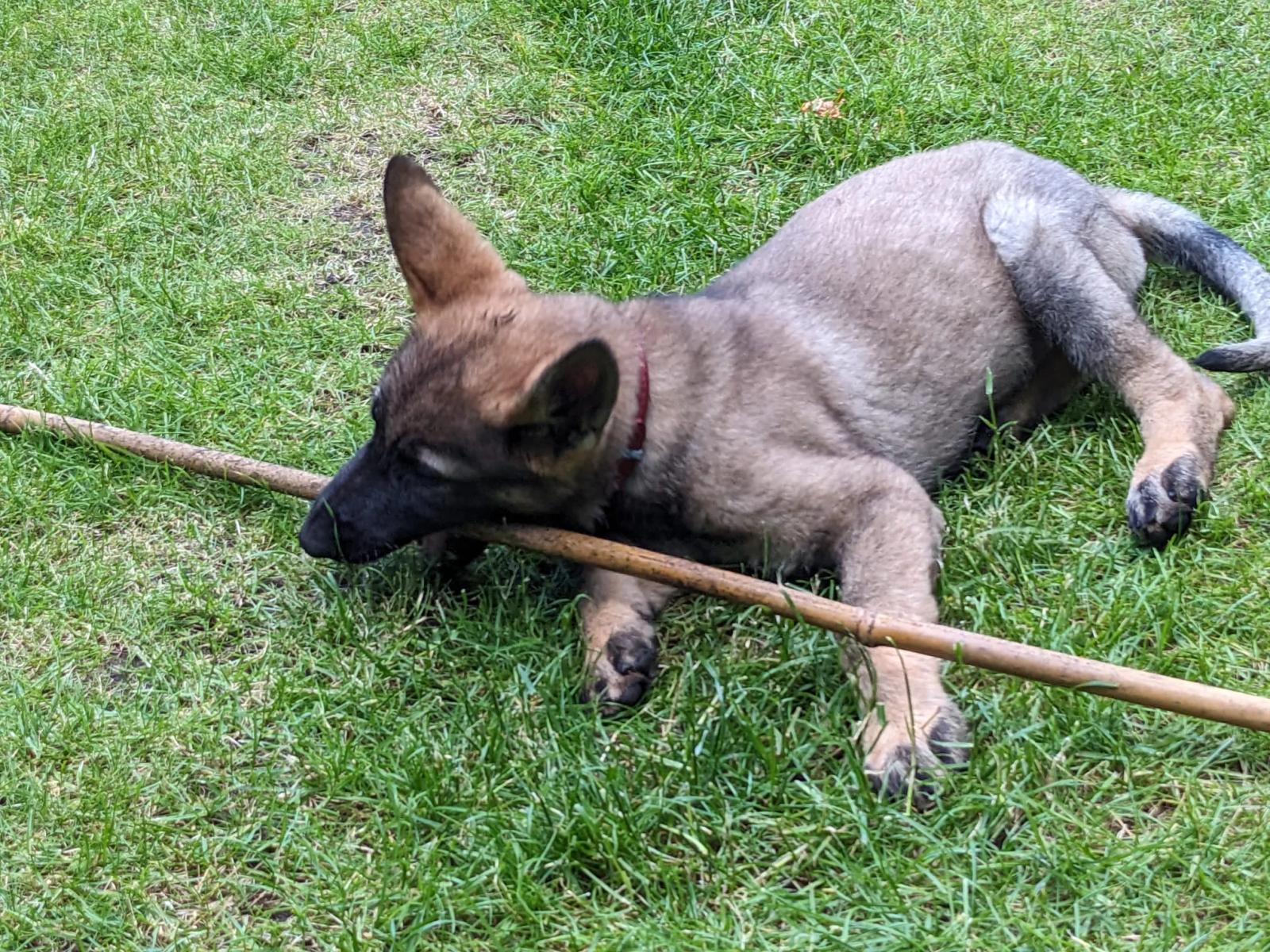
The original photo matters, but the new scene does not need to copy it. Look for a believable surface, compatible lighting and enough space for the pose already in the frame.
Creative choices
Creative Mode Off
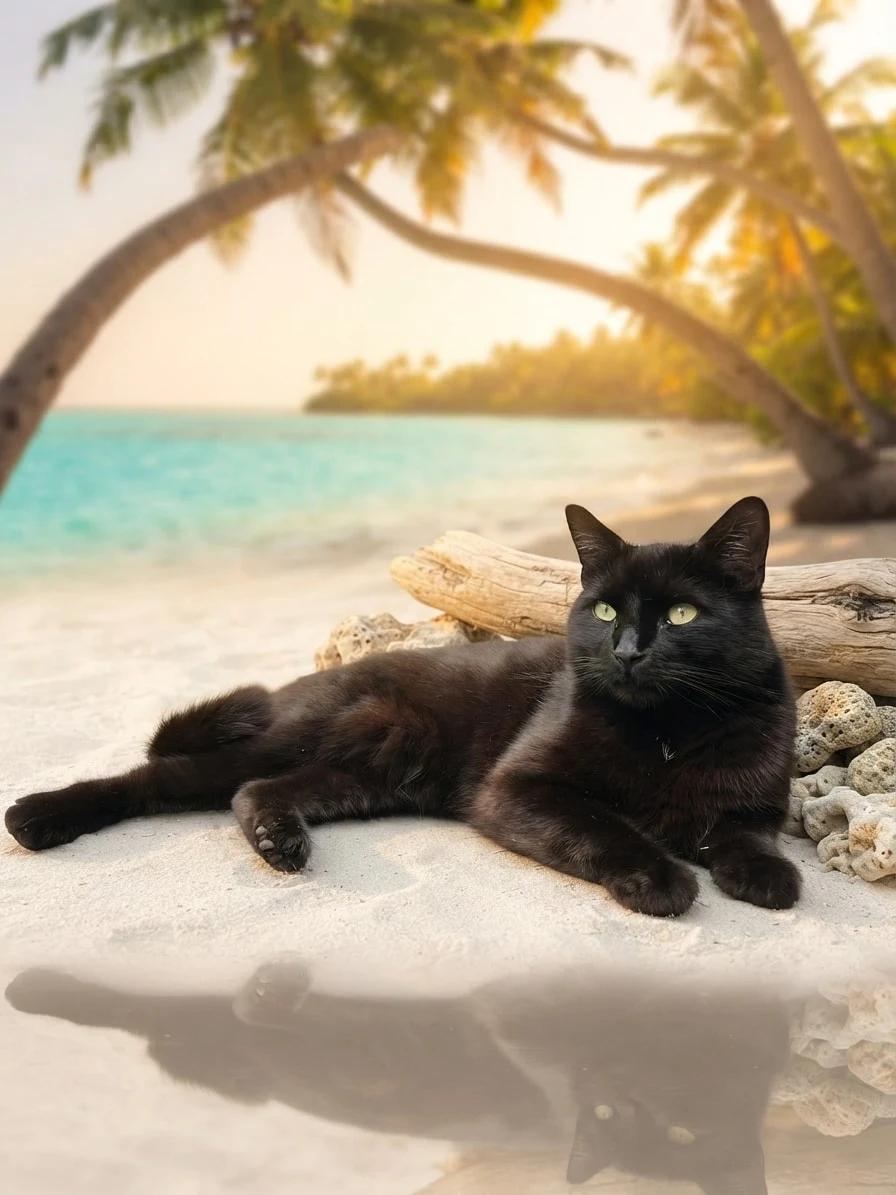
Tropical Beach
Turquoise water, soft sand and sunset island calm

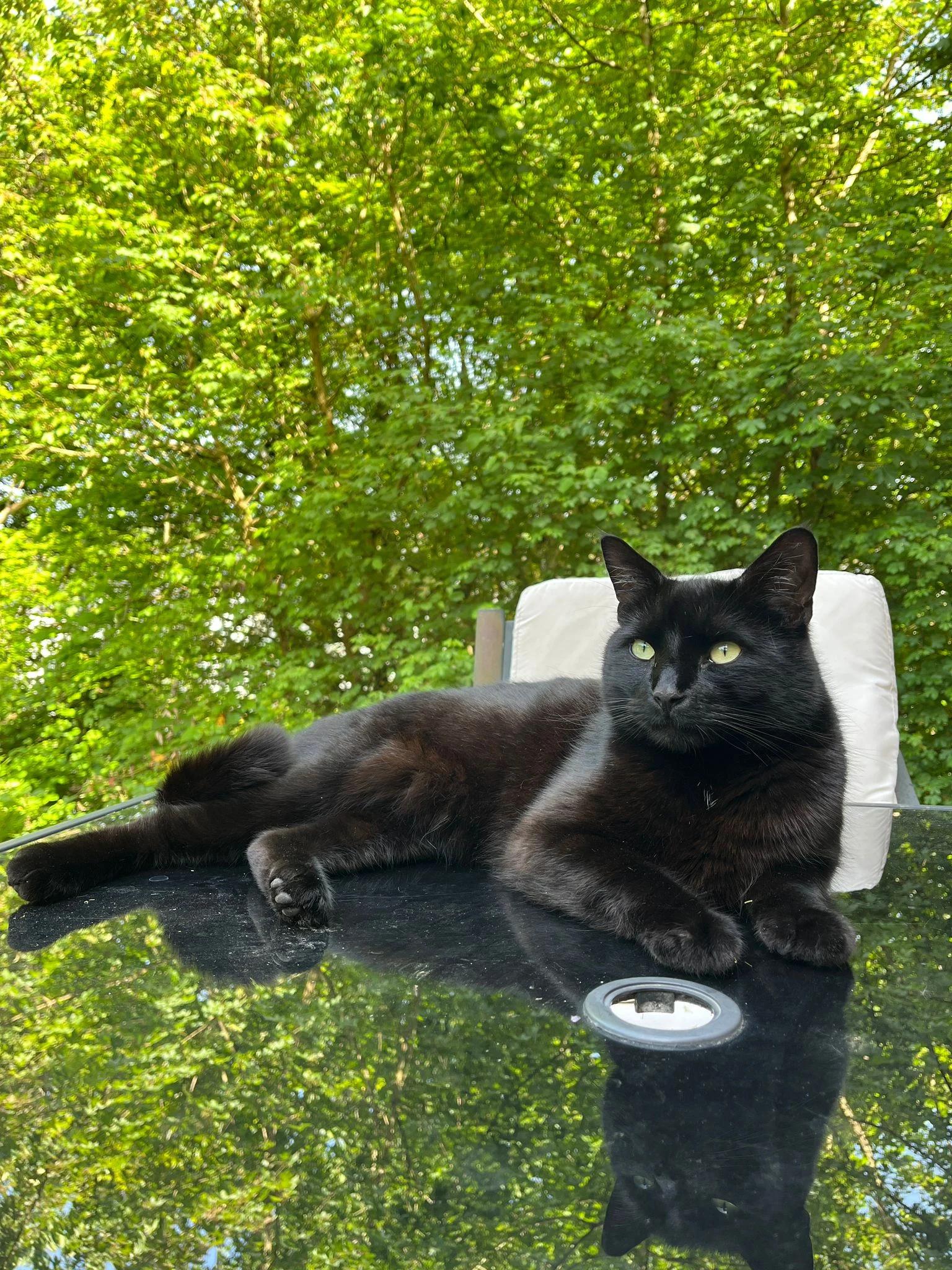
Original
Natural background replacement
Upload a new photo or choose one of your saved pets next.
Use the slider to compare the exact source and result, then use the choices beneath it when this direction fits your own photo.
Creative choices
Creative Mode Off
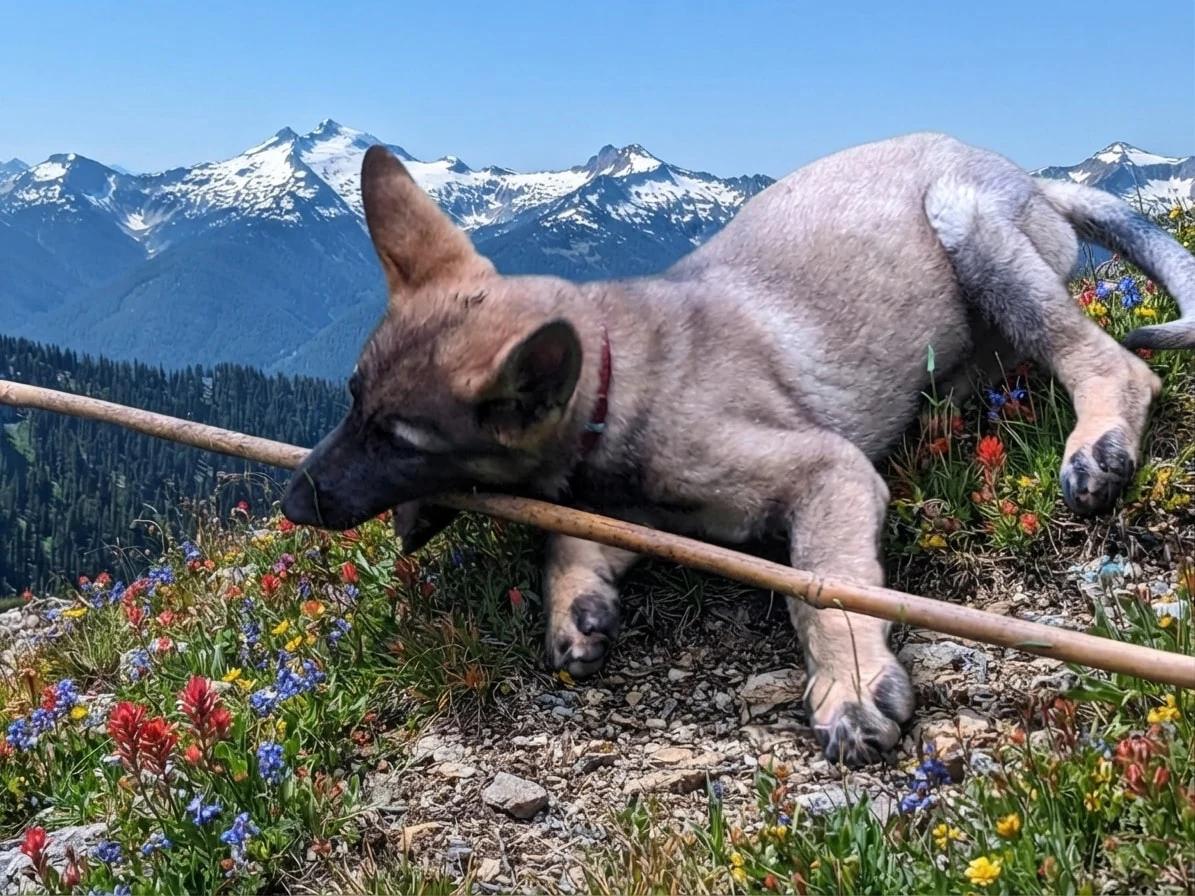
Mountain Adventure
Wildflower peaks and crisp alpine adventure views
Original
Natural background replacement
Upload a new photo or choose one of your saved pets next.
Changing the recipe changes the story while the source remains the reference point. Compare the face, pose and details that matter before choosing a result.
How to choose a background that belongs
Start with the physical clues in the photo. The best setting is usually the one that answers the pose rather than competing with it.
Match the surface
A lying pet needs grass, sand, a blanket, a sofa or another surface that supports the body naturally.
Follow the light
Bright daylight sources suit open scenes. Softer indoor light can feel more at home in cabins, studios and evening settings.
Give dark coats contrast
A lighter sky, wall, meadow or shoreline helps the face and outline remain easy to read.
Keep the scene secondary
Choose enough detail to tell a story, but leave the clearest contrast and visual emphasis around your pet.
| Source photo | Scenes to try | Why it works |
|---|---|---|
| Pet lying outdoors | Beach, meadow, picnic, mountains | The body already has a believable ground plane |
| Pet sitting upright | City rooftop, garden, cabin, studio | The pose works across portrait-friendly settings |
| Close face portrait | Soft studio, window light, simple interior | A quieter scene keeps attention on the expression |
| Pet holding a toy | Playful garden, park, poolside | The prop can remain part of the new story |
Choose a source photo with room for the new scene
You do not need a studio photo. You do need a source where the face, outline and important markings are readable.
- Keep both eyes and the full face visible where possible.
- Leave space around ears, paws and tail when the final crop matters.
- Avoid heavy blur or screenshots with very little detail.
- Choose a second source photo when the first pose fights the scene you want.
Choose how far the style should move
Creative Mode On gives the selected scene and style more freedom to shape the complete image. Off keeps the source photo as a closer guide. See the differences in the Creative Mode guide.
Keep exploring
For a fuller source-photo checklist, read how to choose the best photo for an AI pet portrait. To combine backgrounds with artistic styles and accessories, explore the AI pet generator.
Choose a believable setting, add your pet and adjust every choice before creating.
Change your pet photo backgroundFrequently Asked Questions
How do I change the background of a pet photo?
Upload a clear pet photo, choose a scene and use the Original style when you want the result to remain photographic. Review the comparison, then try another scene if the surface or lighting does not feel natural.
Which background works best for a dog or cat photo?
The best background matches the pose, light and available space in the source image. Sitting portraits are flexible, while lying poses usually need a clear ground, blanket, sofa, sand or grass.
Can I keep my pet looking realistic?
Yes. Choose the Original style and set Creative Mode Off when you want the source photo to guide texture, framing and pose more closely.
Does this remove the background as a transparent cut-out?
No. EditMyPet creates a complete new image in a selected scene. It does not currently export a transparent pet cut-out.
Can I reuse the exact background shown in this guide?
Yes. Use the choices beneath a comparison to carry its scene, style and Creative Mode setting into Create, then choose your own pet photo.
Related Articles