Toys

Soft 3D Cartoon
Warm, rounded animated-feature styling.
Reimagine them in softly shaded 3D, pastel Kawaii, cuddly plush, handcrafted clay or playful puppet style, inside a scene you choose.
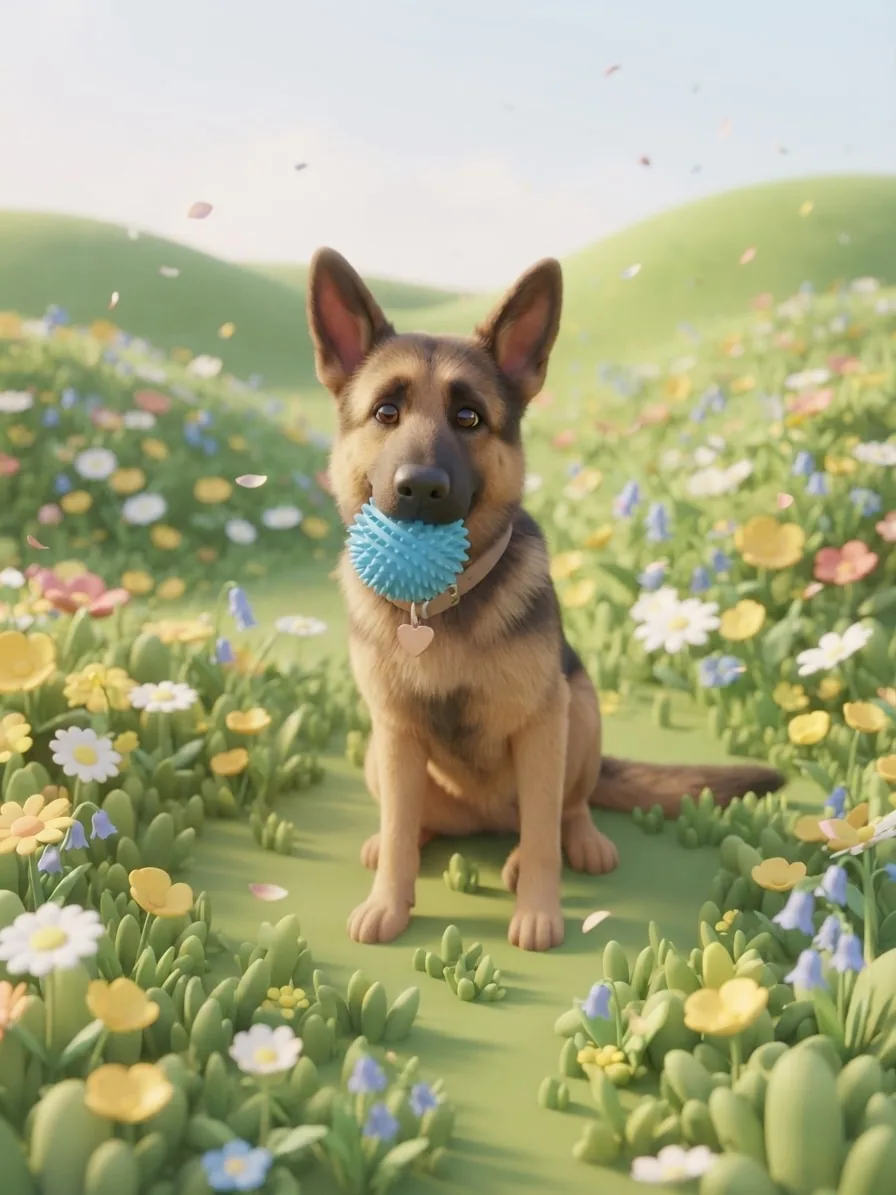
A bright 3D character in spring sunshine
Drag to compare
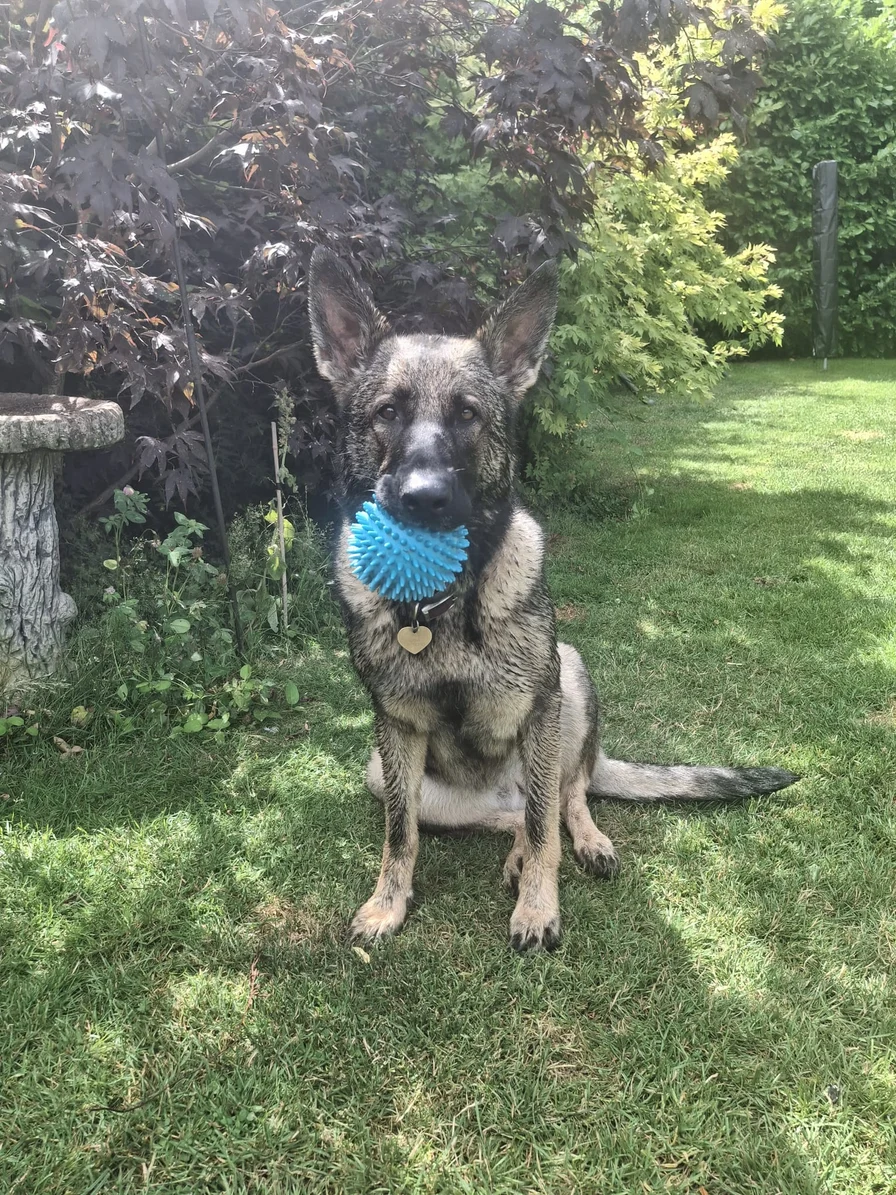
Slide between each photo and portrait to see how the same expression, markings and favourite poses can take on a new illustrated or handcrafted personality.
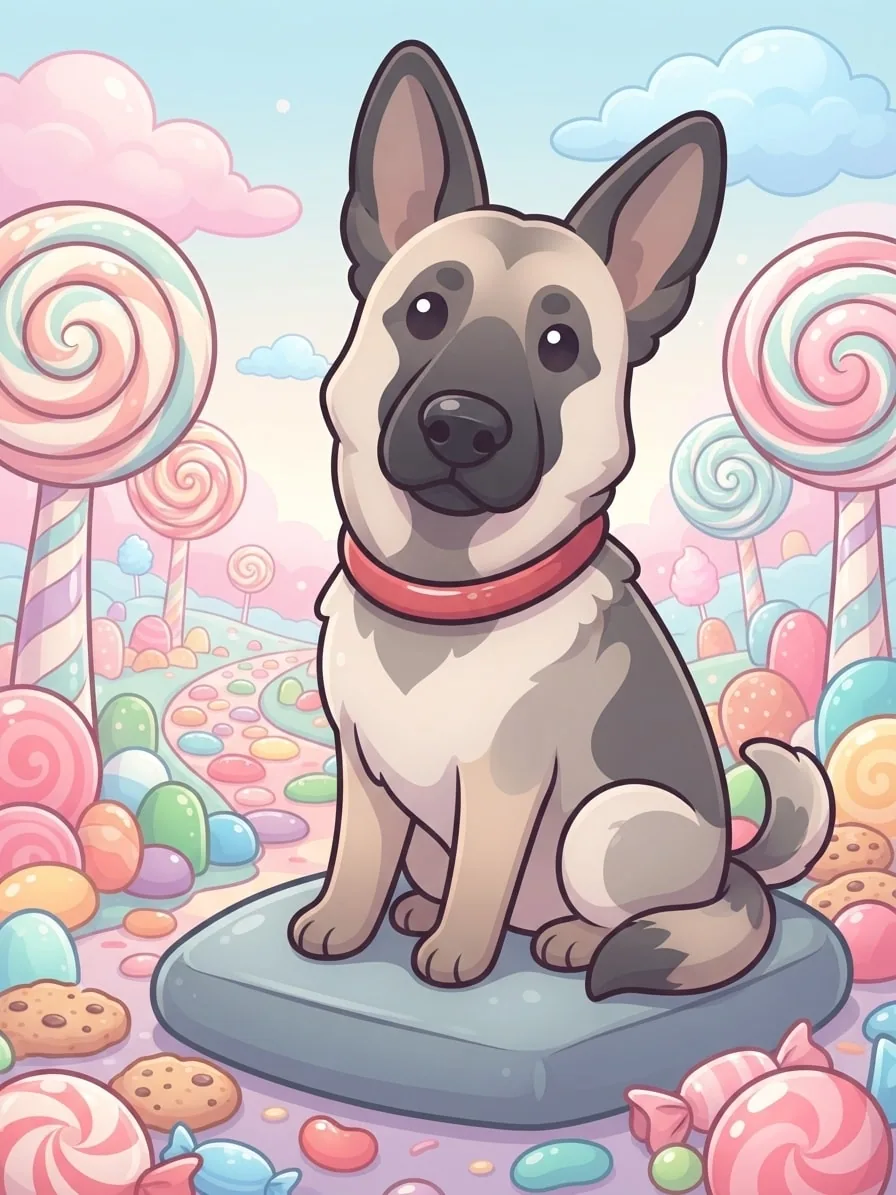
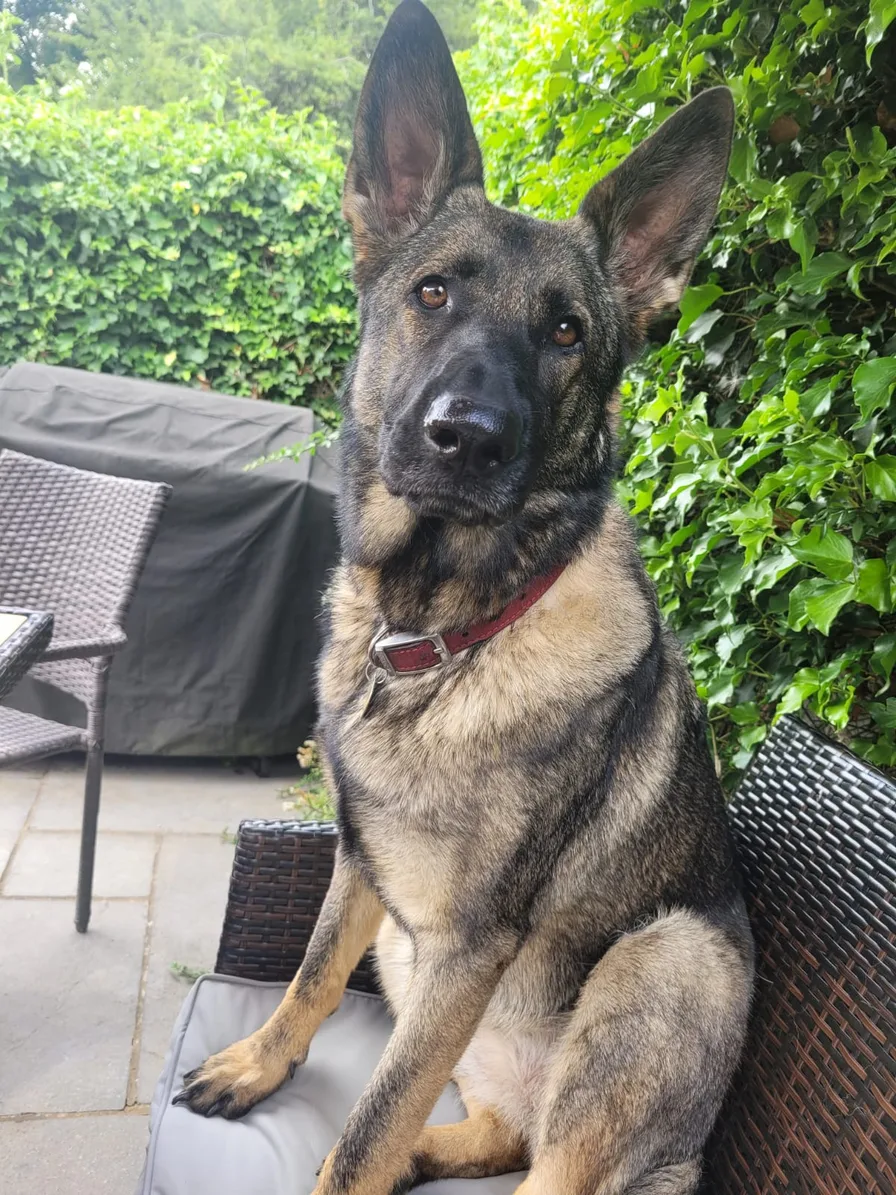
Glossy highlights, rounded shapes and a pastel Candyland turn Eve's alert pose into a bright Kawaii character moment.
Creative choices
Creative Mode On
Candyland
Lollipop trees and gumdrop paths beneath pastel clouds

Kawaii Pop
Sweet pastel character art with glossy accents.
Upload a new photo or choose one of your saved pets next.
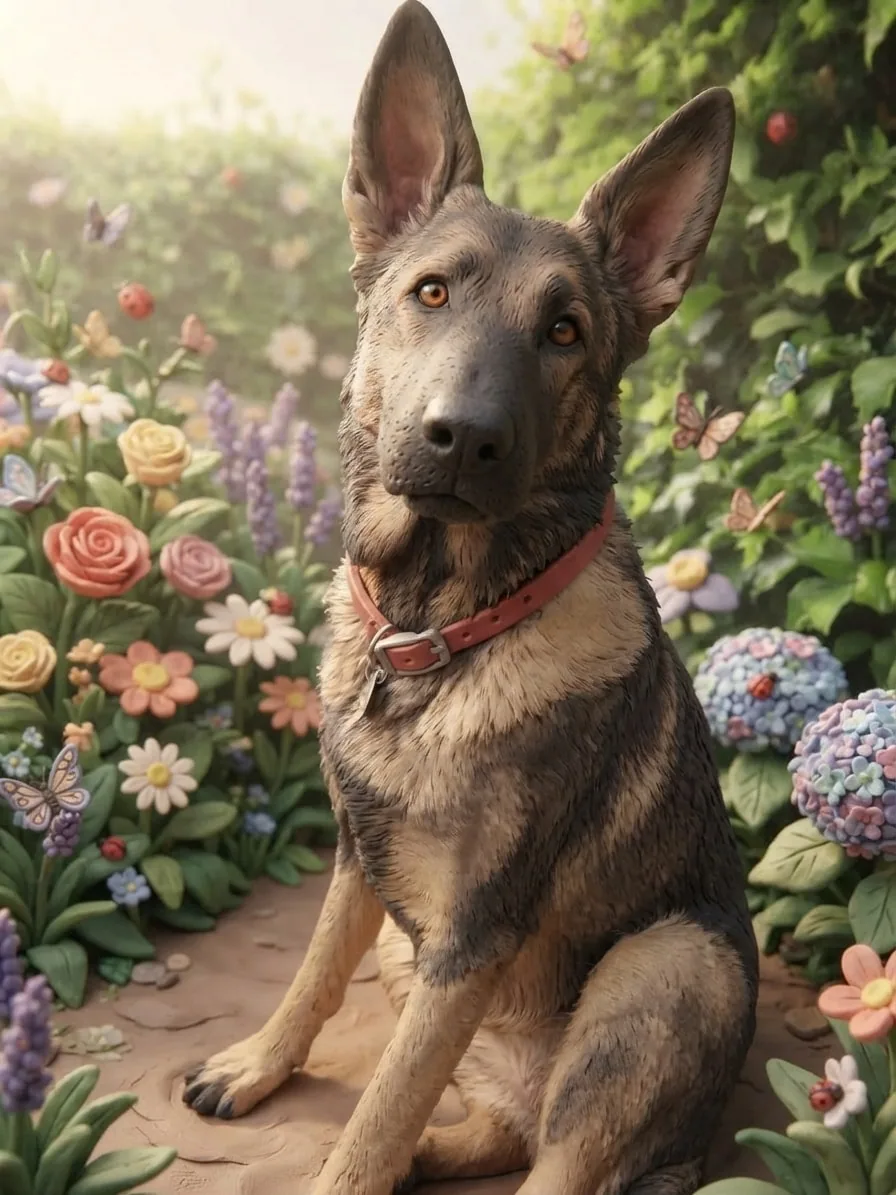
Sculpted fur, tiny clay flowers and gentle sunlight give Eve the charm of a handcrafted stop-motion character.
Creative choices
Creative Mode On
Flower Garden
Colourful blooms and butterflies in gentle sunlight

Claymation
Handmade clay animation
Upload a new photo or choose one of your saved pets next.
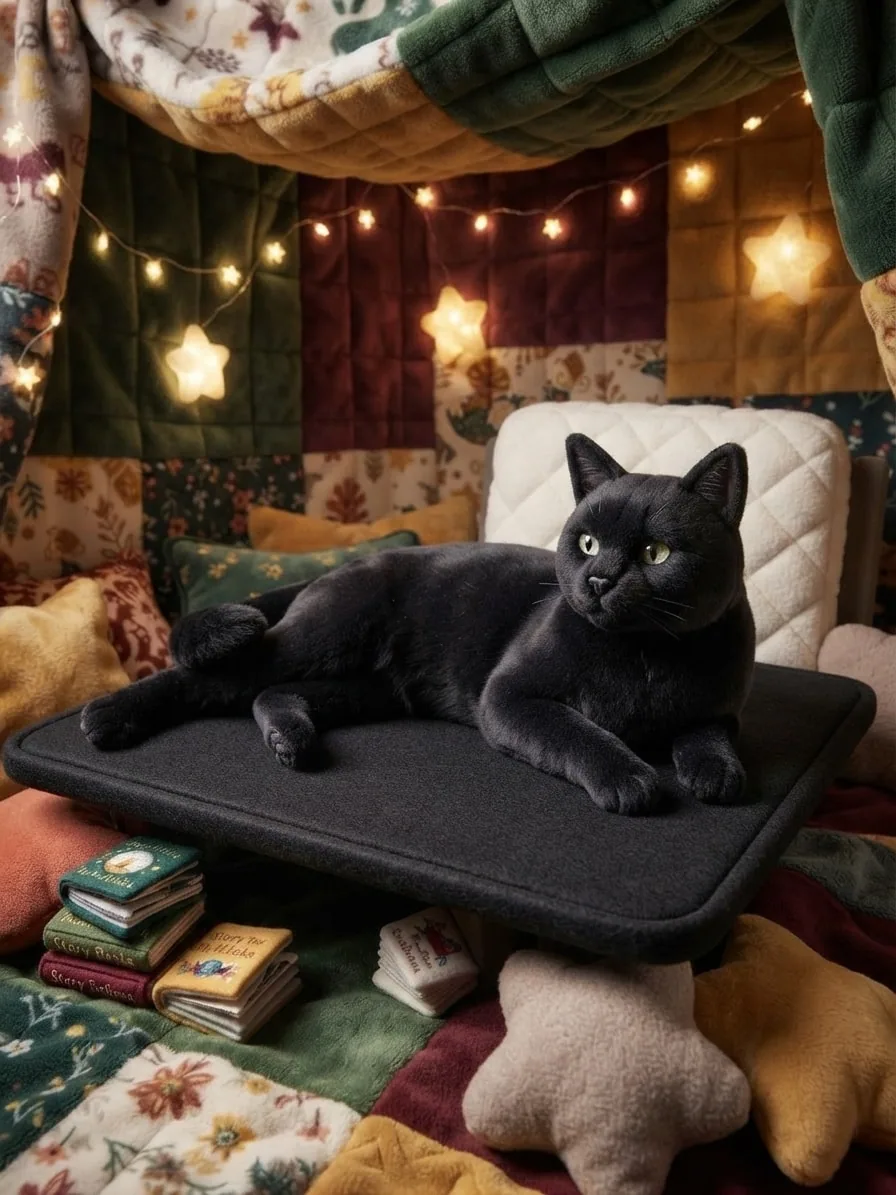
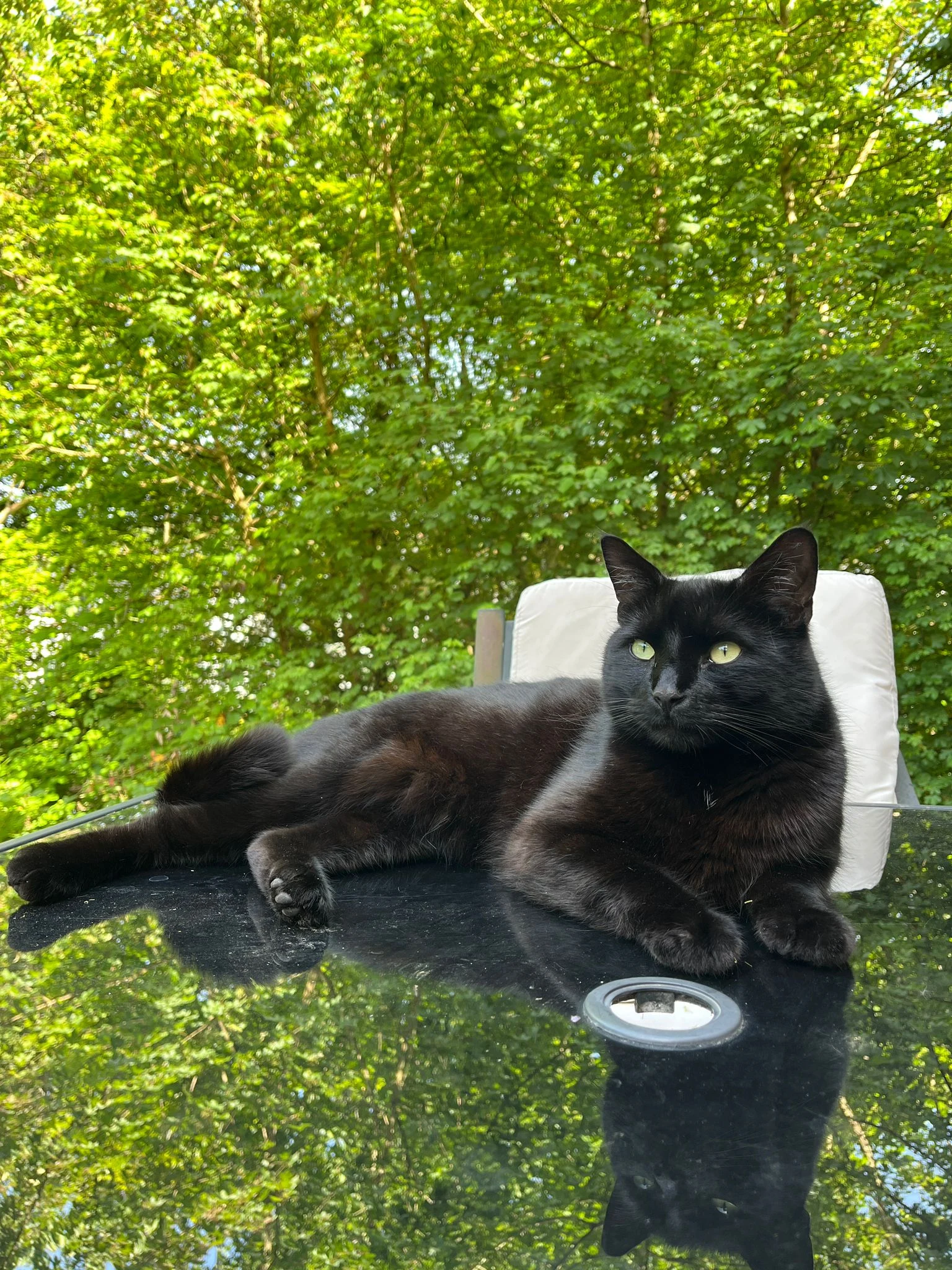
Soft fabric, stitched detail and a warm blanket fort turn Chuck's relaxed pose into a cuddly keepsake-style character.
Creative choices
Creative Mode On
Blanket Fort
Fairy lights, soft pillows and cosy hideaway fun

Plush Toy
Soft stuffed toy look
Upload a new photo or choose one of your saved pets next.
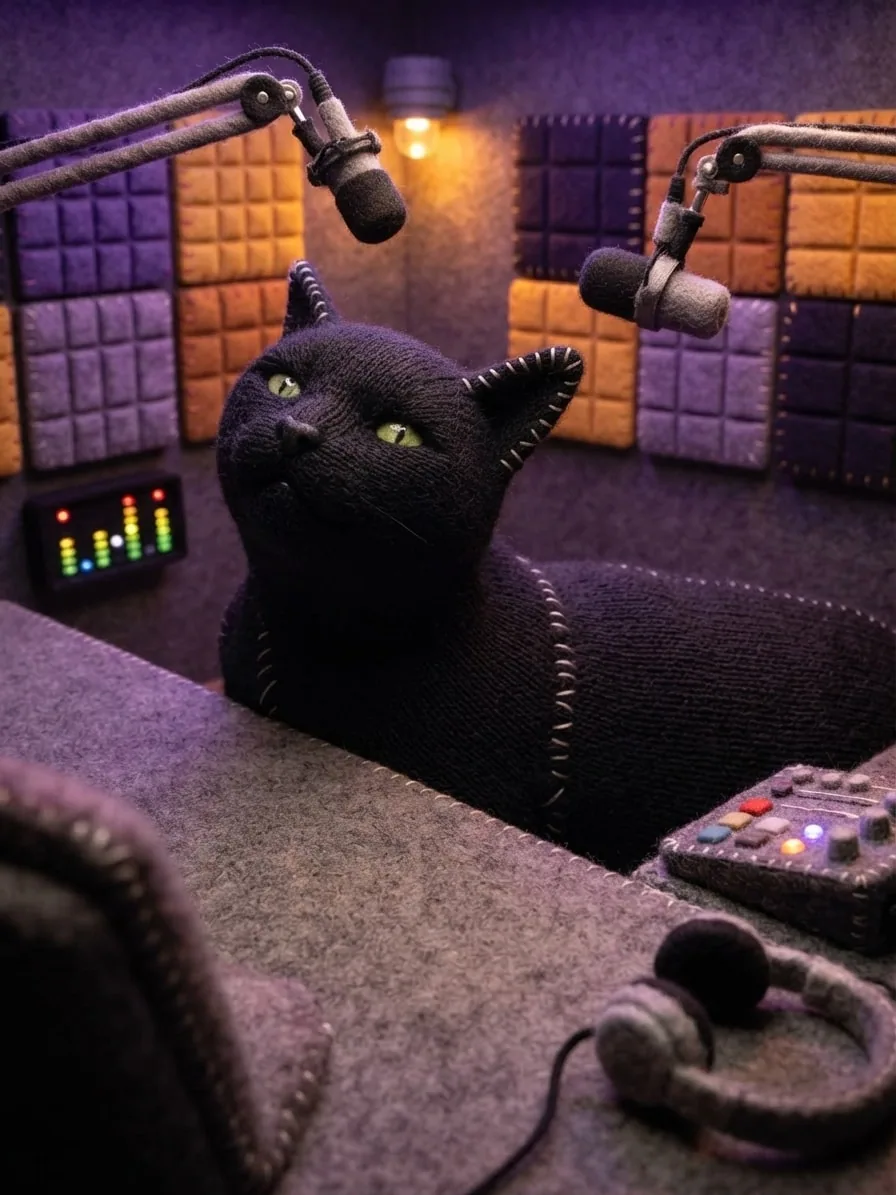
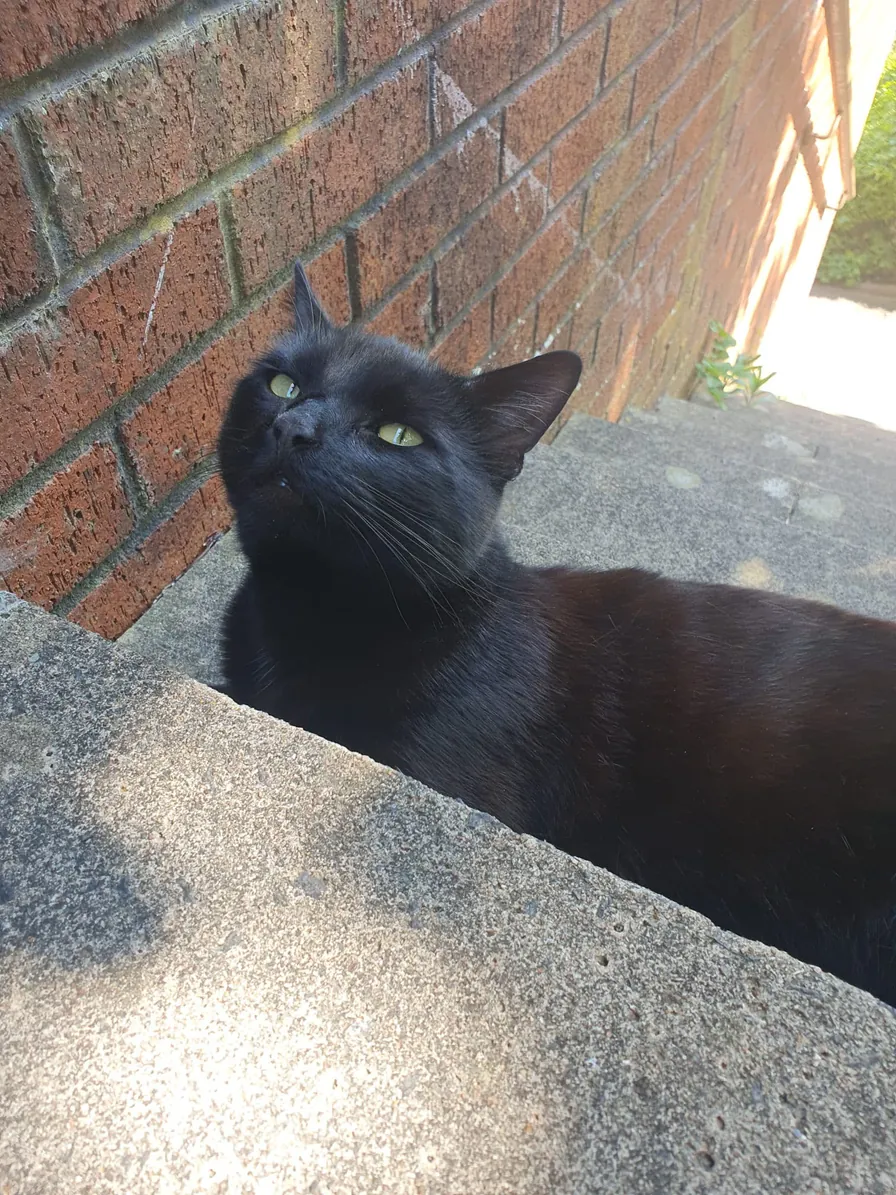
Knitted texture, bold stitched edges and warm studio light turn Chuck's upward glance into a wonderfully playful puppet host.
Creative choices
Creative Mode On
Podcast Studio
Violet light and professional sound studio atmosphere

Sock Puppet
Handmade puppet texture with playful fabric detail.
Upload a new photo or choose one of your saved pets next.
Go polished and dimensional, sweet and pastel, soft and cuddly, carefully sculpted or proudly handmade. For a cubic digital build rather than a cartoon material, explore our Voxel Pet Generator.
Soft 3D Cartoon
Warm, rounded animated-feature styling.
Kawaii Pop
Sweet pastel character art with glossy accents.
Plush Toy
Soft stuffed toy look
Claymation
Handmade clay animation
Sock Puppet
Handmade puppet texture with playful fabric detail.
Start with a favourite photo, choose the cartoon material you love and find the scene that brings their new character to life.
Upload a new photo or choose one of the pets already saved to your account.
Choose a photo
JPG, PNG or WebP

Pick Soft 3D, Kawaii, Plush, Claymation or Sock Puppet, then find the world that suits them.
Soft 3DKawaii PopClaymationCreate your image, compare it with the original and download the cartoon portrait you love.

Ready to download
Download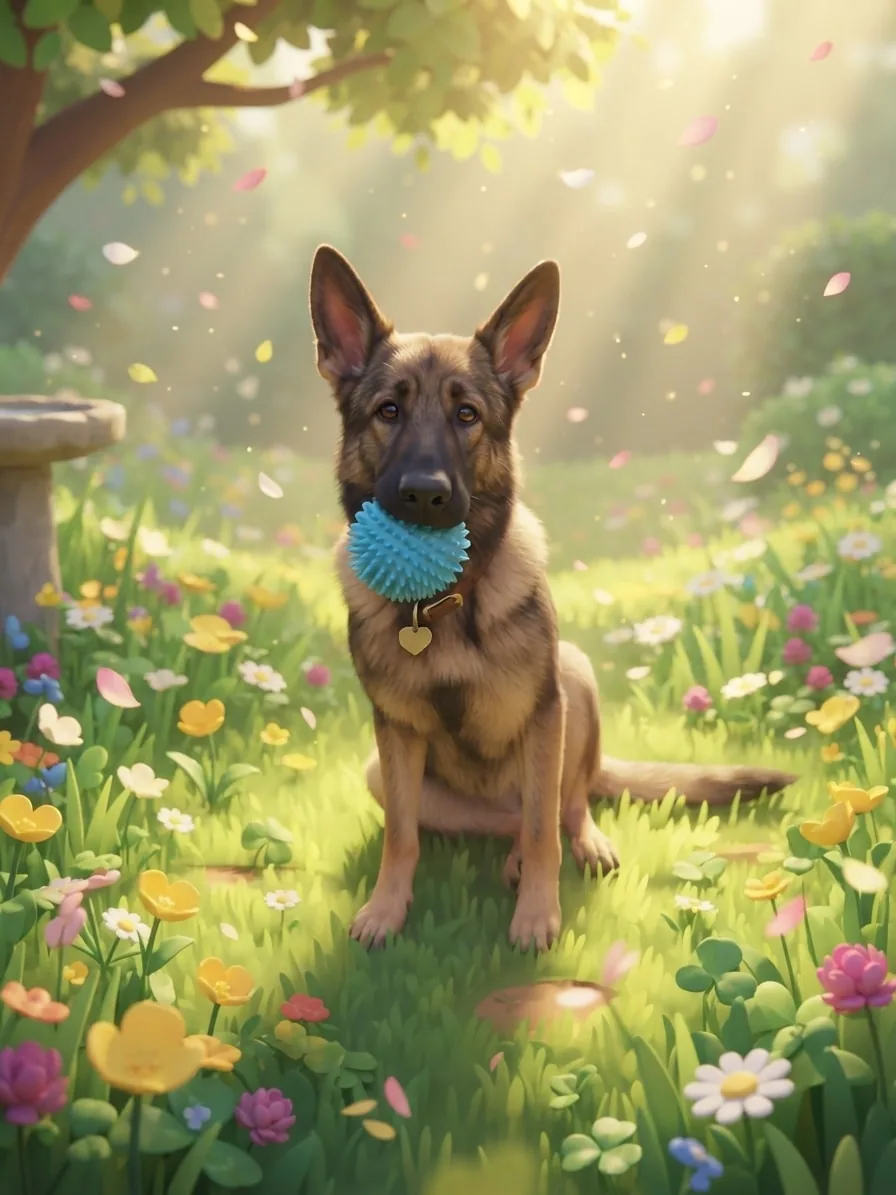 Creative Mode Off
The scene gets the full treatment while the pet keeps its photographic surface and natural detail.
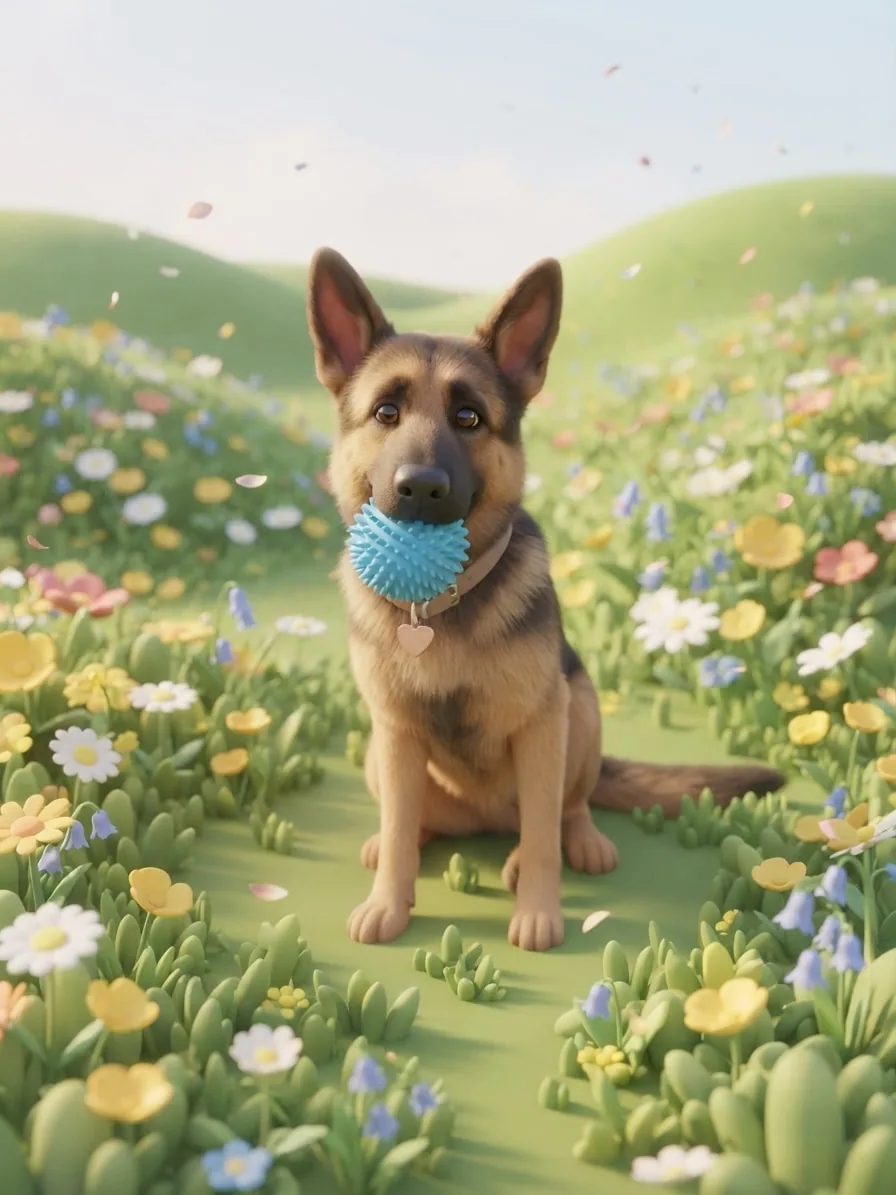 Creative Mode On
Artistic media re-render pet and scene cohesively; lighting, atmosphere and photo styles remain natural modifiers.
Both examples use the same Eve photo, Spring Meadow scene and Soft 3D Cartoon style.
Creative Mode changes how strongly your chosen scene and style shape the finished image. Turn it On for a bolder transformation, or Off to keep more of the original photo's natural detail.
Both modes lock the pet's identity, pose, position, scale and framing. Choose On to carry genuine artistic media across pet and scene, or Off to retain a photographic pet with restrained scene-matched integration.
Upload a pet photo or choose a saved pet, select one of the cartoon styles and add the scene you want around them. Love an example? Select 'Use these choices' to open Create with the same creative combination ready for your own pet.
EditMyPet currently supports Soft 3D Cartoon, Kawaii Pop, Plush Toy, Claymation and Sock Puppet looks. Each one changes the shapes, shading and material of the complete image in a different way.
The cartoon style reshapes texture and detail, while the source photo still guides the face, pose, markings and expression. A photo with visible eyes and a clear outline gives the character a strong starting point.
Both modes lock identity, pose, position and framing. Creative Mode On renders the pet and scene cohesively in the selected cartoon material; Off applies that treatment fully to the scene while retaining a photographic pet.Compare Creative Mode On and Off
Yes. A clean studio keeps the focus on the character, while gardens, cosy interiors and playful fantasy scenes add more story around them. You can adjust every choice before creating.
This page focuses on rounded 3D, pastel character, plush, clay and puppet materials. Anime styles use illustrated linework, cel shading and animation-inspired colour instead.Explore anime pet portraits
Yes. You can select up to three styles in one creation, and each selected style produces its own image. That makes it easy to compare Soft 3D, Kawaii and handmade looks from the same pet photo and scene.
The portrait styles collection brings together cartoon, painterly, graphic, cinematic, anime, manga and other supported directions so you can compare the broader range before creating.Browse pet portrait styles
Choose a cartoon style, add your pet and find the scene that feels made for their personality.