Foglands

Lantern Marsh
Lantern reflections and jade fog across enchanted wetlands

Chuck has left the desk and entered a lantern marsh built one glowing cube at a time. Give your dog, cat or other companion a block-built world with cinematic depth and a quest waiting beyond the next archway.
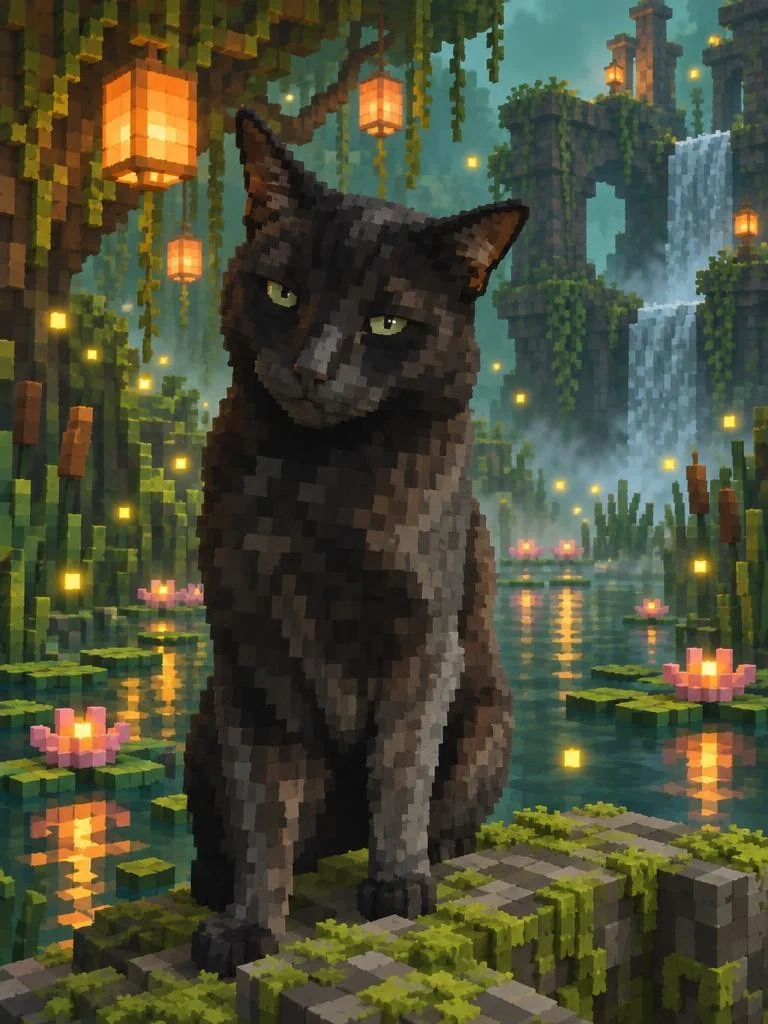
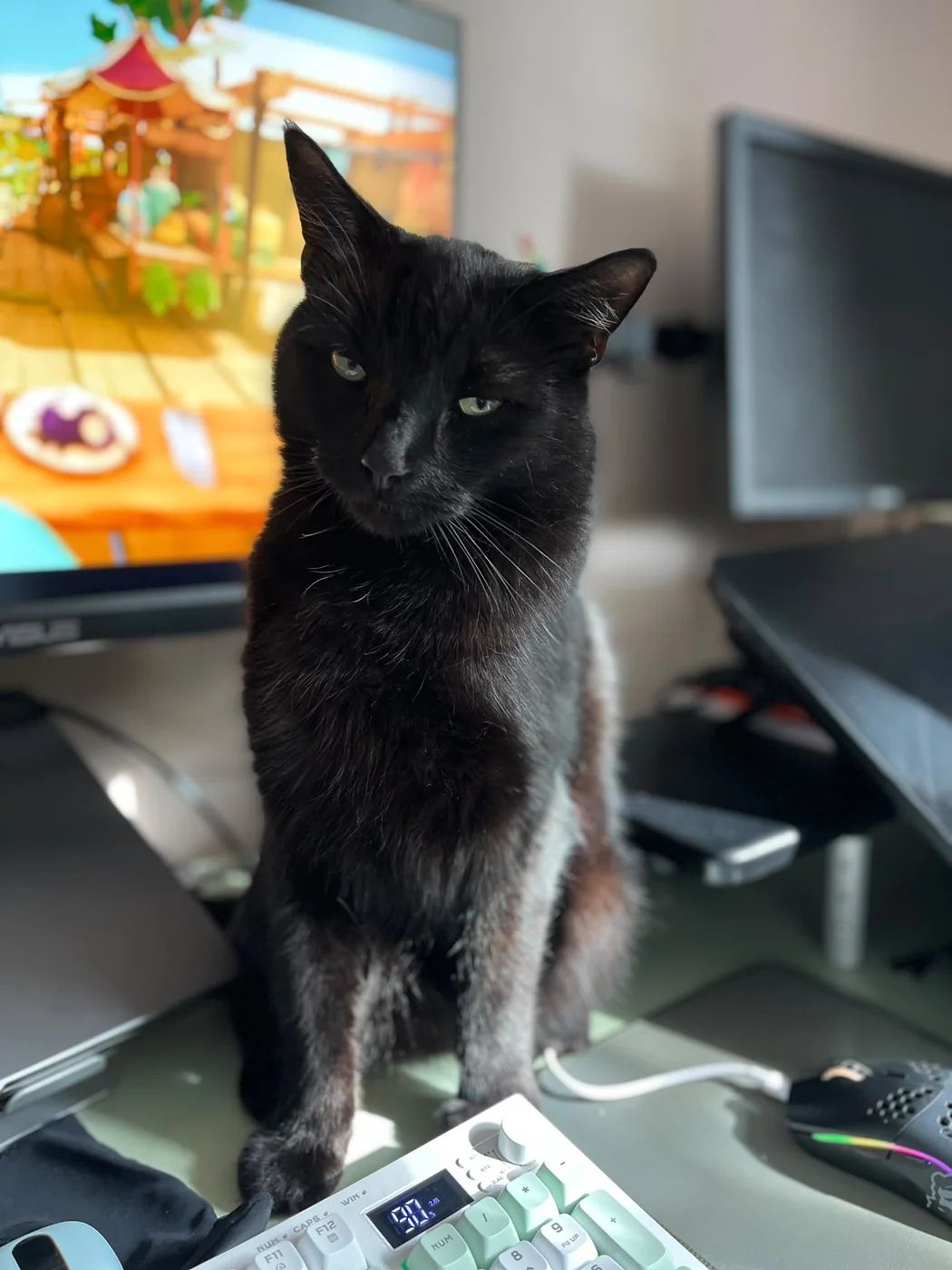
Eve has found a crystal cave while Chuck has taken the bridge, discovered an enchanted grotto and unlocked a crimson wildwood, although every kingdom appears to be short on treats.
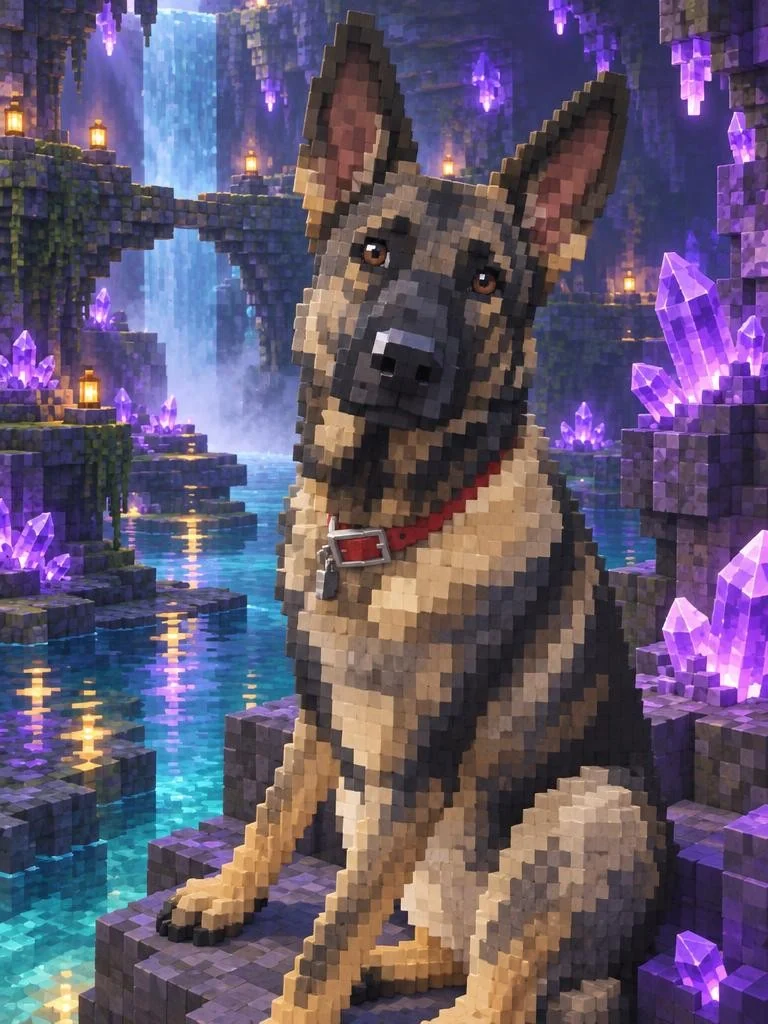
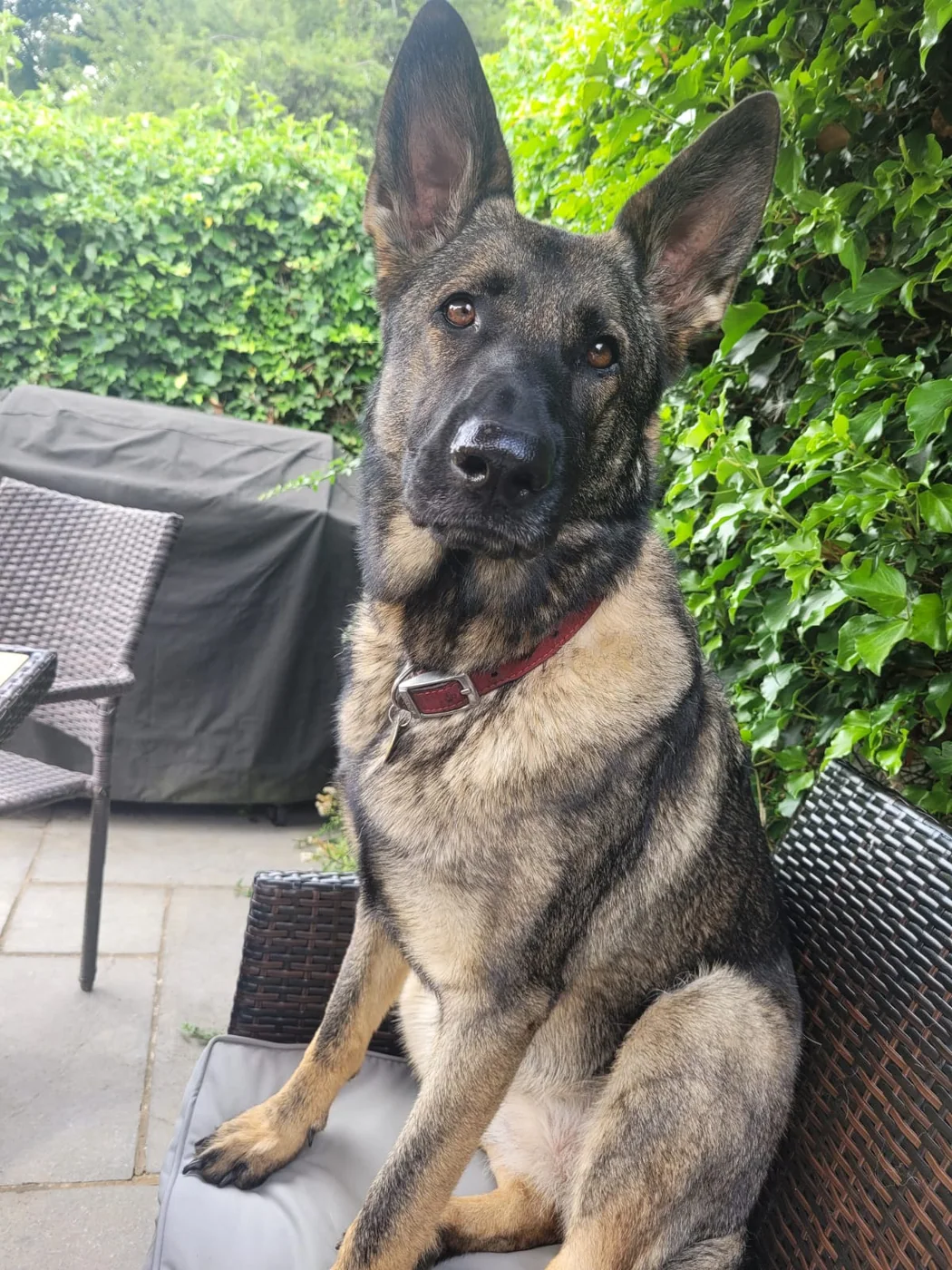
One head tilt, several hundred amethysts and absolutely no intention of leaving before dinner.
Creative choices
Creative Mode On
Crystal Cave
Amethyst caverns sparkling above reflective underground pools

Voxel
Three-dimensional cube-built voxel art
Upload a new photo or choose one of your saved pets next.
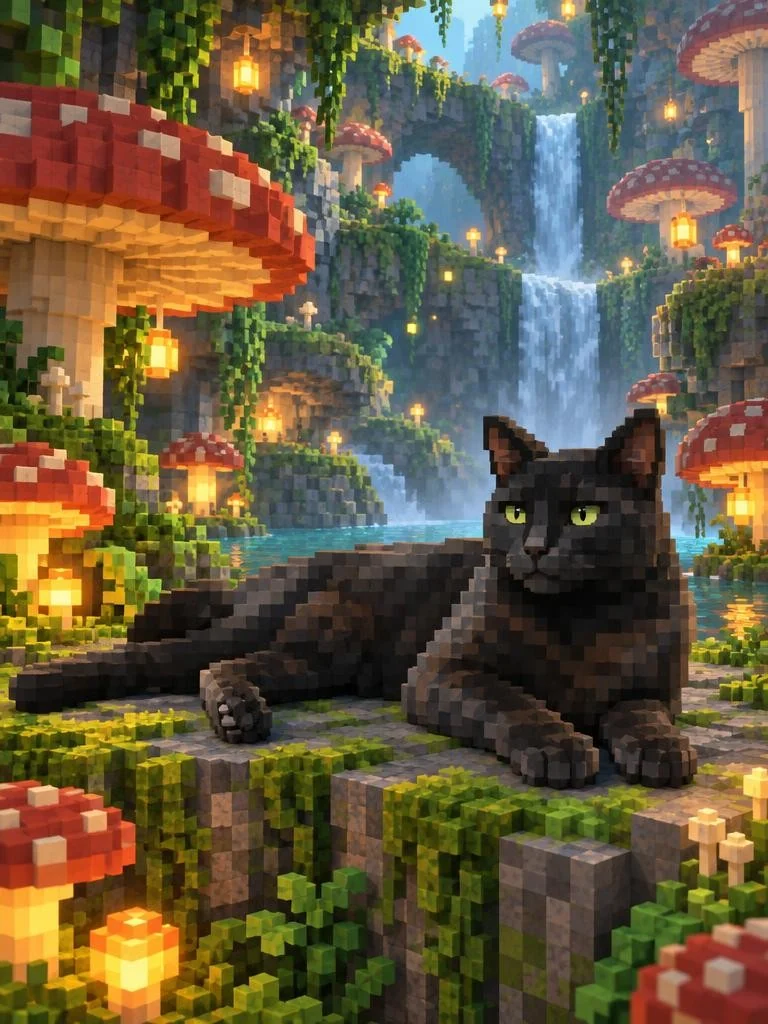
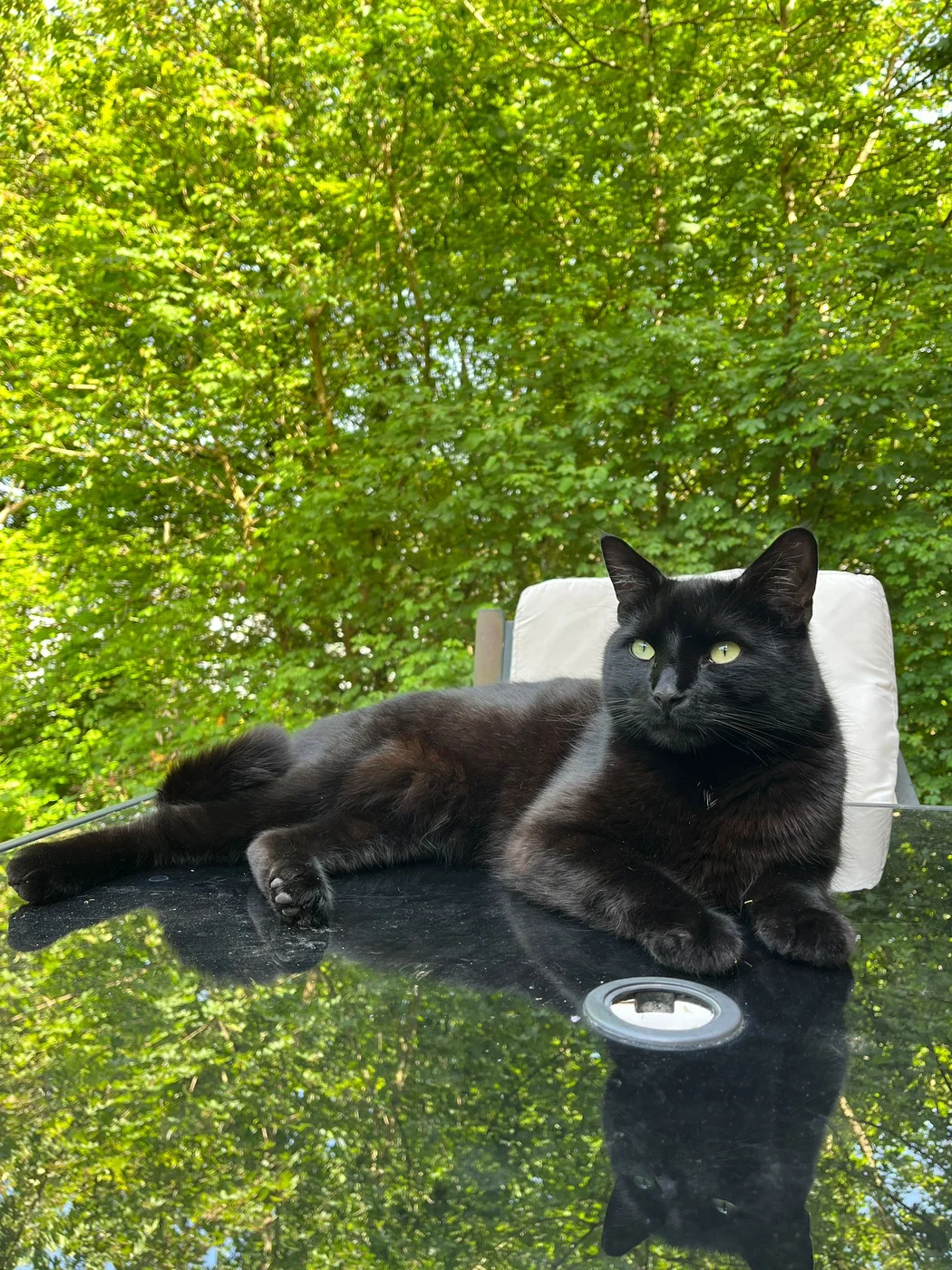
The mushrooms are enormous, the waterfall is warm and Chuck has found the platform with perfect afternoon light.
Creative choices
Creative Mode On
Mushroom Grotto
Giant mushrooms and glowing spores in hidden woodland
Voxel
Three-dimensional cube-built voxel art
Upload a new photo or choose one of your saved pets next.
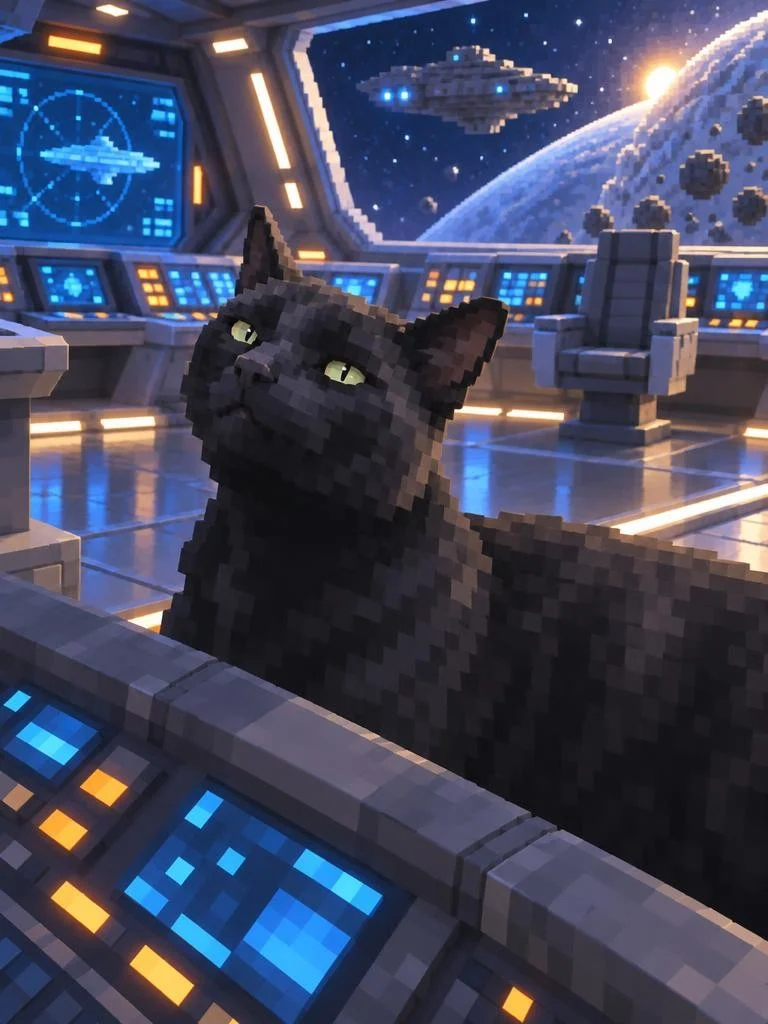
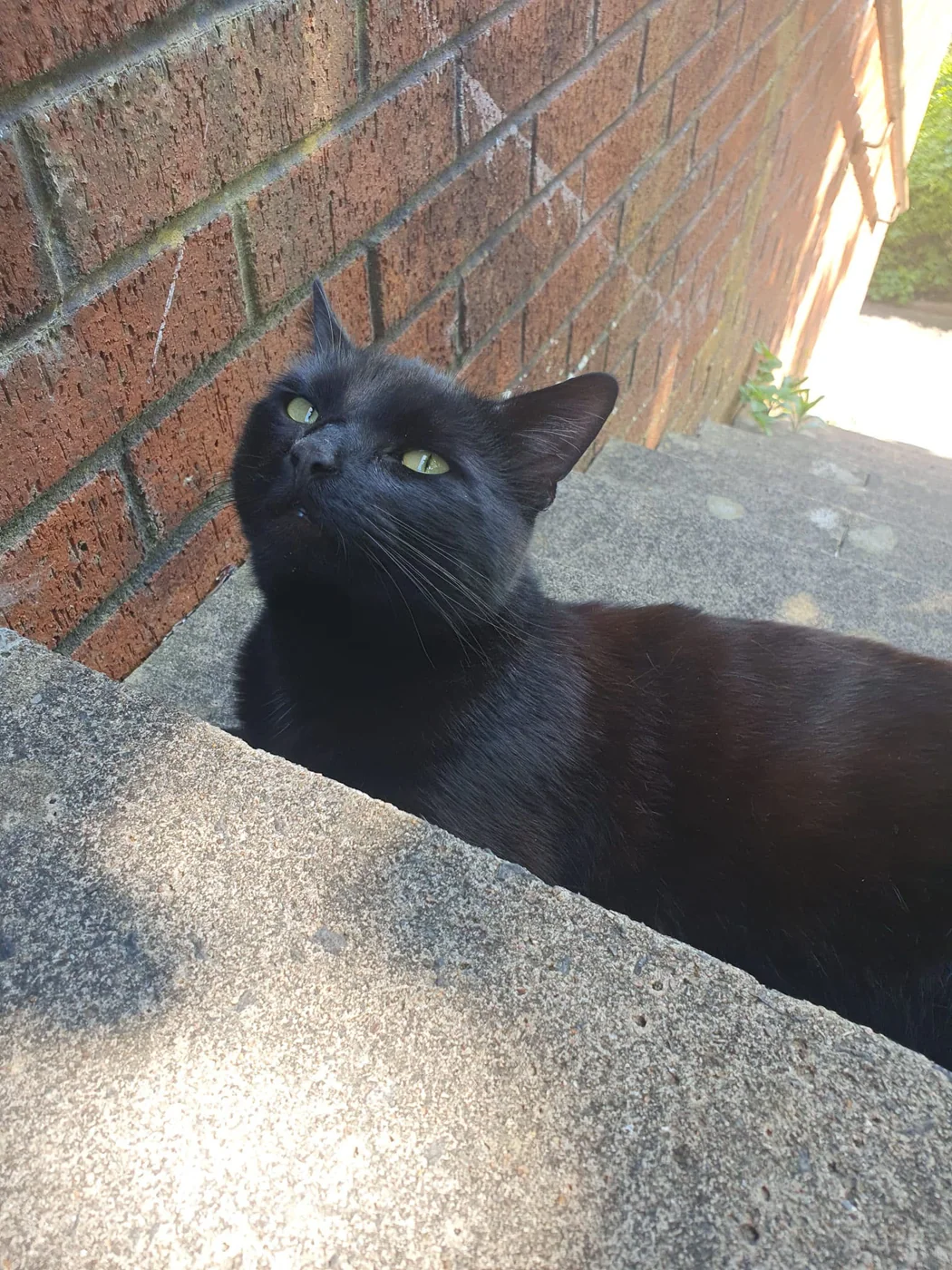
The fleet is waiting, Earth is in view and Chuck is still deciding whether anyone else is qualified to touch the controls.
Creative choices
Creative Mode On
Sci-Fi Bridge
Blue instrument light across a sleek starship bridge
Voxel
Three-dimensional cube-built voxel art
Upload a new photo or choose one of your saved pets next.
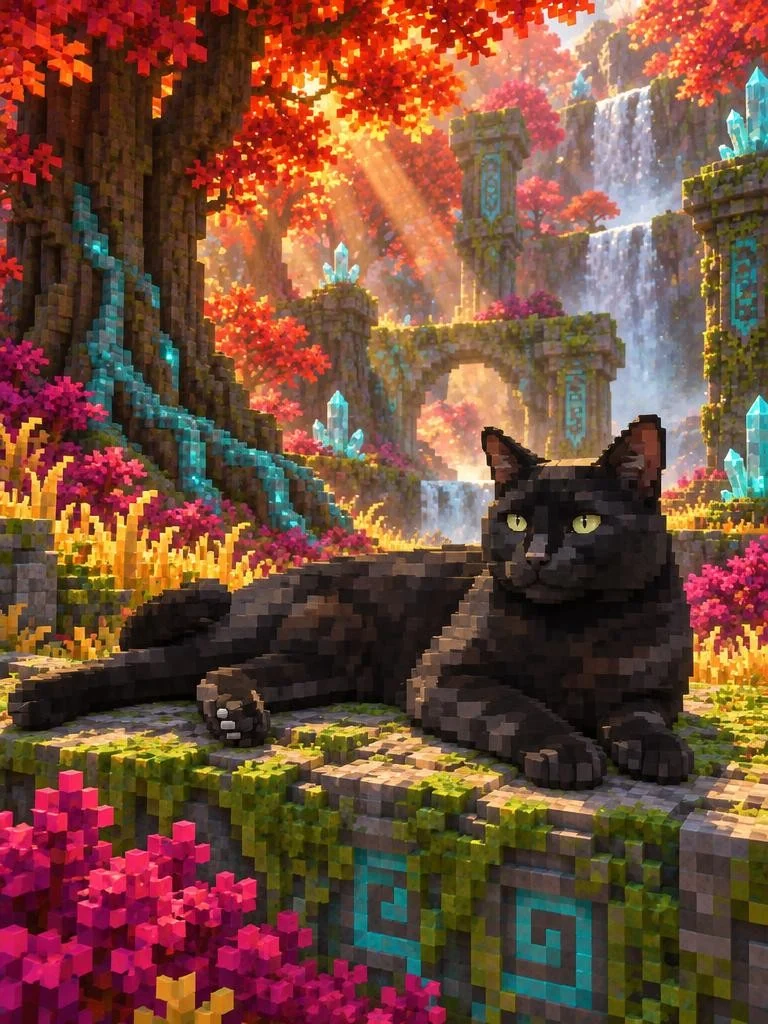
Beyond the crimson canopy lies a ruined kingdom, three waterfalls and a suspicious shortage of treats.
Creative choices
Creative Mode On
Prismatic Wildwood
Crimson canopies and crystal ruins in otherworldly woodland
Voxel
Three-dimensional cube-built voxel art
Upload a new photo or choose one of your saved pets next.
Follow the lanterns across a flooded marsh, search for treasure beneath the crystal cave or hand over command of the starship. Every scene gives the finished voxel pet portrait a world of its own.
Lantern Marsh
Lantern reflections and jade fog across enchanted wetlands
Crystal Cave
Amethyst caverns sparkling above reflective underground pools
Sci-Fi Bridge
Blue instrument light across a sleek starship bridge
Mushroom Grotto
Giant mushrooms and glowing spores in hidden woodland
Prismatic Wildwood
Crimson canopies and crystal ruins in otherworldly woodland
Build a finely detailed voxel kingdom, sharpen the world into low-poly planes, push it toward a cel-shaded game cinematic or soften the cast with sculpted 3D character work.
Voxel
Three-dimensional cube-built voxel art

Low-Poly 3D
Faceted stylised 3D rendering

Cel-Shaded 3D
Graphic toon-rendered dimension

Soft 3D Cartoon
Warm, rounded animated-feature styling.

Claymation
Handmade clay animation
Step sideways into one-bit shadows, chunky 8-bit colour or a richly detailed 16-bit adventure. The world stays game-inspired while the finish moves from sculpted volume to screen-ready pixels.

One-Bit Dither
Crisp black-and-white pixel shading

8-bit Pixel Art
Chunky pixels, minimal palette

16-bit Pixel Art
Refined clusters, crisp pixel detail
Start with a favourite pet photo, choose the world and create a dimensional character portrait with block-built scenery, game-world light and plenty of personality.
Choose a dog, cat or other pet photo with visible eyes, a clear silhouette and the expression that deserves its own quest.
Choose a photo
JPG, PNG or WebP

Send them through a lantern marsh, crystal cave, starship bridge or enchanted forest, then let Voxel rebuild the whole adventure.
VoxelLow-Poly 3DCel-Shaded 3DCreate your favourite version, compare it with the source and download the finished voxel pet art for a post, print or game-night surprise.

Ready to download
Download
Tell us the scene, style or accessory you want to use in Create and what would make it useful for your pet.
An accepted idea earns 5 tokens
Use the email on your EditMyPet account so we can add the tokens if your suggestion is accepted.
We review every suggestion. Tokens are awarded only for ideas EditMyPet accepts.
A few useful answers
Find quick answers about pet photos, voxel and pixel art, scene choice, Creative Mode and reusing the adventures shown on this page.
See how it worksUpload a favourite dog, cat or other pet photo, choose a scene and select Voxel. The finished portrait rebuilds the pet and setting with dimensional voxel forms, stepped edges and game-world lighting.
Pixel art creates a flat image from two-dimensional pixels. Voxel art uses small three-dimensional forms to create visible volume, depth and sculpted scenery.
A photo with visible eyes, a clear silhouette and a favourite pose gives the portrait strong identity anchors. The voxel treatment changes the medium while keeping the features that make the pet familiar.
Fantasy forests, glowing caves, marshes, starship interiors and other scenes with strong depth work especially well. Their terrain, light and props can all become part of the same cubic world.
Creative Mode On rebuilds the pet and scene together in the voxel medium. Creative Mode Off keeps the uploaded pet more photographic and limits the style to restrained lighting, atmosphere and environmental changes.
Yes. Use These Choices opens Create with the example's scene, Voxel style and Creative Mode setting ready for your own pet.
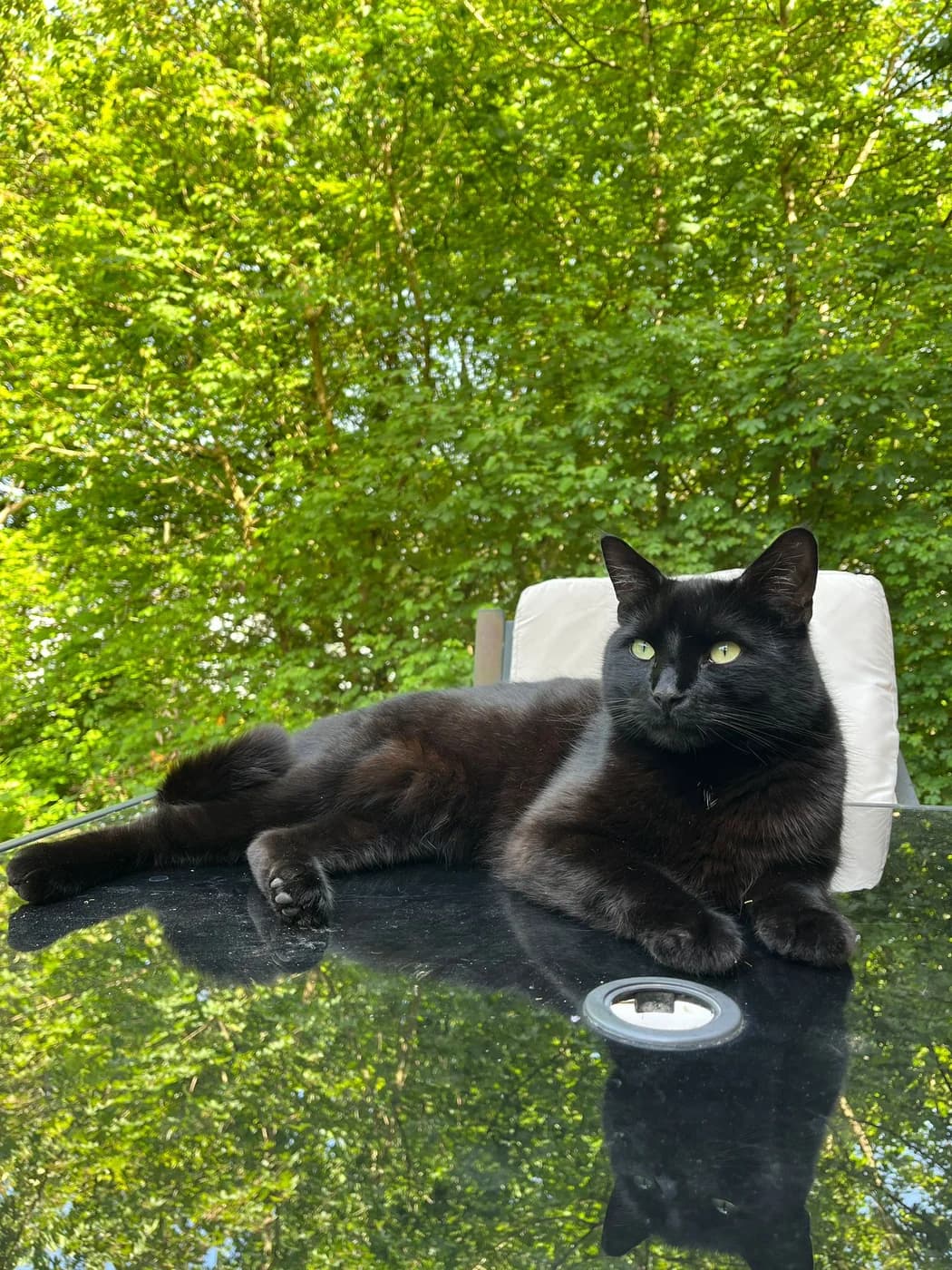
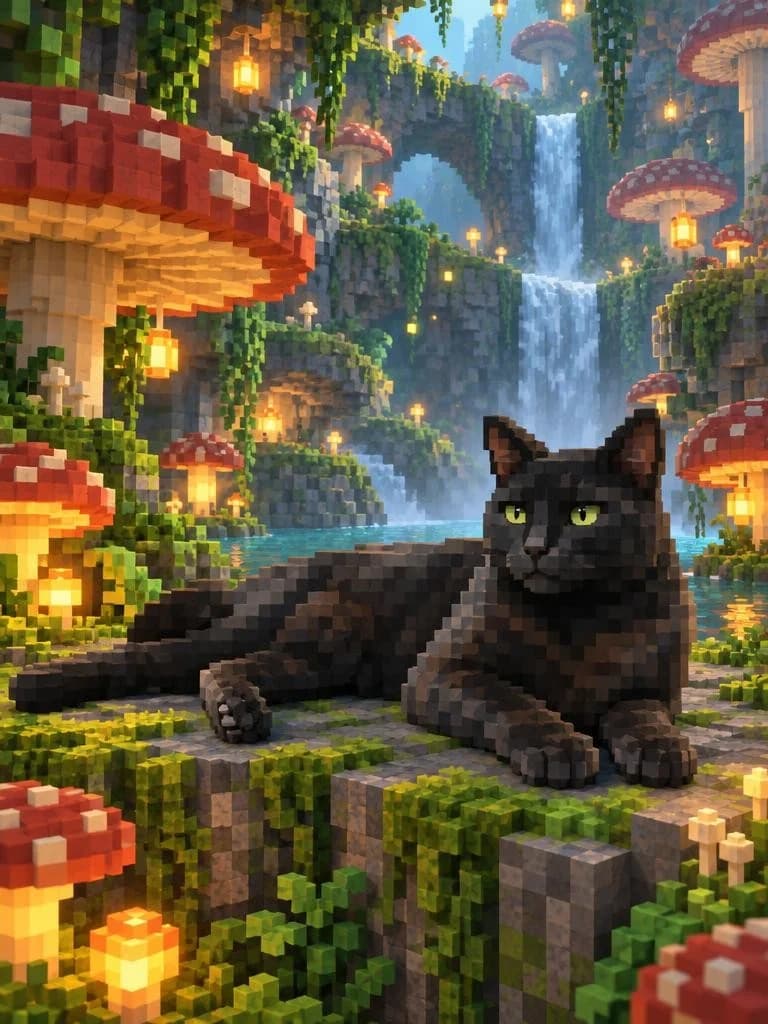
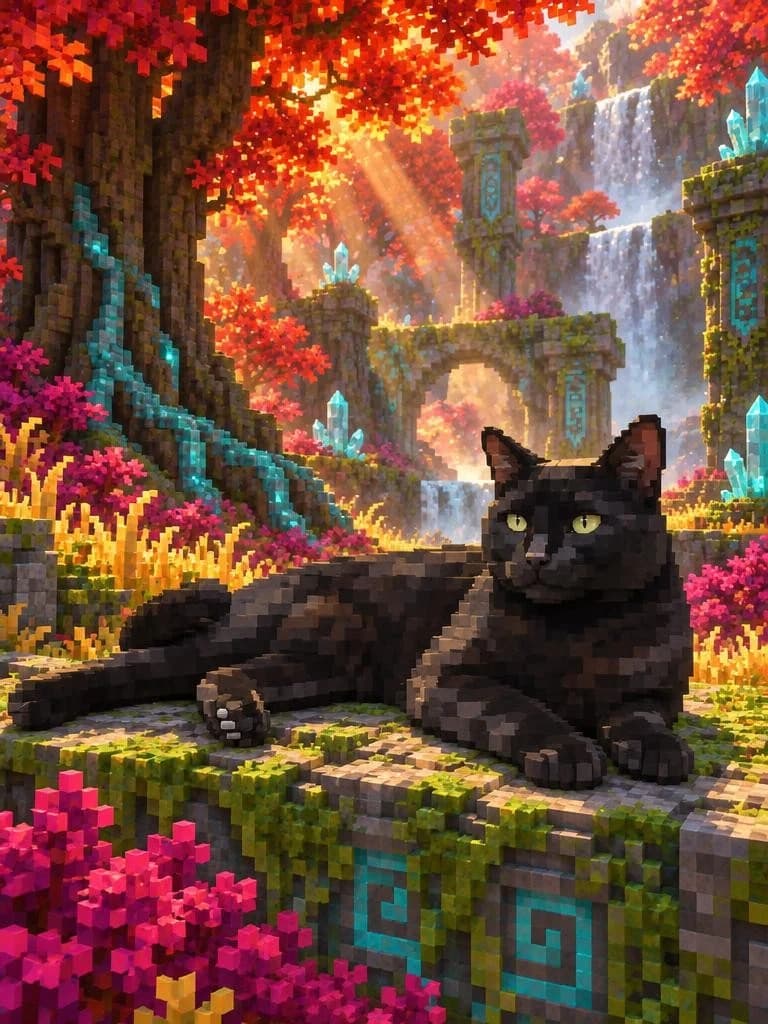
Chuck has claimed the glowing mushrooms of the grotto and the crystal ruins beyond the wildwood, collecting both save points without surrendering the best patch of light. Create a voxel pet portrait and send your own companion into a world built block by block.
Create Voxel Pet Art