183 pet portrait styles to explore
Find a pet portrait style that feels like them
Compare painterly, illustrated, cinematic and playful looks, then choose the one that brings out your pet's character.
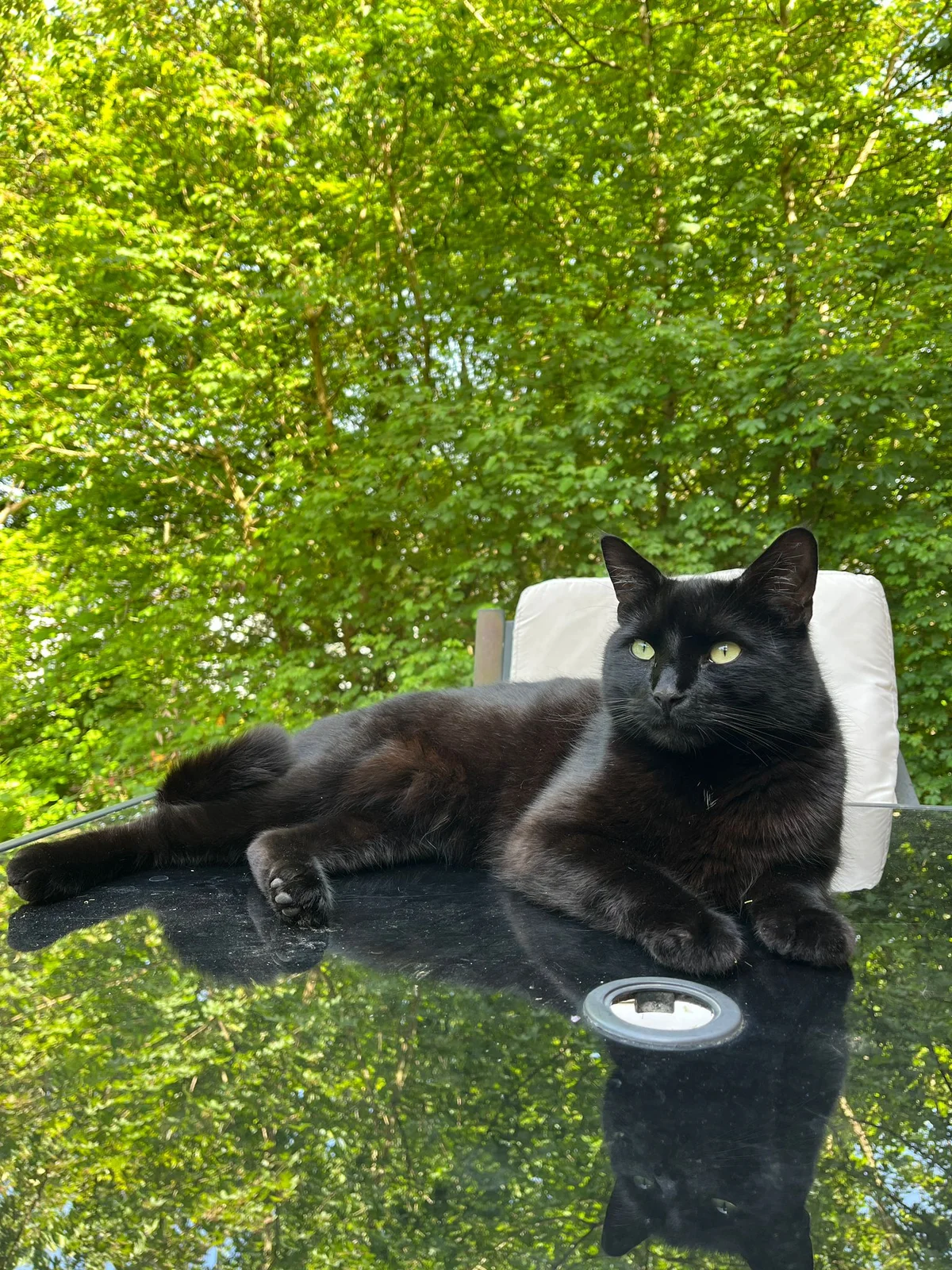
Original
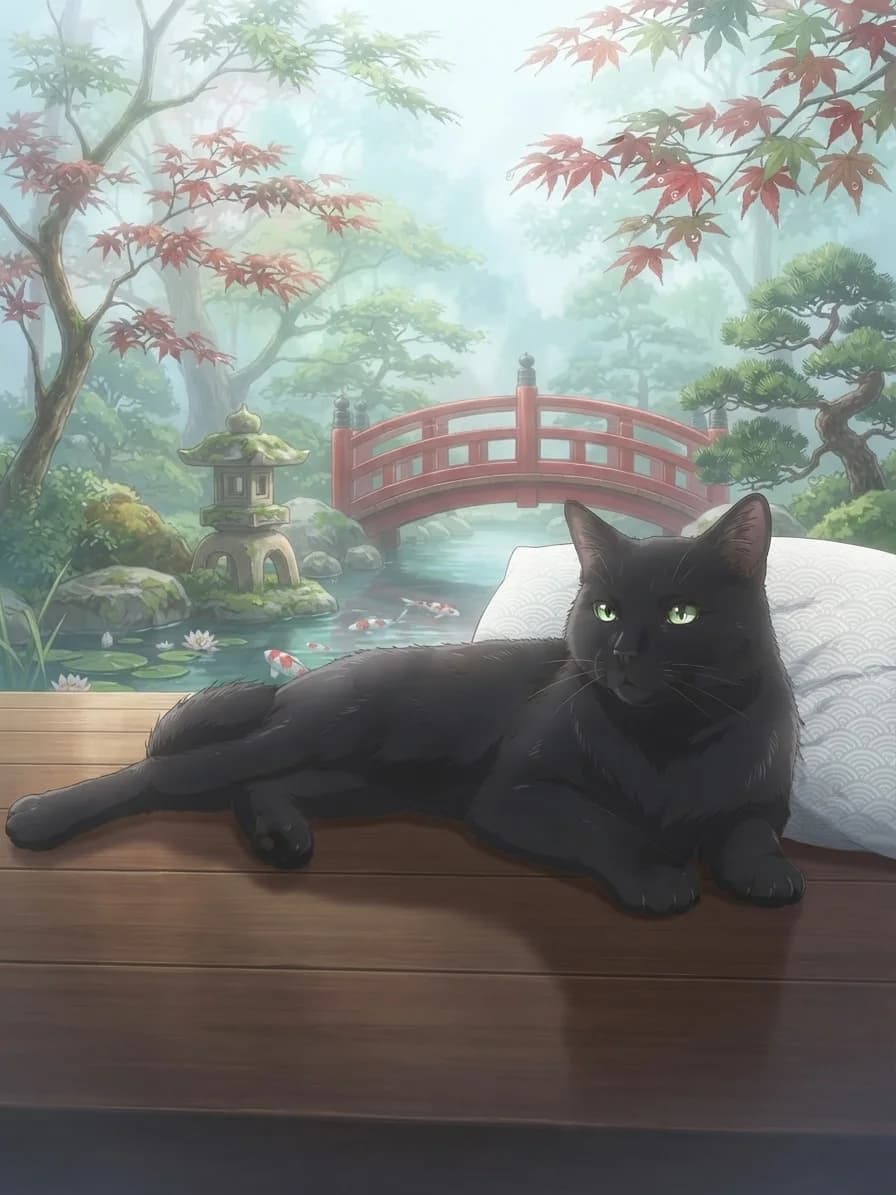
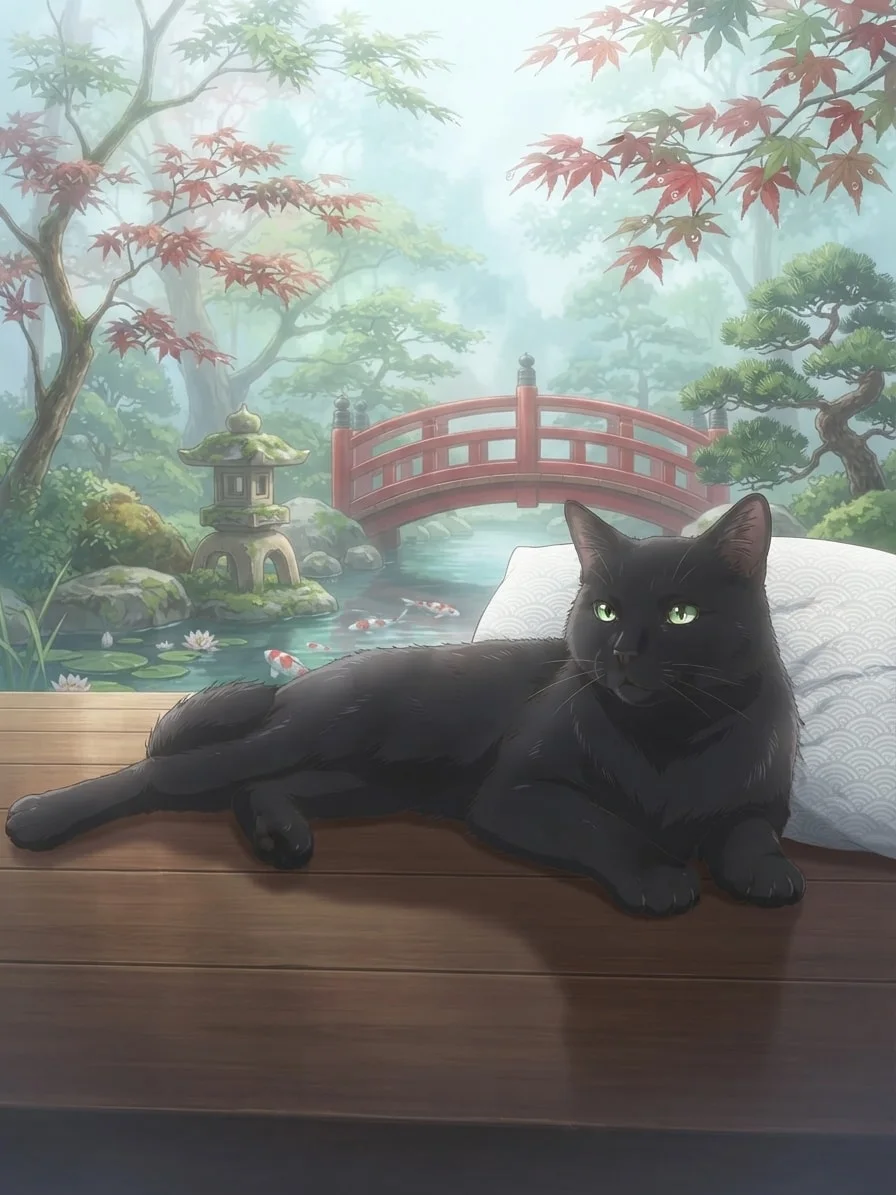
Soft Kyoto Anime
One pet, a completely new direction
Drag to compare
Explore a world that suits them
Which portrait world calls to you?
Start with the atmosphere you want. Each collection gives you a focused set of styles, scenes and complete examples to explore.
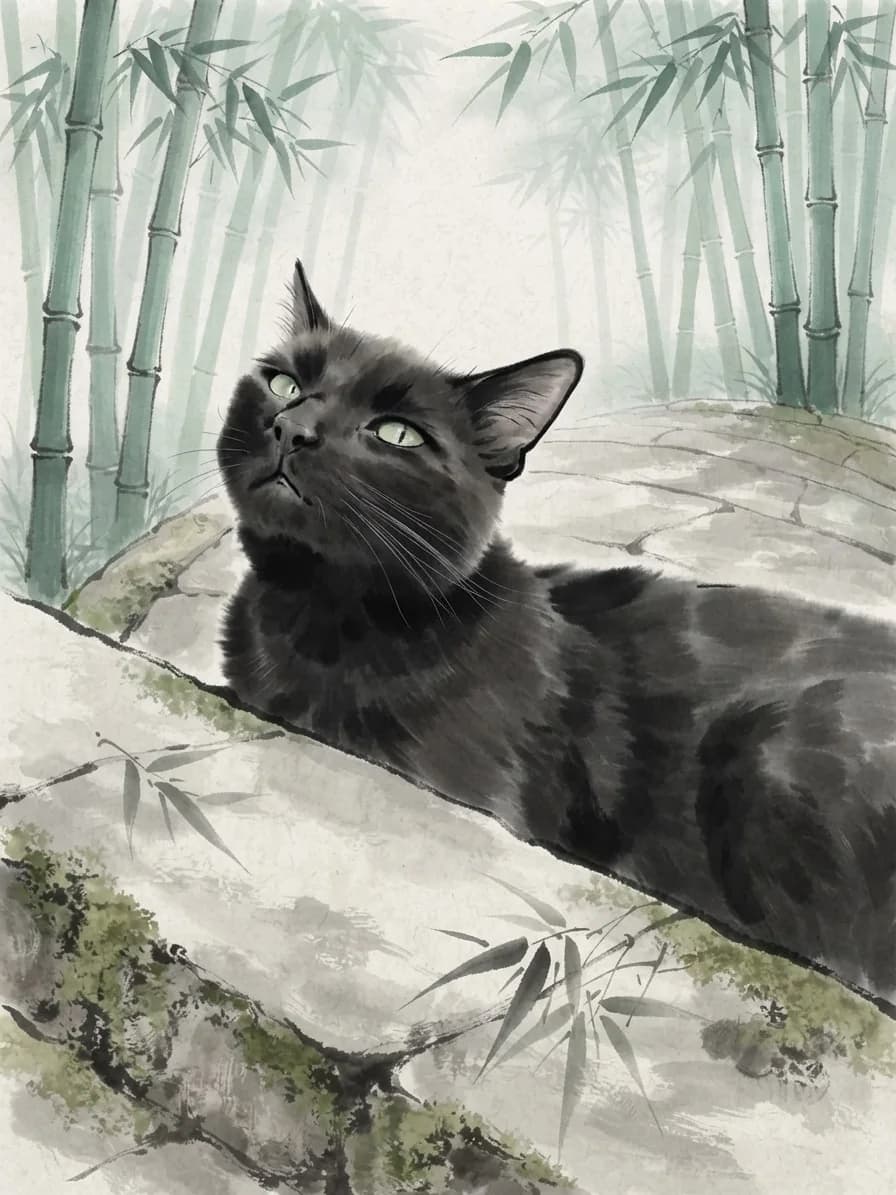
Sumi-e portraits
Fluid ink washes, open paper space and restrained colour shaped around your pet.
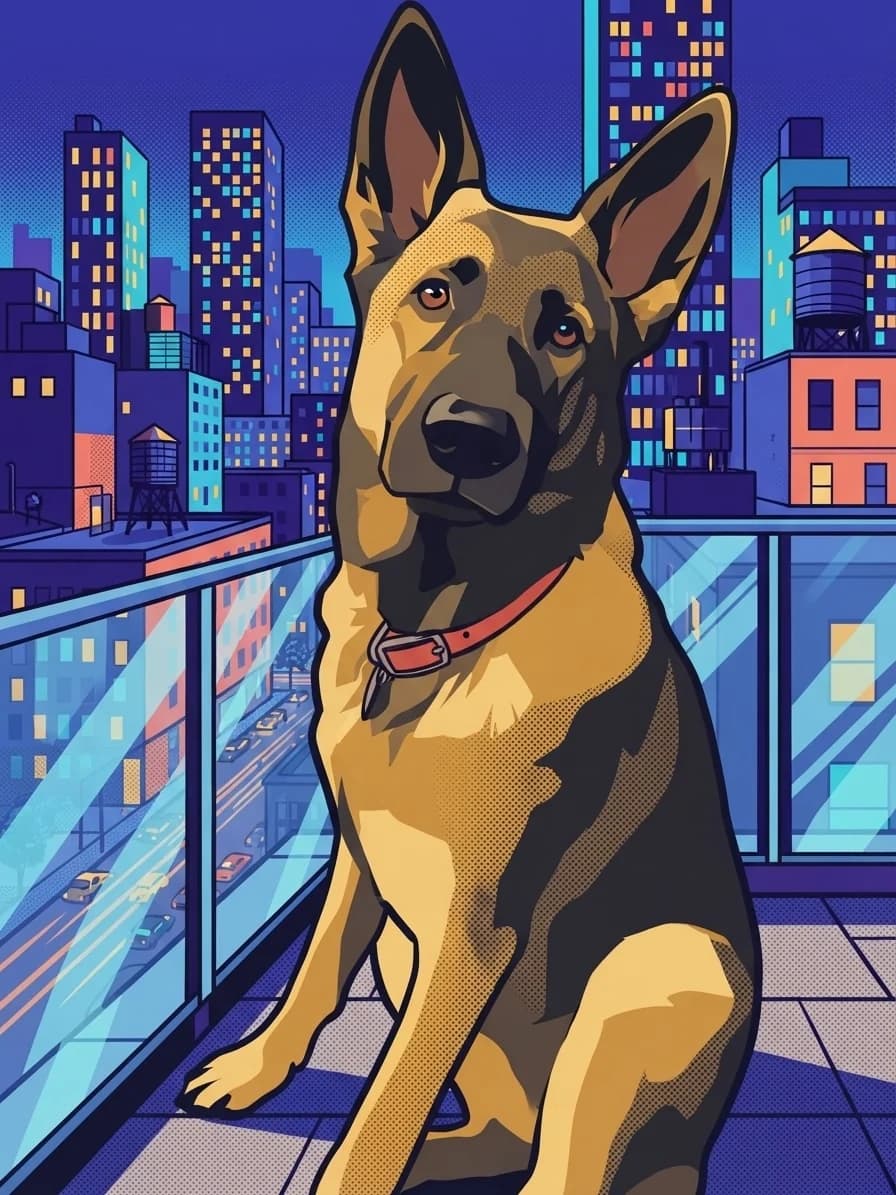
Pop Art portraits
Bold colour blocks, graphic contrast and playful print texture with real personality.
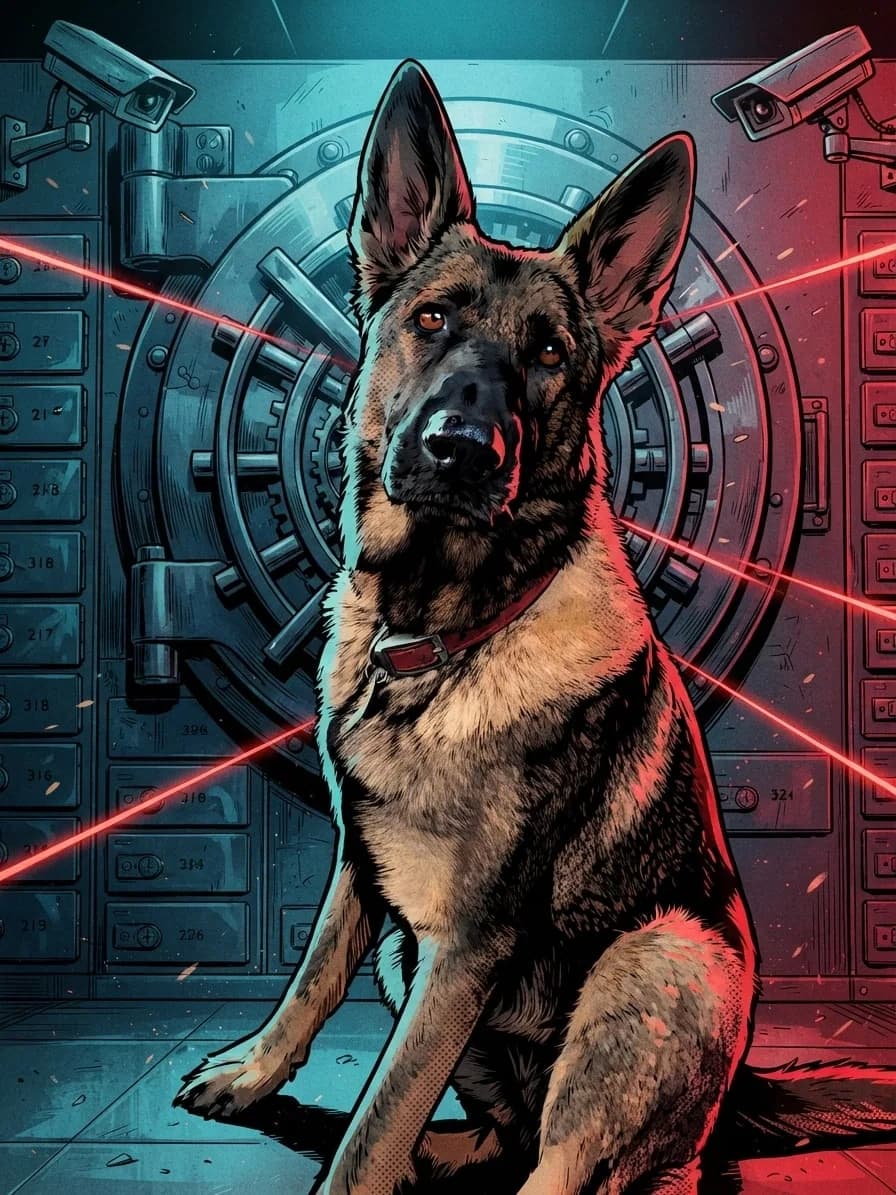
Comic Book portraits
Heavy contour ink, saturated print colour and bold scenes built around a familiar face.
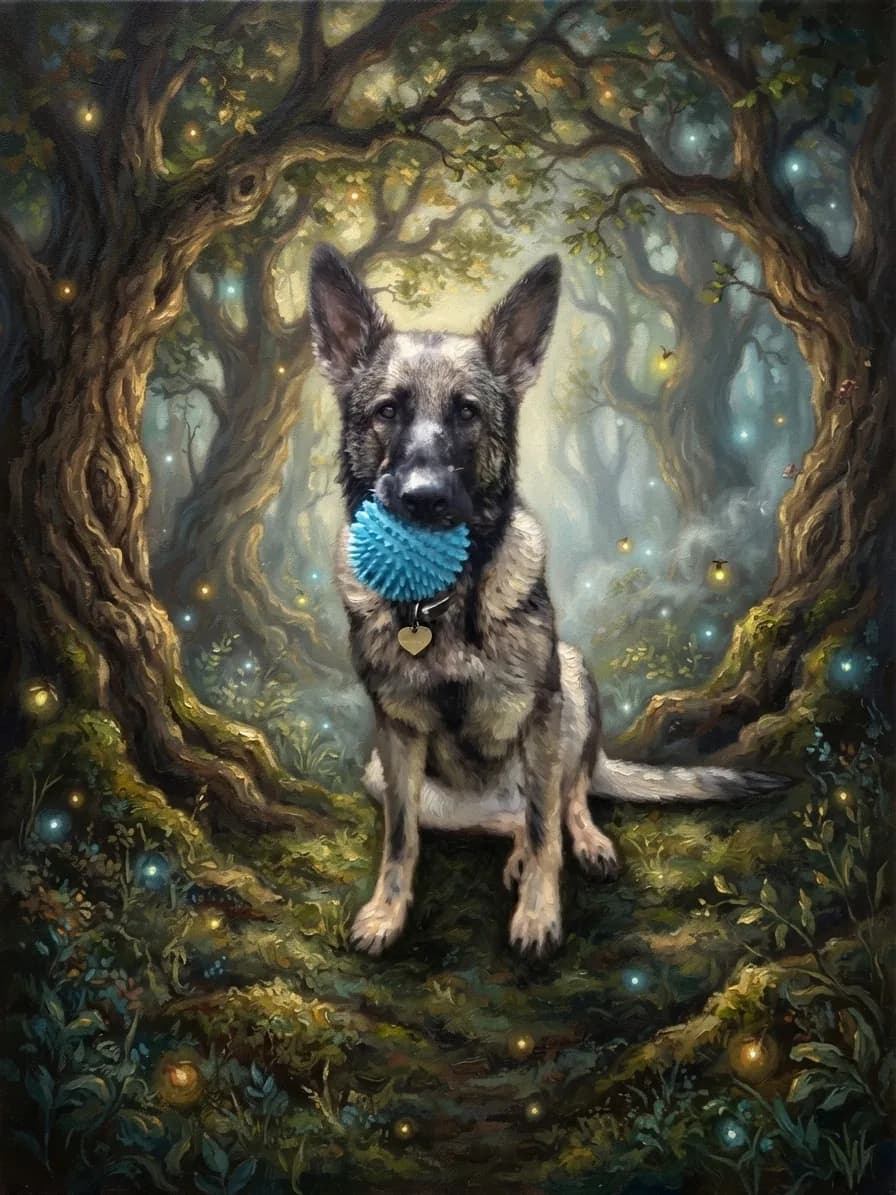
Oil-painted portraits
Layered colour, visible brushwork and gallery warmth shaped around a familiar face.
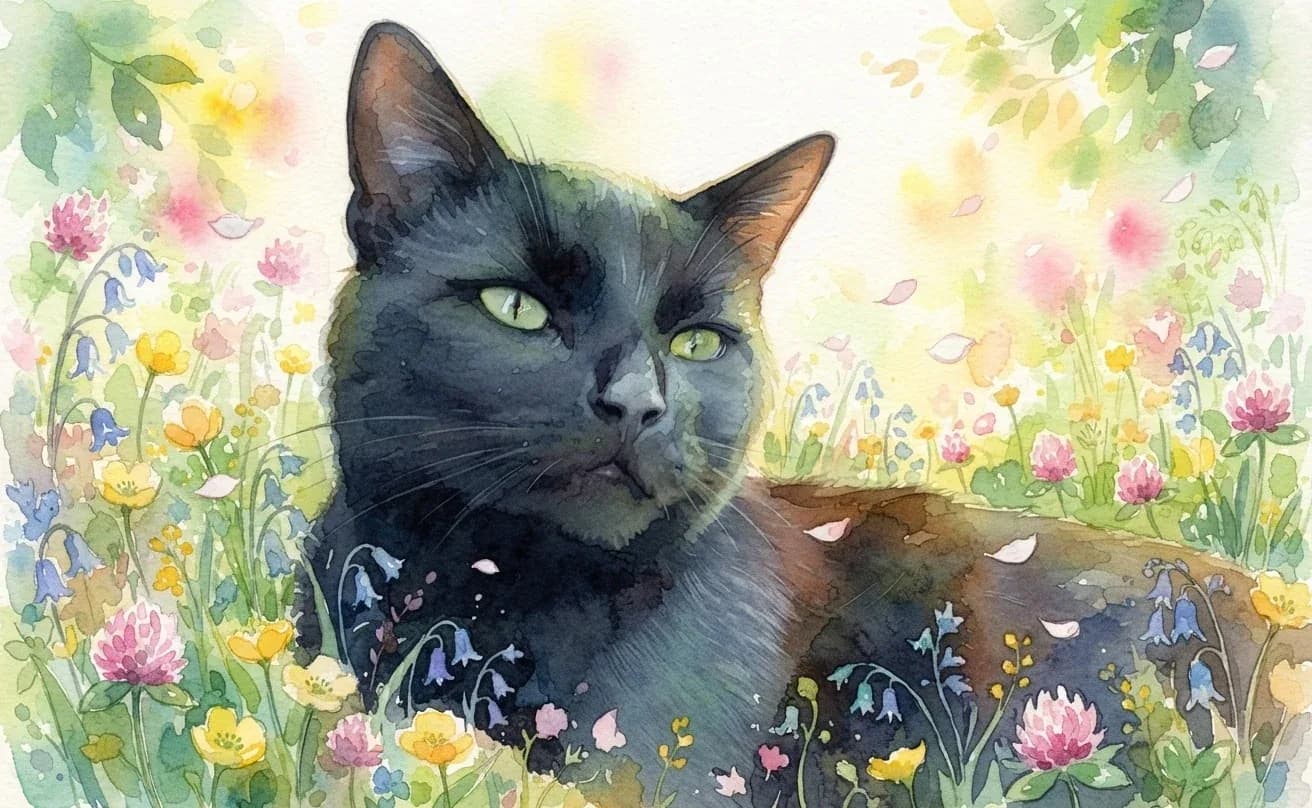
Watercolor portraits
Transparent colour, soft paper texture and gentle detail shaped around a familiar face.
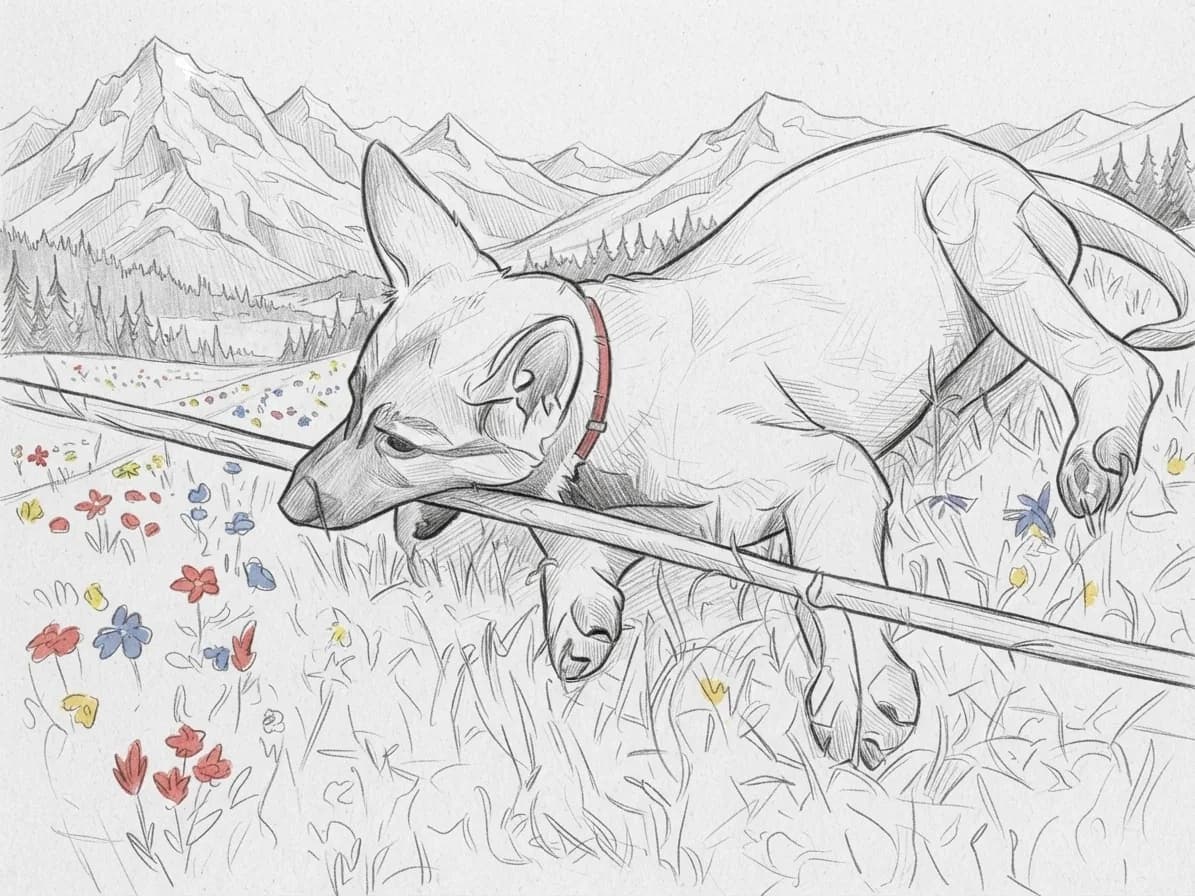
Pet sketches
Graphite, pencil colour, carved ink and soft pastel shaped around a familiar pose.
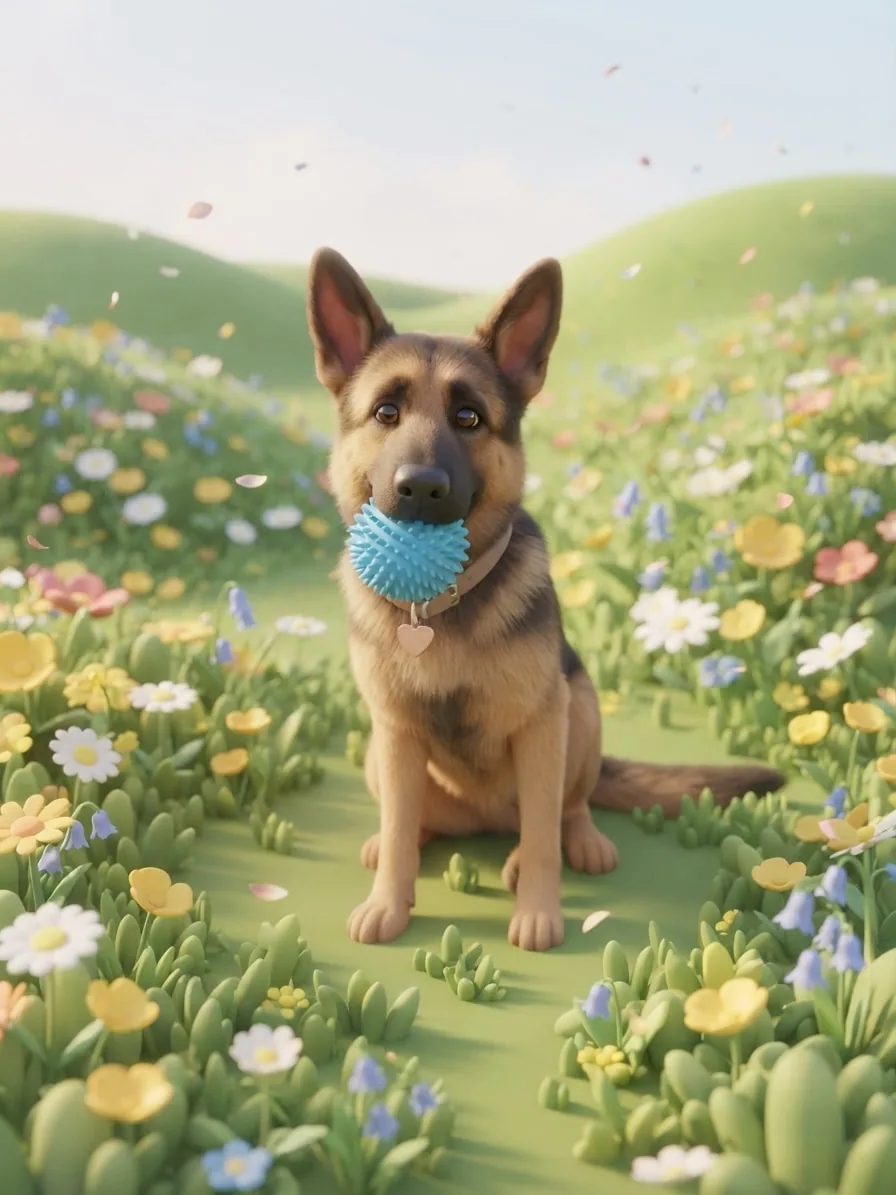
Cartoon portraits
Soft 3D, pastel Kawaii, plush, clay and puppet characters made from one pet photo.
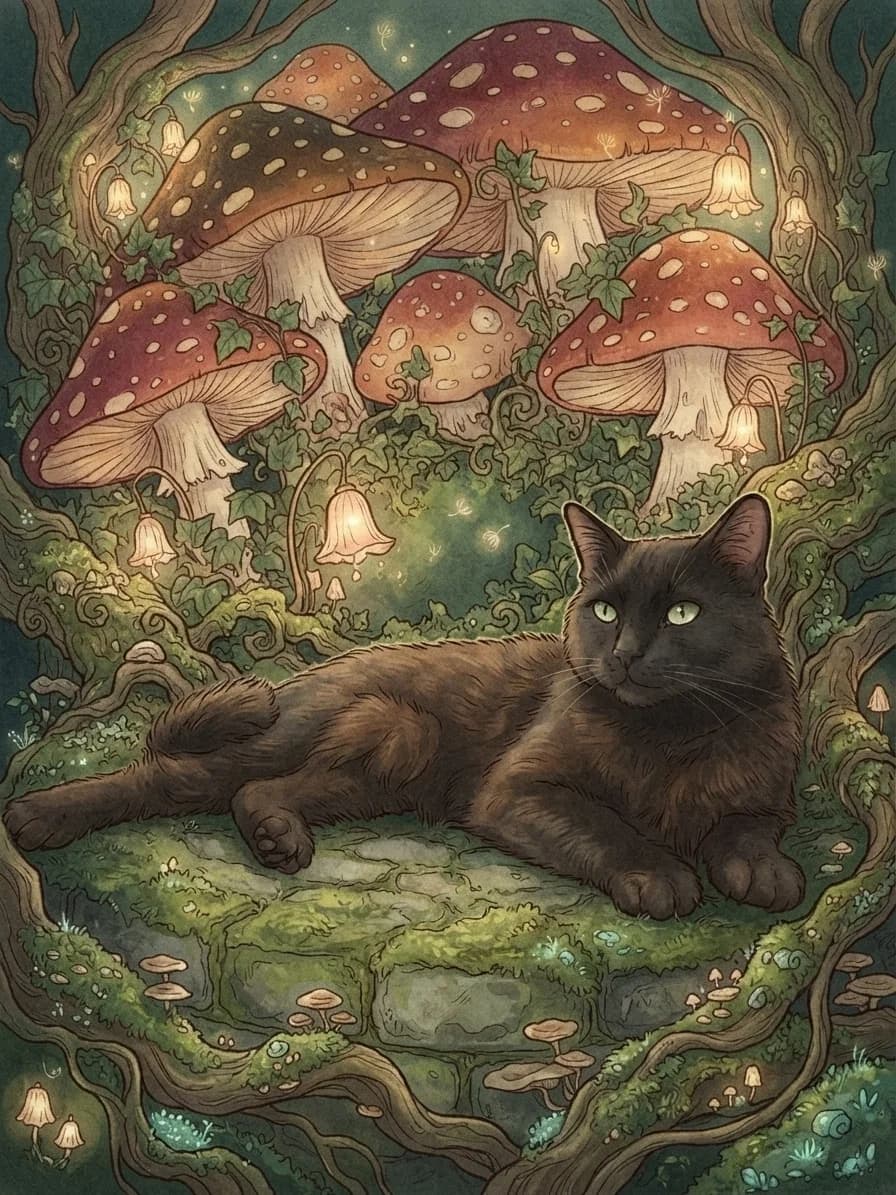
Fantasy portraits
Storybook forests, enchanted caves and magical worlds made for curious pets.
Cinematic portraits
Dramatic light, movie atmosphere and frames that give every glance a story.
Cyberpunk portraits
Neon streets, luminous technology and vivid colour for pets with presence.
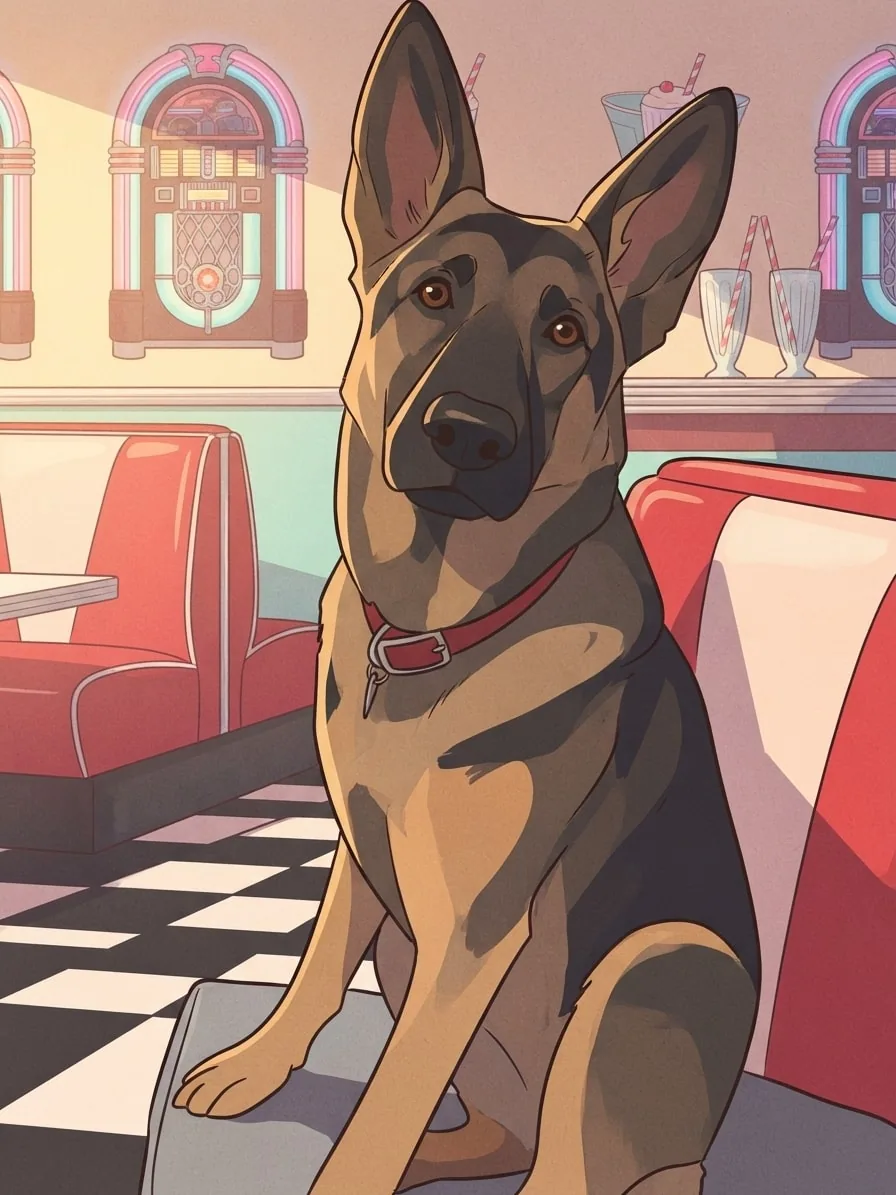
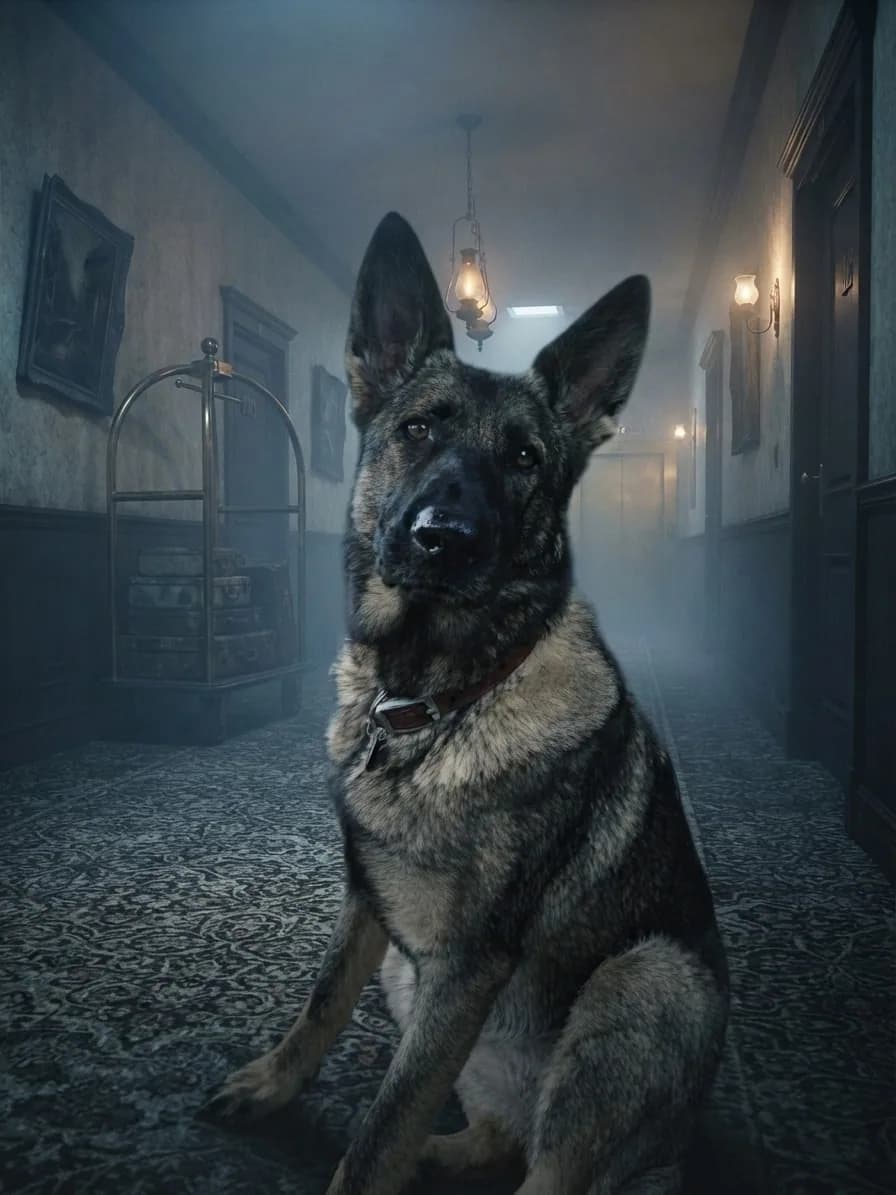
Horror portraits
Haunted hotels, spectral fog and gothic mysteries with a familiar face at their centre.
See where one photo can go
Five styles, five different stories
Move between each original and finished portrait to discover how colour, texture and atmosphere bring out a completely different side of them.
Original
Soft Kyoto calm
Soft Kyoto calm
Delicate linework, translucent colour and soft garden light give Chuck a calm illustrated finish with plenty of familiar character.
Creative choices
Creative Mode OnCities

Japanese Garden
Koi ponds, maple leaves and calm morning mist
Anime

Soft Kyoto Anime
Luminous detailed anime with delicate color and polished light.
Upload a new photo or choose one of your saved pets next.
Original
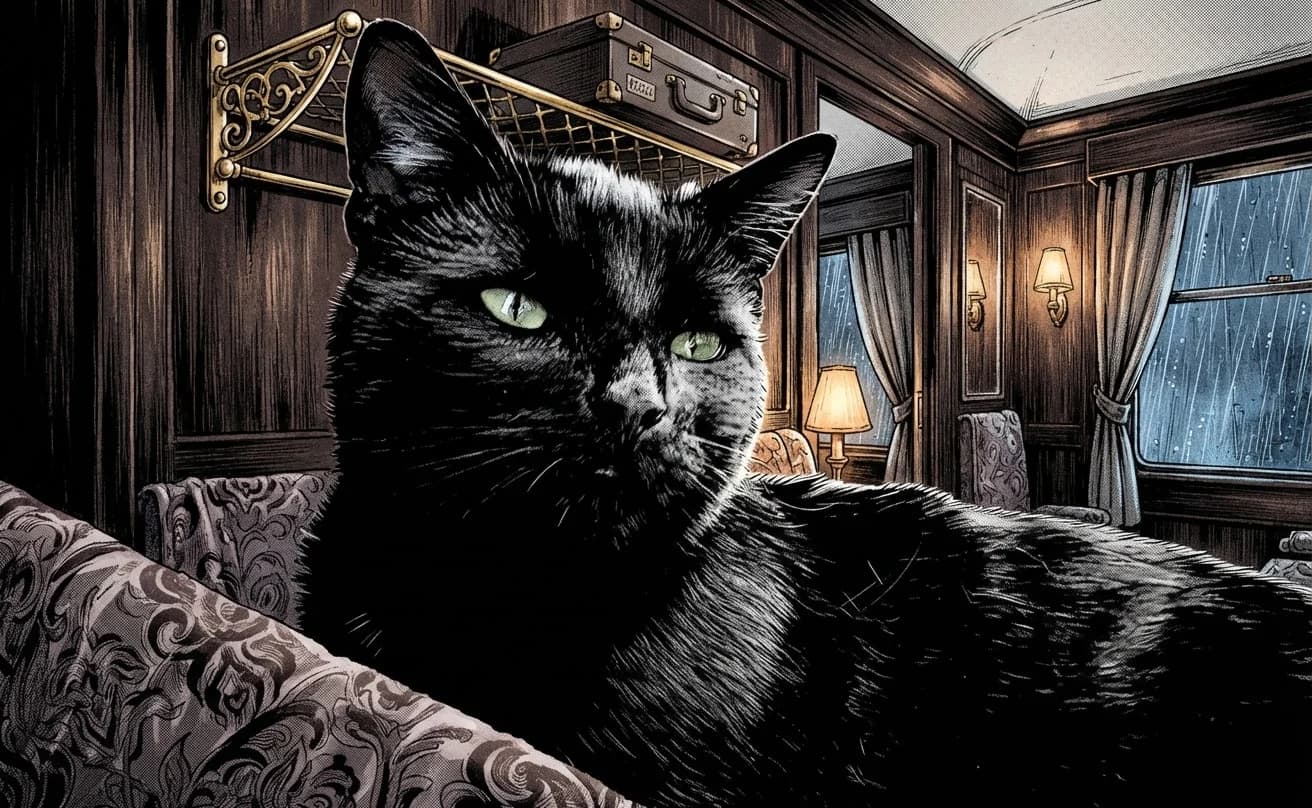
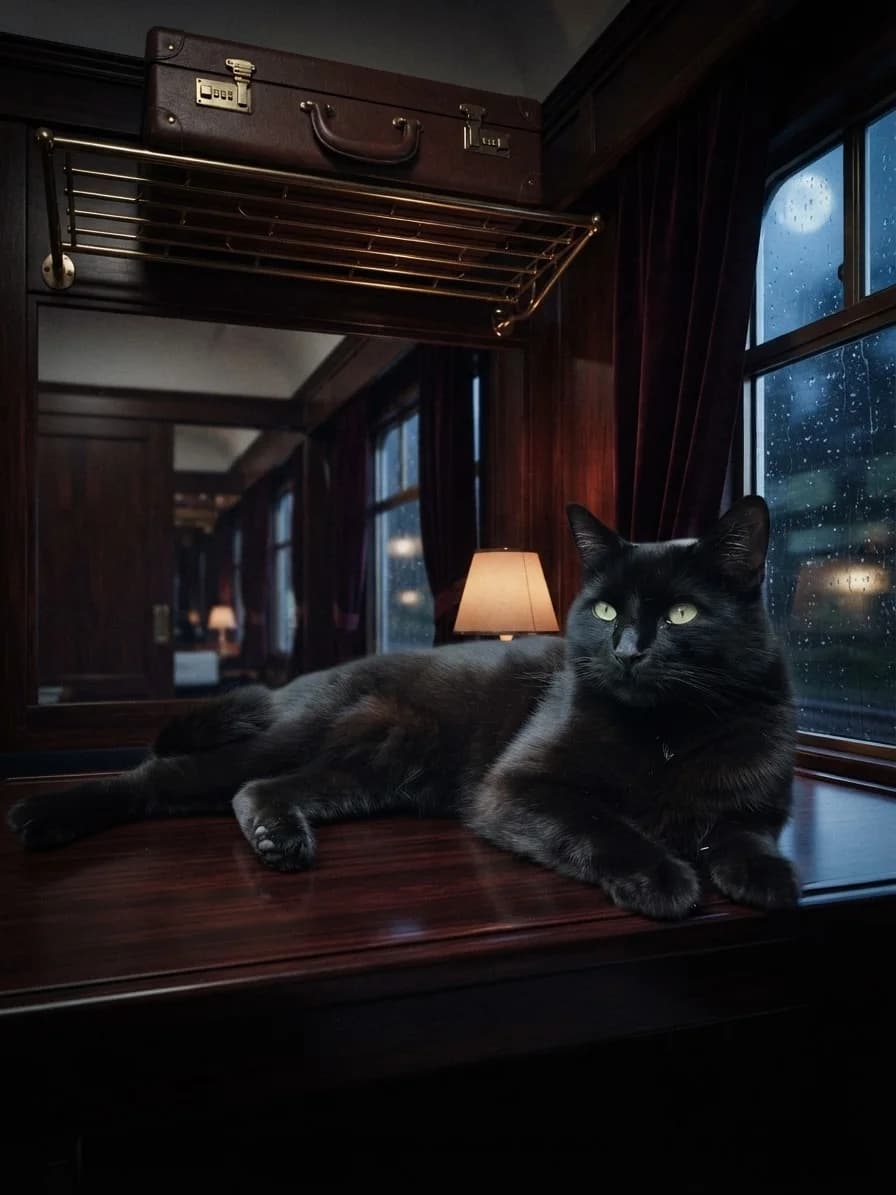
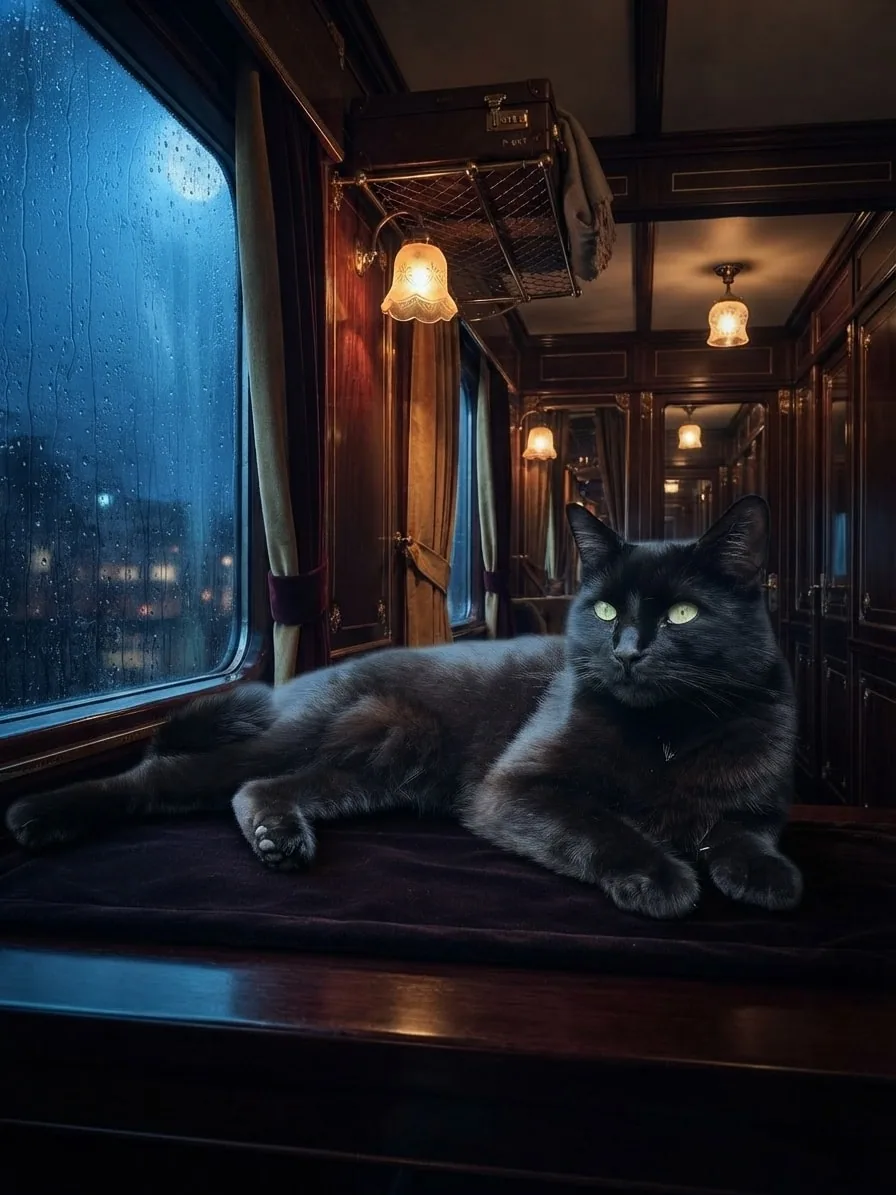
Midnight movie star
Midnight movie star
Rain-streaked windows, polished wood and dramatic carriage light frame Chuck like the quiet star of a late-night mystery.
Creative choices
Creative Mode OnAction

Midnight Spy Train
Moonlit sleeper train filled with secret-agent intrigue
Cinematic

Cinematic
Dramatic movie-like lighting
Upload a new photo or choose one of your saved pets next.
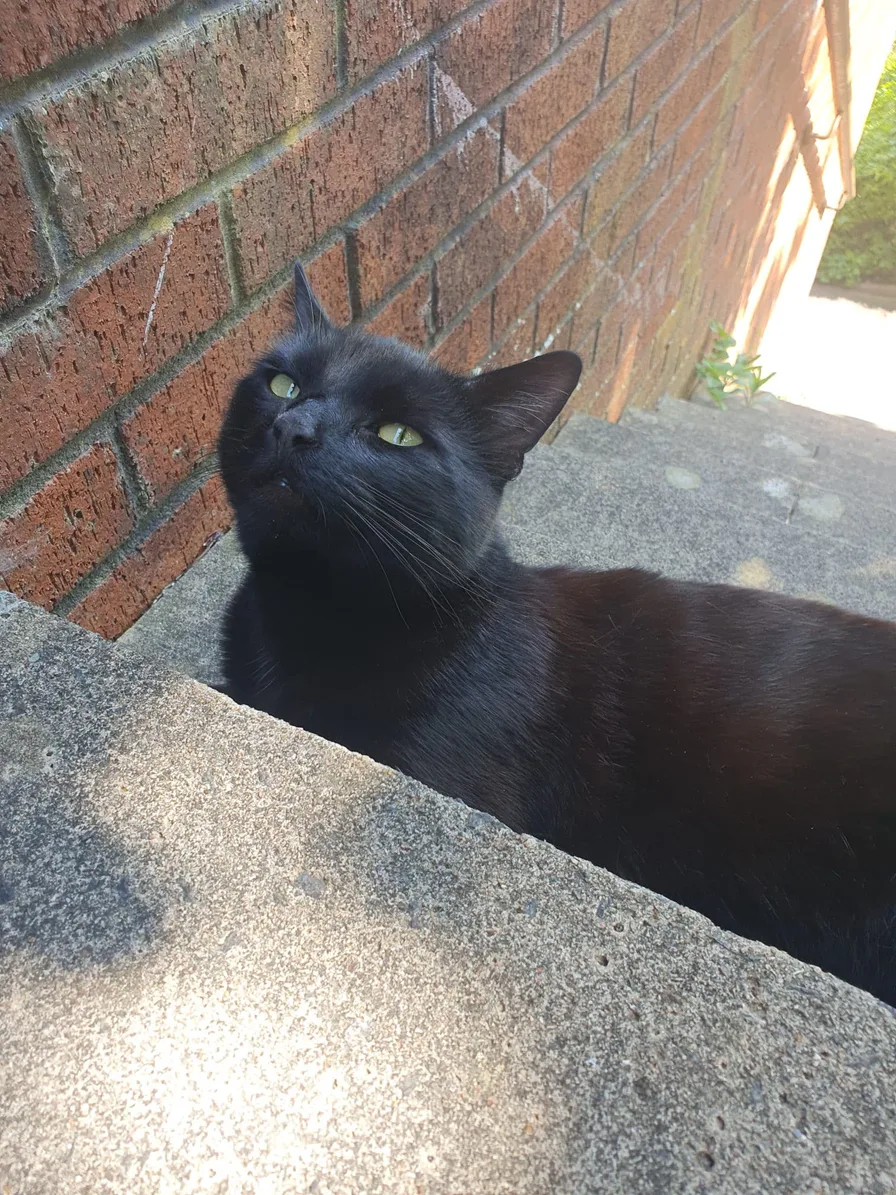
Original
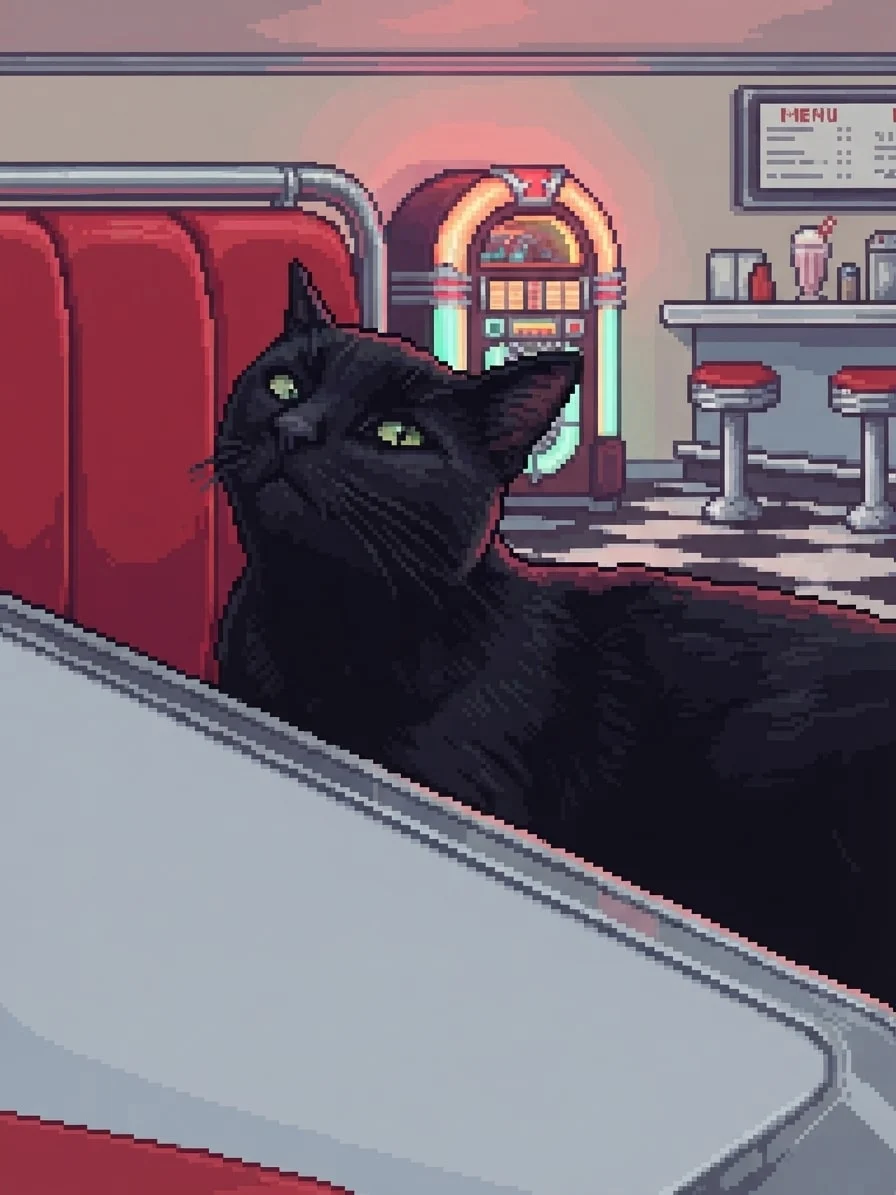
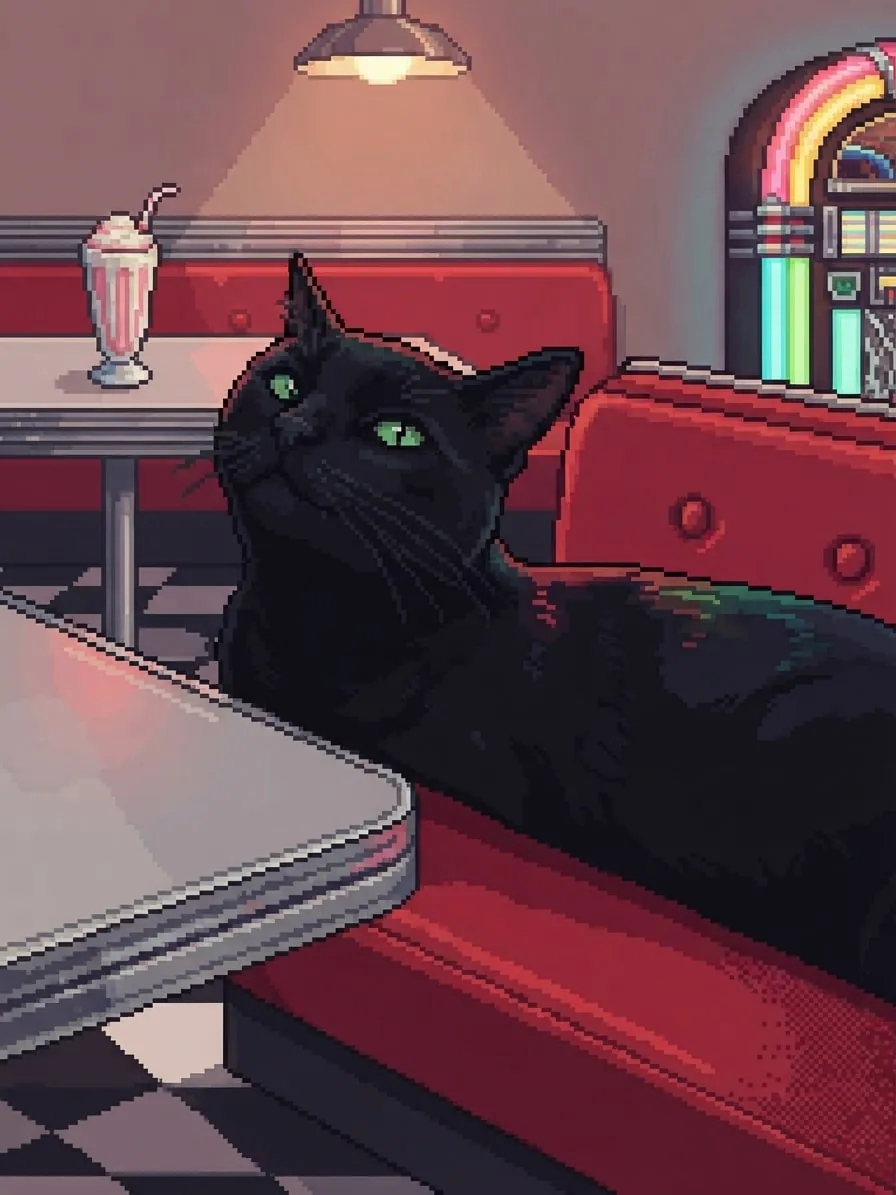
16-bit diner star
16-bit diner star
Crisp pixel clusters, a compact palette and warm jukebox colour turn Chuck into a recognisable retro game character.
Creative choices
Creative Mode OnRetro

50s Diner
Chrome, neon and red booths with retro diner energy
Pixel

16-bit Pixel Art
Refined clusters, crisp pixel detail
Upload a new photo or choose one of your saved pets next.
Original
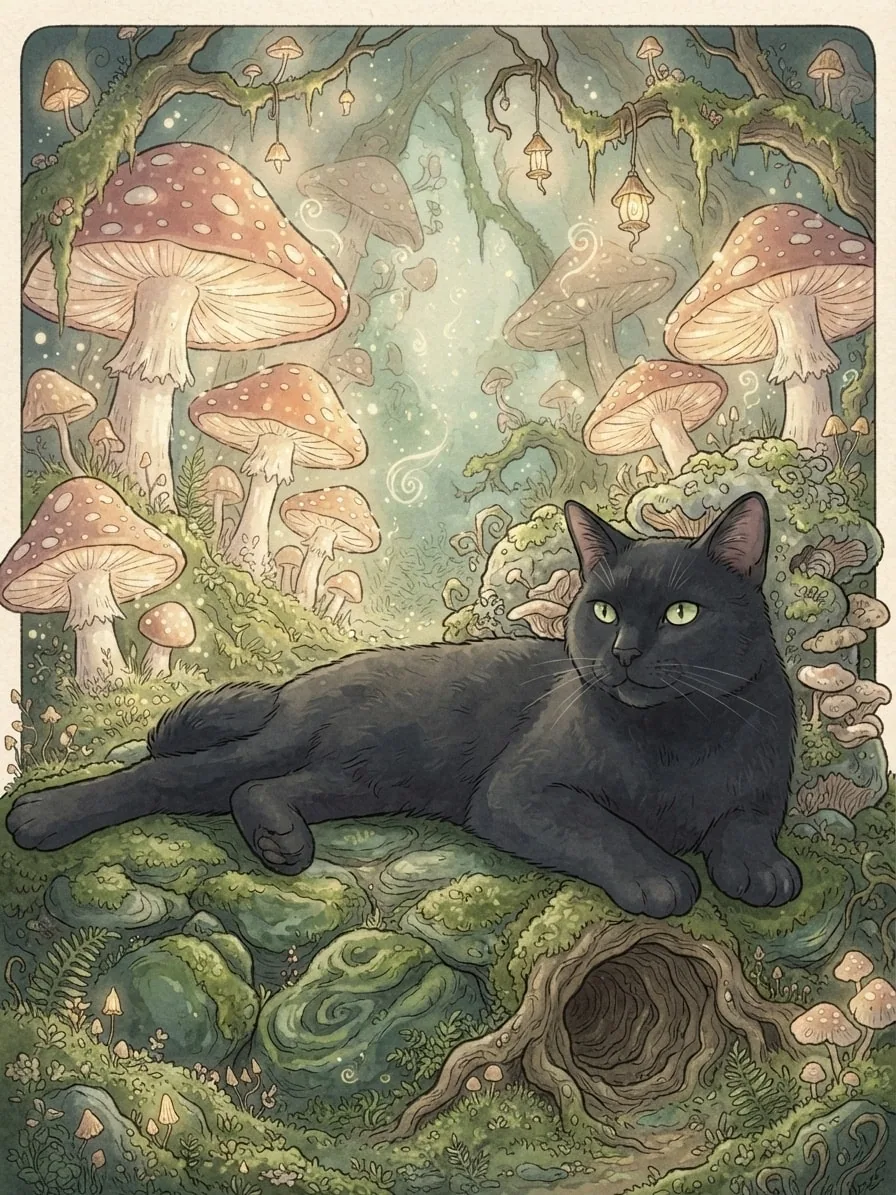
Storybook wonder
Storybook wonder
Hand-drawn woodland detail and glowing mushrooms turn the same relaxed pet into the centre of a gentle fantasy story.
Creative choices
Creative Mode OnEnchanted

Mushroom Grotto
Giant mushrooms and glowing spores in hidden woodland
Decorative

Storybook
Whimsical illustrated scene
Upload a new photo or choose one of your saved pets next.
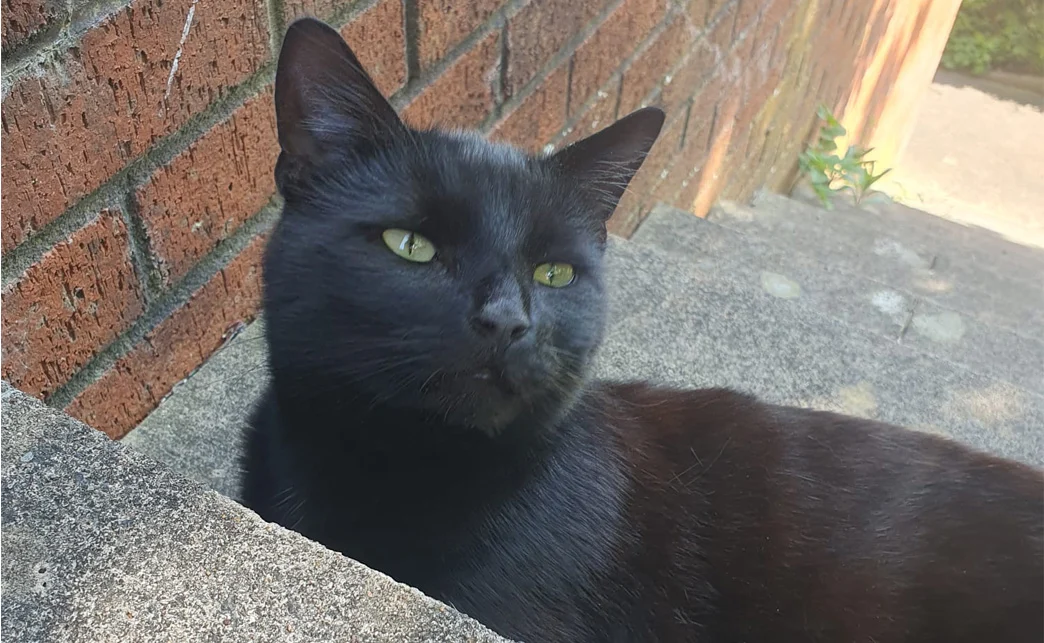
Original
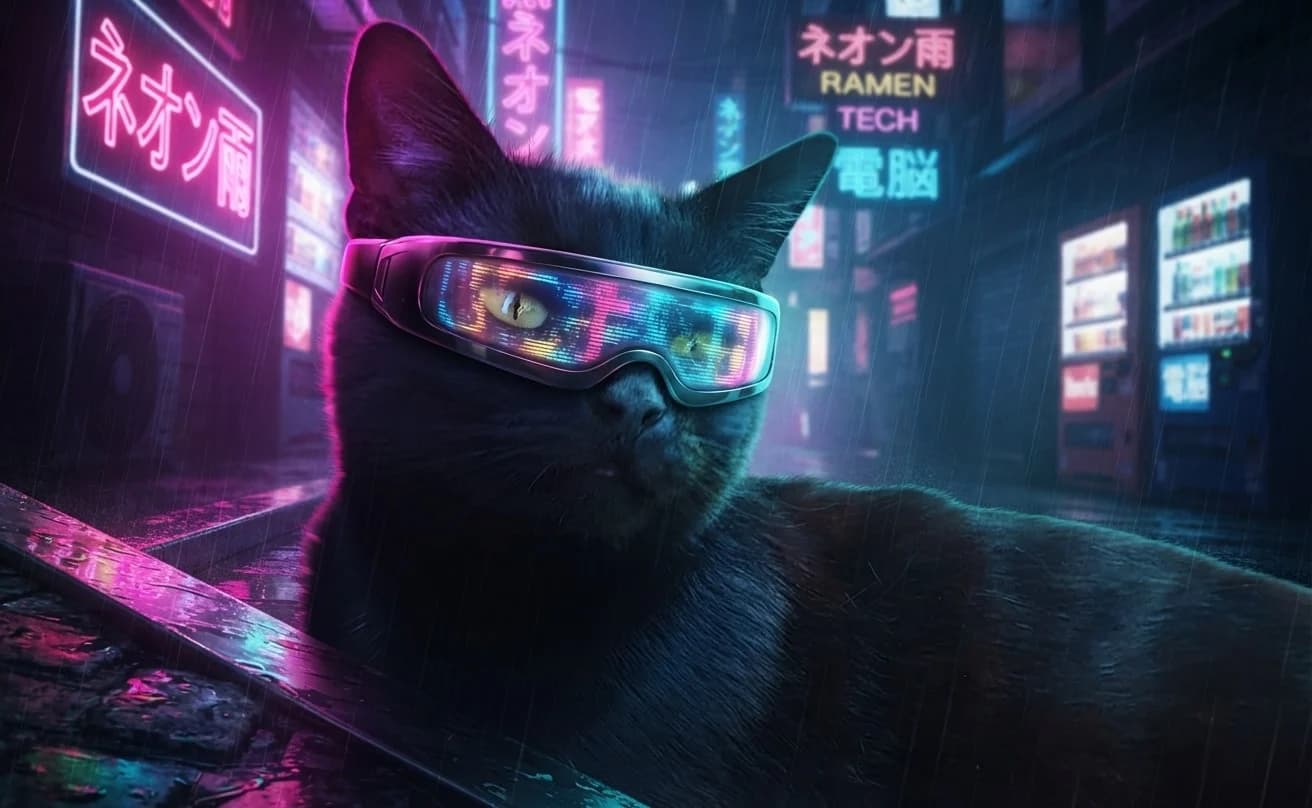
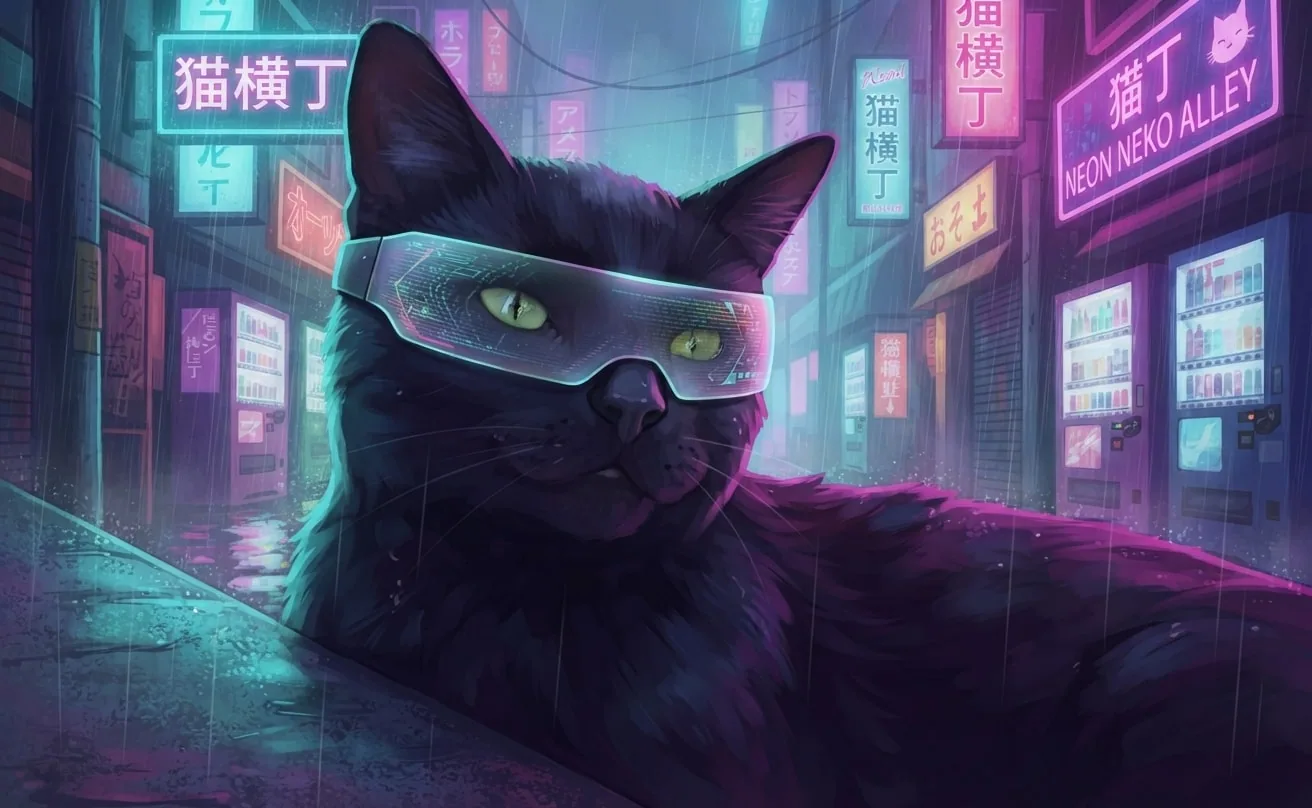
Neon city explorer
Neon city explorer
Rain, reflected colour and a holographic visor turn Chuck's steady gaze into a vivid tech-noir portrait.
Creative choices
Creative Mode OnCities

Tokyo Neon
Rain-soaked neon streets bursting with colourful city light
Neon

Neon Rain
Rain-soaked neon movie still
Facewear

Holographic Visor
A sleek wraparound visor glowing with shifting holographic color.
Upload a new photo or choose one of your saved pets next.
Choose one style to begin
Follow the finish that catches your eye
Explore eleven distinctive directions from our 183-style collection, then pair your favourite with a scene that feels made for your pet.
Painting

Watercolor
Soft artistic watercolor
Painting

Oil Painting
Classic oil painting
Graphic

Pop Art
Bright graphic pop art
Graphic

Comic Cover
Heroic comic cover art
Decorative

Stained Glass
Luminous leaded-glass artwork
Drawing

Colored Pencil
Detailed hand-drawn color
Decorative
Storybook
Whimsical illustrated scene
Cinematic
Cinematic
Dramatic movie-like lighting
Anime
Soft Kyoto Anime
Luminous detailed anime with delicate color and polished light.
Toys

Claymation
Handmade clay animation
Pixel
16-bit Pixel Art
Refined clusters, crisp pixel detail
How it works
Three simple steps to a style made for them.
Start with one favourite photo, choose the artistic direction, then create and compare your finished portraits.
- 1Upload
Begin with a favourite photo.
Upload a new pet photo or choose one already saved to your account.
UploadChoose a photo
JPG, PNG or WebP

- 2Choose
Find their artistic direction.
Compare styles, choose a scene and add a finishing accessory to make the look their own.
Build their lookSceneStylesAccessoryWatercolorOil PaintingPop Art3 portrait styles183 available - 3Create
See which portrait feels right.
Create your images, compare the results and download the version you love.
Your images
Ready to download
Download
Let their personality lead
What kind of portrait feels like them?
Start with the character you see in your pet, then explore the colours, textures and artistic finishes that bring it forward.
Gentle dreamer
Soft colour and quiet detail
Try watercolor, colored pencil or soft anime for a light, thoughtful portrait.
Bold character
Colour that owns the frame
Pop Art, stained glass and neon styles suit pets who always draw the eye.
Quiet old soul
Rich texture and timeless warmth
Oil painting and cinematic looks bring depth to calm expressions and steady poses.
Born adventurer
A world with a story to tell
Storybook, fantasy and pixel art can turn a familiar face into a new character.
Pet portrait style questions
Before you choose their look
Which pet portrait style should I choose?
Start with the feeling you want. Watercolor and soft anime suit gentle portraits, Pop Art and pixel styles feel playful, while cinematic, fantasy and cyberpunk styles create a stronger sense of story. When you are ready to combine a style with scenes and characterful accessories,create with the AI pet generator
Can I try more than one style with the same pet photo?
Yes. You can choose up to three styles for one creation. Each selected style produces a separate image, making it easier to compare different directions from the same photo and scene.
Does choosing a style also choose the scene?
No. 'Use this style' opens Create with that finish ready for a scene you choose. 'Use these choices' begins with the complete scene, style, Creative Mode setting and any accessory shown.
What does Creative Mode change?
Creative Mode On lets the selected style reshape the pet, setting, texture and lighting more boldly. Creative Mode Off keeps the finished image closer to the original photo.Compare Creative Mode On and Off
Can I change the choices after selecting an example?
Yes. The example simply gives you a starting point. You can change the pet photo, scene, style, accessory and Creative Mode setting before creating.
Ready to find the style that brings them to life?
Choose a finish, add your pet, and adjust every choice before creating.