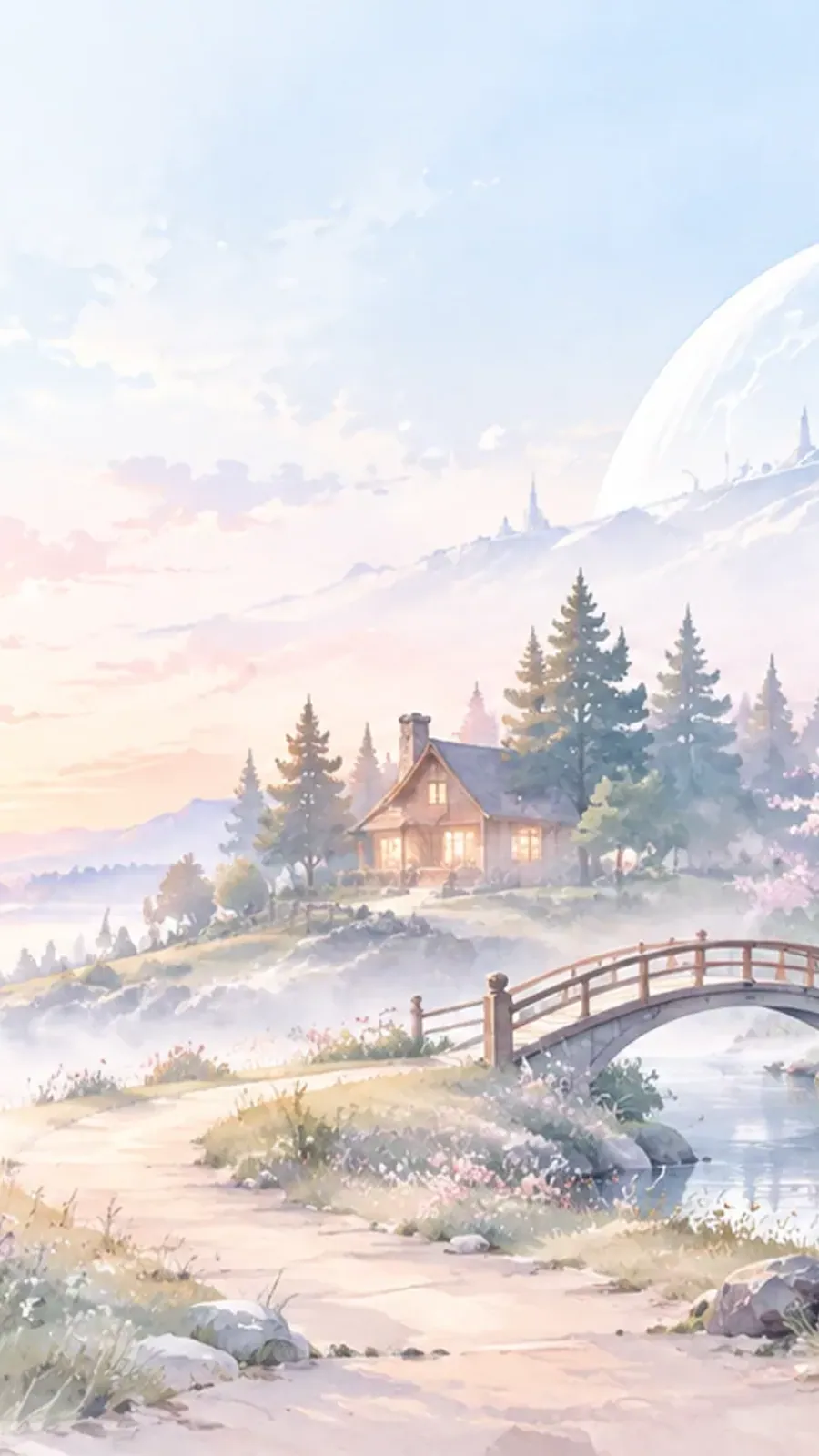
Create a pet avatar for your profile
The group chat could use a cat who takes everything too seriously. Turn your pet photo into a painted, cartoon or illustrated avatar, then try the portraits in the phone preview below.
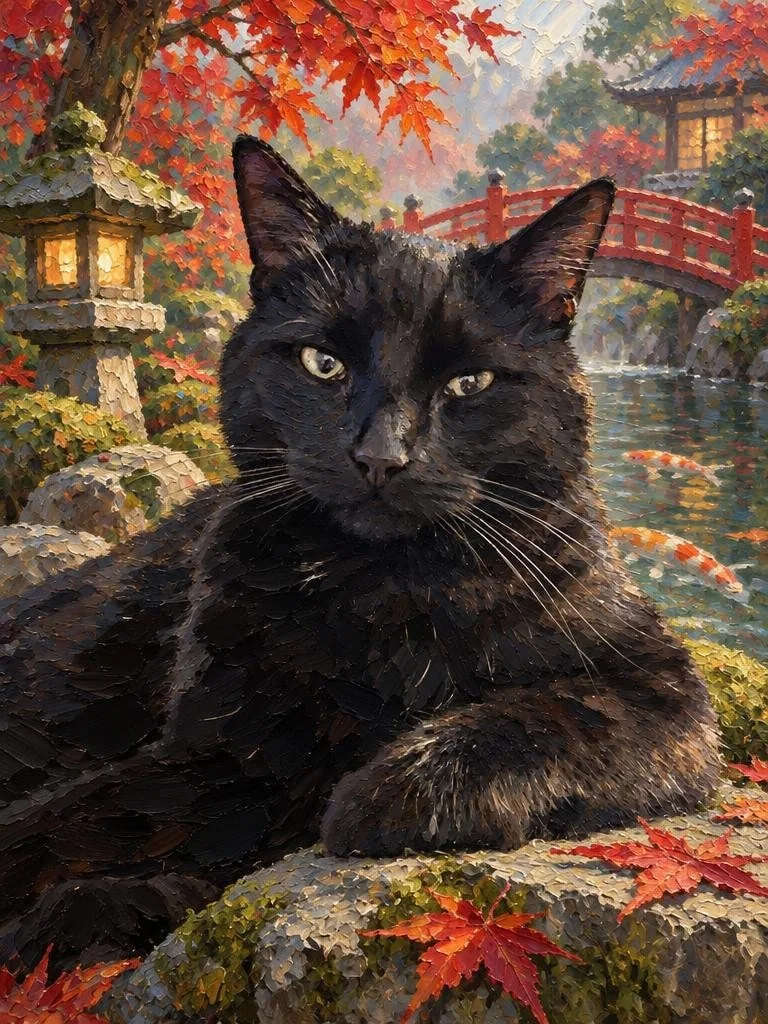
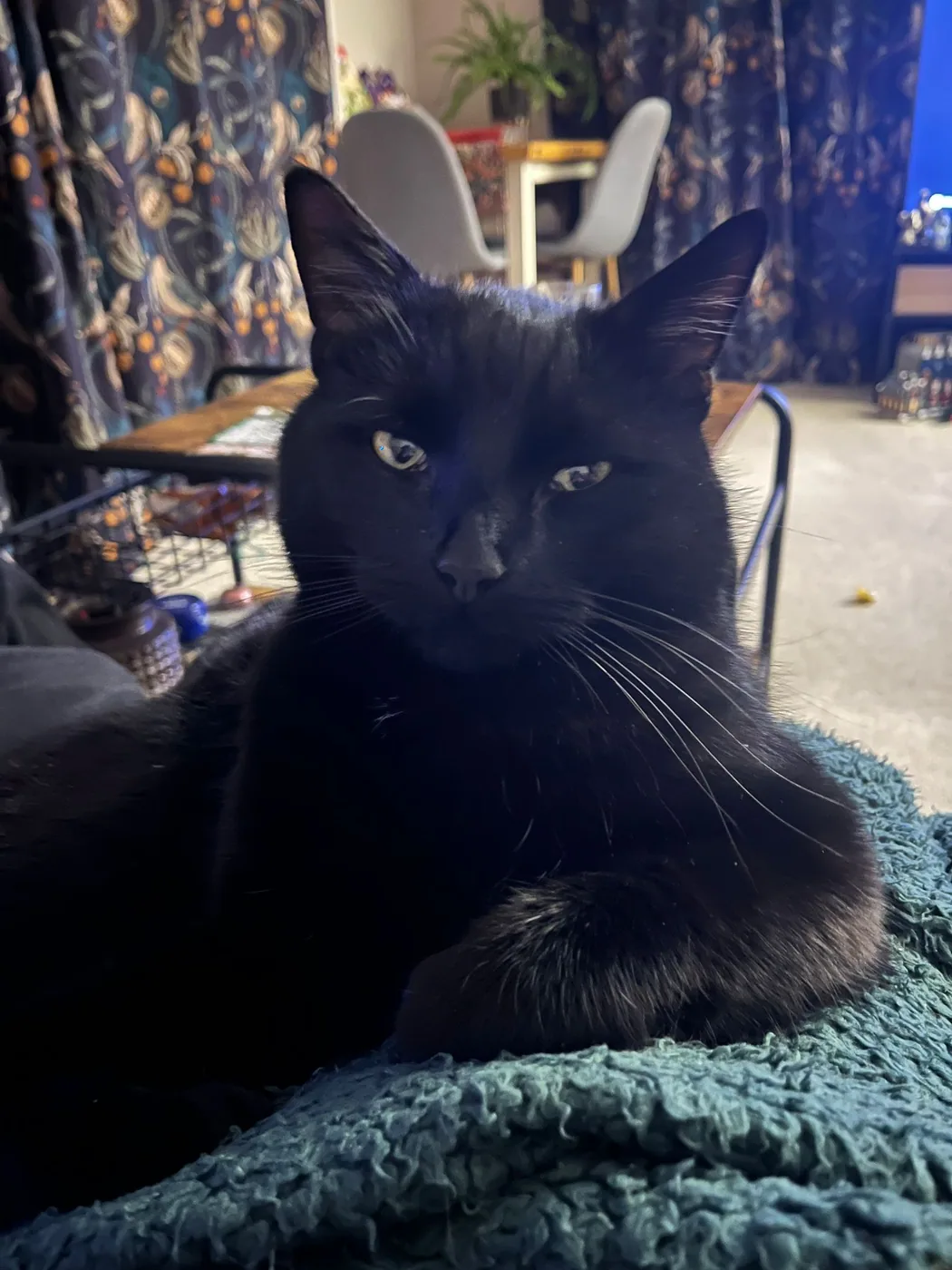
Five faces for the group chat
A painted cat, a cartoon character, bold geometric shapes and an anime afternoon off. Compare each portrait with its original photo, then try it beside a message.


A soft 3D cat portrait
Rounded fur shapes, broad highlights and a field of sculpted flowers turn Chuck's upward glance into a polished 3D character portrait.
Creative choices
Creative Mode On
Spring Meadow
Wildflowers and drifting petals in gentle spring sunshine

Soft 3D Cartoon
Warm, rounded animated-feature styling.
Upload a new photo or choose one of your saved pets next.


A bold Pop Art dog portrait
Bold colour blocks, black contours and halftone detail turn Eve's tilted pose into a city poster.
Creative choices
Creative Mode On
City Skyline
Glowing skyscrapers and polished rooftop views at dusk

Pop Art
Bright graphic pop art
Upload a new photo or choose one of your saved pets next.


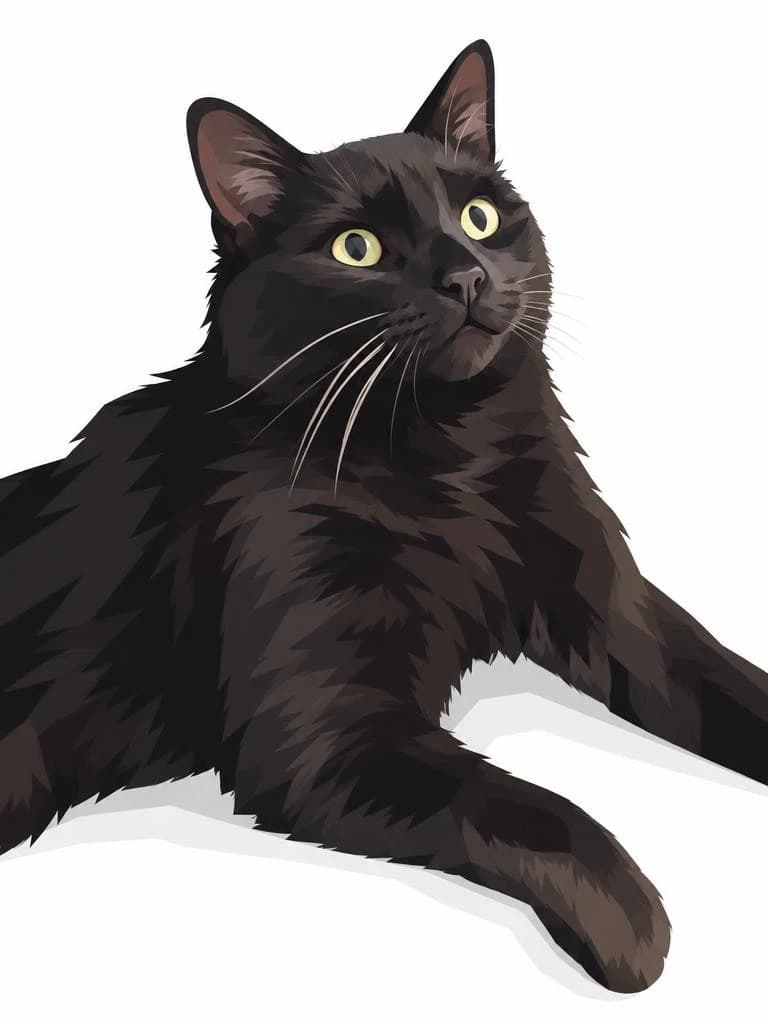
Chunk in bold shapes.
Angular patches of colour describe the coat and wide eyes against a plain white background.
Creative choices
Creative Mode On
Photo Studio
Clean white backdrop with soft professional portrait lighting

Geometric Vector Cutout
Bold layered vector shapes
Upload a new photo or choose one of your saved pets next.


Chuck, off duty.
A relaxed anime-inspired portrait on white, ready for a closer crop if you want the face to fill your profile picture.
Creative choices
Creative Mode OnPhoto Studio
Clean white backdrop with soft professional portrait lighting

Soft Kyoto Anime
Luminous detailed anime with delicate color and polished light.
Upload a new photo or choose one of your saved pets next.
Your pet
Profile preview
Example conversation
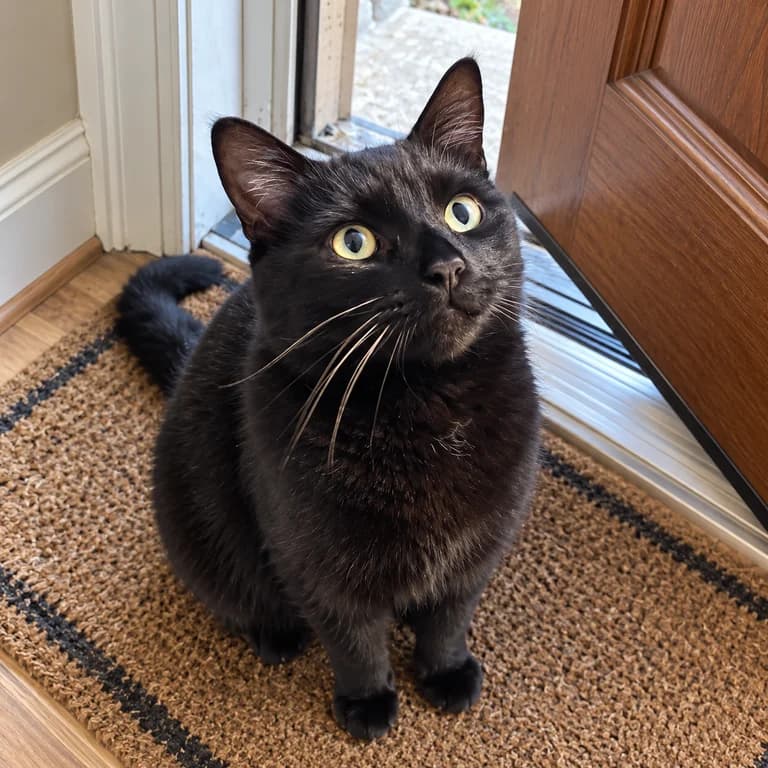
A face for the group chat
Your pet has joined the group chat.
See how each portrait looks beside a message. Tap a face to change the preview, then try that look with your own photo.
Chunk in bold shapes.
This is a profile mockup. Downloads are rectangular images; your chat app controls the final circle or square crop.
From your pet photo to their next portrait.
Upload, choose the look and review your finished image.
- 1Upload
Bring a face worth recognising.
Upload a clear pet portrait with space around the eyes and ears.
UploadChoose a photo
JPG, PNG or WebP

- 2Create
Choose their avatar style.
Choose a painted, cartoon or illustrated look and a scene for the portrait.
Build their lookSceneStylesAccessory Cinematic
 Watercolour
 Storybook3 styles selected3 different images
- 3Download
Try the small crop.
Save the rectangular image, then position it in your profile editor's crop.
Your images
Ready to download
Download
A few useful answers
Before you create
A few practical details about photos, styles and your finished image.
See how it worksHow do I make an avatar from my pet photo?
Upload a pet photo with a clear face, choose a simple scene and select a style. Download the result and crop it in the profile editor for the service you use.
Does EditMyPet export a circular profile picture?
The download is a rectangular image. The circular previews on this page show how a crop might look. Use your profile editor to position the face inside its circle or square.
Which style works at a small profile size?
Try a clear face with strong shapes and a background that does not compete with it. Compare the eyes, ears and face outline at small sizes. Fine textures and busy scenes can become hard to read.
Can I make a dog or cat profile picture?
Yes. Use a source where the pet is easy to recognise and the ears have enough space around them. A close portrait often gives you more useful crop options than a distant full-body photograph.
Can I create a transparent logo or an animated avatar?
This workflow produces a static image. It does not promise a transparent cutout, vector logo or animation. Check the requirements of the profile service before uploading your finished crop.
Can I try EditMyPet for free?
You can receive 3 free creation tokens after opting into the EditMyPet newsletter and confirming your email. Use the same email for your account. One starter bonus per person. You can also buy tokens without joining the newsletter. The creation cost is shown before you generate.
What do I receive after creating a portrait?
You receive a digital image to download. The available resolution and token cost are shown in Create. Free-account downloads include an EditMyPet watermark; downloads become watermark-free after your first paid order. Physical printing and card layouts are separate steps.

Give the next message a face everyone knows
Create a portrait of your pet, check it at profile-picture size and take the crop into your favourite chat or social account.