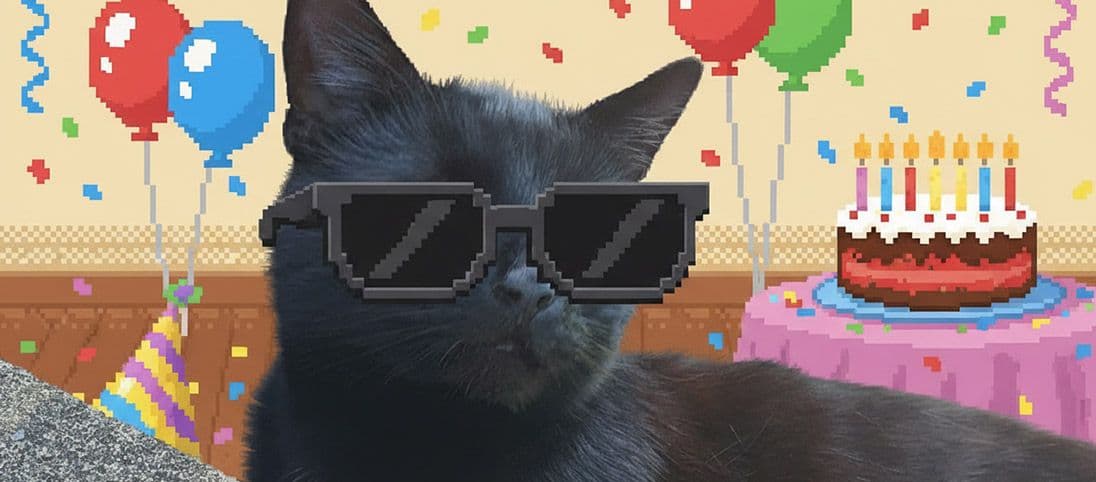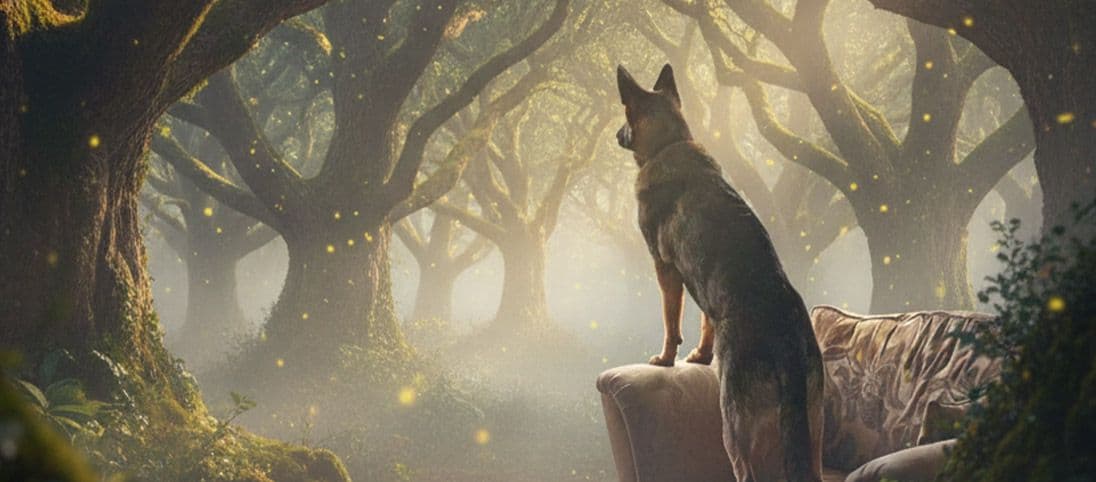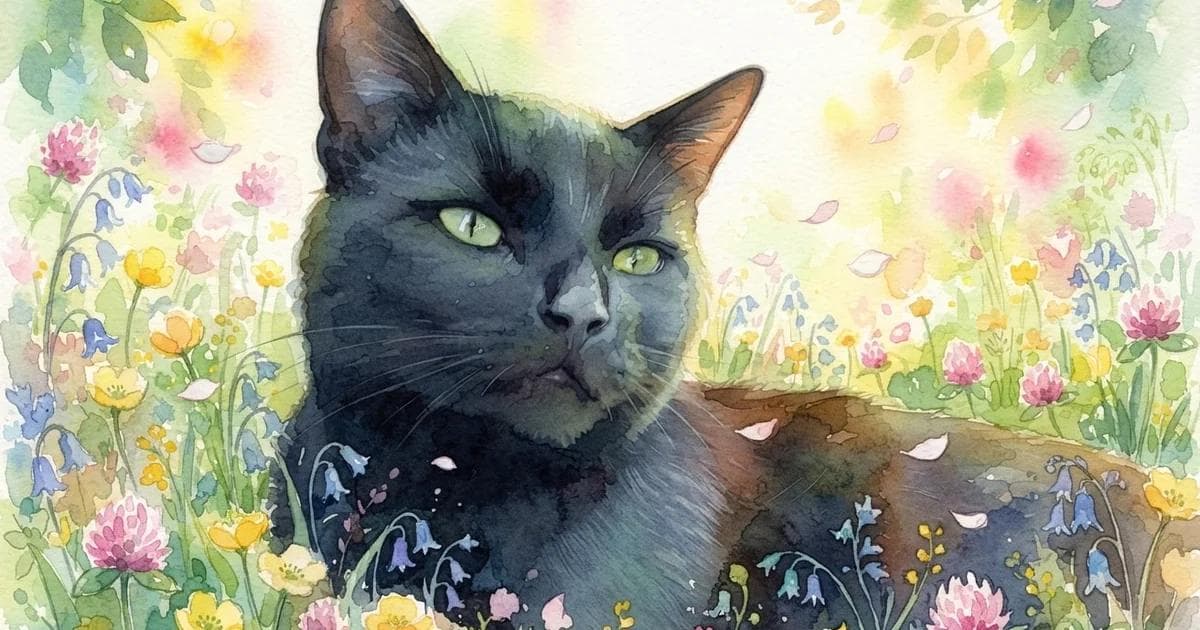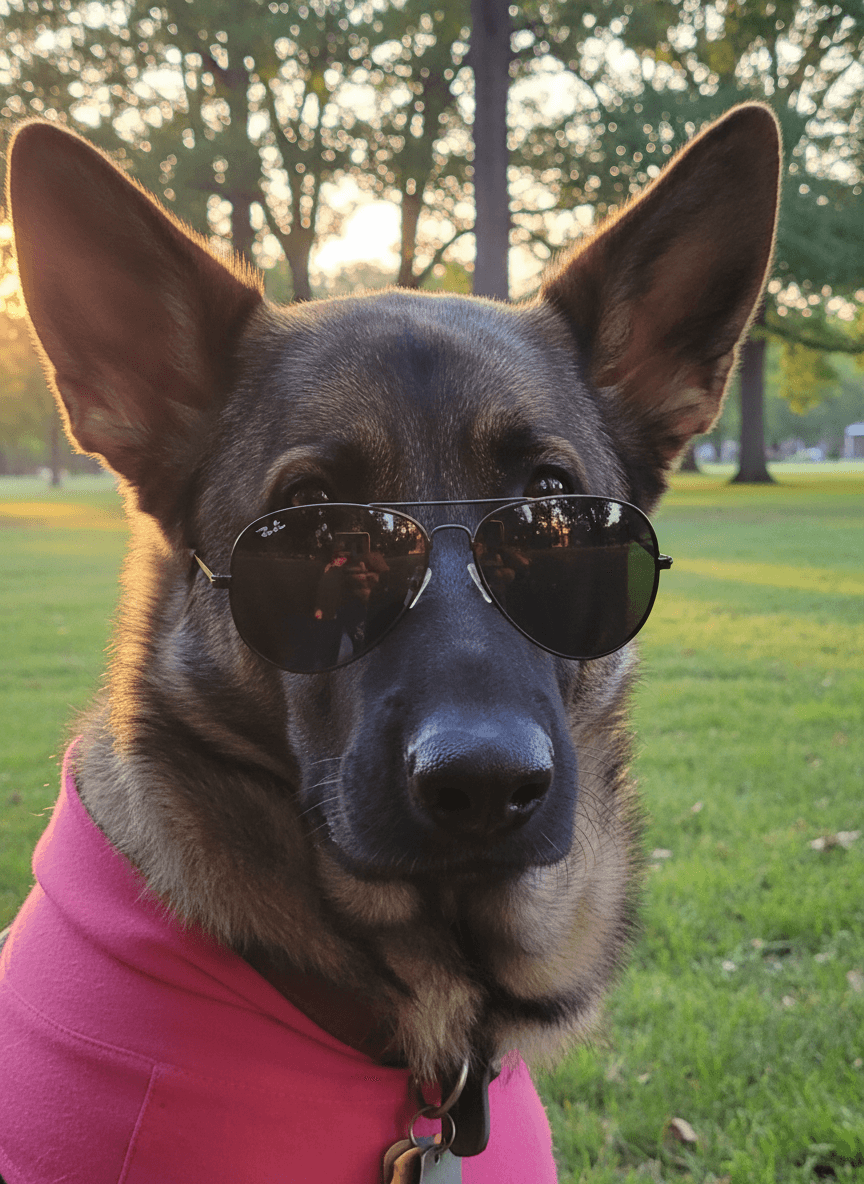
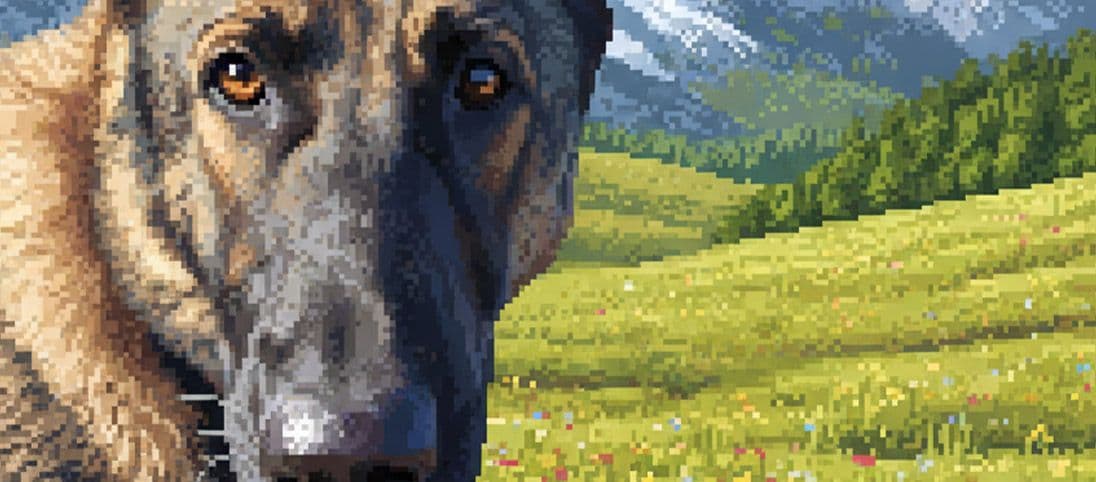
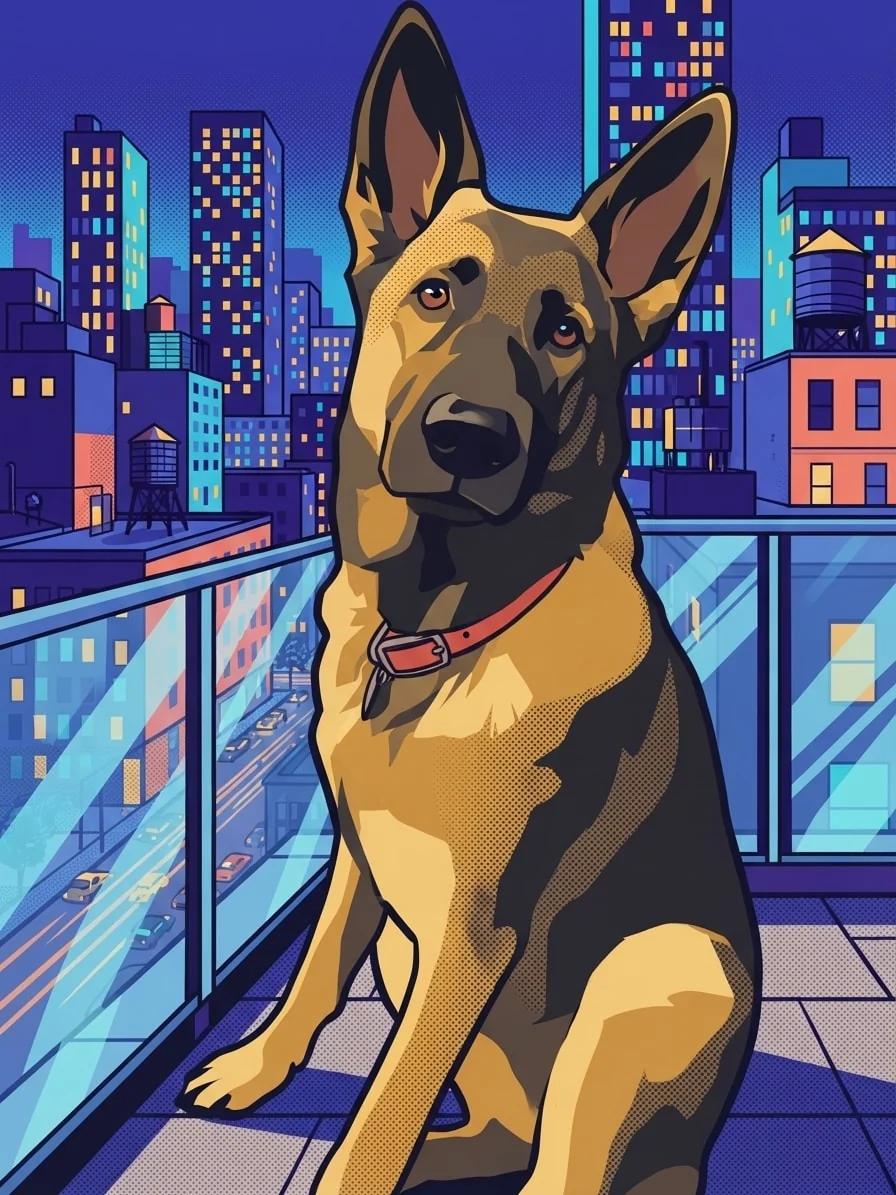
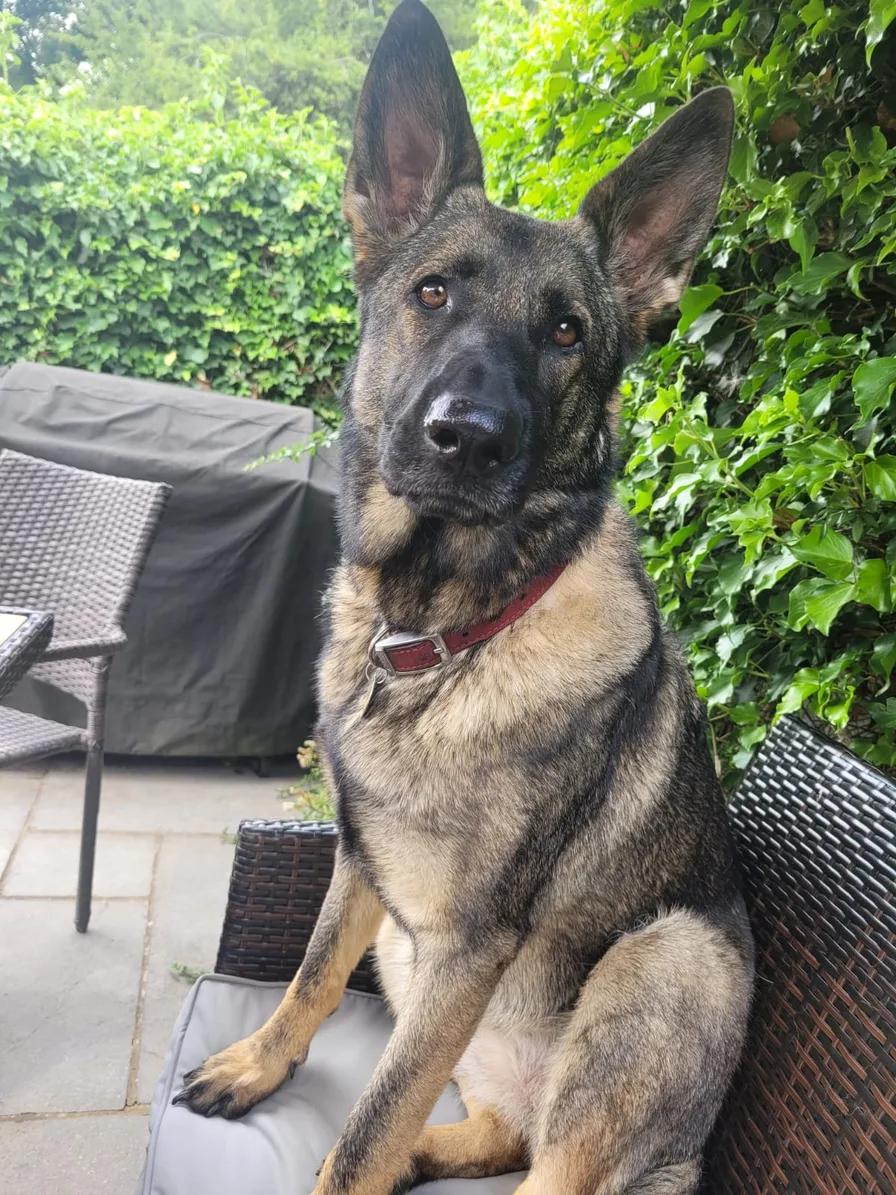
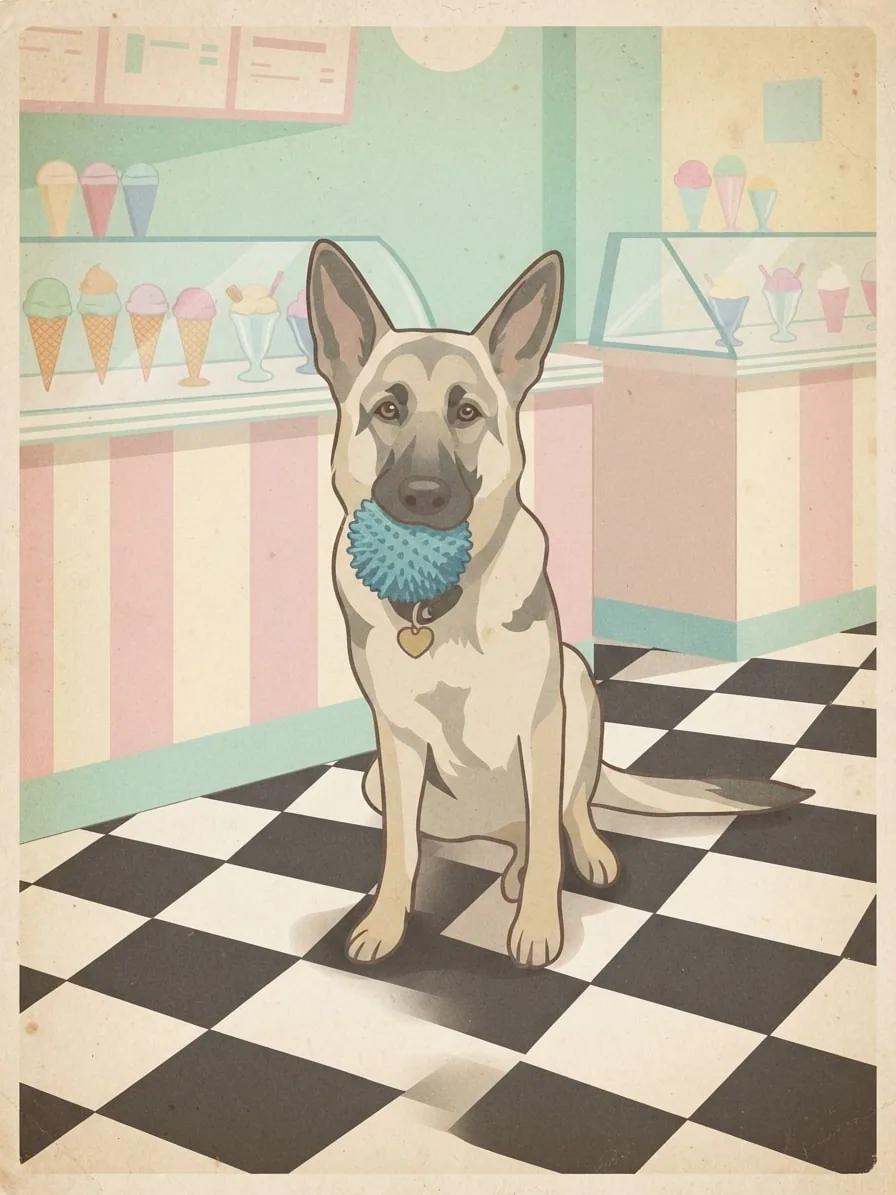
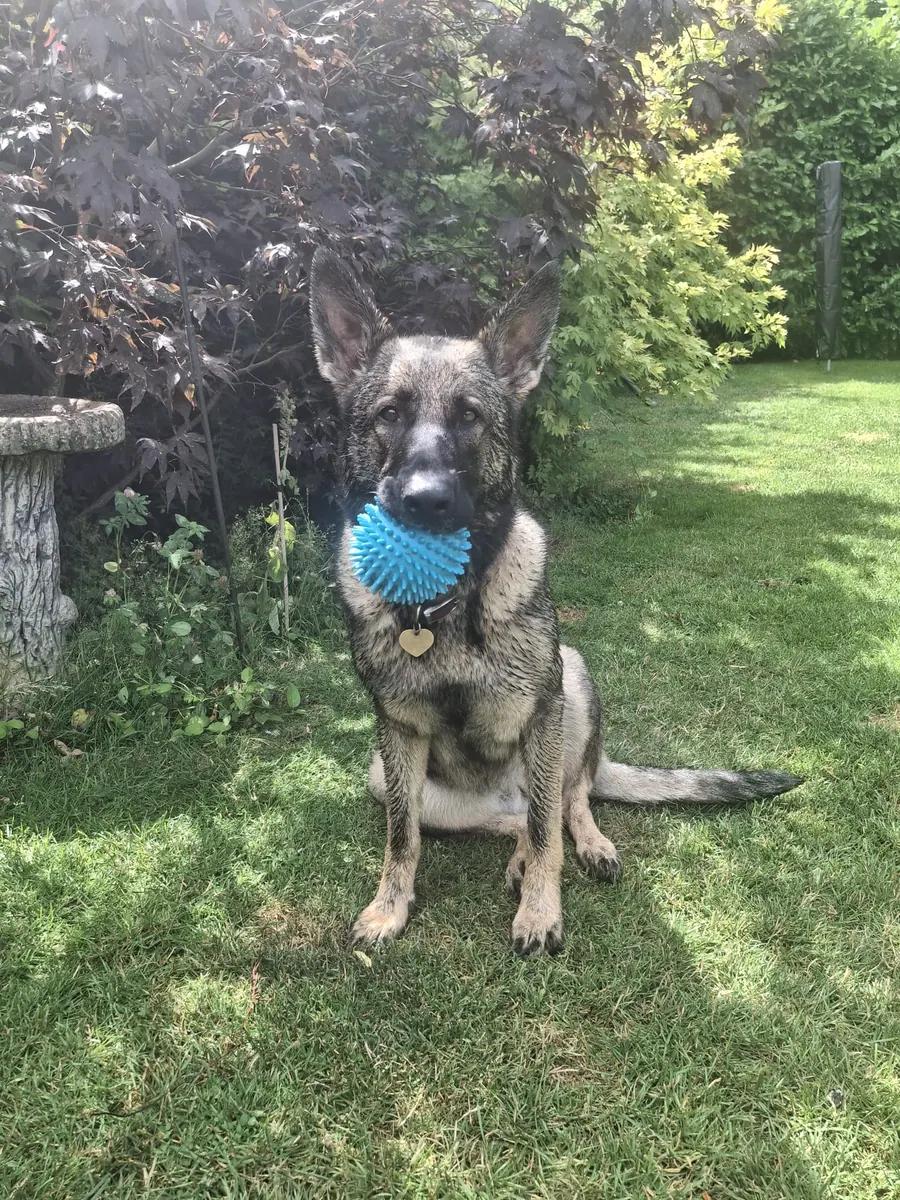
Eve’s Pop Art portrait uses blocks of colour against a city skyline; her vintage postcard portrait puts a blue ball in a pastel ice cream parlour. The same pet can supply a profile refresh, a playful post or an announcement with quite different moods.
For more visual directions, browse pet portrait styles. The choices beneath these examples open in Create.
A Pop Art profile and a pastel postcard
Creative choices
Creative Mode On
City Skyline
Glowing skyscrapers and polished rooftop views at dusk

Pop Art
Bright graphic pop art
Upload a new photo or choose one of your saved pets next.
Creative choices
Creative Mode On
Ice Cream Parlor
Pastel counters and cheerful retro dessert-shop charm

Vintage Postcard
Retro travel postcard
Upload a new photo or choose one of your saved pets next.
Four ideas for a pet account
Profile refresh
Use a close or upright crop with clear contrast around the face so the image survives a small circular display.
Everyday personality post
A favourite toy or an unusual expression supplies a subject for an everyday post. Eve’s blue ball belongs in the ice cream parlour portrait as much as the pastel decor.
Seasonal moment
A seasonal scene, style or optional accessory can mark a holiday without arranging another photoshoot.
Campaign or announcement
Leave an area for announcement text in a separate design editor. A less detailed patch of sky or wall is easier to place lettering over.
Swipe to compare all 2 tools →
| Post type | Image direction | What to protect |
|---|---|---|
| Profile image | Close, high-contrast portrait | Eyes, ears and recognisable outline |
| Feed post | One bold scene or style | A clear focal point |
| Story | Vertical crop with open space | Readable face and safe text area |
| Announcement | Simple composition and brand colour | Message space around the pet |
Profile pictures and circular crops
- Check the face at profile-picture size.
- Protect upright ears from circular crops.
- Use strong contrast between coat and background.
- Keep one visual idea per post.
Creative Mode On redraws the pet in the selected medium. Off keeps visible pet regions photographic while the setting changes. The Creative Mode guide includes examples of each.
For graphic colour, explore Pop Art pet portraits. For nostalgic campaigns and character-led profiles, try retro pet portraits.
Create a Pop Art profile, a retro postcard or a seasonal pet post.
Create your next pet postFrequently Asked Questions
What makes a good pet social media photo?
A clear face, one immediate idea and enough contrast to remain readable on a phone. The scene and style should support the expression rather than compete with it.
Which pet photo works best as a profile picture?
Choose a close or upright portrait with visible eyes, full ears and a clean outline. Check that the face still reads inside a small circle.
How can I make seasonal pet posts without a photoshoot?
Use one approved pet photo and add a seasonal scene, style or optional accessory digitally. Reuse the same source to create a consistent mini-series.
Should every post use the same style?
No. Consistency can come from colour, crop, tone or recurring scene choices. Keep the pet recognisable while varying the story and purpose of each image.
Can I reuse the exact social looks in this article?
Yes. Use the choices beneath a comparison to carry that complete recipe into Create.
Related Articles