Pixel

8-bit Pixel Art
Chunky pixels, minimal palette
Transform your pet into an 8-bit hero or a richly detailed 16-bit companion, then send them into a world you choose.
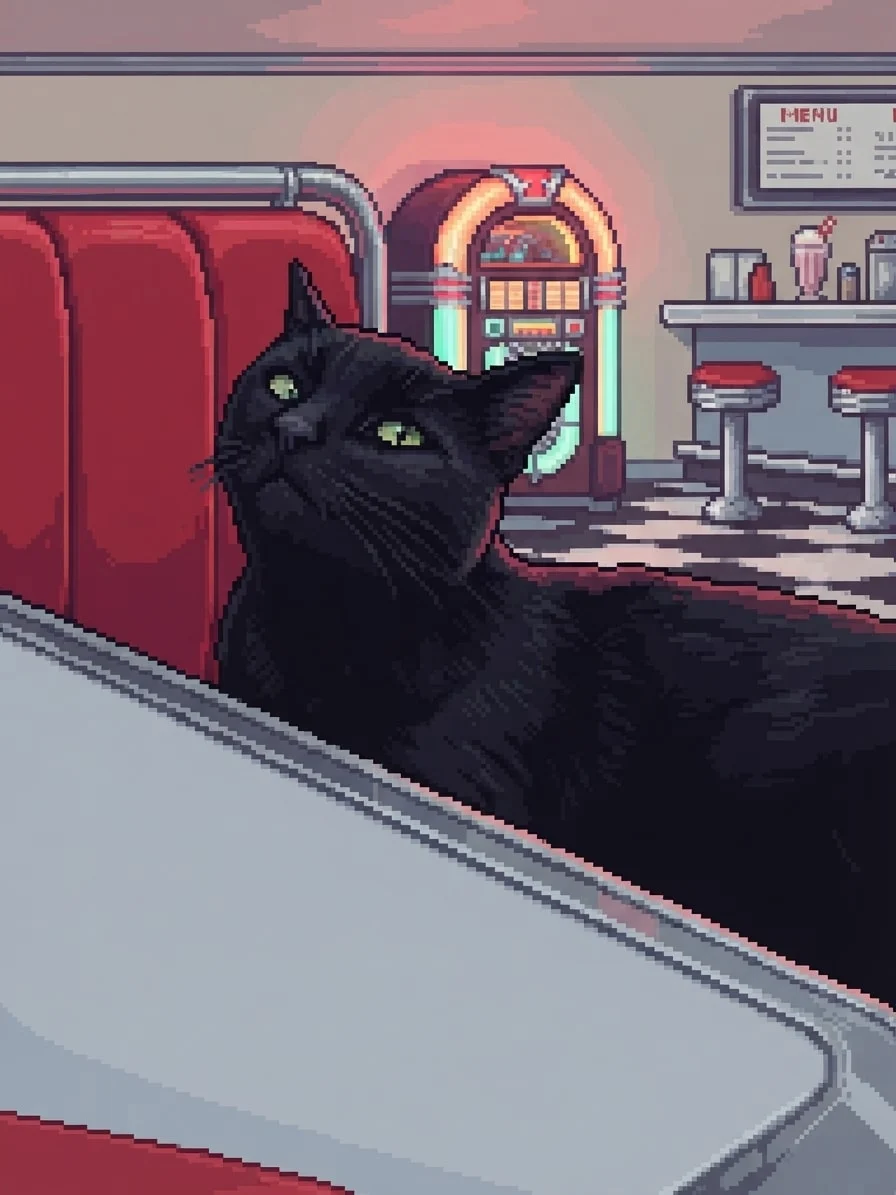
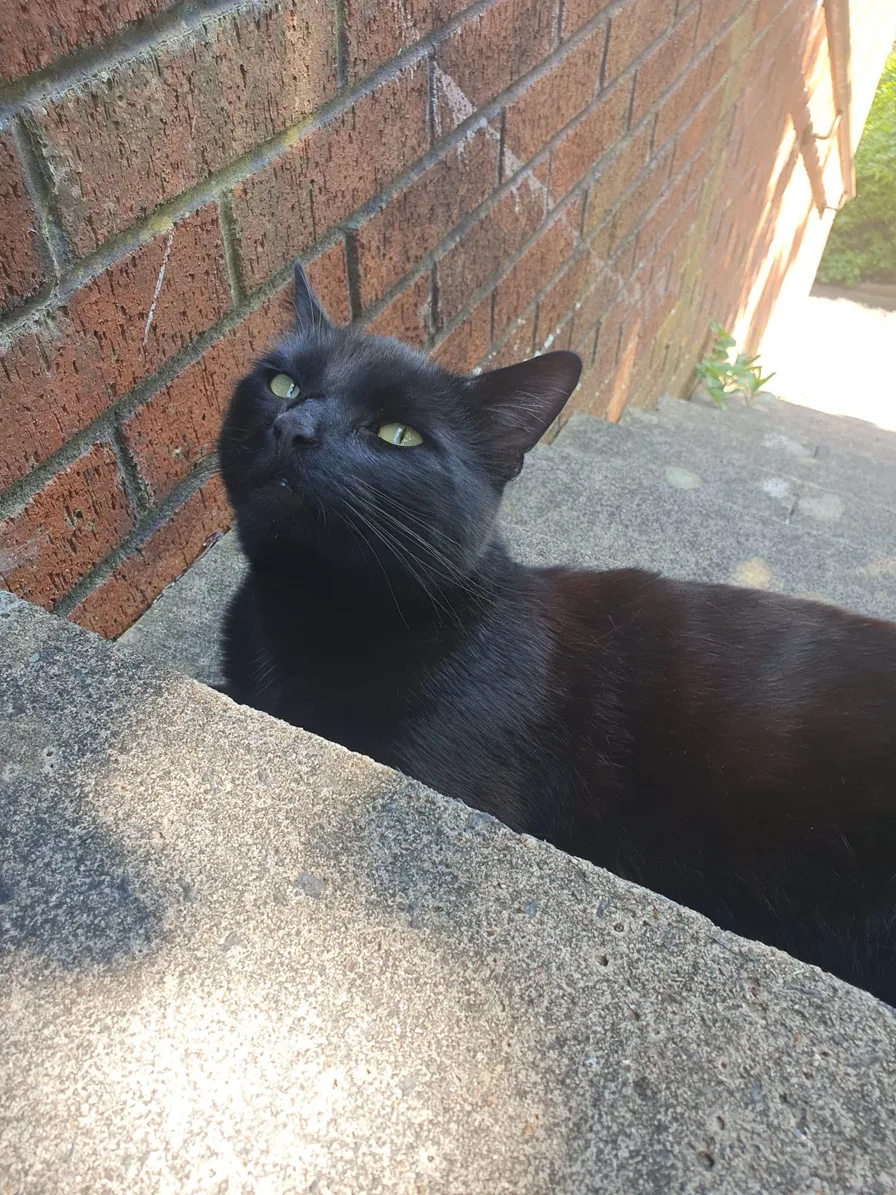
16-bit diner star
Drag to compare
Move between each original and finished portrait to see how bold 8-bit shapes and richer 16-bit detail change the mood without losing the pet at the centre. The two diner portraits use the same photo and scene for a direct comparison.
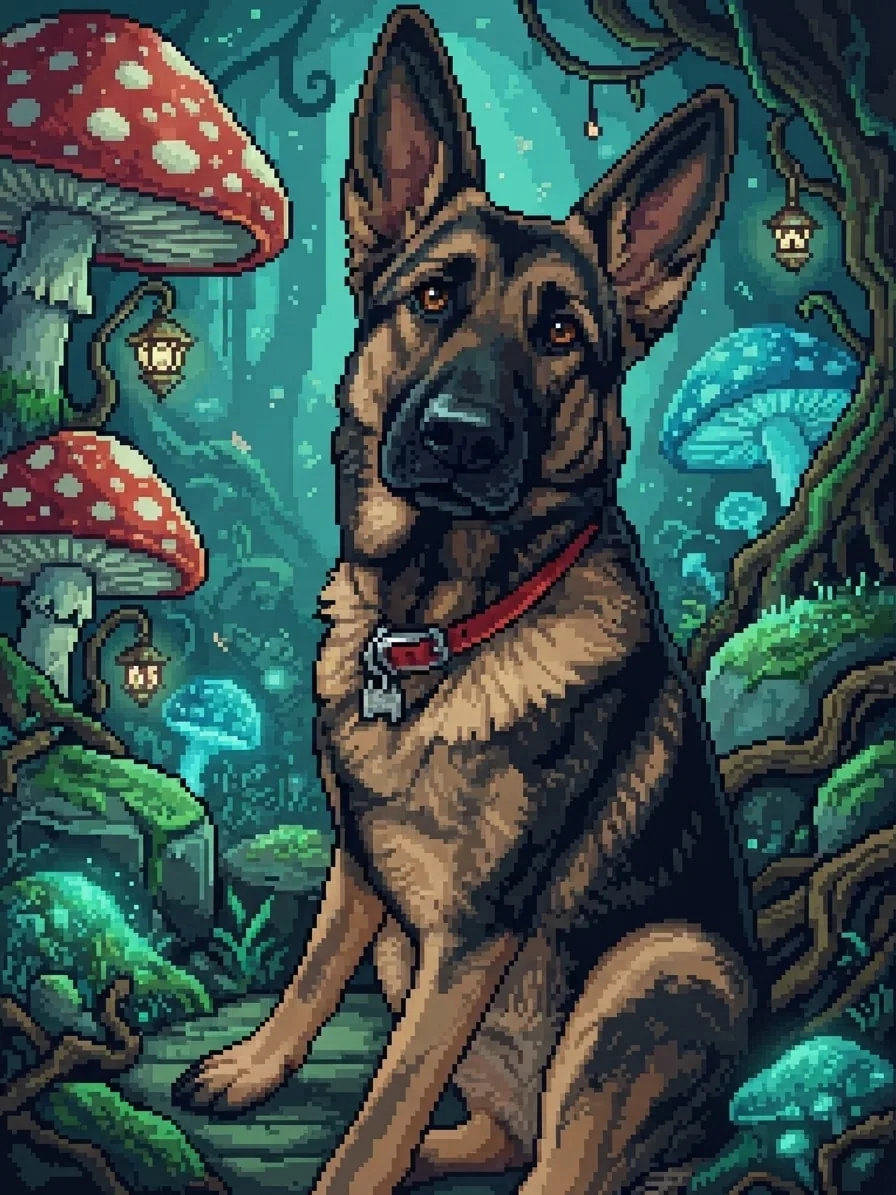
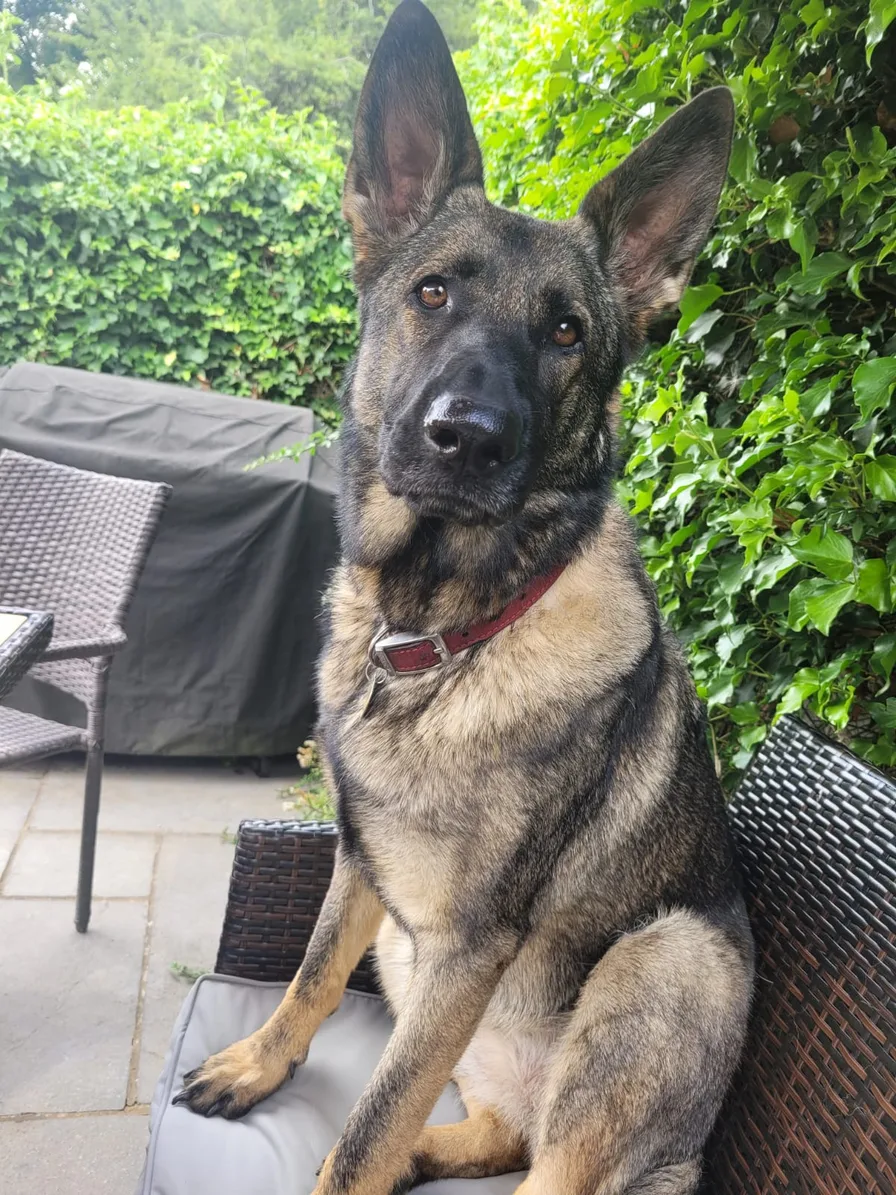
Bold pixel shapes turn Eve into a game-ready hero while her upright ears, dark muzzle and warm coat remain easy to recognise.
Creative choices
Creative Mode On
Mushroom Grotto
Giant mushrooms and glowing spores in hidden woodland
8-bit Pixel Art
Chunky pixels, minimal palette
Upload a new photo or choose one of your saved pets next.
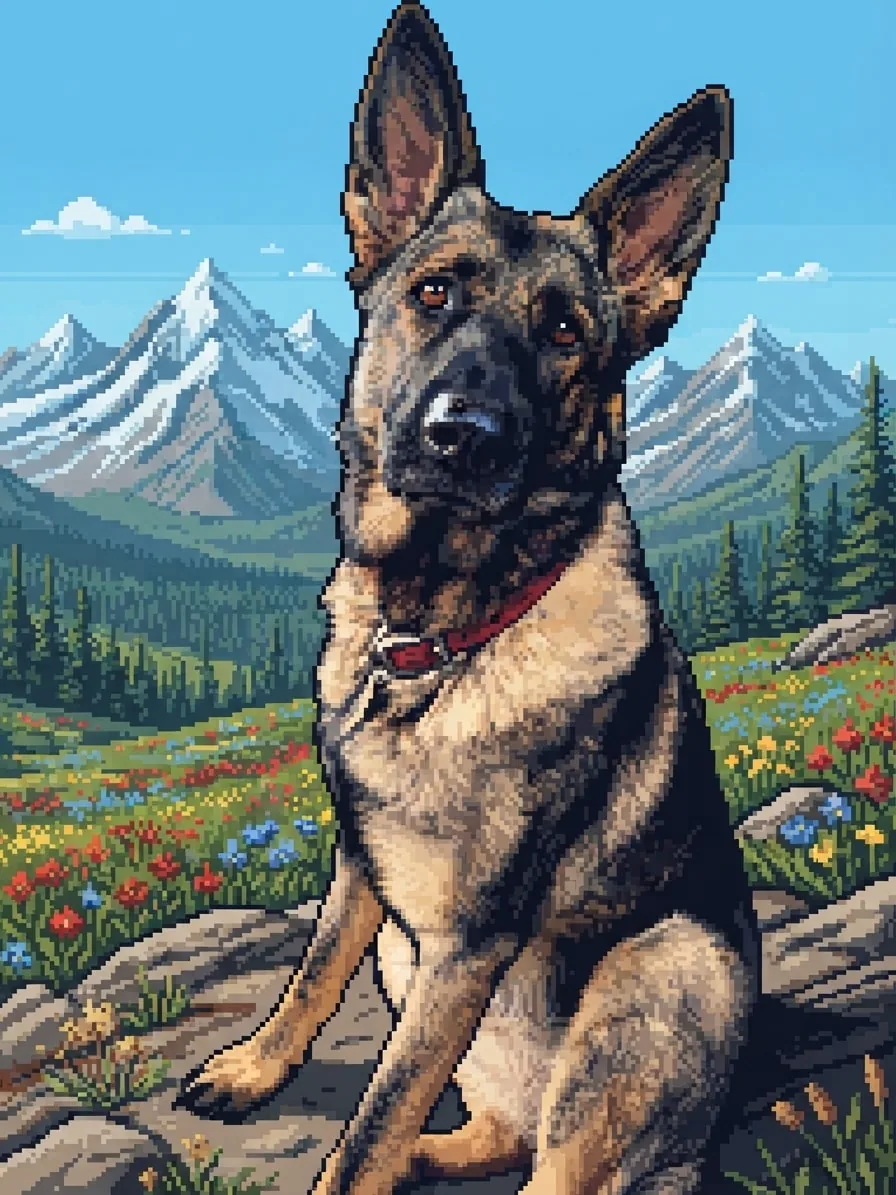
Extra colour and shading bring out Eve's coat markings while the wildflower trail adds the depth of a classic adventure game.
Creative choices
Creative Mode On
Mountain Adventure
Wildflower peaks and crisp alpine adventure views

16-bit Pixel Art
Refined clusters, crisp pixel detail
Upload a new photo or choose one of your saved pets next.
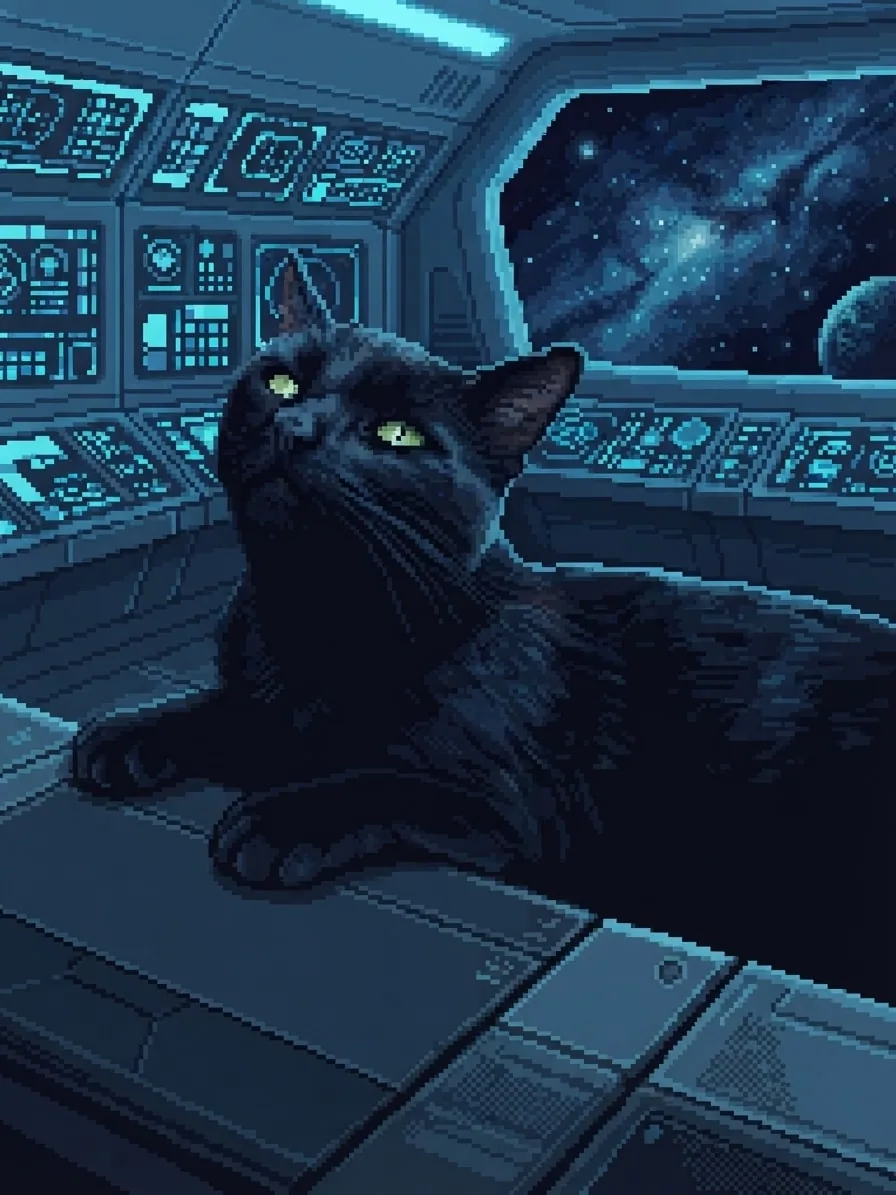
A limited blue palette and bold pixel edges place Chuck at the controls without losing his green eyes or curious head tilt.
Creative choices
Creative Mode On
Sci-Fi Bridge
Blue instrument light across a sleek starship bridge
8-bit Pixel Art
Chunky pixels, minimal palette
Upload a new photo or choose one of your saved pets next.
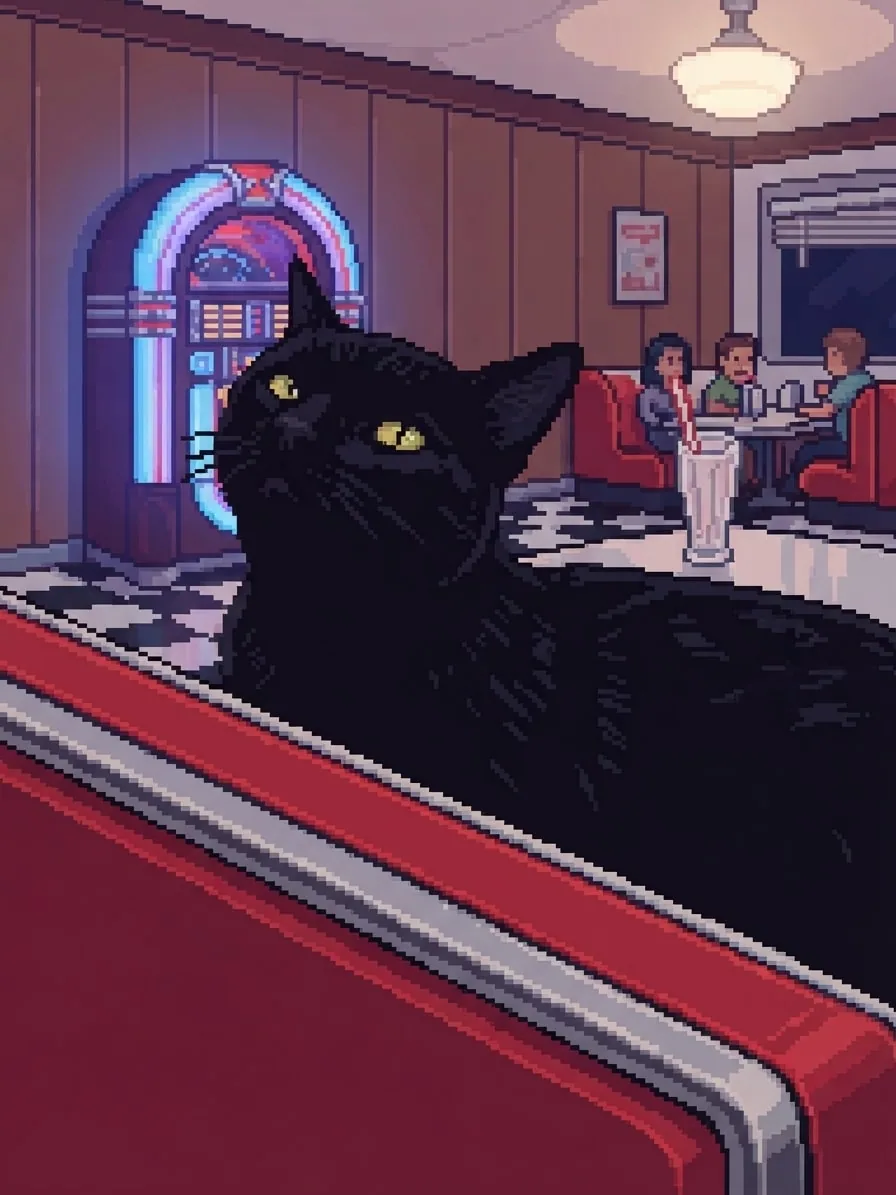
The same photo and diner become bolder and more playful in 8-bit, with larger shapes, fewer tones and a stronger arcade feel.
Creative choices
Creative Mode On
50s Diner
Chrome, neon and red booths with retro diner energy
8-bit Pixel Art
Chunky pixels, minimal palette
Upload a new photo or choose one of your saved pets next.
Pick 8-bit for bold shapes and a classic arcade feel. Choose 16-bit for more colour, shading and coat detail. If glowing cities are what caught your eye, explore our cyberpunk pet portraits. For visible cubic depth instead of a flat pixel grid, try our Voxel Pet Generator.
8-bit Pixel Art
Chunky pixels, minimal palette
16-bit Pixel Art
Refined clusters, crisp pixel detail
Start with a favourite photo, choose the world and level of detail, then create a portrait that feels made for them.
Upload a favourite image or choose one of the pets already saved to your account.
Choose a photo
JPG, PNG or WebP

Pick a scene, choose your favourite level of pixel detail and use Creative Mode to bring the game-world atmosphere to life.
8-bit16-bitEditMyPet turns the photo and your choices into a finished pixel portrait ready to download.

Ready to download
Download
Have a scene, style or accessory you wish EditMyPet had? Send us the idea and tell us what would make it special. The next favourite choice in Create could start with your suggestion.
An accepted idea earns 5 tokens
Use the email address on your EditMyPet account. If we accept your suggestion, we'll add 5 tokens to the matching account.
Suggestions are reviewed individually. Tokens are awarded only for ideas EditMyPet accepts.
Upload a clear pet photo or choose a saved pet, select a scene, pick 8-bit or 16-bit Pixel Art, and create. To compare retro game art with other scenes, styles and characters,explore the full AI pet generator
8-bit Pixel Art uses bolder shapes, fewer colours and a stronger early-game feel. 16-bit Pixel Art adds finer shading, richer colour and more room for coat and scene detail.
Distinctive eyes, ears, markings, coat colours and posture can remain recognisable even when the image is simplified. A clear source photo helps those features read at a glance.
Retro interiors, fantasy forests, mountain adventures, city streets and sci-fi scenes all suit pixel art. Strong shapes and clear colour contrast usually create the most game-like result. For diners, drive-ins and other nostalgic settings,explore retro pet portraits
Both modes lock identity, pose, position and framing. Creative Mode On renders pet and scene cohesively on the selected pixel grid; Off pixel-renders the environment fully while retaining a photographic pet with restrained colour and light integration.Compare Creative Mode On and Off
Yes. Select 'Use these choices' to open Create with the complete pixel combination ready for your pet. Choose 'Use this style' to start with 8-bit or 16-bit Pixel Art and build the rest around it.
Choose 8-bit or 16-bit, pick a world, and adjust every choice before creating.