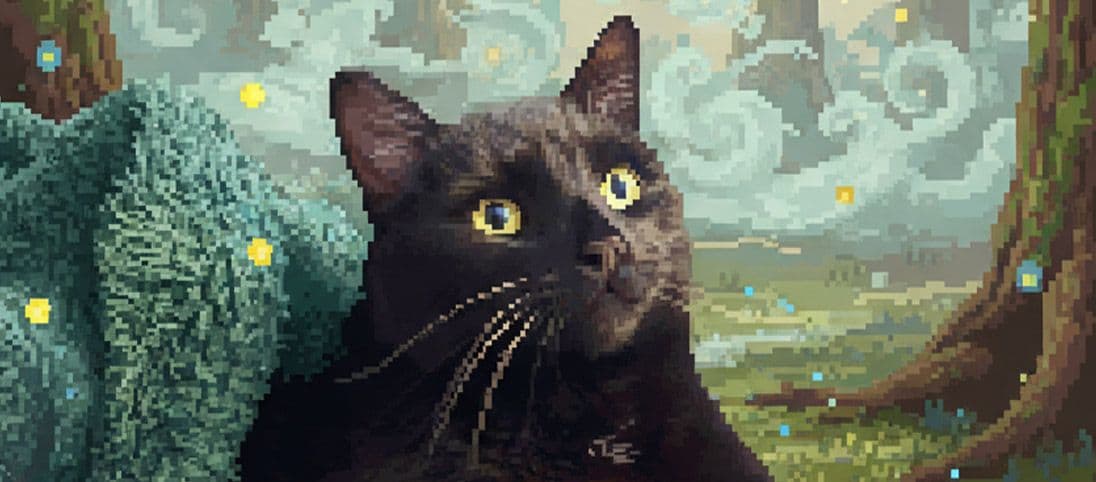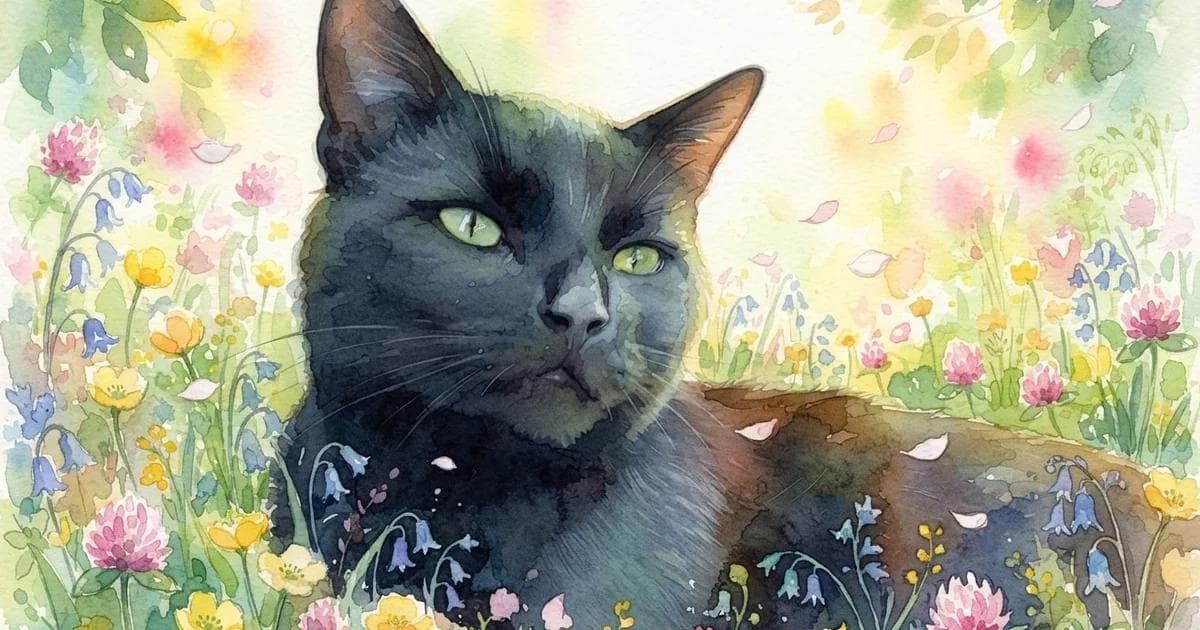
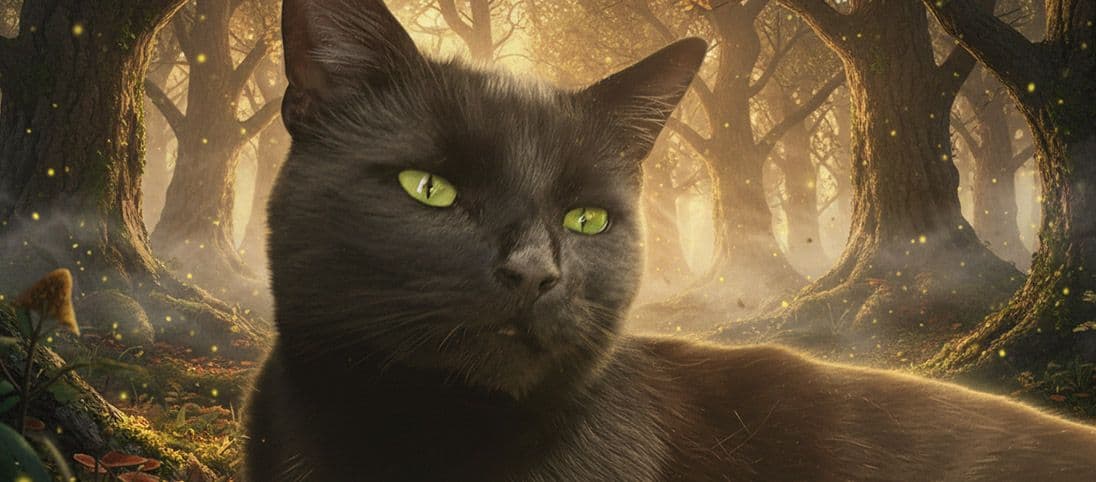
A polished cat edit begins with the details that make the expression readable: clear eyes, a clean face shape, visible ears and enough light to separate the coat from the background. Protect those details first, then decide how far the scene or style should move.
For the full source-photo checklist, start with how to choose the best photo for an AI pet portrait.
The same cat can support subtle and expressive edits
A relaxed pose can move naturally into a believable room or become a complete graphic portrait. The face and eyes still need to lead.
Creative choices
Creative Mode Off
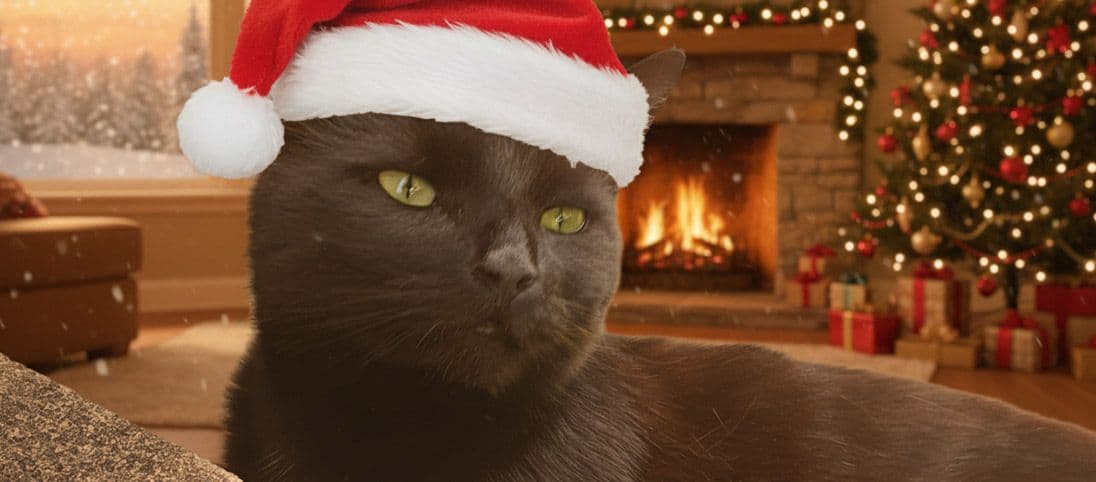
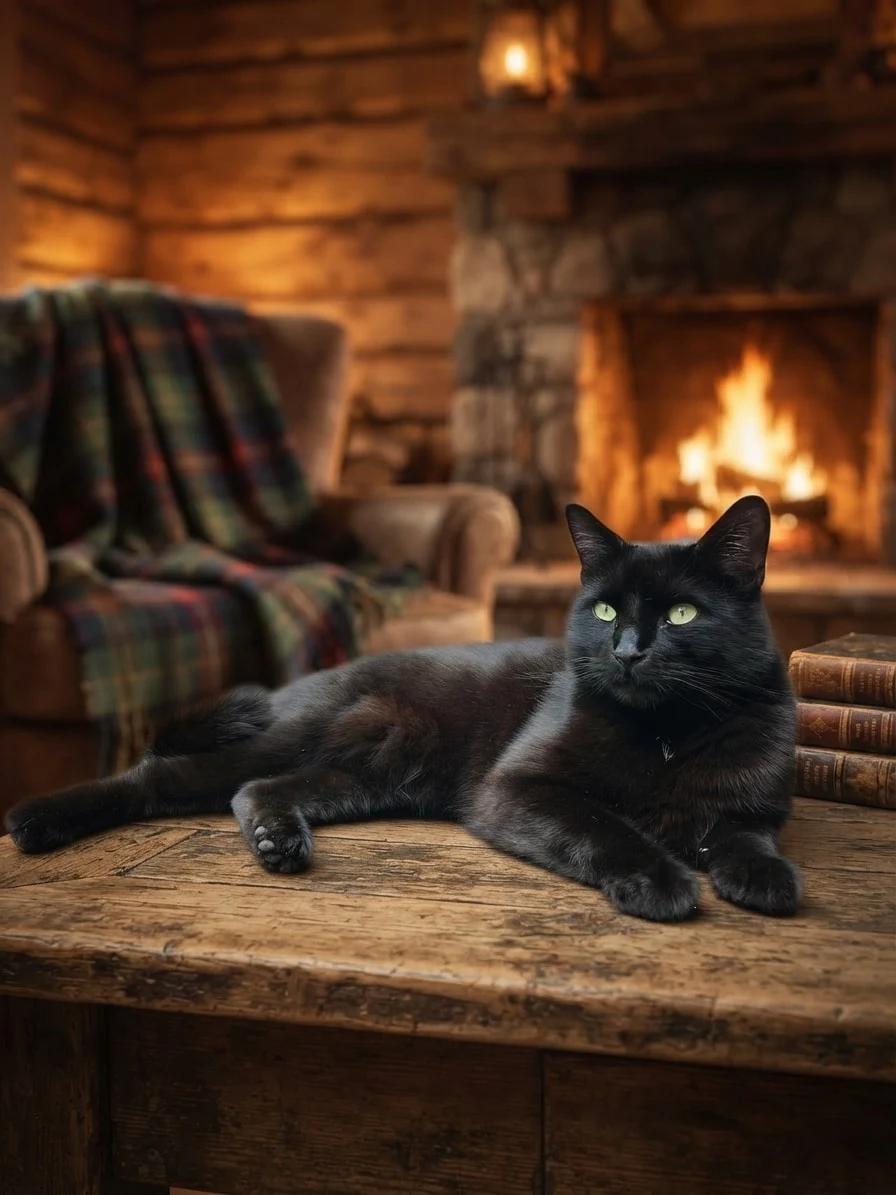
Fireplace Cabin
Fireplace glow, plaid blankets and rustic cabin warmth

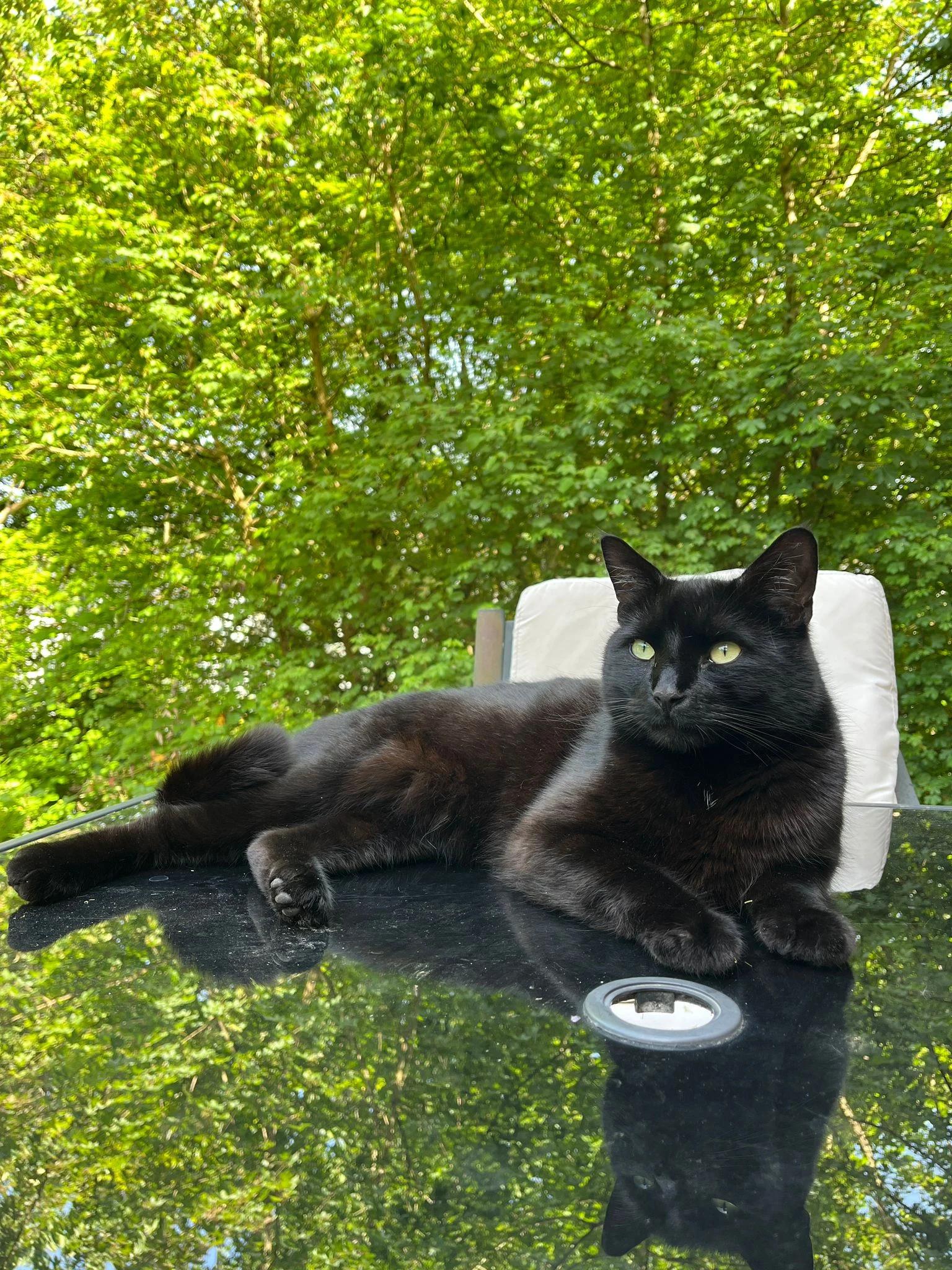
Original
Natural background replacement
Upload a new photo or choose one of your saved pets next.
Use the slider to compare the exact source and result, then use the choices beneath it when this direction fits your own photo.
Creative choices
Creative Mode On
Photo Studio
Clean white backdrop with soft professional portrait lighting

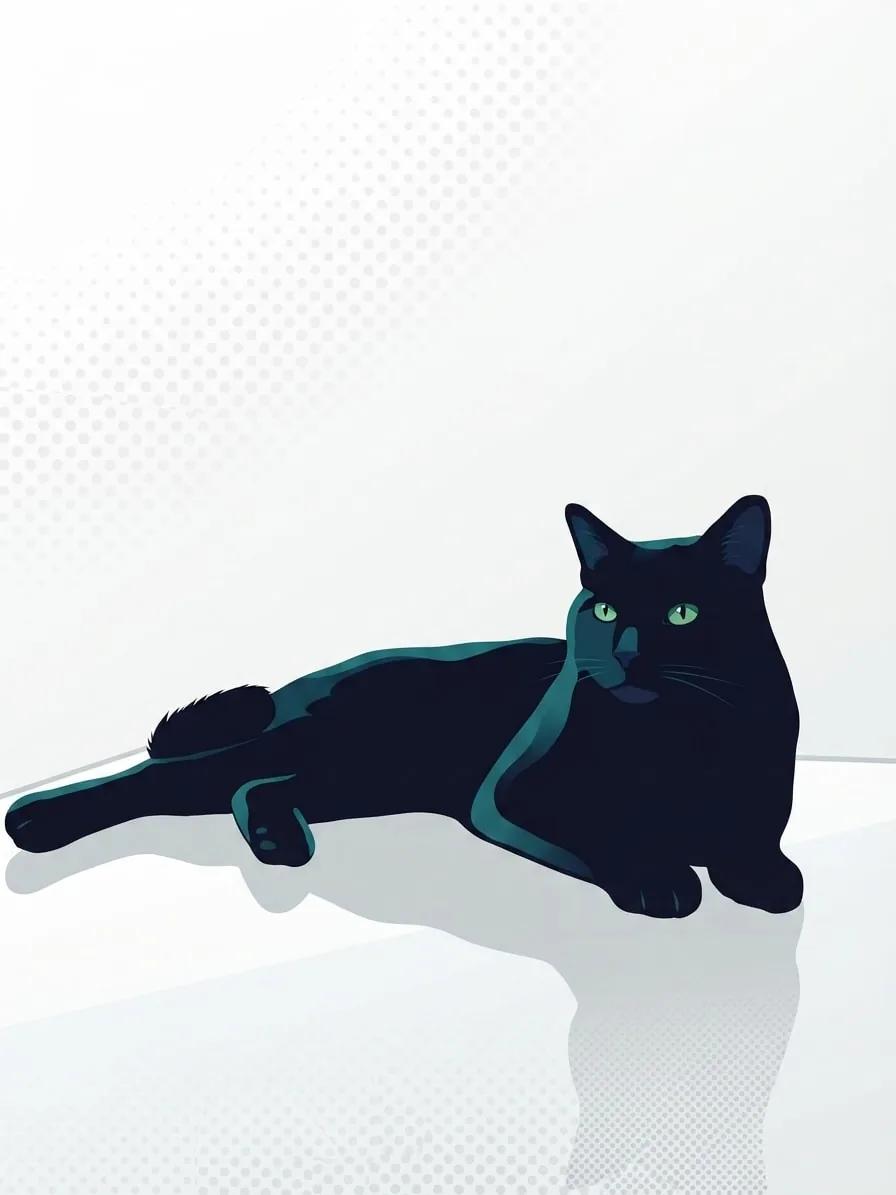
Pop Art
Bright graphic pop art
Upload a new photo or choose one of your saved pets next.
Changing the recipe changes the story while the source remains the reference point. Compare the face, pose and details that matter before choosing a result.
Cat photo editing choices that make a visible difference
Cats often give you strong expressions and difficult lighting at the same time. These decisions help the expression survive the edit.
Expose for the face
For black or dark cats, choose a source where the eyes, muzzle and outline are separated by soft light.
Protect the ears
Leave room above upright ears, especially when the final image may become a square or circular crop.
Use the gaze
An upward look suits magical, architectural and story-led scenes. A direct gaze works well for cleaner portraits and profile images.
Match the resting surface
When a cat is lying down, choose a scene with a table, blanket, shelf, rug or another believable surface.
| Source issue | Editing response | Scenes to try |
|---|---|---|
| Dark coat in deep shadow | Choose a brighter contrasting setting | Studio, meadow, pale interior |
| Close crop around ears | Use a portrait-focused composition | Window light, simple room |
| Cat lying on furniture | Preserve a believable surface | Cabin, library, rooftop table |
| Strong upward gaze | Build the scene in the gaze direction | Fantasy, moonlit or architectural scene |
Do not edit away the expression
A cleaner background is useful, but the eyes, whisker line and posture are what make the result feel specific to your cat.
- Keep both eyes sharp where possible.
- Avoid flattening black fur into one dark shape.
- Use contrast behind the ears and cheeks.
- Compare the face against the source before choosing a result.
Choose how far the style should move
Creative Mode On gives the selected scene and style more freedom to shape the complete image. Off keeps the source photo as a closer guide. See the differences in the Creative Mode guide.
Keep exploring
For natural scene changes, use the pet photo background changer. For a softer painted direction, explore watercolor pet portraits.
Keep the expression clear, then choose the world that suits it.
Create a polished cat portraitFrequently Asked Questions
What photo works best for an AI cat portrait?
Choose a sharp image with visible eyes, a readable face shape and enough light to separate the coat from the background.
How do I edit a black cat photo?
Start with soft, even light and choose a background that contrasts with the ears, cheeks and body. Avoid scenes with very deep shadow behind the face.
Can I change a cat photo background and keep it realistic?
Yes. Use the Original style with Creative Mode Off and select a scene with a believable surface and compatible light.
Which styles work well for cat portraits?
Original, Cinematic, Watercolor, Pop Art and Oil Painting can all work well. Choose based on whether you want a photographic, dramatic, soft or graphic result.
Can I reuse the exact cat portrait choices shown here?
Yes. Use the choices beneath either comparison to carry the complete recipe into Create.
Related Articles