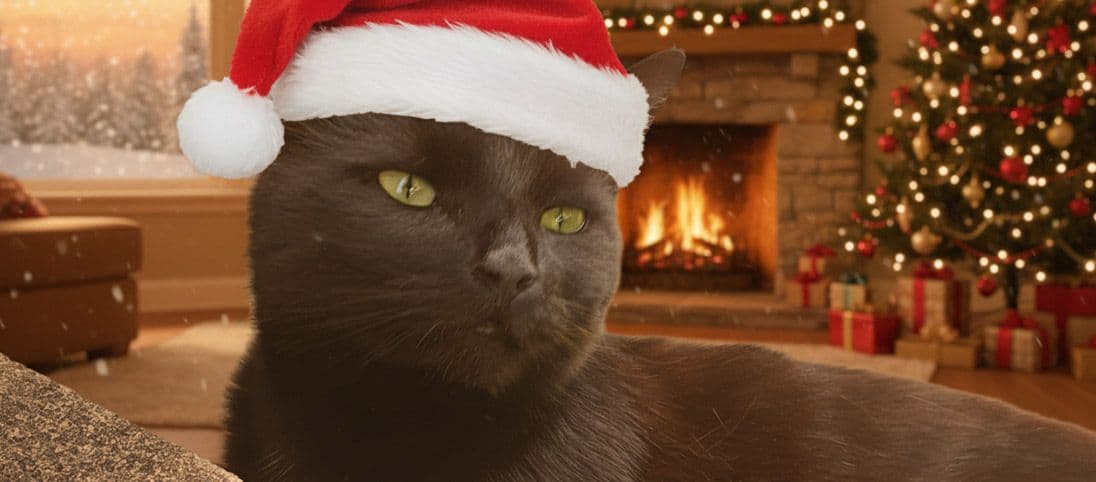
A custom pet portrait works when the final style changes the image without losing the expression, markings or posture that made you choose the photo. Begin with the favourite detail you want to protect, then choose the style and scene around it.
Browse the wider pet portrait style collection or compare the two painterly directions shown below.
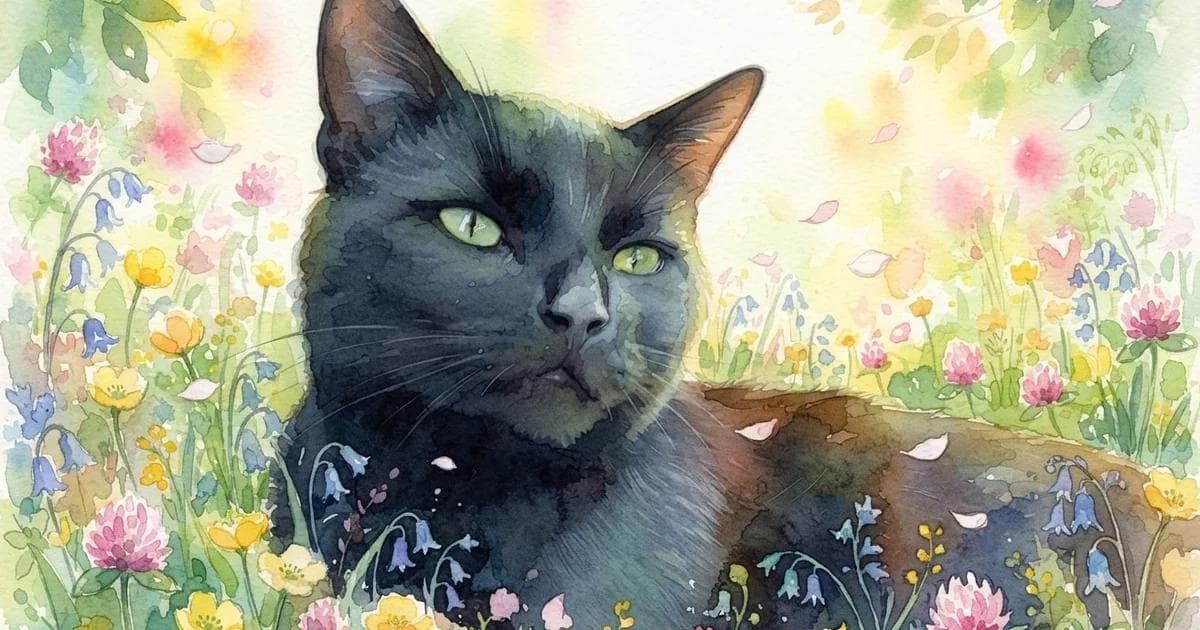
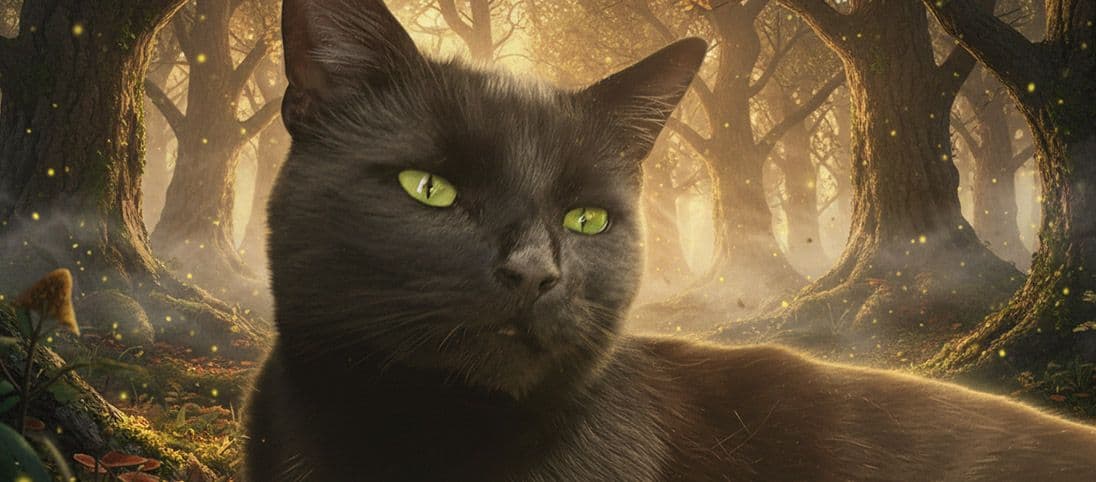
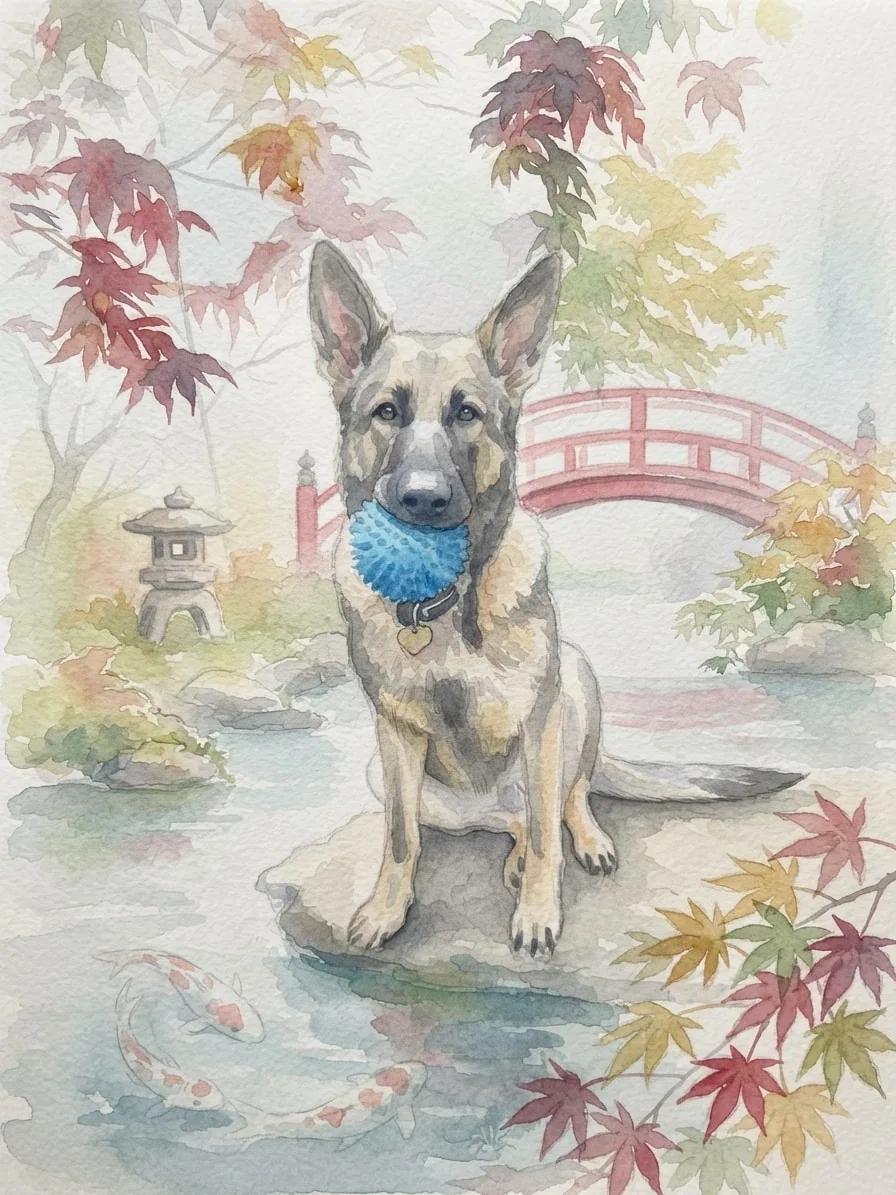
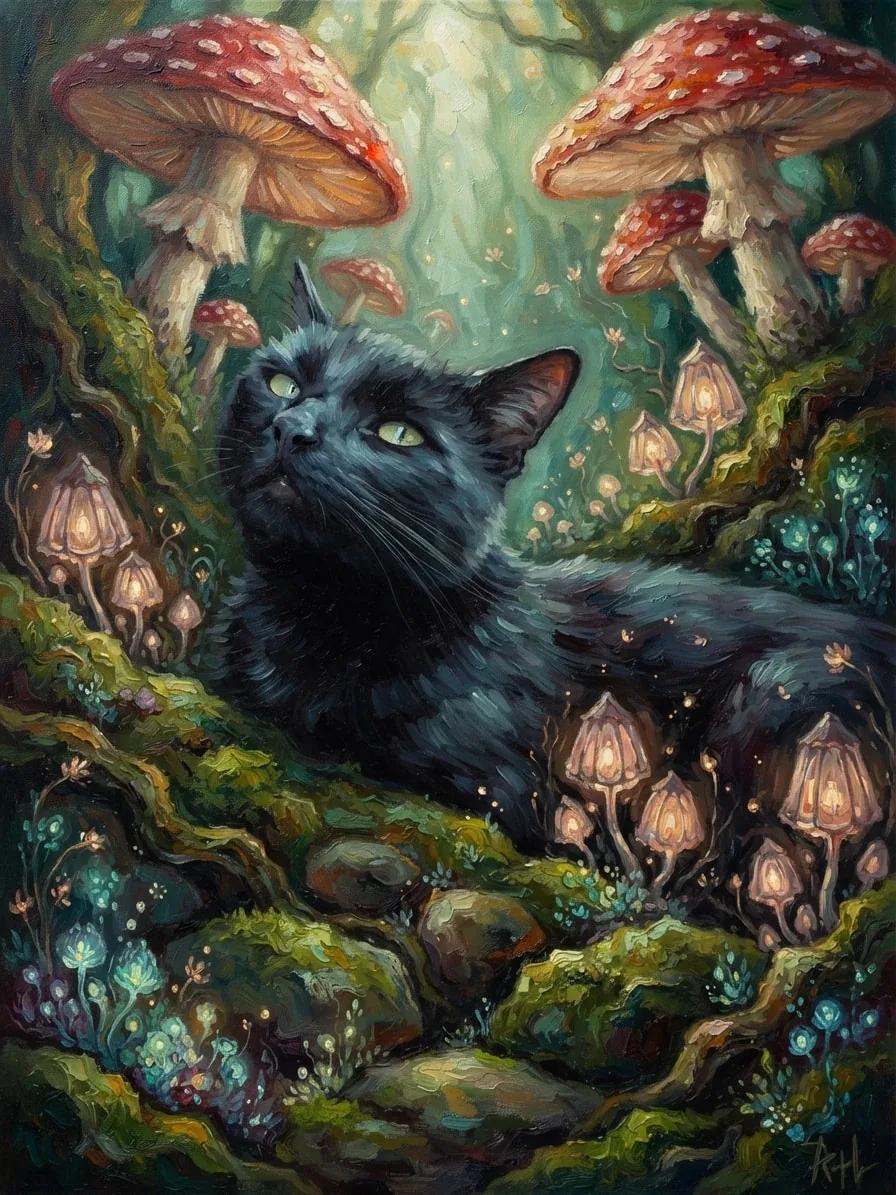
The same idea can feel airy or richly painted
Watercolor leaves more light and open texture. Oil Painting builds deeper colour and visible brushwork. Neither is automatically better; the right choice depends on the mood you want to keep.
Creative choices
Creative Mode On
Japanese Garden
Koi ponds, maple leaves and calm morning mist

Watercolor
Soft artistic watercolor
Upload a new photo or choose one of your saved pets next.
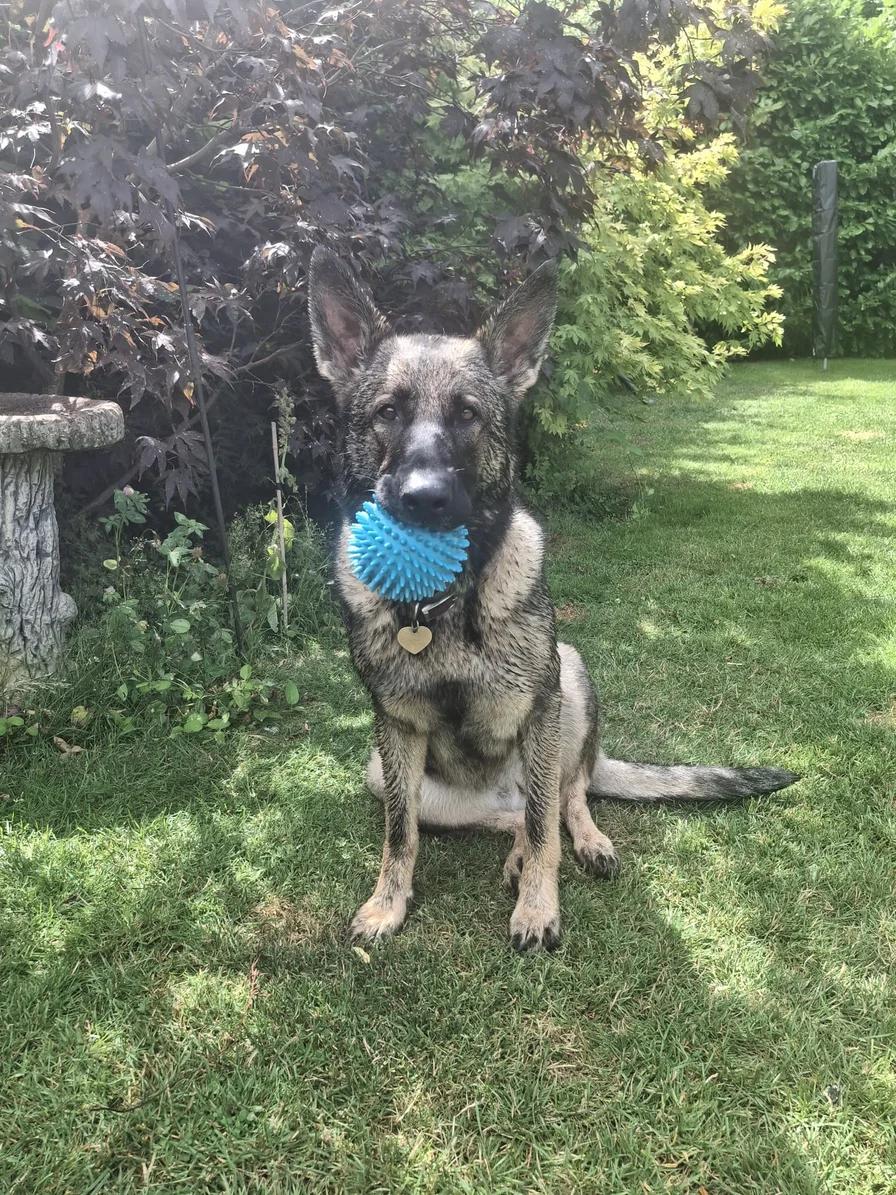
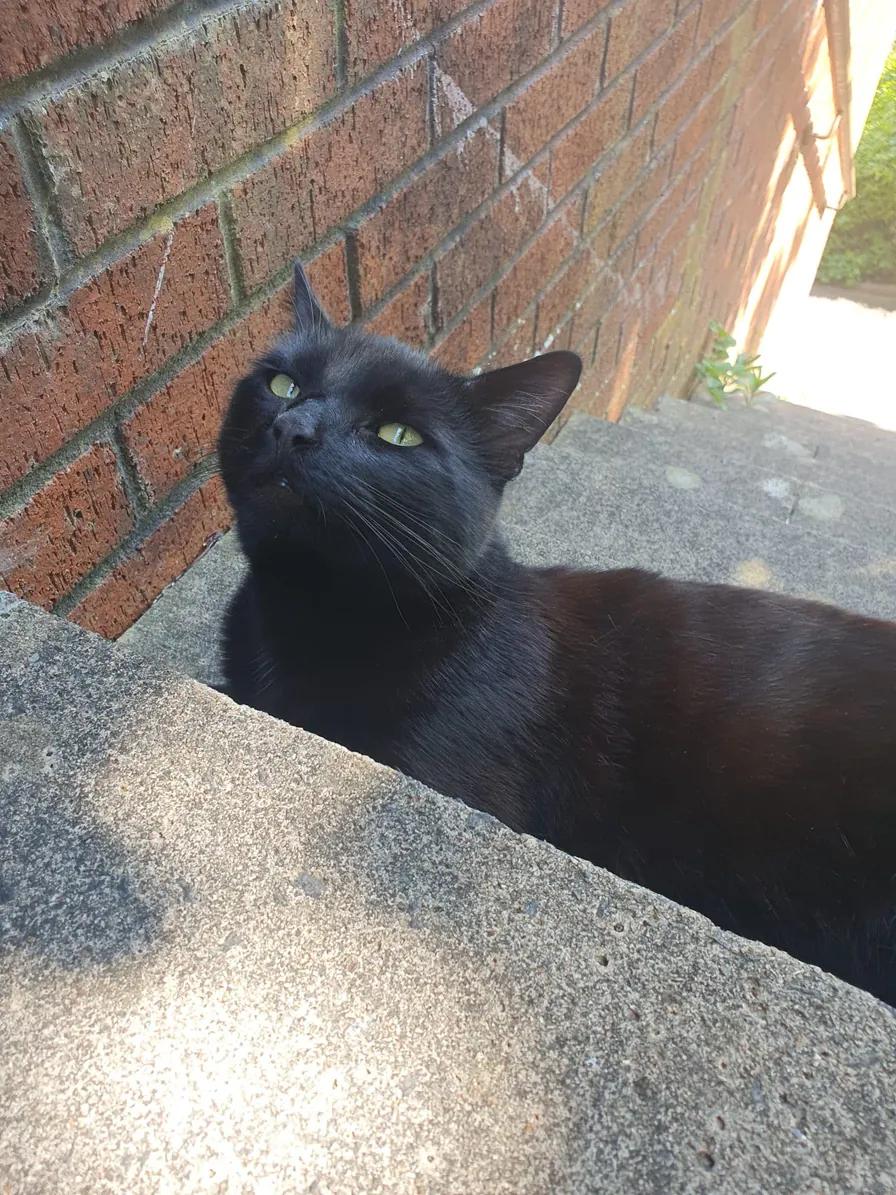
Use the slider to compare the exact source and result, then use the choices beneath it when this direction fits your own photo.
Creative choices
Creative Mode On
Mushroom Grotto
Giant mushrooms and glowing spores in hidden woodland

Oil Painting
Classic oil painting
Upload a new photo or choose one of your saved pets next.
Changing the recipe changes the story while the source remains the reference point. Compare the face, pose and details that matter before choosing a result.
Choose the portrait style by feeling, not by label
Think about where the portrait may live and what you want the image to say before choosing the material.
Watercolor for light and softness
Airy washes suit calm expressions, flowers, gardens and portraits that should feel gentle rather than formal.
Oil Painting for depth and warmth
Layered pigment and visible brushwork suit cabins, forests and portraits with a stronger gallery presence.
Sketch for line and character
Pencil, ink and Sumi-e directions bring the pose and expression forward through deliberate marks and open space.
Cinematic for atmosphere
Dramatic light and photographic detail work well when the portrait should feel like a moment from a larger story.
| Style | Visual character | Good starting scenes |
|---|---|---|
| Watercolor | Soft washes and open light | Meadow, garden, beach |
| Oil Painting | Layered colour and brushwork | Forest, cabin, palace |
| Sketch | Expressive lines and paper texture | Simple room, garden, mountain |
| Cinematic | Photographic detail and dramatic light | City, train, ocean liner |
Choose the photo for the details you want to keep
A portrait can change the complete world around your pet, but the best source still makes the defining features easy to see.
- Prioritise the eyes and face shape.
- Keep distinctive markings visible.
- Choose a pose that fits the mood you want.
- Use Creative Mode On when the selected style should shape the complete image.
Choose how far the style should move
Creative Mode On gives the selected scene and style more freedom to shape the complete image. Off keeps the source photo as a closer guide. See the differences in the Creative Mode guide.
Keep exploring
Compare more examples in the watercolor pet portrait generator, the oil painting pet portrait generator and the pet sketch generator.
Start with a favourite photo, then choose the style that brings its character forward.
Create a custom pet portraitFrequently Asked Questions
How do I make a custom pet portrait from a photo?
Choose a clear favourite photo, select the scene and style that match the mood you want, set Creative Mode and compare the generated portrait with the original.
Which photo is best for a custom pet portrait?
Use a sharp photo with visible eyes, clear markings and a pose you would be happy to keep at the centre of the finished portrait.
Which style should I choose for a pet portrait?
Watercolor feels light and soft, Oil Painting feels rich and layered, Sketch styles emphasise line, and Cinematic keeps more photographic detail with dramatic atmosphere.
Will the portrait still look like my pet?
The source photo guides the face, markings, pose and expression. Compare each result with the original and try another scene or Creative Mode setting if the balance is not right.
Can I reuse the exact portrait choices shown here?
Yes. Use the choices below a comparison to carry the scene, style and Creative Mode setting into Create.
Related Articles