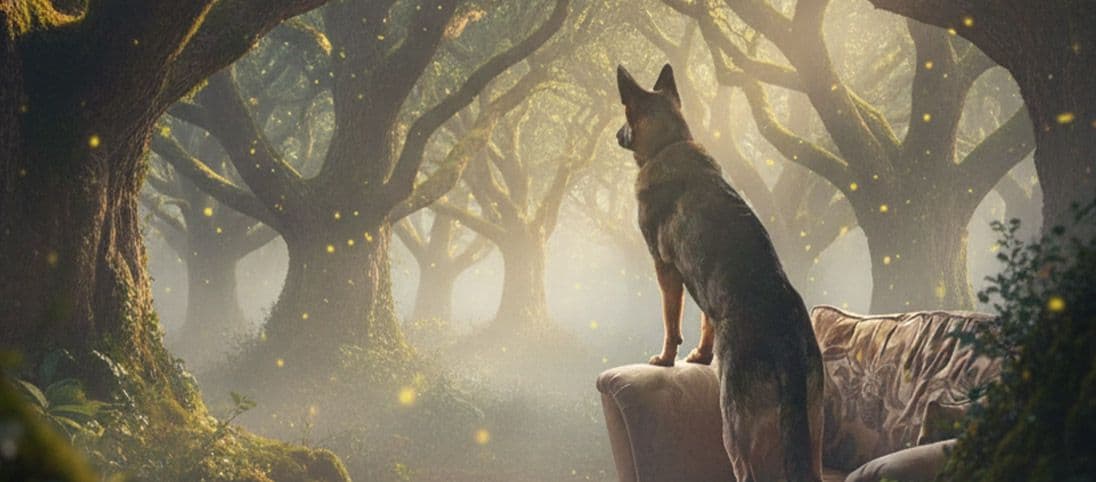
The best holiday pet card feels personal before it feels seasonal. Start with a photo that captures a familiar expression, then add one clear holiday world around it. You do not need a real costume or a separate photoshoot for every occasion.
For a ready-made festive direction, start with the Christmas pet photo generator or explore the other occasion pages linked below.
Two card-ready worlds from favourite photos
A complete card image needs a clear subject, a readable seasonal cue and enough visual calm for the greeting to sit comfortably beside it.
Creative choices
Creative Mode On
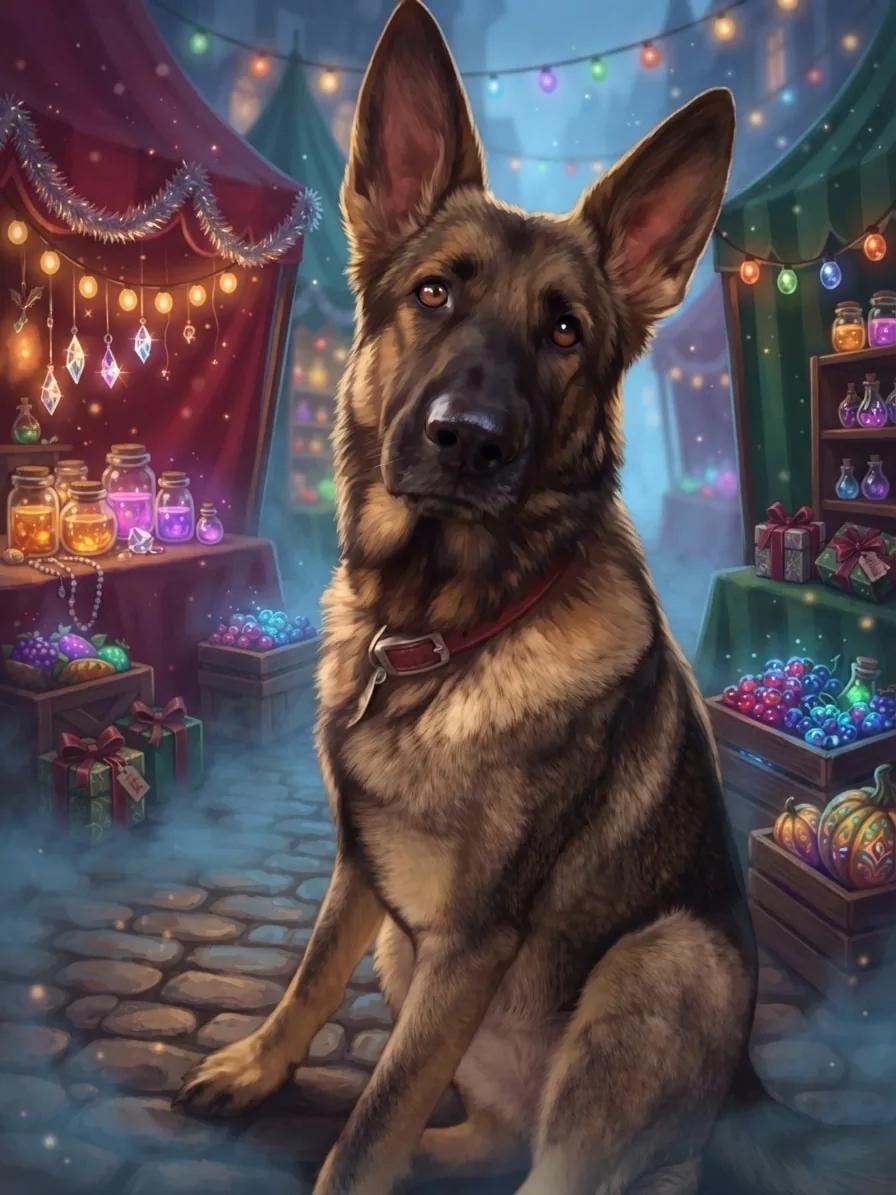
Fae Market Fog
Potion jars and crystal charms glow through twilight mist

Christmas Glow
Cozy red, evergreen, and gold holiday radiance.
Upload a new photo or choose one of your saved pets next.
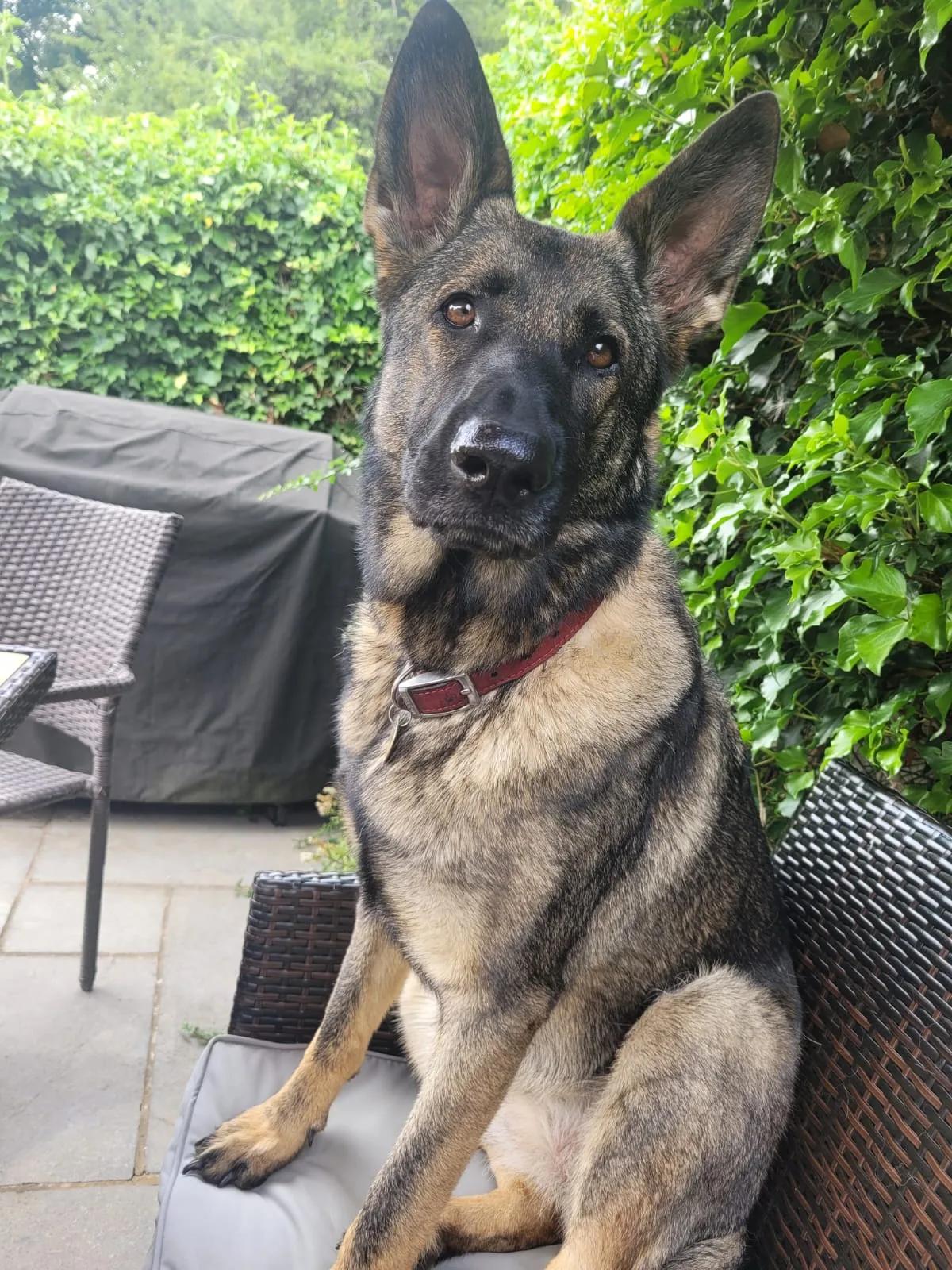
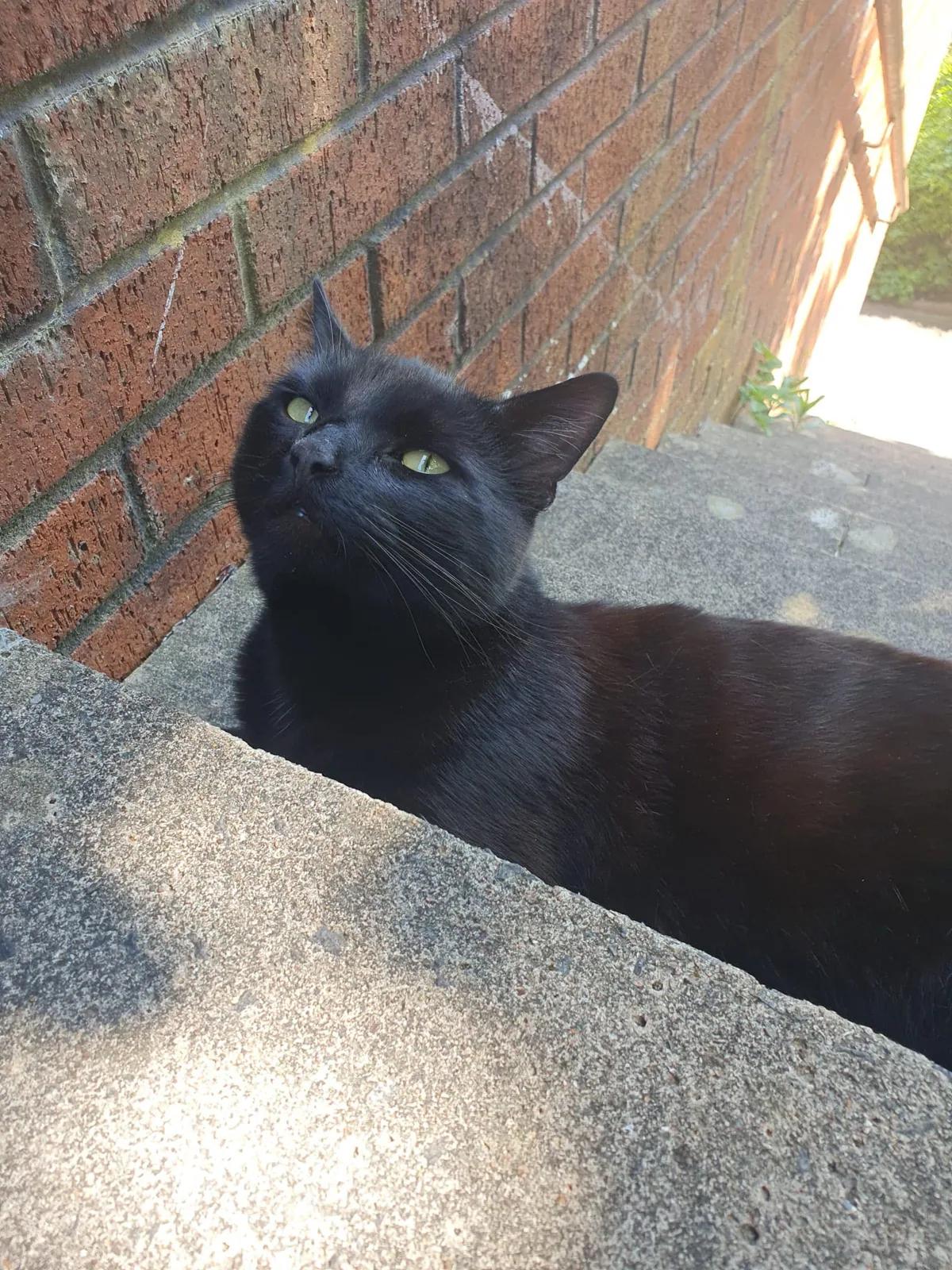
Use the slider to compare the exact source and result, then use the choices beneath it when this direction fits your own photo.
Creative choices
Creative Mode On
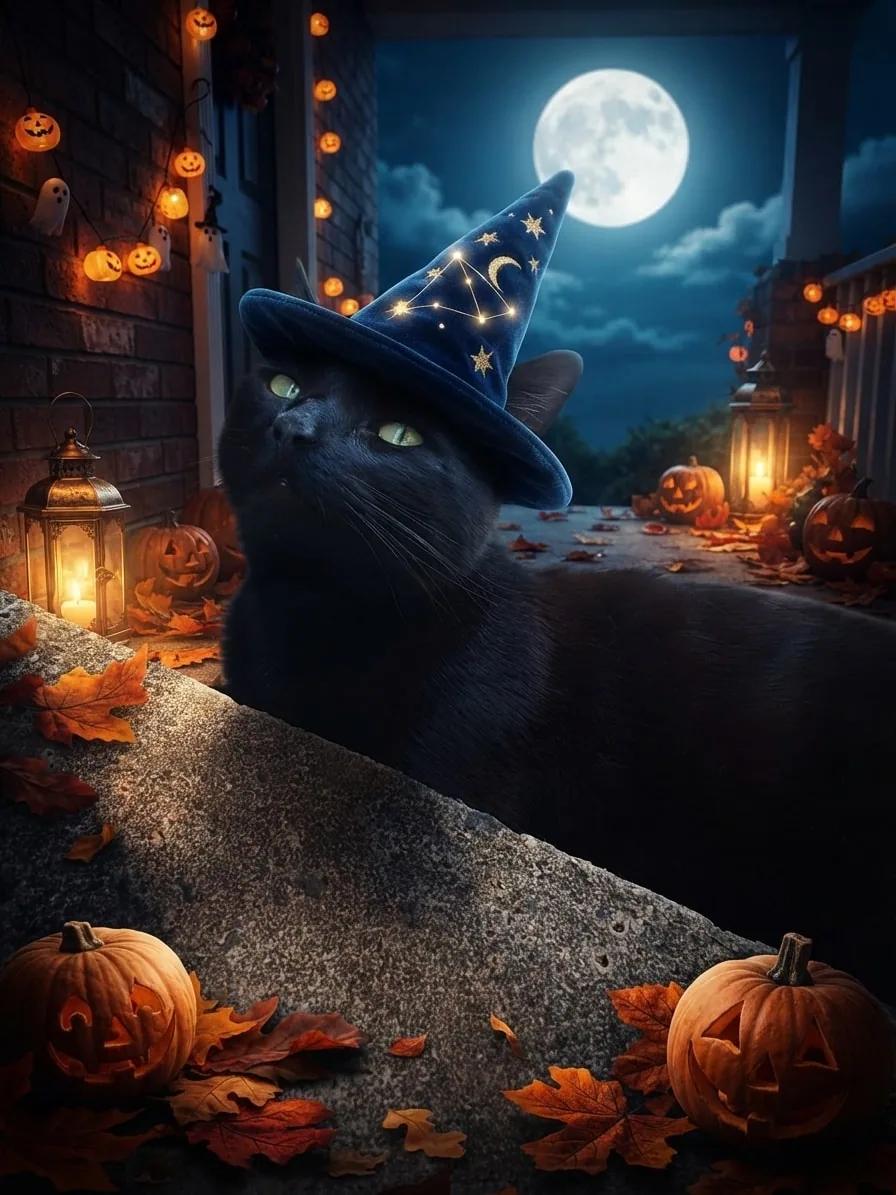
Spooky Halloween
Friendly Halloween fun under a glowing full moon

Cinematic
Dramatic movie-like lighting

Wizard Hat
A magical starry wizard hat with a natural fit.
Upload a new photo or choose one of your saved pets next.
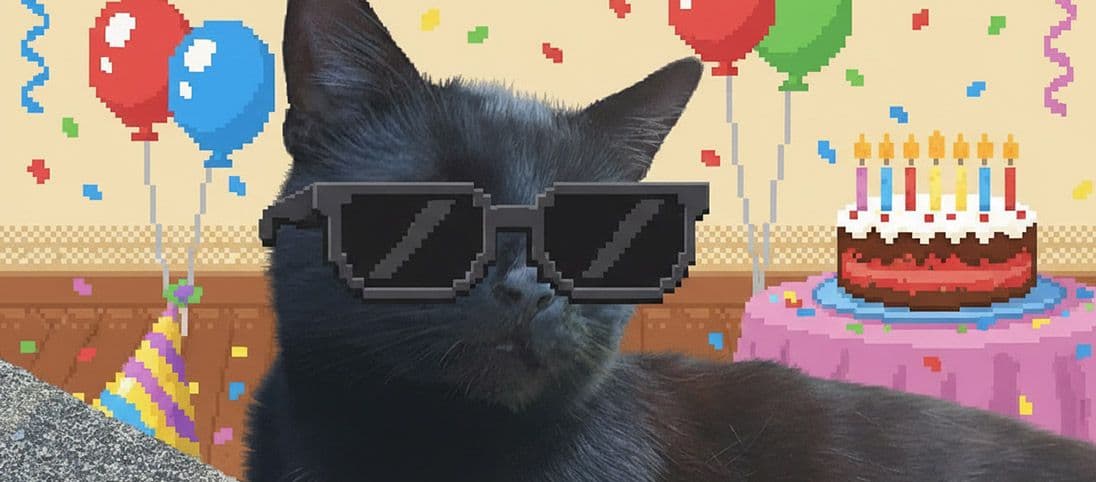
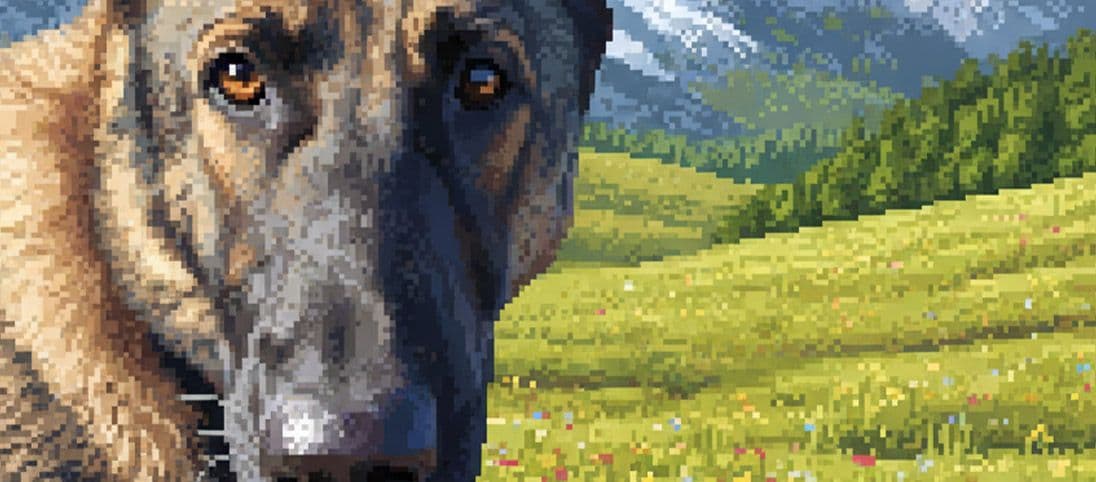
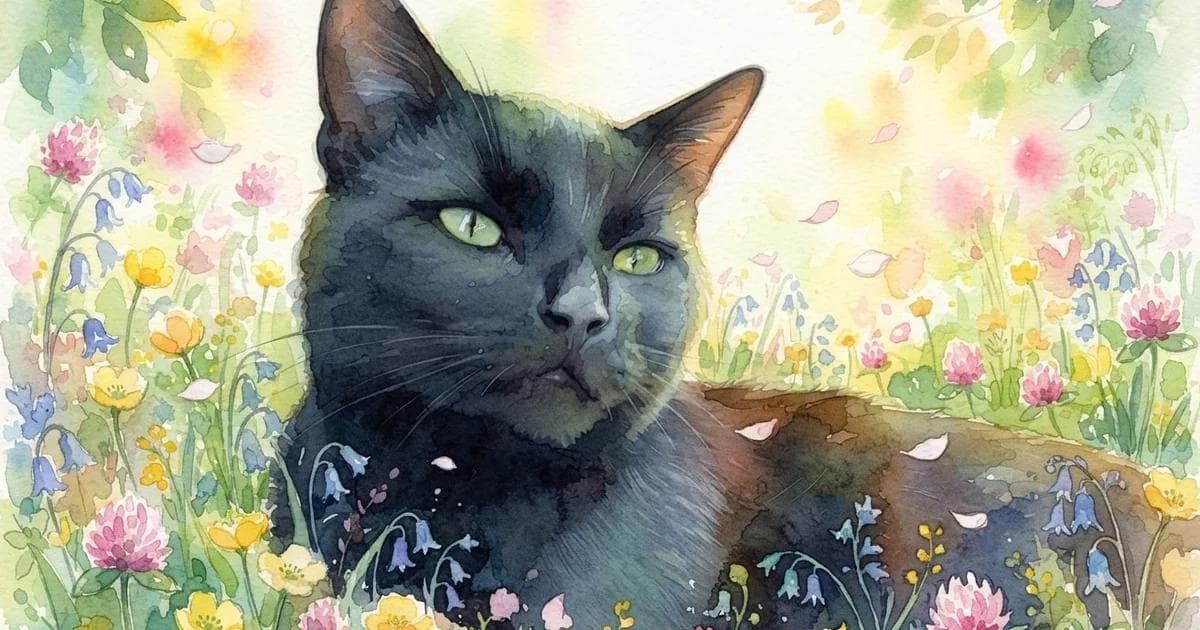
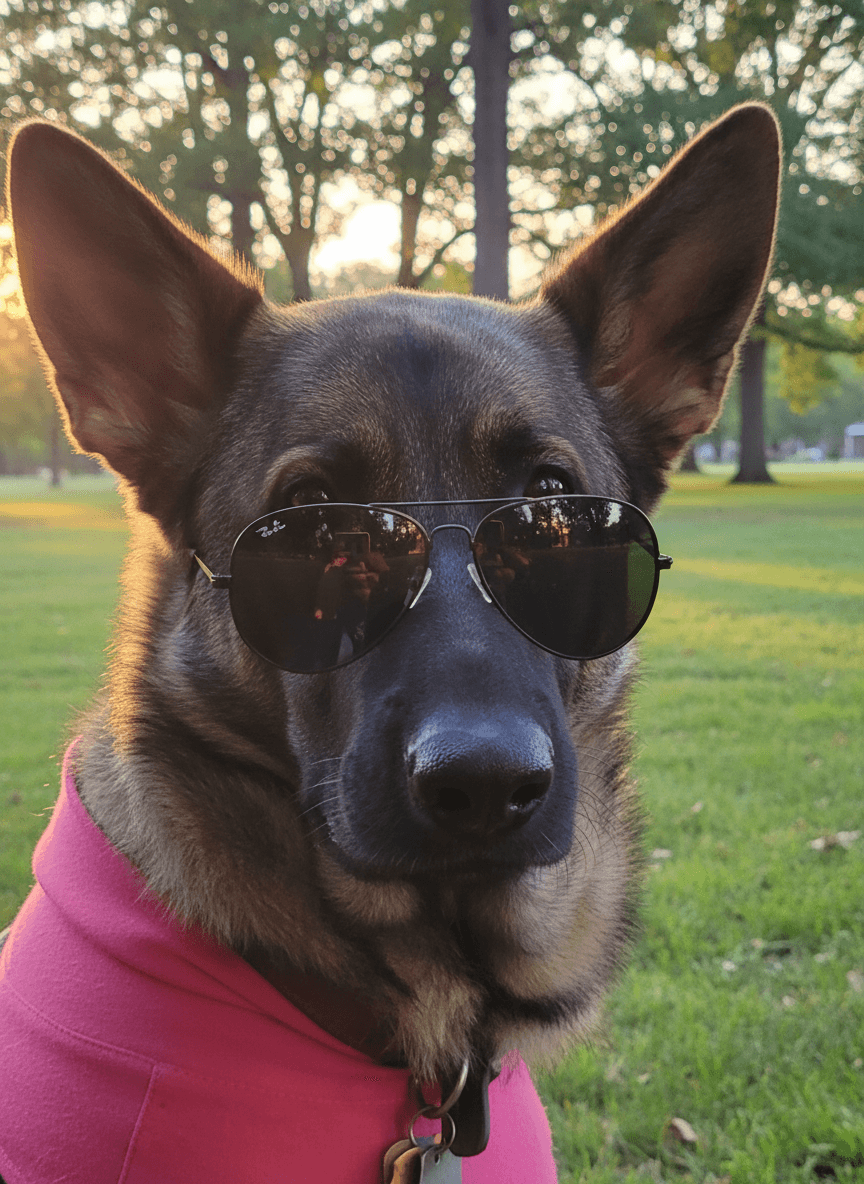
Changing the recipe changes the story while the source remains the reference point. Compare the face, pose and details that matter before choosing a result.
Holiday card ideas that still feel like your pet
Let one seasonal signal lead each design. The result feels clearer, more personal and easier to use across cards, messages and posts.
Christmas warmth
Use evergreen, warm lights, snow or a Santa hat, then keep the rest of the portrait focused on the familiar face.
Halloween playfulness
Choose pumpkin light, a moonlit scene or one digital costume detail instead of crowding the image with every spooky idea.
Valentine colour
Soft pink light, flowers or an elegant city scene can make the card affectionate without becoming generic.
New Year energy
Fireworks, gold streamers and city lights make a strong greeting while keeping the pet at the centre of the celebration.
| Occasion | Scene or style cue | Card mood |
|---|---|---|
| Christmas | Evergreen, warm lights, snow | Cosy and celebratory |
| Halloween | Pumpkins, moonlight, playful costume | Spooky but friendly |
| Valentine’s Day | Flowers, pink light, romantic city | Warm and affectionate |
| New Year | Fireworks, gold, midnight skyline | Bright and optimistic |
Choose one source photo you will enjoy seeing all year
A clear favourite can support several seasonal cards. Reusing it also makes each version feel like part of the same personal collection.
- Choose a recognisable expression before a perfect backdrop.
- Leave space beside the pet if the final card needs a greeting.
- Use one optional accessory at a time.
- Keep text out of the generated image and add the final greeting in your card layout.
Choose how far the style should move
Creative Mode On gives the selected scene and style more freedom to shape the complete image. Off keeps the source photo as a closer guide. See the differences in the Creative Mode guide.
Keep exploring
Explore complete looks for Halloween, Valentine’s Day and New Year.
Start with one favourite photo and build a card that could only be theirs.
Create a holiday pet portraitFrequently Asked Questions
How do I make a holiday card with my pet photo?
Choose a favourite source photo, create a seasonal portrait, download the result and place it into your preferred card layout with your own greeting.
Does my pet need to wear a real holiday costume?
No. Costumes and accessories are added digitally and remain optional. A seasonal scene or style can create the entire mood on its own.
Can I use one pet photo for several holidays?
Yes. One clear, recognisable source can become a coordinated Christmas, Halloween, Valentine and New Year collection.
Should the greeting be generated inside the image?
It is usually better to create the portrait without text, then add the exact greeting in your card design so spelling, date and placement remain under your control.
Can I reuse the choices from these card examples?
Yes. The choices beneath each comparison carry the exact scene, style, accessory and Creative Mode setting into Create.
Related Articles