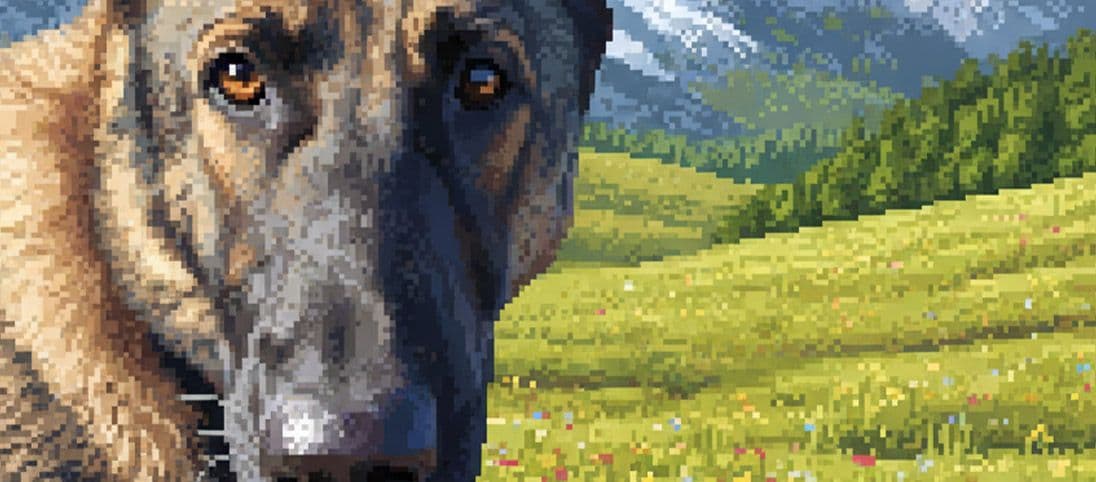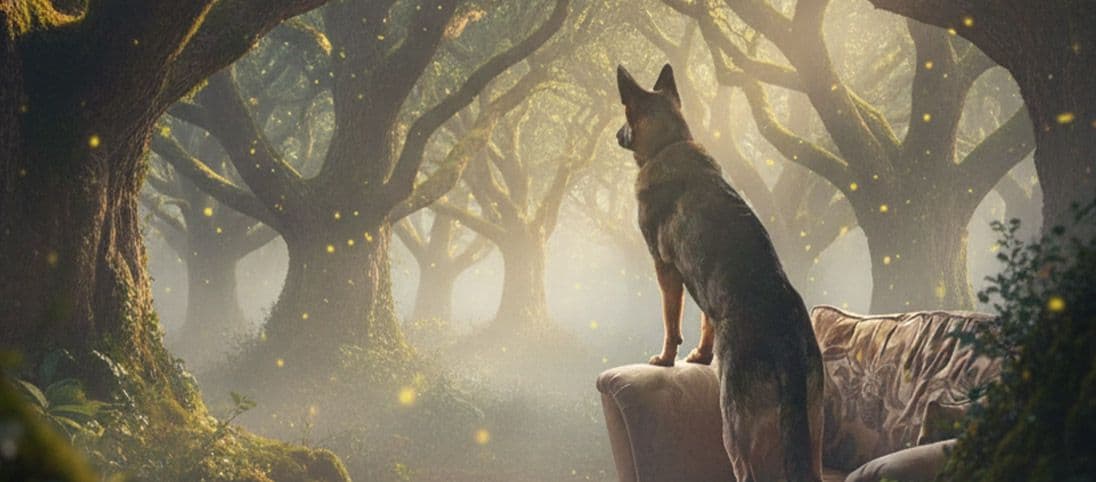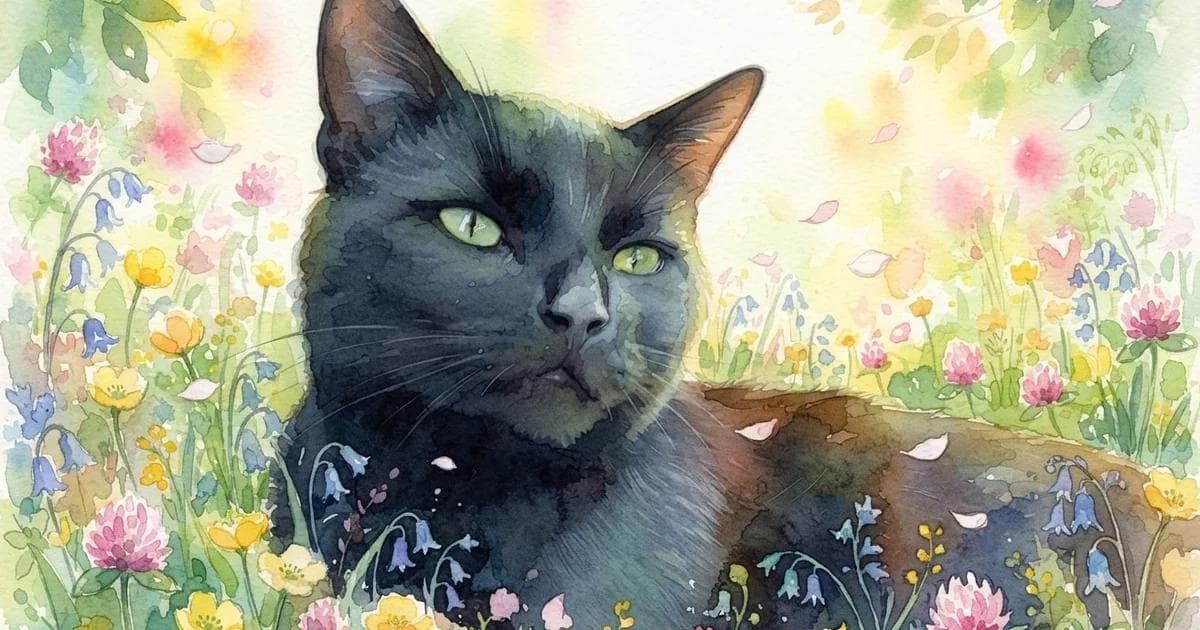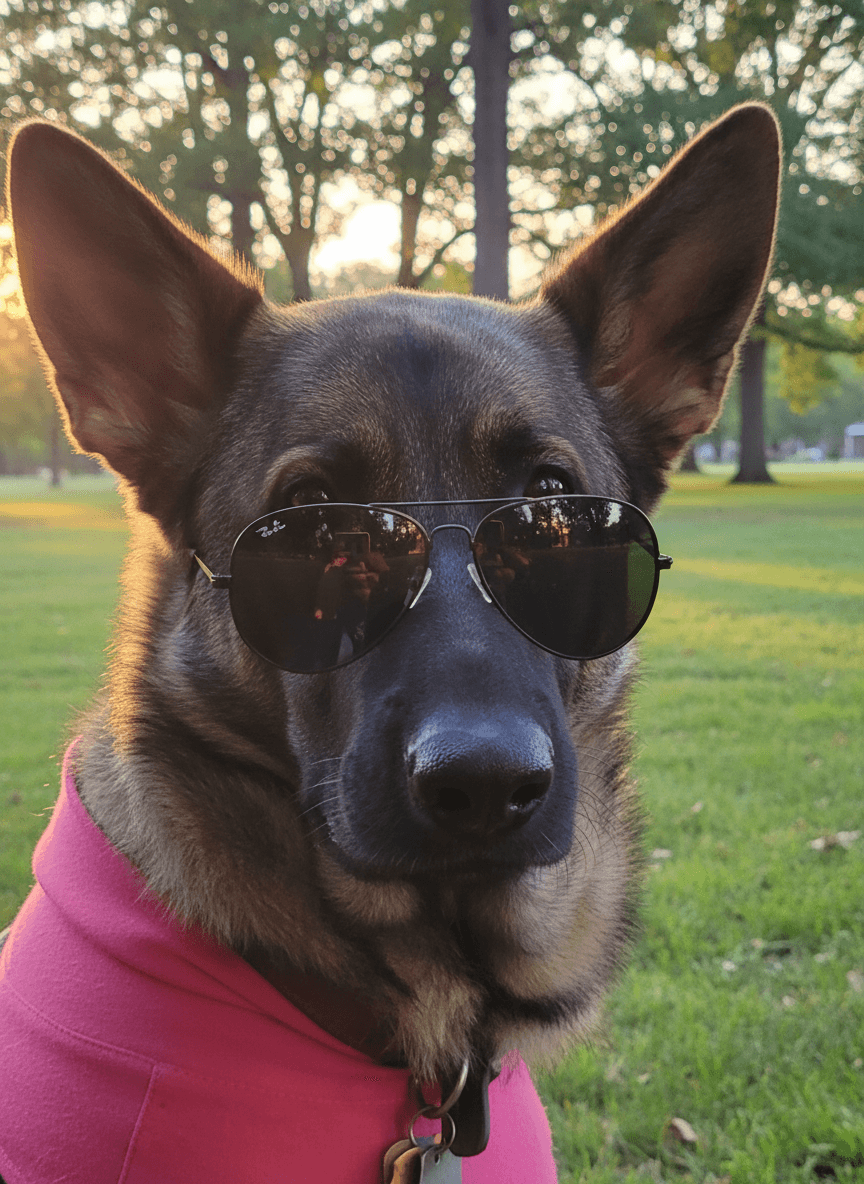
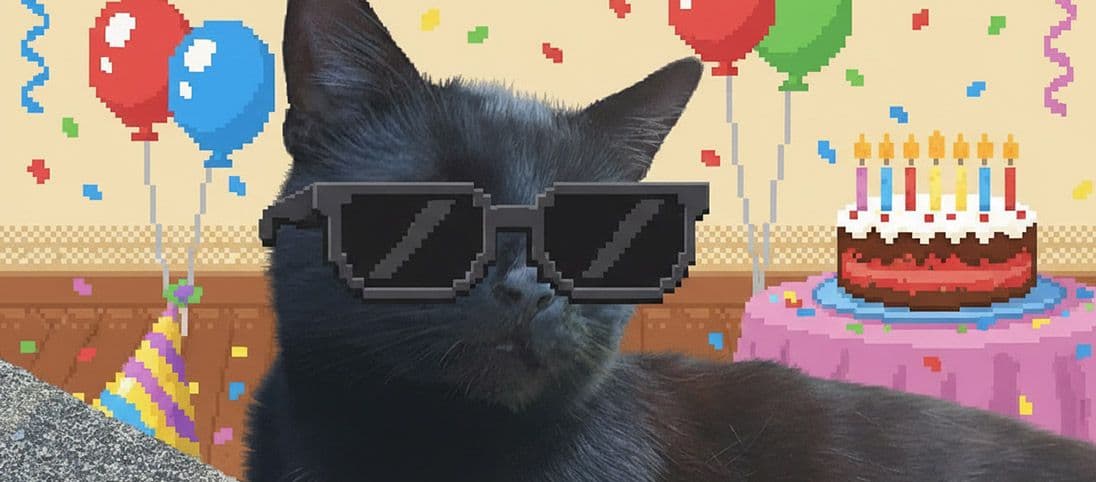
A memorable pet birthday image should feel like your pet first and a celebration second. Begin with a favourite expression or pose, then add colour, a playful setting or one digital costume detail around it.
You can build the complete look in the AI pet generator, with no real outfit, party setup or prompt writing required.
Two birthday directions from everyday photos
A birthday portrait can feel sugary and playful or grand and keepsake-ready. The source expression is what makes either direction personal.
Creative choices
Creative Mode On
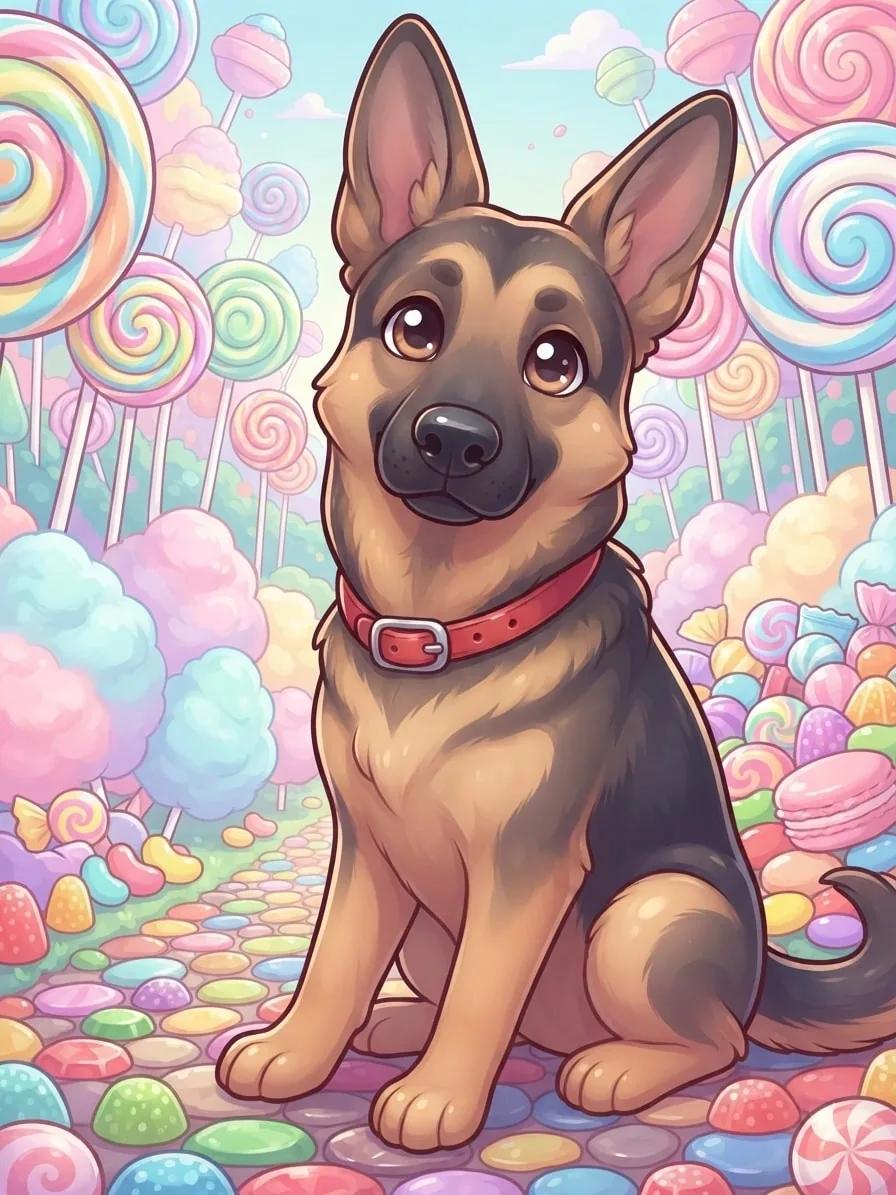
Candyland
Lollipop trees and gumdrop paths beneath pastel clouds

Kawaii Pop
Sweet pastel character art with glossy accents.
Upload a new photo or choose one of your saved pets next.
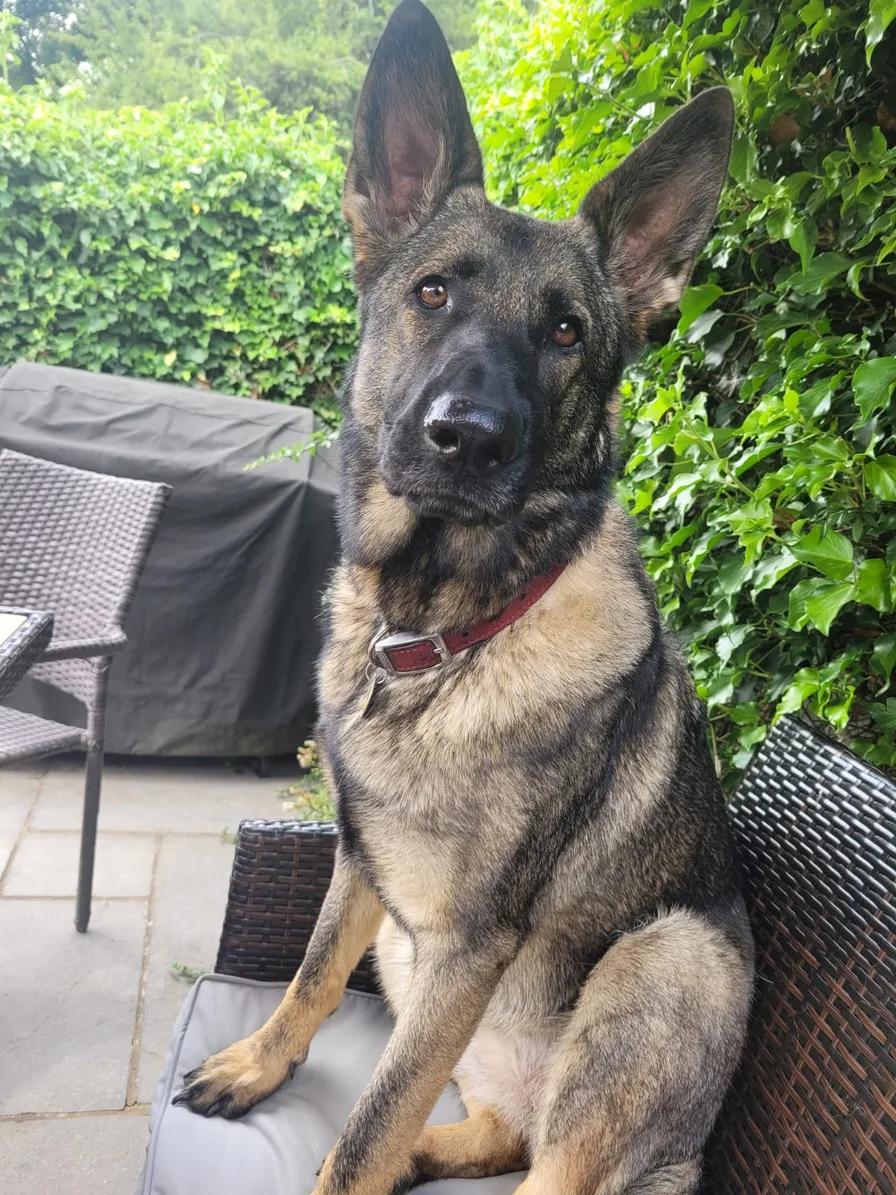
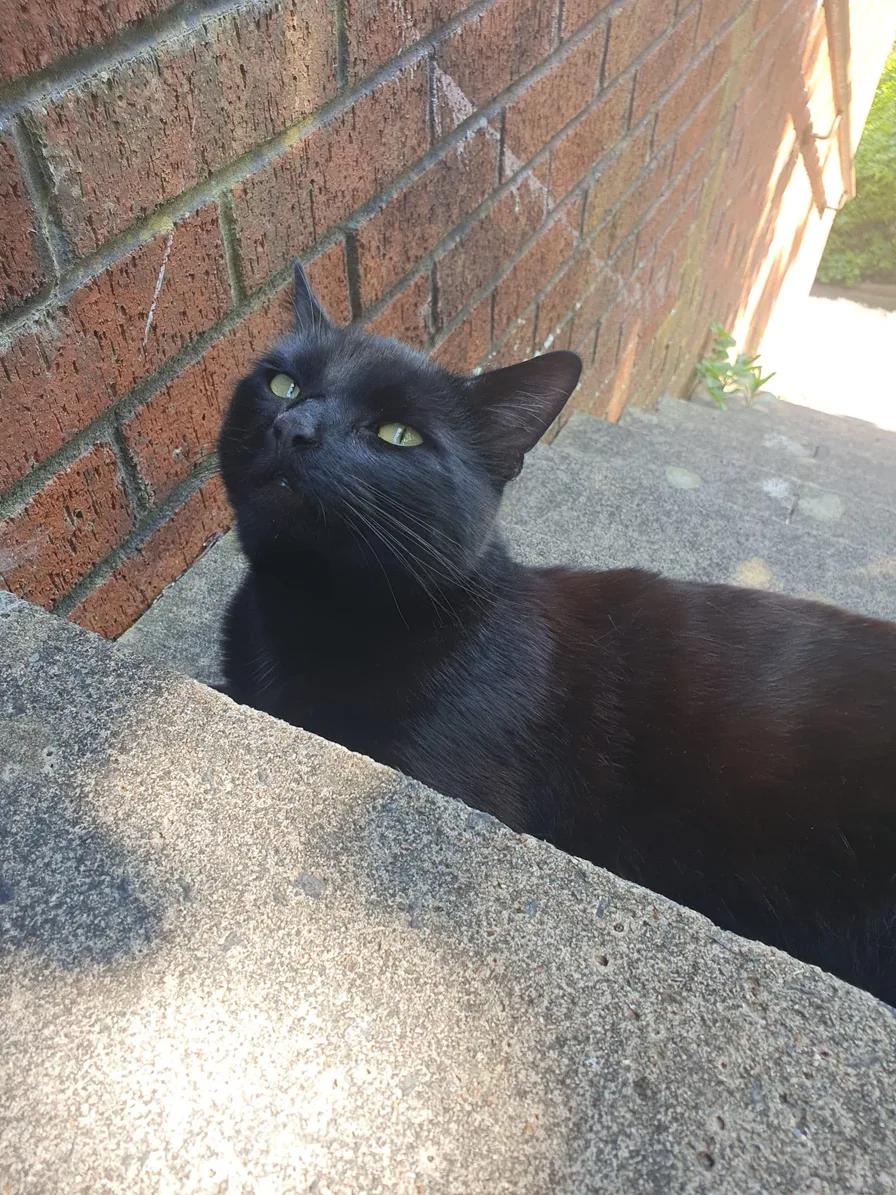
Use the slider to compare the exact source and result, then use the choices beneath it when this direction fits your own photo.
Creative choices
Creative Mode On
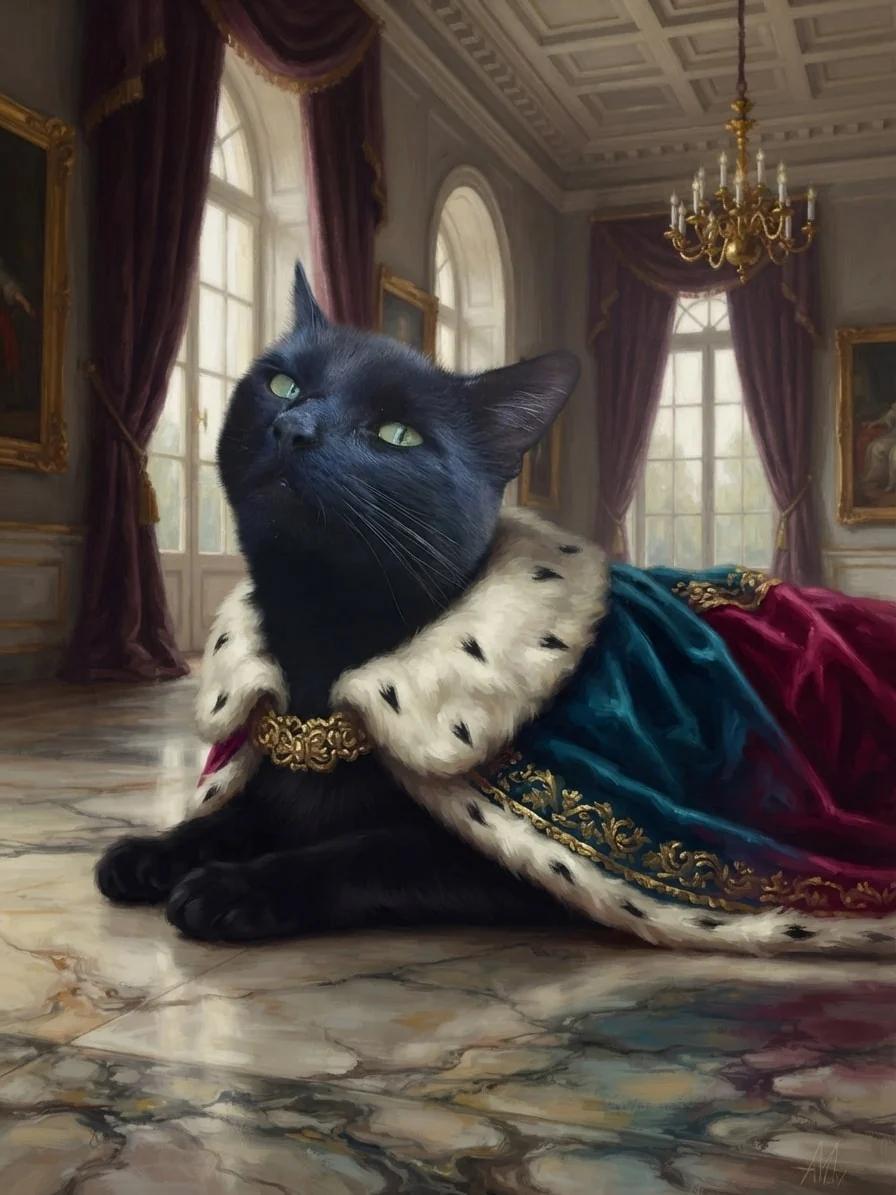
Royal Palace
Marble floors, velvet drapes and golden palace grandeur

Oil Painting
Classic oil painting

Royal Cape
A velvet cape with an ermine-style collar and jewel-toned ceremonial trim.
Upload a new photo or choose one of your saved pets next.
Changing the recipe changes the story while the source remains the reference point. Compare the face, pose and details that matter before choosing a result.
Birthday images you can make from one upload
Create one strong portrait first, then crop or reuse it for the places where the celebration will appear.
The birthday announcement
Choose bright colour and a simple composition with room for your own caption when you post it.
The invitation image
Use an upright portrait with a clean edge and enough quiet space for event details in your card layout.
The character portrait
A royal, cartoon or fantasy direction turns the birthday pet into the star without asking them to wear anything.
The keepsake
Choose a painterly style and a scene with lasting appeal when the image may become a framed favourite after the party.
| Use | Creative direction | Helpful source photo |
|---|---|---|
| Social post | Bright cartoon or colourful scene | Clear face and expressive pose |
| Invitation | Simple portrait with open space | Upright or close crop |
| Digital card | Storybook, watercolor or royal look | Calm pose with visible eyes |
| Framed keepsake | Oil painting or cinematic portrait | High-detail favourite photo |
Choose the expression you want to celebrate
The most useful birthday source is not always the most formal one. A curious look, favourite toy or familiar pose can carry more personality than a perfectly centred photo.
- Keep the face clear even when a toy stays in the shot.
- Choose an upright image for costumes and invitation layouts.
- Use a wider photo when the scene is part of the idea.
- Avoid adding several accessories when one clear detail tells the story.
Choose how far the style should move
Creative Mode On gives the selected scene and style more freedom to shape the complete image. Off keeps the source photo as a closer guide. See the differences in the Creative Mode guide.
Keep exploring
For more playful materials, explore the cartoon pet portrait generator. For digital outfits without real dress-up, browse the pet costume generator.
Start with their favourite expression, then build a celebration around it.
Create a birthday portraitFrequently Asked Questions
How can I make a birthday picture of my pet?
Choose a favourite photo, add a celebratory scene or style, and keep the expression easy to recognise. You can add one optional digital costume without dressing up your pet.
What background works for a pet birthday photo?
Candy-coloured fantasy scenes, gardens, palaces and bright studios all work well. Match the background to the pose and to whether the image is for a post, card or keepsake.
Can I make a dog or cat birthday invitation image?
Yes. Start with an upright or close portrait and choose a composition with enough quiet space to add your invitation text later.
Does my pet need to wear a party outfit?
No. Scenes and styles can create the whole celebration, and any costume or accessory is added digitally and remains optional.
Can I reuse the birthday choices shown here?
Yes. The choices beneath each comparison carry the exact scene, style, optional accessory and Creative Mode setting into Create.
Related Articles