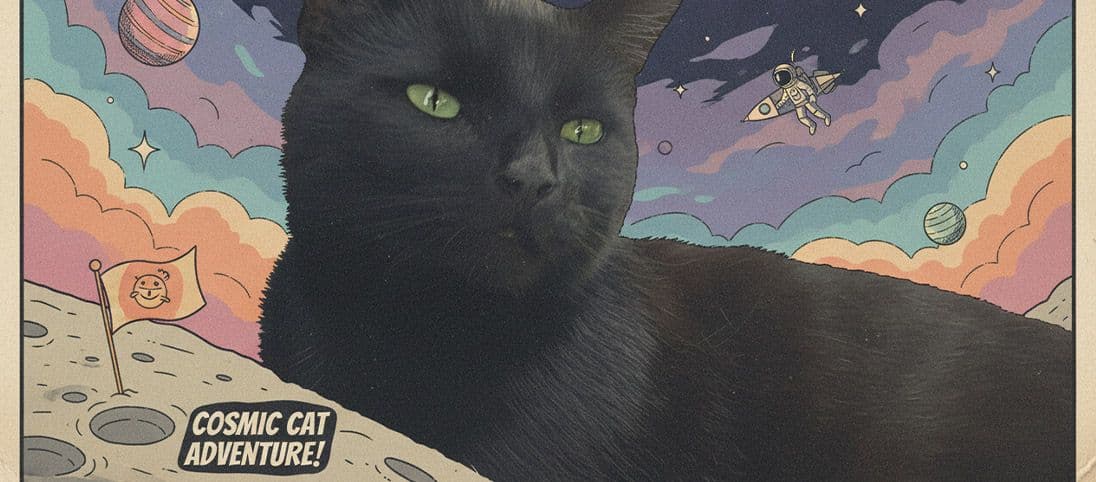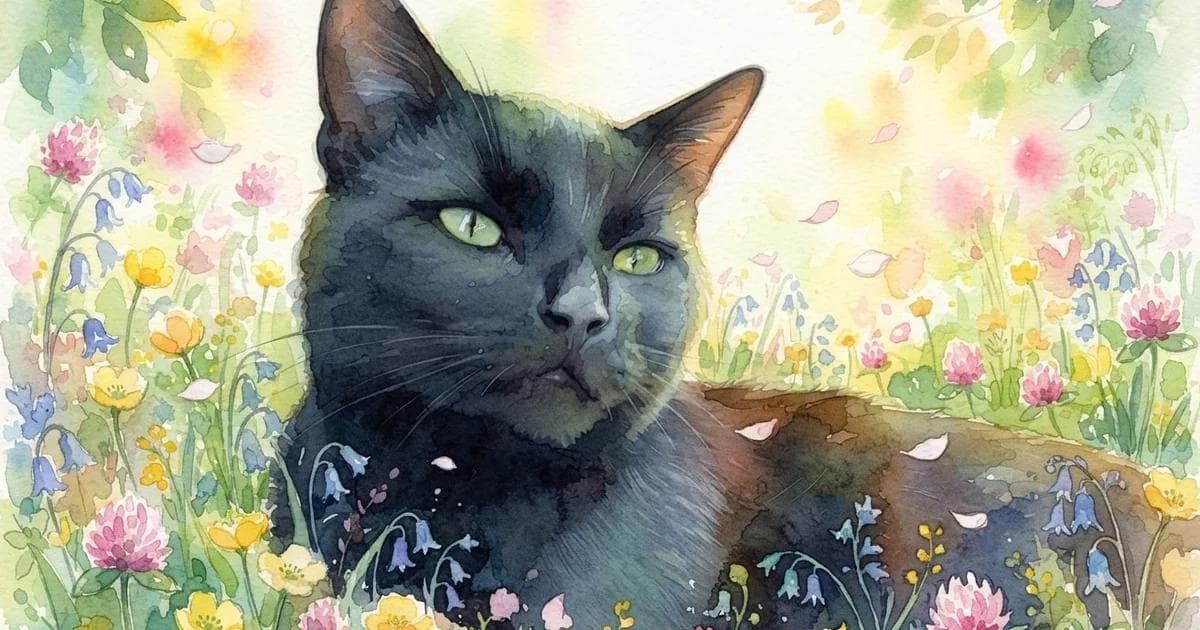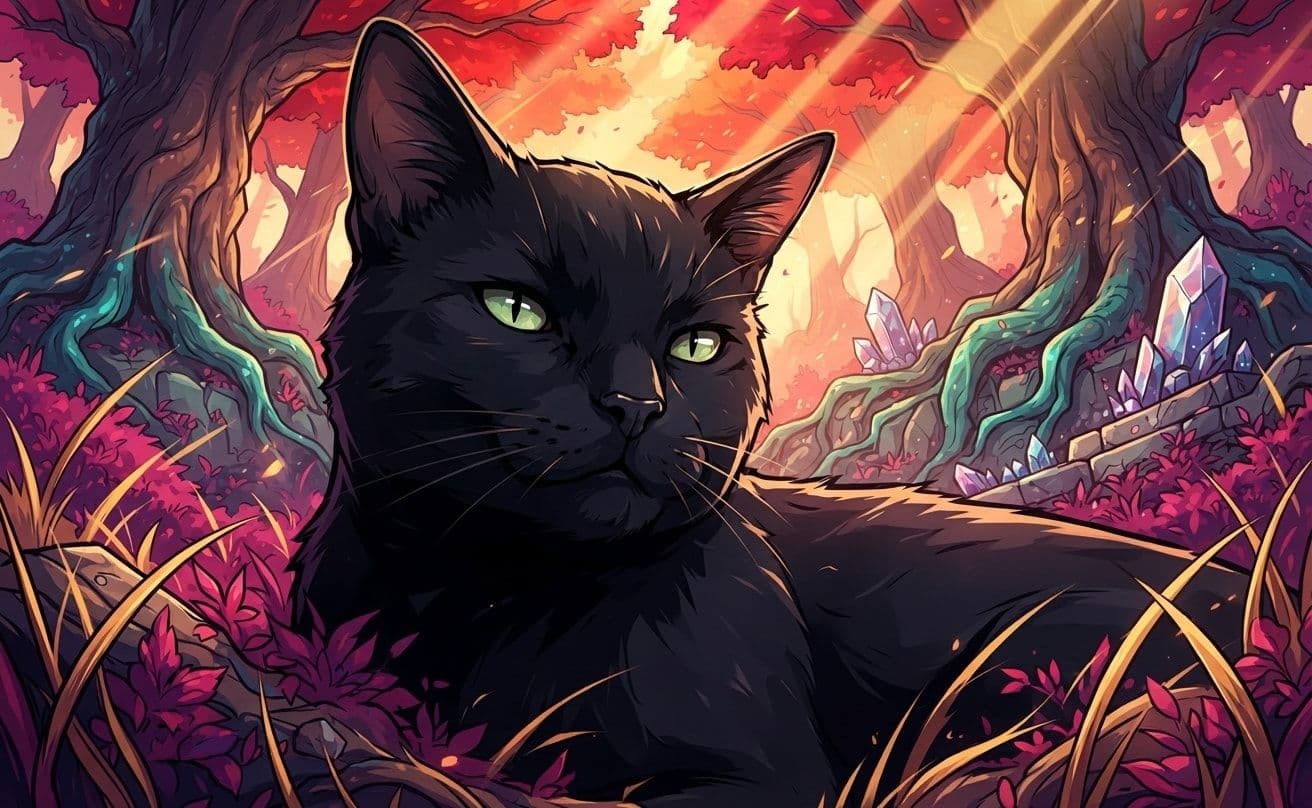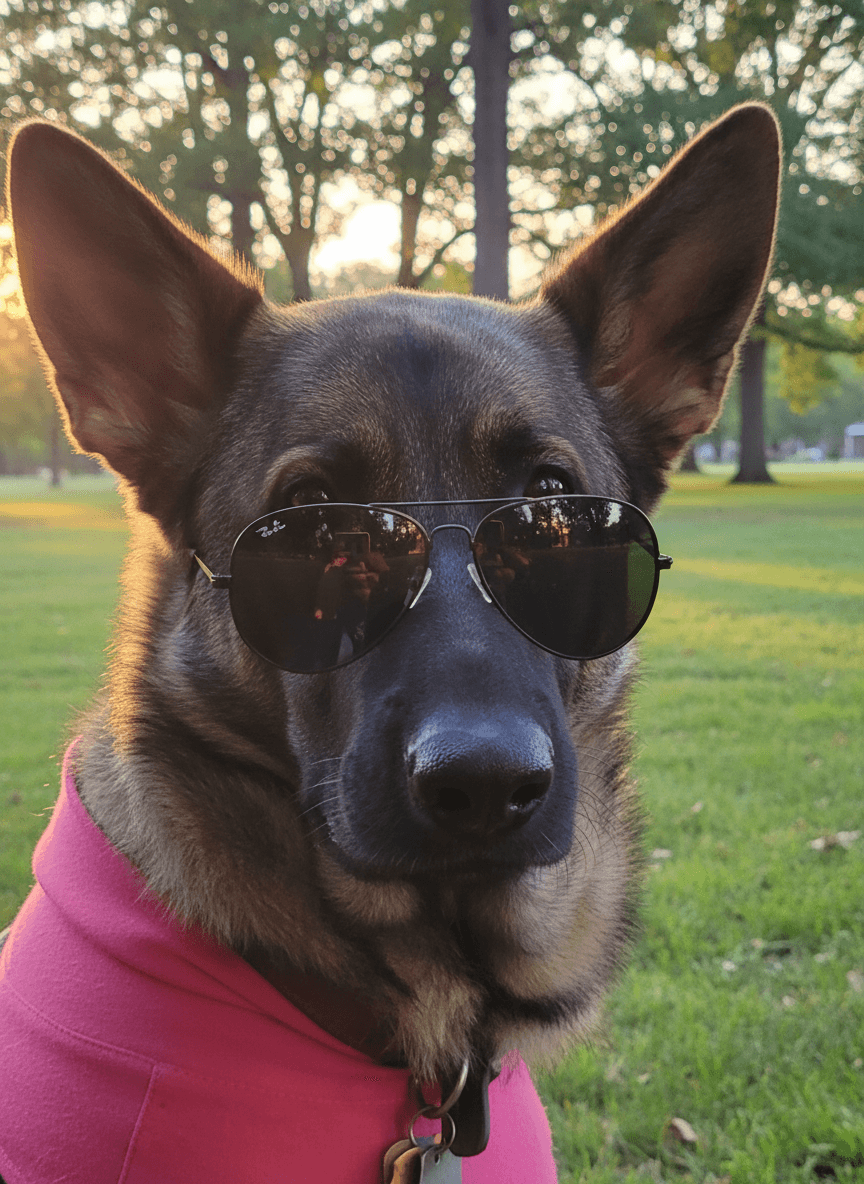
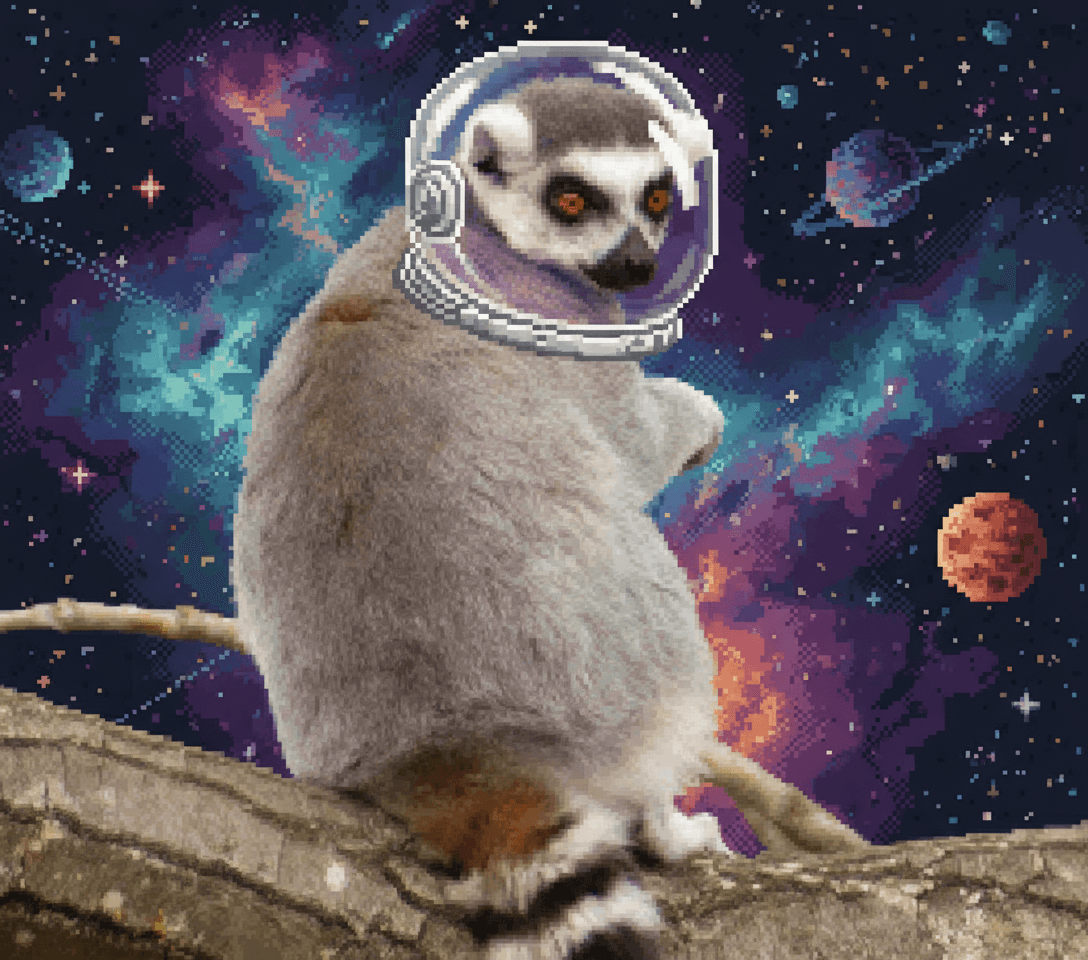
An AI pet generator turns one source photo into a new complete image. In EditMyPet, you choose the scene, style, one optional accessory and whether Creative Mode is On or Off, so the result begins with visible choices rather than an empty prompt box.
Open the AI pet generator to browse the current catalogue or start from either exact recipe below.
One workflow, very different outcomes
The scene creates the world, the style controls how the complete image looks, and one optional accessory can give the pet a specific role.
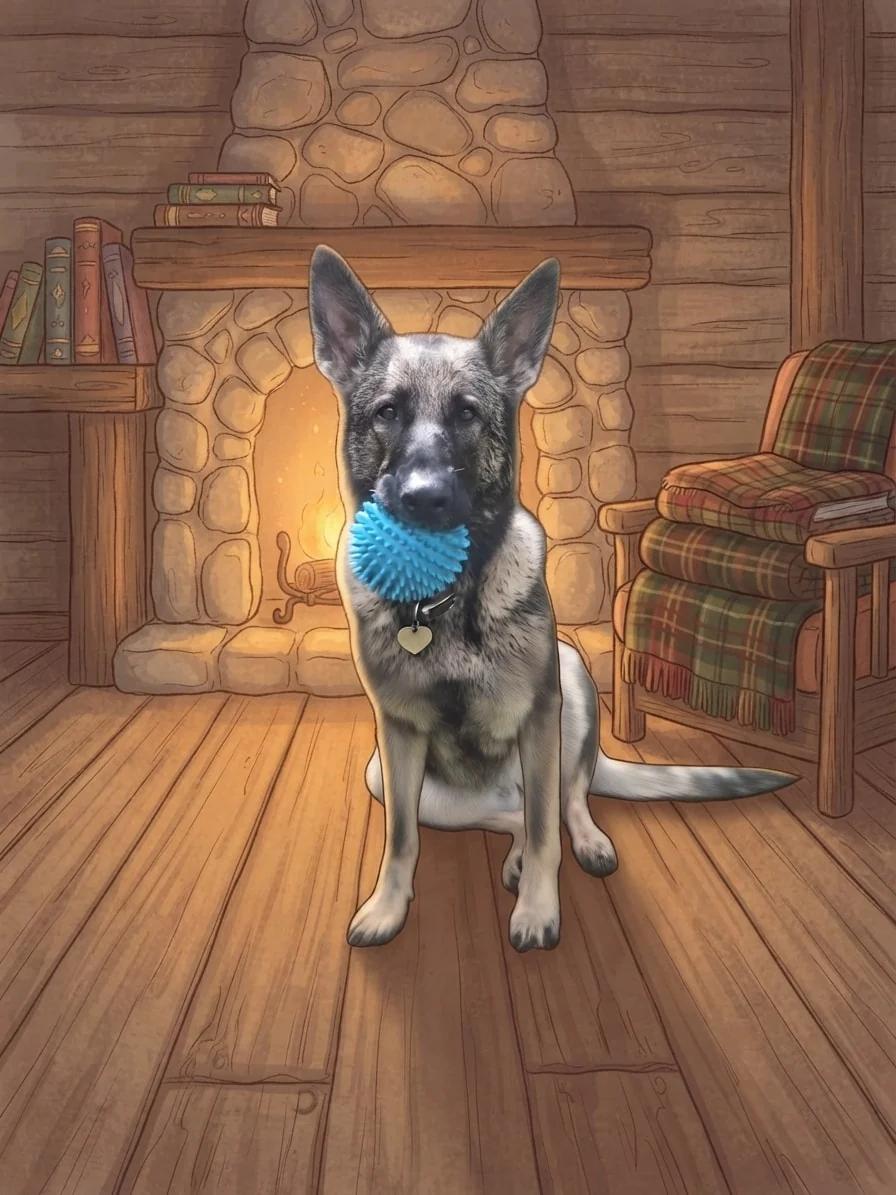
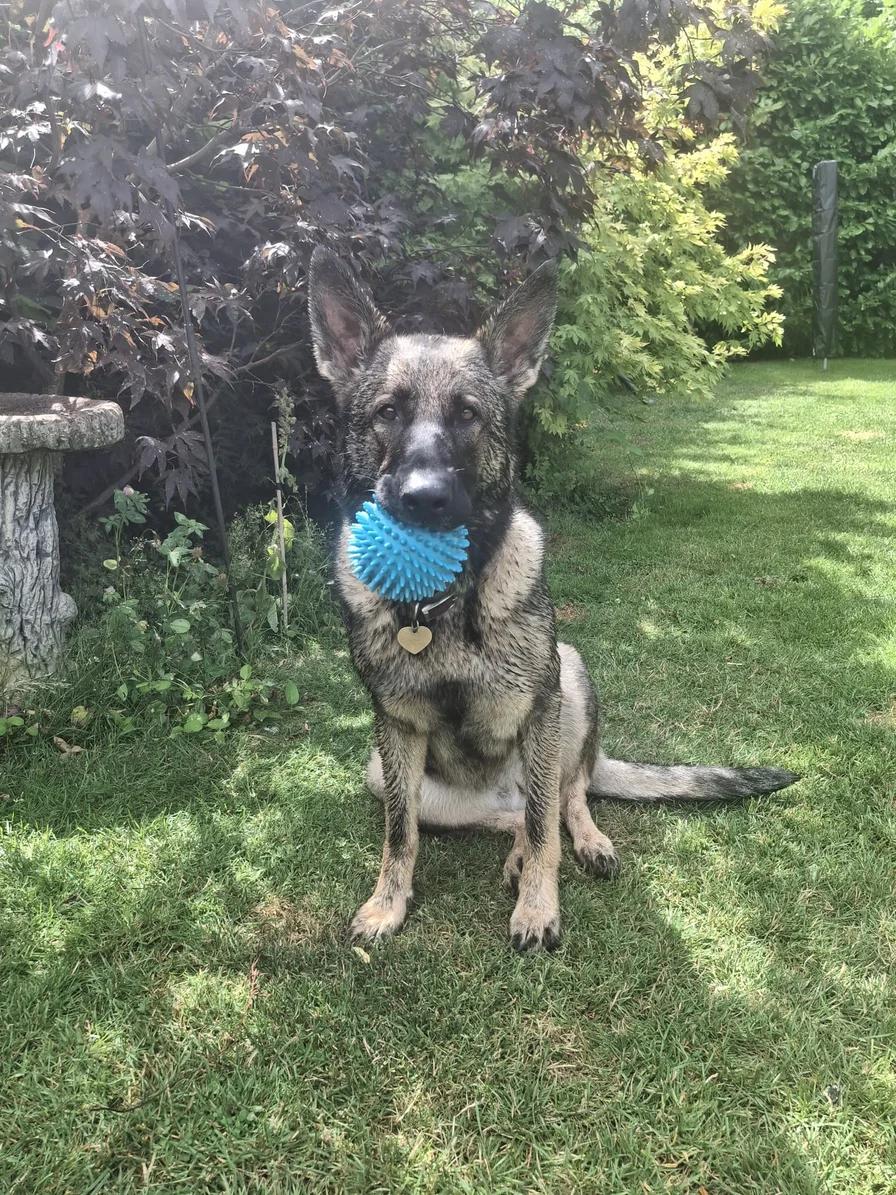
Creative choices
Creative Mode On
Fireplace Cabin
Fireplace glow, plaid blankets and rustic cabin warmth

Storybook
Whimsical illustrated scene
Upload a new photo or choose one of your saved pets next.
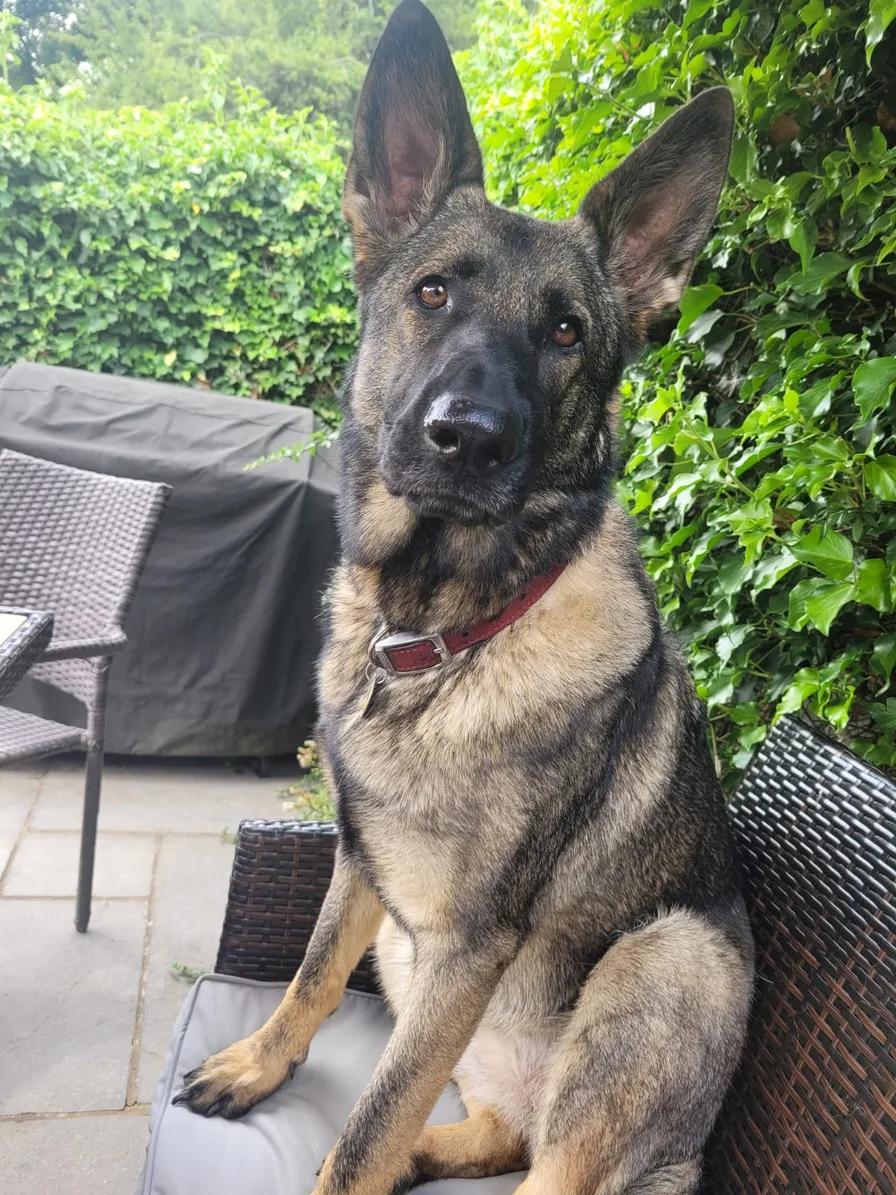
Use the slider to compare the exact source and result, then use the choices beneath it when this direction fits your own photo.
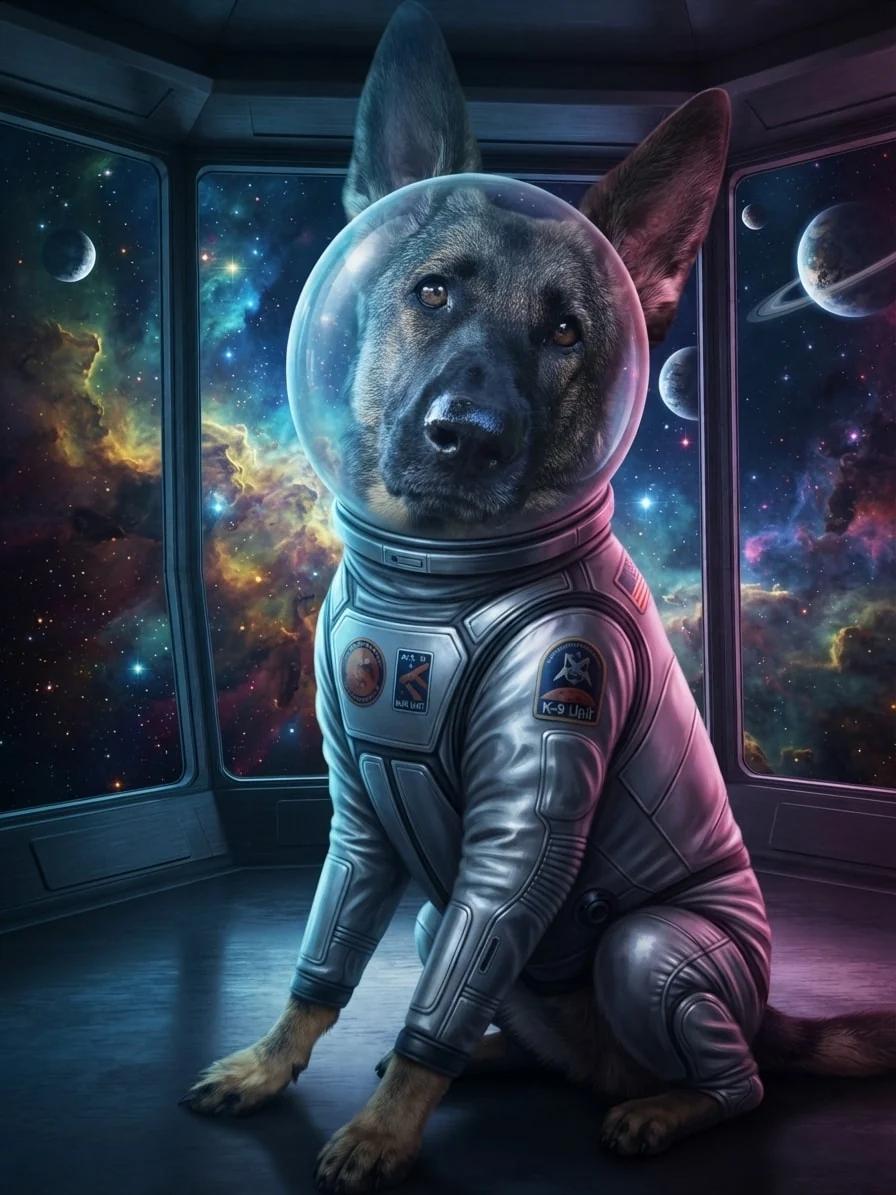
Creative choices
Creative Mode On
Outer Space
Nebula clouds and starfields beyond a sleek observation deck

Cinematic
Dramatic movie-like lighting

Space Explorer Suit
A sleek silver space suit with mission patches and a clear bubble helmet.
Upload a new photo or choose one of your saved pets next.
Changing the recipe changes the story while the source remains the reference point. Compare the face, pose and details that matter before choosing a result.
What each creative choice changes
Treat the controls as a small visual brief. Start with the decision that matters most, then add only what supports it.
Scene chooses the world
A beach, cabin, palace or space deck changes the setting and the story around the pet.
Style chooses the visual language
Original stays photographic, while Watercolor, Cinematic, Pixel Art and other styles reshape the complete image.
Accessory adds one specific detail
A hat, collar, facewear item or full costume can create a role, but it remains optional.
Creative Mode controls freedom
On gives the selected choices more room to work together. Off keeps the source photo as a closer guide.
| Step | Decision | Useful question |
|---|---|---|
| 1 | Choose the source photo | Which expression or pose feels most like them? |
| 2 | Choose the scene | Where should this moment happen? |
| 3 | Choose the style | Should it feel photographic, painted, illustrated or graphic? |
| 4 | Set Creative Mode | How closely should the source guide the final image? |
Start with a source photo that gives the idea room to work
The generator can change the world around your pet, but a clear face and readable pose still give every scene and style a stronger foundation.
- Choose a recognisable expression.
- Keep important coat markings visible.
- Leave room around the head for optional accessories.
- Use the same source to compare several recipes fairly.
Choose how far the style should move
Creative Mode On gives the selected scene and style more freedom to shape the complete image. Off keeps the source photo as a closer guide. See the differences in the Creative Mode guide.
Keep exploring
Compare the full range in pet portrait styles, and read the Creative Mode guide before deciding how far the style should move.
Choose the world, style and creative strength before you generate.
Create with EditMyPetFrequently Asked Questions
What is an AI pet generator?
It uses a source photo to create a new image of your pet. EditMyPet lets you choose the scene, style, one optional accessory and Creative Mode setting before generating.
Do I need to write a prompt?
No. EditMyPet presents scenes, styles and accessories as visual choices, so you can build a complete recipe without prompt writing.
Can I generate pictures of dogs and cats?
Yes. Use a clear approved photo of a dog, cat or other pet saved to your account.
What does Creative Mode change?
Creative Mode On gives the selected scene and style more influence. Off keeps the source photo as a closer guide for pose, texture and composition.
Can I recreate a result I like?
Yes. Use the choices beneath an example to carry its canonical scene, style, accessory and Creative Mode setting into Create.
Related Articles