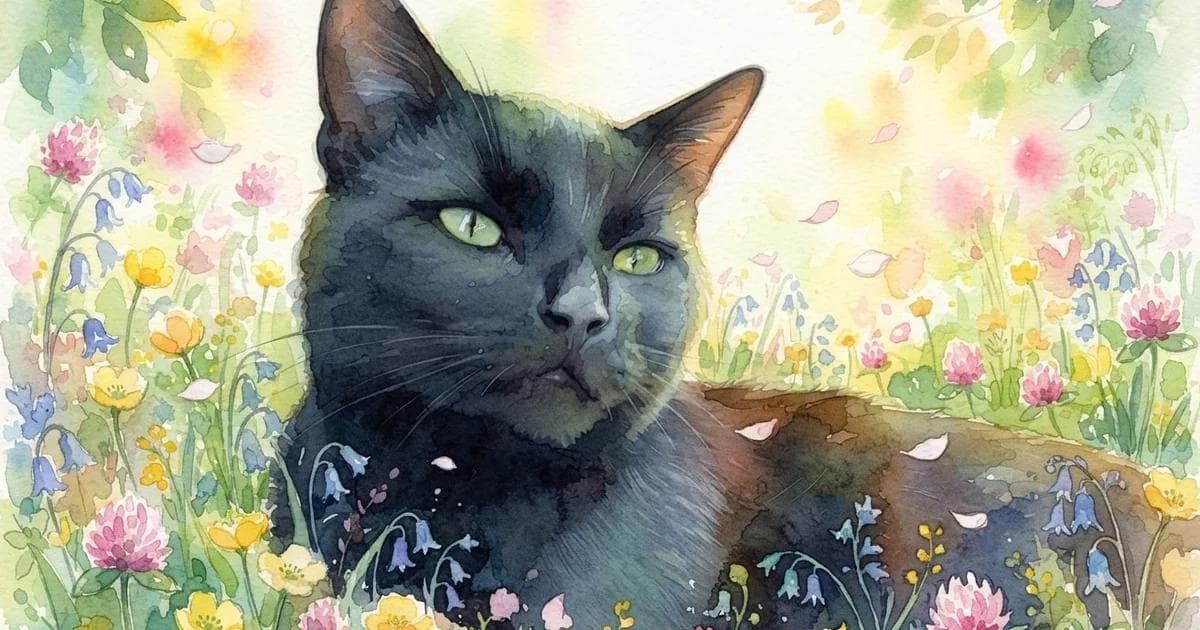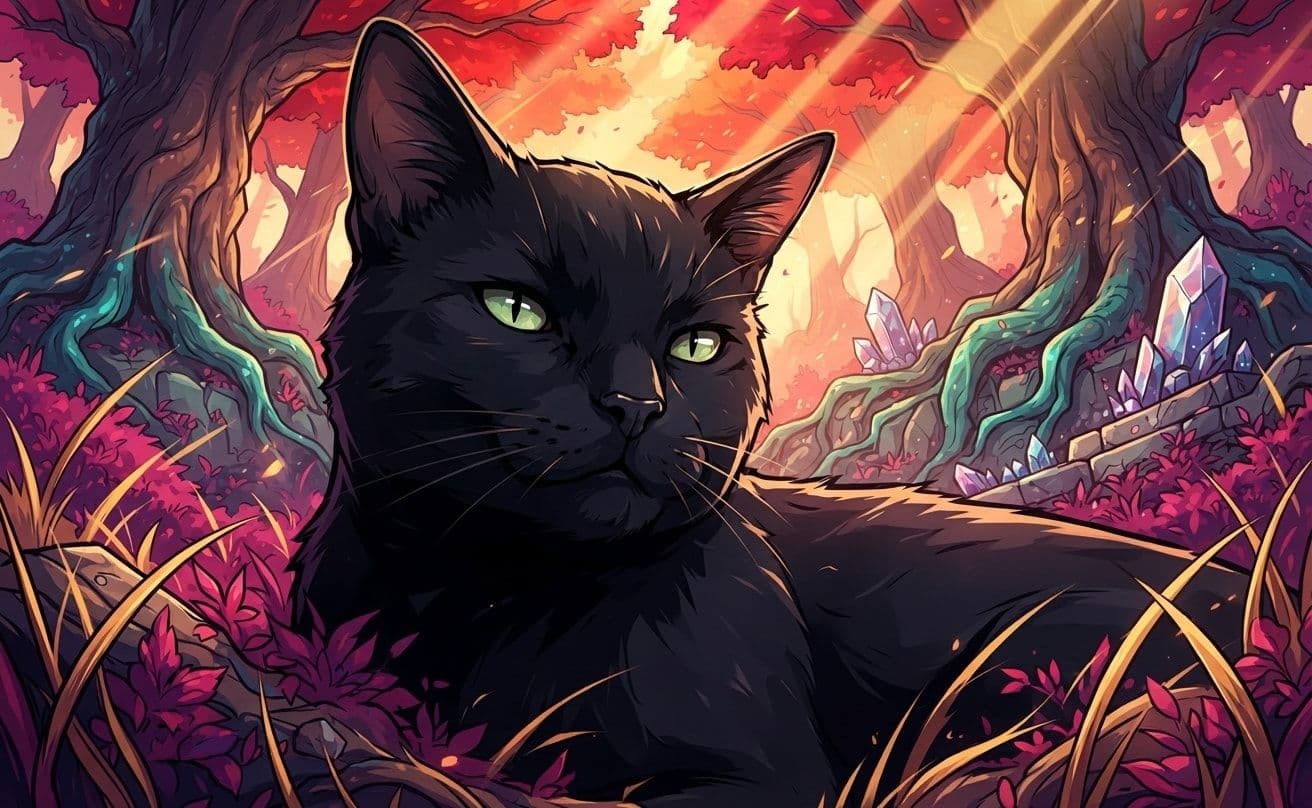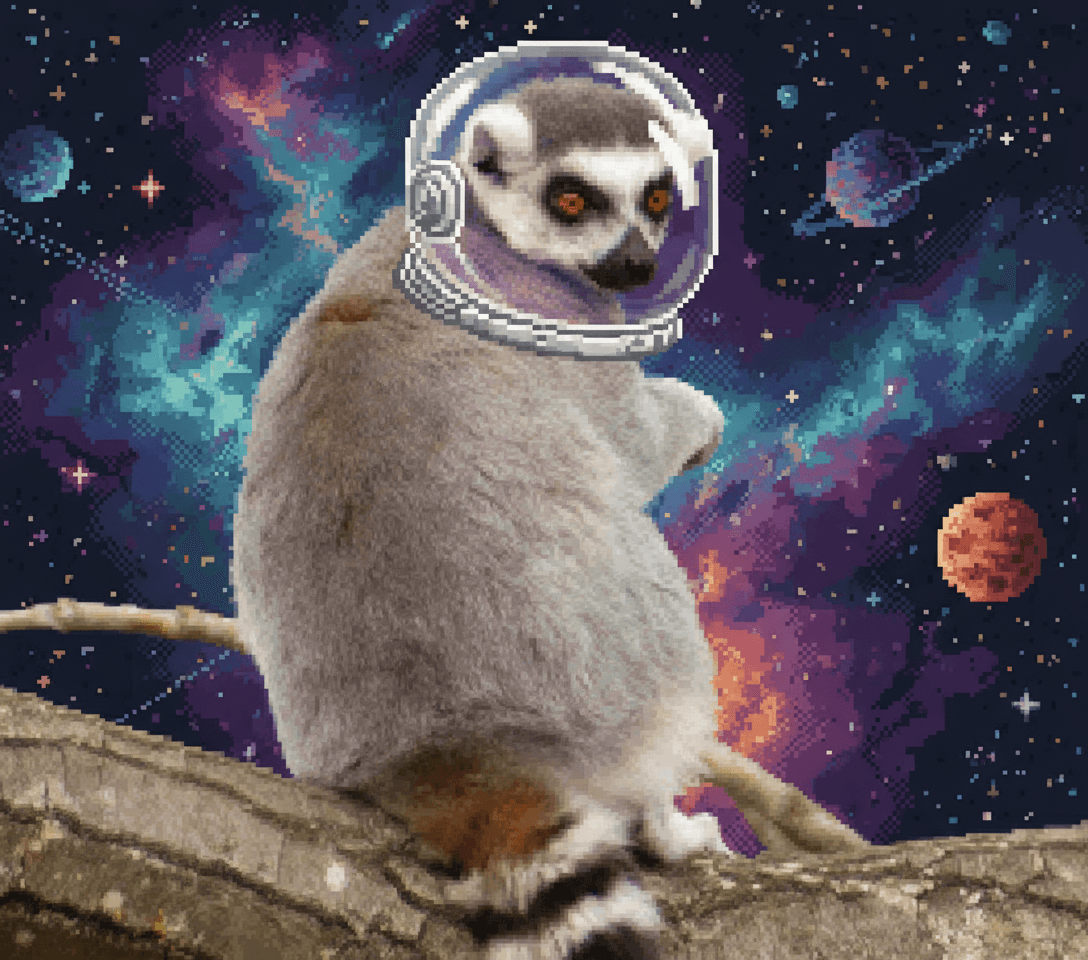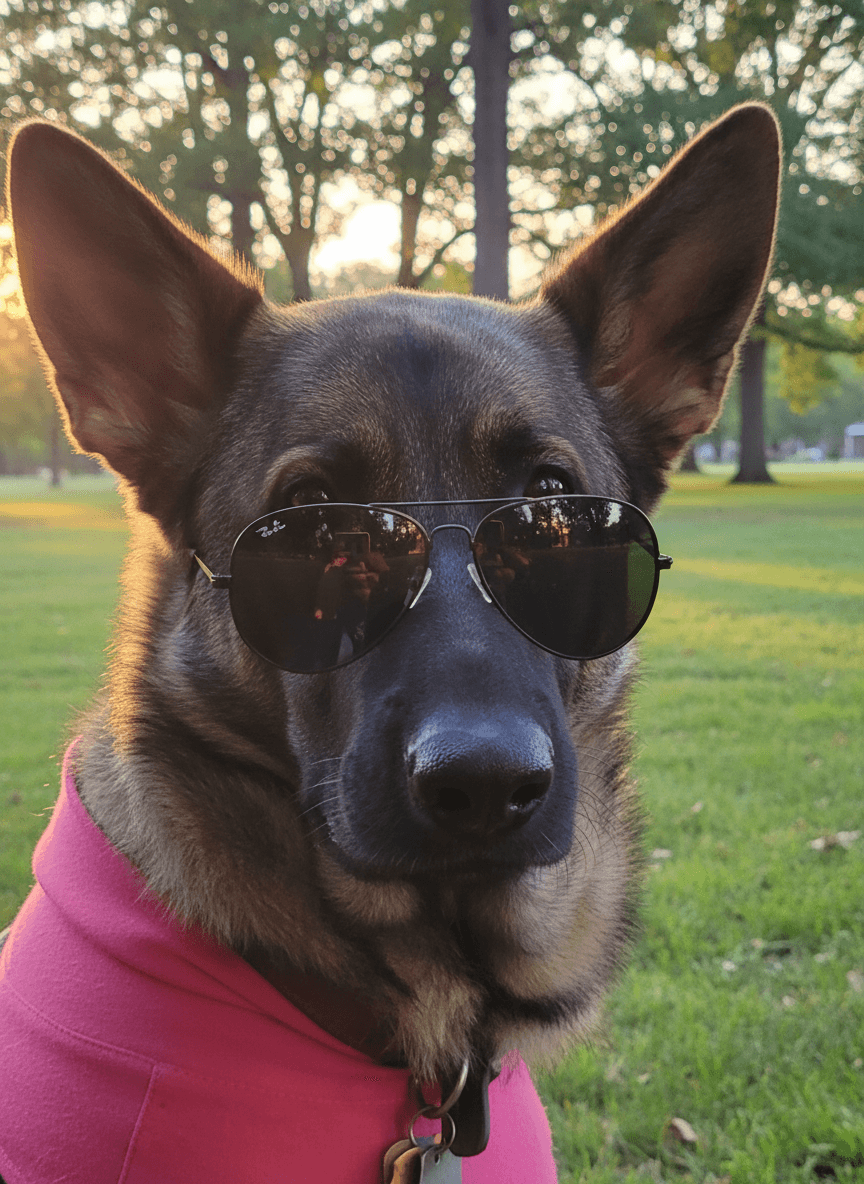
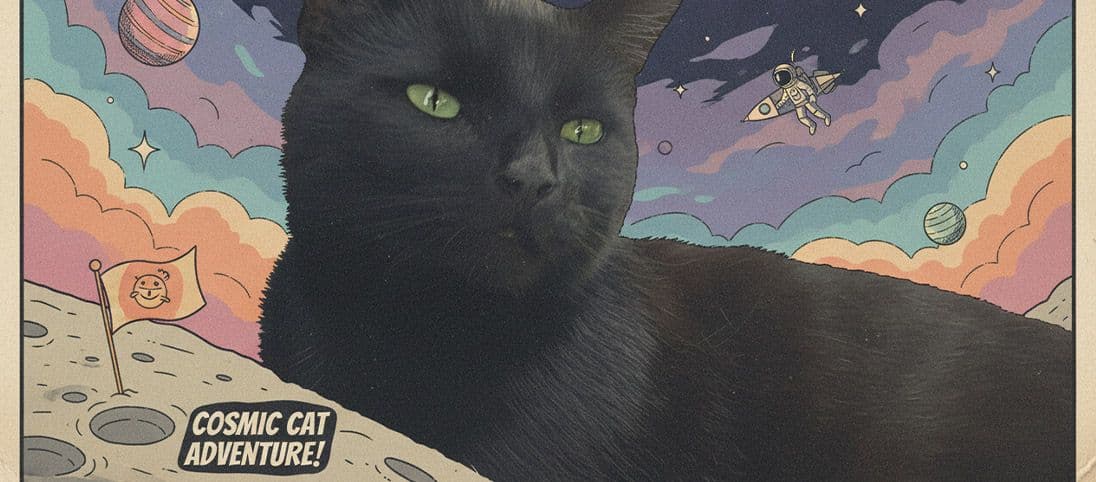
The best AI pet photo editor is not the one with the longest prompt box. It is the one that helps you choose a clear source, control the scene and style, compare the result with the original and recreate a look you actually want to use.
EditMyPet brings those choices together in its AI pet generator, with visual scenes, styles, one optional accessory and an explicit Creative Mode setting.
Look for useful control, not just novelty
A good editor should support both subtle photographic changes and complete creative portraits without making you guess which settings produced the result.
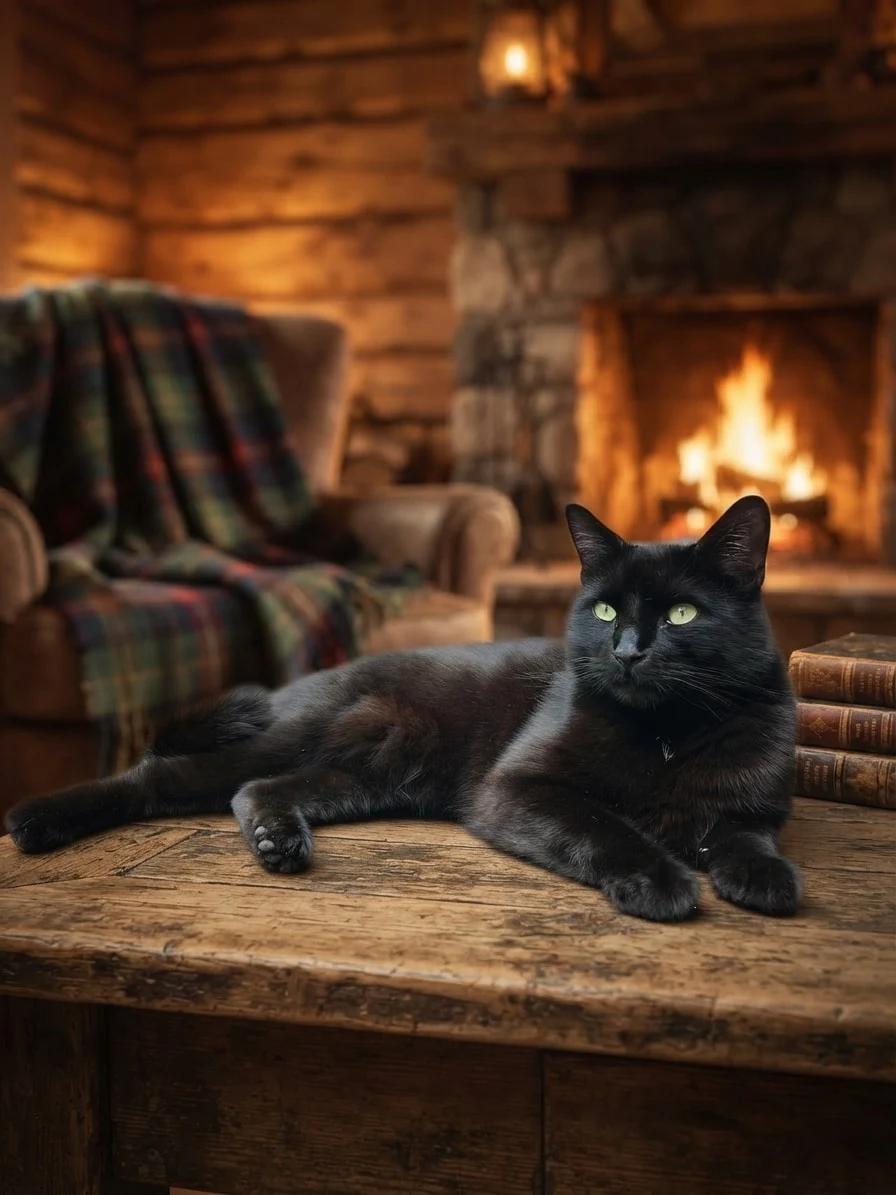
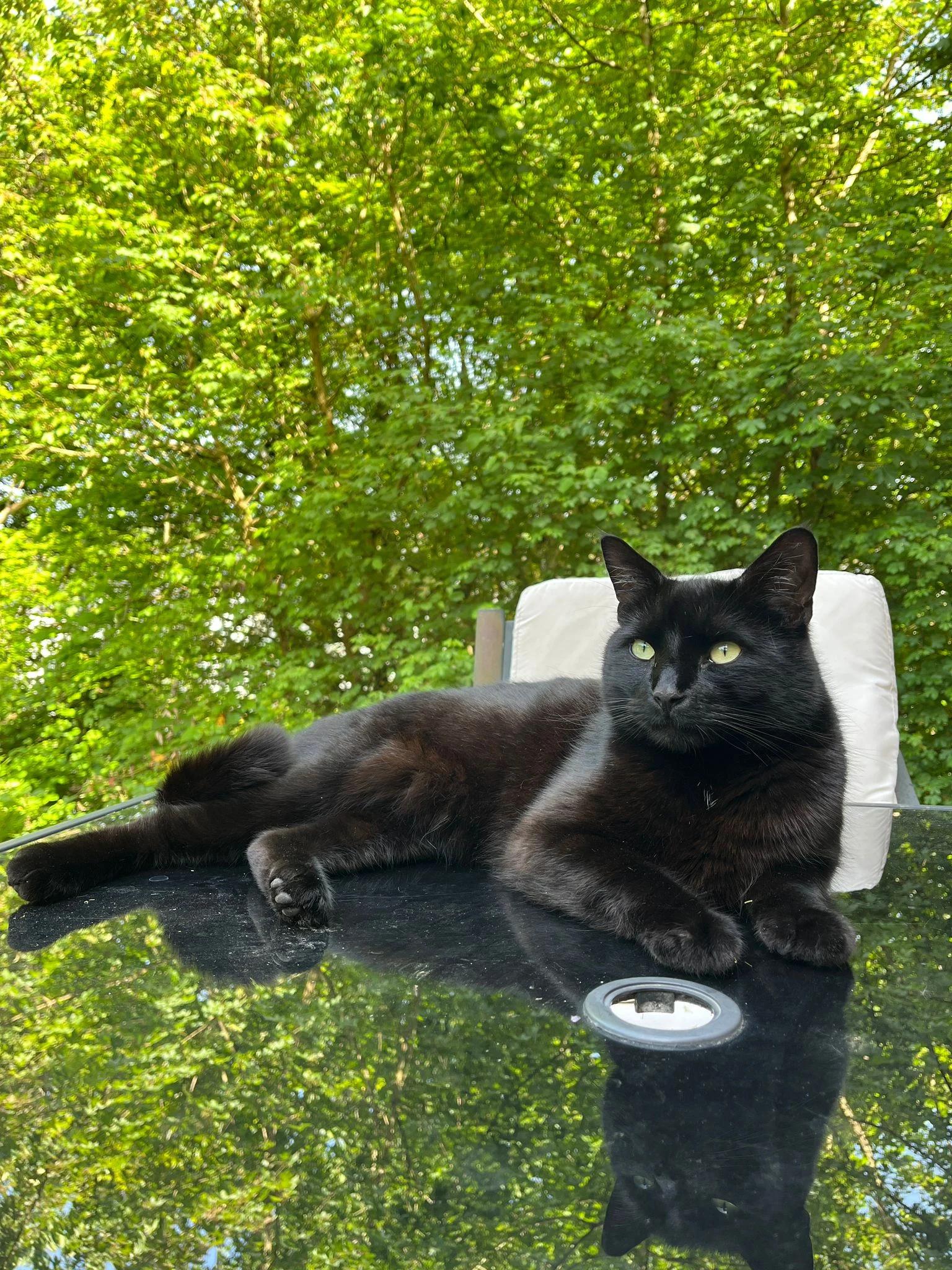
Creative choices
Creative Mode Off
Fireplace Cabin
Fireplace glow, plaid blankets and rustic cabin warmth

Original
Natural background replacement
Upload a new photo or choose one of your saved pets next.
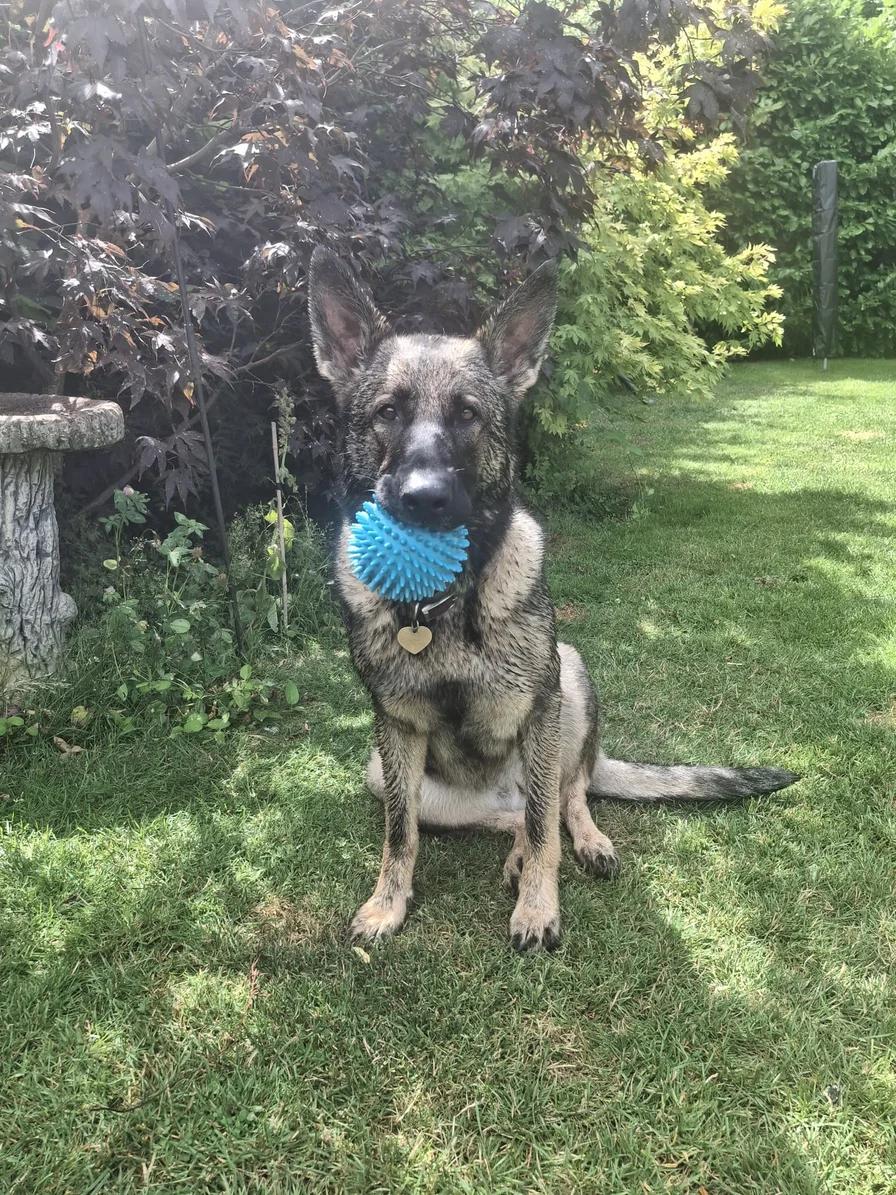
Use the slider to compare the exact source and result, then use the choices beneath it when this direction fits your own photo.
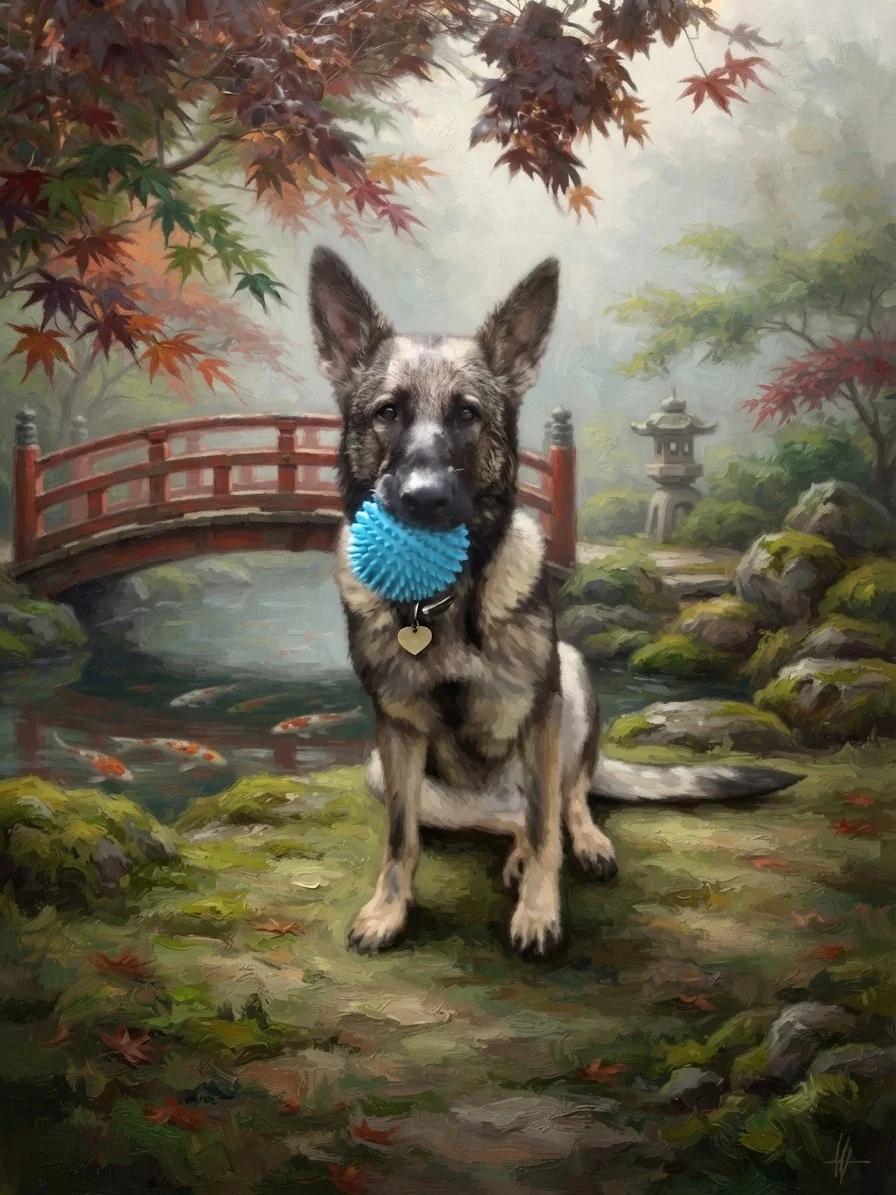
Creative choices
Creative Mode On
Japanese Garden
Koi ponds, maple leaves and calm morning mist

Oil Painting
Classic oil painting
Upload a new photo or choose one of your saved pets next.
Changing the recipe changes the story while the source remains the reference point. Compare the face, pose and details that matter before choosing a result.
What to check before choosing an AI pet editor
Focus on the workflow you will repeat, not only the first impressive result.
Visual choices you can understand
Scene and style cards make it easier to build a look deliberately than relying on prompt wording you may not be able to reproduce.
A clear before-and-after view
The original should remain close enough to judge face, markings, pose and any details that matter to you.
Control over creative strength
A dedicated Creative Mode setting helps separate closer photo edits from more expressive transformations.
Recipes you can reuse
Useful results should lead somewhere. Exact choices let you start from a proven direction with another pet or photo.
| Feature | Why it matters | What to look for |
|---|---|---|
| Source-photo control | Protects recognisable details | Clear upload, saved pets and comparison view |
| Scene selection | Makes the setting intentional | Visual catalogue rather than vague prompts |
| Style selection | Controls the complete image direction | Named, previewed styles |
| Reproducibility | Turns a good result into a reusable workflow | Saved choices or a direct reuse action |
A strong editor still needs a useful source photo
AI can rebuild a setting and transform a style, but it cannot recover every detail hidden by blur, deep shadow or a cropped face.
- Use a clear face with visible eyes.
- Choose light that separates dark fur from the background.
- Keep important markings and accessories readable.
- Compare results against the original before downloading.
Choose how far the style should move
Creative Mode On gives the selected scene and style more freedom to shape the complete image. Off keeps the source photo as a closer guide. See the differences in the Creative Mode guide.
Keep exploring
If changing the setting is your main goal, use the pet photo background changer. If you want to compare the broader visual range, browse pet portrait styles.
Choose the scene, style and creative strength before you create.
Try EditMyPetFrequently Asked Questions
What is the best AI pet photo editor?
The best option for you should provide clear source-photo guidance, visual scene and style controls, a before-and-after comparison, predictable privacy and a way to reuse successful choices.
Do I need to write prompts to edit a pet photo?
Not with EditMyPet. You choose scenes, styles and one optional accessory visually, then review every selection before creating.
Can an AI pet editor keep the photo realistic?
Yes when it offers a natural style and a lower-creativity setting. In EditMyPet, use the Original style with Creative Mode Off as the closest starting point.
What is the difference between a scene and a style?
The scene chooses where the pet appears. The style chooses how the complete image is rendered, such as Original, Watercolor, Cinematic or Pixel Art.
How can I tell whether a result still looks like my pet?
Compare the eyes, face shape, coat colours, markings, pose and familiar expression against the original source photo.
Related Articles