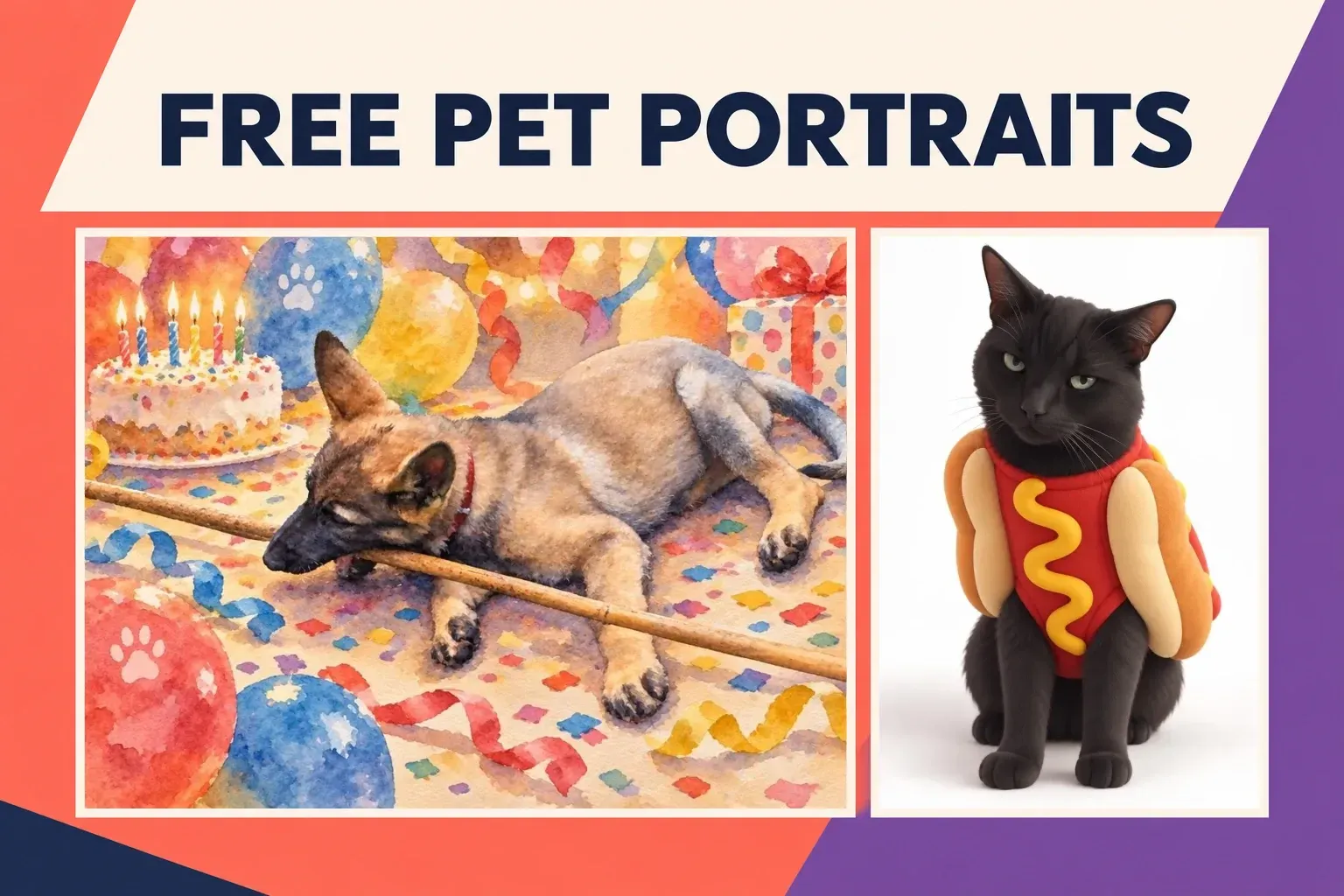
Some free AI pet portrait generators give you a file you can send. Others give you a preview, or put a watermark on the download. Here’s what you can save from five tools using a photo of your own pet.
We checked the providers’ published offers on 24 November 2026 and made the example portraits in EditMyPet.
What each free pet portrait offer includes
Swipe to compare all 2 tools →
| Generator | How you try it | What you can save |
|---|---|---|
| DreamPets | First creation on the web without an account | Advertises a watermark-free web download |
| PawToAI | Sign in for three portraits without a payment card | Advertises watermark-free downloads |
| EditMyPet | Three tokens after confirmed newsletter signup with your account email | Watermarked download (Watermark removed on first payment) |
| Pawcaso | Preview your portrait | Preview carries a watermark. The paid HD set removes it |
| Fotor | Sign in for limited new-user credits | The pet tool advertises a watermark-free export. Available settings depend on the tool and plan |
What can you make with three free tokens?
The one-time newsletter bonus gives you three tokens. Sign up for the newsletter with the same email you use for your EditMyPet account, then confirm from the newsletter email.
In Create, one token gives you a standard 1K portrait. You can spend all three on separate styles from one photo and scene. If you already have a look in mind for a print, try it once at 1K and use the other two tokens on a 2K portrait when that option is available.
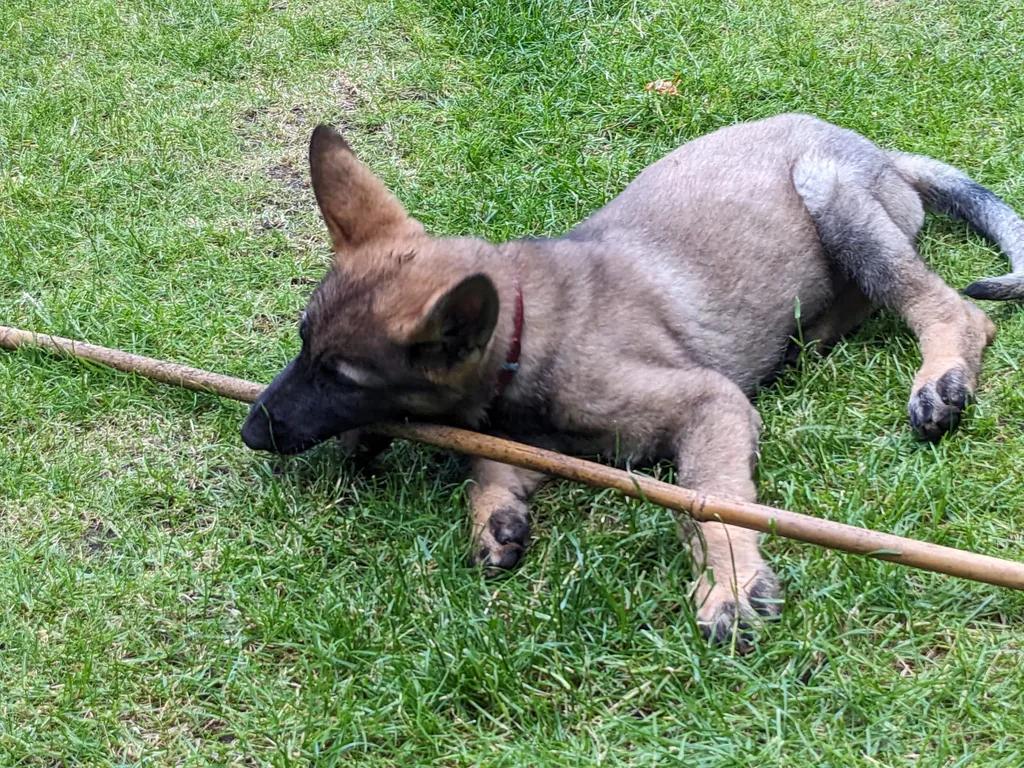
The pose in your photo is the one you’re asking the portrait to work with. A dog stretched out in the garden is a good fit for a landscape scene. For a close-up, pick a photo where you can already see their face clearly. The guide to choosing a pet photo has examples.
EditMyPet portrait examples
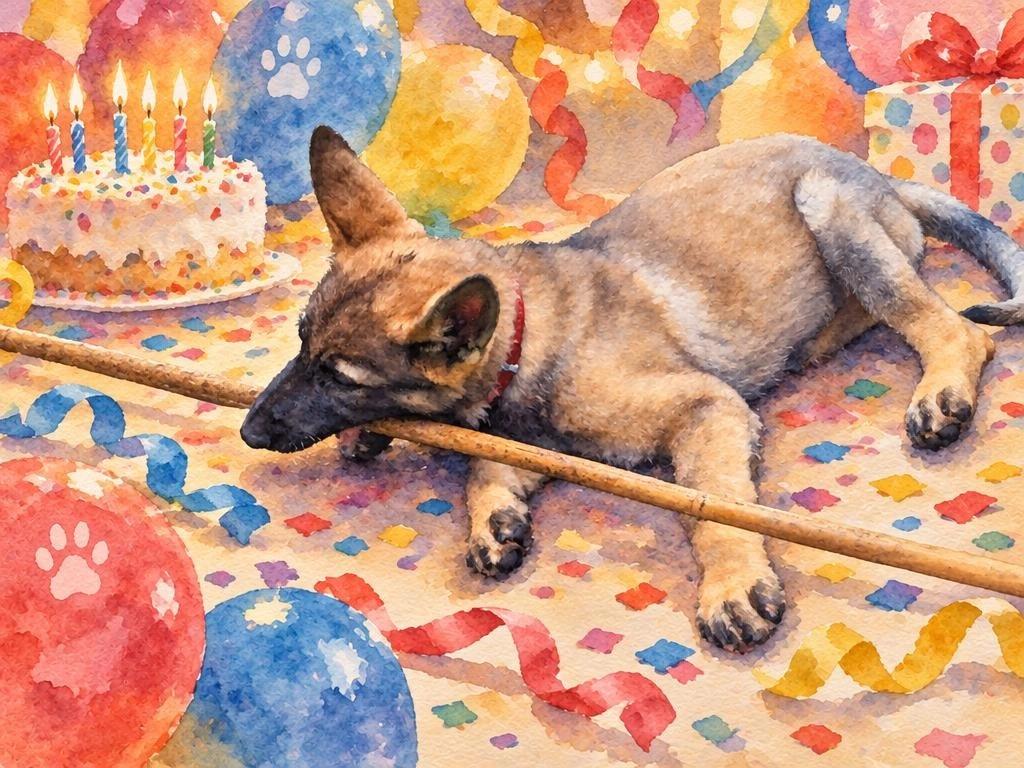
We gave Eve a birthday party in watercolour. She was already hanging on to the stick in the garden photo, so it came to the party too.
Creative choices
Creative Mode On
Birthday Party
Balloons, confetti and warm lights for joyful celebrations

Watercolor
Soft artistic watercolor
Upload a new photo or choose one of your saved pets next.
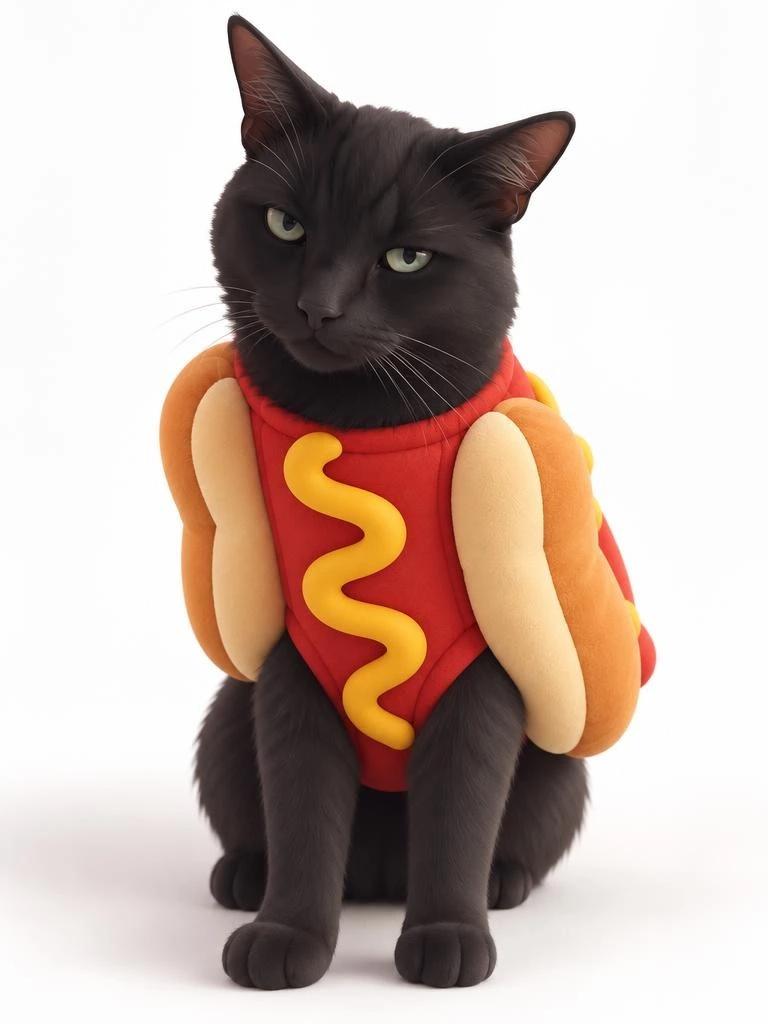
For a group chat, we’d go with Chuck in the Hot Dog Costume. A good costume helps if your cat’s usual expression is mild disapproval.
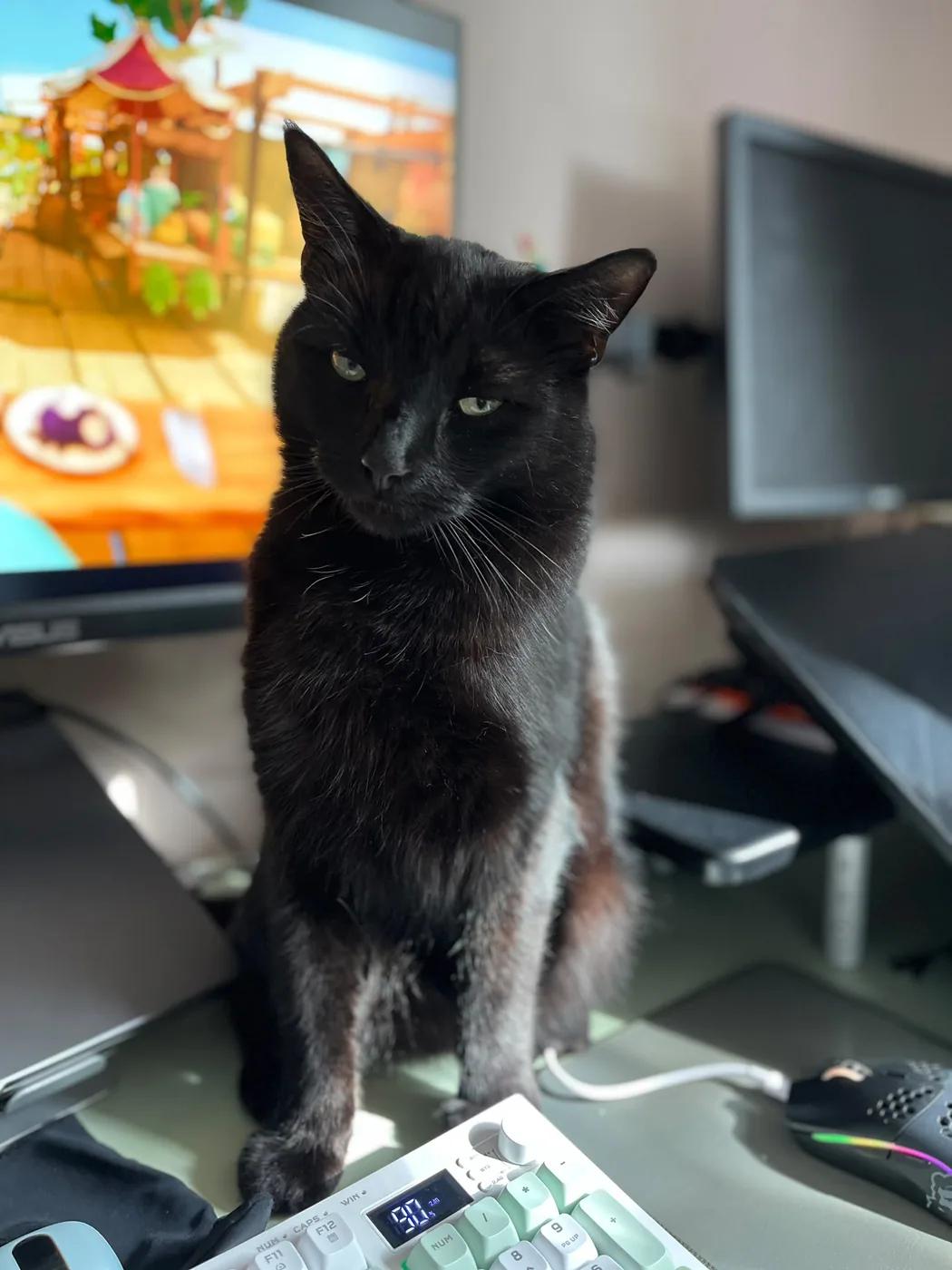
Creative choices
Creative Mode On
Photo Studio
Clean white backdrop with soft professional portrait lighting

Soft 3D Cartoon
Warm, rounded animated-feature styling.

Hot Dog Costume
A plush bun costume with a bright red sausage center and zigzag mustard stripe.
Upload a new photo or choose one of your saved pets next.
Neon after dark
Example 1 of 3: Neon Koi
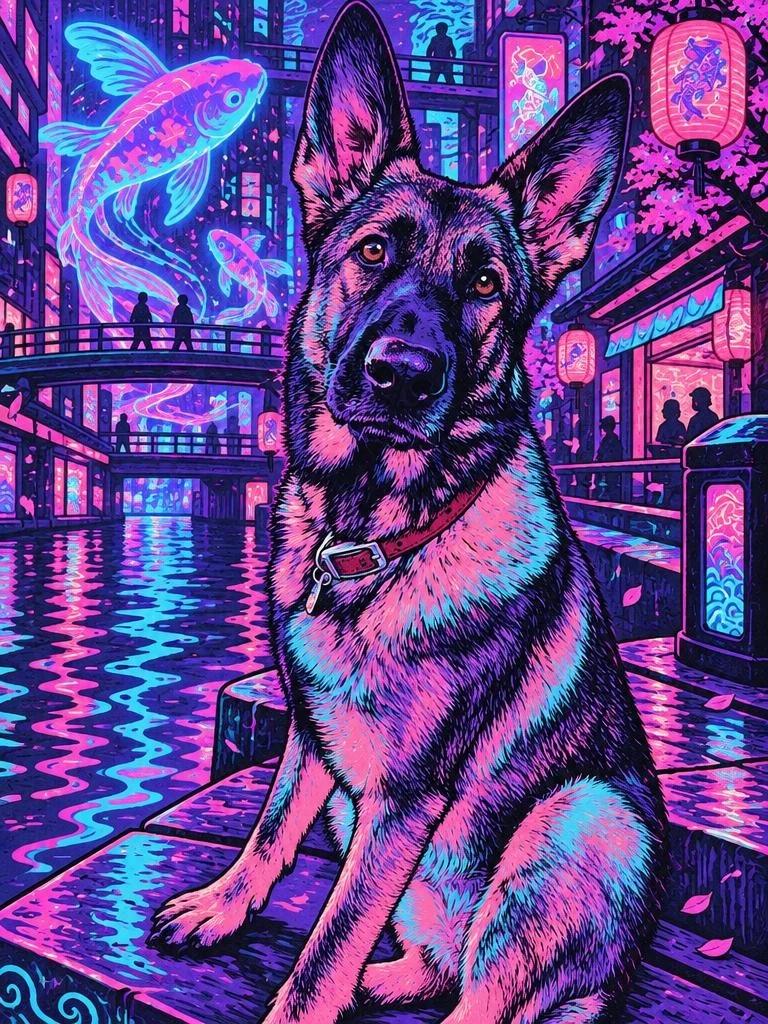
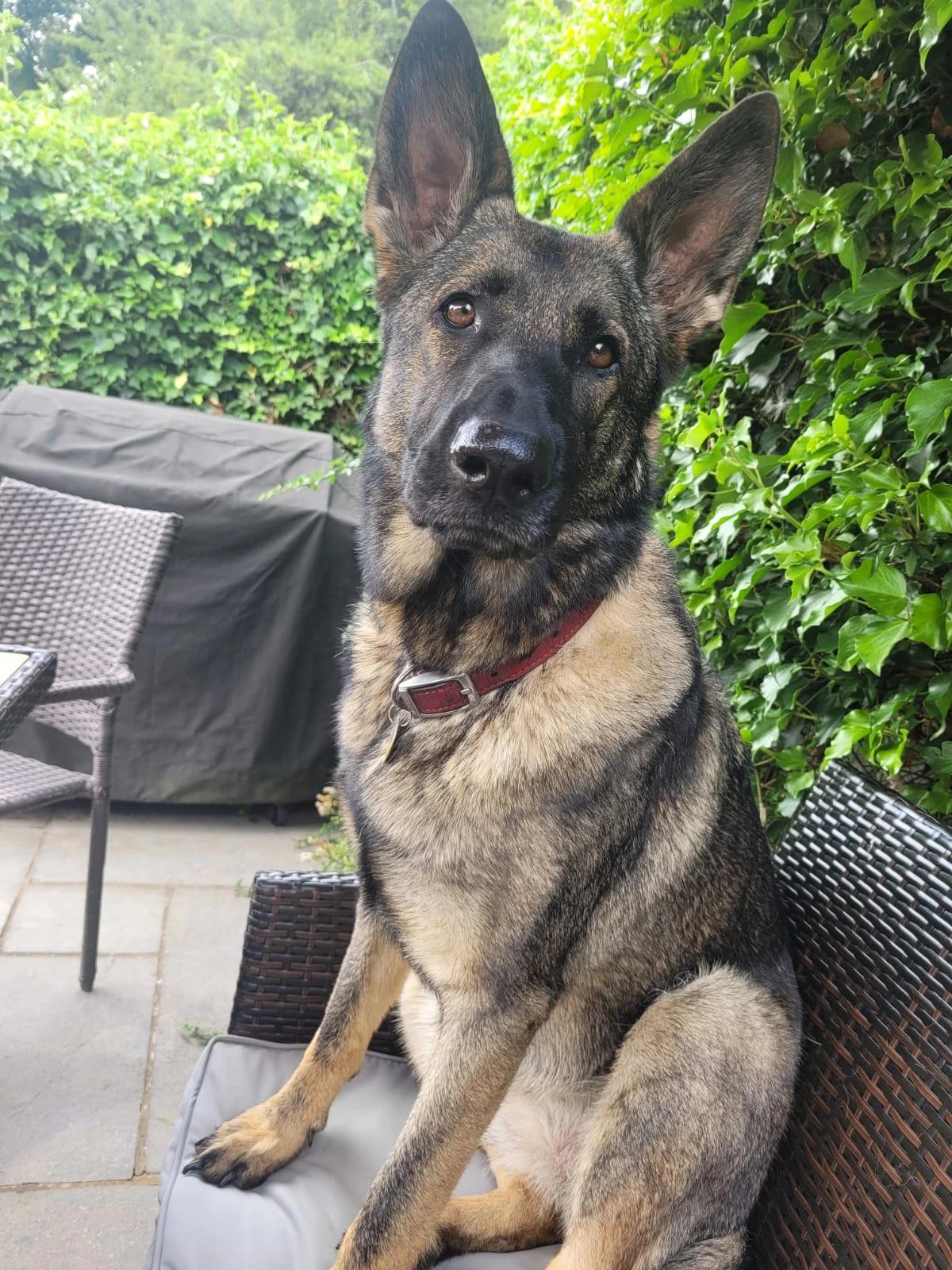


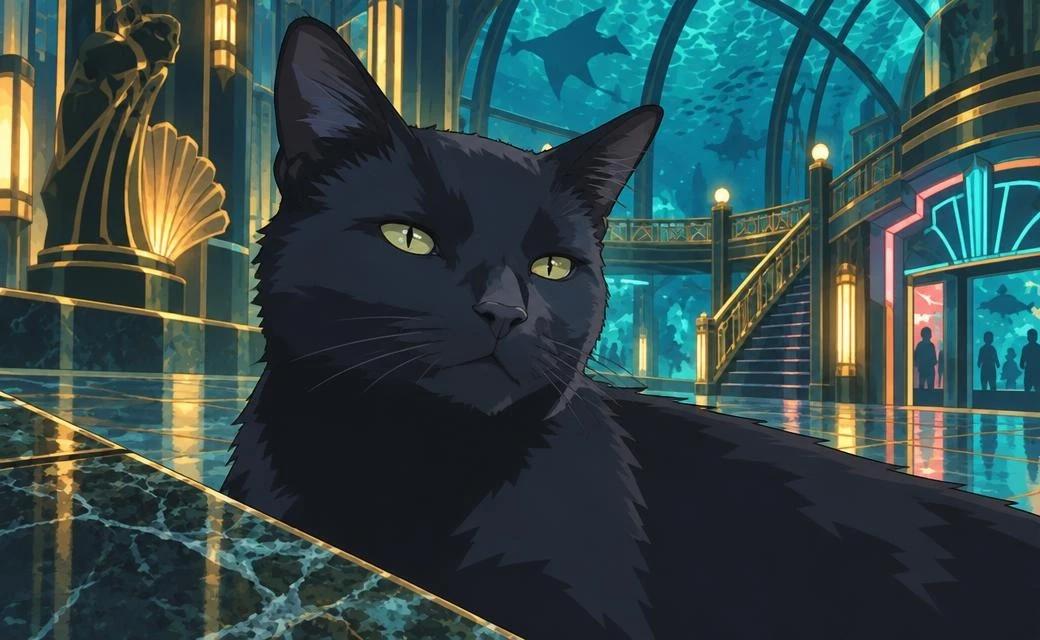
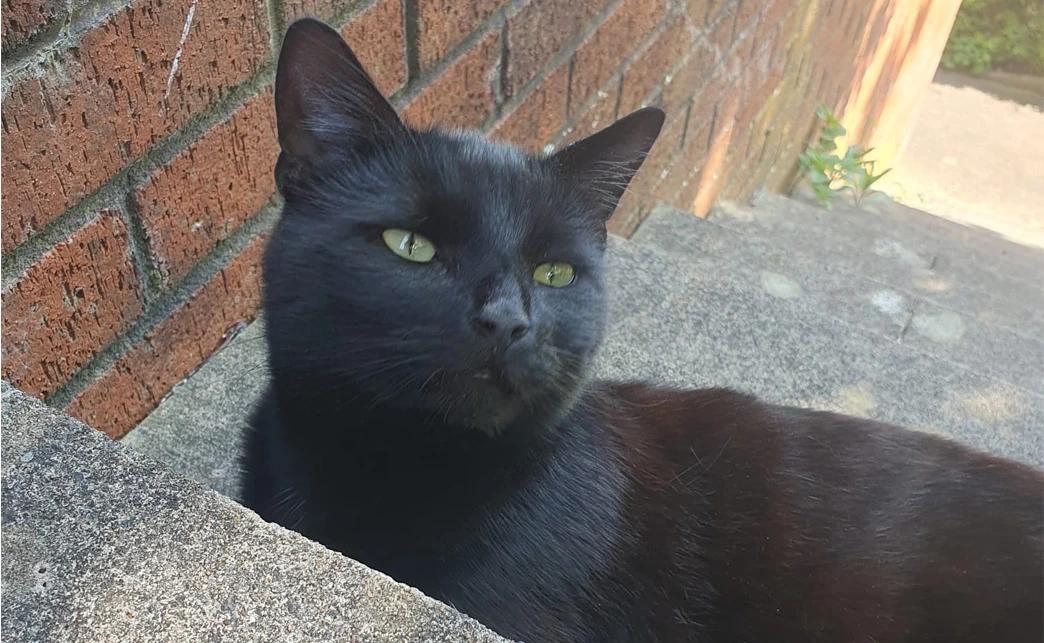


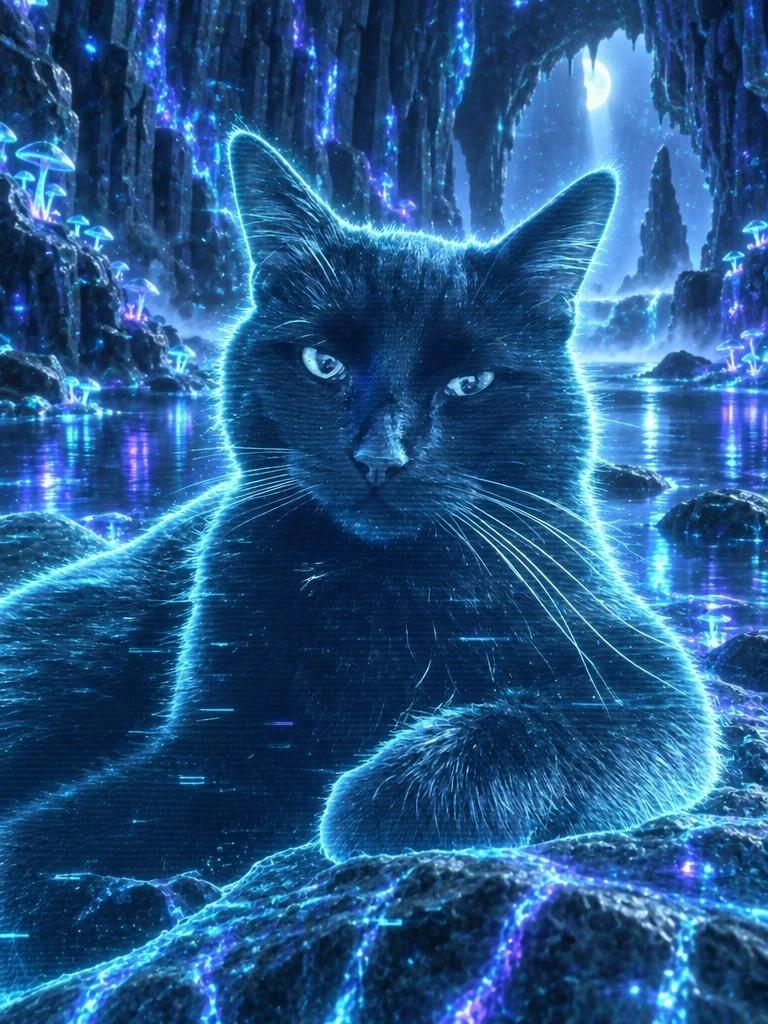
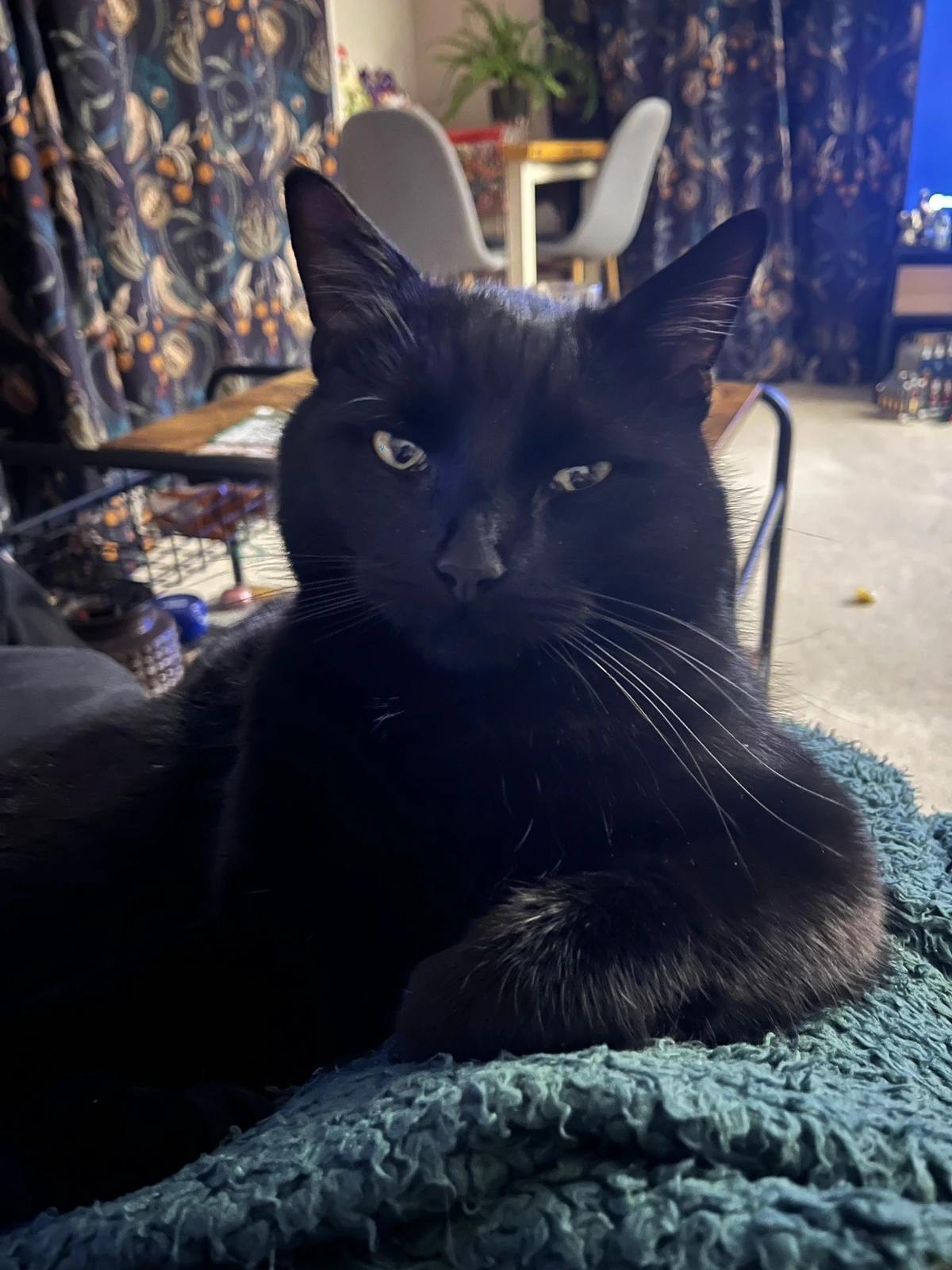


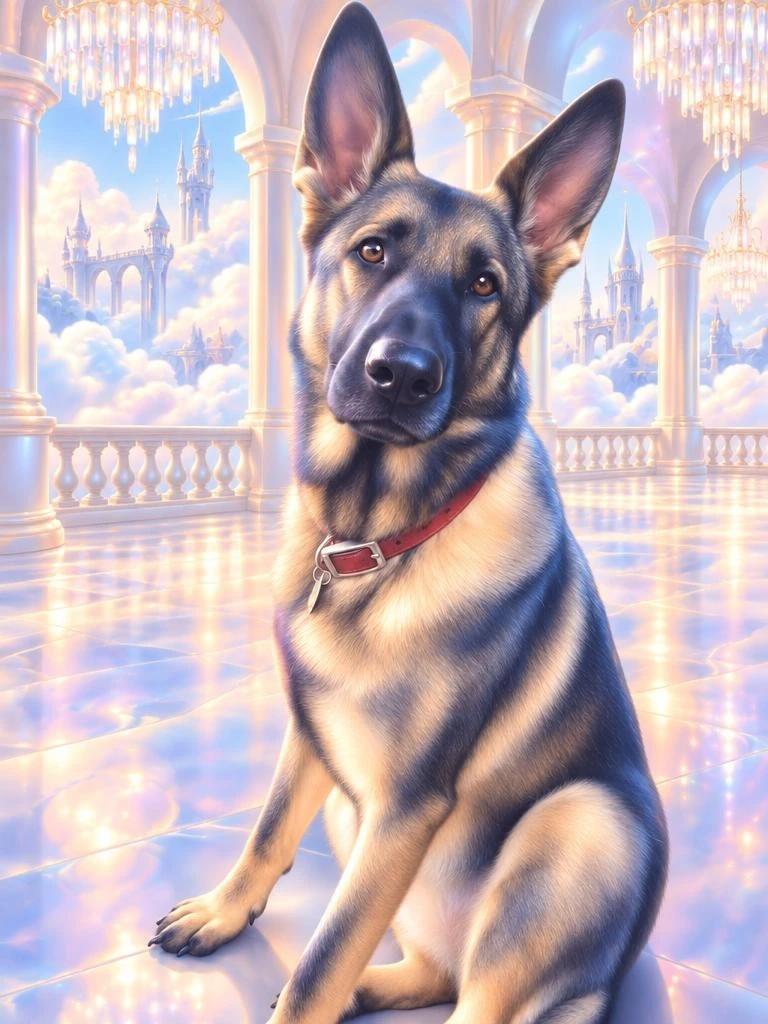
Teacups, dragon eggs and a cloud castle
Example 1 of 3: Tea Garden
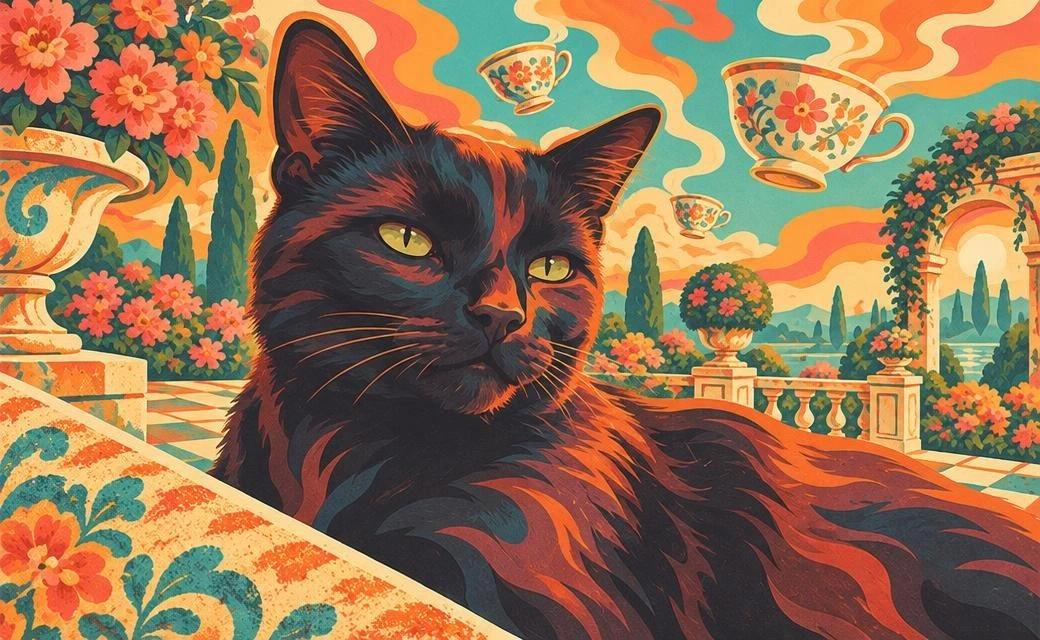
Creative choices
Creative Mode On Dreamscapes
Floating Teacup Garden
 Graphic
Sunset Acid Wave
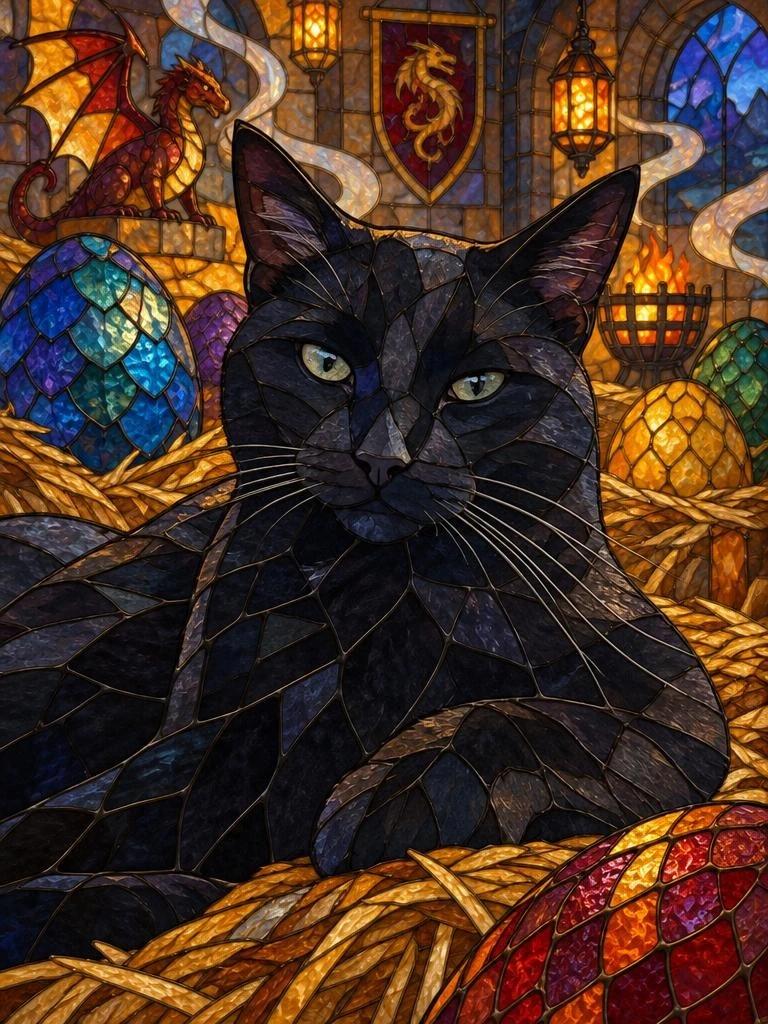


Creative choices
Creative Mode On Dreamscapes
Cloud Castle Ballroom
 Painting
Liquid Airbrush
Strange gardens
Example 1 of 3: Alien Lab
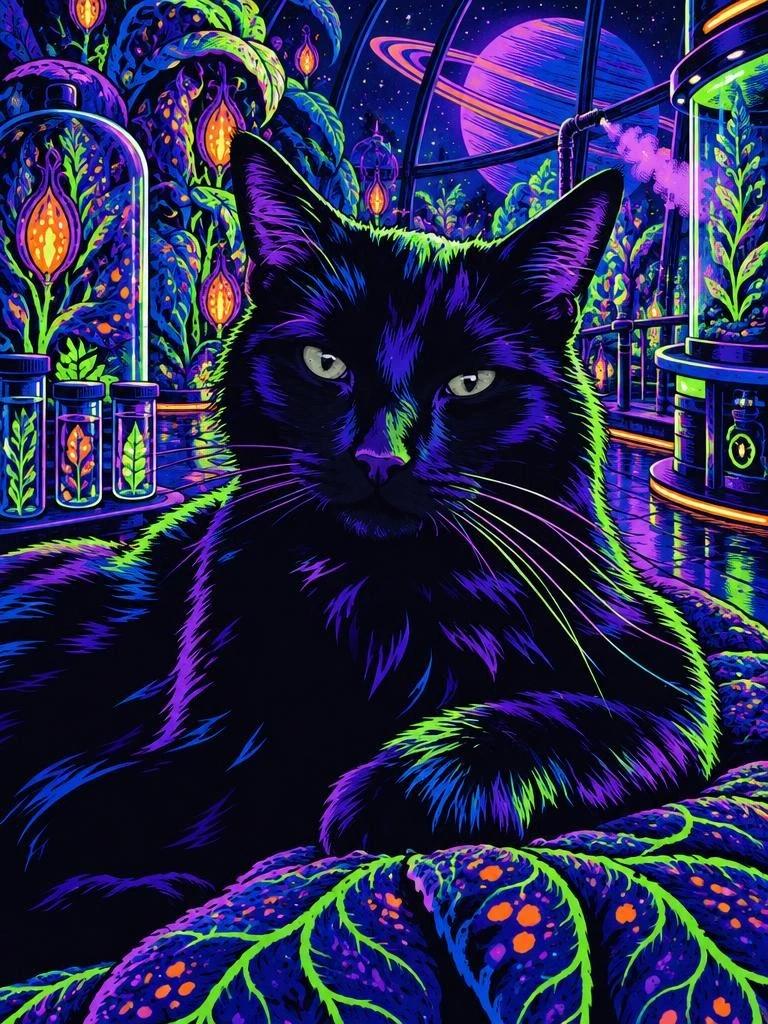
Creative choices
Creative Mode On Sci-Fi
Alien Botanical Lab
 Graphic
Blacklight Botanical
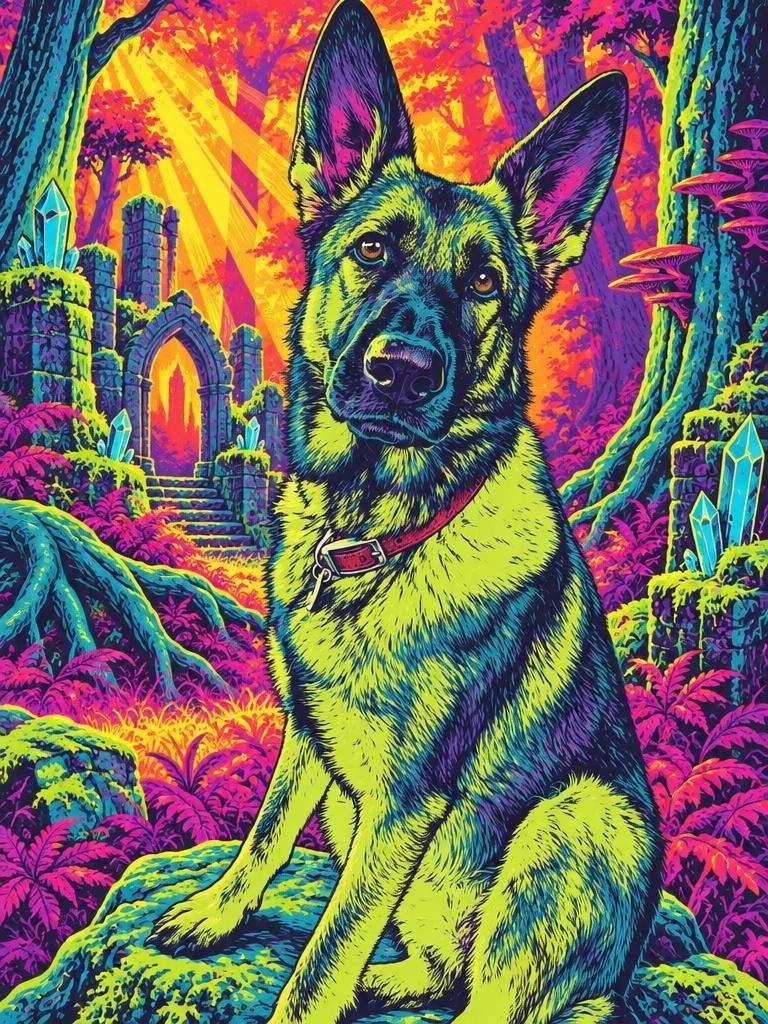


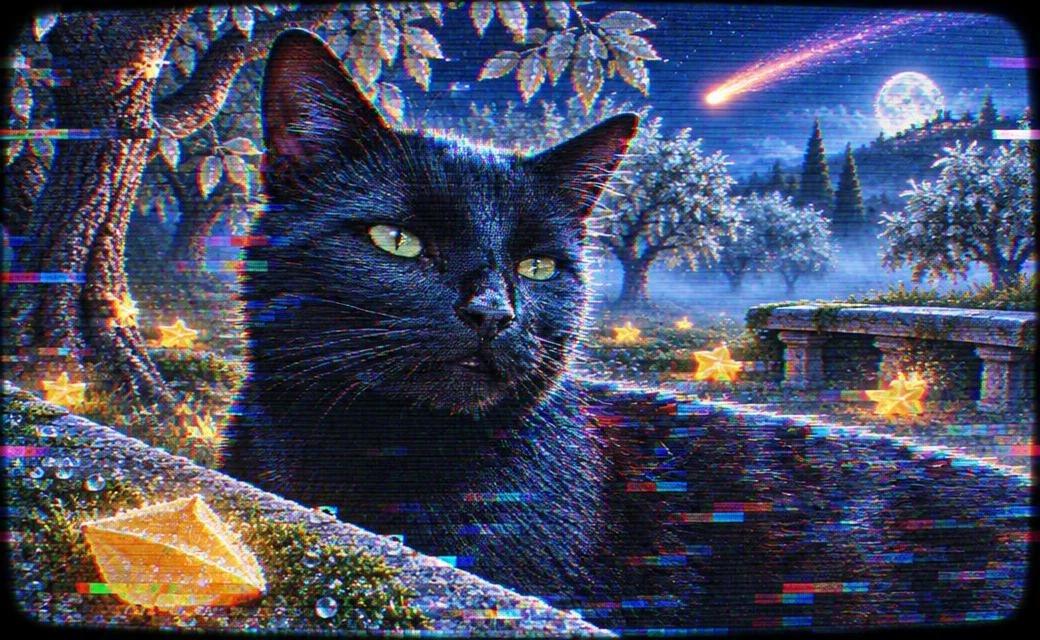


If you want your pet to stay photographic in a new setting, turn Creative Mode off. We left it on for these examples to carry the style across the whole image. The Creative Mode guide has a side-by-side example using the same photo.
Downloading your portrait
Download the portrait from your results or find it again under Generations in your dashboard. A free account’s downloads carry the EditMyPet watermark. After your first successful paid order, you can download the portraits you already made without it.
For a profile picture, open the portrait in your phone’s photo editor and try a square crop. Leave some space around their ears and whiskers if the app shows the picture in a circle. The pet avatar examples show how close-up portraits sit in that crop.
Will a free portrait print clearly?
A 1024 × 768 portrait prints at about 3.4 × 2.6 inches at 300 pixels per inch. That’s enough for a small picture on the front of a folded card with space left for a message. Open the downloaded file’s details for its actual dimensions, since a tall photo and a wide photo can produce different sizes.
If you want a 6 × 4 print, check the crop in the printer’s preview. A 4:3 portrait in a 3:2 frame can lose a little at the top and bottom if you fill the paper. A white border gives you space for the whole picture. See the pet portrait printing guide for more sizes and examples.
If you’re weighing up a paid pack or want a print delivered, the comparison of five AI pet portrait generators includes prices and delivery options.
Choose a scene and an art style for a photo of your dog or cat.
Make a portrait of your petRelated Articles