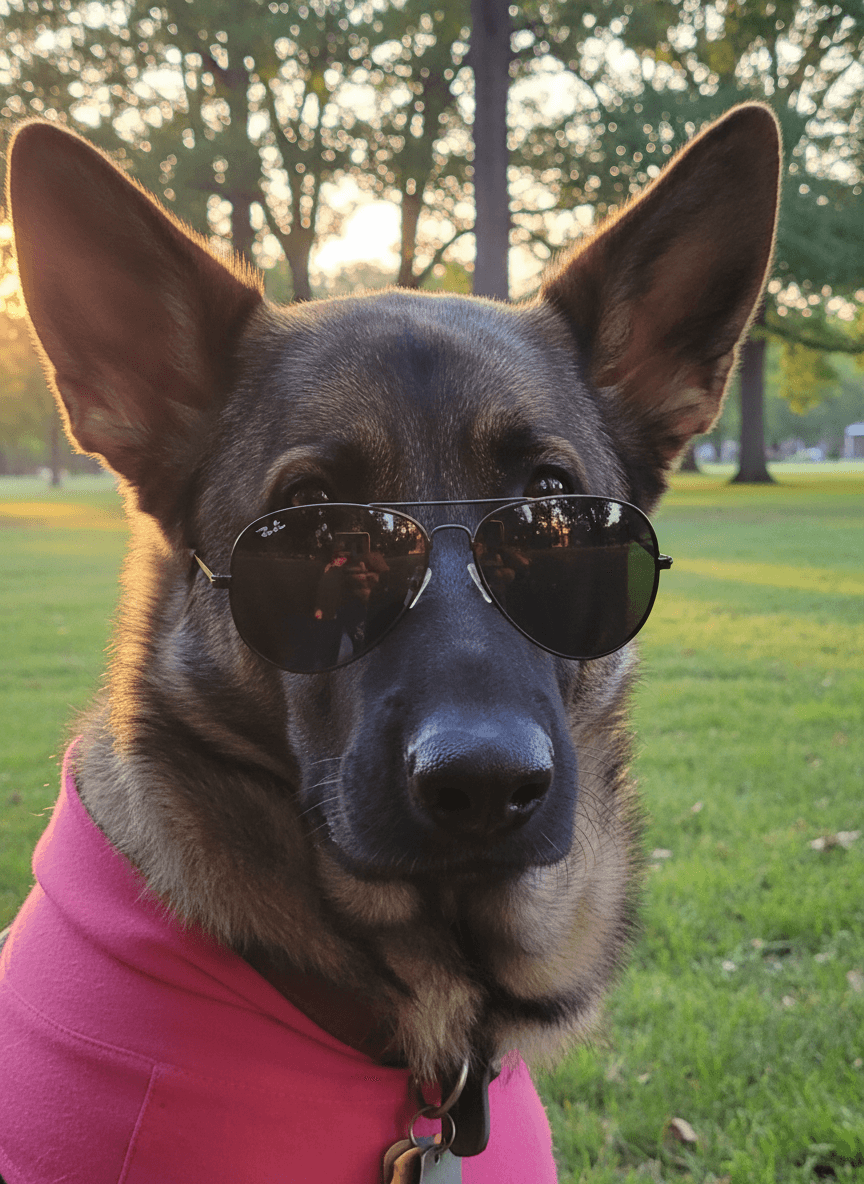
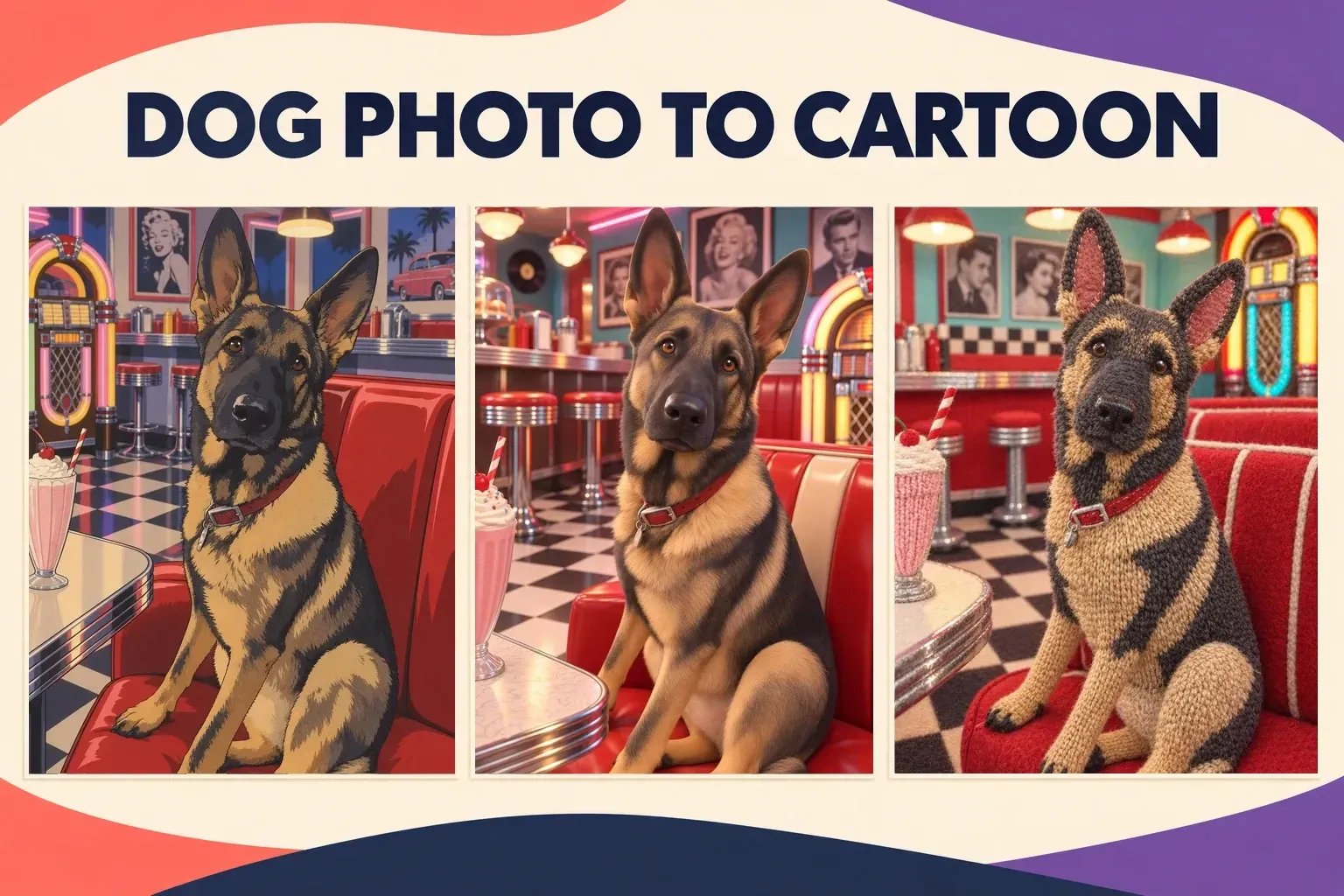
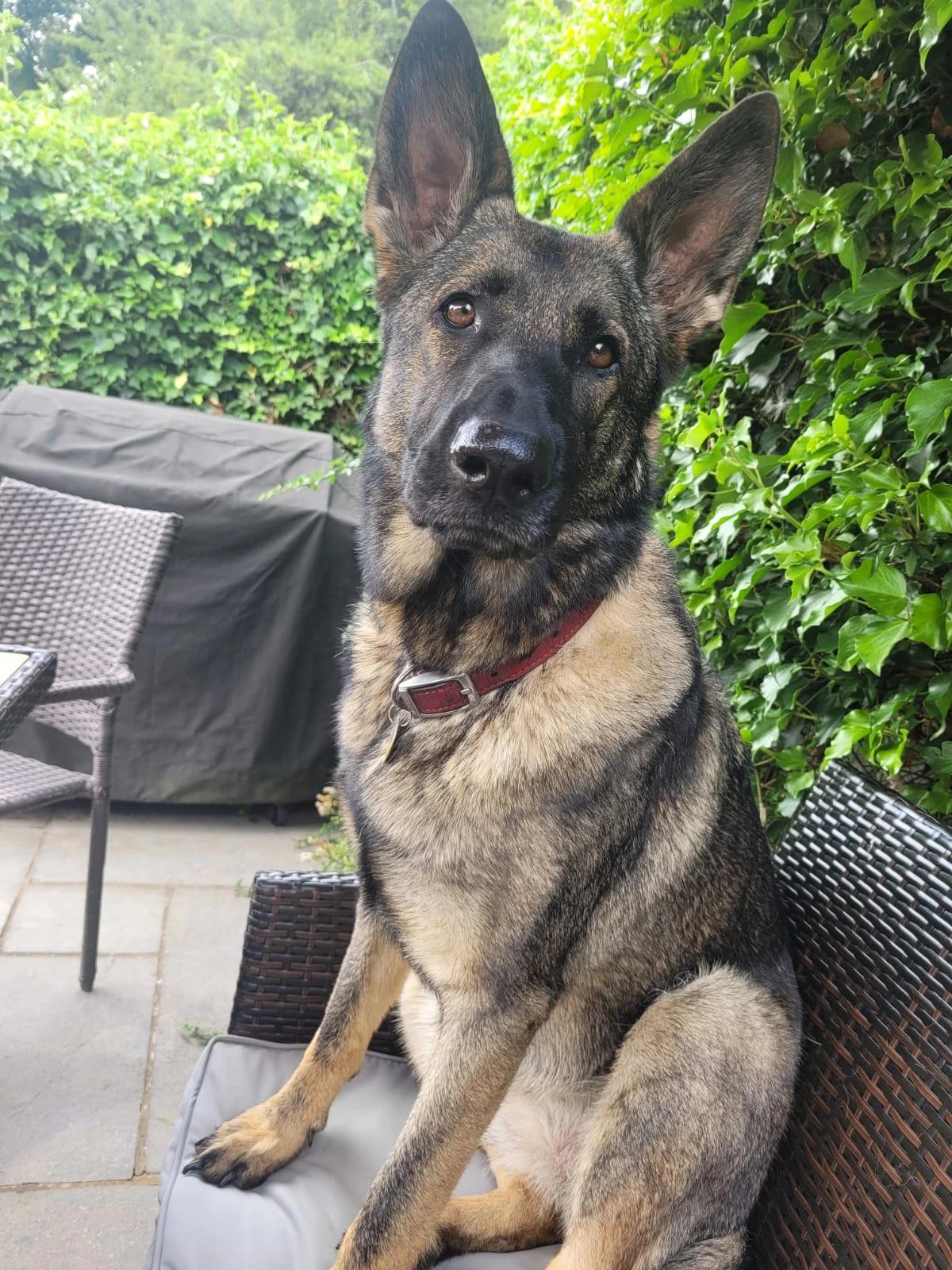
Eve’s diner portrait started as a photo of her sitting out on the patio. If you want to turn your dog’s photo into a cartoon, here’s how we made three versions from the same picture.
Making the cartoon
- Open Create and upload a dog photo or pick a saved pet. If you’re still deciding on a look, browse the cartoon presets or try one of Eve’s examples below.
- Choose a scene and a cartoon style. We picked 50s Diner for all three examples. You can select up to three styles in one go and get a separate image for each.
- Turn on Creative Mode to cartoonise your dog along with the setting. Generate your portraits, then download the one you want to keep. Each 1K image uses one token.
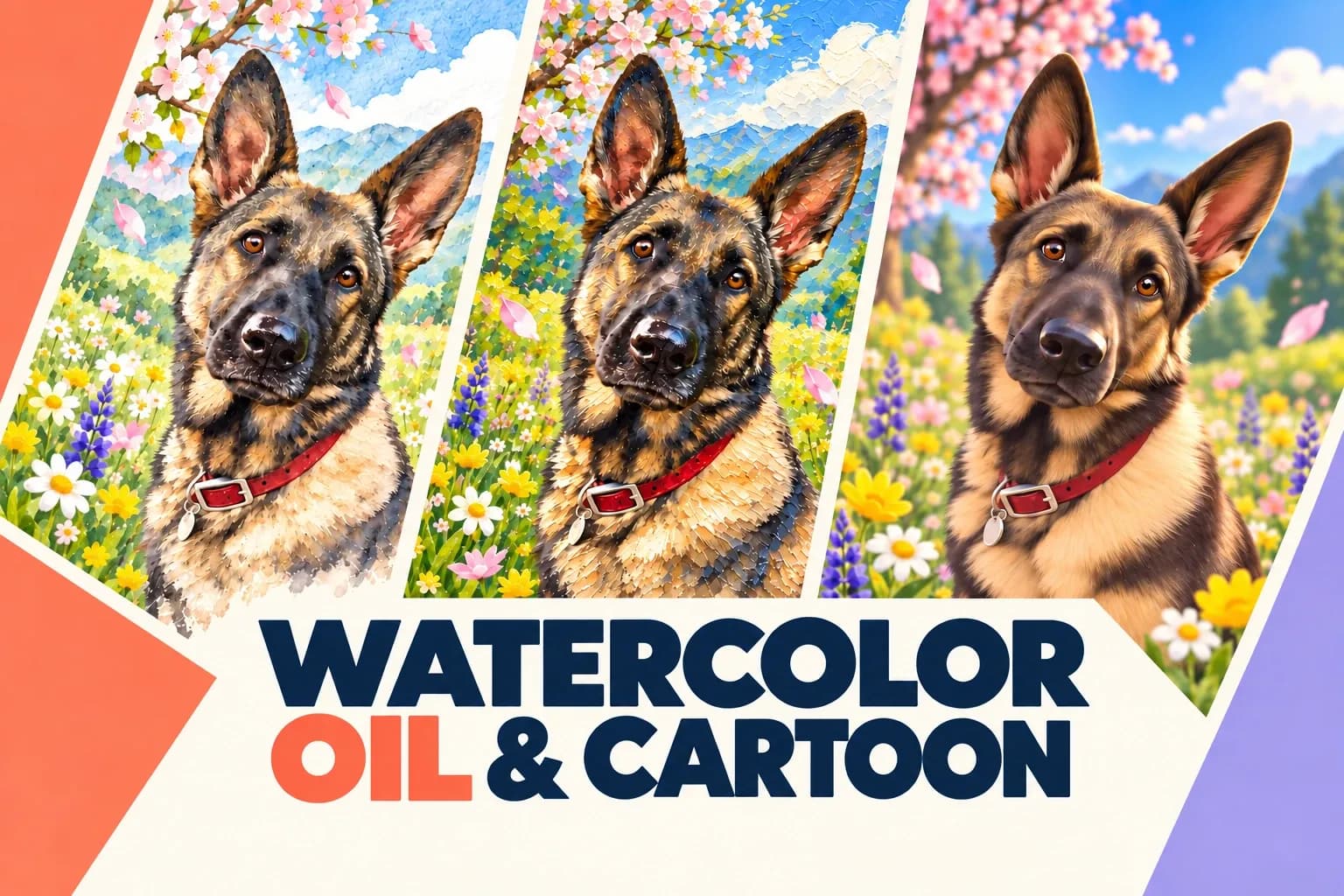
Three cartoons from Eve’s patio photo
Eve’s three diner portraits
Example 1 of 3: Hand-drawn
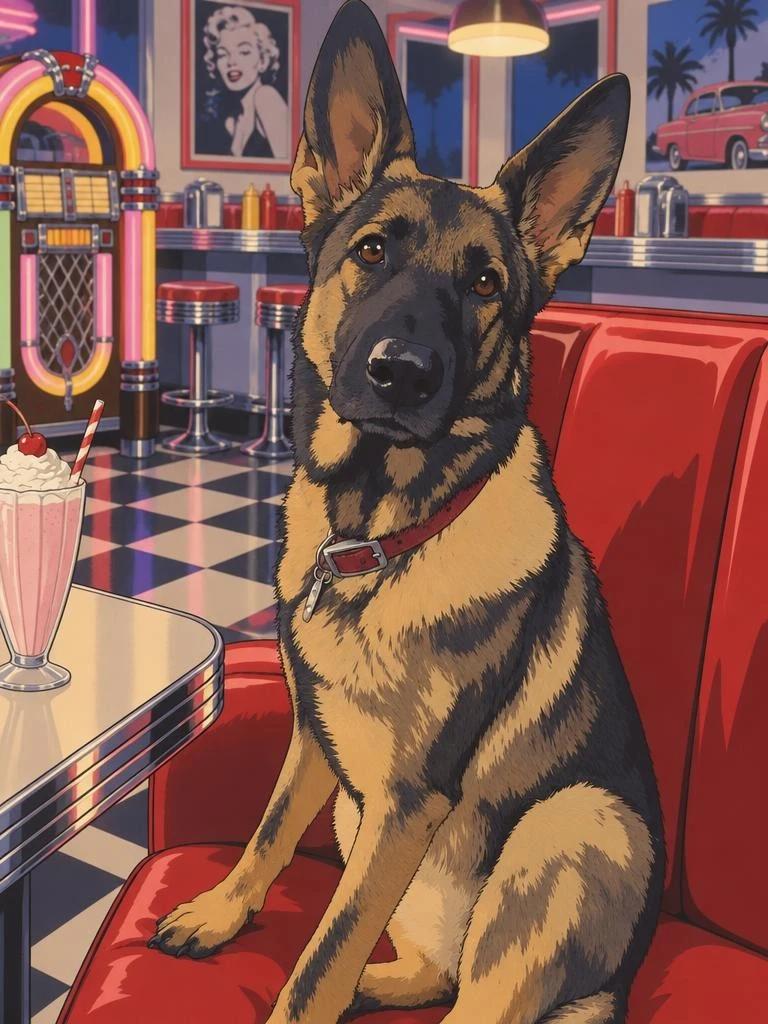

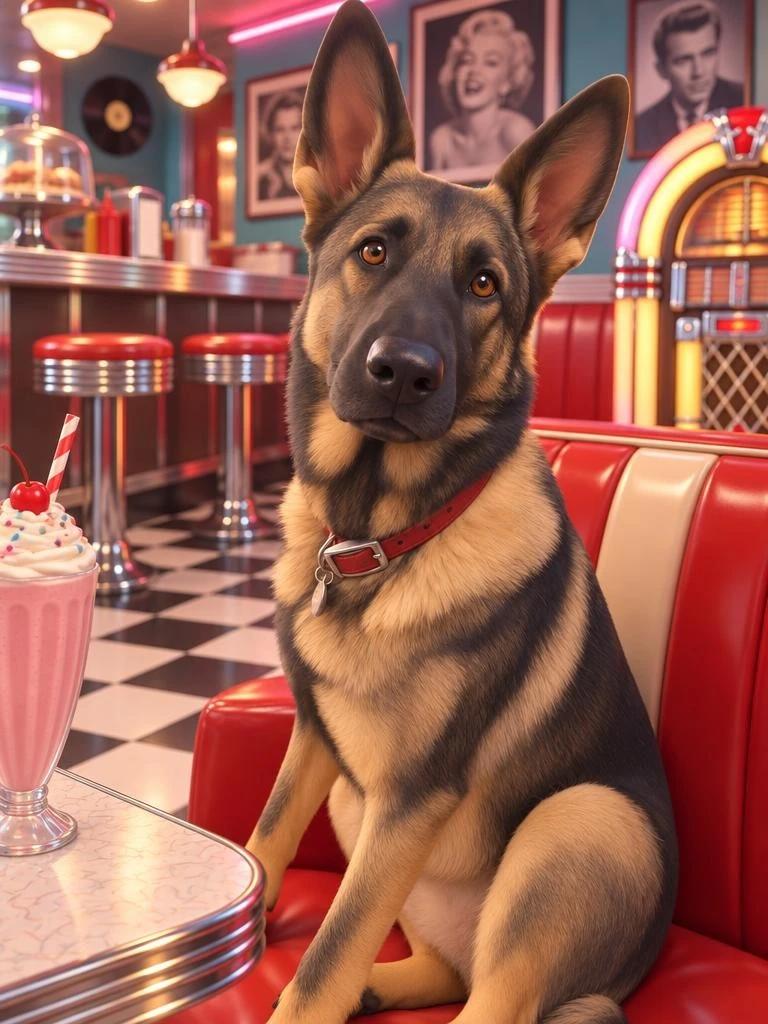
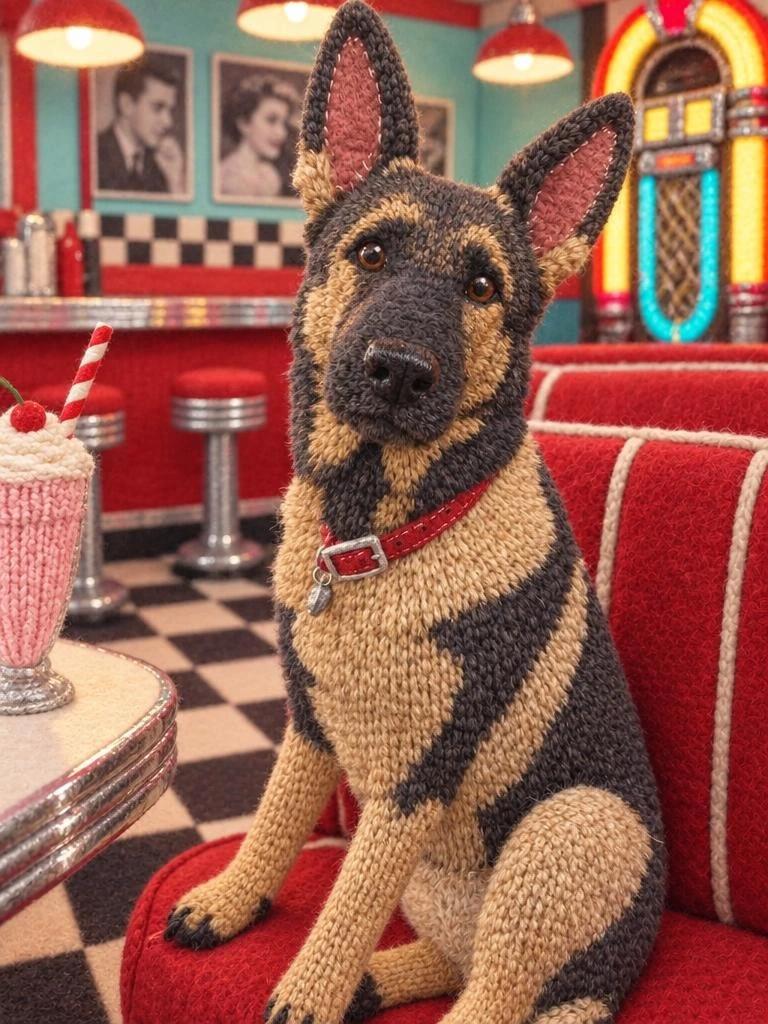

The three-token newsletter bonus covers all three styles at 1K. The free pet portrait guide explains how to get the tokens and what you can download.
A profile picture or a wider scene?
The tall diner portraits are 768 × 1024 pixels. A centred square crop would take 128 pixels off each end of the picture, which would cut into Eve’s ears. If you’re making a profile picture, move the crop up and preview it as a circle. A photo with a little space above your dog’s head makes this easier.
If you have a photo of your dog sprawled on the sofa or stretched out in the garden, try it for a wide card. You can put a greeting next to the picture and keep that very familiar sleeping pose.
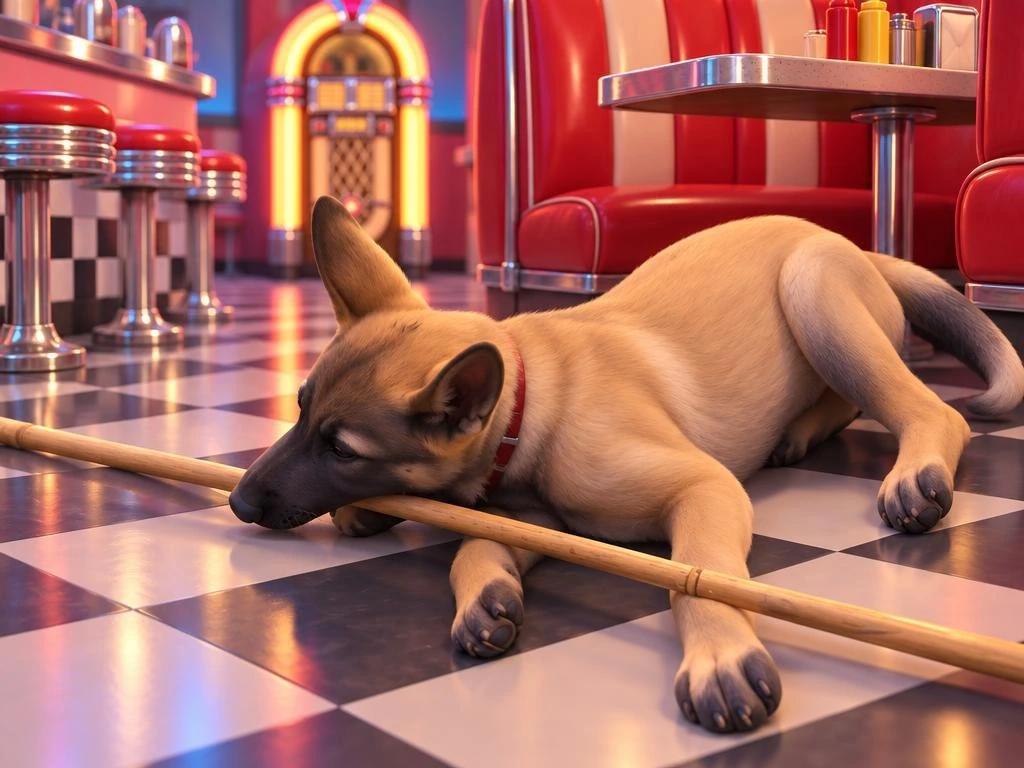
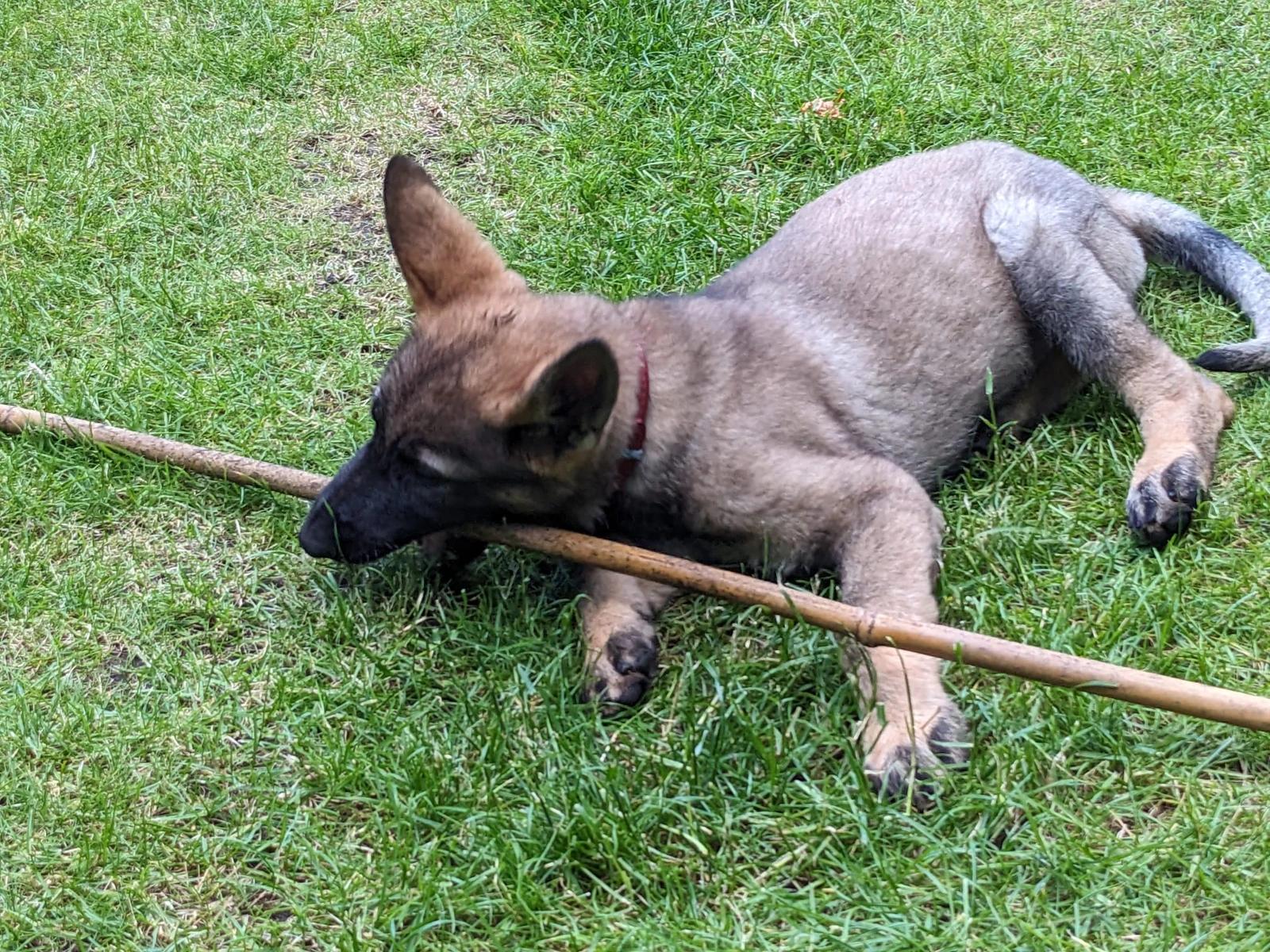
Creative choices
Creative Mode On
50s Diner
Chrome, neon and red booths with retro diner energy

Soft 3D Cartoon
Warm, rounded animated-feature styling.
Upload a new photo or choose one of your saved pets next.
You can add a greeting in a separate card editor. If you’re printing the cartoon, use the print sizing guide to find a size for the actual file you downloaded.
Why does my dog still look photographic?
If your dog still looks photographic, check Creative Mode. With it off, you can put a real-looking dog in an illustrated setting. With it on, the style applies to both. We used the same photo, diner scene and Soft 3D Cartoon style for this pair.
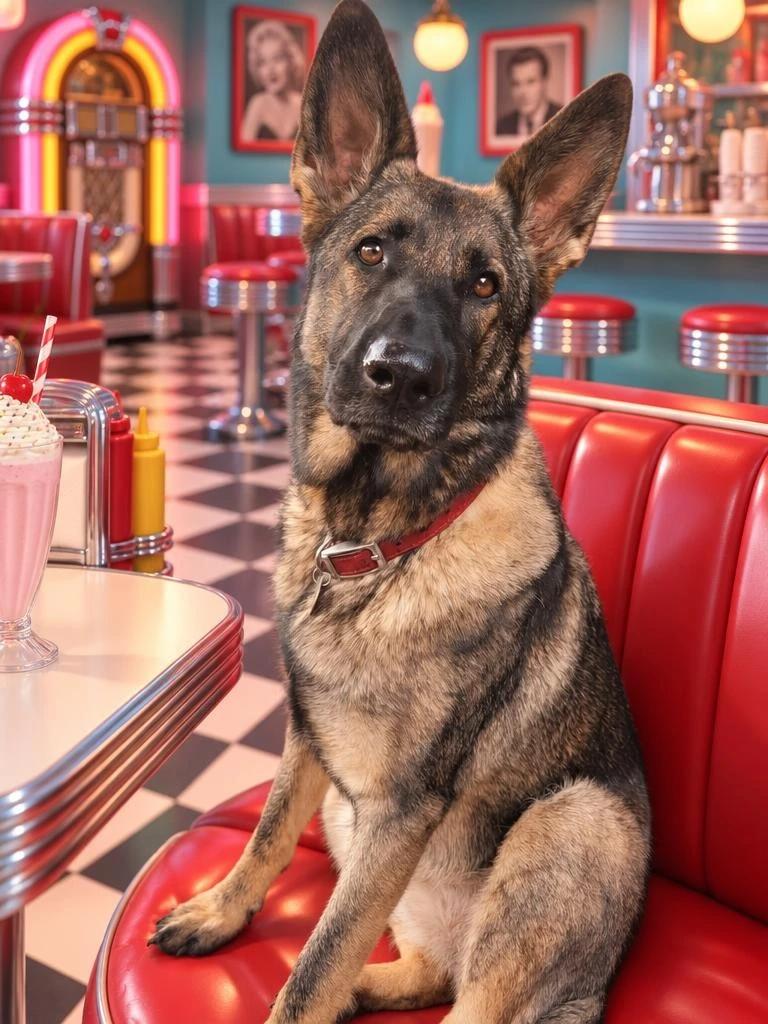
Creative choices
Creative Mode On50s Diner
Chrome, neon and red booths with retro diner energy
Soft 3D Cartoon
Warm, rounded animated-feature styling.
Upload a new photo or choose one of your saved pets next.
If there’s a marking you’d miss, like the white stripe on your dog’s nose, pick a photo where it’s easy to see. The source photo guide has examples for choosing a photo, and the Creative Mode guide shows how other styles handle the switch.
Related Articles